- Name Drawing Games: Draw & Color For Kids
- Category Educational
- Developer RV AppStudios
- Available on PC
- OS Windows 10 version 10240.0 or higher
- DirectX Version 10
- languages Afrikaans, Albanian, Arabic, Bangla, Basque, Bulgarian, Catalan, Chinese (Simplified), Chinese (Traditional Chinese), Croatian, Czech, Danish, Dutch, English (United States), Estonian, Filipino, Finnish, French, German, Greek, Gujarati, Hindi, Hungarian, Indonesian, Italian, Japanese, Kannada, Kazakh, Kiswahili, Korean, Latvian, Lithuanian, Malay, Malayalam, Marathi, Nepali, Norwegian, Persian/Farsi, Polish, Portuguese, Punjabi, Romanian, Russian, Serbian (Cyrillic), Sinhala, Slovak, Slovenian, Spanish, Swedish, Tamil, Telugu, Thai, Turkish, Ukrainian, Urdu, Vietnamese
Drawing Games: Draw & Color For Kids – A Creative Canvas for Young Artists
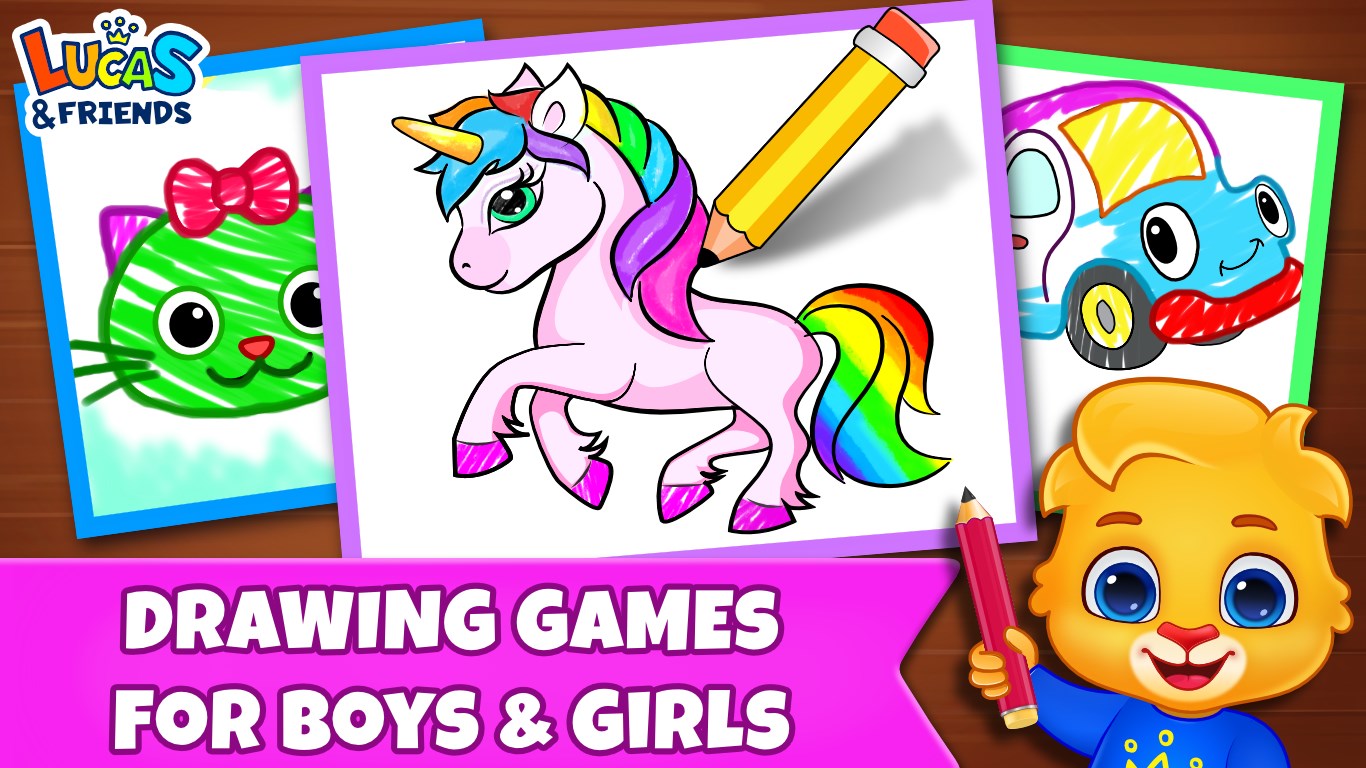
Drawing Games: Draw & Color For Kids offers an engaging digital art experience tailored specifically for children, combining playful creativity with educational elements to nurture budding artists. Developed by RV AppStudios, this Windows application transforms screens into vibrant canvases, inspiring kids to draw, color, and explore their artistic skills in a safe and intuitive environment.
Meet the Developers and Main Features
Crafted by RV AppStudios, a team known for its focus on family-friendly educational apps, Drawing Games: Draw & Color For Kids delivers a blend of fun and learning. The app's standout features include a rich variety of drawing and coloring tools, themed templates that guide young artists, and interactive tutorials designed to boost creativity while reinforcing fundamental art concepts. It's a digital playground aimed at children aged 3 to 12, making art accessible and enjoyable for various skill levels.
Unleashing Creativity: A Playful Artistic Experience
From the moment you launch Drawing Games, it feels like stepping into a colorful art studio bustling with possibilities. The interface is thoughtfully designed with bright, eye-catching icons that appeal to children, yet remain uncluttered enough for easy navigation. The experience is akin to having a friendly art teacher guiding every stroke—encouraging exploration without overwhelming the user.
The app excels in providing a seamless experience. Drawing and coloring tools respond promptly to touch, whether children are selecting pastel shades or switching to brushes for textured effects. The fluidity ensures that young users remain immersed, with minimal lag or frustration. Even little hands find it effortless to switch tools or undo mistakes—making the creative process feel natural and rewarding. Moreover, the learning curve is gentle; children can quickly grasp how to use the features, allowing them to focus on their artistic ideas rather than fumbling with the app's mechanics.
Core Features that Spark Creativity
1. Themed Templates and Guided Drawing
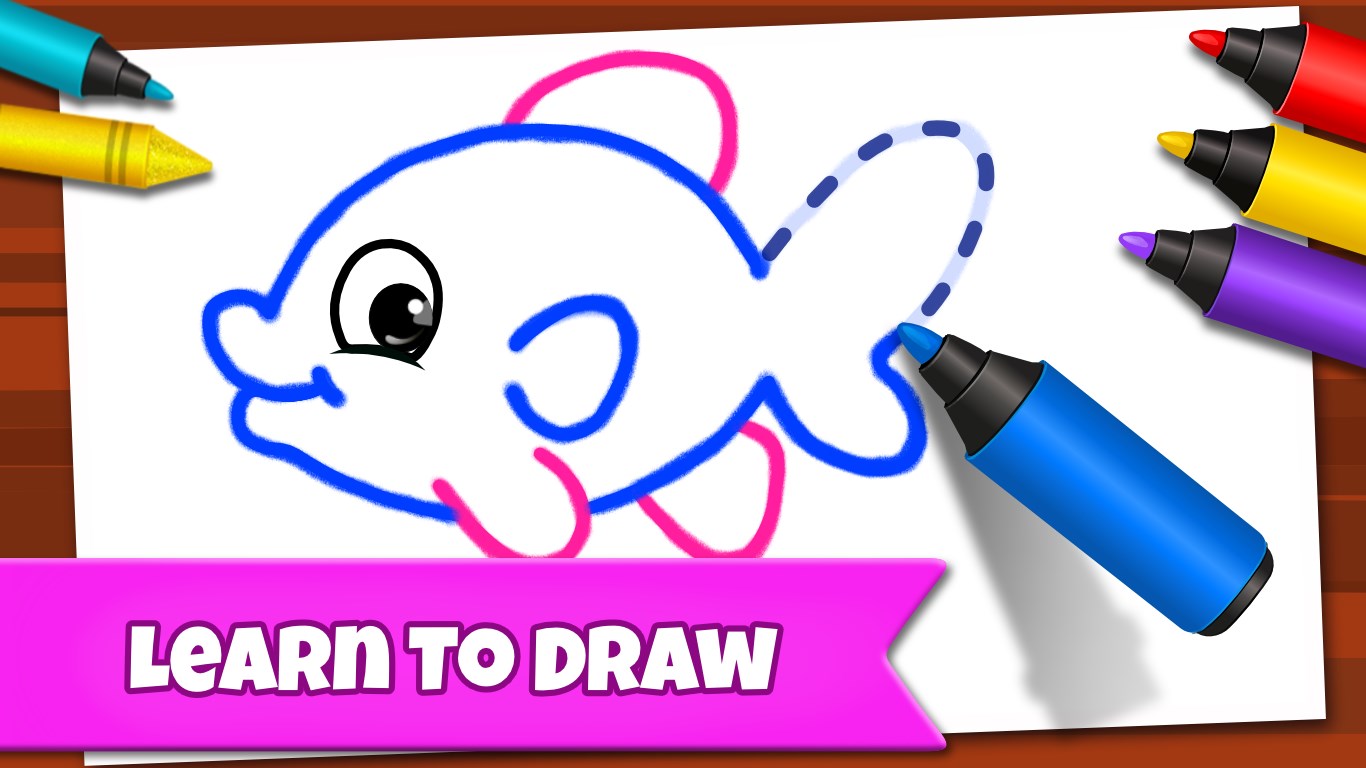
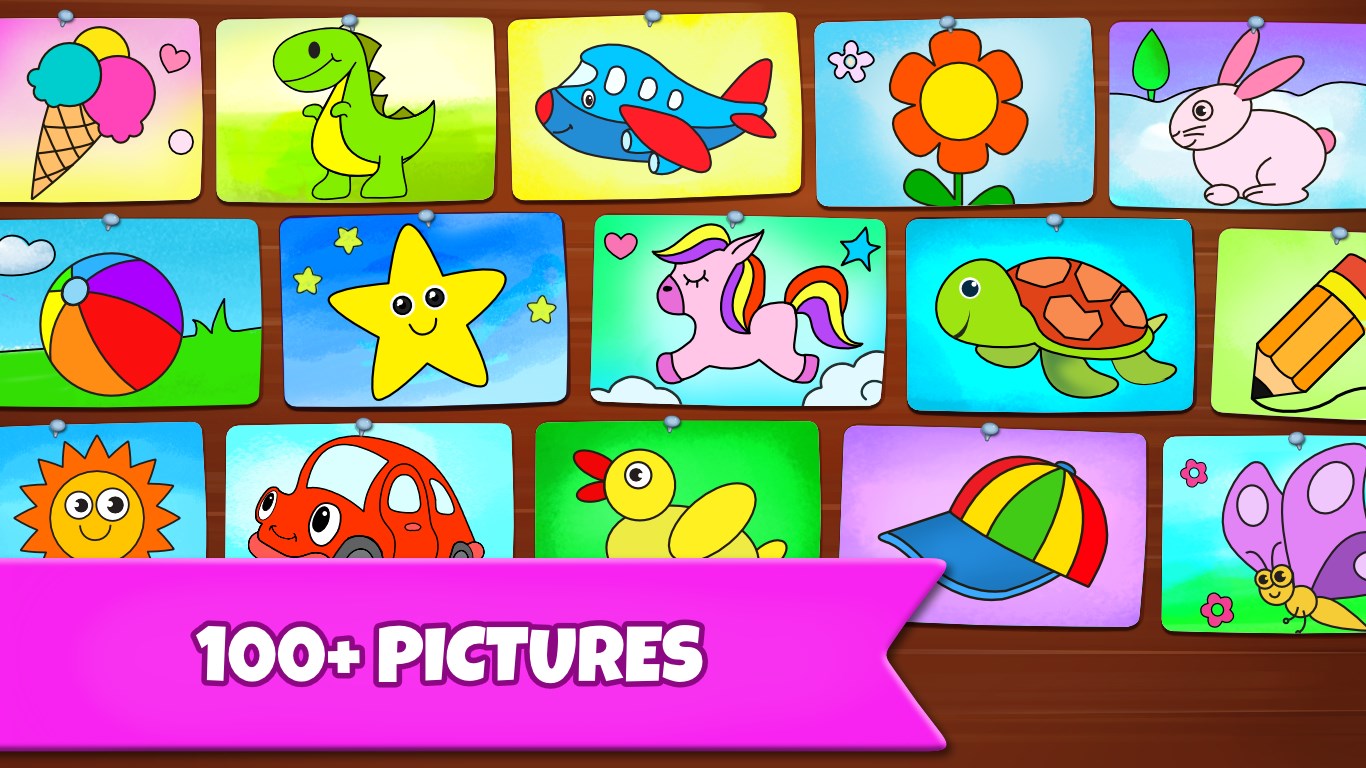
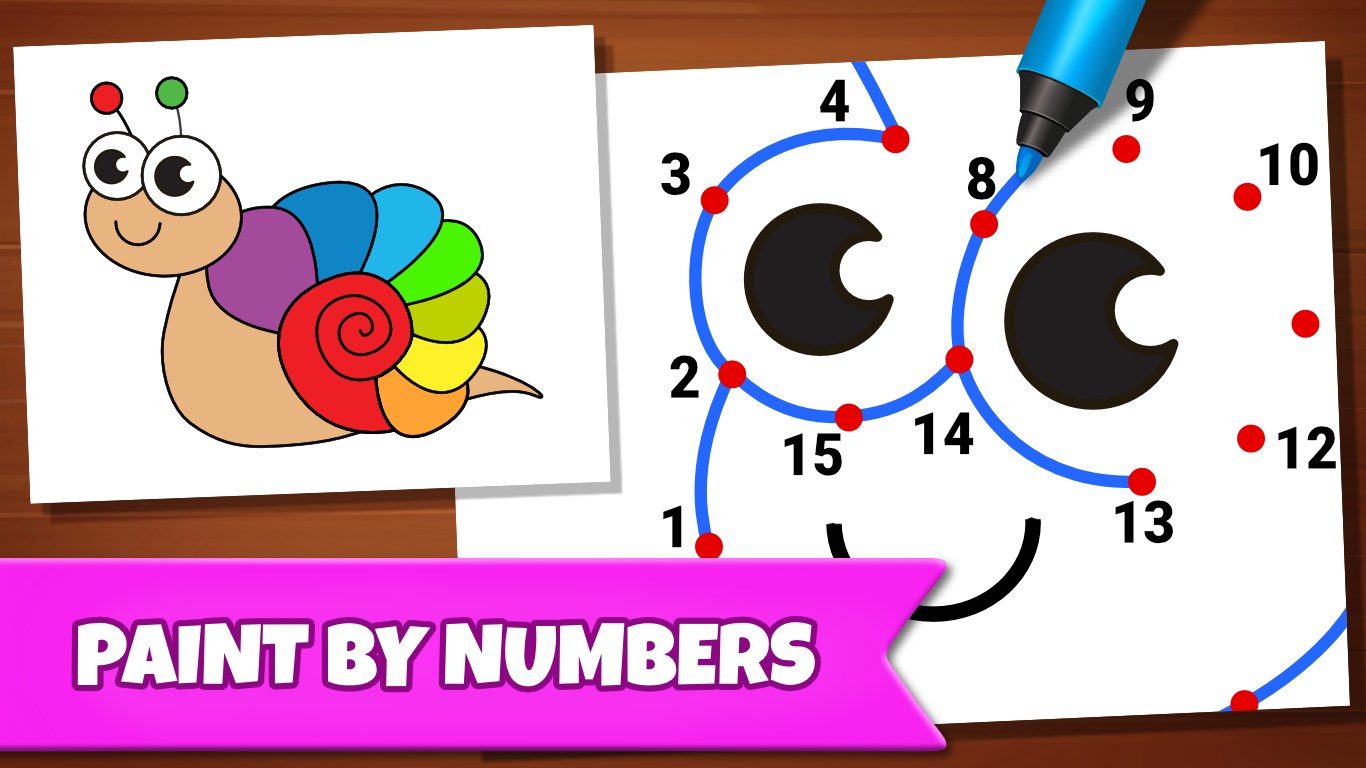
One of the app's most compelling features is its library of themed templates—from animals and fairy tales to space adventures. These pre-designed sketches serve as starting points, inspiring children who may not feel confident drawing from scratch. Guided tutorials accompany these templates, walking young artists through the steps of creating their masterpiece. This scaffolding not only boosts confidence but also helps develop foundational drawing skills over time.
2. Extensive Color Palette and Customization
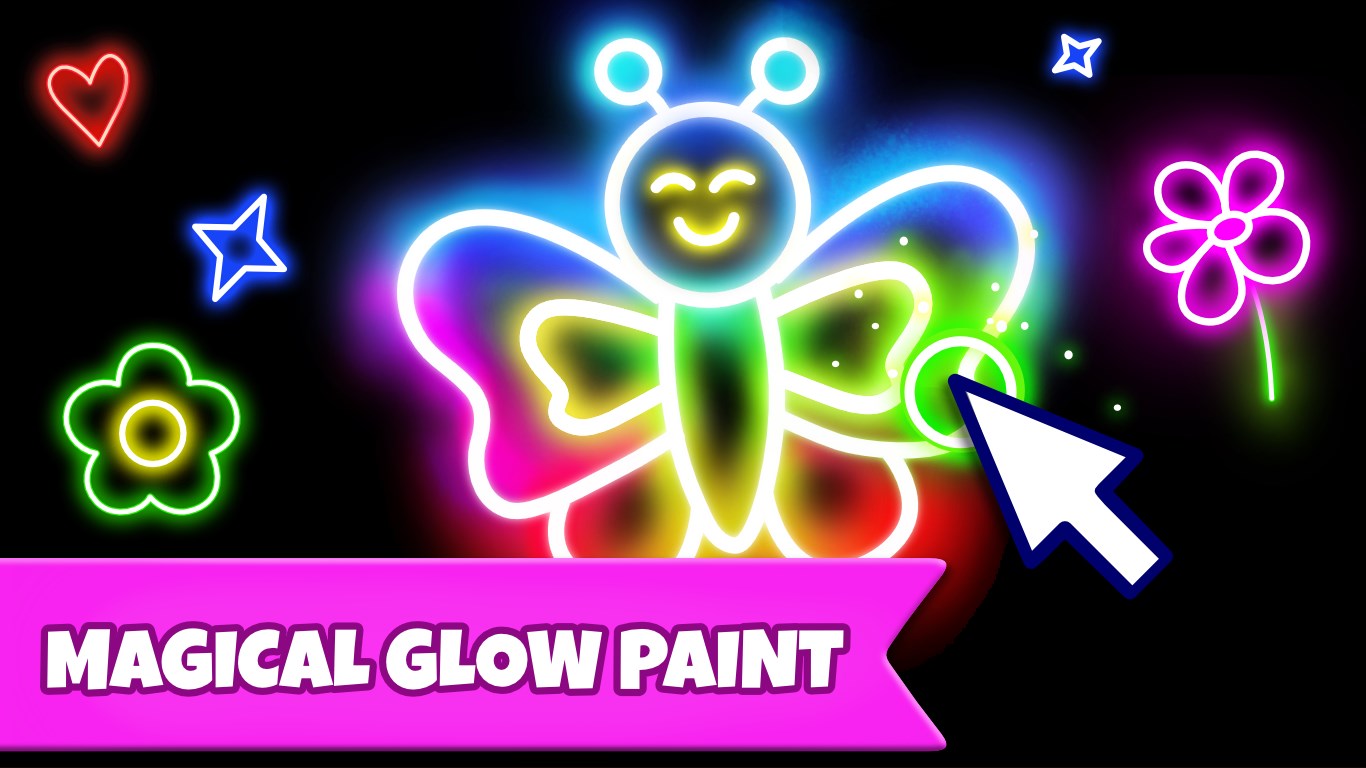
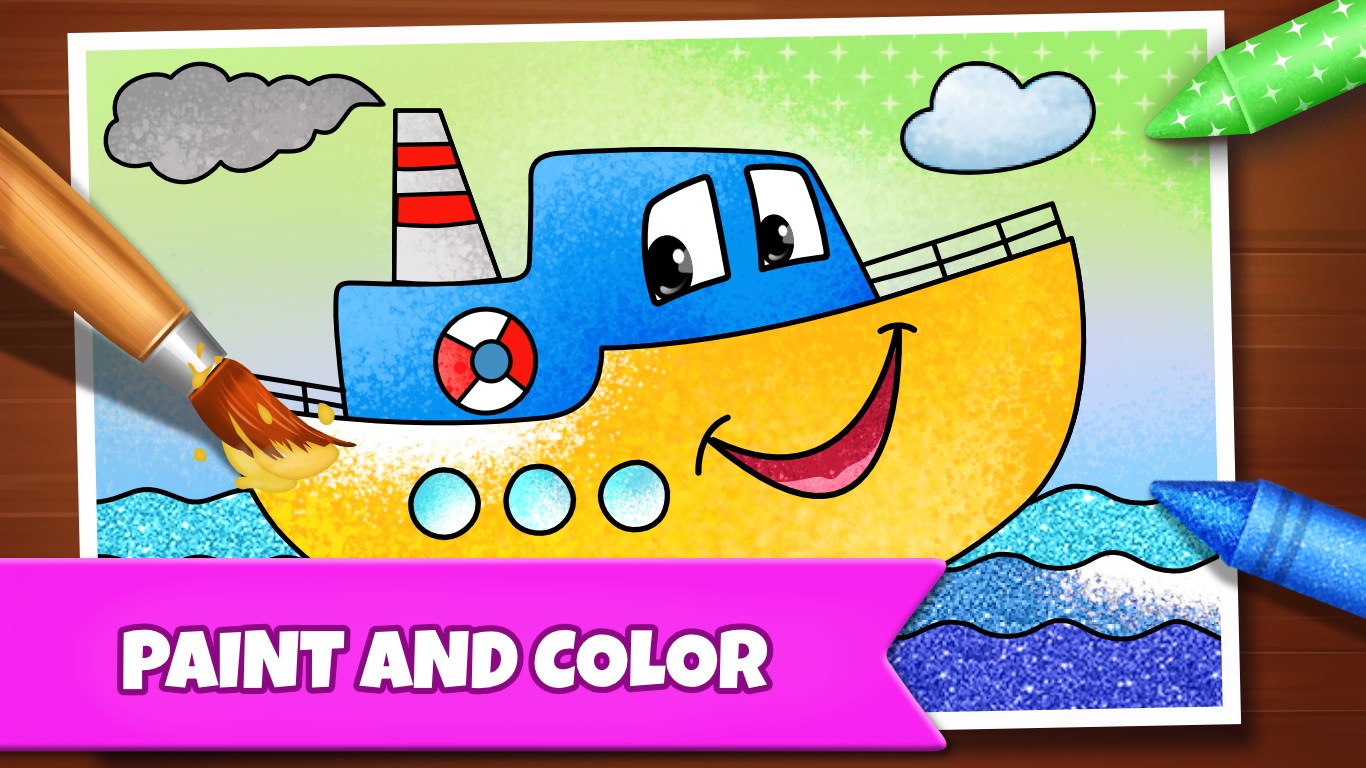
The coloring module boasts a vast selection of vibrant hues, allowing children to experiment with shading, blending, and unique color schemes. The palette is easy to access with a simple tap, and a fill tool ensures quick coloring—ideal for young users' developing motor skills. Additionally, advanced options like texture brushes add depth to their artwork, transforming simple coloring into a tactile experience that mimics real-world art supplies.
3. Creative Sharing and Progress Tracking
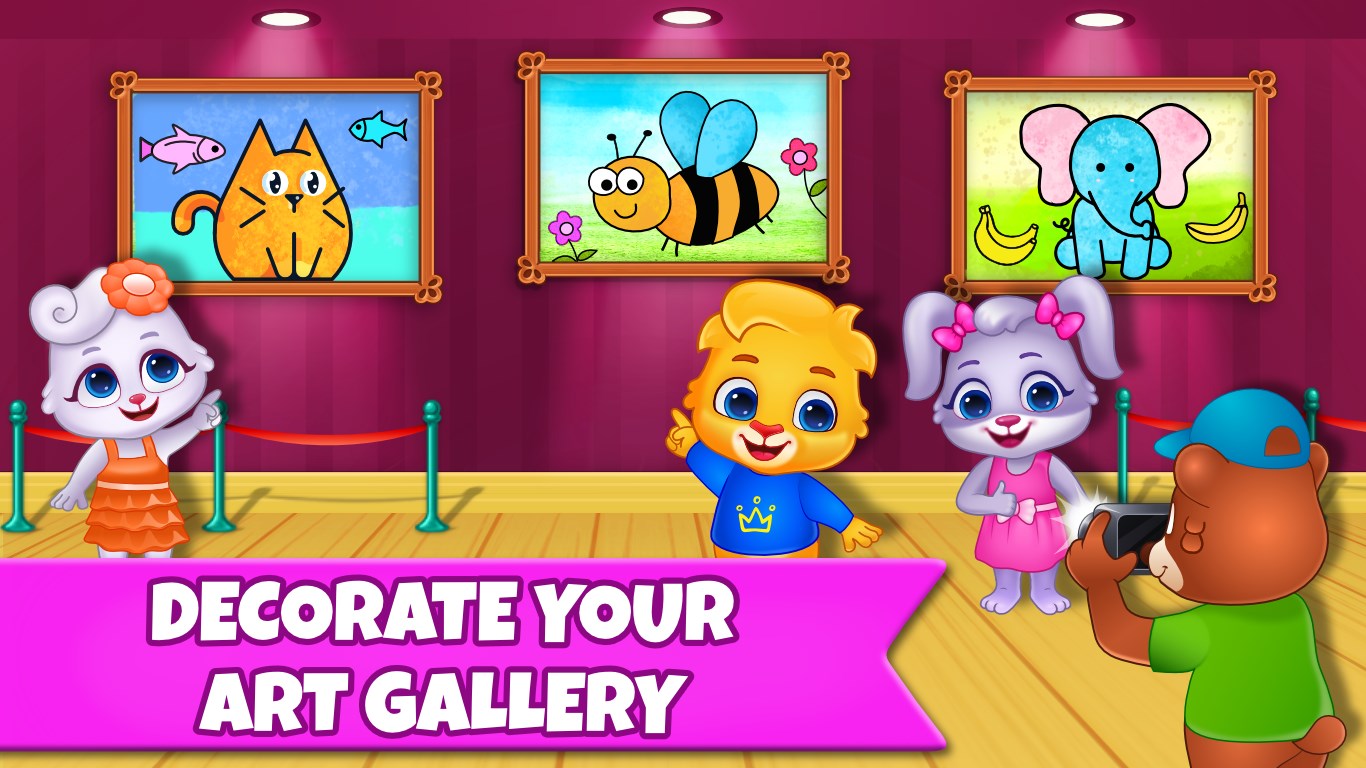
A notable feature that encourages continuous engagement is the ability to save, share, and revisit creations. Children can look back on their progress, see how their skills evolve, and share their favorite works with family or friends through integrated options. This feedback loop fosters a sense of achievement and motivates ongoing artistic exploration.
Design, Performance, and User Experience
The application's design strikes a balance between playful aesthetics and usability, making it inviting without feeling chaotic. Performance-wise, Drawing Games runs smoothly on most Windows devices, thanks to its optimized coding that handles multitasking without hiccups. The responsive touch controls work flawlessly, ensuring that each stroke feels natural and immediate. The learning curve is gentle enough that initial setup takes only minutes, yet rich enough that children discover new features as they grow more confident. The app's intuitive layout minimizes confusion, making it an excellent choice for young users and their guardians alike.
How Does It Stand Out? Unique Advantages Compared to Similar Apps
Unlike many educational drawing apps that focus solely on drawing or coloring, Drawing Games: Draw & Color For Kids excels in blending guided learning with freeform creativity. Its themed templates and step-by-step tutorials serve as learning anchors, effectively balancing the objectives of fun and skill development. Furthermore, its emphasis on progress tracking and sharing creates an engaging ecosystem that keeps children motivated over time. This focus on measuring knowledge retention through repeated practice and reflection distinguishes it from more passive coloring apps, fostering a deeper connection between activity and learning outcomes.
Final Recommendations
Overall, Drawing Games: Draw & Color For Kids is a thoughtfully designed tool that nurtures both creativity and confidence. I recommend it for parents and educators seeking an intuitive, educational drawing app that genuinely engages children in meaningful artistic exploration. Whether used as a daily creative outlet or as part of a broader learning routine, this app offers a safe and inspiring environment for young artists to blossom. For best results, encourage kids to experiment with both guided templates and free drawing, and celebrate their artistic journeys along the way.
Pros
- User-friendly interface
- Wide variety of drawing tools and colors
- Engaging and educational content
- Offline drawing capability
- Regular updates and new features
Cons
- Limited advanced features for older kids
- Occasional app crashes under heavy usage
- Limited sharing options
- Lack of tutorials or guidance for beginners
- Some ads or in-app prompts can interrupt the drawing experience