
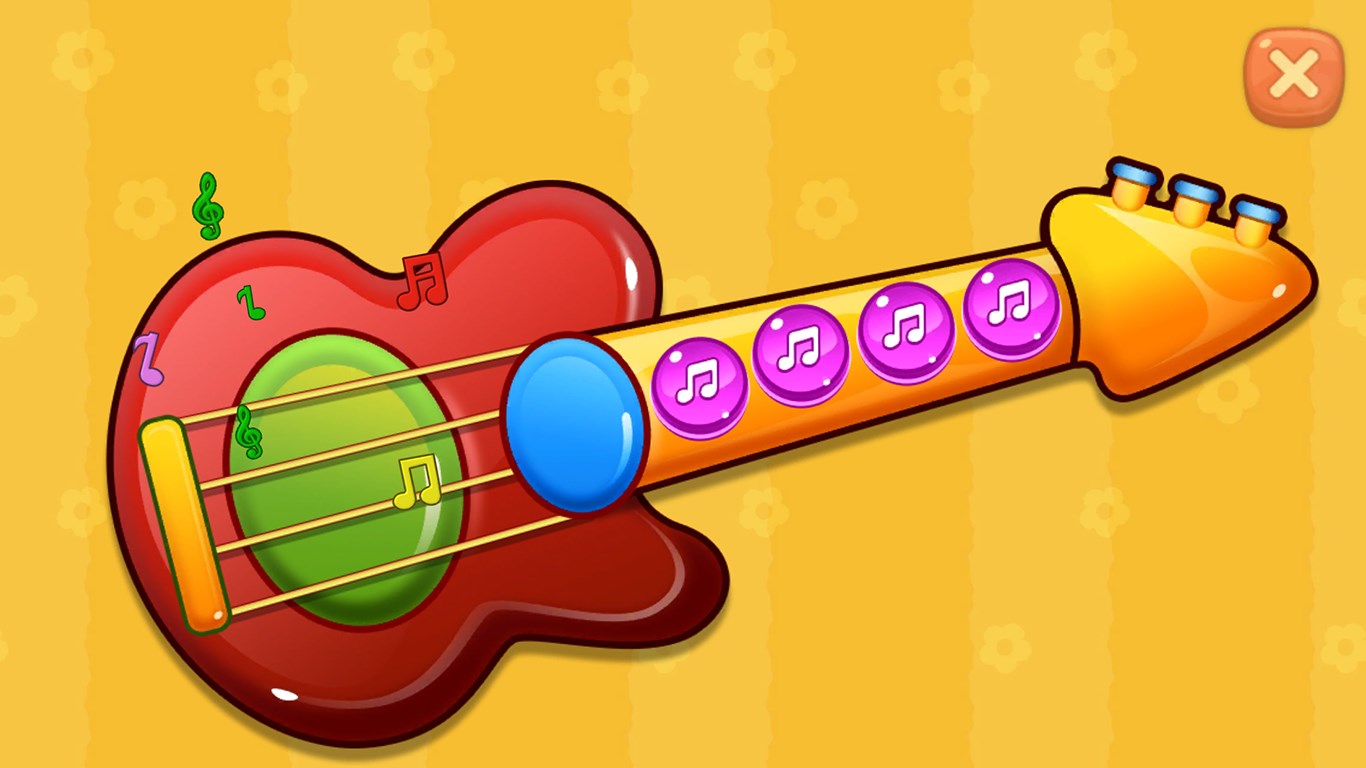
- Name Baby Games: Piano & Baby Phone
- Category Educational
- Developer RV AppStudios
- Available on PC
- OS Windows 10 version 10240.0 or higher
- DirectX Version 10
- languages Afrikaans, Arabic, Bangla, Bulgarian, Catalan, Chinese (Simplified), Chinese (Traditional Chinese), Croatian, Czech, Danish, Dutch, English (United States), Filipino, Finnish, French, German, Greek, Gujarati, Hindi, Hungarian, Italian, Japanese, Kannada, Kiswahili, Korean, Lithuanian, Malay, Malayalam, Marathi, Nepali, Norwegian, Persian/Farsi, Polish, Portuguese, Punjabi, Romanian, Russian, Serbian (Cyrillic), Slovak, Spanish, Swedish, Tamil, Telugu, Thai, Turkish, Ukrainian, Vietnamese
Discovering a Playful Path to Musical Learning with Baby Games: Piano & Baby Phone for Windows
As parents and educators look for engaging yet educational apps, Baby Games: Piano & Baby Phone by RV AppStudios offers a bright, interactive platform that combines fun with foundational musical skills. Designed for young children, this app aims to introduce the joys of music and early communication through intuitive gameplay and colorful visuals.
Meet the Creative Minds Behind the App
Developed and published by RV AppStudios, a team known for crafting educational apps that blend learning with entertainment, Baby Games: Piano & Baby Phone reflects their commitment to developing child-friendly digital experiences. Their focus is on leveraging simple interface design combined with engaging content to foster early developmental milestones.
Key Features That Make the App Shine
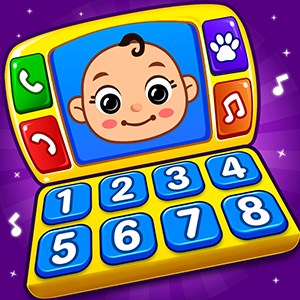
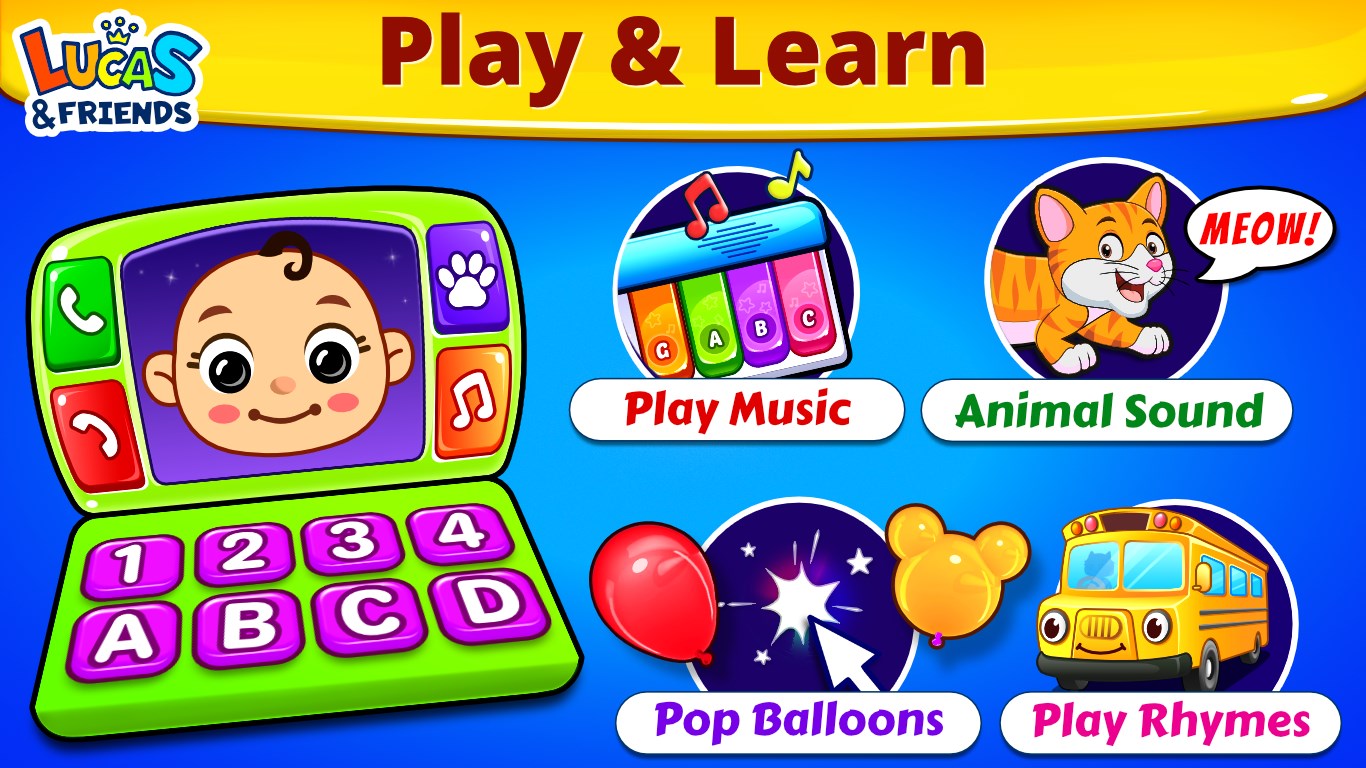
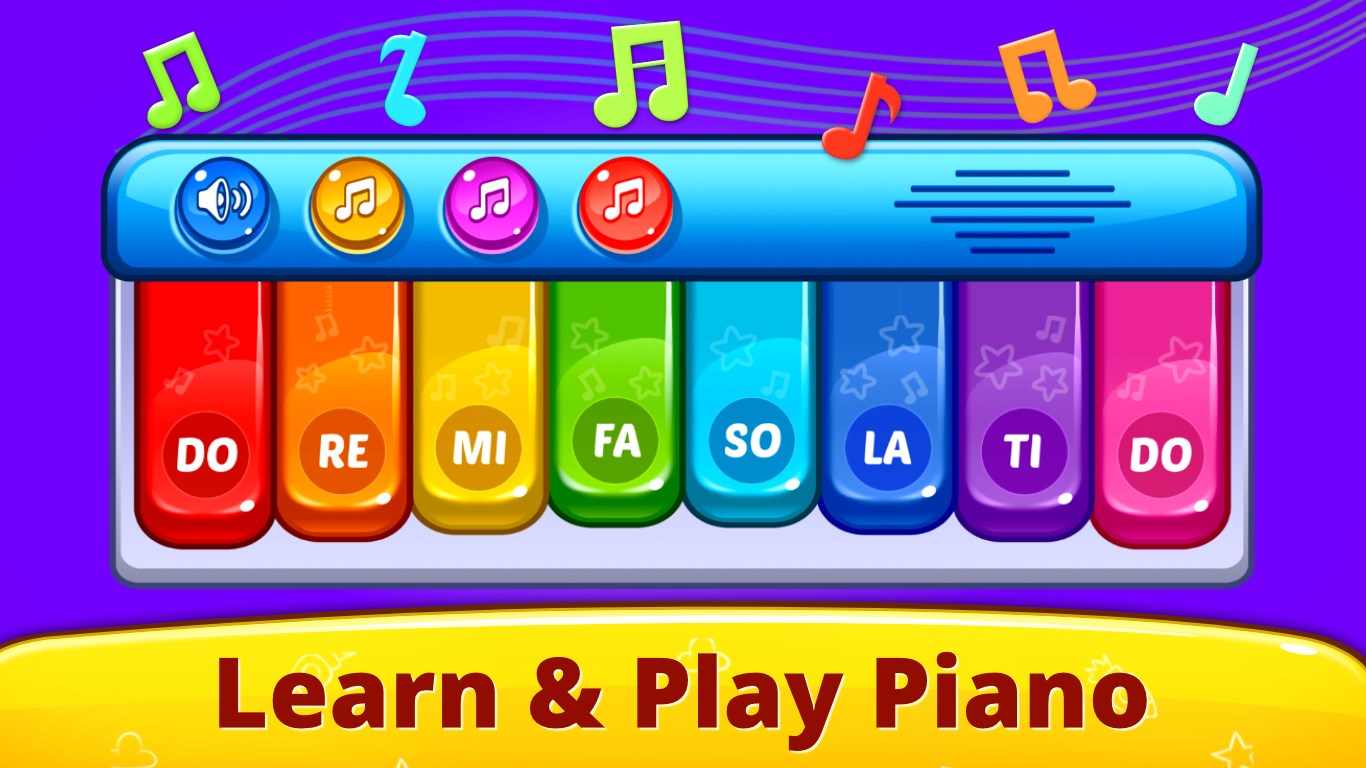
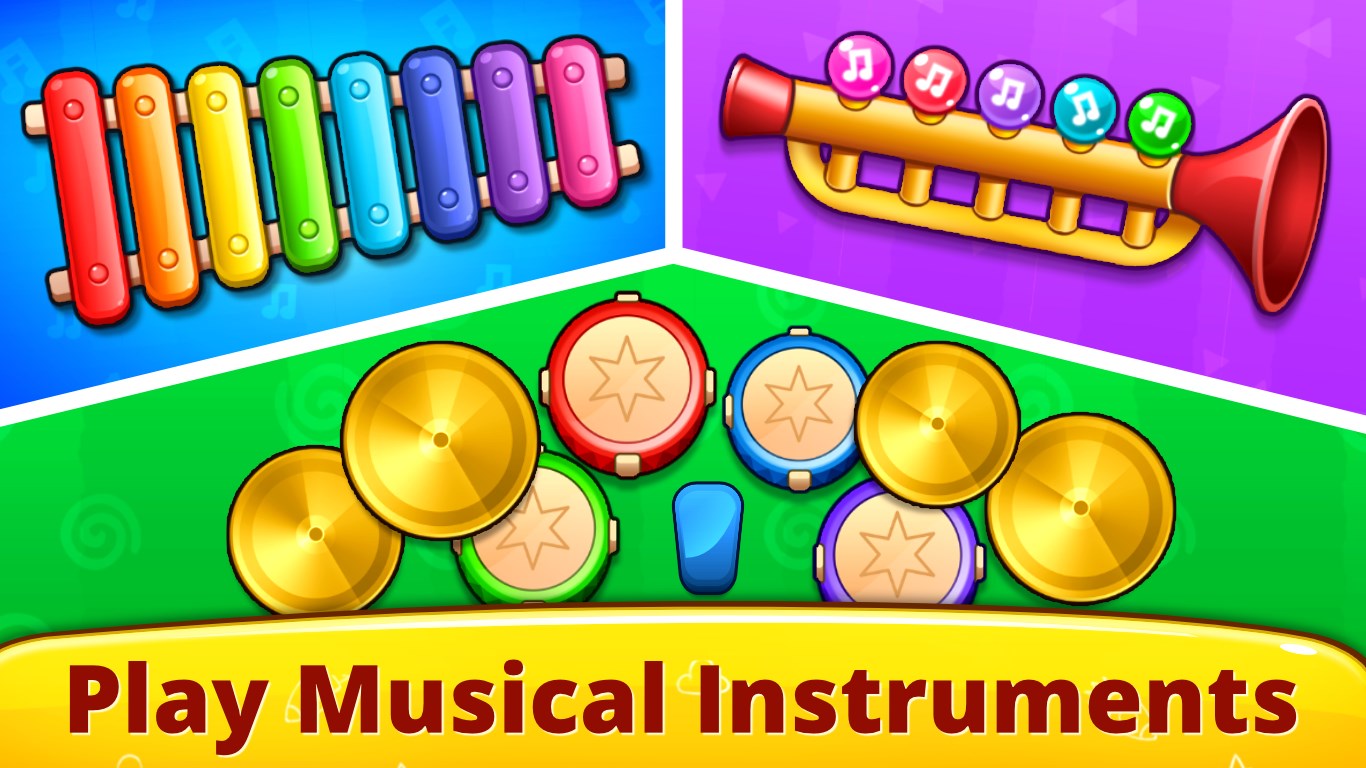
- Interactive Piano & Phone Simulations: The app offers a vibrant virtual piano with colorful keys that respond to touches, encouraging children to experiment with sounds and melodies. The "Baby Phone" feature mimics a real phone, fostering imaginative play and early communication skills.
- Ease of Use & Intuitive Design: Large, accessible buttons and straightforward navigation make it simple for even the tiniest fingers to explore, reducing frustration and promoting independent play.
- Educational Engagement & Fun Balance: The app balances playful engagement with learning objectives—kids not only have fun tapping keys but also begin to recognize musical notes and develop listening skills, all within a visually stimulating environment.
- Measure of Interaction & Retention: Though basic in design, the app allows for tracking how often children interact with different features, providing insight into their engagement levels and knowledge retention over time.
A Journey Through Musical Discovery and Imaginative Play
Imagine a colorful digital playroom where tiny fingers eagerly tap on vibrant keys, producing melodious sounds that seem to dance around the room—this is the essence of Baby Games: Piano & Baby Phone. From the moment children launch the app, they're greeted with an inviting interface, much like stepping into a playful musical garden. The lively visuals and gentle sounds create an engaging atmosphere that draws children back again and again, turning screen time into a delightful learning adventure.
Musical Exploration at Your Child's Fingertips
The virtual piano is the star of this app, featuring large, colorful keys that respond instantly to touches. Each press emits a clear tone, helping children associate visual cues with auditory feedback—an essential step in early music education. The app's design encourages children to tap freely or try to play simple melodies, stimulating fine motor skills and auditory discrimination. Unlike more generic music apps, Baby Games: Piano offers a child-centered layout that minimizes accidental presses, making exploration both easy and rewarding.
Imaginative Communication with the Baby Phone
The Baby Phone simulates a real phone with playful icons and familiar sounds, igniting little imaginations. Kids can dial preset numbers, listen to playful voice messages, and mimic adult behaviors. This feature plays a dual role—entertaining while fostering early communication skills like turn-taking, sound recognition, and role play. Its realistic yet simplified interface ensures that even very young children can navigate confidently, creating their own stories and interactions.
User Experience and Differentiating Factors
From a user experience standpoint, the app scores well with its clean, intuitive interface and smooth responsiveness. Young children navigating this environment will find it easy to understand and operate, with minimal guidance needed. The visual design employs bright, cheerful colors and oversized controls that are both attractive and practical. As for learning engagement, the app's focus on combining play with rudimentary musical understanding—such as recognizing notes and associating sounds with visual cues—sets it apart from more passive entertainment apps.
Compared to similar educational apps, Baby Games: Piano & Baby Phone emphasizes measurement of activity—tracking interactions that can indicate learning progression. Its balanced approach ensures that children are not just entertained but are also actively absorbing musical concepts, making it a thoughtful addition for early childhood development. While it may not replace dedicated music lessons, it effectively lays a foundation for future musical exploration and communication skills.
Final Verdict: A Thoughtful Choice for Early Explorers
I would recommend Baby Games: Piano & Baby Phone to parents seeking a safe, engaging, and educational app that introduces young children to the world of music and communication through playful interaction. Its most remarkable features—the responsive virtual piano and the imaginative Baby Phone—offer unique avenues for learning and fun. Suitable for children aged 1-4, this app acts as a gentle musical companion, fostering curiosity and early skills in a friendly digital environment.
Pros
- Engaging musical interactions
- Simple and colorful user interface
- Interactive Baby Phone feature
- Educational value
- Ad-free experience for young children
Cons
- Limited variety of toys and activities
- Sound options may become repetitive over time
- Lack of parental controls or settings
- Some sounds may be too loud or abrupt for sensitive children
- Performance issues on older devices