
- Name Mahjong Solitaire (Free)
- Category Card & board
- Developer GASP Mobile Games Inc
- Available on PC, Mobile, Surface Hub, HoloLens
- OS Windows 10 version 10240.0 or higher
- languages English (United States)
Introduction to Mahjong Solitaire (Free) for Windows
Mahjong Solitaire (Free) for Windows by GASP Mobile Games Inc. is a digital take on the classic tile-matching game, brought to life through vibrant visuals and intuitive gameplay. It's designed to appeal to both nostalgic enthusiasts and newcomers eager to enjoy a relaxing yet stimulating puzzle experience on their PC.
Who Developed and Published This App?
The game is developed and published by GASP Mobile Games Inc., a company known for creating accessible and engaging mobile and Windows gaming experiences. Their approach emphasizes user-friendly interfaces and polished gameplay, making their titles suitable for a broad audience.
Core Features that Stand Out
- Variety of Game Modes: Offers multiple difficulty levels and layouts, providing a fresh challenge for players at different skill levels.
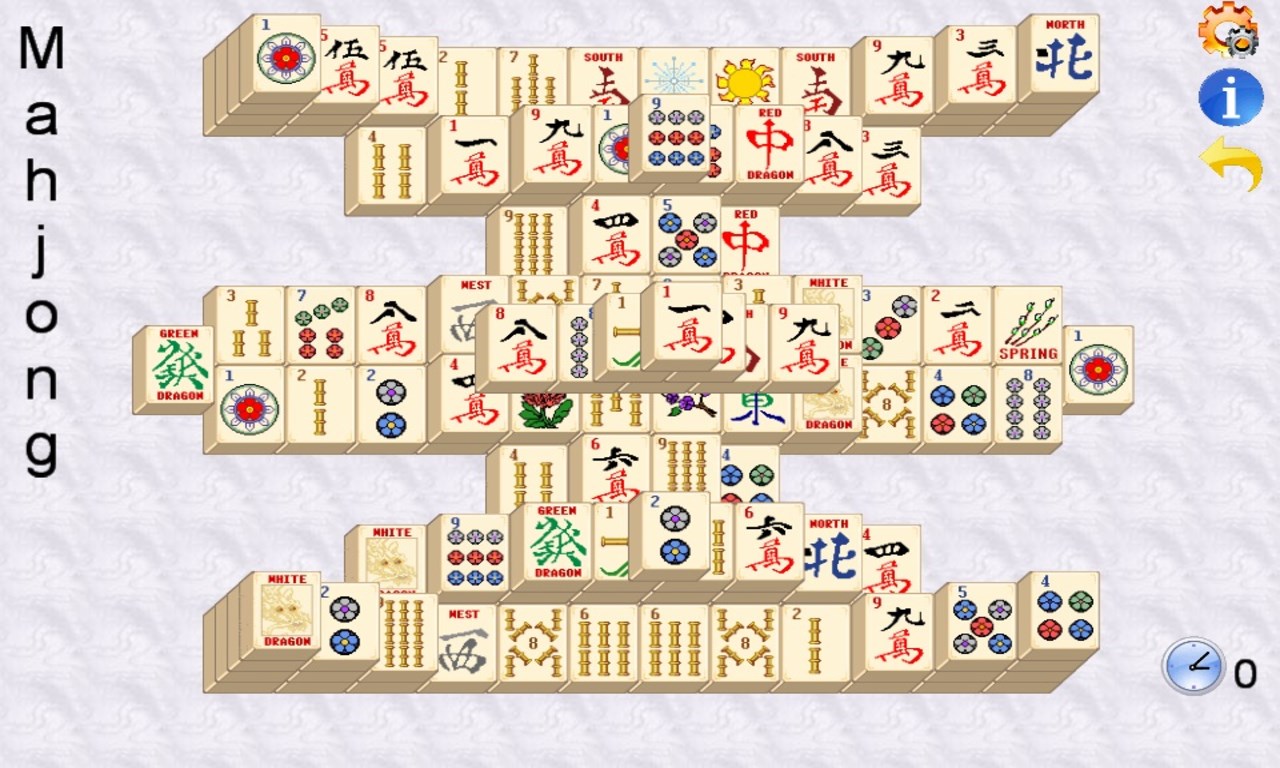
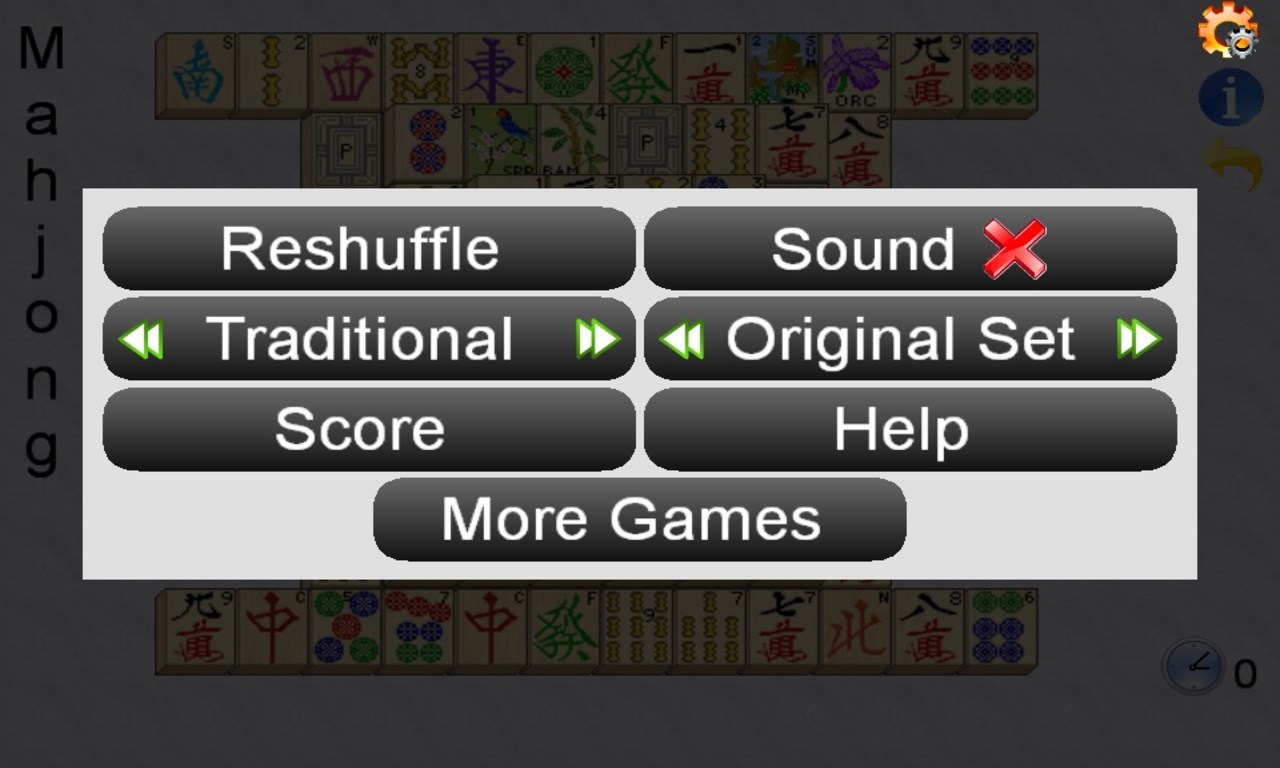
- Comprehensive Tile Themes: Includes diverse visual themes—ranging from traditional to more modern artistic styles—allowing players to customize their aesthetic experience.
- Auto-Complete and Hint Options: Features helpful tools such as auto-complete for quick resolution and hints to assist when players are stuck, enhancing user engagement.
- Seamless User Interface: Intuitive navigation with minimal learning curve encourages smooth gameplay right from the start.
Engaging Gameplay and User Experience
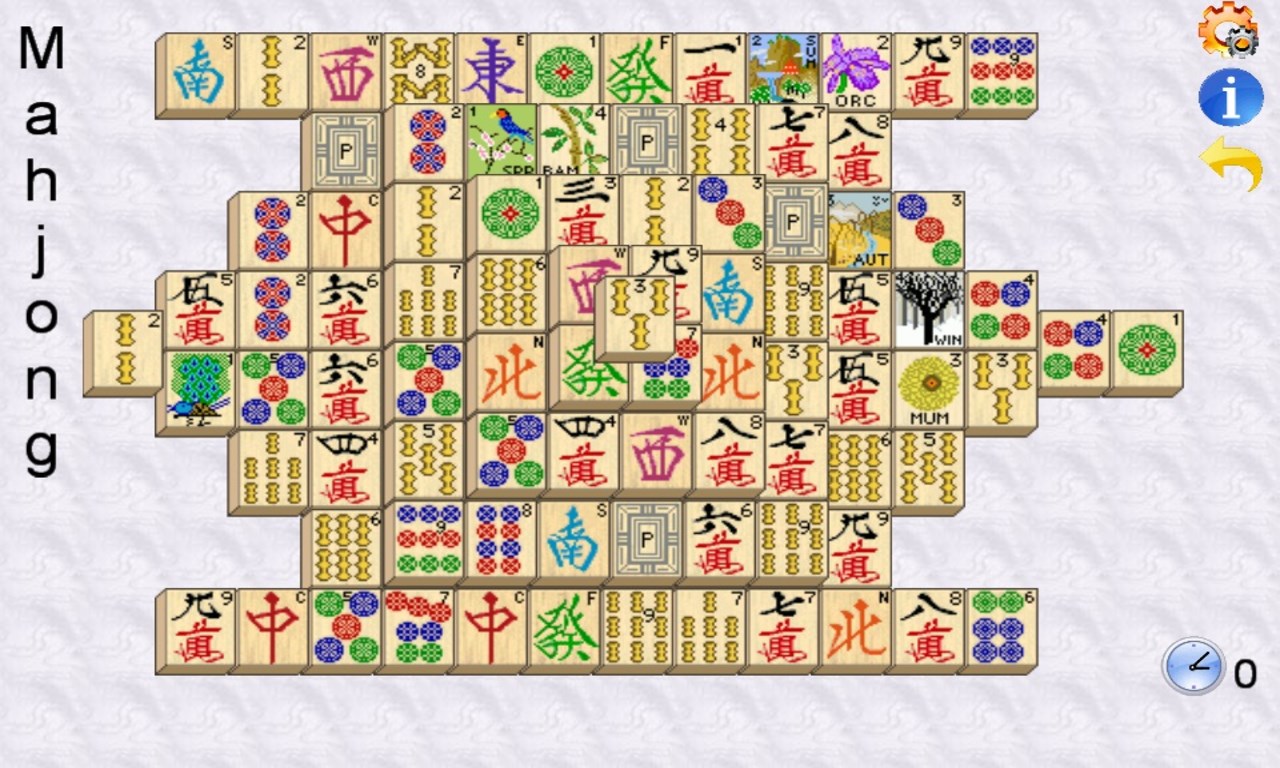
Picture yourself stepping into a cozy lounge, where the gentle click of tiles and the calming visual palette invite a moment of mental respite. Mahjong Solitaire (Free) for Windows captures that soothing ambiance quite well, making it an ideal companion during break times or relaxing evenings. The gameplay is straightforward yet addictive, with tiles gracefully laid out in various patterns, challenging your spatial reasoning and pattern recognition skills.
Visual Design and Interface
The application's interface is visually appealing without being cluttered. The backgrounds and tiles are thoughtfully designed with vibrant colors and crisp details, making it easy to distinguish different tiles at a glance. The menu layout is minimalistic yet efficient, allowing players to jump into a game within seconds. Customization options for tile themes add a personal touch, creating a more engaging and aesthetic experience.
Performance, Controls, and Learning Curve
Operationally, the game runs smoothly on modern Windows PCs, with animations flowing seamlessly and no noticeable lag. Controls are simple—mouse clicks select and remove two matching tiles—making it accessible even for those unfamiliar with digital Mahjong. The game introduces features gradually, so players can learn the mechanics comfortably, with hints and auto-complete options readily available as aids. For seasoned Mahjong players, the variety of layouts offers enough complexity to stay challenged, while casual players can enjoy the game without feeling overwhelmed.
Unique Advantages and Differentiators
What sets Mahjong Solitaire (Free) apart from other tile-matching apps is its focus on aesthetic variety and user-friendly features. Unlike some similar games that prioritize complex scoring or competitive modes, this app emphasizes relaxation and visual enjoyment. Its multiple themes and layout options cater to diverse tastes, while the straightforward gameplay ensures it remains approachable. Additionally, the inclusion of helpful features like hints and auto-solve options makes it appealing for players seeking a low-stress, stress-relief experience.
Recommendation and Usage Tips
If you're seeking a calm, engaging puzzle game that elegantly balances simplicity with challenging layouts, Mahjong Solitaire (Free) for Windows is a solid choice. It's especially suitable for fans of traditional Mahjong or those looking to unwind with minimal learning curves. For best experience, try experimenting with different themes and layouts to find your favorite combinations, and use the hints sparingly to challenge yourself a little more as you improve.
Overall, I would rate this app as highly recommended for casual players and Mahjong enthusiasts alike. Its ease of use and pleasing visuals make it a delightful digital pastime that can be enjoyed anytime, anywhere—like having a tiny, calming oasis right on your PC desktop.
Pros
- User-Friendly Interface
- Free to Download and Play
- Multiple Difficulty Levels
- Colorful and Appealing Graphics
- Regular Updates and Bug Fixes
Cons
- Limited Customization Options
- Ads Interrupt Gameplay Occasionally
- Lack of Offline Mode
- No Achievements or Leaderboards
- Performance Fluctuations on Some Devices











