


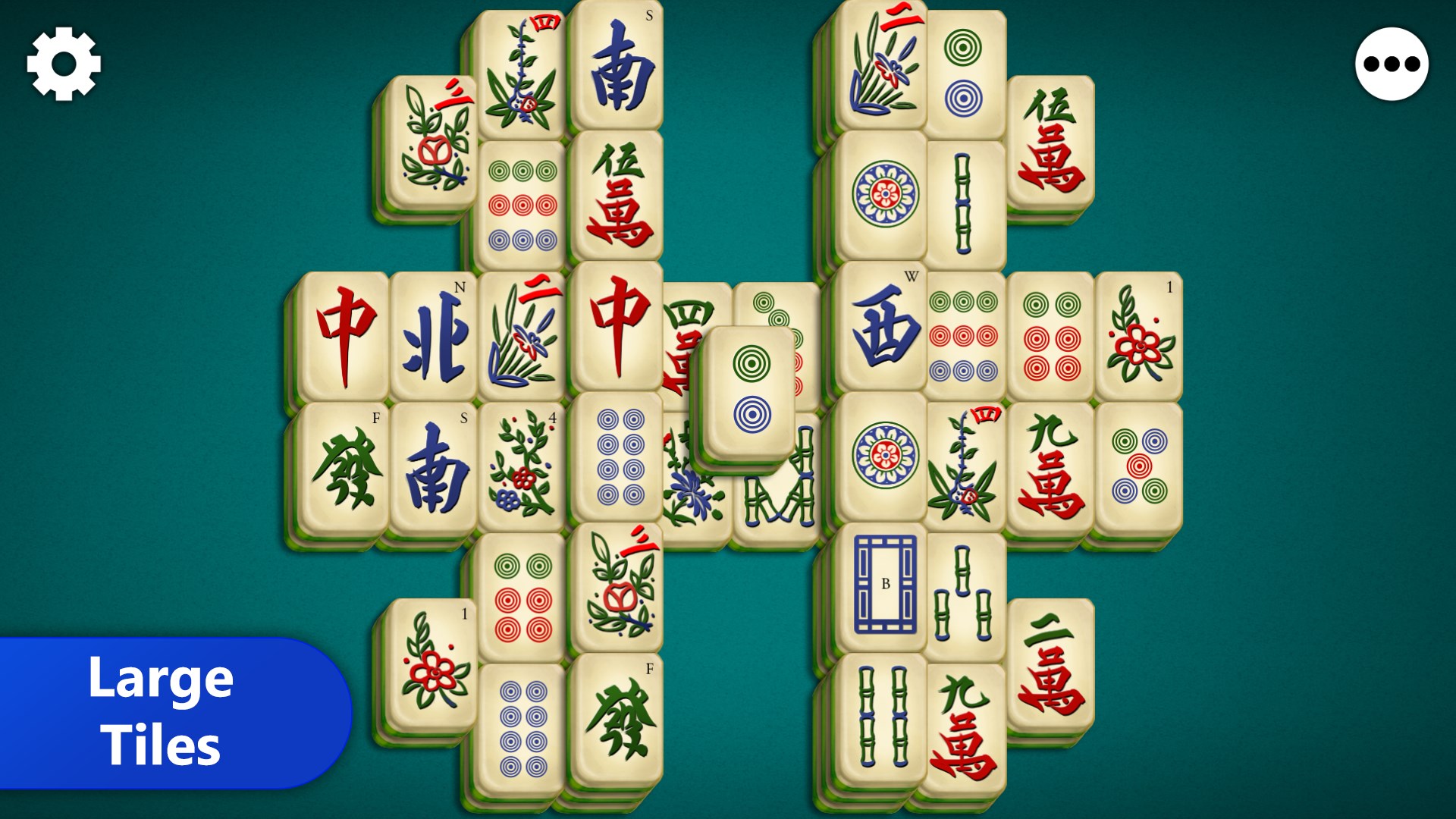

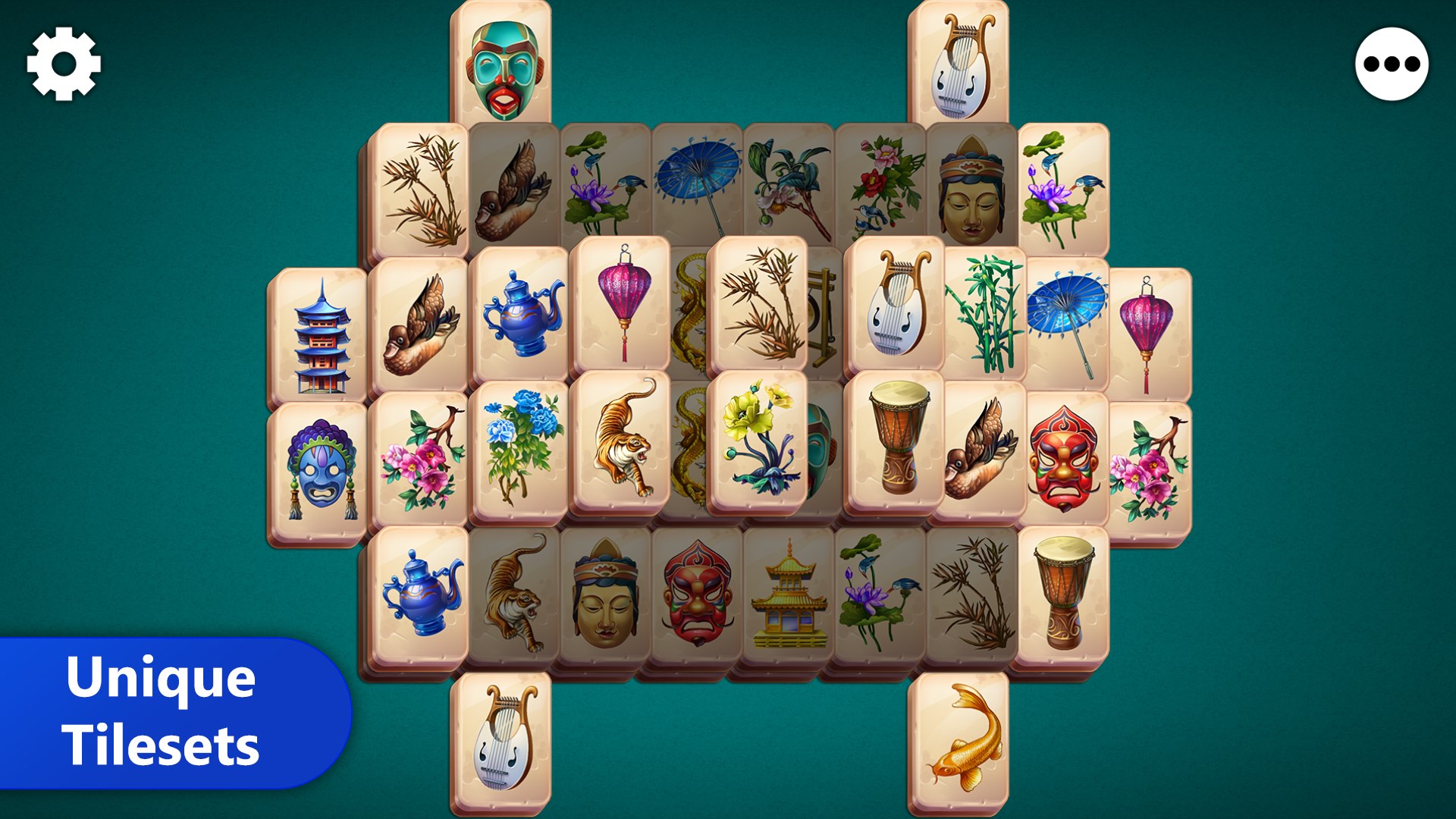
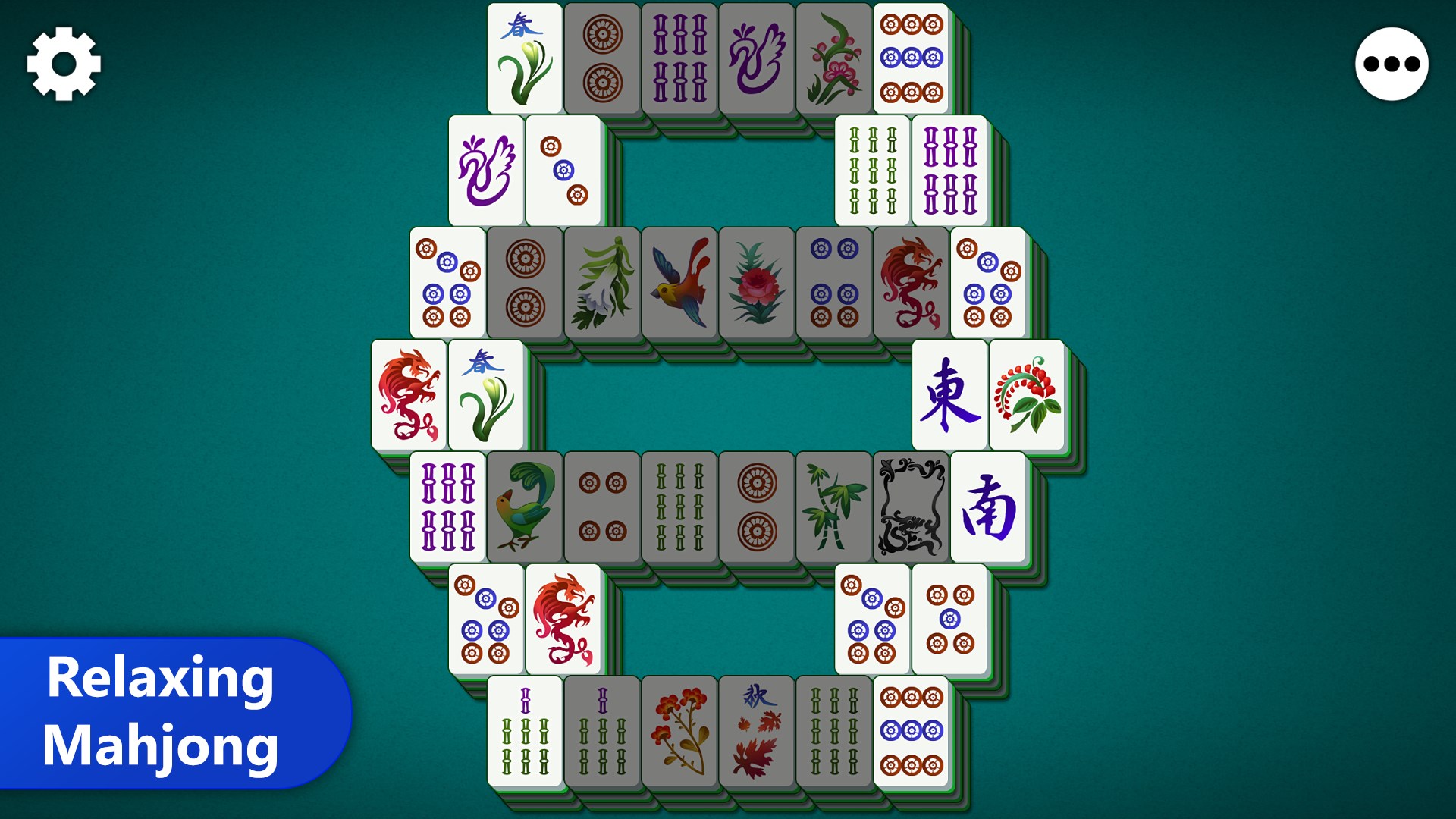
- Name Mahjong Epic
- Category Card & board
- Available on PC
- OS Windows 10 version 10240.0 or higher
- DirectX Version 10
- languages English (United States)
Mahjong Epic for Windows: A Classic Game Reimagined with Modern Flair
Mahjong Epic for Windows is a polished digital rendition of the beloved tile-matching game, offering players an engaging blend of traditional gameplay and contemporary enhancements. Developed by Kristanix AS, this app aims to deliver a seamless and enjoyable Mahjong experience suitable for beginners and seasoned players alike.
Fresh Features That Keep the Tiles Tapping
What sets Mahjong Epic apart is its thoughtfully curated feature set. First, the game includes a wide variety of Mahjong tile layouts—ranging from simple, familiar patterns to intricate, challenging designs—ensuring that players are continually tested and entertained. Second, it offers multiple game modes, including classic, time-challenge, and relaxing endless play, catering to different moods and skill levels. Lastly, the app boasts an intuitive hint system and undo feature, enabling players to learn and improve without frustration.
Design & User Experience: Easy on the Eyes, Smooth on the Fingers
The interface of Mahjong Epic exudes a clean, inviting aesthetic reminiscent of a well-kept Mahjong table—sophisticated yet simple enough not to distract from gameplay. The tiles are crisp and clear, with subtle textures that make recognizing patterns effortless, even on smaller screens. Navigating through menus is fluid and logical, with minimal loading times, thanks to optimized performance tailored for Windows devices. The learning curve is gentle: new players can grasp the game mechanics within minutes, while veterans can delve into more complex layouts and strategies. The game's responsiveness ensures satisfying tile matches and smooth animations, making every move feel natural and satisfying.
What Makes Mahjong Epic Stand Out?
Compared to other card and board game apps, Mahjong Epic's standout feature is its robust customization and variety. The extensive collection of layouts and game modes provides hours of replayability, while the adaptive difficulty settings help keep both casual players and Mahjong aficionados engaged. Additionally, Kristanix AS's attention to detail in visual and sound design creates an ambiance reminiscent of traditional Mahjong parlors, yet it remains accessible for modern digital players. Its undo and hint systems are thoughtfully integrated, helping players learn and improve without penalty—ideal for those who want to improve their skills gradually.
Should You Give It a Try?
Overall, Mahjong Epic for Windows earns a solid recommendation for anyone interested in digital Mahjong. Its user-friendly interface, coupled with diverse layouts and modes, makes it appealing to a broad audience. Whether you're seeking a calming puzzle to unwind or a challenging brain-teaser to sharpen your skills, this app offers a balanced experience. I'd suggest this game especially for players who appreciate a well-crafted, traditional game with modern convenience—no bells and whistles, just pure Mahjong in a sleek package.
Pros
- Wide Variety of Boards and Themes
- Intuitive User Interface
- Offline Mode Available
- Daily Challenges and Rewards
- Smooth Performance
Cons
- Limited Multiplayer Options
- In-App Purchases Could Be Excessive
- Occasional Ads Disrupt Gameplay
- Limited Puzzle Modes
- Customization Options Are Restricted











