

- Name Mahjong Deluxe 3 Free
- Category Card & board
- Developer EnsenaSoft, S.A. de C.V.
- Available on PC
- OS Windows 10 version 10240.0 or higher
- Keyboard Integrated Keyboard
- Mouse Integrated Mouse
- languages English (United States)
Mahjong Deluxe 3 Free for Windows: A Classic Tile-Matching Experience with a Modern Twist
Mahjong Deluxe 3 Free for Windows is a polished digital rendition of the timeless Mahjong tile-matching game, offering both nostalgic charm and accessible gameplay for modern audiences.
Developer and Core Features
Developed and published by EnsenaSoft, S.A. de C.V., Mahjong Deluxe 3 Free aims to bring the classic Mahjong solitaire experience to Windows users with an emphasis on user-friendly mechanics and engaging visuals.
Highlights of the Application
- Multiple Game Modes: Offers various layouts and difficulty levels to cater to both beginners and seasoned players.
- Intuitive Interface: Clean and straightforward design makes navigation and game setup effortless.
- Relaxing Soundscape and Visuals: Features soothing background music and vibrant tile designs that enhance immersion.
- Free and Ad-Free Experience: Provides an entirely free gameplay environment, making it accessible to all players without intrusive ads.
An Engaging Dive into Mahjong Deluxe 3
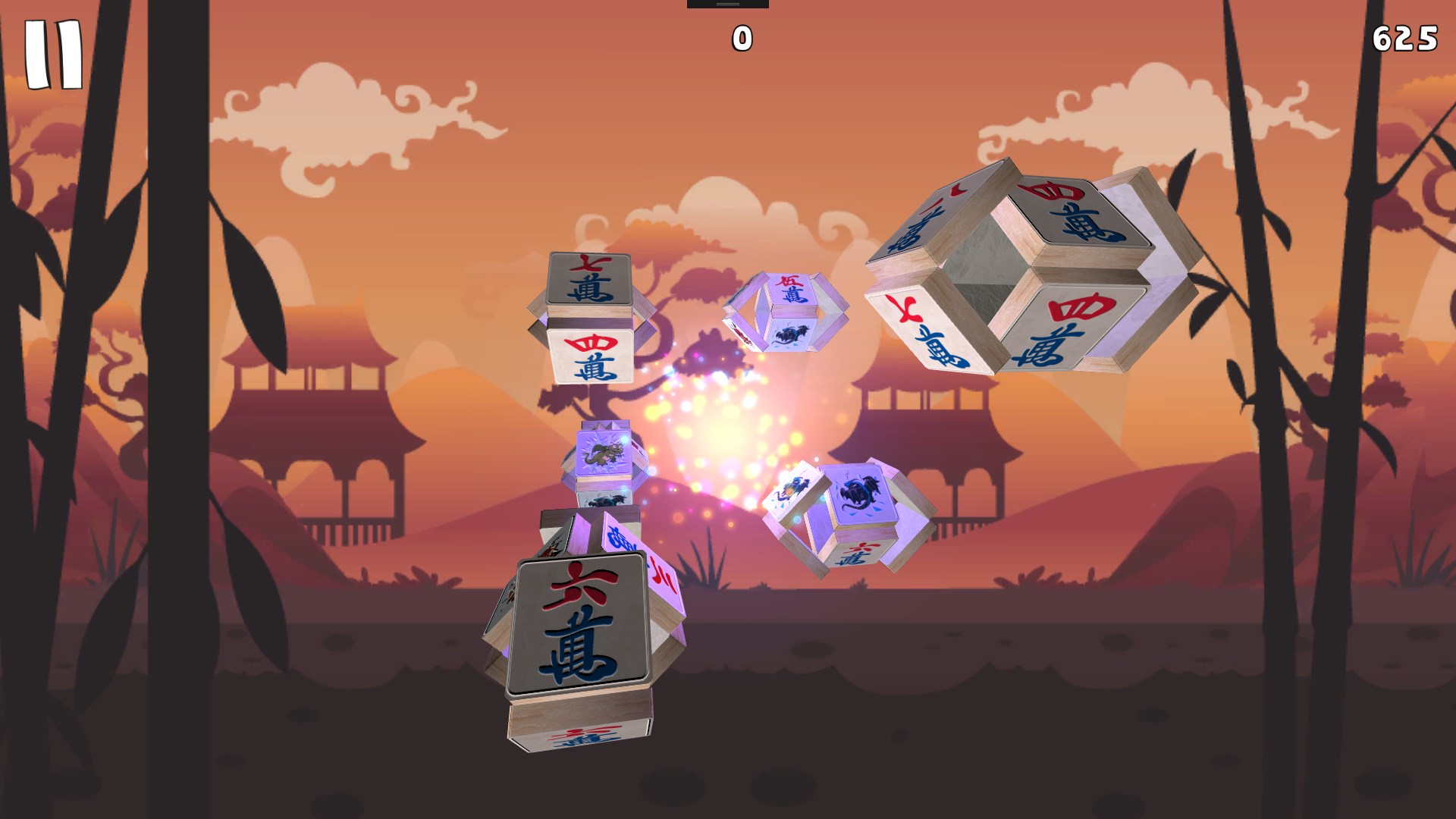
Imagine yourself nestled into a cozy nook, a steaming cup of tea nearby, as you dive into a game that marries the elegance of traditional Mahjong with the convenience of digital play. Mahjong Deluxe 3 Free isn't just about matching tiles—it's about relishing a calm, focused moment while challenging your pattern recognition skills. Its crisp graphics and gentle soundtrack transform what could be a mundane puzzle into a tranquil escape, turning tile-matching into a soothing ritual rather than a mere game.
Core Functionality Deep Dive
Variety and Customization in Game Modes
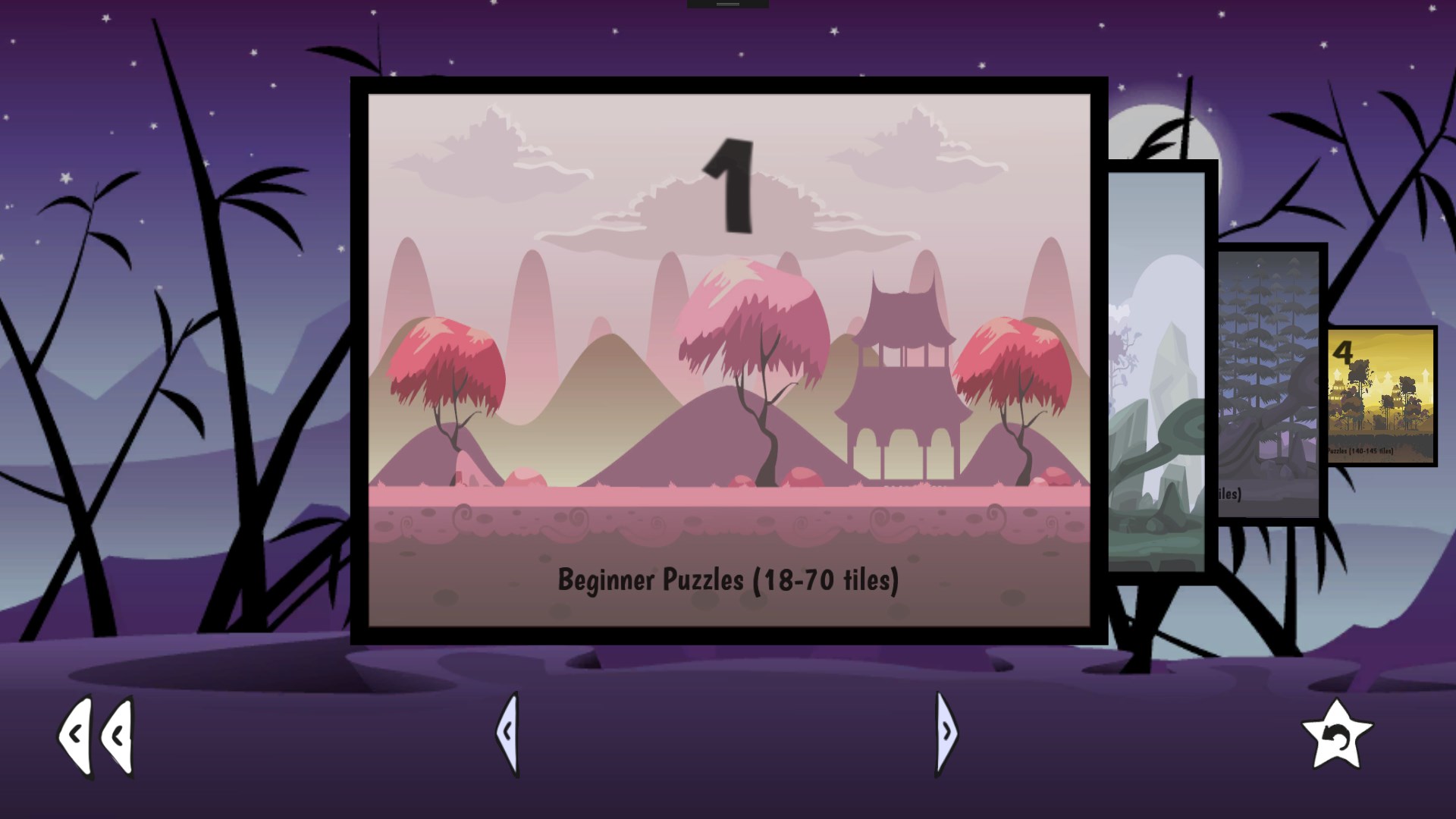
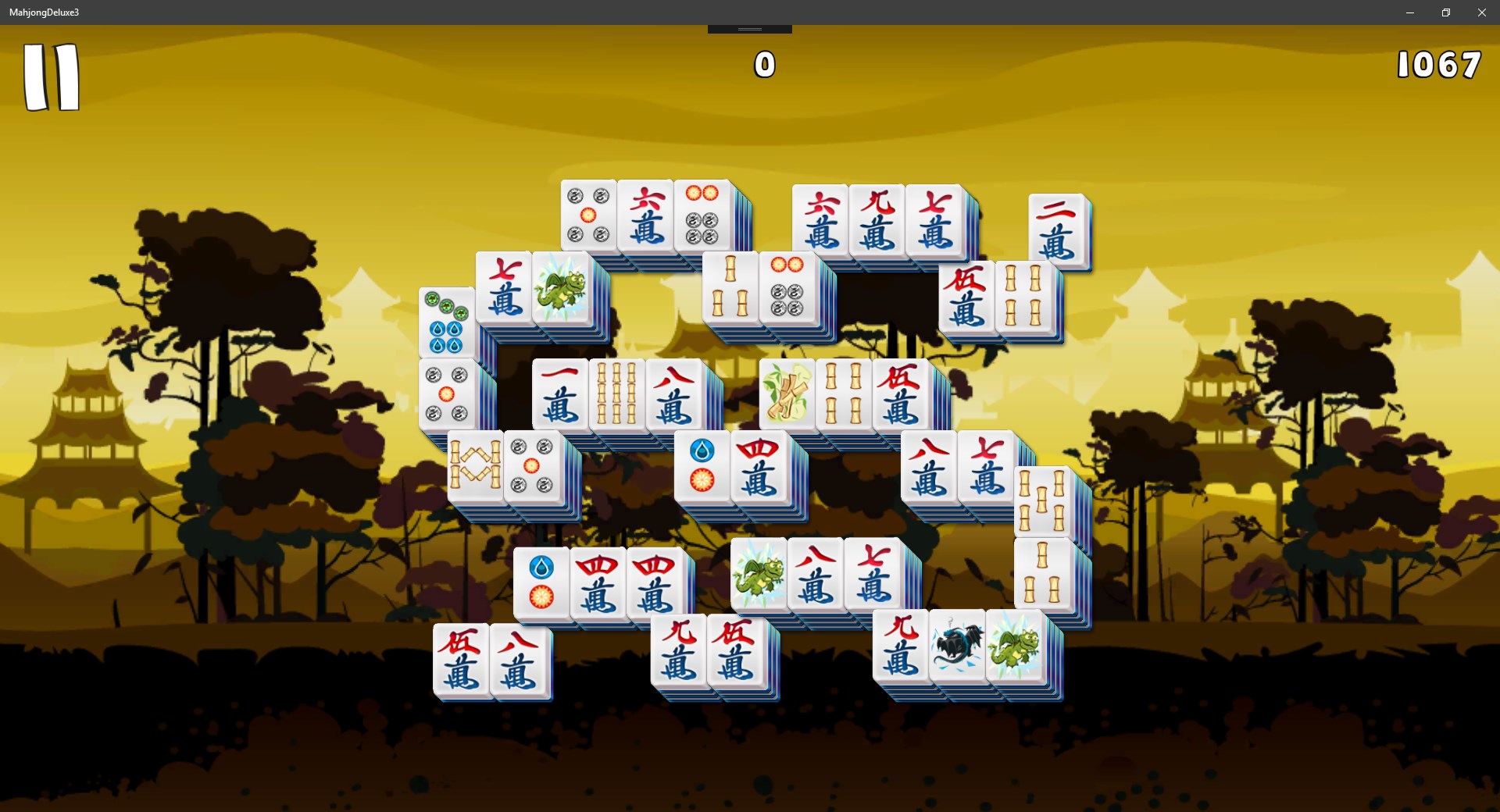
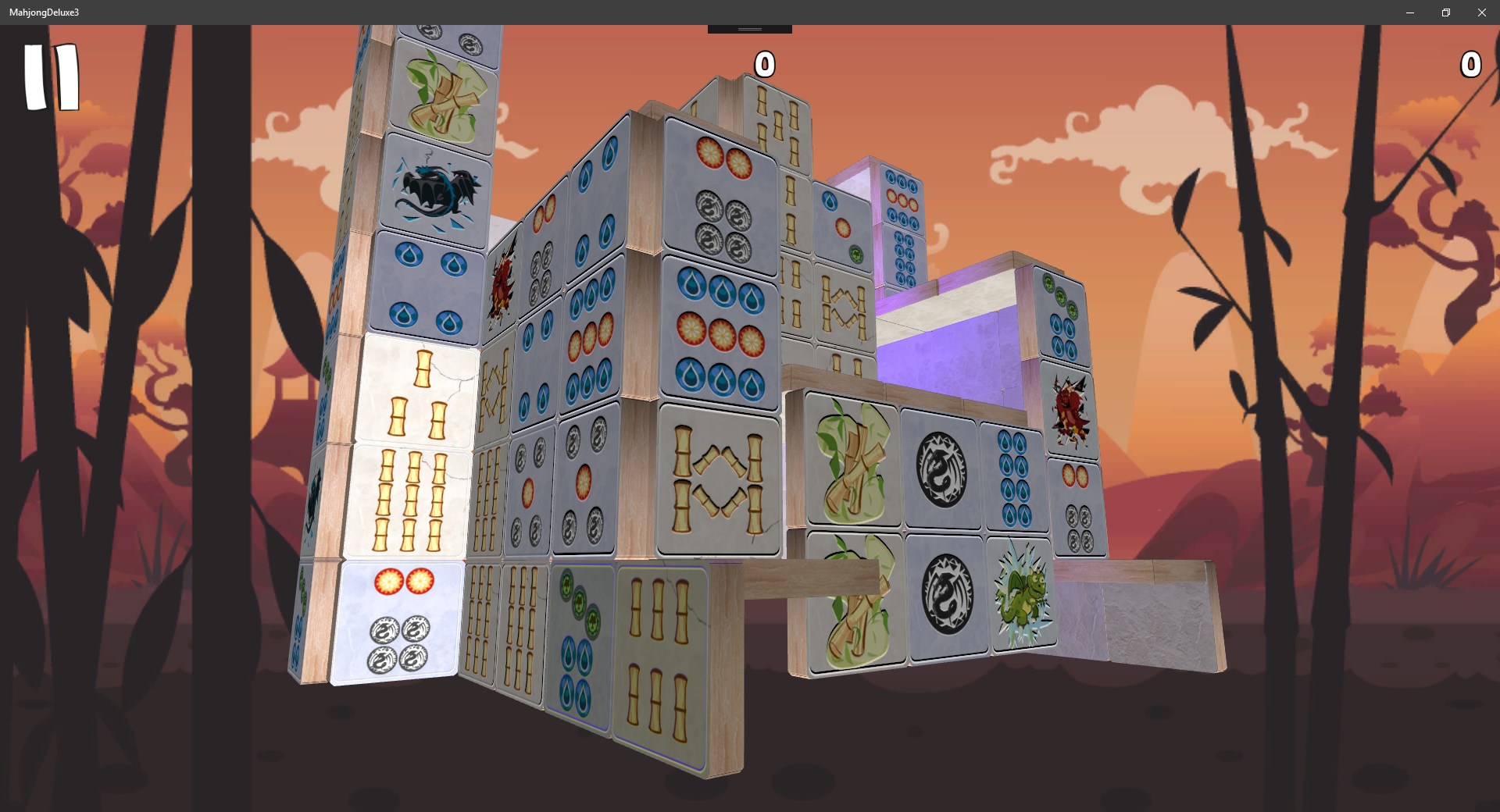
At its heart, Mahjong Deluxe 3 offers a multitude of layouts, from simple, symmetrical arrangements to complex, sprawling grids that entice the more experienced. Players can choose from different difficulty tiers, making the game welcoming for novices yet challenging for seasoned Mahjong fans. This depth of options ensures longevity and continuous engagement—no two sessions need to be the same. The ability to reset and shuffle tiles effortlessly also encourages experimentation and learning.
Elegant User Interface and Seamless Experience
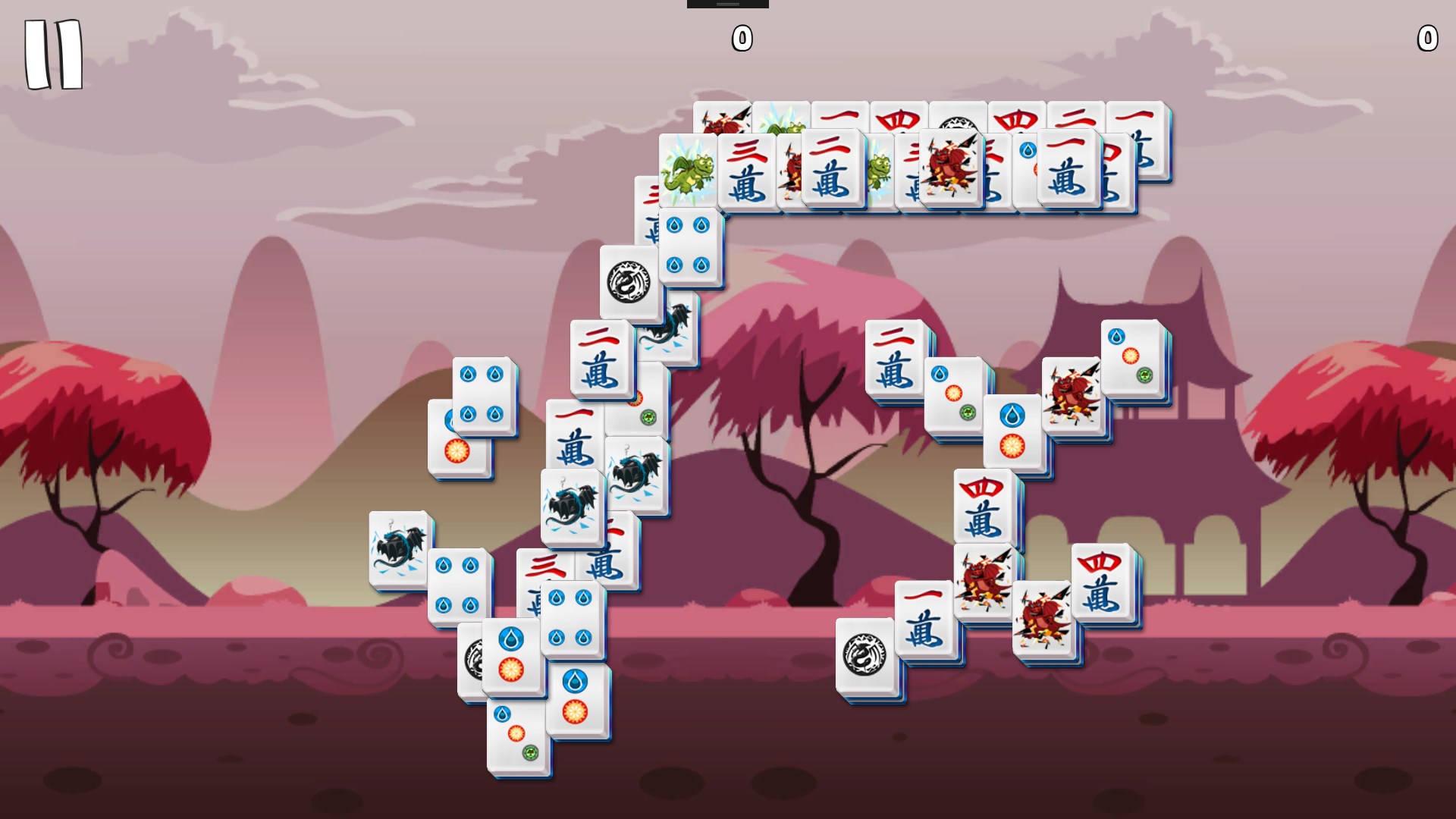
One of the game's strongest suits is its interface—bright, clean, and uncluttered. Tiles are beautifully designed with vibrant colors and subtle shadows that create a three-dimensional feel, aiding in quick recognition. Navigating through menus is smooth, with responsive buttons and minimal lag, making gameplay feel fluid. The learning curve remains gentle, with intuitive controls that new players can pick up in minutes, yet enough complexity to keep advanced users engrossed.
Unique Selling Points and Differentiators
What sets Mahjong Deluxe 3 apart from similar Mahjong apps isn't just its polished aesthetics or variety of layouts, but its emphasis on purity of experience. Unlike apps cluttered with ads or monetization interruptions, this version remains ad-free and free to play—much like a well-cared-for garden, inviting players to relax without distractions. Additionally, the game's focus on a calming ambiance—through both visuals and sound—creates a distinctive mood that isn't always prioritized in other similar applications. This makes it ideal for players looking to unwind or improve focus.
Final Thoughts and Recommendations
If you're seeking a straightforward, delightful Mahjong experience that respects your desire for quality and tranquility, Mahjong Deluxe 3 Free is a commendable choice. Its ease of access, combined with the depth of gameplay options, makes it suitable for casual players searching for downtime relaxation or dedicated Mahjong aficionados sharpening their skills. While it may not boast the leaderboard or multiplayer features of some modern puzzle games, its core appeal lies in delivering a refined, distraction-free environment. I would recommend giving it a try—particularly if you enjoy classic puzzles served in a modern, beautifully crafted package.
Pros
- Intuitive user interface
- Engaging gameplay with multiple levels
- Beautiful graphics and sound effects
- Offline mode available
- Regular updates and new content
Cons
- Limited game variations
- Ads can interrupt gameplay
- Difficulty progression might be inconsistent
- Lack of personalized settings
- Performance issues on older devices











