




- Name Magic Jigsaw Puzzles – Puzzle game HD
- Category Card & board
- OS Windows 10 version 18362.0 or higher
- Mouse Integrated Mouse
- languages Chinese (Simplified), English, French, German, Italian, Japanese, Portuguese, Russian, Spanish, Turkish
Introducing Magic Jigsaw Puzzles – Puzzle game HD for Windows
Magic Jigsaw Puzzles is a visually appealing and user-friendly digital jigsaw puzzle experience, perfect for puzzle lovers seeking a relaxing yet engaging pastime on Windows devices. Developed by ZiMAD, this app transforms the classic jigsaw puzzle into a sleek digital format, combining art, entertainment, and cognitive challenge into one package.
About the Developer
ZiMAD is a well-established company specializing in casual gaming and entertainment applications. Known for their intuitive design and high-quality graphics, ZiMAD has crafted a variety of puzzle and card games that appeal to a broad audience worldwide.
Key Features That Stand Out
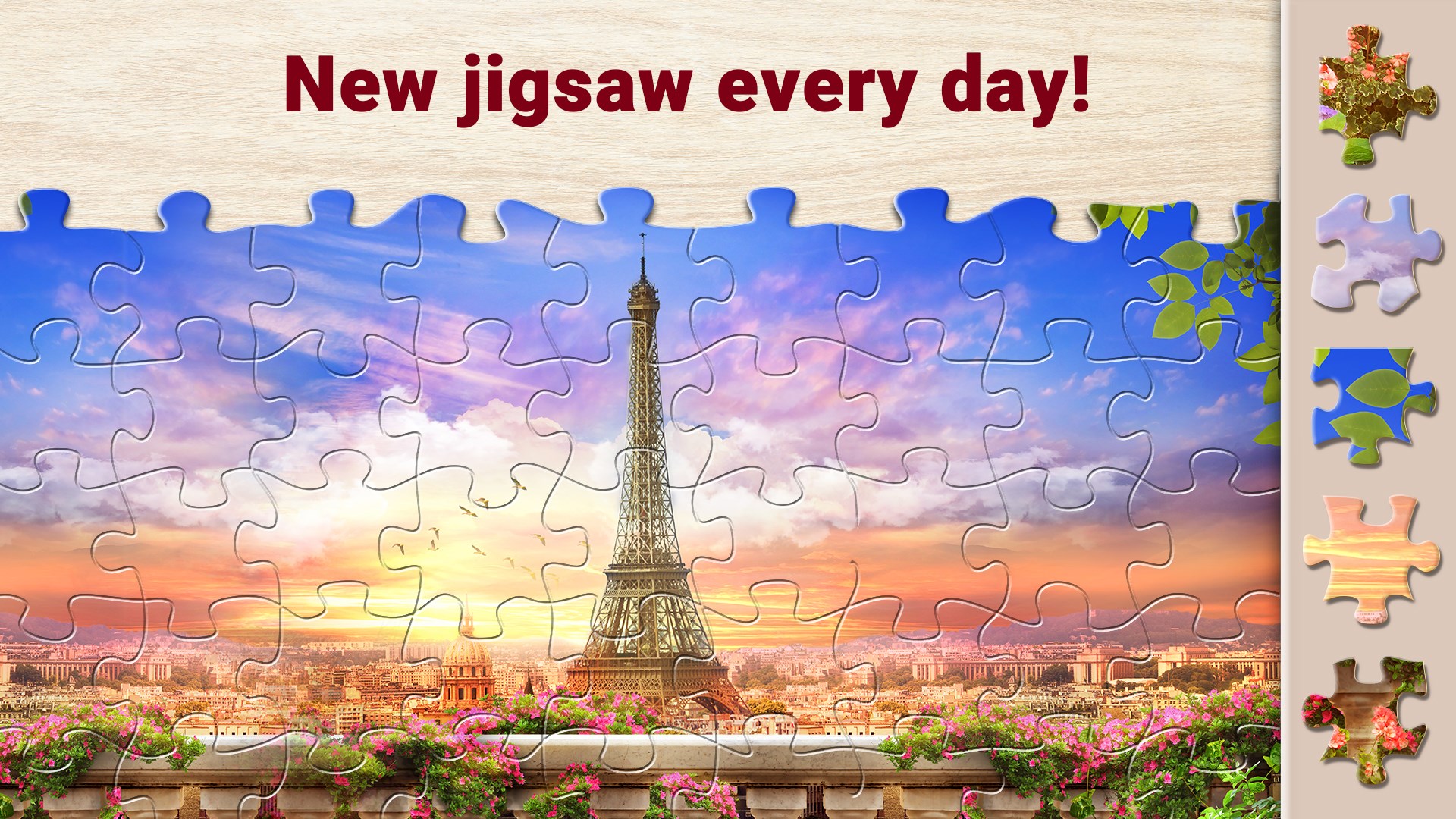
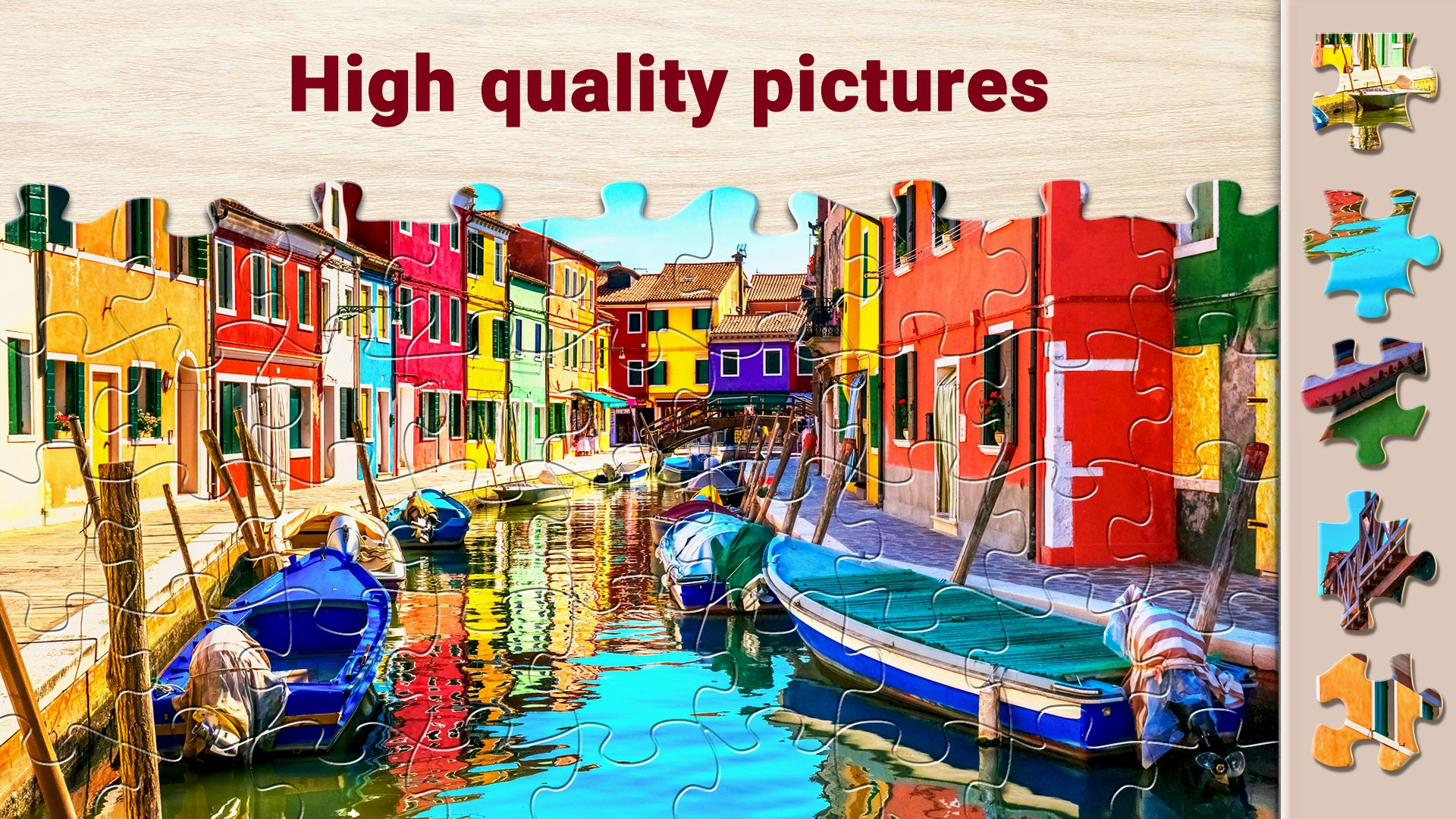
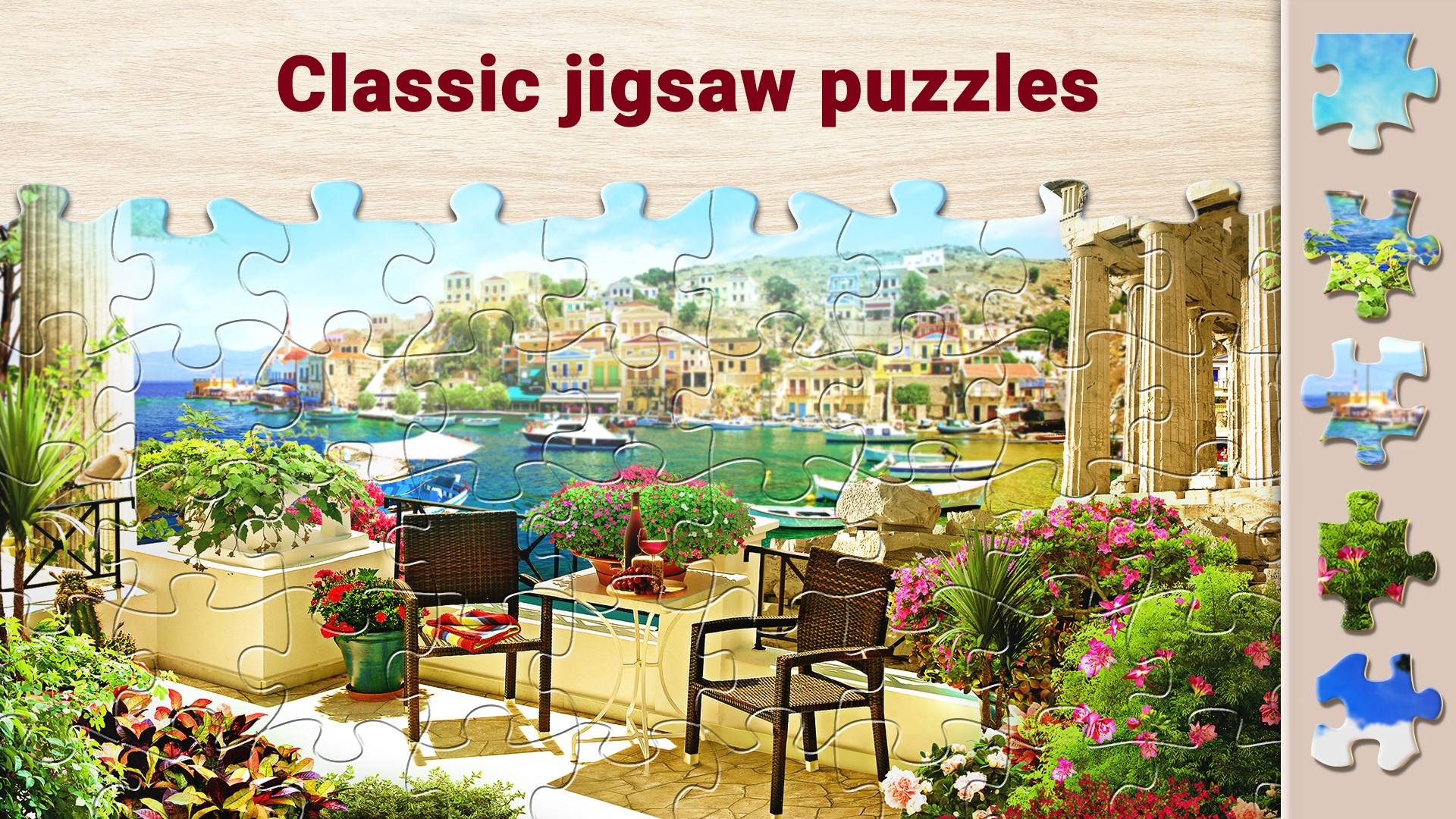
- Vast Puzzle Library: Access thousands of high-resolution images spanning landscapes, animals, art, and more, constantly updated to keep content fresh.
- Customization and Easy Navigation: Seamlessly select and adjust puzzles with intuitive drag-and-drop controls and easy-to-use interface options.
- Gameplay Modes & Difficulty Settings: Multiple difficulty levels and puzzle sizes cater to both casual players and seasoned puzzlers alike.
- Integrated Gallery and Sharing: Save completed puzzles as images and share your achievements easily, fostering a community feel.
Engaging and Kid-Friendly User Experience
From the moment you open Magic Jigsaw Puzzles, it feels like stepping into a vibrant, colorful puzzle atelier. The interface design is clean and inviting, resembling a neatly organized workshop where every puzzle has its place. The app's UI employs soft pastel tones and intuitive icons that even novice users can navigate with ease. Transitioning between collections, selecting puzzles, or adjusting difficulty is as smooth as sliding puzzle pieces into place. The learning curve is gentle—perfect for users of all ages—featuring helpful tooltips and straightforward controls that make puzzle assembly feel both accessible and satisfying.
Core Functionality: Diving into the Puzzle World
Extensive Puzzle Collection and Customization
The standout feature of Magic Jigsaw Puzzles is its massive library of images, curated from professional photographers, artists, and contributors worldwide. The diversity is impressive—covering everything from serene landscapes to beloved artworks—ensuring there's something for every taste. Plus, users can select puzzle sizes ranging from simple 12-piece arrangements for quick play, up to challenging 400-piece puzzles for intricate detail. The app also offers customization options like rotate pieces, background color toggles, and grid views, allowing players to tailor their puzzle experience to their preference.
Seamless and Intuitive Gameplay
Handling puzzles in Magic Jigsaw Puzzles is like assembling a tiny digital jigsaw workshop. Dragging, dropping, and rotating pieces are fluid motions—thanks to finely tuned touch and mouse controls. The app responds promptly, with minimal lag, even when handling complex puzzles with hundreds of pieces. The game introduces new players gradually, with helpful hints and undo options, making it easy to learn without frustration. The puzzle assembly feels natural and satisfying, akin to slowly building a beautiful mosaic piece by piece.
What Sets It Apart From Other Card & Board Apps?
While many card or board apps focus on strategic gameplay or social interaction, Magic Jigsaw Puzzles emphasizes the meditative quality of puzzle-solving. Its biggest differentiator is the vast, ever-expanding downloadable image collection and the freedom to customize puzzles at various difficulty levels. Unlike some apps limited by static content or simplistic interfaces, Magic Jigsaw Puzzles offers a richly layered experience that mimics the tactile joy of physical puzzles but with the conveniences of digital play. This makes it especially appealing for users seeking a calming activity that still provides enough challenge to keep their minds engaged.
Final Recommendation and Usage Suggestions
In conclusion, Magic Jigsaw Puzzles is highly recommended for puzzle enthusiasts, casual gamers, or anyone looking for a relaxing digital pastime. Its broad image library, smooth user interface, and flexible difficulty settings make it a versatile choice. Whether you're commuting, unwinding after work, or seeking a creative mental exercise, this app provides a calming yet stimulating environment. For best experience, I suggest exploring different puzzle sizes and updating the app regularly to enjoy new images and features. Overall, it's like having a portable art gallery and puzzle workshop combined—worthy of a place on your Windows device.
Pros
- Intuitive Interface
- High-Quality HD Graphics
- Large Puzzle Collection
- Helpful Hints and Tips
- Offline Play Option
Cons
- Limited Free Puzzles
- Occasional Ads Disruption
- Repetitive Puzzle Themes
- No Multiplayer Mode
- Performance on Older Devices











