

- Name Light AirPlay - Screen Mirroring Receiver
- Category Entertainment
- Developer Light Lin
- Available on PC
- OS Windows 10 version 17763.0 or higher
- DirectX Not specified
- Memory Not specified
- languages Arabic, Chinese (Simplified), Chinese (Traditional), English (United States), French, German, Japanese, Korean , Portuguese (Portugal), Russian, Spanish (Spain)
Introducing Light AirPlay: Seamless Screen Mirroring for Windows
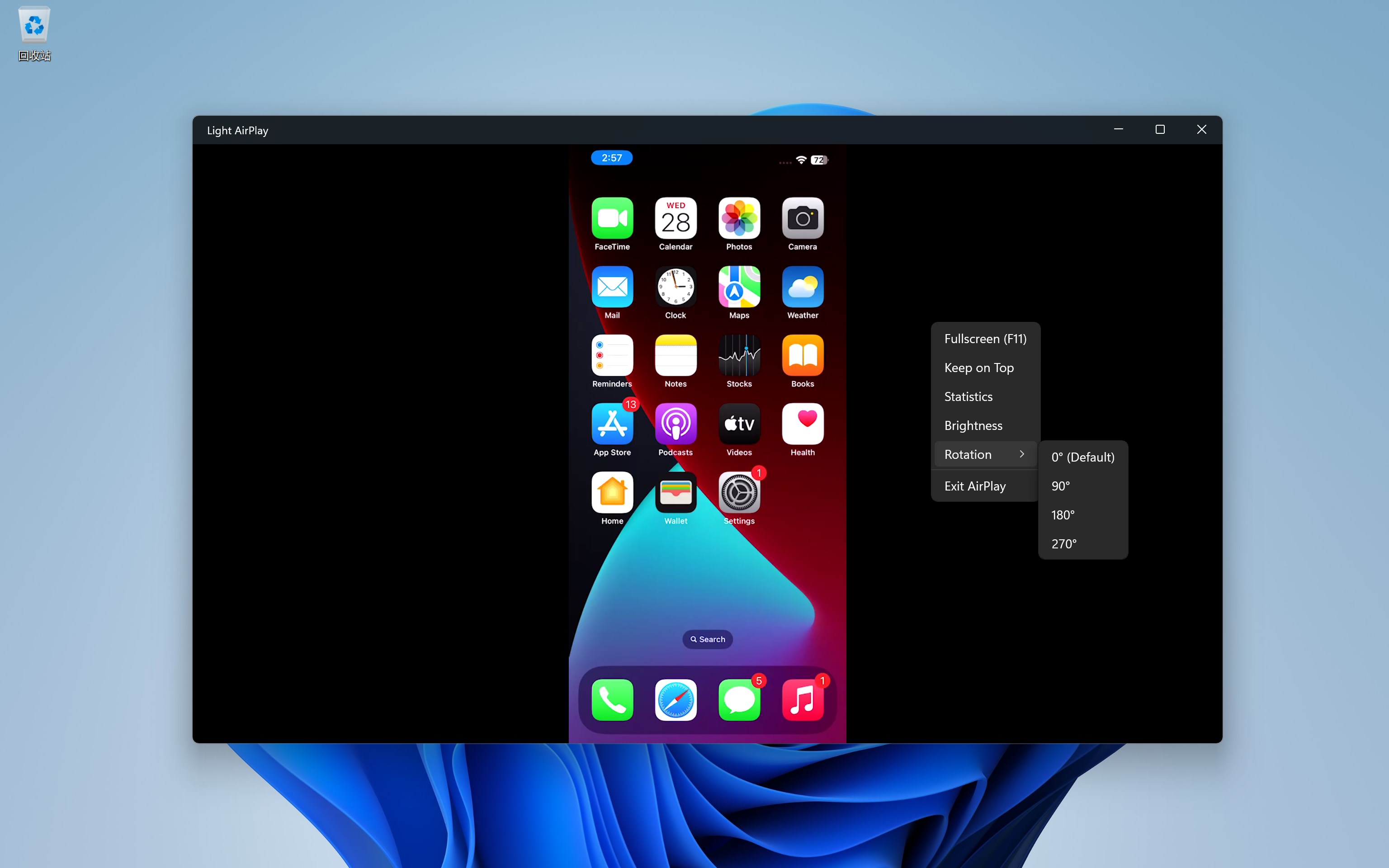
Light AirPlay is a versatile Windows application that transforms your PC into an AirPlay receiver, allowing effortless screen sharing from your iOS devices and Macs. Designed by Light Lin, this app aims to bridge the gap between Apple ecosystems and Windows, providing a smooth and reliable mirroring experience.
Core Features That Make Your Screen Mirroring Effortless
Wireless Mirroring with Low Latency
At its heart, Light AirPlay offers seamless wireless screen sharing, ensuring your device's display is mirrored almost instantaneously. Whether you're presenting slides, streaming videos, or just sharing photos, the app minimizes lag to keep your experience fluid—think of it as casting your screen like a gentle ripple across a calm pond, with hardly any delays disrupting your flow.
High-Quality Video and Audio Streaming
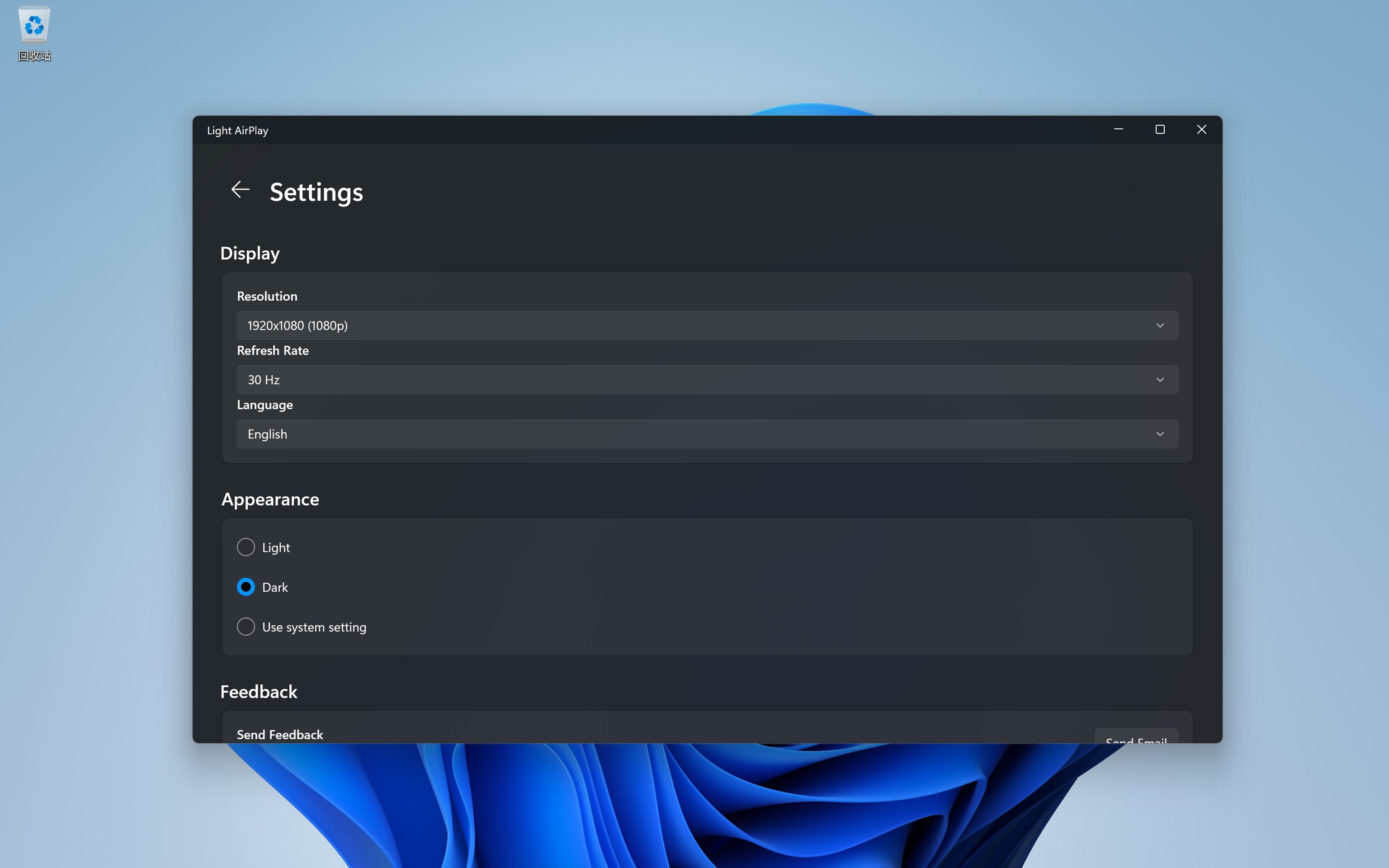
Expect crisp visuals and clear audio transmission. The app supports high-resolution mirroring that retains detail and color accuracy, making it suitable for media playback and professional presentations alike. Unlike generic screen sharing tools, Light AirPlay prioritizes maintaining the quality of your content, providing a viewing experience closer to native device outputs.
User-Friendly Interface and Smooth Operation
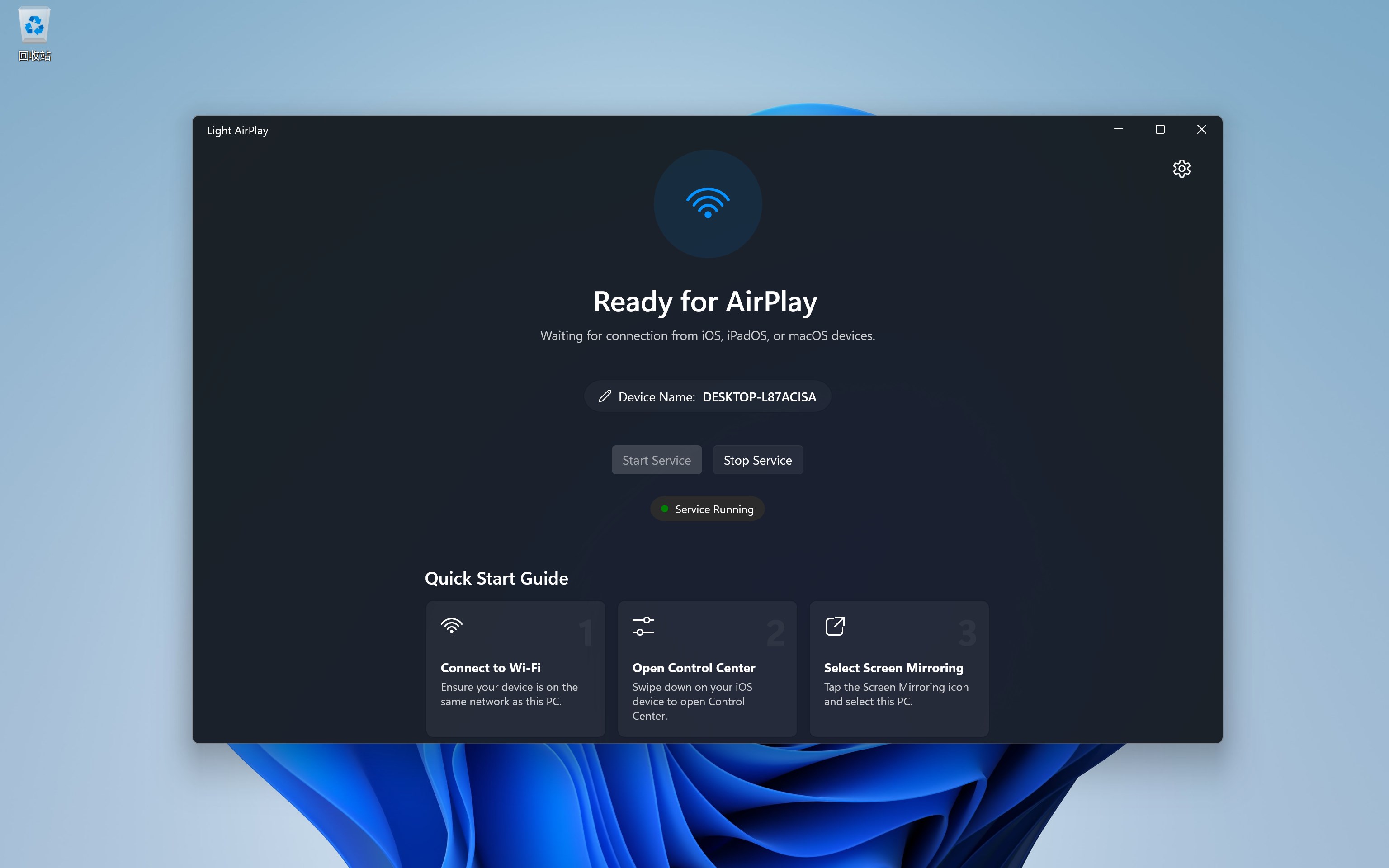
The interface resembles a sleek control panel—simple, minimalistic, yet intuitive. Connecting your device feels like opening a familiar app, with clear instructions guiding you through the process. During use, operation remains smooth; switching devices or adjusting settings happens swiftly, making the learning curve gentle even for first-time users. It's akin to driving a well-tuned car: controls are responsive and effortless.
Design, Usability, and User Experience
From aesthetic perspective, Light AirPlay adopts a modern, clean interface that fits neatly into Windows's design language. The layout minimizes clutter and emphasizes functionality, akin to the cockpit of a streamlined aircraft—everything you need is within reach. This deliberate simplicity encourages users of all skill levels to start mirroring their screens without frustration.
Operationally, the app performs reliably with minimal lag or hiccups. Transitioning between devices or reconnecting is straightforward, and the app's stability ensures continuous use during long meetings or entertainment sessions. Its learning curve is gentle—users can dive in without wading through complicated setups, which is a significant advantage over more complex competitors.
Unique Selling Points Compared to Similar Apps
What sets Light AirPlay apart from other Screen Mirroring apps is its integrated focus on the Apple ecosystem, combined with intelligent content handling. It excels in content discovery algorithms—highlighting relevant devices and media sources based on your network environment—making the pairing process intuitive. Moreover, the app critiques personalized recommendations by maintaining relevance, ensuring users aren't overwhelmed with irrelevant options, a common shortcoming in many entertainment-focused mirroring tools. These features subtly enhance usability, making your interaction with the app feel more personalized and naturally seamless.
Conclusion: Is Light AirPlay Worth a Try?
Considering its ease of use, high-quality streaming, and thoughtful device discovery, Light AirPlay emerges as a solid choice for anyone seeking reliable screen mirroring on Windows. While it may not be packed with unnecessary bells and whistles, its core strengths lie in delivering a dependable, smooth experience—much like having a quiet, dependable companion ready to share your screen anytime. I recommend it for professionals looking for an unobtrusive tool for presentations or tech-savvy users who want a hassle-free way to connect their Apple devices to Windows PCs. It's a practical addition to your digital toolkit—friendly, efficient, and ready to mirror your world.
Pros
- Seamless Screen Mirroring
- High Compatibility
- User-Friendly Interface
- Low Latency Streaming
- Customizable Settings
Cons
- Limited Free Features
- Occasional Connection Drops
- Performance Varies by Device
- Limited Support for Certain Video Formats
- Lack of Advanced Security Features











