

- Name Klondike Solitaire HD Free
- Category Card & board
- Available on PC, Mobile
- OS Windows 10 version 10240.0 or higher
- languages English (United States)
Introducing Klondike Solitaire HD Free for Windows
Klondike Solitaire HD Free for Windows is a polished digital rendition of the classic card game, designed to bring the timeless solitaire experience to your desktop with modern enhancements.
A Closer Look at the Developer and Main Features
Developed by Enless Soft Ltd., a team dedicated to crafting engaging casual games, this app aims to deliver a seamless and enjoyable solitaire experience. Its standout features include intuitive touch and mouse controls, a variety of customizable themes, and smooth animations that bring the game to life. Targeted at casual players and traditional card game enthusiasts alike, it promises both relaxing gameplay and casual challenge.
An Entertaining Intro to a Familiar Classic
Imagine sinking into your favorite armchair on a lazy Sunday, deck of cards nearby, longing for a game that's both a mental workout and a stress-reliever. Klondike Solitaire HD Free for Windows captures that cozy, familiar feeling, translating it into a sleek digital environment. Its polished interface and responsive controls make it feel almost as satisfying as shuffling and dealing real cards—bringing back childhood memories or creating new ones in a modern setting.
Card Design and User Experience: Sleek, Intuitive, and Relaxing
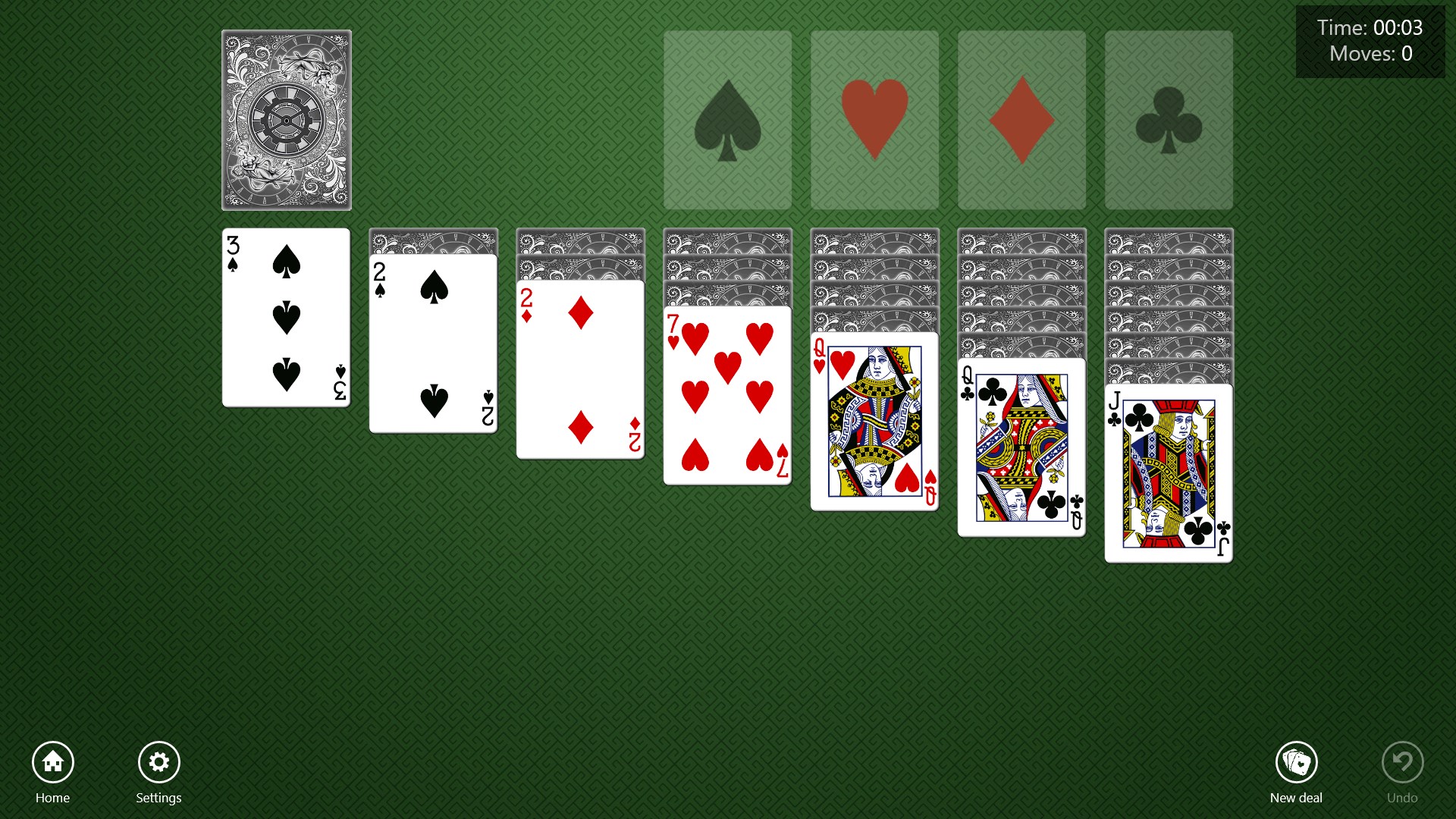
The application's interface boasts a clean, user-friendly layout, with visually appealing card designs that strike a good balance between clarity and aesthetic appeal. The cards themselves are easy to read, with clear symbols and contrasting colors that reduce eye strain during long sessions. Navigating through the game feels natural—dragging cards, undoing moves, or starting a new game are all just a click away. The animations are smooth yet unobtrusive, enhancing the gameplay without causing distraction. The learning curve is gentle; even newcomers can pick up the rules quickly thanks to helpful hints and simplified controls.
Playing the Game: Core Features That Stand Out
Customization and Visuals
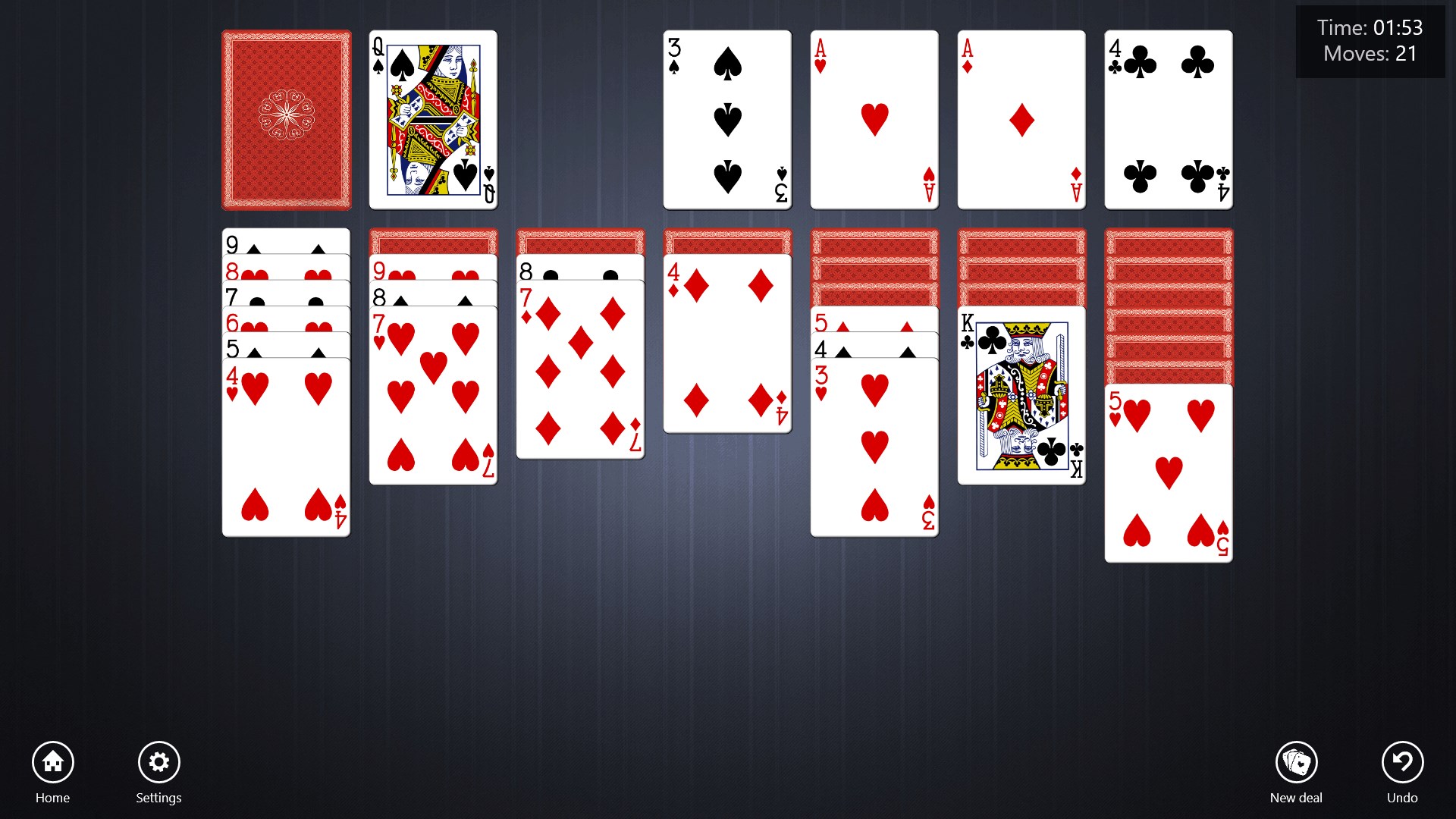
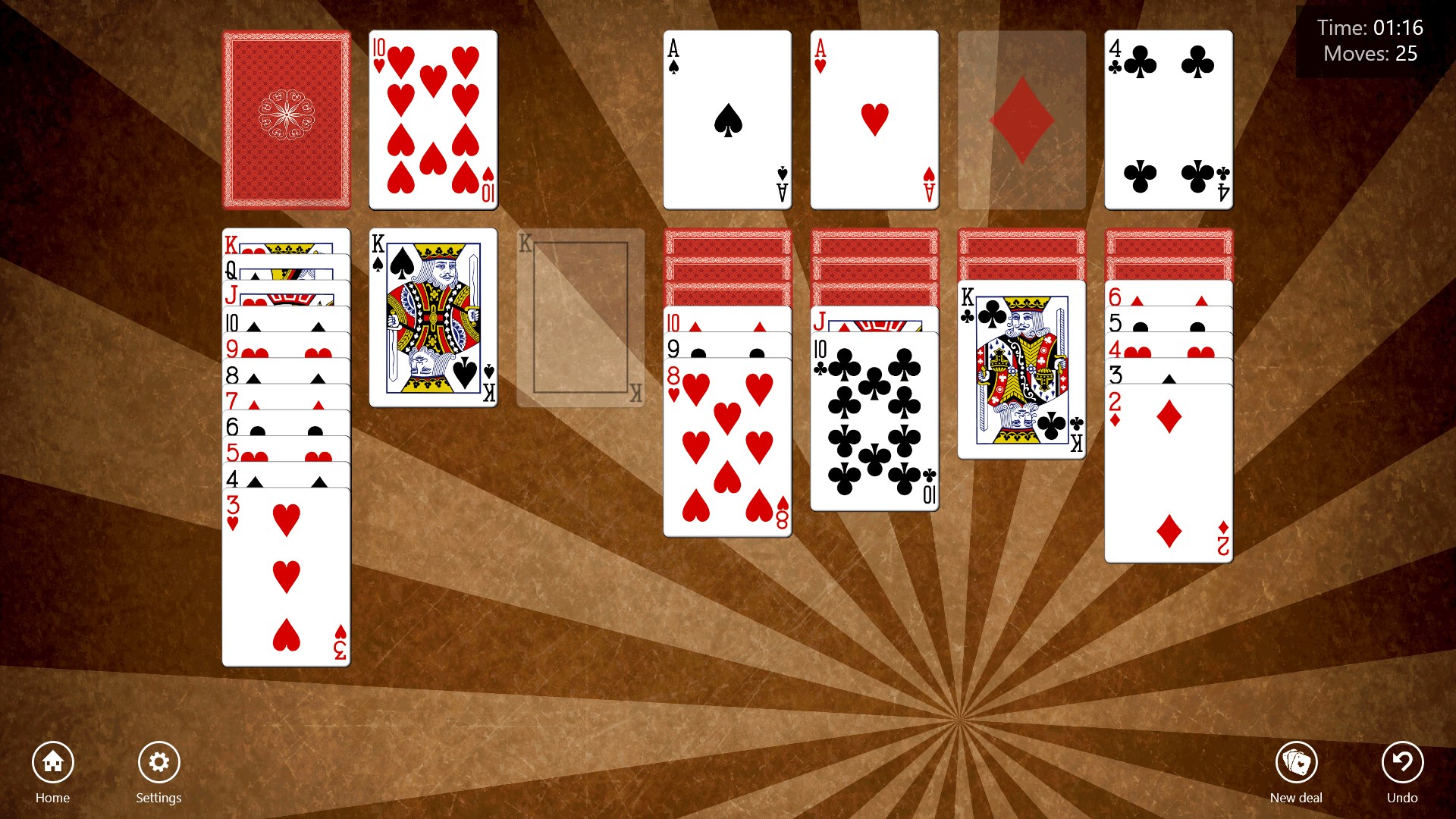
One of the app's biggest draws is its wide array of themes, allowing players to customize background images, card styles, and even the scoring display. Whether you prefer understated elegance or vibrant, colorful designs, the customization options cater to your personal taste, making each game feel unique and personalized.
Game Mechanics and Performance
The game operates with high responsiveness, thanks to optimized code that ensures minimal lag even on older hardware. Drag-and-drop mechanics are precise, and the game intelligently highlights possible moves to help players strategize. Additionally, the automatic game save feature ensures you can pause and resume gameplay seamlessly, a thoughtful touch for busy schedules.
Differentiation and Unique Advantages
Compared to other digital solitaire applications, Klondike Solitaire HD Free stands out with its emphasis on visual customization and fluid animations, creating a more immersive experience. Its design philosophy balances simplicity with depth, offering enough complexity for seasoned players while remaining accessible for newcomers. Unlike many free apps that overemphasize advertisements or gimmicks, this title maintains a clean, distraction-free environment, emphasizing gameplay quality.
Final Recommendation and Usage Suggestions
If you're seeking a straightforward, visually pleasing digital version of Klondike Solitaire that respects the tradition yet offers modern comfort, this app is definitely worth trying. Its intuitive controls and customizable aesthetics make it suitable for casual play during breaks or relaxing evenings. I would recommend it especially to players who appreciate a polished interface and smooth gameplay experience without intrusive ads or complicated features. For those new to solitaire, the gentle learning curve and helpful hints make it an excellent starting point. Overall, this app earns a solid recommendation for solitaire lovers of all ages seeking a trustworthy, visually appealing digital version.
Pros
- High-quality HD graphics
- Smooth and responsive touch controls
- Offline play available
- Intuitive user interface
- Ad-supported free version
Cons
- Limited customization options
- Occasional ad interruptions
- Lack of daily challenges or rewards
- No advanced statistics or tracking
- Limited sound options











