
- Name Klondike Solitaire Collection Free
- Category Card & board
- Developer TreeCardGames
- Available on PC
- OS Windows 10 version 17763.0 or higher
- languages Chinese (Simplified), Chinese (Traditional Chinese), Czech, Danish, Dutch, English, English (United States), Finnish, French, German, Greek, Hebrew, Hindi, Hungarian, Italian, Japanese, Norwegian (Bokmål), Polish, Portuguese (Brazil), Portuguese (Portugal), Russian, Spanish, Swedish, Thai, Turkish, Ukrainian
Introduction: Classic Solitaire with a Fresh Twist
If you're a fan of card games that combine timeless appeal with modern simplicity, Klondike Solitaire Collection Free for Windows delivers just that. Its sleek and intuitive design makes it a perfect companion for relaxing moments or quick mental refreshers. Designed by TreeCardGames, this app aims to bring the traditional solitaire experience into the digital age with a few smart enhancements, ensuring both casual players and die-hard fans find something to enjoy.
Clean, Elegant Interface with User-Friendly Layouts
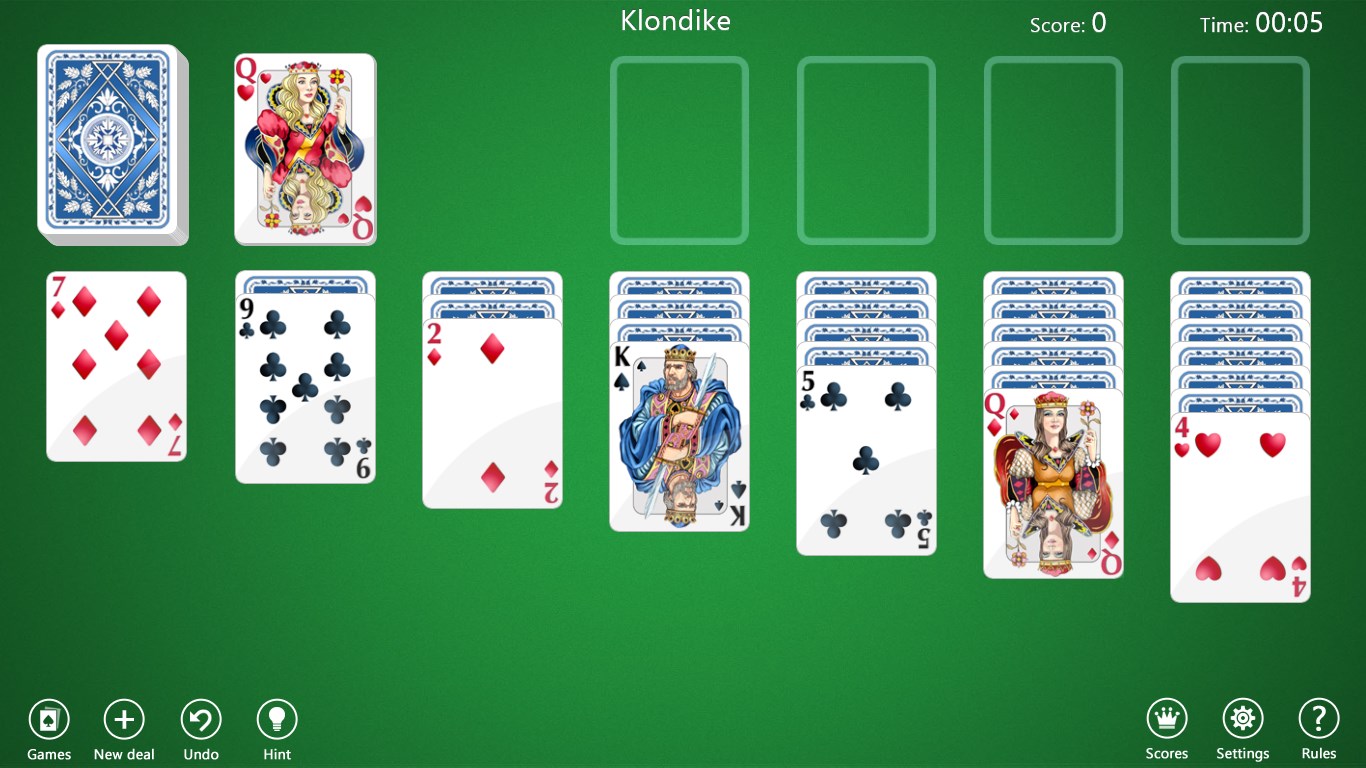
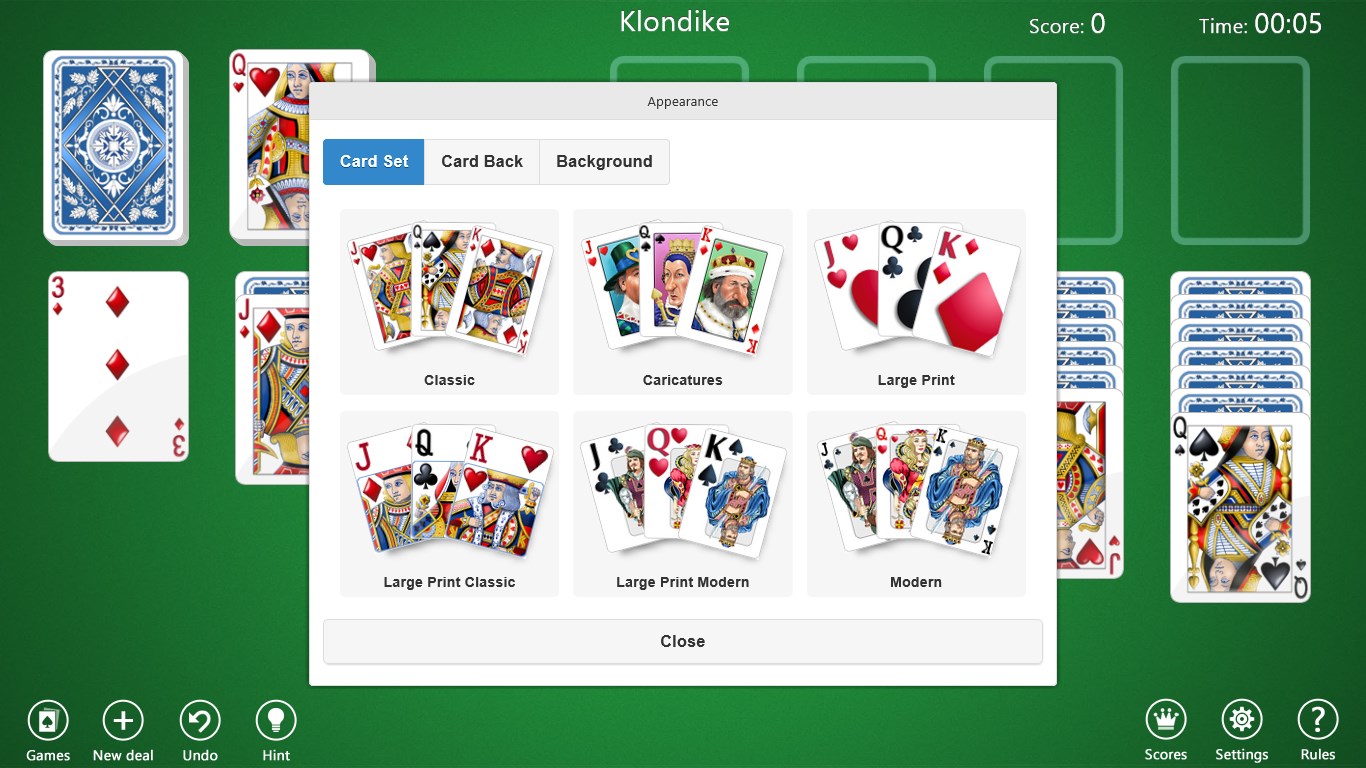
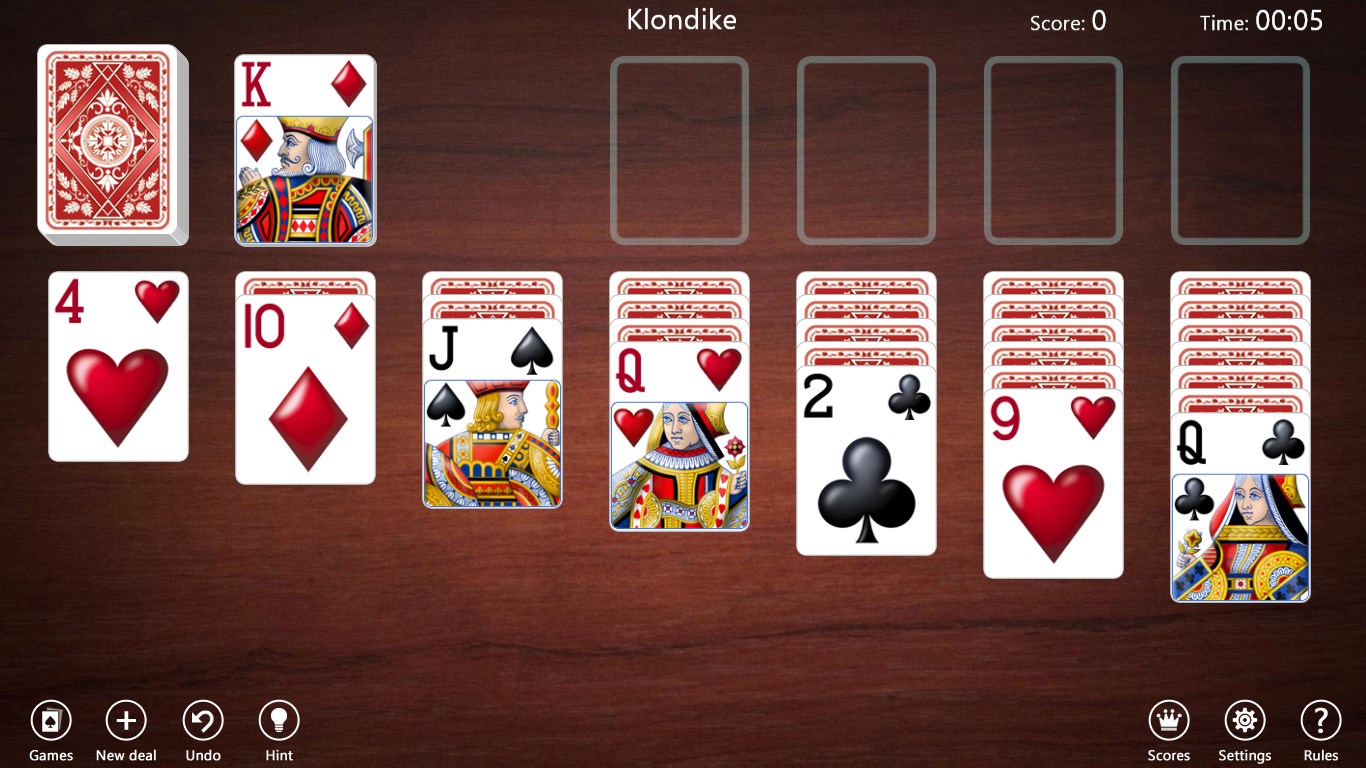
The first thing you'll notice upon launching Klondike Solitaire Collection is its visually appealing, uncluttered interface. The game employs a soft color palette reminiscent of a classic green felt table, enveloped in a modern design aesthetic that feels warm yet professional. Navigation is straightforward, with clearly labeled buttons and easy access to settings, making it approachable even for newcomers.
This polished interface contributes to a smooth user experience,free from distracting animations or lag. Whether you're swiping cards with a mouse or touchpad, the responsiveness remains sharp, offering a fluid gameplay experience akin to shuffling real cards on a well-worn table. This seamless fluidity makes long sessions comfortable and frustration-free.
Core Features: Clarity, Customization, and Challenge
Traditional Gameplay with Modern Options
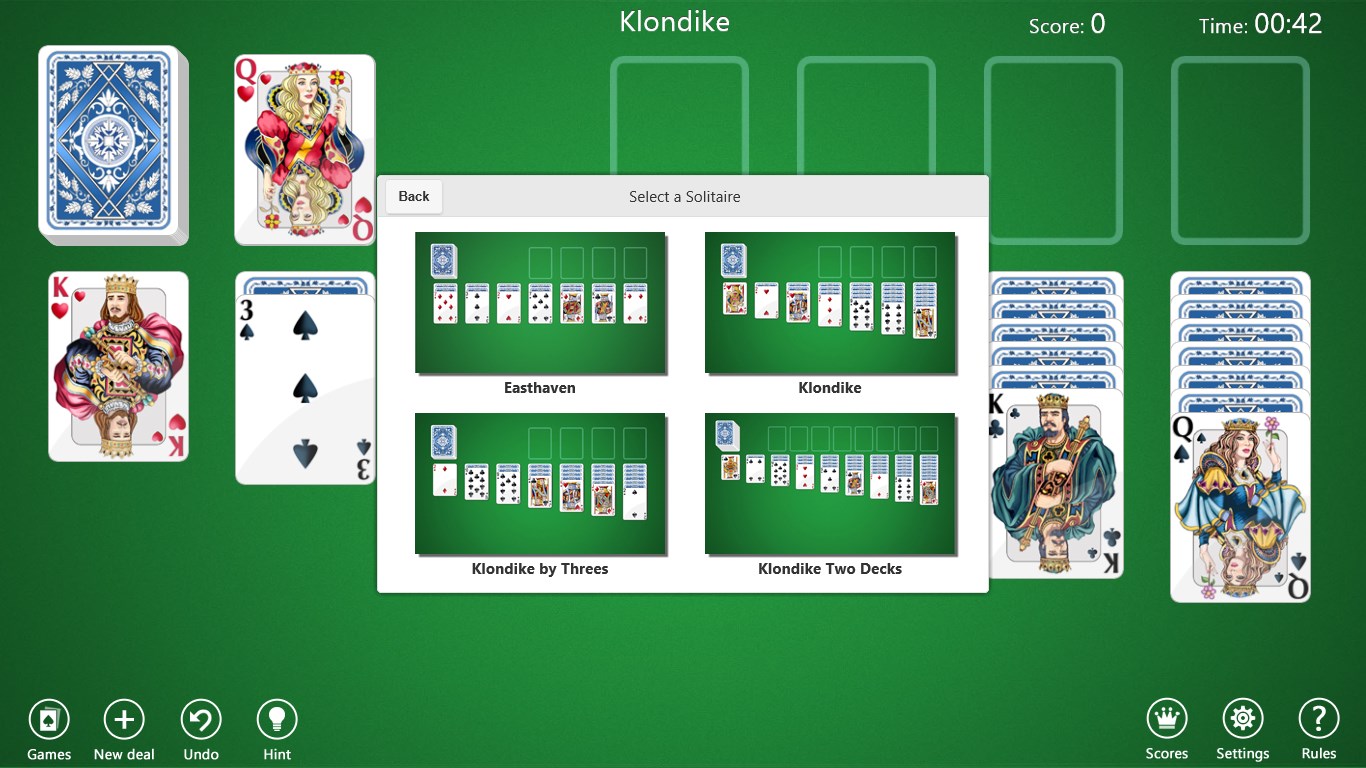
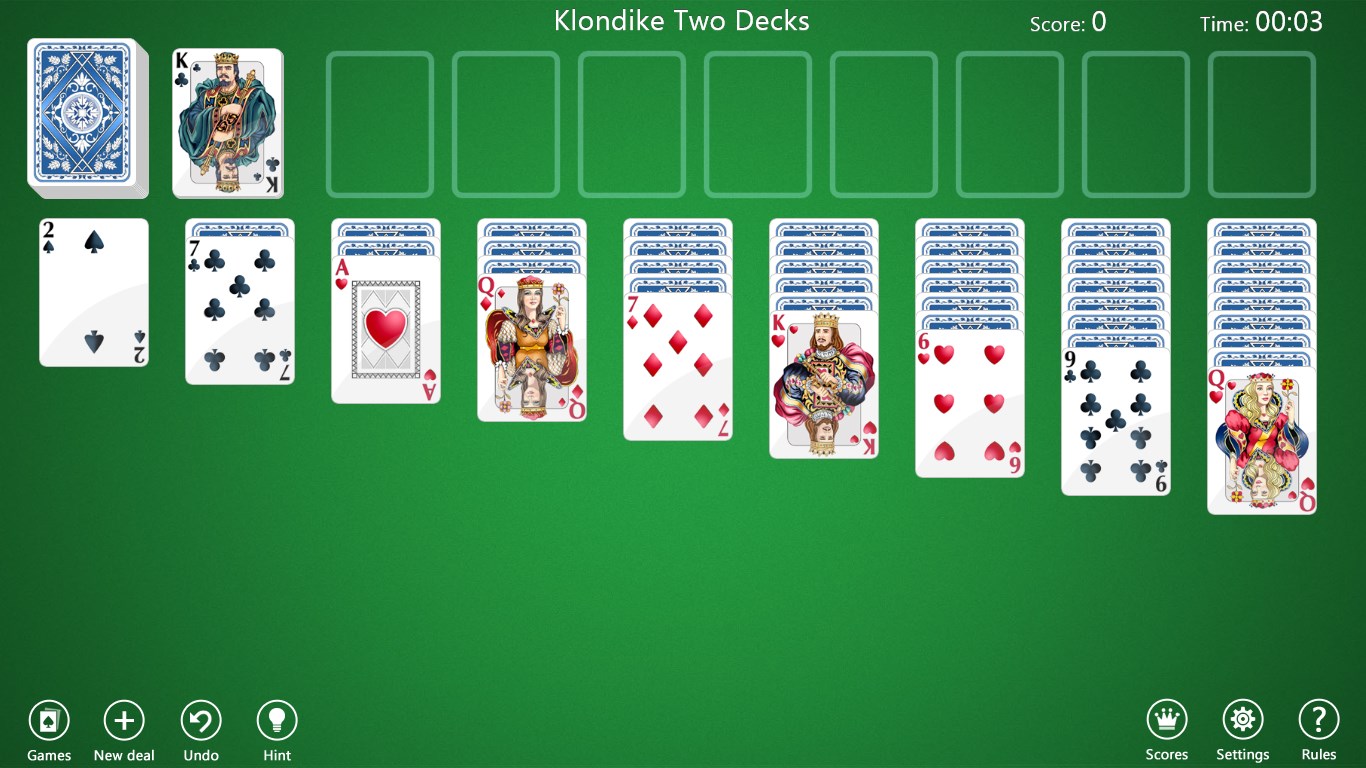
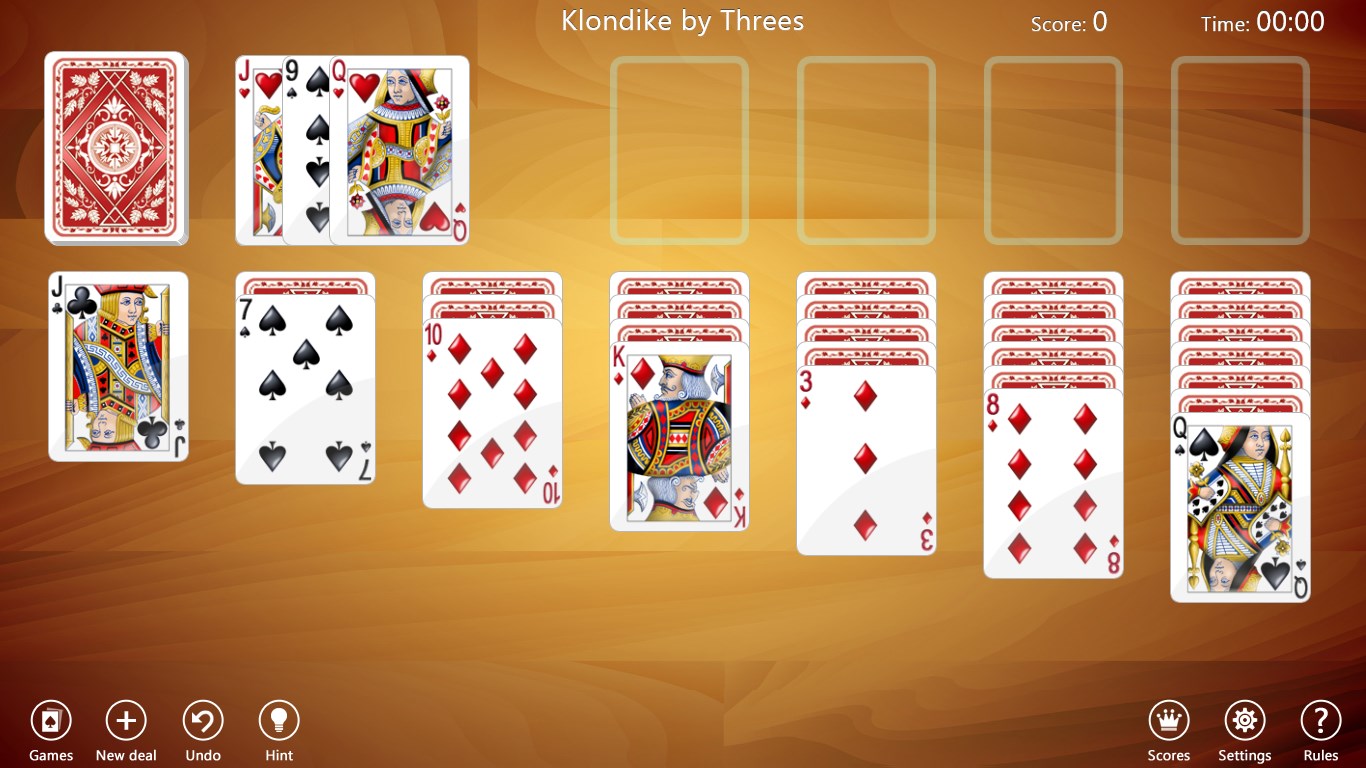
The app faithfully recreates the classic Klondike solitaire experience, complete with a standard deck, multiple game modes, and familiar rules. One of its notable strengths is the ability to customize gameplay options—such as the number of decks and deal styles—allowing players to tailor their experience to their preferred difficulty level. This flexibility caters well to both casual players who want a quick game and purists seeking authentic rules.
Statistics and Progress Tracking
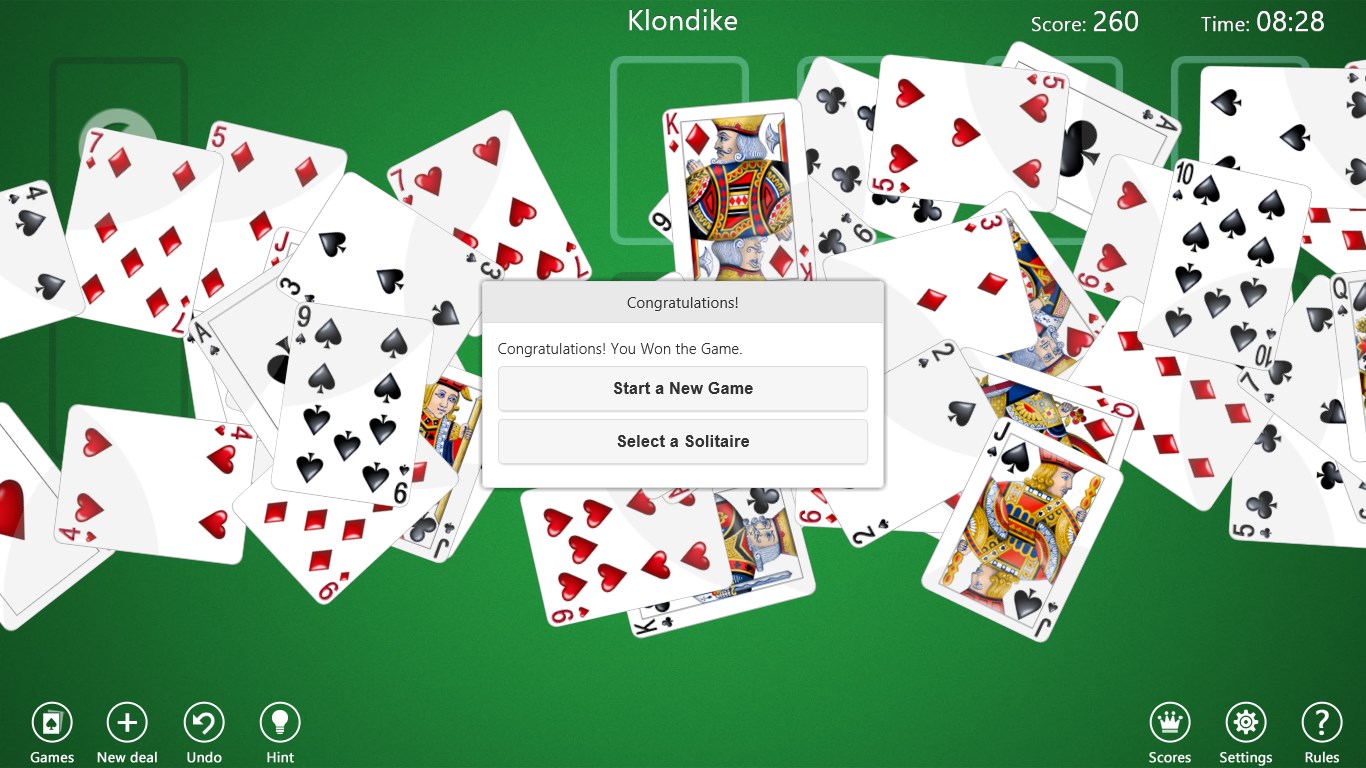
A standout feature is the built-in statistics panel, where players can track their wins, loss ratios, and average move counts over time. This not only adds a layer of motivation but also allows for self-assessment and strategy refinement. Unlike many similar apps that treat gameplay as a one-off experience, this focus on progress tracking encourages continuous improvement and sustained engagement.
Special Features: The Unique Card Reveal Method
This collection's most distinctive element is its innovative card reveal mechanism. Instead of the standard click-to-flip, it offers a smooth drag-and-release motion that mimics physically turning a card, providing a tactile sensation that enhances immersion. This subtle touch elevates the gameplay, making card interactions feel more natural and satisfying—almost like shuffling in your hands but with the convenience of a digital interface.
User Experience and Performance Assessment
The game's user interface is designed with clarity and ease of use in mind. Operations like moving cards, undoing moves, or accessing hints are all intuitively placed, reducing the learning curve for newcomers. The app performs reliably on Windows devices, with minimal loading times and no noticeable glitches, even during extended sessions.
Compared to other card apps, Klondike Solitaire Collection stands out for its balance of simplicity and depth. While many similar apps focus solely on aesthetics or gameplay variants, this one emphasizes the tactile feel of card manipulation and personalized statistics, providing a richer, more engaging experience. It bridges the gap between traditional card game nostalgia and modern digital comfort, making it appealing to a broad age range.
Recommendations and Final Thoughts
If you're in search of a straightforward, clutter-free solitaire experience that respects tradition while subtly enhancing user interaction, this app is highly recommended. Its intuitive design, combined with the innovative card reveal mechanism, makes it a cut above many free offerings. It's particularly suited for players who appreciate a clean visual style and value progress tracking to hone their skills over time.
For those who prefer more complex variants or social multiplayer features, this collection might feel a bit limited. However, as a reliable and well-crafted traditional Klondike solitaire app, it ticks all the right boxes. Whether you're unwinding after a busy day or filling short breaks with classic gameplay, this app provides a delightful, tactile experience that keeps the timeless charm of solitaire alive and well on your Windows device.
Pros
- Intuitive user interface
- Variety of game modes
- Offline play support
- Daily challenges and achievements
- Minimal ads and in-app purchases
Cons
- Limited customization options
- Lacks advanced hints or undo features
- Occasional UI lag on older devices
- Limited social sharing options
- In-game hints are not always available











