




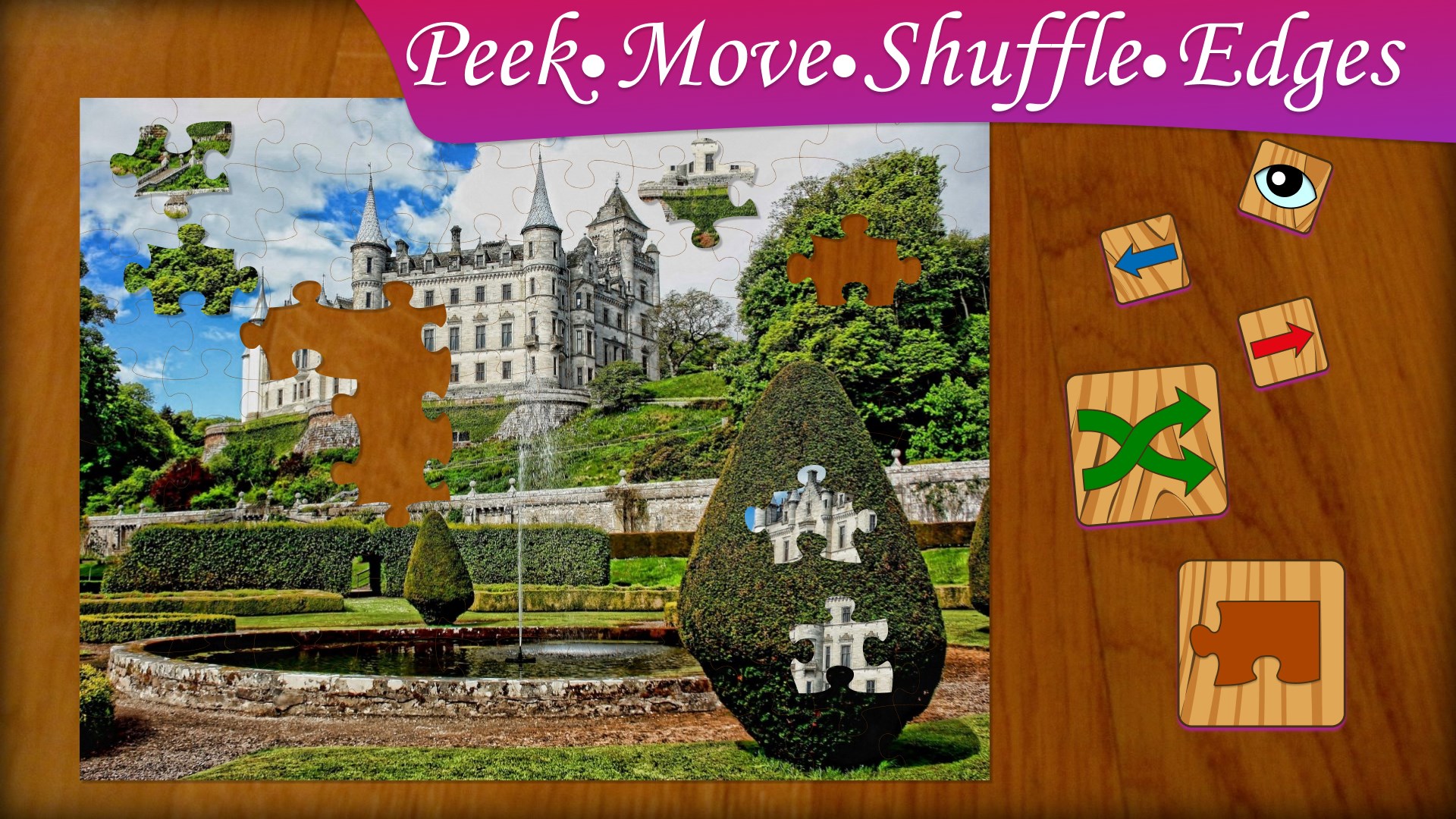


- Name Jigsaw Puzzle Frenzy
- Category Card & board
- Developer Frenzy Games
- Available on PC
- OS Windows 10 version 17763.0 or higher
- languages English (United States)
A Bright Spot for Puzzle Enthusiasts: Jigsaw Puzzle Frenzy for Windows
If you're a puzzle lover seeking a relaxing yet challenging way to unwind on your PC, Jigsaw Puzzle Frenzy offers a classic jigsaw experience with a modern twist. With its colorful graphics and intuitive interface, it brings the timeless joy of puzzle-solving right into your digital space.
About the App
Jigsaw Puzzle Frenzy for Windows, developed and published by Frenzy Games, is a digital adaptation of traditional jigsaw puzzles. It aims to deliver an engaging and accessible puzzle experience for players of all ages and skill levels. The app's core features include a vast collection of puzzles spanning various themes, customizable puzzle pieces, and a user-friendly interface that caters both to casual gamers and dedicated puzzle enthusiasts. Its target audience encompasses casual players seeking relaxation, families looking for shared entertainment, and puzzle fans eager for new challenges.
Immersive Puzzle Experience with Rich Customization Options
From the moment you launch Jigsaw Puzzle Frenzy, you're greeted with vibrant visuals reminiscent of a cozy craft room filled with scattered puzzle pieces awaiting assembly. The app's interface embodies simplicity and familiarity, making navigation feel effortless—like flipping through a well-organized photo album. The core allure lies in its extensive library of puzzles, which ranges from serene landscapes to whimsical illustrations, ensuring there's always something to captivate your interest. Additionally, the customization feature allows users to select the number of pieces, from a manageable dozen to hundreds of intricate fragments, catering to both beginners and masters alike. This flexibility enables players to tailor their challenge level, making every puzzle a personalized adventure.
Fluid Gameplay and Intuitive Interaction
Applying the analogy of assembling a physical jigsaw on a coffee table, the app's drag-and-drop mechanics feel smooth and responsive, akin to your fingertips pausing just right over a puzzle piece. The touch and click controls are optimized for Windows devices, ensuring that sorting, rotating, and snapping pieces together happen seamlessly.Navigation through puzzles is notably effortless, with minimalist controls that do not distract from the puzzle-solving process. Moreover, the game offers helpful features such as hint buttons and magnification tools, which assist users without breaking the flow—like a gentle hand guiding you through a tricky corner of the puzzle. The minimal learning curve allows newcomers to start piecing together their first puzzle within minutes, while seasoned players will appreciate the variety and depth of challenges.
Unique Features That Set It Apart
While many digital jigsaw games exist, Jigsaw Puzzle Frenzy's standout feature is its adaptive difficulty setting coupled with themed collections. Unlike other apps that merely offer random puzzles, this app categorizes images into diverse themes—nature, art, holidays—and adjusts the complexity based on user preference. This thoughtful design creates a personalized puzzle experience, comparable to having a dedicated puzzle curator tailoring challenges just for you. Another exceptional aspect is the "Puzzle Swap" community feature, which allows players to share their completed puzzles or download new ones from a curated gallery. This social dimension elevates the app from a solitary activity to a shared creative experience.
Should You Download It? Our Verdict
Jigsaw Puzzle Frenzy for Windows strikes a commendable balance between simplicity and depth. Its rich puzzle library, smooth gameplay, and customizable challenges make it an ideal choice for both casual puzzlers and experienced enthusiasts craving a relaxing pastime. The app's easy-to-navigate interface and thoughtful features—like hints and community sharing—enhance the overall experience without overwhelming the user. In comparison to other card and board-style apps, it's notably distinguished by its focus on visual variety and adaptive difficulty, creating a more engaging and personalized journey through the world of jigsaw puzzles.
In conclusion, I recommend Jigsaw Puzzle Frenzy if you're seeking a stress-free yet mentally stimulating activity to enjoy during breaks or quiet evenings. Its blend of user-friendly design, diverse content, and community aspects makes it a worthwhile addition to your Windows app collection. Whether you're just starting out or hunting for your next puzzle challenge, this app offers a steady stream of colorful entertainment that will keep your hands busy and your mind engaged.
Pros
- Intuitive and user-friendly interface
- Wide variety of puzzles and themes
- Progressive difficulty levels
- Rich customization options
- Excellent graphics and animations
Cons
- Limited offline features
- In-app purchase pressure
- Occasional app lag or crashes
- Limited multiplayer options
- Basic tutorial guidance











