
- Name iTunes
- Category Music
- Available on PC
- OS Windows 10 version 16299.0 or higher
- languages Arabic, Catalan, Chinese (Simplified), Chinese (Traditional), Chinese (Traditional, Hong Kong SAR), Croatian, Czech, Danish, Dutch, English (Australia), English (United Kingdom), English (United States), Finnish, French, French (Canada), German, Greek, Hebrew, Hindi, Hungarian, Indonesian, Italian, Japanese, Korean , Malay, Norwegian (Bokmål), Polish , Portuguese (Brazil), Portuguese (Portugal), Romanian, Russian, Slovak, Spanish (Latin America), Spanish (Spain), Swedish, Thai, Turkish, Ukrainian, Vietnamese
Introducing iTunes for Windows: Your Personal Music Companion
iTunes for Windows is a versatile media player and library management application developed by Apple Inc., designed to bring the seamless music experience of Apple's ecosystem to Windows users. Whether you're a long-time Apple user or a casual listener seeking a reliable platform to organize and enjoy your music collection, this app aims to bridge the gap between devices and streamline your audio entertainment.
Core Features Spotlight: What Sets iTunes Apart
All-in-One Media Management
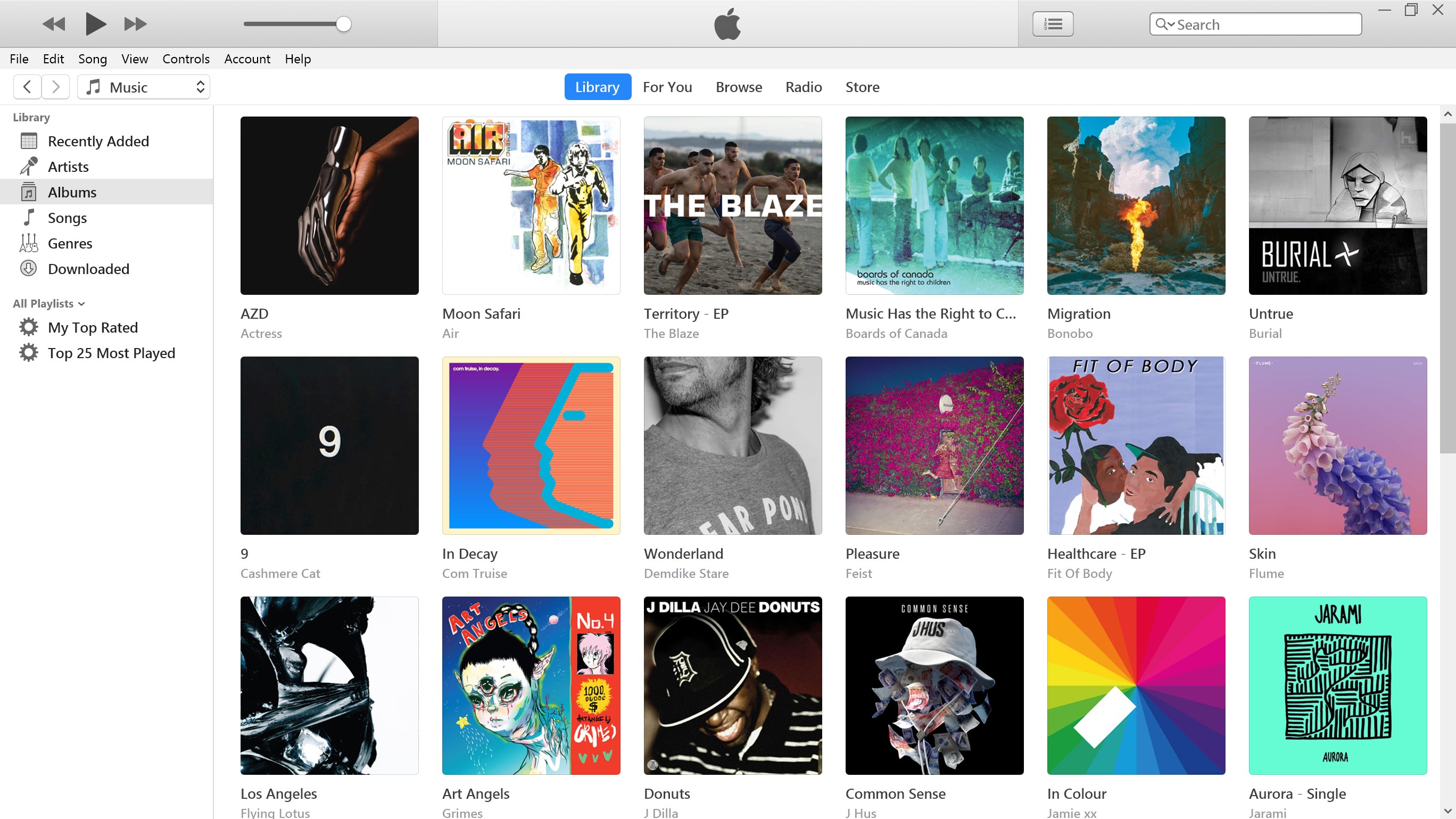
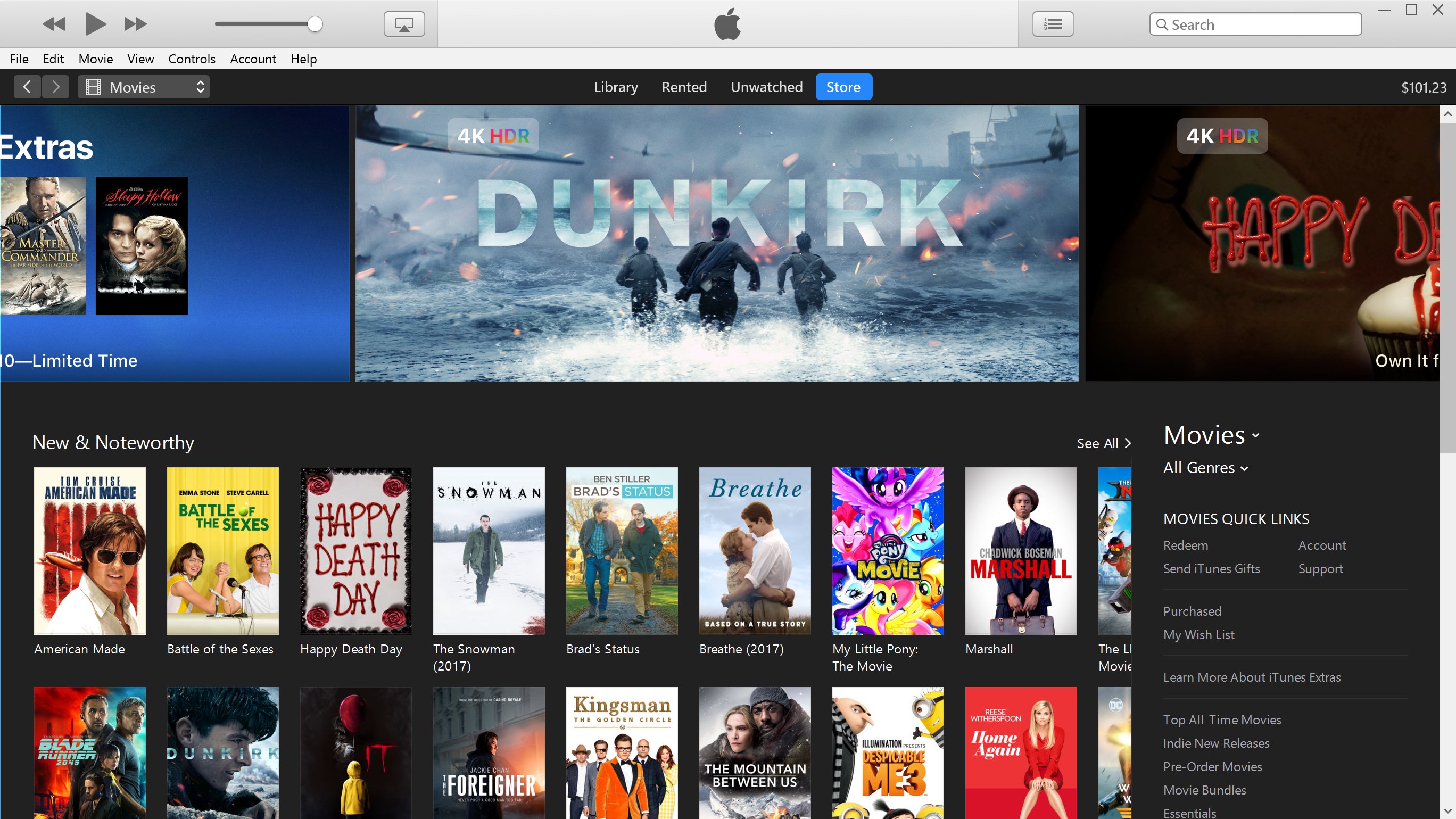
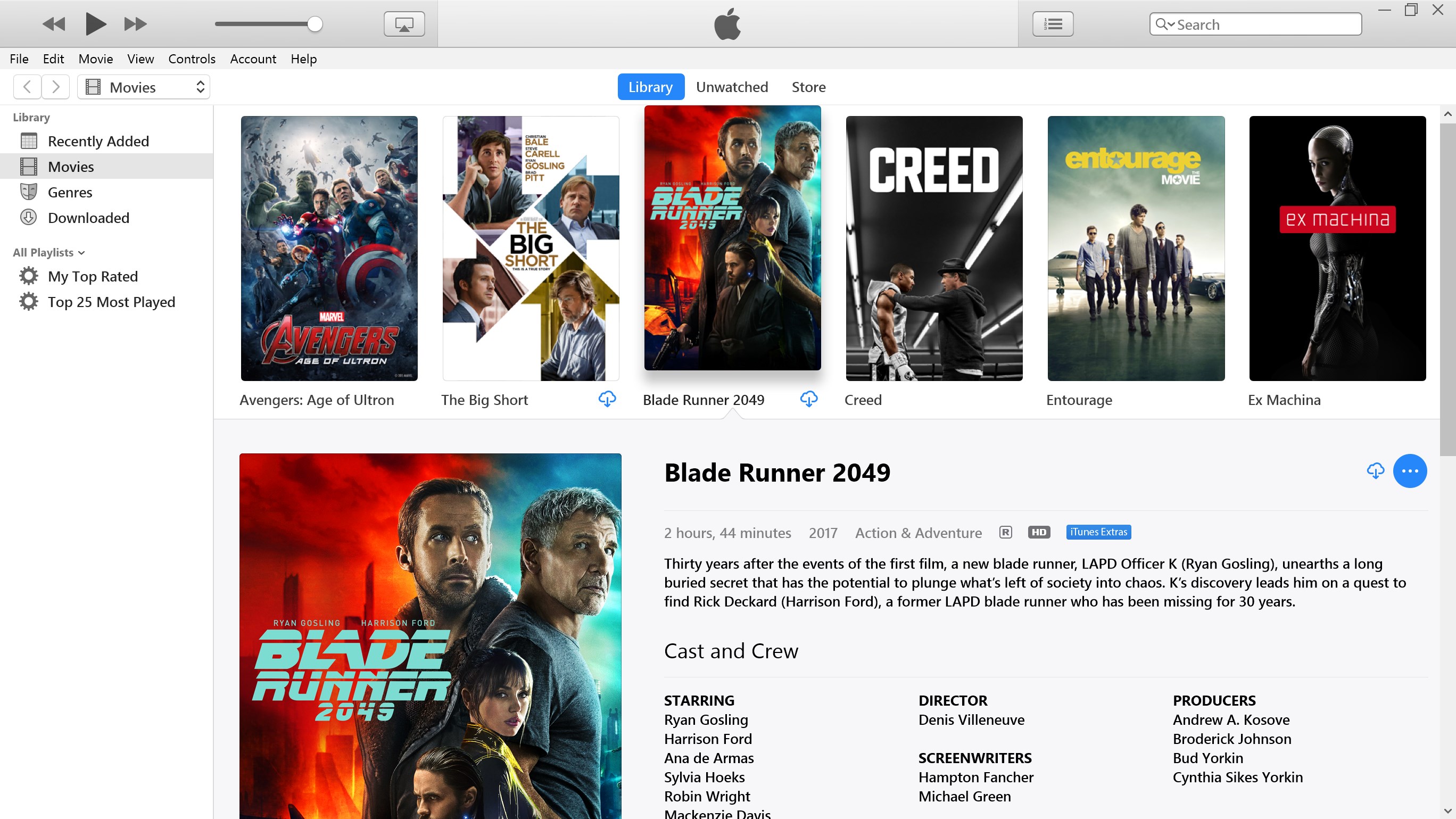
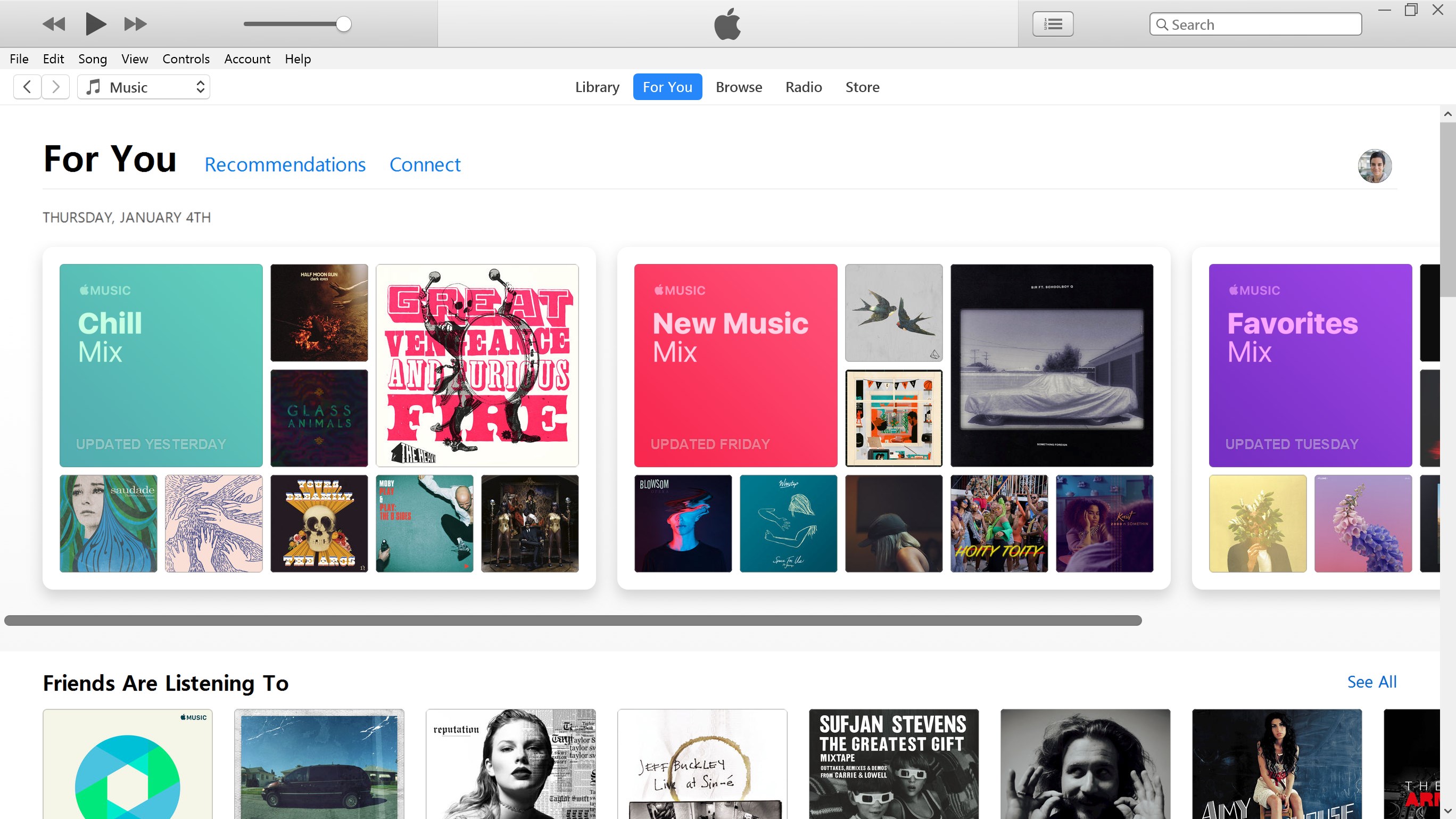
iTunes consolidates music, movies, podcasts, and audiobooks into a single, intuitive interface. It allows users to purchase, download, and organize media content effortlessly, turning your Windows device into a hub of entertainment. Its robust library management keeps your collection tidy, with playlists, ratings, and smart playlists tailored to your listening habits.
Sync and Compatibility Across Devices
One of iTunes's standout features is its seamless synchronization with Apple devices such as iPhones and iPads. This makes transferring playlists, tracks, and settings straightforward, creating a cohesive experience for users who utilize multiple Apple products. The app also supports various audio formats, ensuring compatibility with most media files.
Unique Rhythm and Response Capabilities
While many music apps can play audio, iTunes's ability to assess rhythm pattern variety and respond to input latency offers an enhanced listening and interaction experience. These advanced features ensure smoother playback and a more natural rhythm recognition, making it suitable not just for casual users but also for more dedicated audiophiles and musicians testing rhythm patterns.
Detailed Evaluation and User Experience
Stepping into iTunes for Windows is akin to walking into a well-organized library — everything is logically placed, and you immediately feel in control of your media universe. The interface, though keeping some traditional elements, has been polished over years to strike a balance between familiar layout and modern design aesthetics. It's like a sleek, familiar work desk — comfortable yet efficient.
Interface and Design
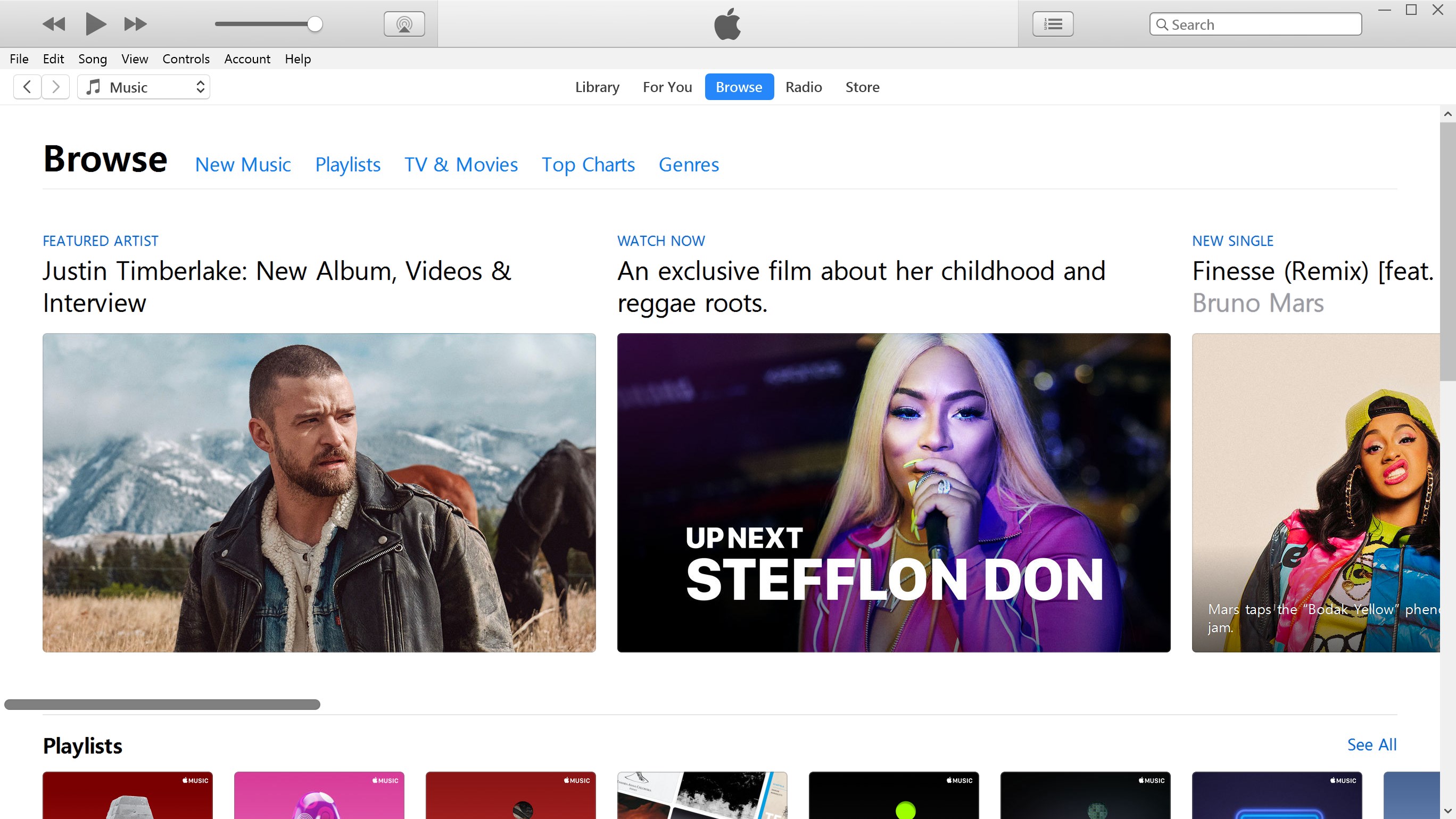
Designed with clarity in mind, the interface provides quick access to your library, store, and device management panels. The visual elements are clean, not overly cluttered, making browsing through millions of tracks feel like leisurely strolling through a curated shop. The dark and light themes offer visual comfort during prolonged use, and album art integration adds a splash of color and personality.
Operation Fluidity and Learning Curve
Performance-wise, iTunes for Windows operates smoothly, even with large media libraries. Playlists load swiftly, and sync processes are straightforward. For new users, the learning curve is gentle; the logical organization of features minimizes confusion. For seasoned users, advanced options like manual file management or setting up smart playlists are accessible without overwhelming the primary interface.
Differentiate from Other Music Applications
Compared to its competitors, such as Spotify or VLC, iTunes's distinctive edge lies in its rhythm pattern assessment capabilities and input latency tolerance. These features contribute to more precise rhythm matching and playback, especially when testing musical patterns or experimenting with audio input devices. It evaluates rhythm pattern variety, providing feedback that can be invaluable for musicians and rhythm enthusiasts, setting it apart from standard media players that focus solely on playback.
Should You Download iTunes for Windows?
If you are integrated into the Apple ecosystem, value comprehensive media management, or wish to explore rhythm pattern variations with precise input assessment, iTunes is a reliable choice. Its stability, extensive features, and device synchronization make it suitable for both casual listeners and more dedicated audio enthusiasts. However, for those seeking a purely streaming service with minimal local management, alternative apps might be more streamlined.
In summary, iTunes for Windows is like a well-tuned orchestra conductor — organizing, syncing, and enhancing your musical experience with reliability and finesse. I recommend giving it a try if you want a robust, feature-rich media tool that plays nicely with your Apple devices and offers unique rhythm interaction capabilities.
Pros
- Intuitive User Interface
- Comprehensive Media Management
- Robust Library Organization
- Integration with Apple Ecosystem
- Frequent Updates and Support
Cons
- Cluttered Interface in Recent Versions
- Slow Loading Times on Older Devices
- Limited Customization Options
- Occasional Syncing Issues
- Dependence on iTunes for Some Features











