
- Name IPTV Smarter Pro: Live TV
- Category Entertainment
- Developer Discover_App
- Available on PC
- OS Windows 10 version 17763.0 or higher
- Keyboard Integrated Keyboard
- Mouse Integrated Mouse
- Memory 2 GB
- languages English (United States)
IPTV Smarter Pro: Live TV for Windows — A Robust Streaming Companion
If you're on the hunt for a comprehensive IPTV solution that blends ease of use with a robust feature set, IPTV Smarter Pro might just be worth your attention. Designed for Windows users, this app promises to turn your PC into a versatile live TV hub, bringing a world of channels right at your fingertips.
About the Developer and Core Features
Developed and published by Discover_App, IPTV Smarter Pro is crafted by a team dedicated to delivering an intuitive IPTV experience for desktop users. Its main highlights include:
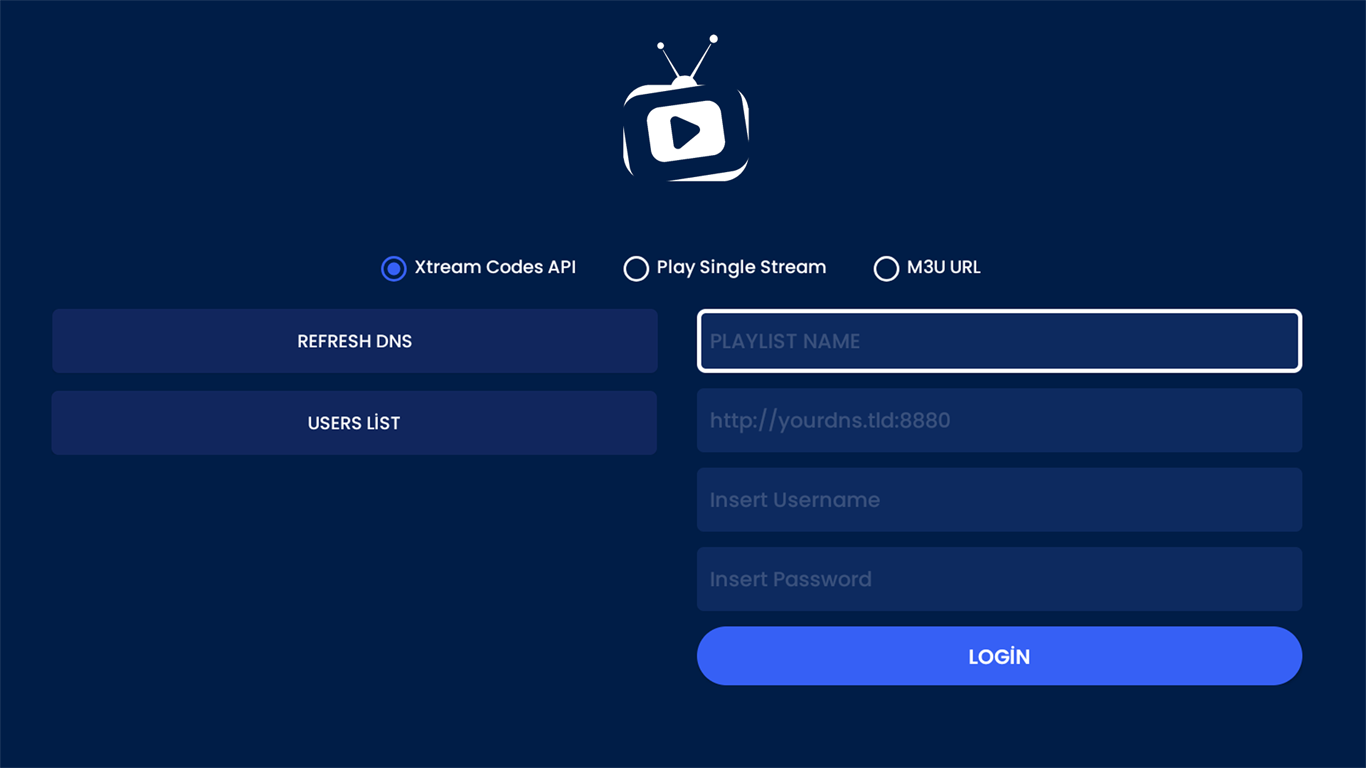
- Customizable Playlist Management: Effortlessly add, organize, and switch between multiple IPTV playlists, catering to diverse content tastes.
- EPG and Recording Support: View electronic program guides and set recordings to catch your favorite shows, transforming live viewing into a scheduled event.
- Stream Optimization and Playback Control: Enjoy smooth streaming with adaptive playback, plus features like subtitles and quality adjustments for tailored viewing.
- User-Friendly Interface: Designed with clarity and functionality in mind, catering to both tech-savvy users and IPTV newcomers.
IPTV Smarter Pro targets cord cutters, tech enthusiasts, and expatriates eager to access regional content on their Windows desktops with minimal fuss.
Launching into the IPTV World: Features and Experience
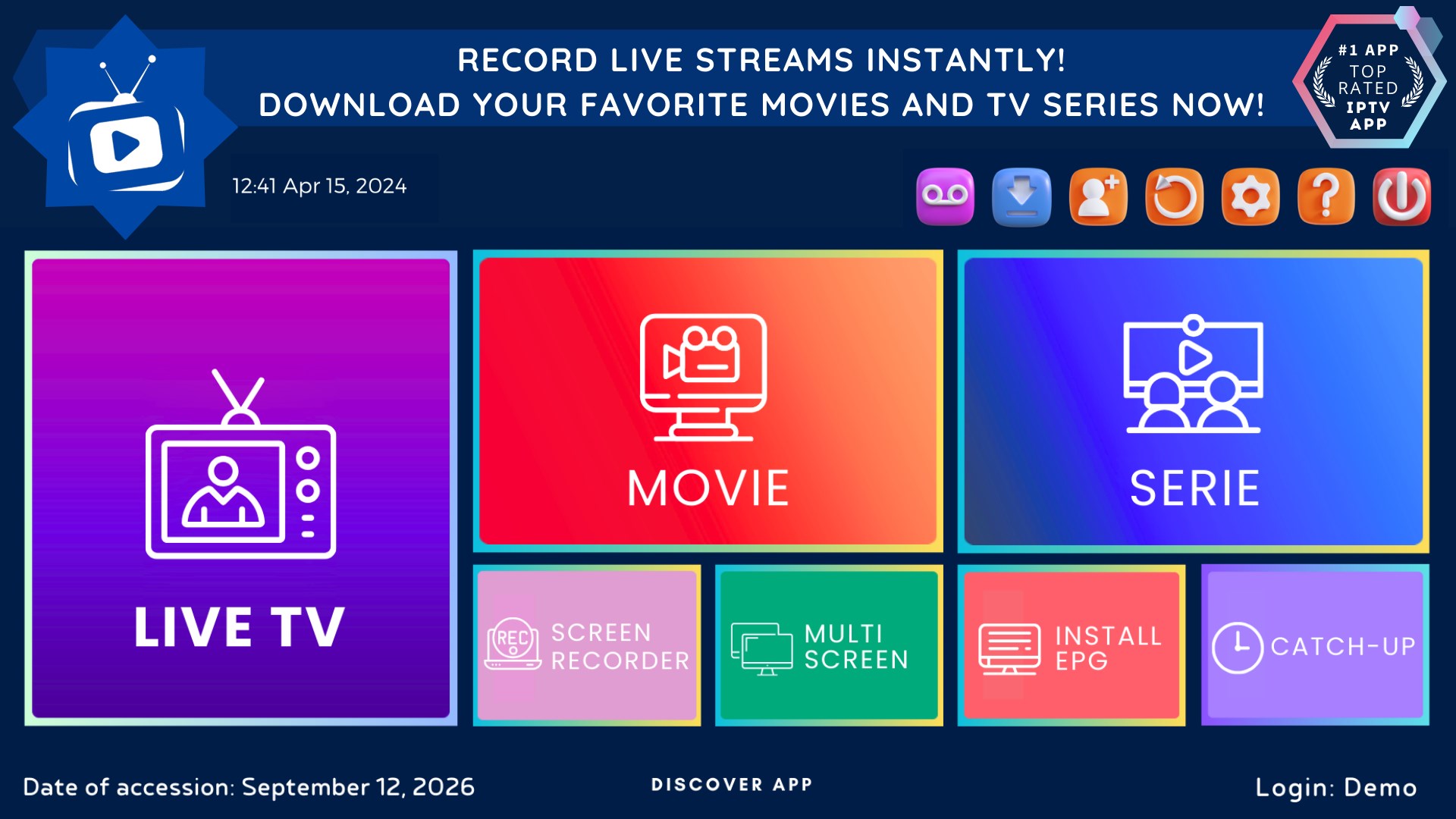
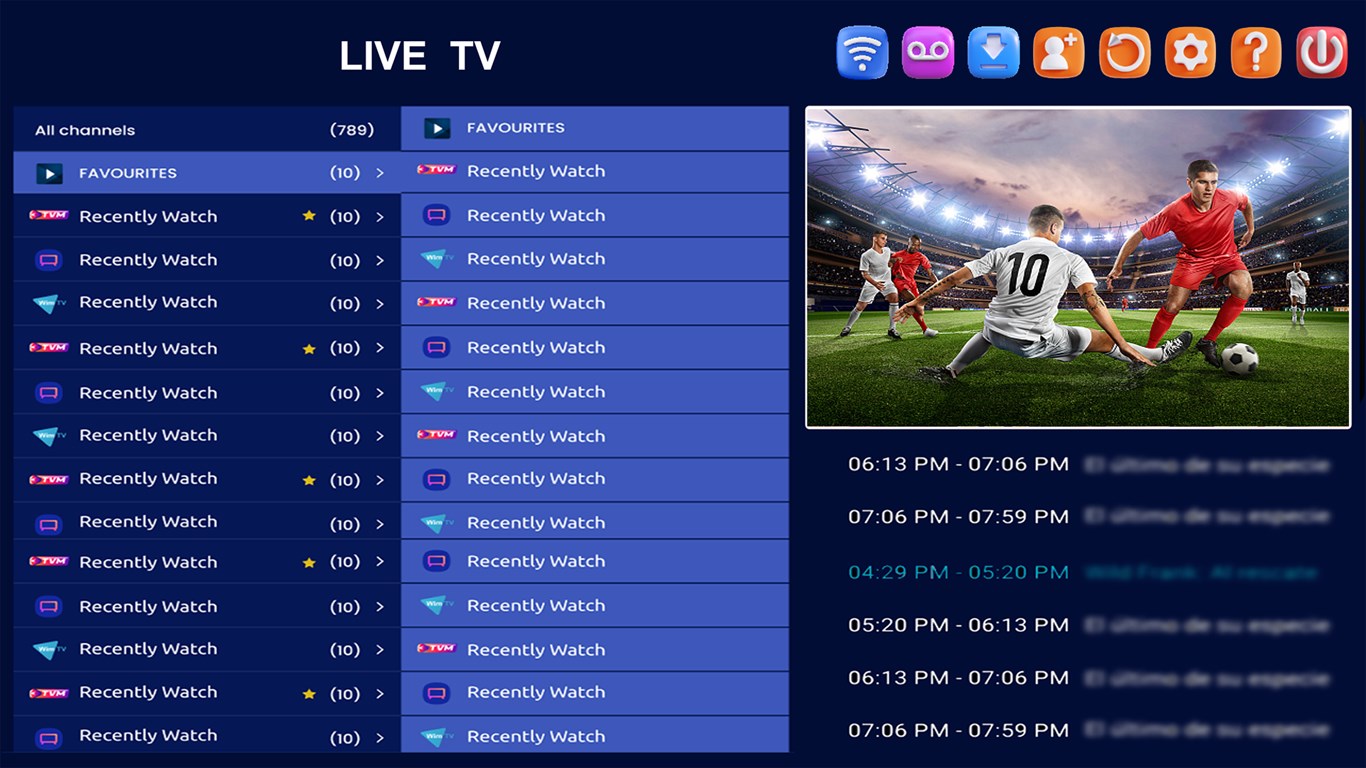
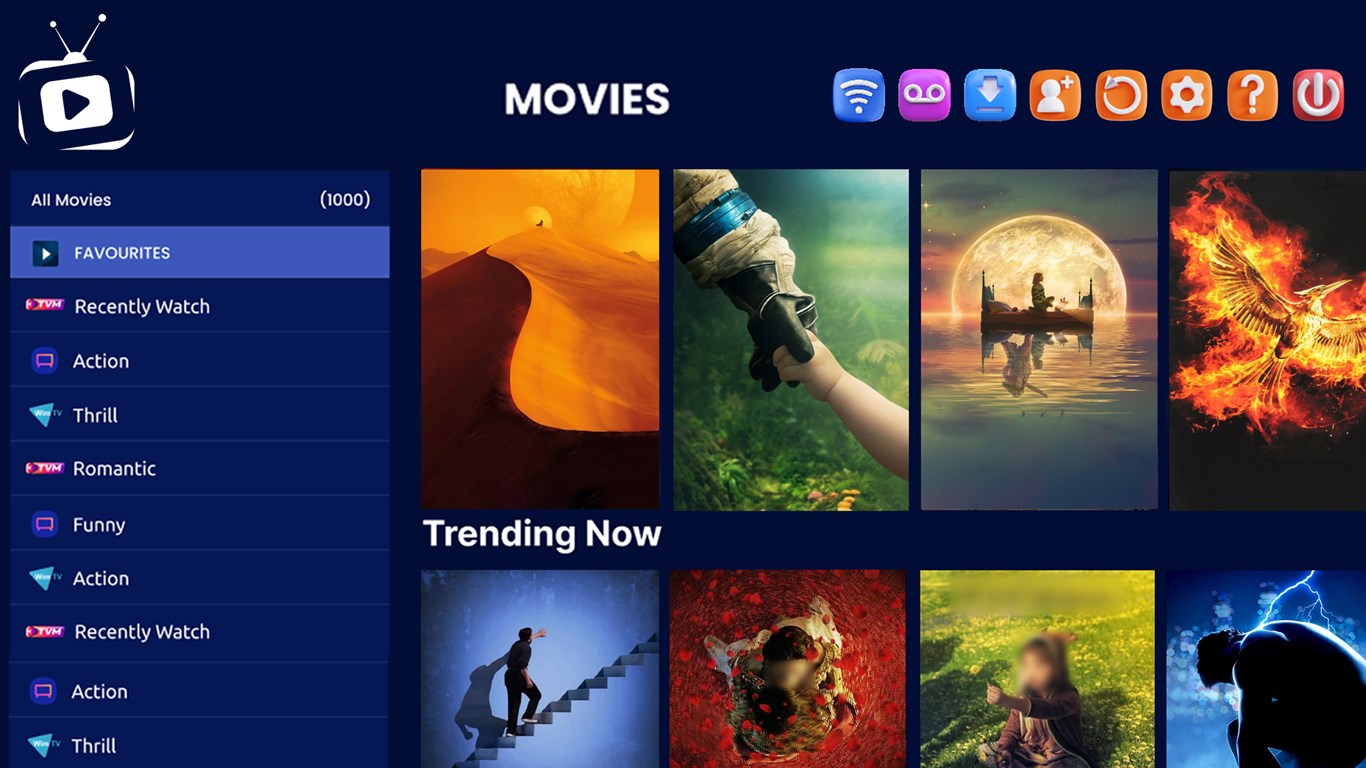
Imagine yourself sitting comfortably at your desk, opening IPTV Smarter Pro – a sleek interface greets you like a familiar media control panel in a spaceship cockpit. Navigating through your playlists feels like flipping through channels on a remote, but with the added power of customization. The app's design is straightforward, featuring a sidebar for playlist selection, a main viewing window, and easily accessible controls for playback.
Optimized Streaming and Personalization
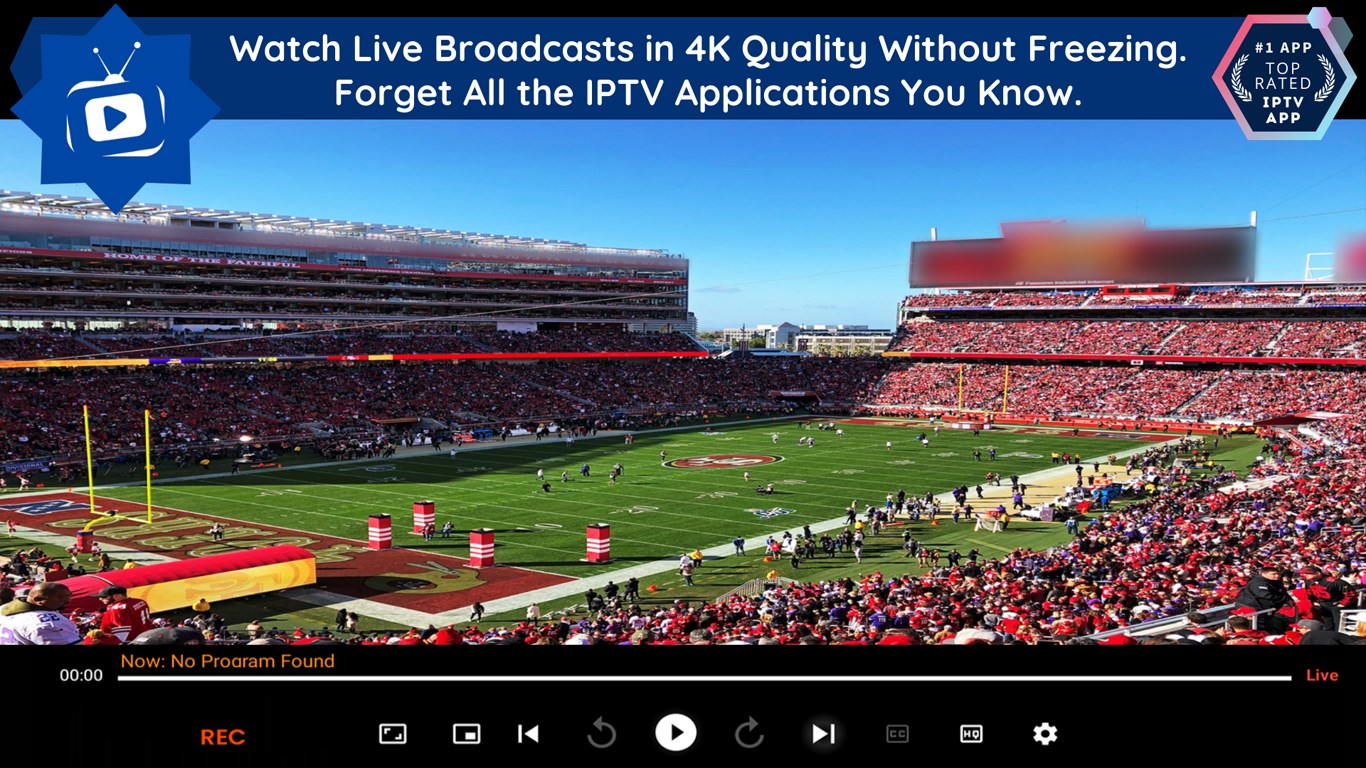
The core strength of IPTV Smarter Pro lies in its ability to manage multiple playlists smoothly. The app's playlist editor is intuitive—drag and drop your content, organize channels into categories, and switch between regional and international content effortlessly. Its stream adaptation technology adjusts quality on the fly, preventing buffering interruptions—imagine it as a smart navigator ensuring your viewing voyage remains uninterrupted even on fluctuating network conditions.
Electronic Program Guides & Recording Options
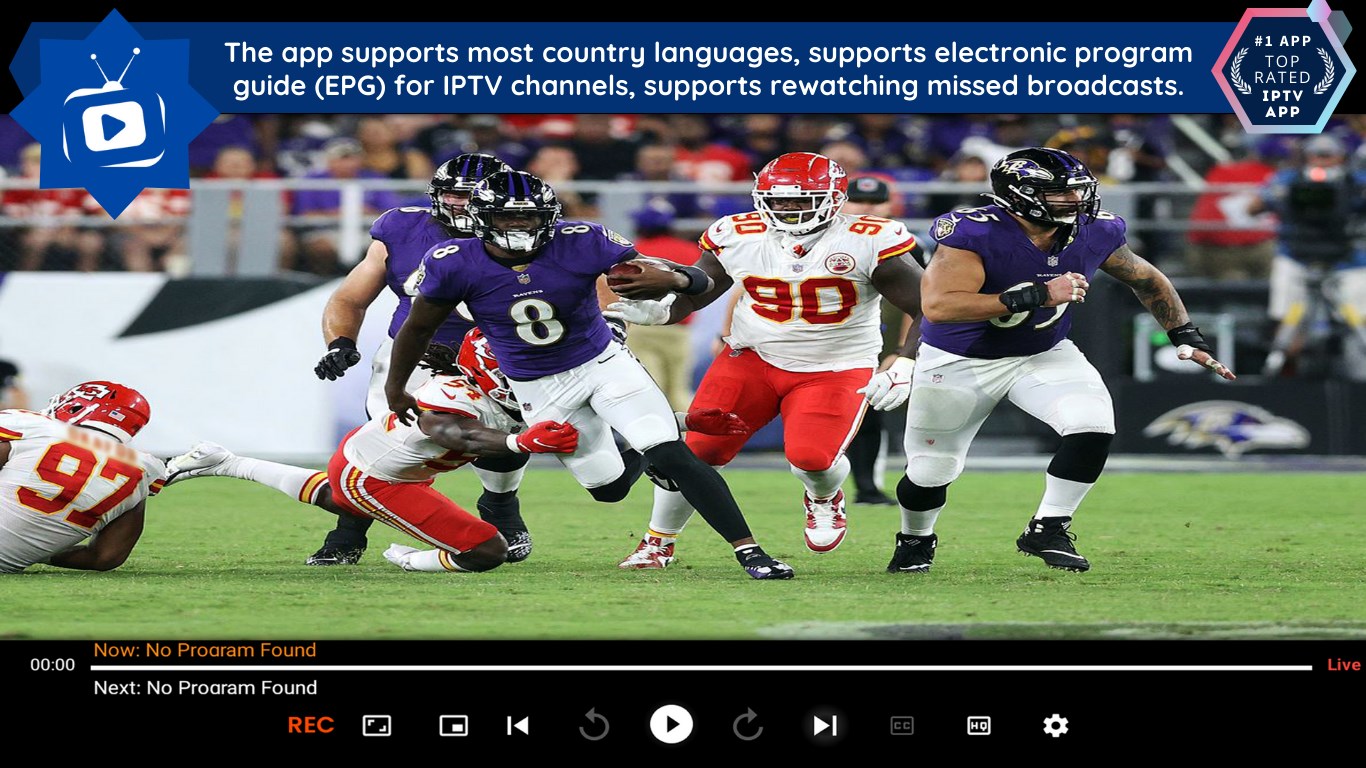
Unlike many IPTV apps that simply stream, IPTV Smarter Pro enhances your experience with integrated EPGs—think of them as a digital TV guide right inside the app, displaying current and upcoming programs. The recording feature is like having a personal VCR; you can schedule future recordings or capture live shows, making sure you never miss those must-watch moments. This functionality transforms casual viewing into a scheduled event, much like setting a reminder for an appointment.
User Interface and Overall Experience
From an experience perspective, IPTV Smarter Pro is designed with simplicity at its core. The interface is clean, uncluttered, and logical—almost like a well-organized bookshelf instead of a chaotic drawer. Navigating between playlists, guides, and streaming controls is seamless and responsive, ensuring that even newcomers won't be overwhelmed. The learning curve is gentle; most users will be up and running within minutes, especially if they've had prior experience with IPTV applications.
What Makes It Stand Out? The Unique Advantages
While many IPTV apps offer basic streaming, IPTV Smarter Pro distinguishes itself through its advanced playlist management and the integration of EPG and recording functions—all within a cohesive, easy-to-navigate interface. It also excels at content discovery, owing to its smart management of channels and categories, making it easier to find new content without getting lost in endless menus. Compared to competitors, its ability to deliver personalized, relevant content recommendations based on user preferences sets it apart, offering a tailored viewing experience that feels more like a curated TV service than a generic streaming app.
Recommendation and Usage Tips
Given its strengths, IPTV Smarter Pro is highly recommended for users who want an all-in-one IPTV solution on Windows—particularly those who value playlist customization and recording capabilities. It's suitable for casual viewers, expats, or anyone seeking regional content without subscribing to traditional cable services.
To maximize your experience, start by organizing your playlists thoughtfully and explore the EPG features for scheduled viewing. Keep in mind that the app's performance depends on the stability of your IPTV sources; ensuring reliable playlist content will lead to smoother streaming. Overall, IPTV Smarter Pro is a dependable companion for those ready to explore the IPTV universe on their Windows device.
Pros
- Broad Channel Selection
- High-Quality Streaming
- User-Friendly Interface
- Multi-Device Support
- Additional Features
Cons
- Channel List Inconsistency
- Occasional Buffering Issues
- Limited Free Content Access
- App Stability Variations
- Interface Customization Limits











