

- Name IPTV Player Pro: Epg, Favorite, Recorder
- Category Entertainment
- Developer Discover_App
- Available on PC
- OS Windows 10 version 17763.0 or higher
- Keyboard Integrated Keyboard
- Mouse Integrated Mouse
- Memory 1 GB
- languages English (United States)
Introducing IPTV Player Pro for Windows: A Robust Solution for Streaming Enthusiasts
IPTV Player Pro: Epg, Favorite, Recorder for Windows stands out as a comprehensive media hub designed for users seeking seamless live TV streaming and content management. With its user-friendly interface and powerful features, it aims to elevate the entertainment experience for a broad range of users—from casual viewers to avid cord-cutters.
Developer and Core Features
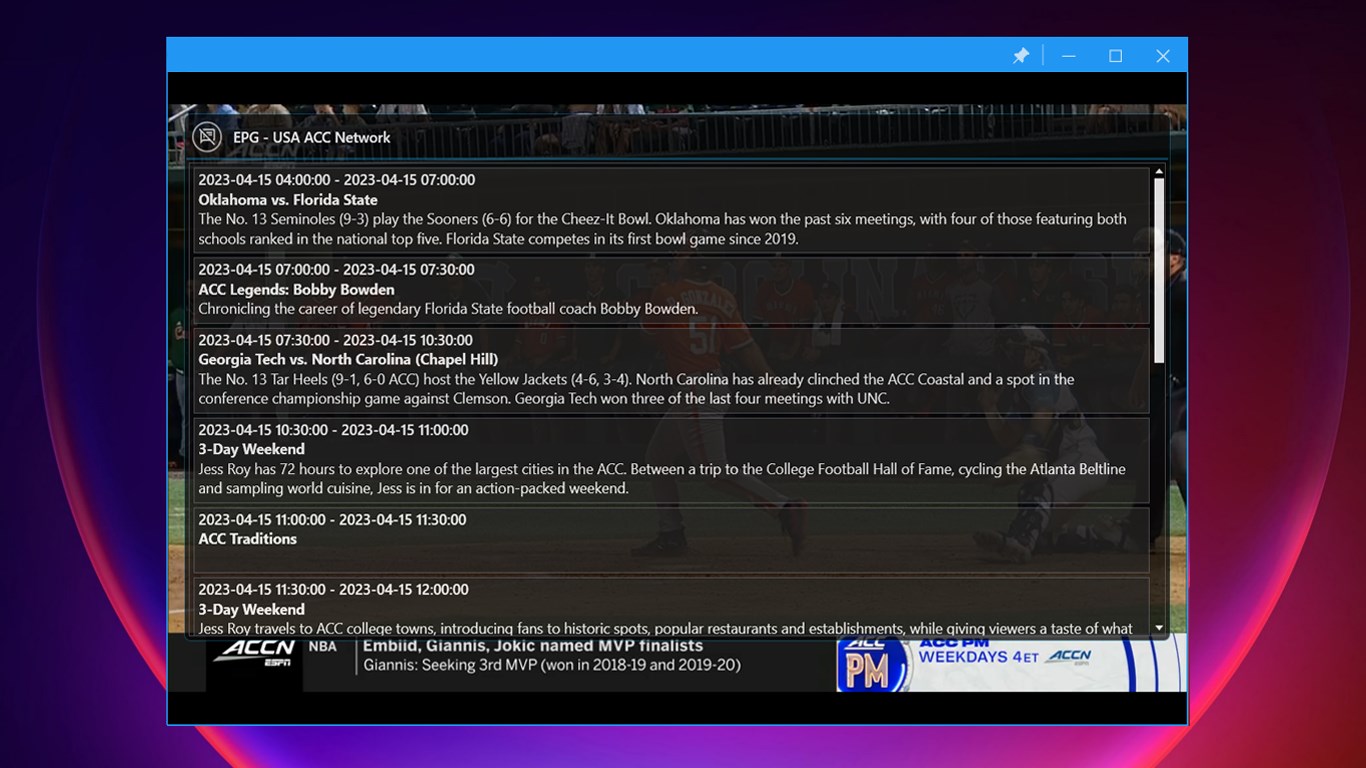
Developed by Discover_App, a dedicated team specializing in multimedia applications, IPTV Player Pro combines stability with versatility. Its standout features include an integrated Electronic Program Guide (EPG) for real-time scheduling, a Favorites system for quick access to preferred channels, and an in-built recorder to capture live streams for later viewing. These capabilities are designed to cater to users who crave organized, customizable, and on-demand entertainment.
A Closer Look at the User Experience
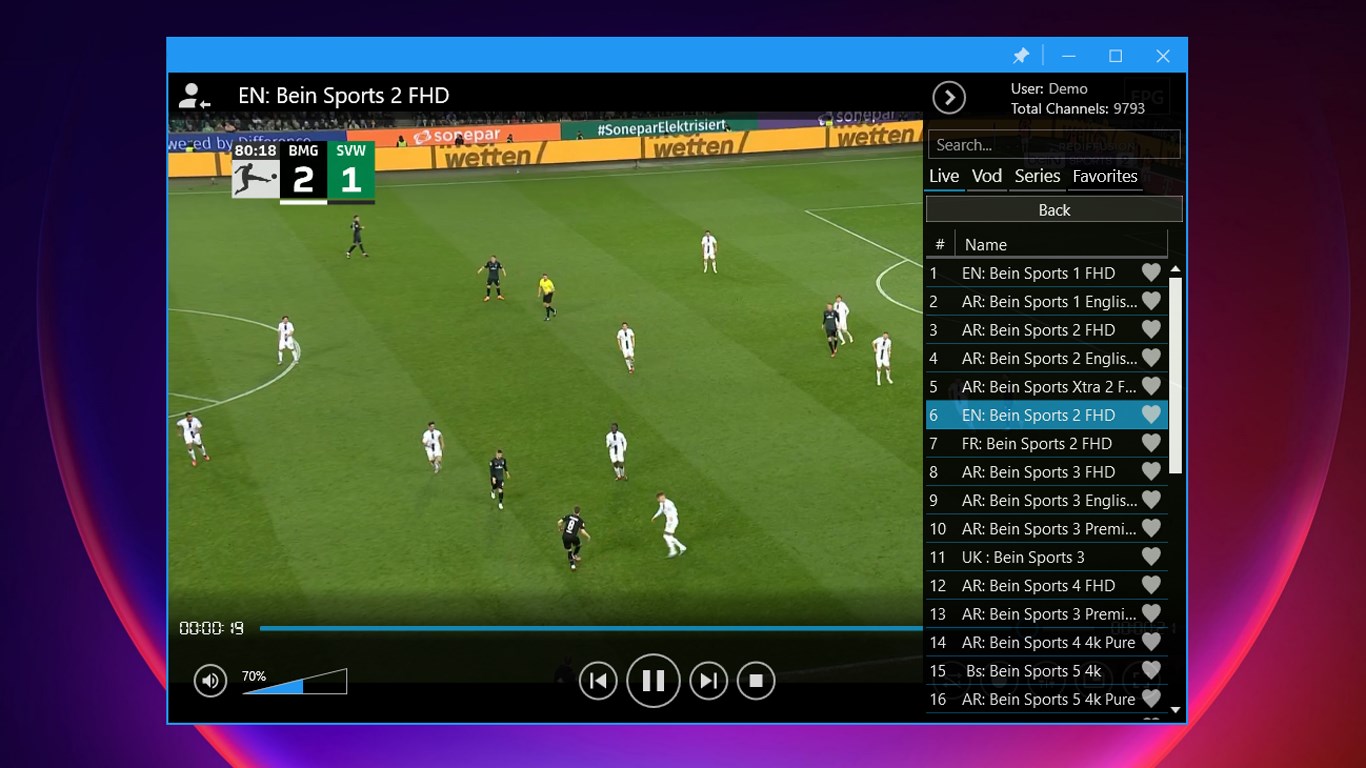
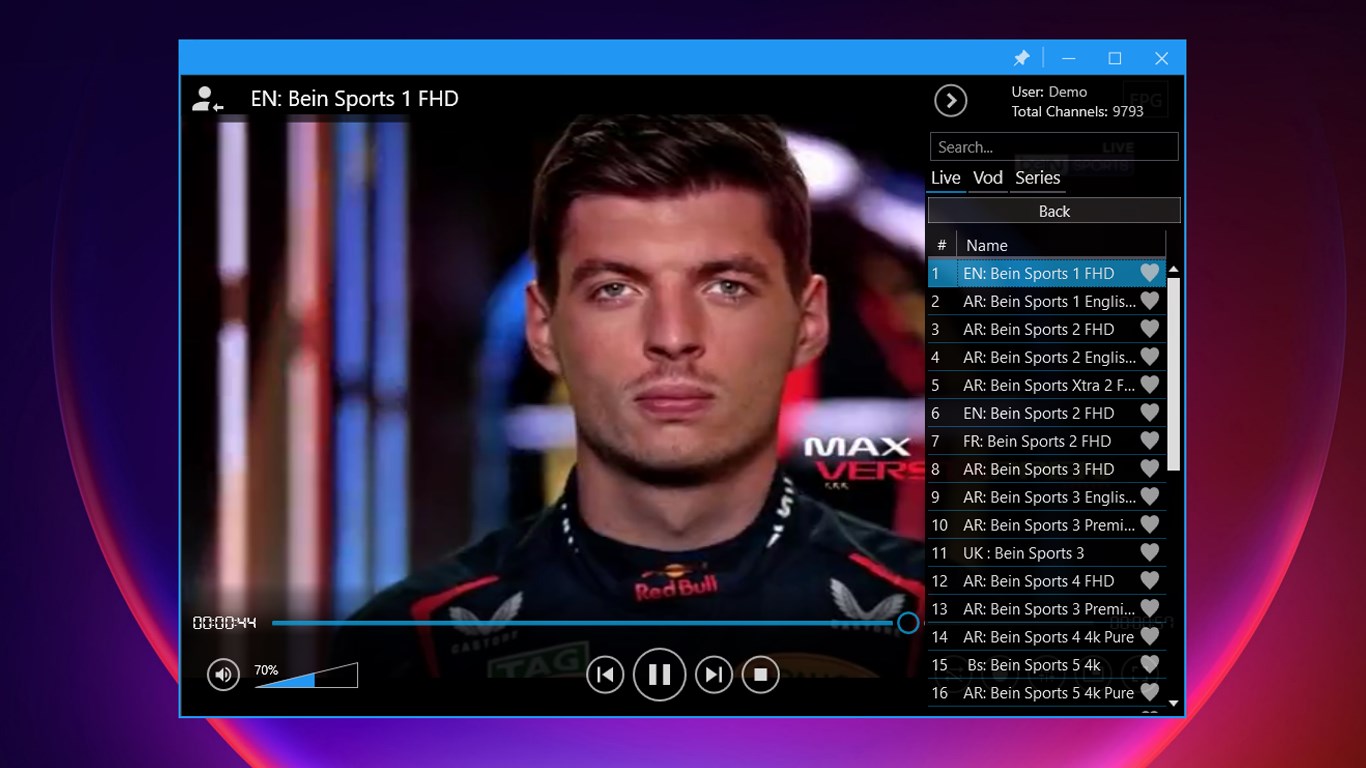
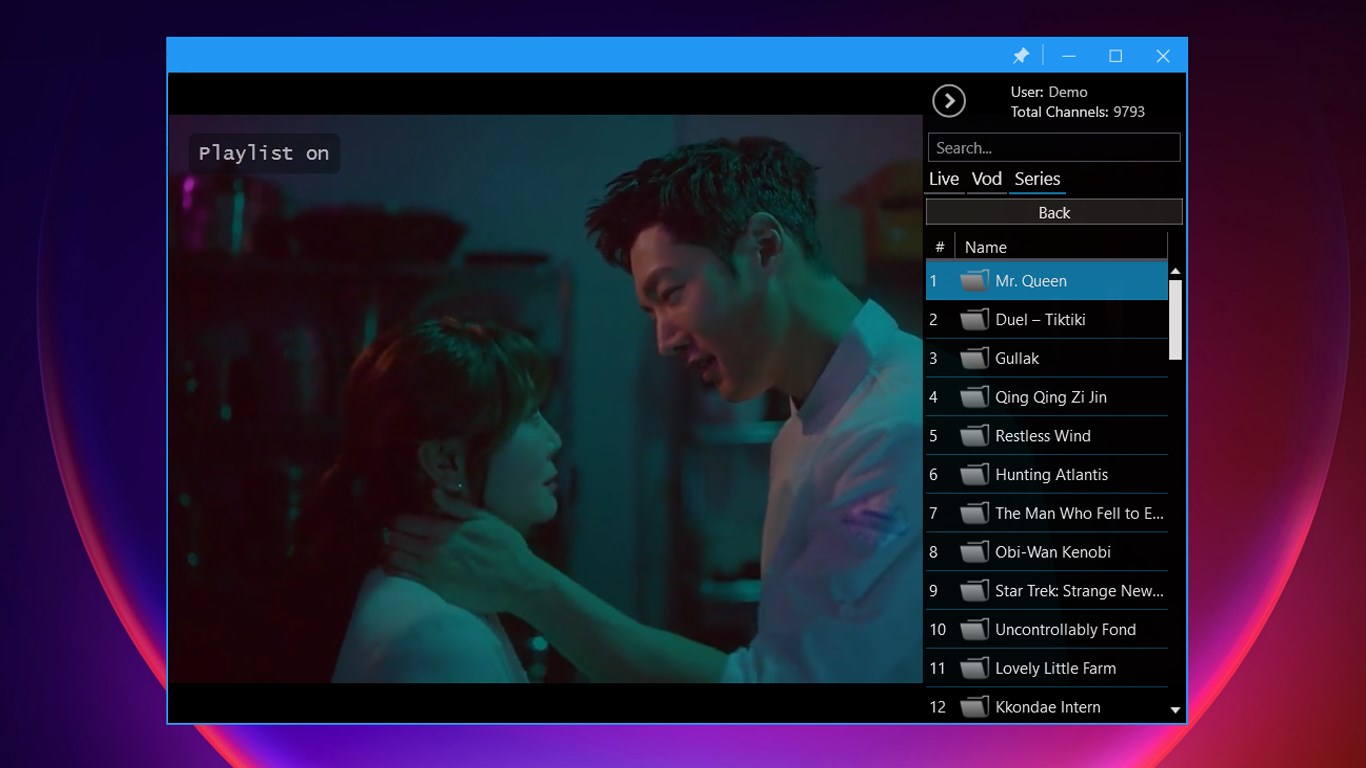
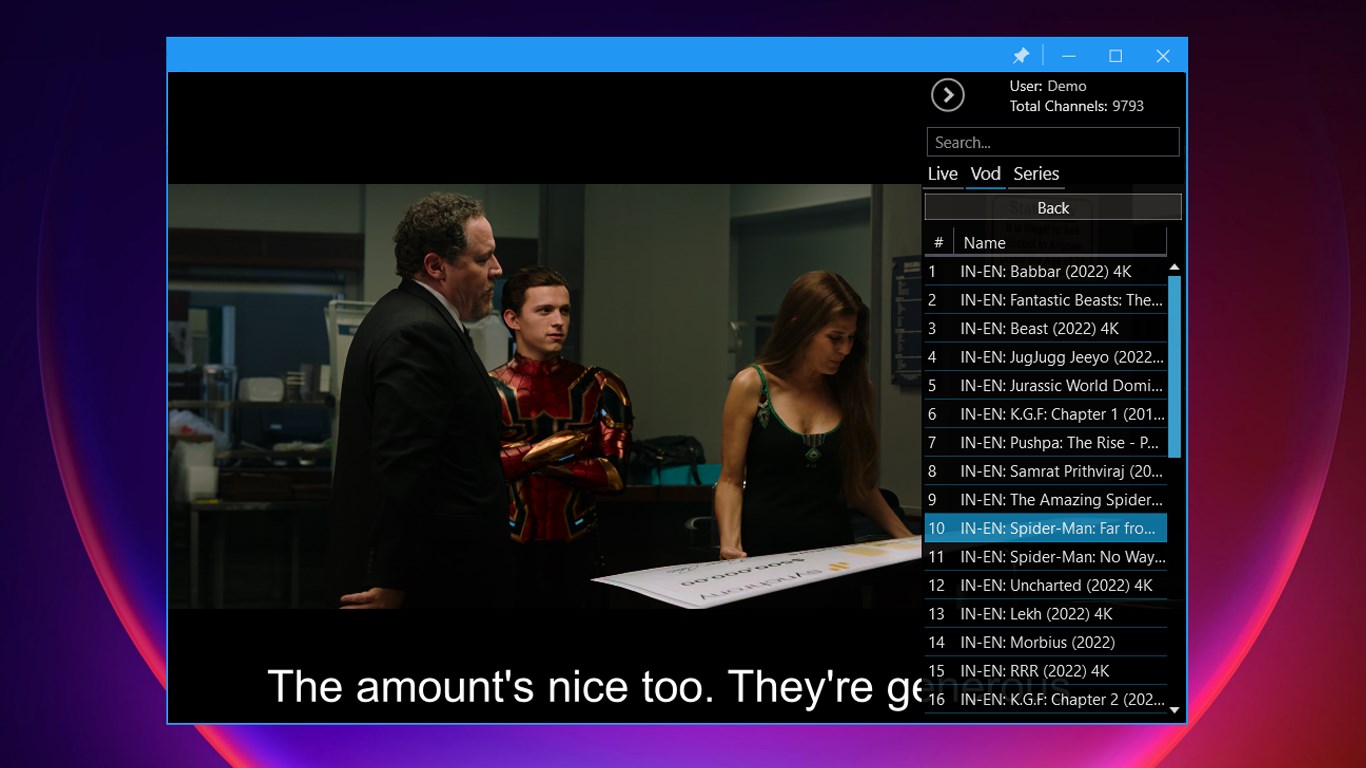
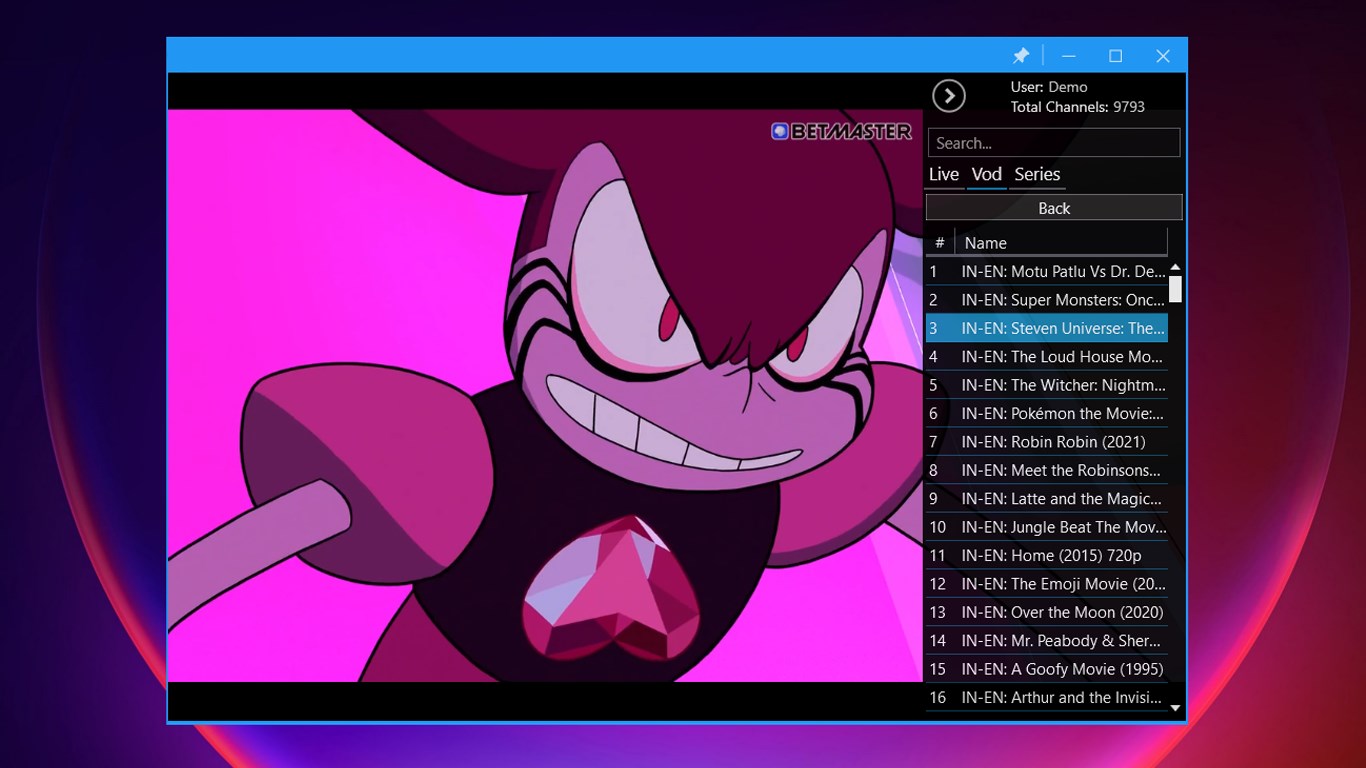
Imagine turning on a TV and instantly being greeted by an intuitive interface that feels more like browsing a sleek digital magazine than navigating a complicated app. IPTV Player Pro's clean layout, combined with smooth transitions and responsive controls, makes browsing channels and recording sessions feel effortless. The setup process is straightforward, allowing users to input their IPTV playlists or source URLs with minimal fuss. Once configured, the app reacts swiftly—channels load quickly, and switching between live streams is seamless, akin to flipping through a well-organized channel guide on a traditional TV but with modern flair.
Compared to many entertainment apps, IPTV Player Pro's interface emphasizes clarity without sacrificing aesthetics, making it comfortable for both tech-savvy users and newcomers. Its navigation flow is logical, reducing the learning curve often encountered with feature-rich apps, and the controls are precisely responsive, creating a satisfying experience for everyday use.
Unique Features That Make a Difference
What truly sets IPTV Player Pro apart is its intelligent content discovery and personalized recommendations. Unlike standard IPTV apps that simply list channels, this app employs advanced algorithms to analyze your viewing habits and suggest relevant content. This personalization helps users find interesting shows or channels without endless scrolling—think of it as having a smart assistant that curates your entertainment lineup based on your preferences.
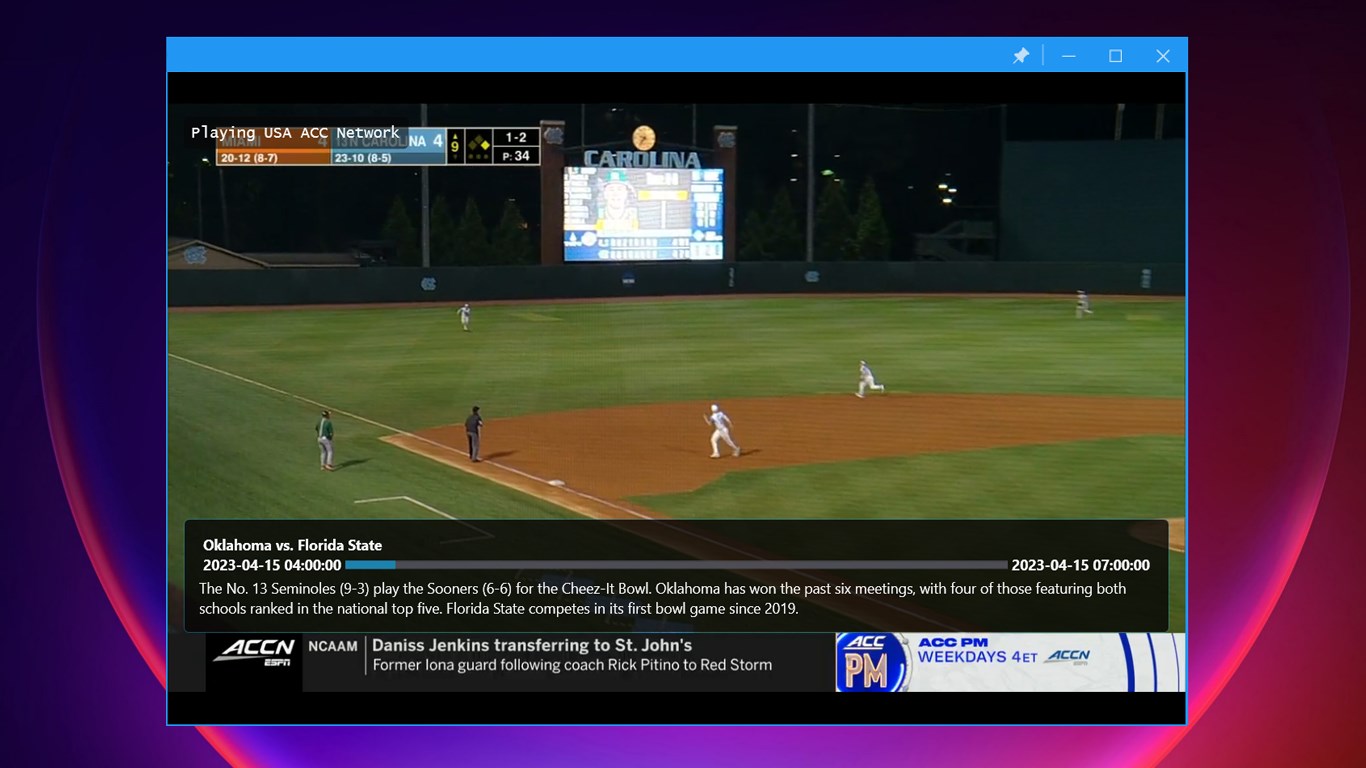
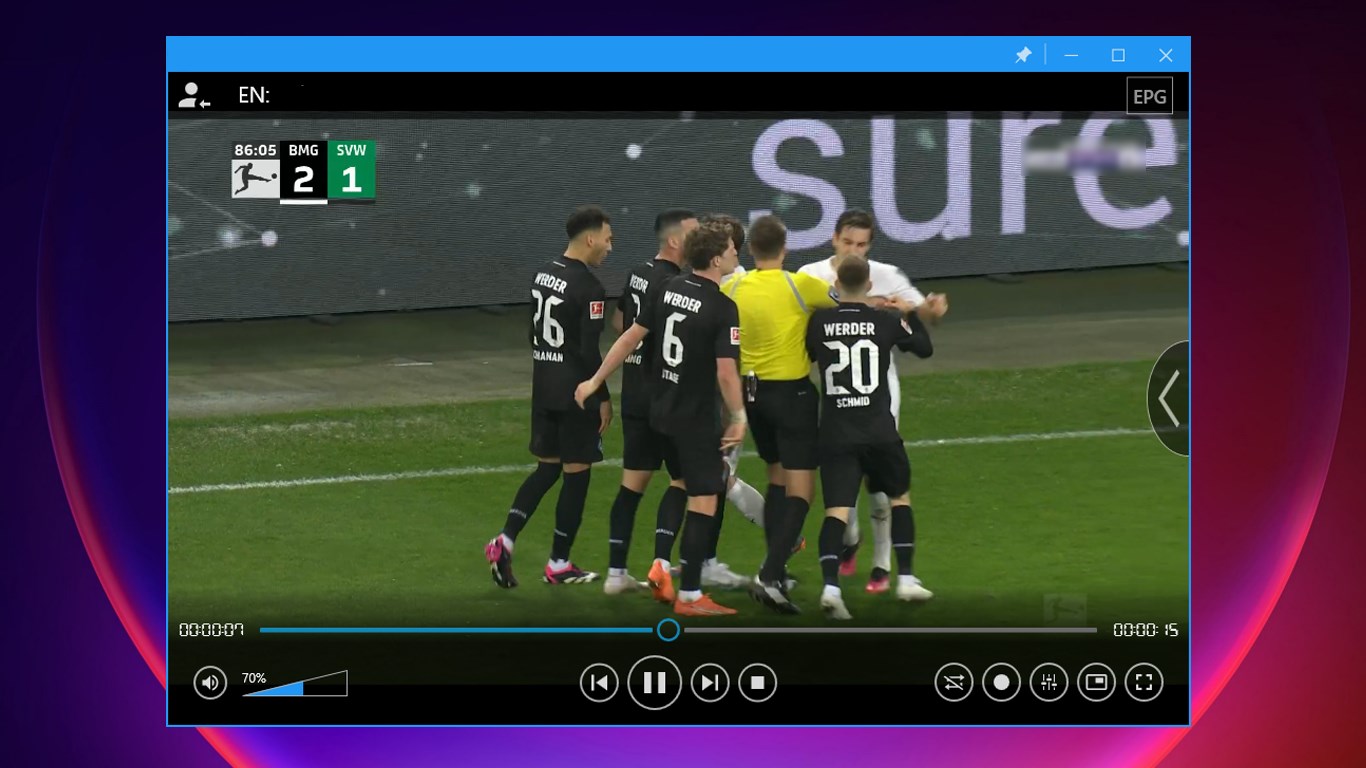
Additionally, the app's recording feature isn't just a basic pause-and-save function; it offers flexible scheduling, file management, and compatibility with multiple formats. This means you can catch your favorite shows on the go, even if you're offline later, turning your Windows device into a portable DVR. The advanced EPG not only displays current programs but also offers detailed scheduling info, making it easier to plan viewing times.
Verdict and Recommendations
All in all, IPTV Player Pro presents a reliable and user-centric solution for streaming media on Windows. Its core strengths lie in its personalized content discovery and efficient recording functionalities, which help distinguish it from more generic IPTV apps. For users seeking an organized, customizable, and device-friendly streaming experience, this app is a solid choice.
While it's straightforward to use, those unfamiliar with IPTV setups may need a brief walkthrough of playlist configurations. Overall, I recommend IPTV Player Pro for anyone wanting a thoughtful, feature-rich media app that can adapt to their viewing habits without overwhelming them with options. Whether you're into live TV or recorded shows, this app can become your digital television companion.
Pros
- Intuitive User Interface
- Comprehensive EPG Integration
- Favorite Channel Management
- Recording Functionality
- Multi-Device Support
Cons
- Limited Customization Options
- Occasional Buffering Issues
- Inconsistent EPG Data Updates
- Limited Support for External Devices
- Minor Stability Fluctuations











