

- Name iFacialMocap Powered by NVIDIA Broadcast
- Category Entertainment
- Developer DevelopW LLC
- Available on PC
- OS Windows 10 version 17763.0 or higher
- Keyboard Integrated Keyboard
- Mouse Integrated Mouse
- DirectX Version 9
- Memory 4 GB
- languages English (United States)
Introducing iFacialMocap Powered by NVIDIA Broadcast for Windows
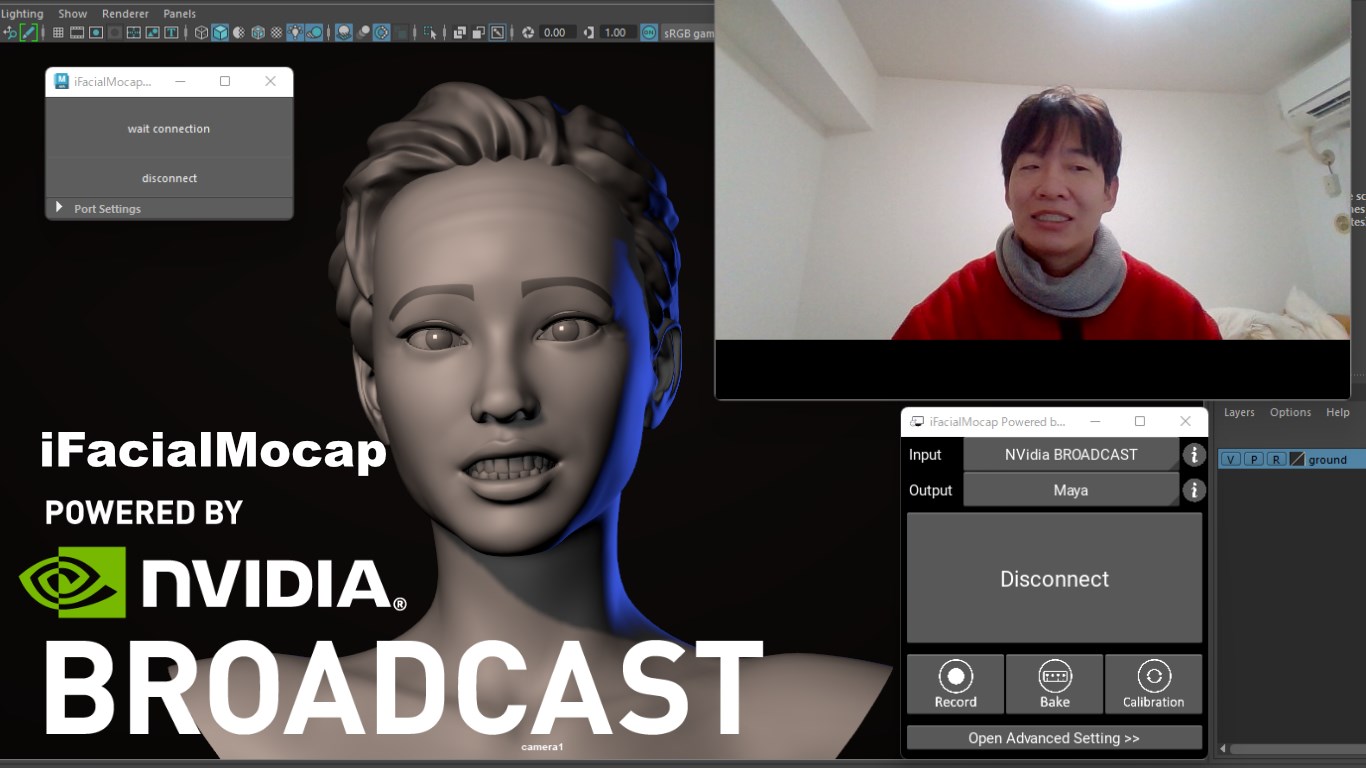
iFacialMocap is an innovative facial motion capture application designed to integrate seamlessly with Windows systems, bringing professional-quality avatar animation into your creative toolkit. Leveraging NVIDIA Broadcast technology, it promises real-time, high-precision facial tracking suited for streamers, virtual content creators, and animation enthusiasts alike.
Developed by DevelopW LLC: A Pioneer in Real-Time Facial Tracking
DevelopW LLC, a dedicated developer specializing in real-time motion capture solutions, crafts innovative applications that bridge the gap between high-end software and accessible user experiences. Their focus on leveraging cutting-edge GPU capabilities ensures that users get professional-grade features without requiring extensive technical expertise.
Key Features that Make iFacialMocap Stand Out
- Real-Time Facial Motion Capture: Utilizes NVIDIA Broadcast AI to deliver accurate and low-latency facial tracking, updating avatar expressions instantaneously during live sessions.
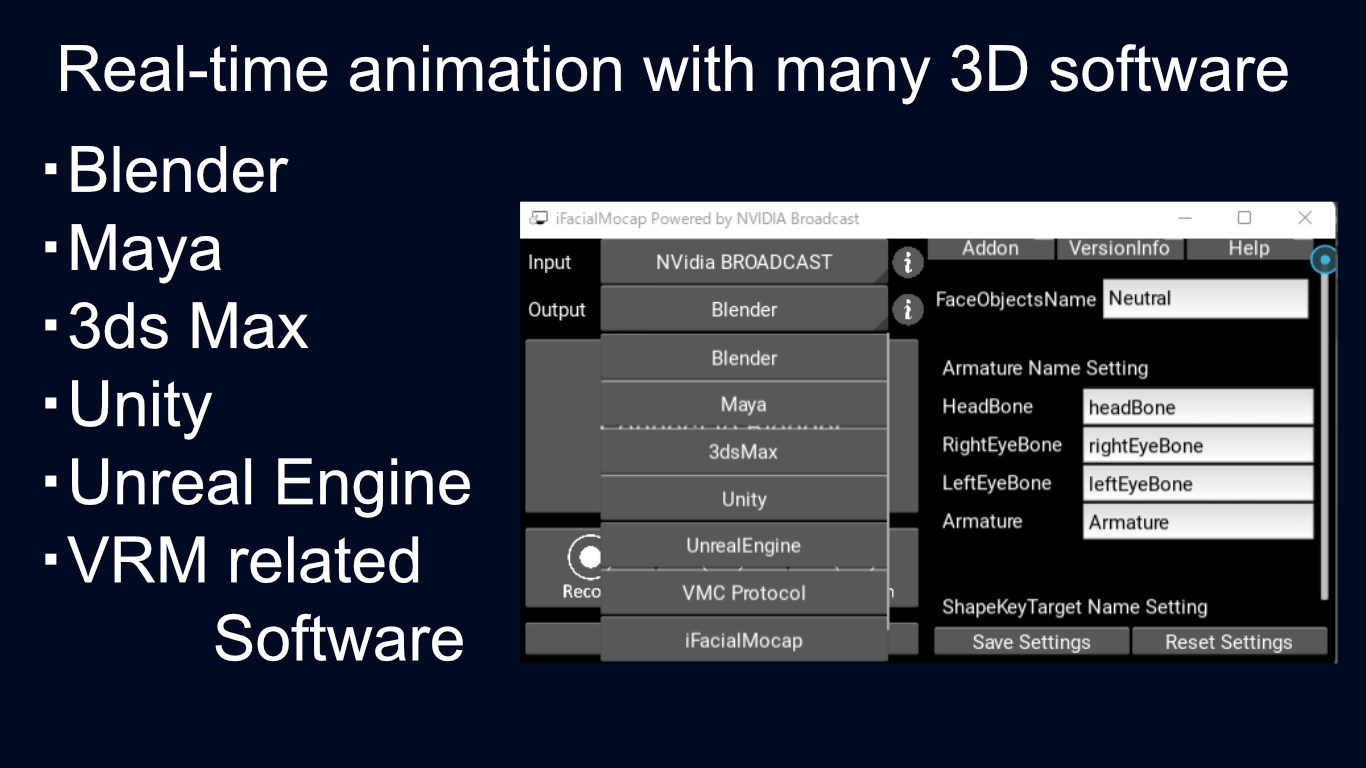
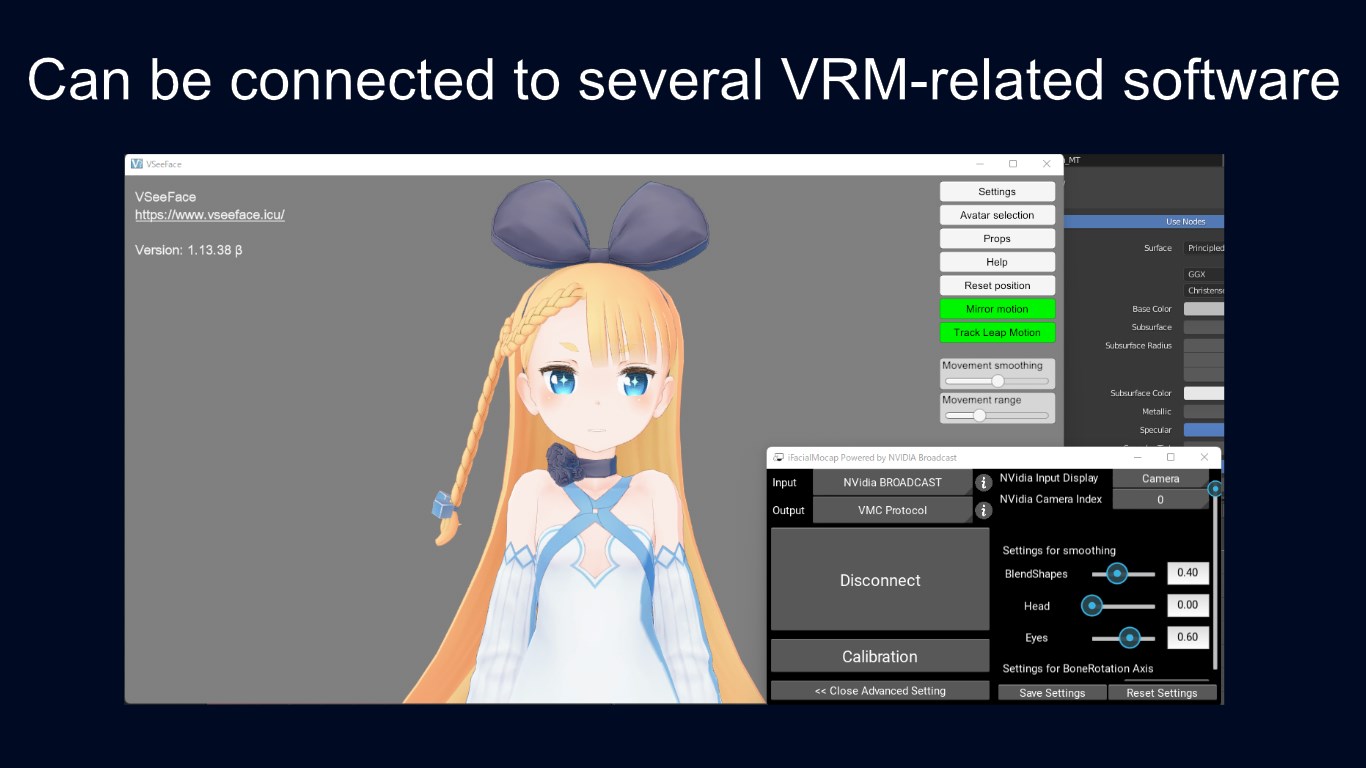
- Seamless Integration with Windows: Designed specifically for Windows, offering compatibility with various streaming and animation platforms with minimal setup.
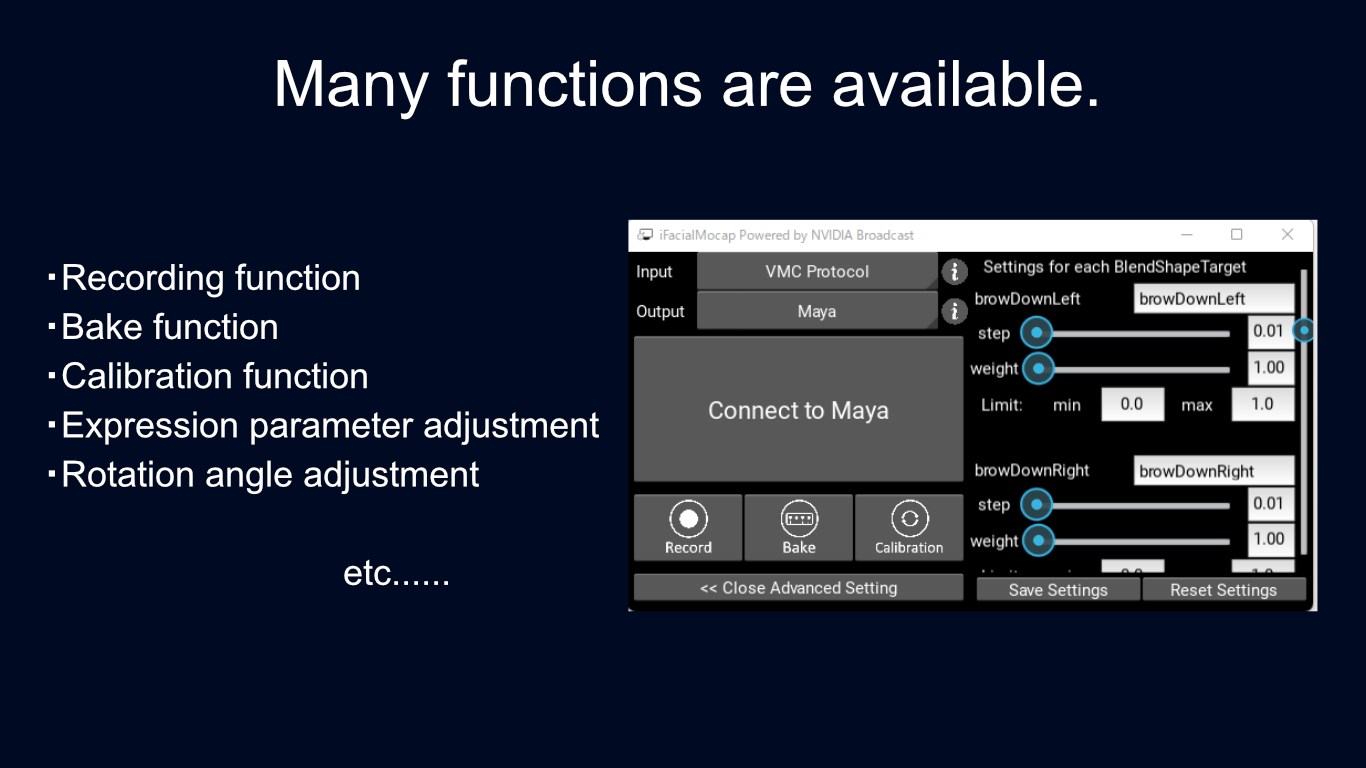
- Advanced Data Recording and Export: Allows users to record motion data and export it in compatible formats for further editing or integration into other projects.
- User-Friendly Interface: Combines a clean, intuitive interface with straightforward controls, making it accessible even for beginners.
Immersive User Experience: From Setup to Performance
Launching iFacialMocap is akin to stepping into a high-tech lab—minus the intimidating complexity. The interface greets you with sleek, organized panels that clearly guide you through setup. As someone who's navigated numerous facial capture tools, I found the application remarkably streamlined. With just a few clicks, my face was tracked and animated in real time, showcasing the power of NVIDIA's AI inside a friendly interface.
One standout aspect is the application's smooth operation; I experienced no noticeable lag or jitter during my tests, even when multitasking or running other large programs. The learning curve is gentle—users familiar with basic webcam setups will quickly get comfortable. In terms of user experience, it excels by offering immediate visual feedback, making adjustments intuitive and responsive.
Driving Creativity: The Core Functionalities
Real-Time Facial Tracking Powered by NVIDIA
This feature is the backbone of iFacialMocap, transforming your facial movements into animated expressions on virtual avatars instantly. The Nvidia-accelerated AI algorithms analyze facial cues with precision, capturing nuances such as eyebrow raises, lip movements, and head tilts. Compared to traditional facial mocap solutions that rely heavily on equipment or markers, this app requires just a webcam and a good lighting environment, making professional-quality mocap accessible to a wider audience.
Export and Integration Capabilities
The app facilitates exporting motion data, which can then be fed into popular animation software or avatar platforms. This feature is especially valuable for streamers or content creators who want to integrate their expressions into their virtual personas without complex workflows. Its compatibility with standard formats is a significant plus, enabling flexible post-production edits.
Unique Selling Points & Comparison to Similar Apps
Unlike many entertainment-focused apps that primarily aim at entertainment or simple AR filters, iFacialMocap combines high-fidelity tracking with professional-grade export options, standing out in the world of virtual avatar creation. Its integration of NVIDIA Broadcast AI ensures that facial tracking is highly accurate and responsive, akin to having a dedicated motion capture studio at your fingertips. This differentiates it profoundly from conventional webcam-based apps, which often struggle with lag or poor tracking under varying lighting conditions.
Moreover, the app's emphasis on real-time performance and data export options makes it highly versatile—not just for streaming but also for content creation and animation pipeline integration. Its approachable interface demystifies complex mocap processes, welcoming newcomers while satisfying seasoned creators seeking reliable results.
Final Verdict: A Solid Choice for Virtual Creators
iFacialMocap Powered by NVIDIA Broadcast stands out as a reliable, user-friendly tool with impressive real-time facial tracking capabilities. Its two most compelling features—the high-precision, low-latency tracking powered by AI and straightforward export options—position it as a top contender in the evolving landscape of virtual avatar creation. For streamers, animators, and virtual content creators eager to elevate their virtual expressions, this application is certainly worth trying. I recommend it especially for those who value accuracy and ease of use over overly complex setups.
Pros
- High-Quality Facial Motion Capture
- Seamless Integration with Microsoft Store
- Optimized for NVIDIA Hardware
- User-Friendly Interface
- Real-Time Facial Tracking with Low Latency
Cons
- High System Requirements
- Limited Compatibility with Non-NVIDIA Graphics Cards
- Occasional Tracking Inconsistencies
- Learning Curve for Advanced Features
- Bug Reports and Stability Issues











