



- Name Hulu
- Category Entertainment
- Available on PC, Xbox console
- OS Windows 10 version 19041.0 or higher
- languages English (United States)
Hulu for Windows: Streamlined Entertainment at Your Fingertips
Hulu for Windows offers a seamless way to access a vast library of movies and TV shows directly from your desktop, transforming your computer into a personal entertainment hub.
Basic Information
Positioned as an efficient and user-friendly streaming application, Hulu for Windows brings the popular entertainment platform to desktop users, making binge-watching more accessible than ever. Developed by Hulu, LLC, a leader in on-demand streaming services, this app focuses on delivering a smooth and personalized viewing experience.
- Key Features:
- In-Depth Content Recommendation System that adapts to user preferences
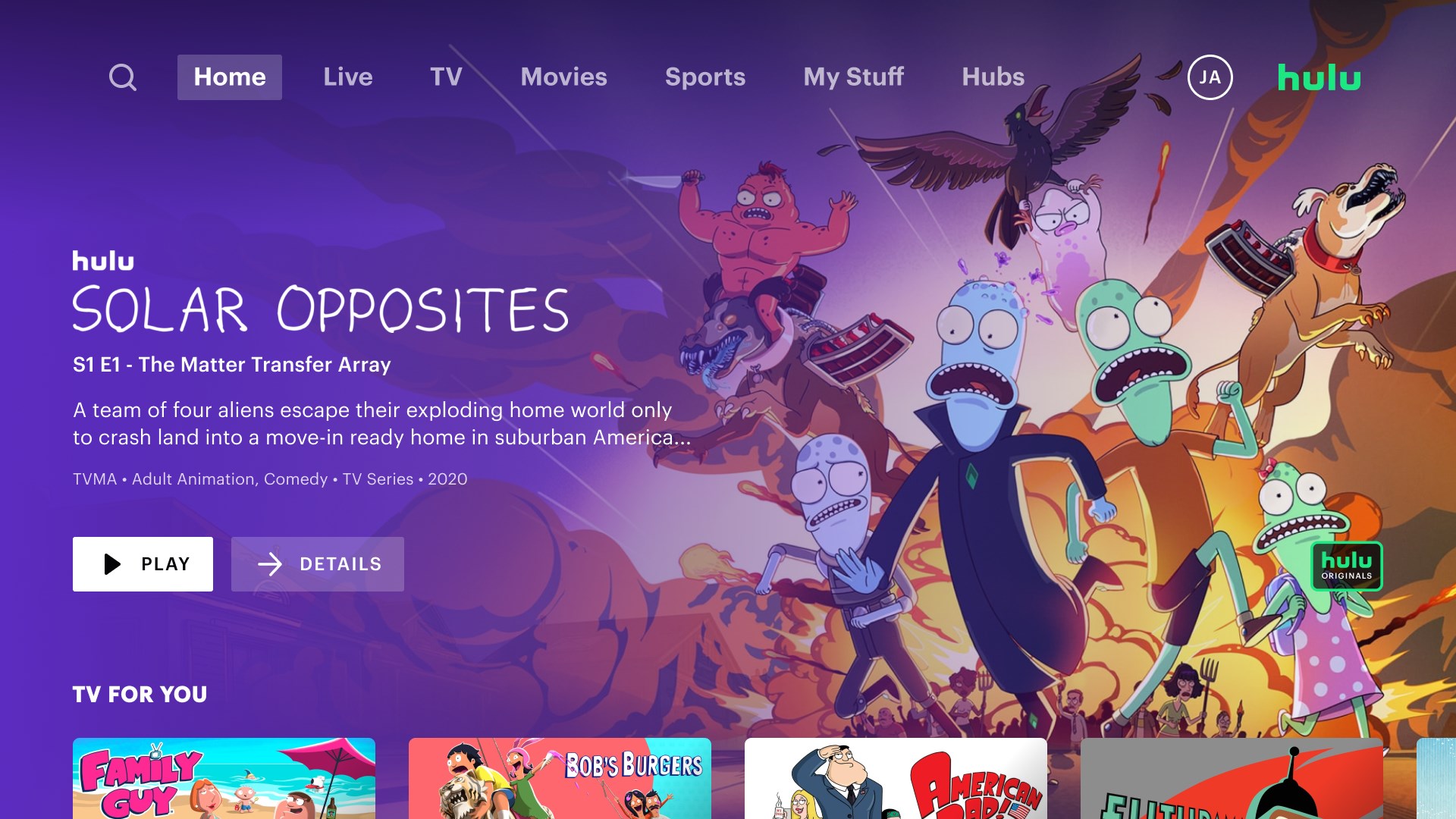
- Intuitive and clean interface designed for easy navigation
- Offline viewing capabilities for on-the-go entertainment
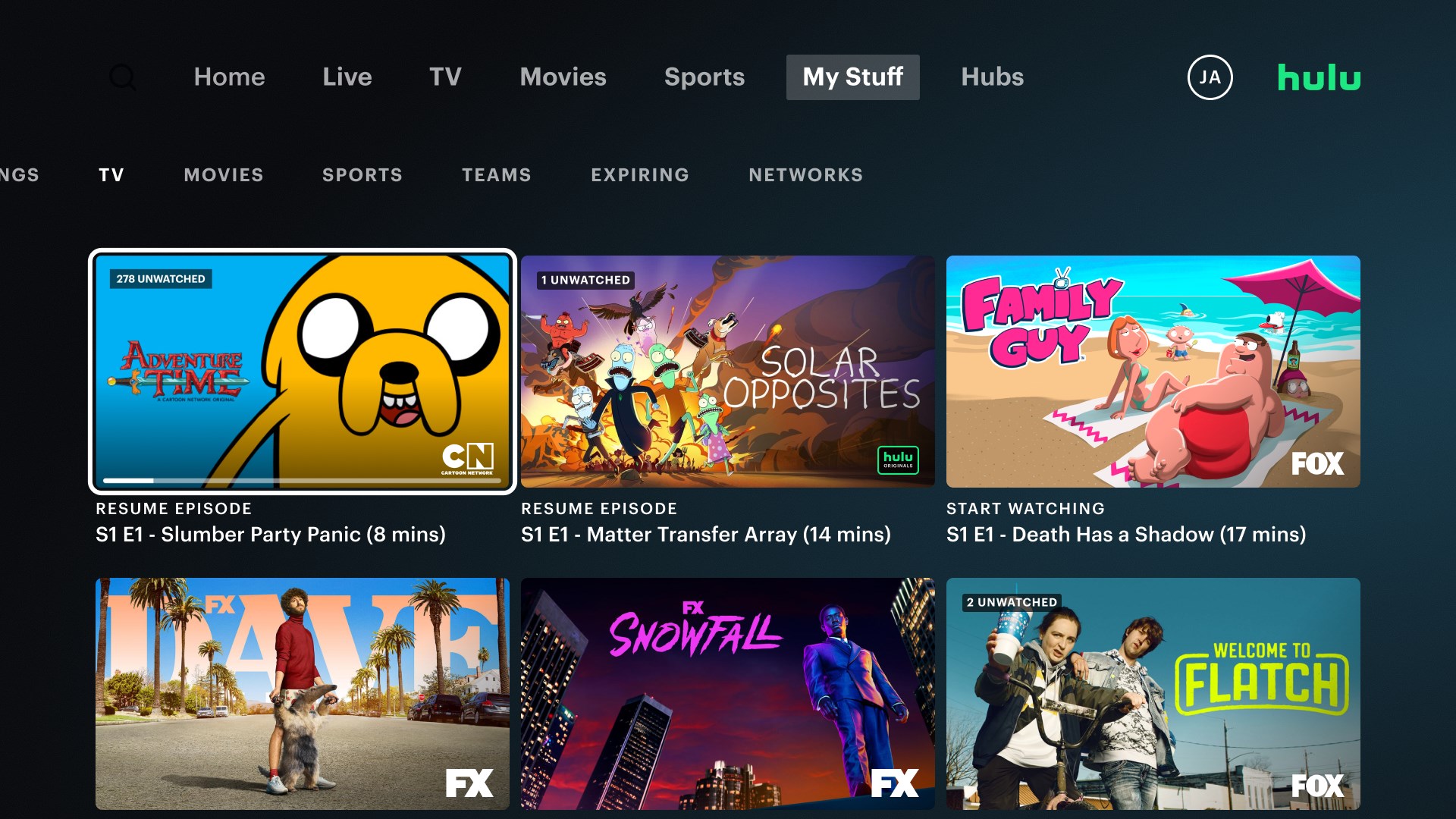
- Support for multiple profiles ensuring personalized content for each user
Targeted at cord-cutters, TV show enthusiasts, and digital content lovers who prefer watching on their desktops, Hulu for Windows aims to satisfy those seeking a comprehensive yet straightforward streaming solution.
Engaging the Viewer: A Fresh Take on Desktop Streaming
Imagine settling into your favorite cozy corner with a steaming cup of coffee, fingers eager to explore the latest movies and series. Hulu for Windows acts as your personal entertainment concierge, curating content that feels like it was picked just for you. Its smooth navigation and personalized suggestions make it feel less like a streaming app and more like a curated entertainment experience crafted by a thoughtful friend.
Smart Content Discovery and Personalization
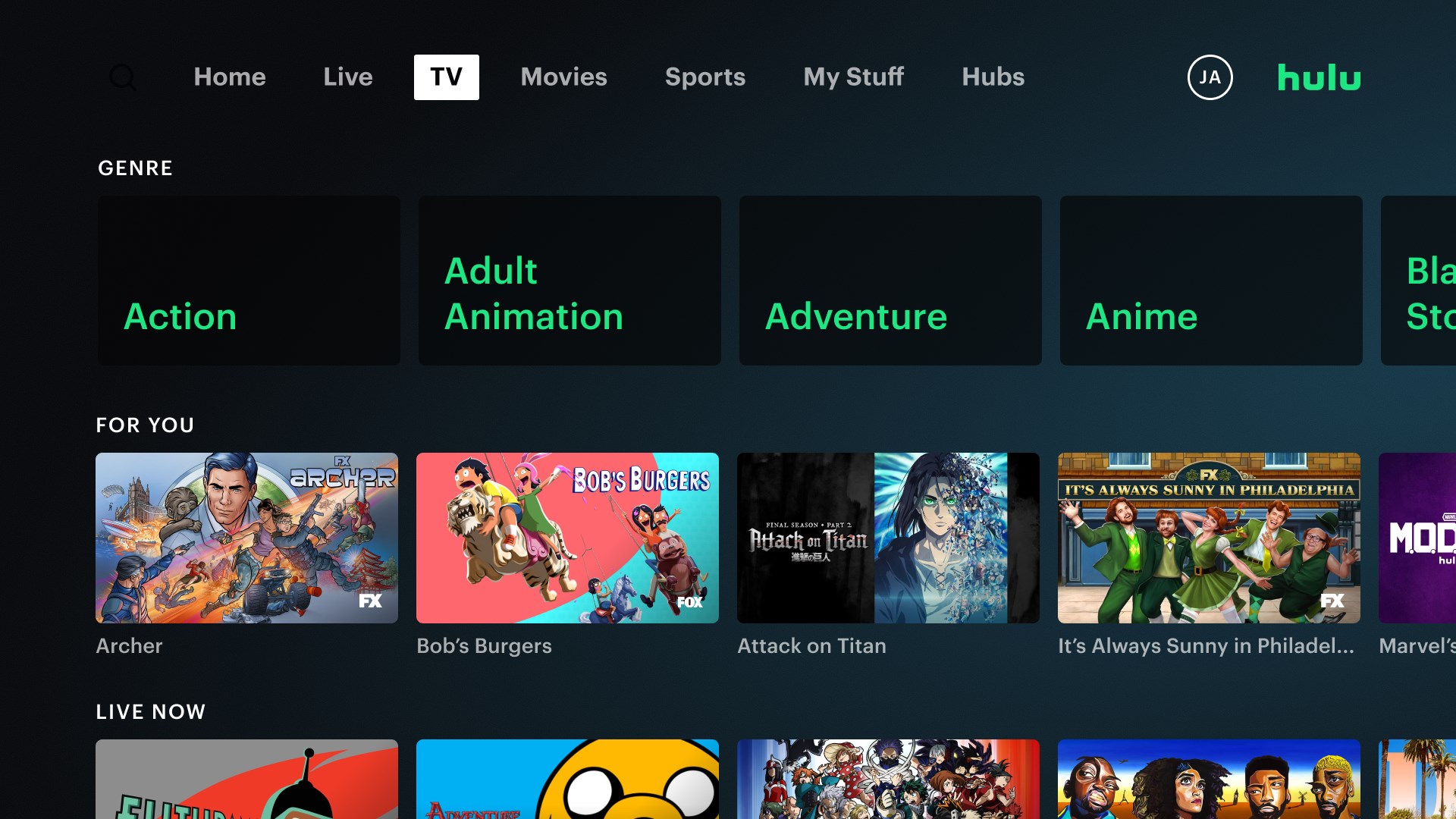
The standout feature of Hulu for Windows lies in its innovative content discovery algorithm. Unlike many streaming services that bombard users with irrelevant recommendations, Hulu's system leverages sophisticated algorithms to analyze viewing habits, preferences, and even time of day to serve highly relevant content. This results in a feed that feels intuitive and genuinely aligned with your tastes. For example, if you frequently indulge in detective series or sci-fi movies, Hulu's recommendations will naturally prioritize similar genres, reducing the time you'll spend scrolling aimlessly.
Moreover, Hulu's ability to critique and improve personalized suggestions ensures that the content recommendation remains dynamic and accurate. This sophisticated approach distinguishes Hulu from competitors that often rely on more static algorithms, making the viewing experience less frustrating and more enjoyable.
Design, Usability, and Performance
The interface sports a sleek, modern design with icons and thumbnails reminiscent of a well-organized media library—easy on the eyes and simple to navigate. The layout feels like a well-arranged bookshelf, where every title is just a click away. The app's operation is remarkably smooth; transitions between menus are fluid, and video playback maintains high quality with minimal buffering—crucial for an uninterrupted viewing experience.
From a learning curve standpoint, Hulu for Windows is welcoming to new users. Its familiar layout, akin to most modern streaming platforms, means you'll be up and running within minutes. Additional features, such as managing profiles and downloading content for offline viewing, are just intuitive enough to feel natural without overwhelming the user.
Unique Advantages and Usage Recommendations
What truly makes Hulu for Windows stand out is its intelligent content recommendation system combined with a user-friendly interface optimized for desktop use. It bridges the gap between mobile convenience and desktop power, delivering curated content that feels personal and relevant.
This app is especially recommended for viewers who value highly personalized suggestions and prefer a clutter-free browsing experience. If your goal is to avoid the endless scroll found in some other platforms and instead receive tailored content recommendations, Hulu for Windows is an excellent choice.
While it excels in content discovery, users should be aware that some features, like offline viewing, require a subscription plan, which is standard among streaming services. Overall, for those seeking a reliable, well-designed streaming app with smart personalization, Hulu for Windows deserves a prominent spot on your desktop.
Pros
- Extensive Content Library
- User-Friendly Interface
- Multiple Subscription Options
- Offline Viewing Capabilities
- Smart Recommendations
Cons
- Limited Content for Certain Regions
- Occasional Streaming Interruptions
- High Subscription Cost for Ad-Free Plan
- Limited Live TV Options
- Inconsistent User Profile Management











