

- Name Hearts#
- Category Card & board
- Developer Casual Game Studio
- Available on PC
- OS Windows 8 or higher
- languages Chinese (Simplified), English (United Kingdom), English (United States)
Heart's for Windows: A Charming Card & Board Game Companion
Hearts# for Windows by Casual Game Studio offers a digital twist to the classic Hearts card game, blending nostalgic gameplay with modern design that appeals to both casual players and dedicated card enthusiasts alike.
Basic Information and Developer Insights
This application positions itself as a straightforward digital adaptation of the beloved Hearts game, providing users with a seamless, enjoyable experience without unnecessary complexity.
Developed and published by Casual Game Studio, a team known for crafting accessible and user-friendly casual games across various platforms, ensuring a polished product tailored for Windows users.
Main features include intuitive gameplay mechanics, customizable game settings for varied difficulty, and a clean, appealing interface designed for effortless navigation. The app caters primarily to casual gamers, card game enthusiasts, and those seeking quick, fun breaks during their day.
Engaging Playfulness Meets Smooth Functionality
Imagine sitting back in your favorite chair on a lazy Sunday afternoon, sipping coffee, as a digital deck of Hearts shuffles effortlessly in front of you. That's the kind of relaxed yet engaging experience Hearts# for Windows aims to deliver — a perfect blend of nostalgia and modern ease.
Core Gameplay and Features
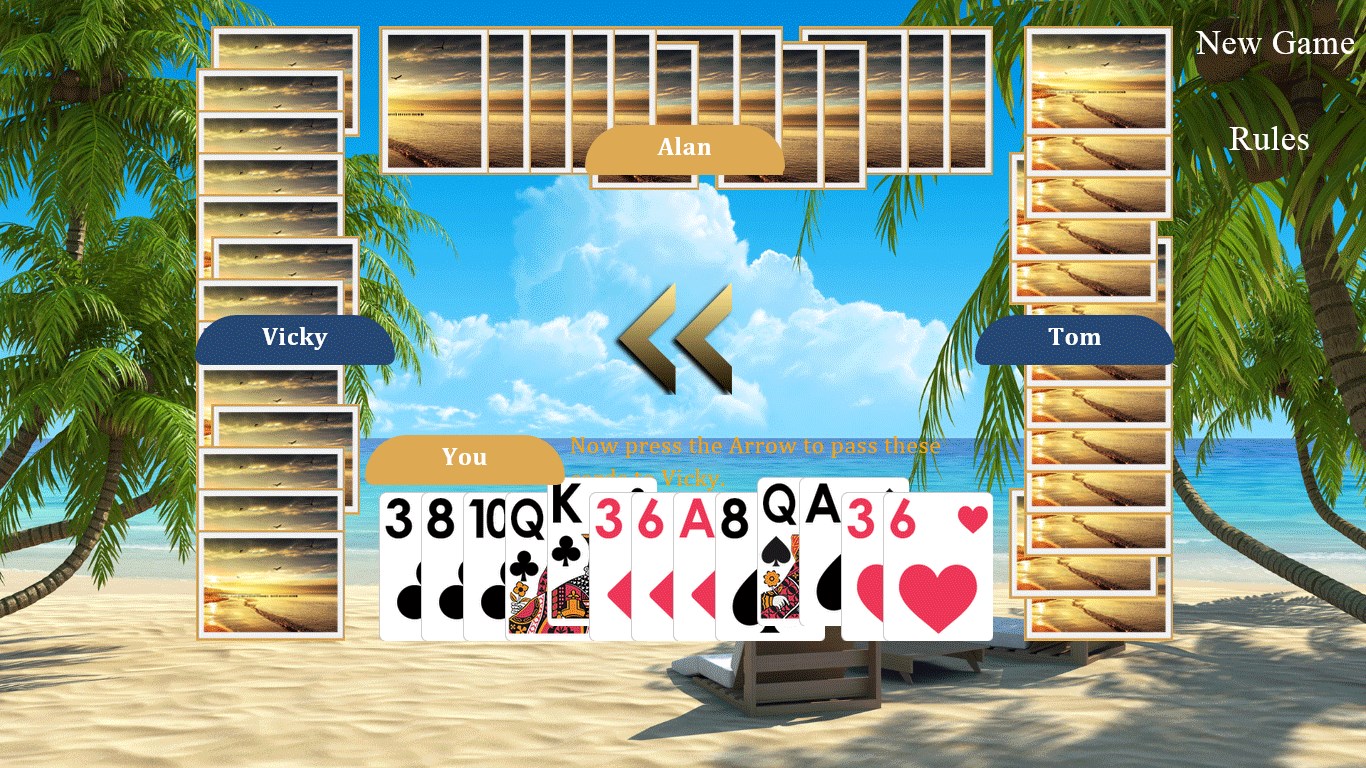
The game captures the essence of traditional Hearts with its straightforward rules, but the real highlight is the adaptive AI that offers challenging opponents without feeling unfair. Whether you're a novice learning the ropes or a seasoned player sharpening your skills, the AI adjusts to your level, providing a satisfying challenge each time.
One standout feature is the customizable game options. You can tweak settings like the number of players, difficulty levels, and even the style of card backs and interface themes. It's akin to personalizing your favorite corner in a cozy café — empowering you to craft the exact ambiance you enjoy.
Another aspect worth mentioning is the game's multiplayer capability, allowing you to challenge friends or play online, transforming a solitary activity into a lively social event. The game also offers detailed statistics tracking and replay options, perfect for players who like to analyze their strategies and improve over time.
User Experience: Design, Smoothness, and Learning Curve
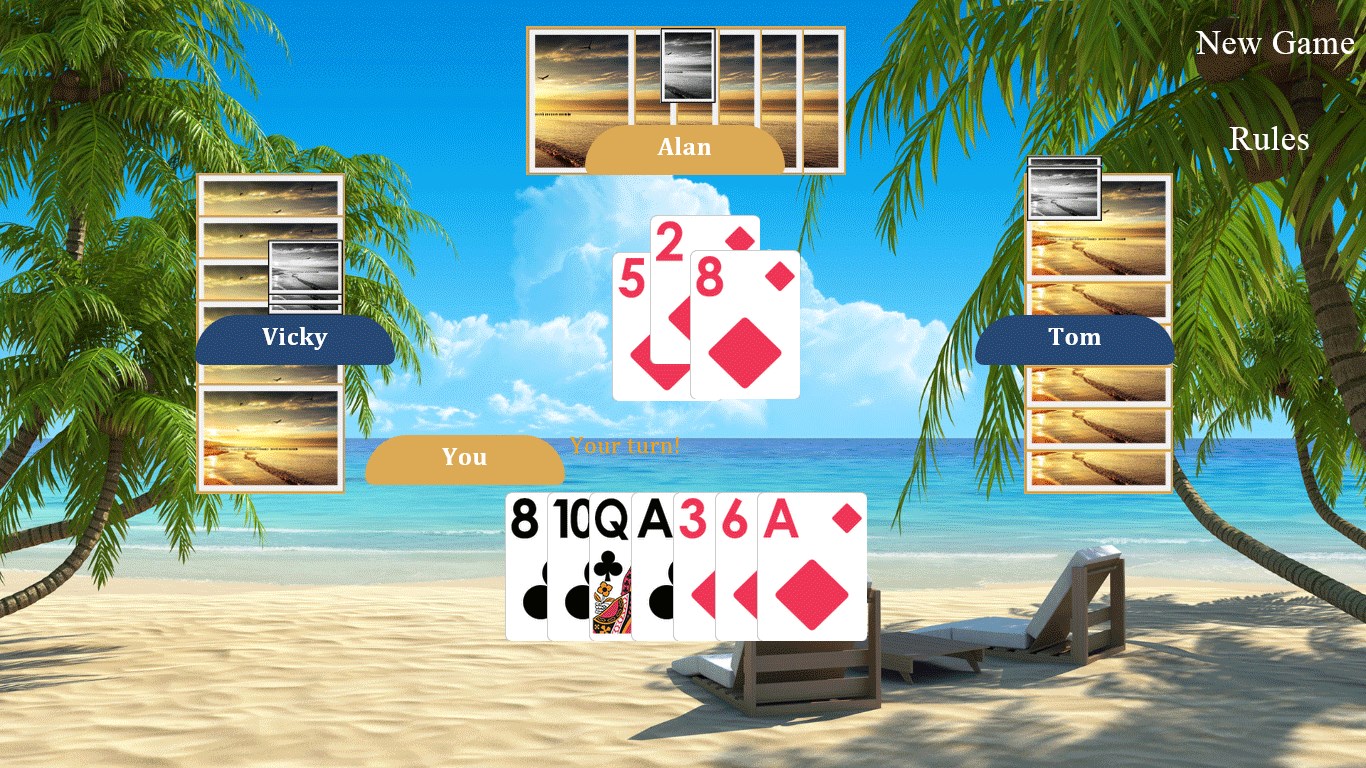
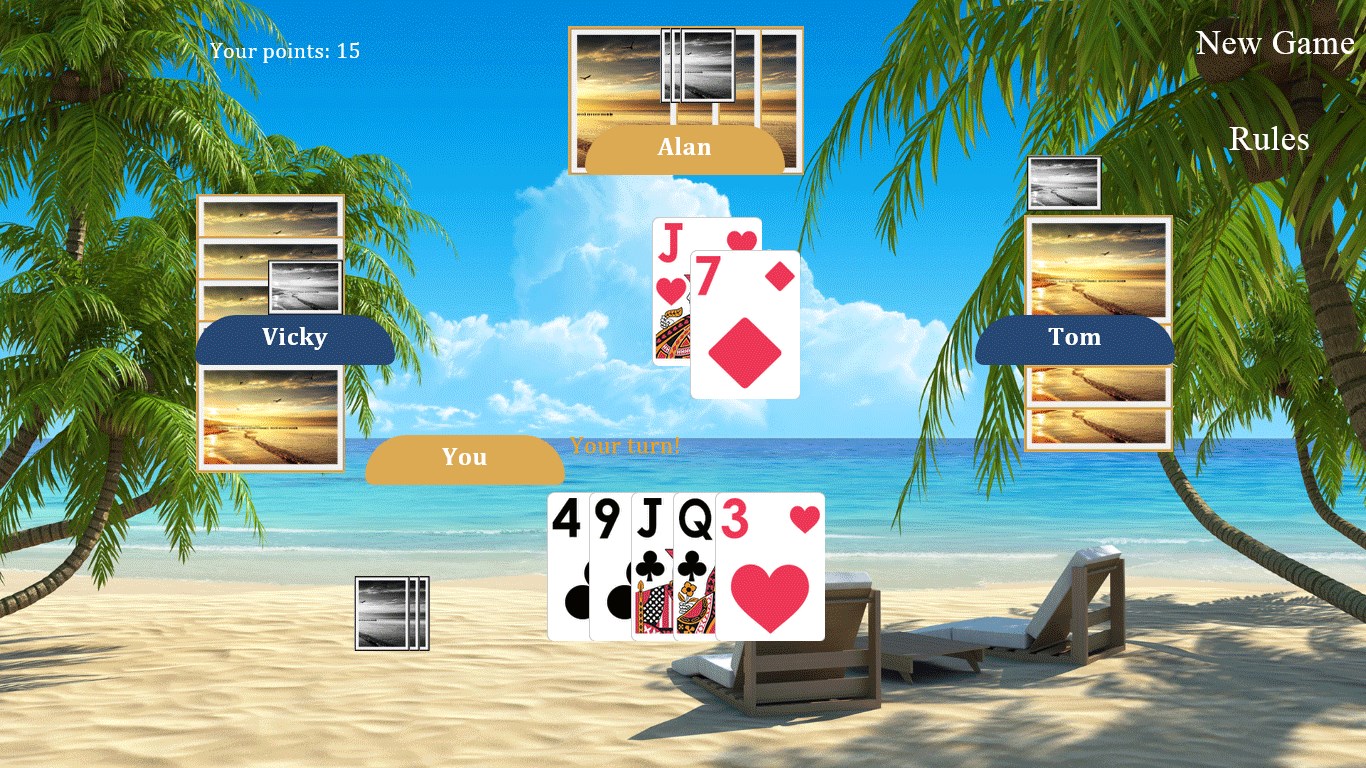
Hearts# for Windows boasts a sleek, minimalistic interface that eliminates clutter, making it intuitive even for first-time players. The artwork is light and cheerful, with animated card movements that are smooth and fluid — think of watching a well-orchestrated dance as cards glide effortlessly across your screen.
Operationally, the app runs smoothly on a variety of Windows devices, with responsive controls optimized for mouse or touch input. The learning curve is gentle; newcomers can pick up the game quickly, thanks to clear instructions and guided tutorials integrated within the interface. Experienced players will appreciate the depth offered by the customizable rules and AI settings, providing a layer of strategic complexity without overwhelming the casual user.
Unique Selling Points and Differentiation
What sets Hearts# uniquely apart from other digital card games is its focus on simplicity married with polish. While many card apps tend to add extraneous features or overly intricate graphics, this app maintains a clean, straightforward approach that prioritizes gameplay experience. Its adaptive AI, which provides a balanced challenge, stands out as a particularly strong feature — ensuring the game remains engaging regardless of whether you're playing alone or with friends.
Furthermore, the ability to customize gameplay elements, from themes to difficulty levels, makes Hearts# flexible enough for different user preferences. Unlike some counterparts that stick to a one-size-fits-all model, this app offers a personalized experience that can evolve with your skills and moods.
Final Thoughts and Recommendations
Considering its ease of use, thoughtful features, and smooth gameplay, Hearts# for Windows is a highly recommended choice for fans of traditional card games and newcomers alike. It is especially suited for those who enjoy casual, quick-play sessions but also want the option to challenge themselves or connect with friends online.
For anyone seeking a reliable, visually appealing, and functional Hearts game with just the right balance of simplicity and depth, this app is definitely worth a try. Whether you're looking to relax after a long day or hone your strategies, Hearts# offers a friendly digital space that makes every game feel like a friendly gathering around a cozy table.
Pros
- Engaging heart-themed gameplay
- Visually appealing graphics
- Simple and intuitive controls
- Regular updates with new content
- Suitable for quick gaming sessions
Cons
- Limited customization options
- Lacks multiplayer functionality
- Occasional ad interruptions
- Performance issues on some devices
- Limited game modes











