

- Name Hearts Online
- Category Card & board
- Available on PC, Mobile, Surface Hub, HoloLens
- OS Windows 10 version 18362.0 or higher
- languages Chinese (Simplified), Dutch, English (United States), French, German, Italian, Japanese, Polish, Polish , Portuguese, Portuguese (Brazil), Portuguese (Portugal), Russian, Spanish, Spanish (Spain)
Hearts Online for Windows: A Refreshing Take on Digital Card Gaming
Hearts Online, developed by Random Salad Games LLC, offers a modern, online twist on the classic trick-taking card game, bringing fresh gameplay and social interaction to Windows users. It's a vibrant platform designed for casual players and dedicated card enthusiasts alike, aiming to revive the timeless charm of Hearts with a contemporary digital edge.
Clean, Intuitive Interface with a Friendly Atmosphere
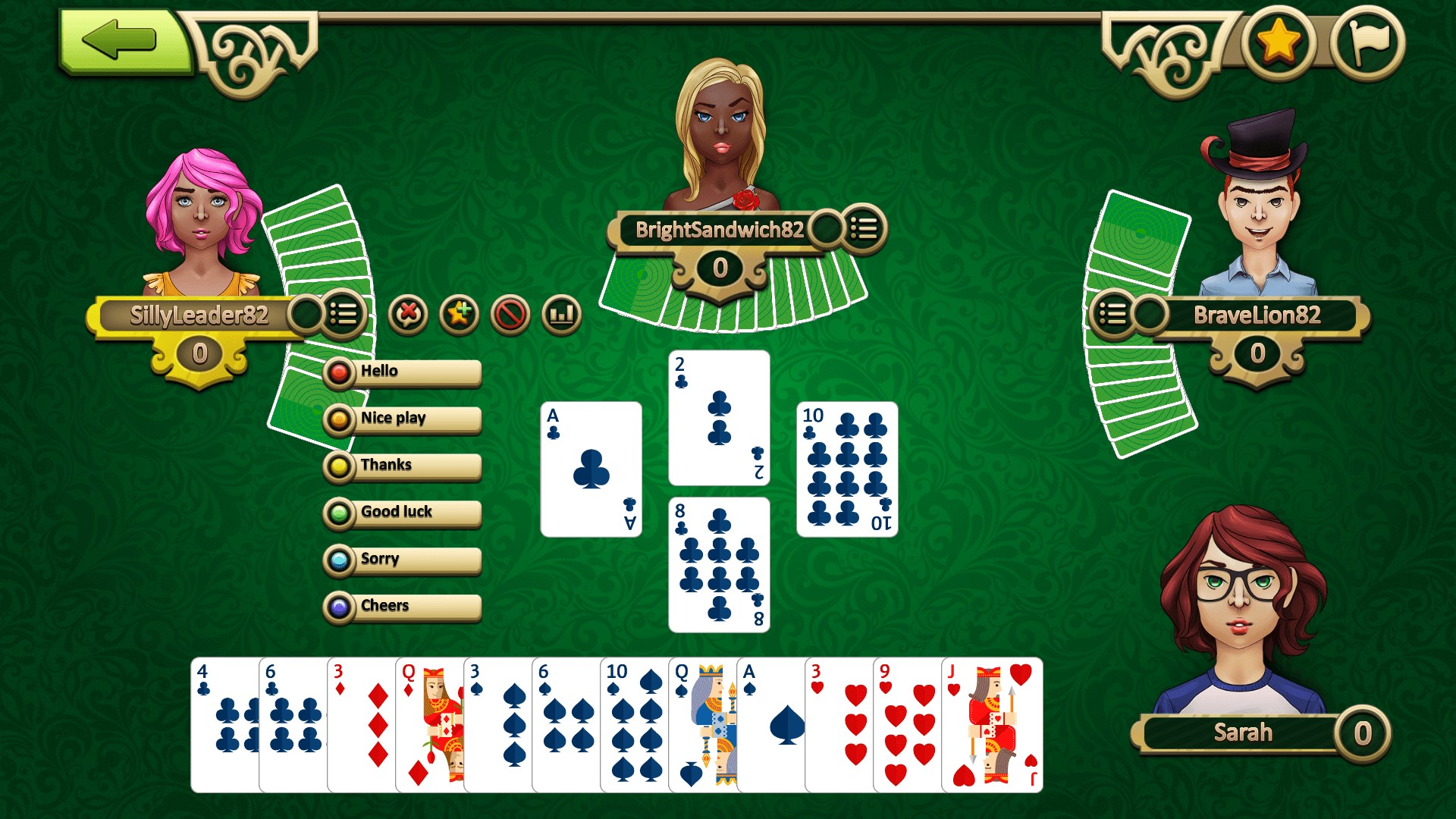
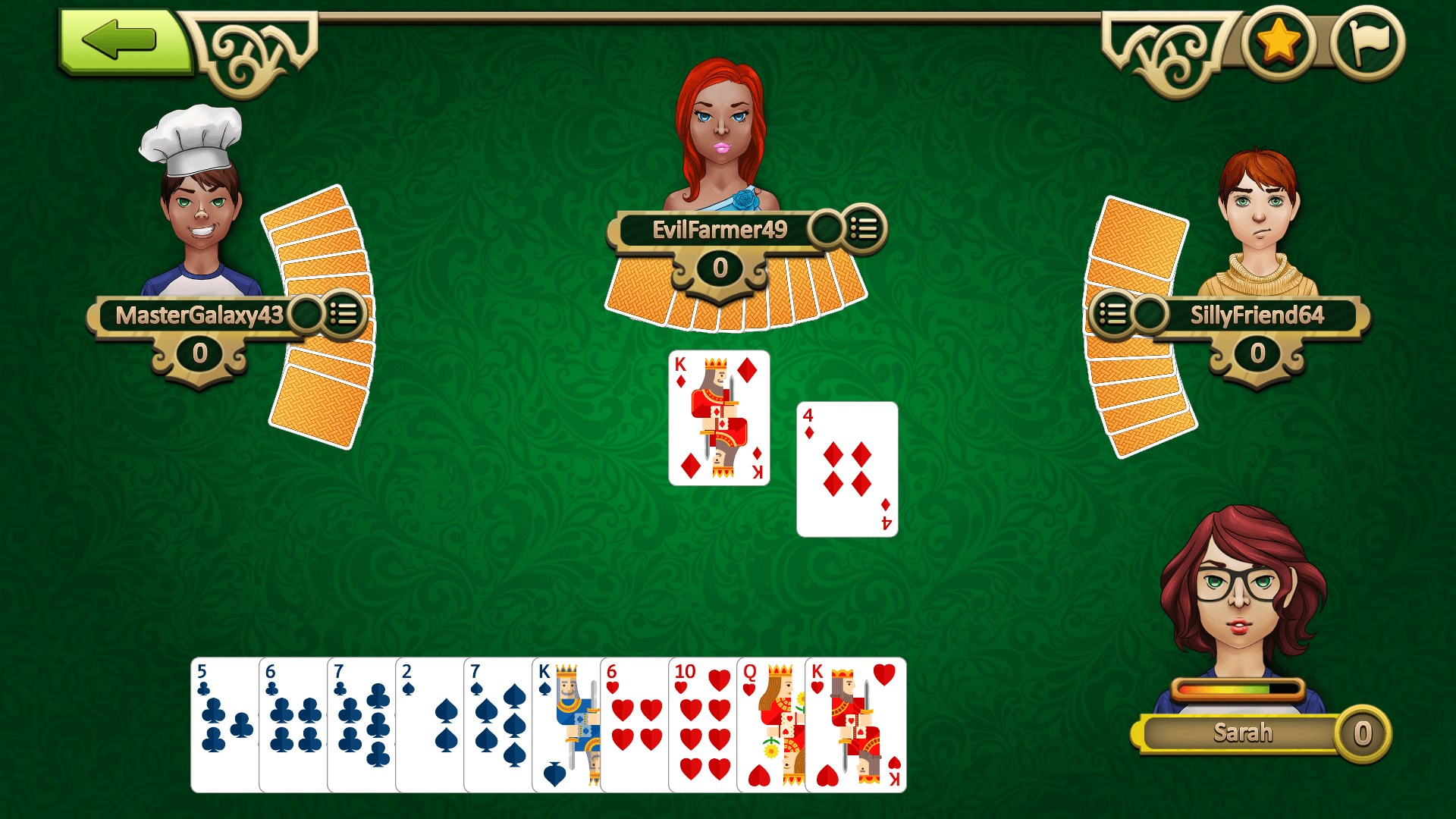
The first thing that catches your eye when launching Hearts Online is its sleek, colorful interface that exudes a welcoming, almost clubhouse feel. Unlike cluttered or overly minimalistic designs, this app balances visual appeal with clarity, making navigation effortless even for newcomers. The digital table layout mimics a real game room, complete with animated avatars and lively backgrounds, creating an immersive environment. Users will appreciate how intuitive the menu system is—starting a game or joining a table feels as smooth as shuffling a deck of cards. The overall user experience is well-optimized: animations run fluidly, and load times are minimal, ensuring that the gameplay never hits a frustrating pause.”
The Two Pillars: Social Play and Strategic Depth
Enjoyable Multiplayer Experience
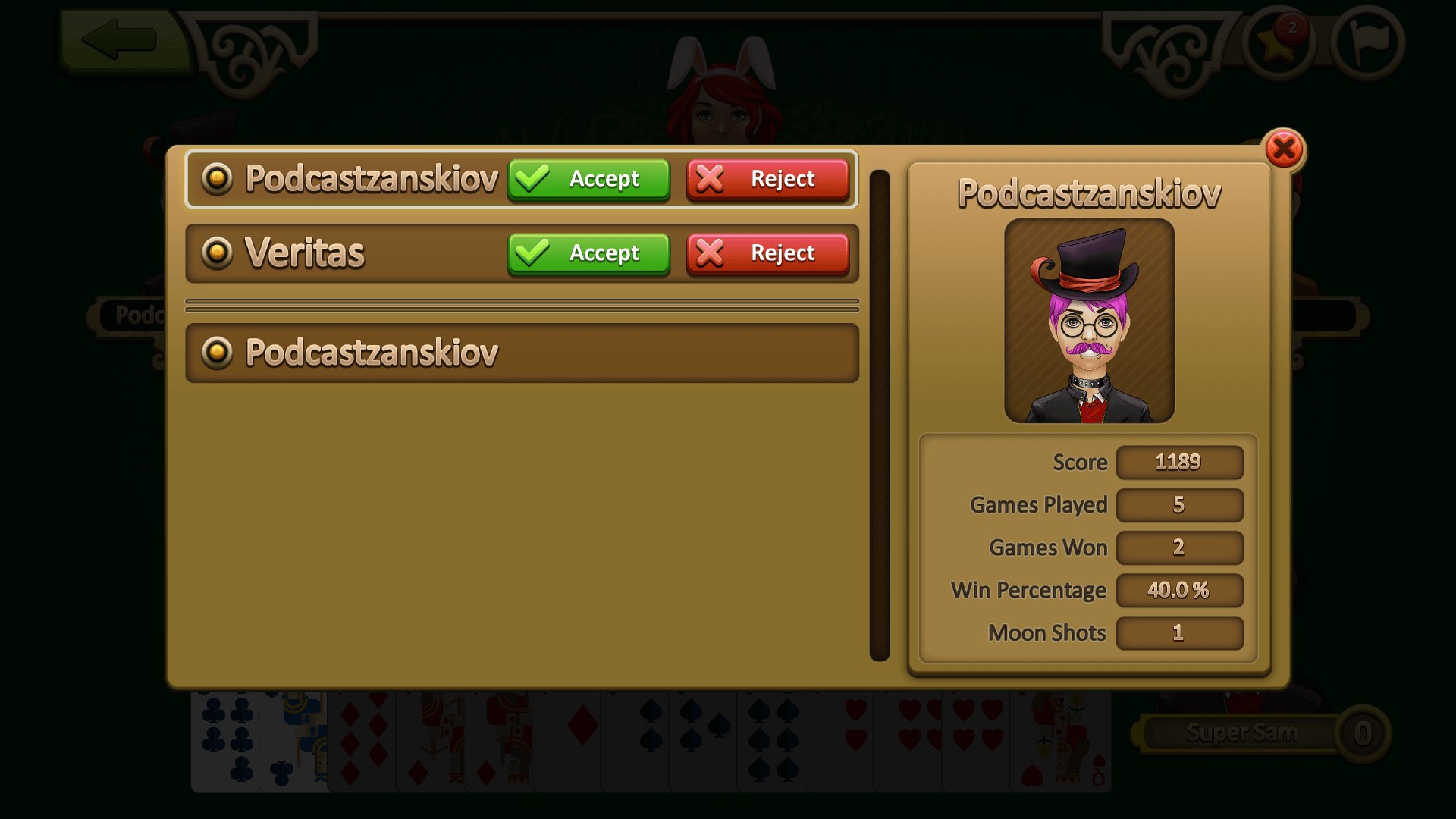
One of Hearts Online's standout features is its robust multiplayer functionality. It connects players from around the globe, fostering a vibrant community where you can challenge friends or match with random opponents. Private rooms are easy to create, allowing for personalized game sessions. The app's matchmaking system supports quick pairing, which is perfect when you're itching for a quick round during a lunch break. The real-time chat feature amplifies the social aspect, making every match feel like an engaging conversation over a physical card table. This social dimension elevates Hearts Online from a simple single-player game to a lively virtual gathering spot for card enthusiasts.
Adaptive Gameplay and Customization
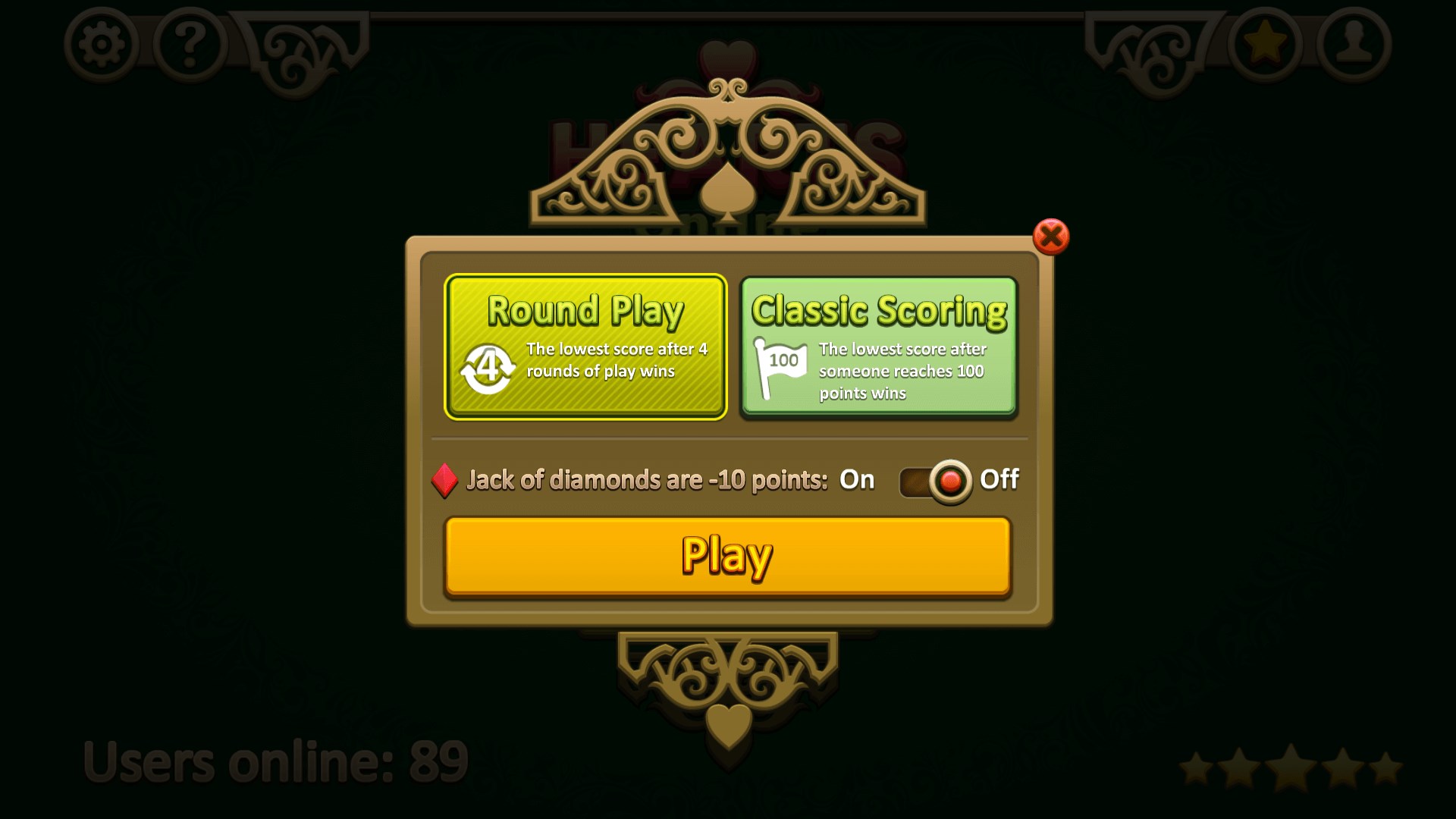
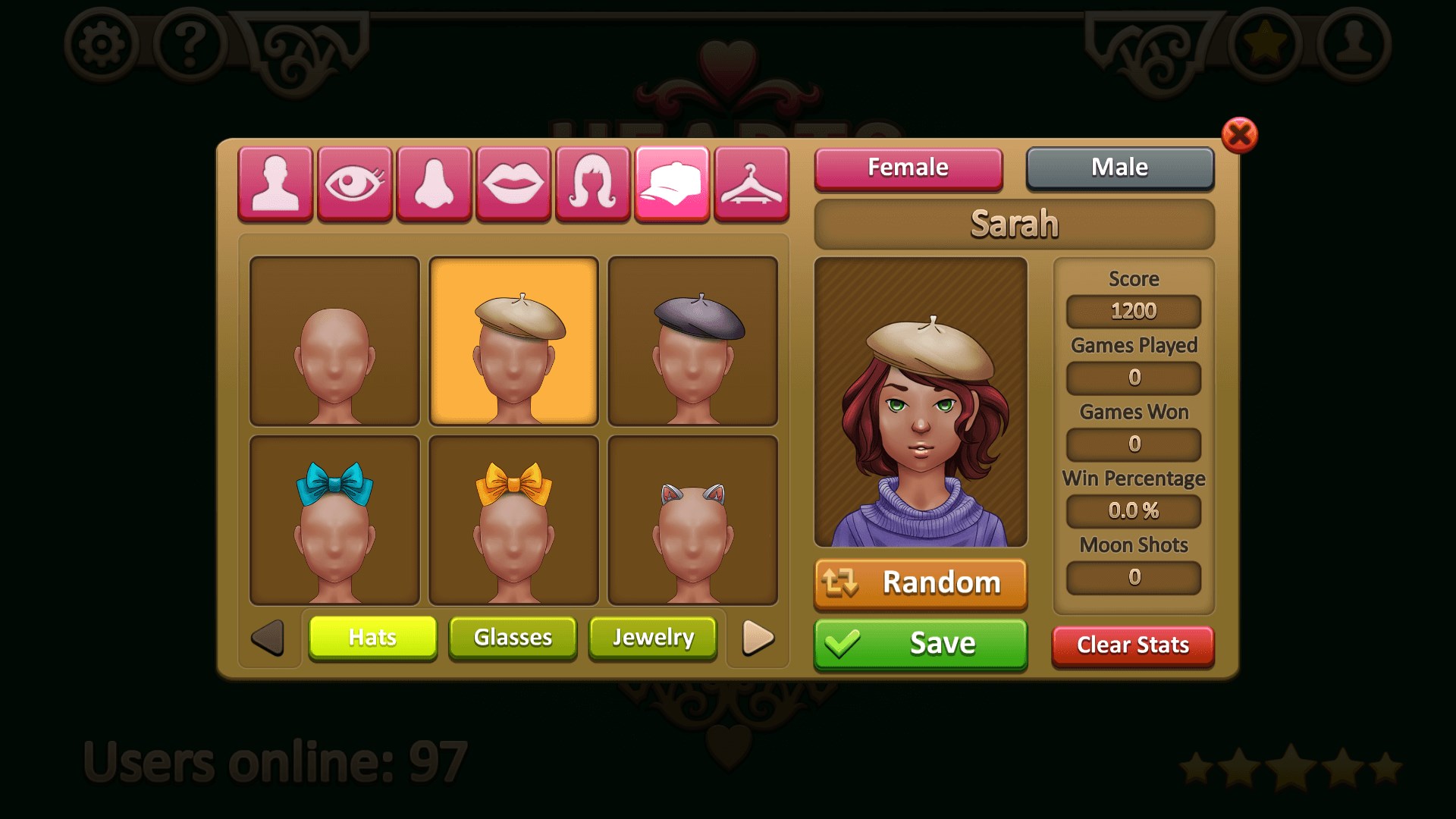
The second core feature is its flexible gameplay options. Hearts Online provides various rule settings—standard rules, custom variants, and even house rules—catering to both purists and experimenters. This adaptability showcases the developers' focus on user preferences. Furthermore, the game includes a range of customization options for avatars, card backs, and table themes, adding a personal touch that keeps the experience fresh. A particularly impressive feature is the auto-play option for times when you're just observing or need a break—this ensures that even passive players stay engaged without feeling left out.
Design and User Experience: Friendly, Fluid, and Accessible
The game's design strikes a wonderful balance: it's not overly complex but features enough visual flair to keep users engaged. Navigating through menus, initiating new games, or spectating is seamless, thanks to logical layout and responsive controls. The learning curve is gentle—beginners can quickly grasp the basic mechanics, while seasoned players can appreciate the subtle strategic options that deepen the game. The app's animations and sound effects subtly enhance immersion without overwhelming the senses—a gentle tap here, a satisfying shuffle there, making each session pleasurable and stress-free.
What Sets Hearts Online Apart?
Compared to other digital card games on the market, Hearts Online's standout feature is its emphasis on social connectivity combined with customizable gameplay. Unlike more solitary versions or those that focus heavily on AI opponents, this app fosters community with live multiplayer matches, real-time chat, and private rooms. Its unique blend of accessibility and depth makes it especially appealing—users can jump in casually or dive into more serious strategic play. The app's design and performance further differentiate it, ensuring players are immersed without technical distractions.
Final Verdict: A Solid Choice for Card Game Enthusiasts
Hearts Online for Windows earns a confident recommendation, especially for players who value social interaction alongside strategic gameplay. Its ease of access, combined with high-quality visuals and customizable options, makes it suitable for both casual gamers and more dedicated Hearts fans. Whether you're reconnecting with old friends or meeting new opponents online, this app offers a reliable and enjoyable experience. For those seeking a modern digital venue to enjoy a classic card game, Hearts Online is certainly worth a try.
Pros
- Engaging Match-3 Gameplay
- Vibrant and Colorful Graphics
- Frequent Content Updates
- User-Friendly Interface
- In-Game Rewards and Bonuses
Cons
- Limited Level Customization
- Occasional Ads Interruption
- Progression Can Be Slow
- Limited Social Features
- Minor Bug Reports











