


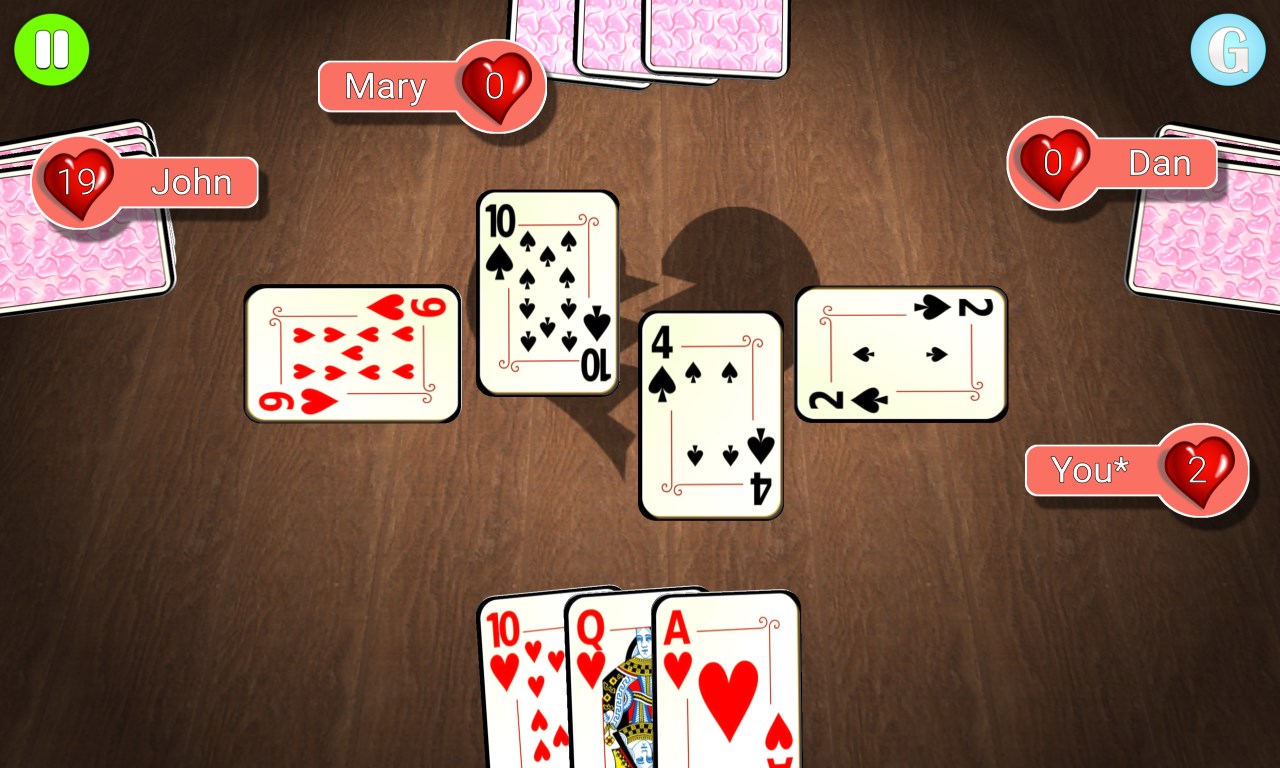
- Name Hearts 3D Ultimate
- Category Card & board
- Available on PC, Mobile, Surface Hub, HoloLens
- OS Windows 10 version 10240.0 or higher
- languages English
Introducing Hearts 3D Ultimate for Windows
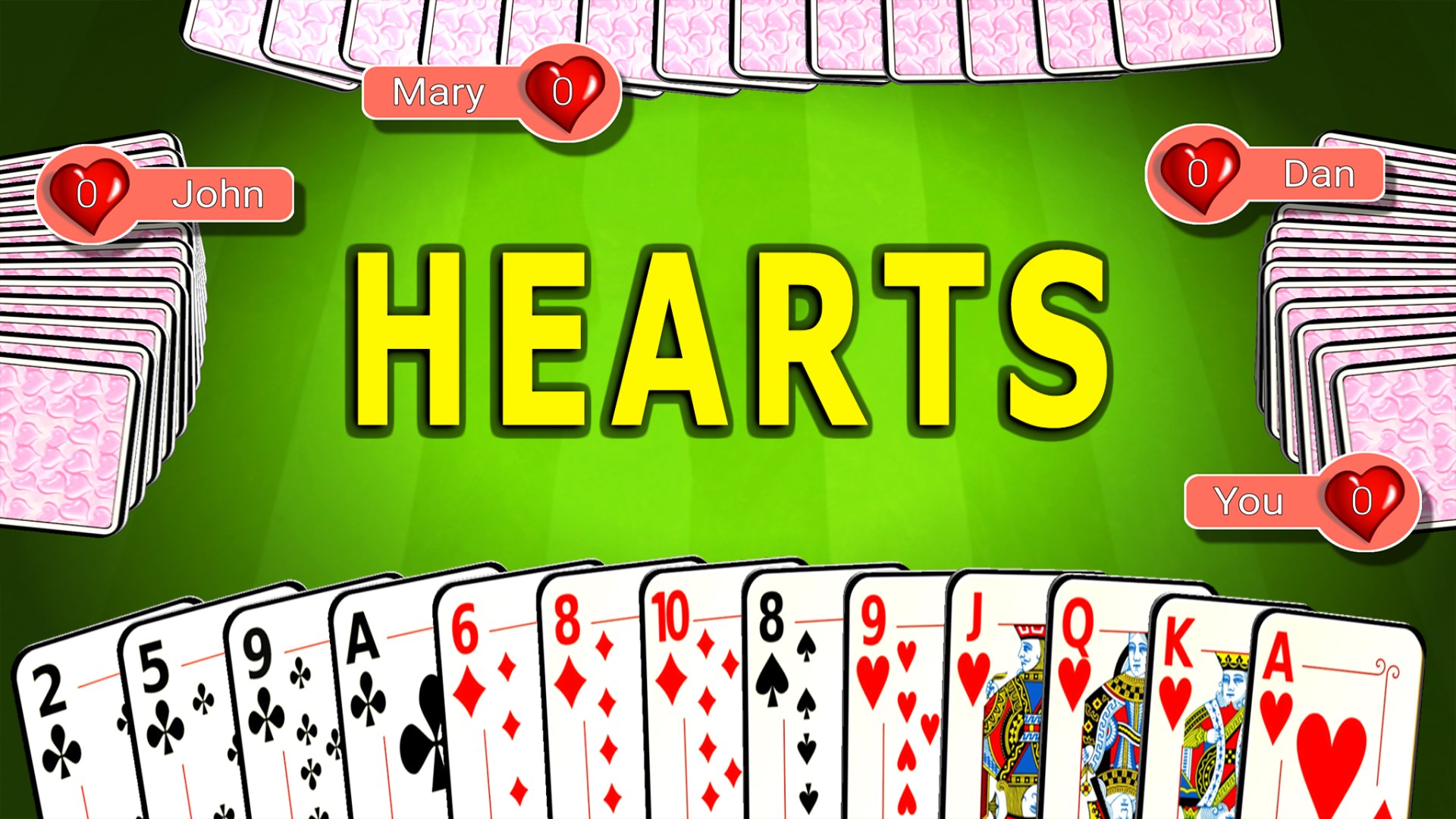
Hearts 3D Ultimate is an innovative digital rendition of the classic card game, bringing a fresh three-dimensional experience to Windows users who cherish traditional gameplay with a modern twist.
About the Developer and Core Highlights
Developer: G Soft Team
G Soft Team, known for creating engaging digital card games, has crafted this app to combine nostalgic gaming with state-of-the-art interface design.
Main Features at a Glance
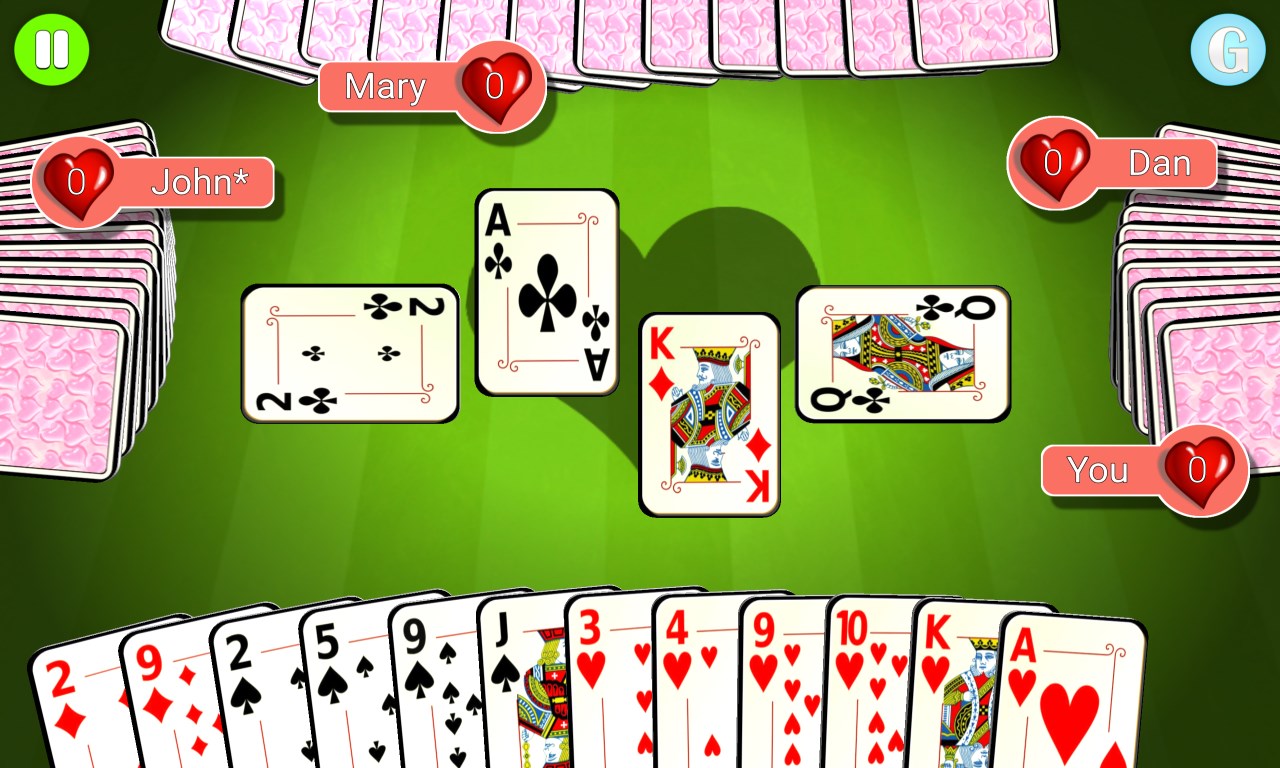
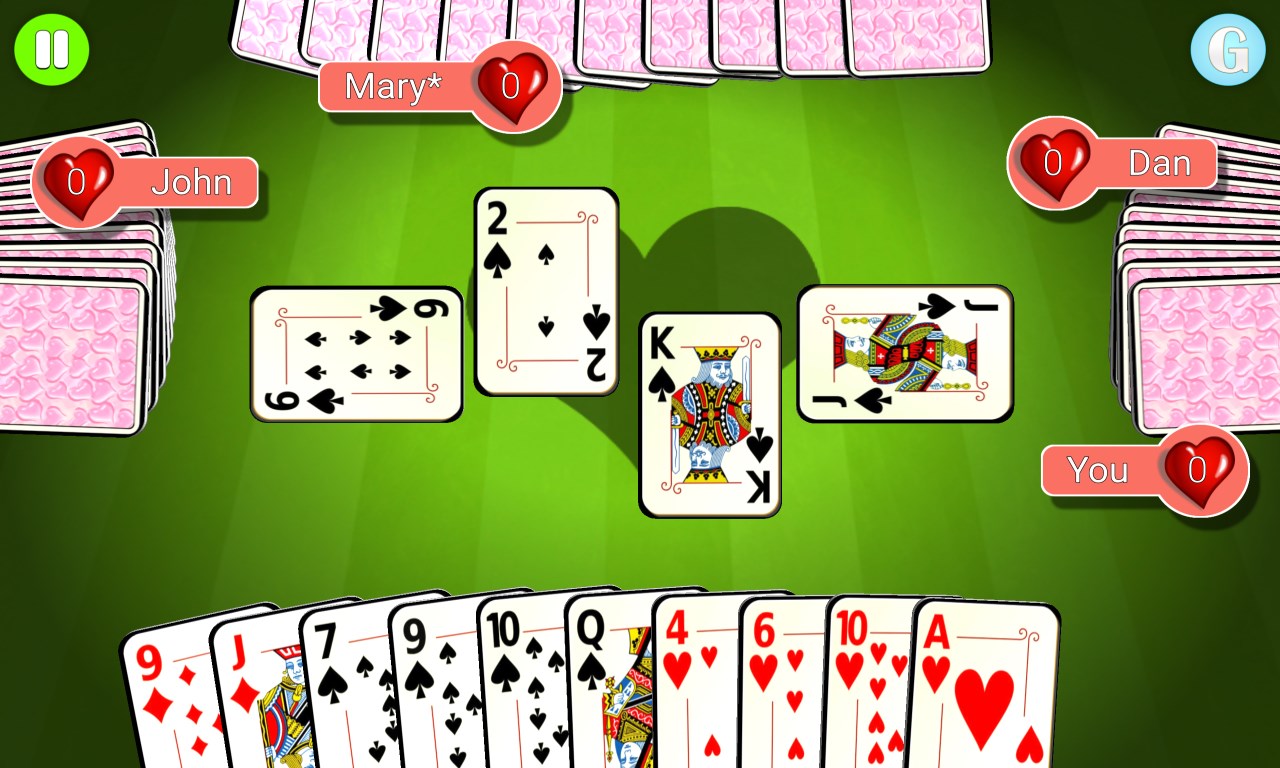
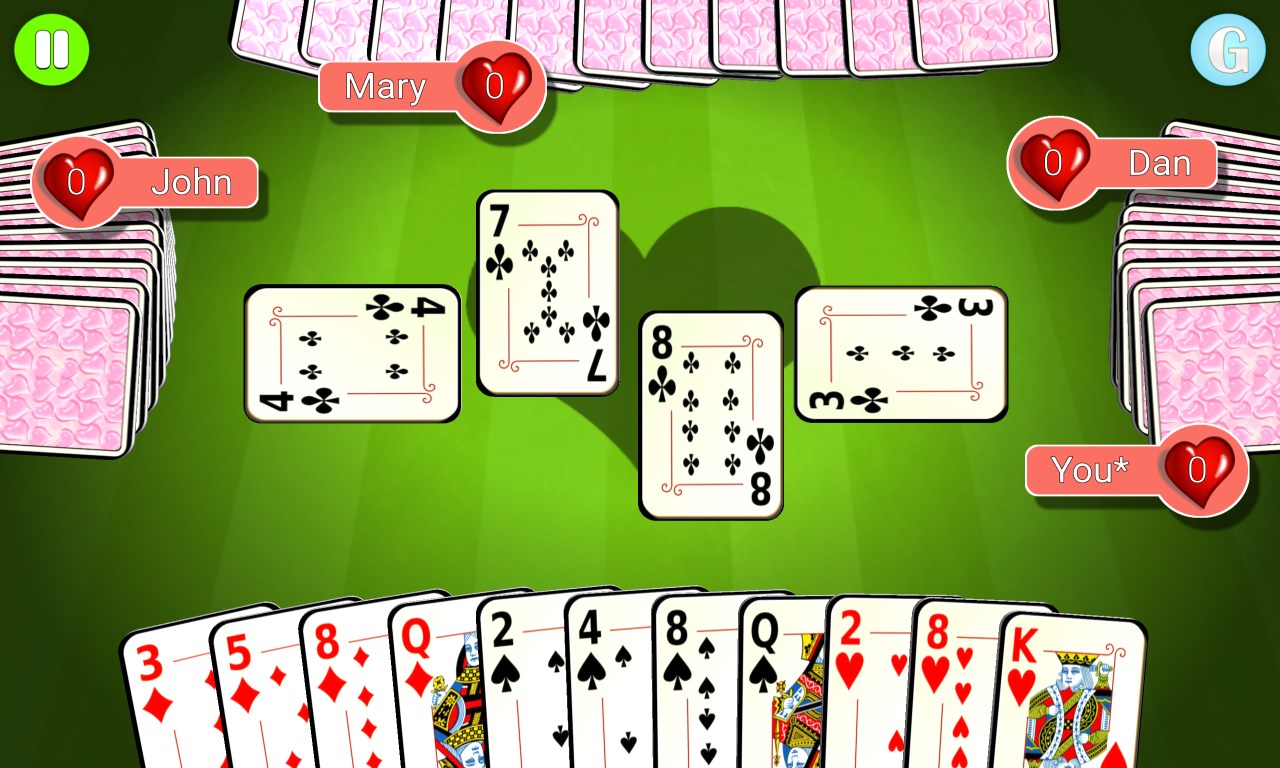
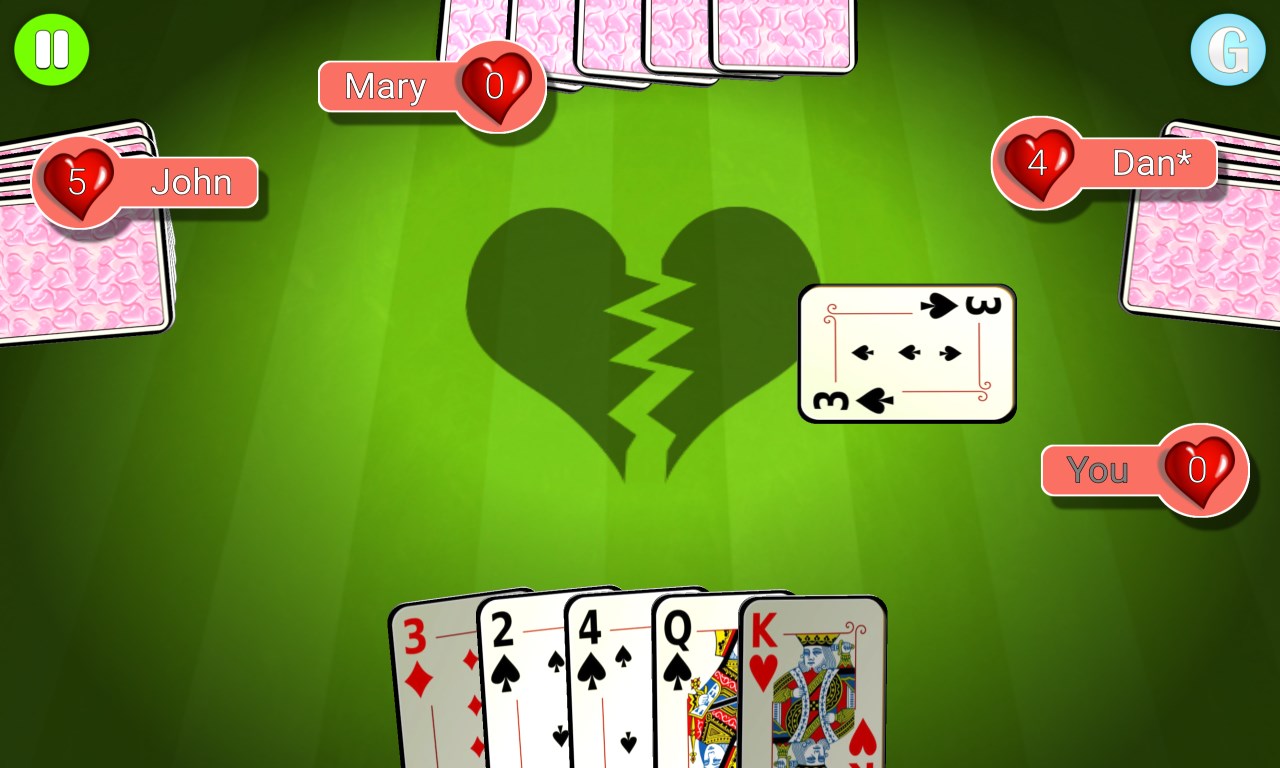
- 3D Visuals and Immersive Design: The game features stunning three-dimensional graphics that make the cards feel alive, elevating the traditional Hearts gameplay into a visually captivating experience.
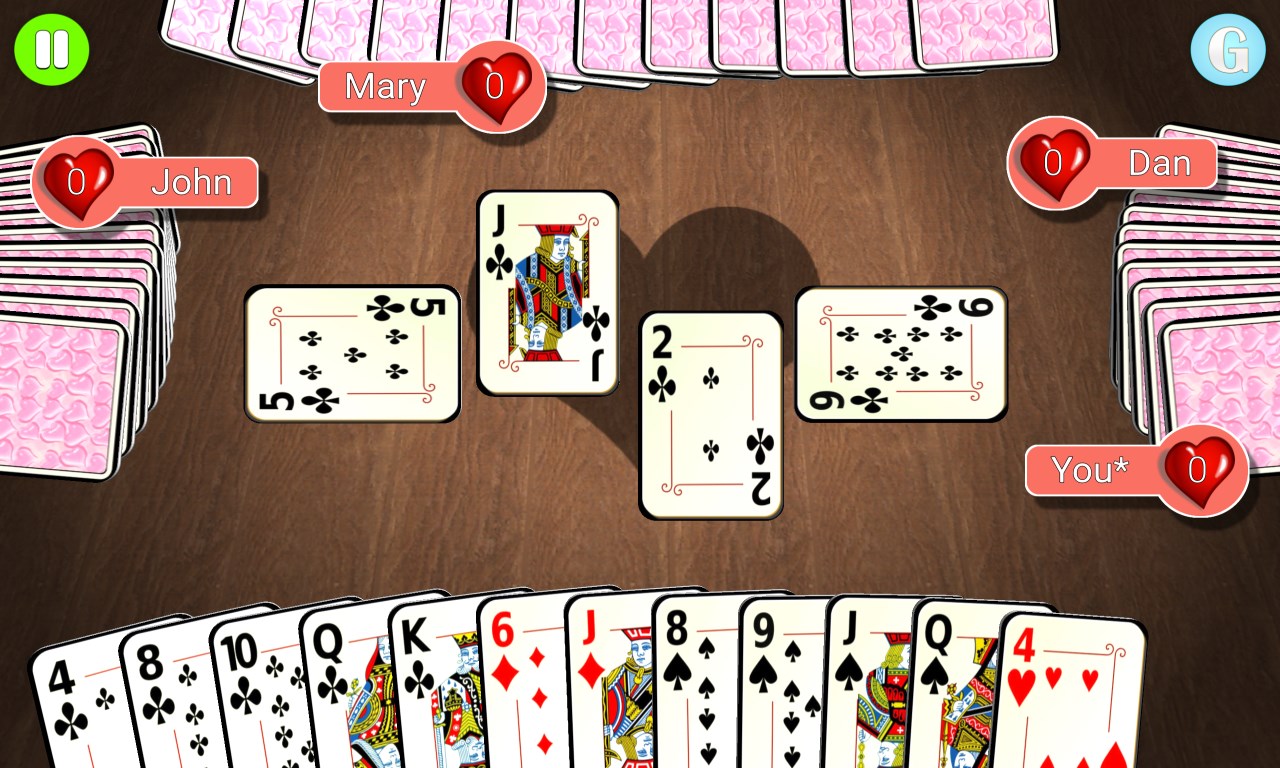
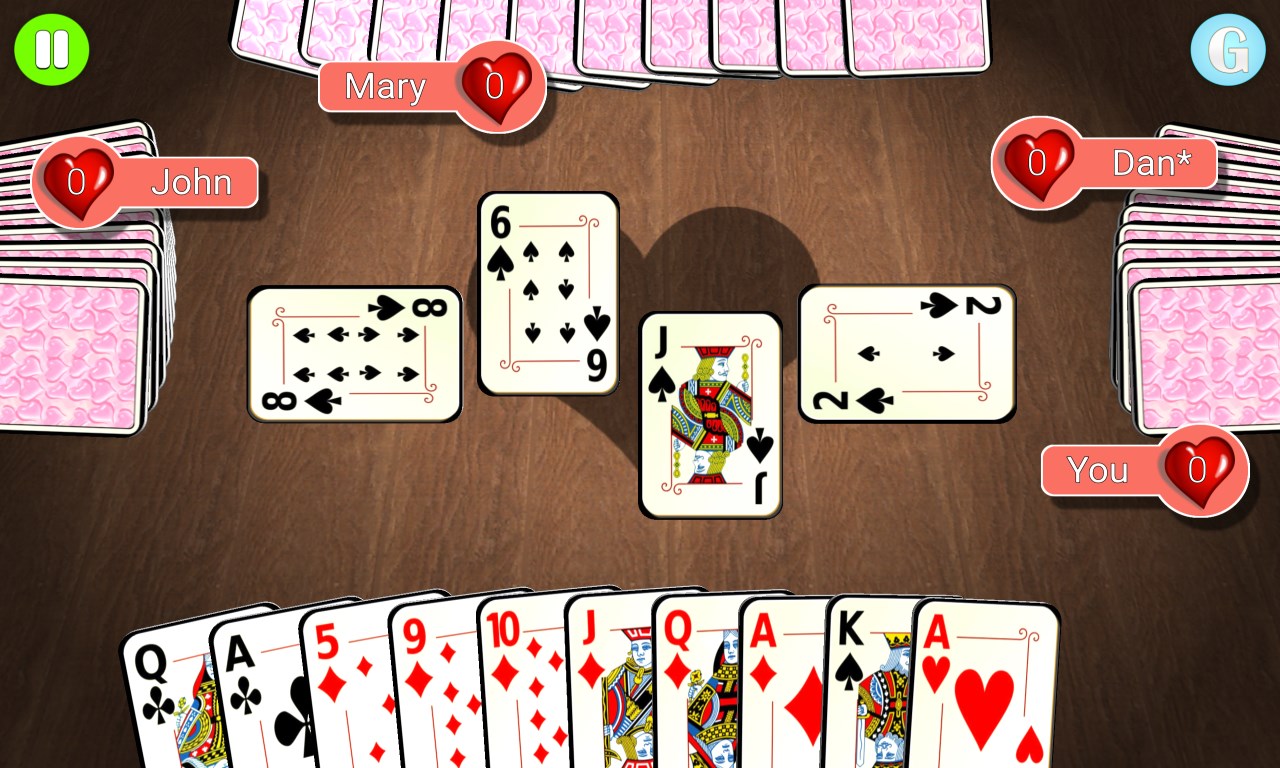
- Customizable Game Settings: Players can tailor game rules, difficulty levels, and visual themes, allowing for personalized gameplay tailored to both casual and seasoned players.
- AI Opponents and Multiplayer Options: The app offers intelligent AI opponents that adapt to your skill level and supports online multiplayer modes to compete against friends worldwide.
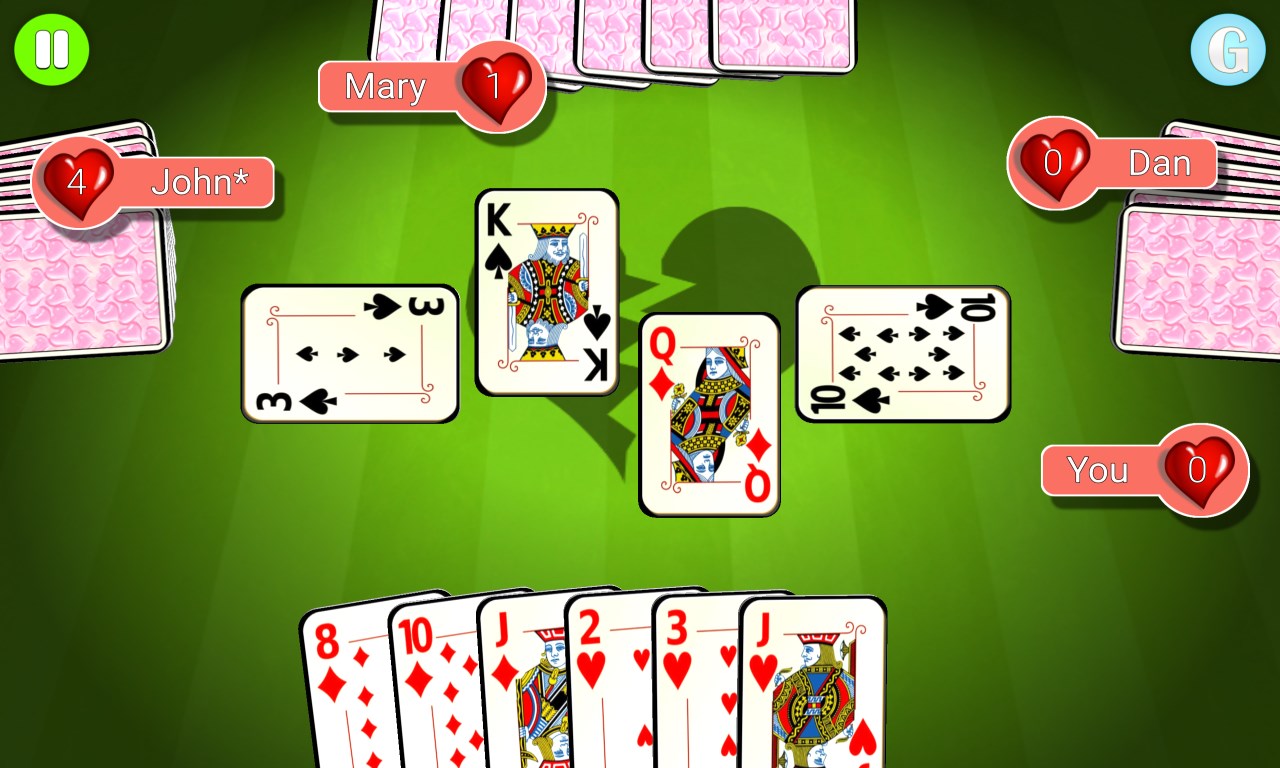
- User-Friendly Interface: Intuitive navigation and smooth interactions make starting a game straightforward, even for newcomers.
Gameplay Experience & User Interface
Stepping into Hearts 3D Ultimate feels akin to entering a cozy, well-lit game room with a modern flair—cards shimmer gently as they flip over, and the three-dimensional flair offers an engaging sensory experience. The interface design is clean and organized, akin to a neatly arranged game table that invites players to dive right in without unnecessary clutter or confusion.
The gameplay itself is fluid; transitions between hands are smooth, with minimal loading times that keep players engrossed. Despite the sophistication of 3D visuals, the app maintains a gentle learning curve—newcomers find the menus approachable, and seasoned players can quickly access advanced settings or customize their game environment.
Core Functionalities in Detail
Immersive 3D Visualization
The highlighted feature of Hearts 3D Ultimate is undoubtedly its vibrant 3D visuals. Unlike traditional card apps that merely display 2D images, this app offers a lively tableau where cards seem to float and flip with a realistic bounce and spin. This visual enhancement not only heightens engagement but also makes tracking cards and game status intuitively easier, enhancing overall gameplay satisfaction.
Customization and Personalization
This feature sets Hearts 3D Ultimate apart from many standard card applications. Users can choose from various visual themes—from classic card designs to modern aesthetics—and set custom rules, allowing the game to adapt to personal preferences or household traditions. Such flexibility ensures the app appeals to a broad audience, from casual players seeking quick fun to board-game aficionados craving specific rule sets.
Varied Playing Modes with Smart AI and Multiplayer
The inclusion of intelligent AI opponents that adapt and challenge players of different skill levels is particularly impressive. Coupled with seamless online multiplayer functionality, this feature transforms Hearts from a solitary experience into a lively social activity. Whether playing solo or with friends globally, the app maintains stability and smooth interaction, fostering competitive yet friendly matches.
Comparing with Similar Card & Board Apps
While many digital Hearts versions exist, Hearts 3D Ultimate's key strength lies in its harmonious blend of aesthetics and functionality. The 3D graphics create an immersive environment that most traditional apps lack, making gameplay more visually engaging. Additionally, the comprehensive customization options and adaptive AI provide a tailored experience, setting it apart from more generic, one-size-fits-all implementations.
Conclusion and Recommendations
Hearts 3D Ultimate for Windows is a commendable choice for anyone seeking a visually appealing, customizable, and user-friendly digital Hearts experience. Its standout feature—the immersive 3D visual environment—is particularly noteworthy and makes gameplay noticeably more lively than conventional 2D counterparts. I would recommend this app to casual gamers who want a smooth, enjoyable rendition of Hearts and to serious players interested in a flexible platform that can adapt to different play styles.
Whether you're a long-time Hearts enthusiast or new to the game, Hearts 3D Ultimate offers a compelling blend of fun and sophistication—worthy of a spot on your Windows desktop for casual leisure or competitive matches.
Pros
- Stunning 3D Hearts Visuals
- Intuitive Touch Controls
- Multiple Game Modes
- Regular Updates with New Content
- Compatibility Across Devices
Cons
- Occasional Lag During Gameplay
- Limited Customization Options
- High Battery Consumption
- Ads Interrupt Gameplay Occasionally
- Limited Sound Effects











