


- Name Hardwood Backgammon
- Category Card & board
- Developer Silver Creek Entertainment
- Available on PC, Surface Hub, HoloLens
- OS Windows 10 version 19041.0 or higher
- languages English, English (United States)
Hardwood Backgammon for Windows: A Classic Game Reimagined
If you're a fan of timeless board games with a modern touch, Hardwood Backgammon for Windows offers a compelling digital rendition of this ancient game. Combining ease of access with thoughtful design, it promises players an enjoyable experience whether they're beginners or seasoned backgammon enthusiasts.
About the Developer and Key Features
Developed and published by Silver Creek Entertainment, a company renowned for their dedication to quality classic game adaptations, Hardwood Backgammon aims to revive a beloved pastime with a fresh digital approach. The app highlights include intuitive gameplay mechanics, beautifully crafted visuals mimicking real wood and felt surfaces, and multiplayer capabilities that allow you to challenge friends or players worldwide. This makes it a versatile choice for casual gameplay or serious matches.
Vibrant Introduction: Why Hardwood Backgammon Stands Out
Imagine sitting at a cozy table on a rainy afternoon, a warm cup of tea nearby, as you engage in a tense and strategic game of backgammon — now, this familiar comfort is just a click away on your Windows device. Hardwood Backgammon captures this feeling perfectly, combining the timeless charm of traditional board gaming with the convenience of digital portability. Whether you're unwinding after a long day or sparring with a friend across the globe, this app transforms your Windows screen into a classic game room filled with warm hues and nostalgic appeal.
Core Functionality and User Experience
Immersive Interface Design
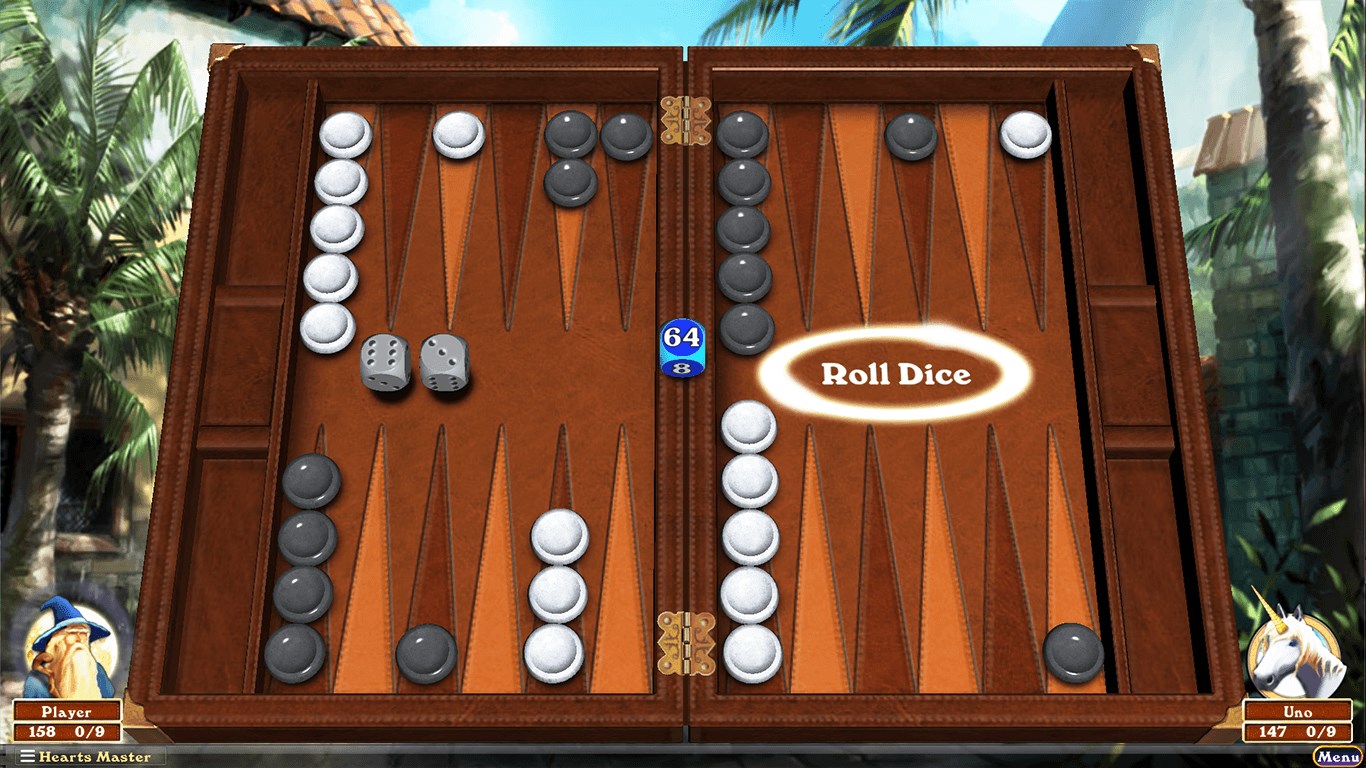
This app boasts a sleek, visually appealing interface that resembles a handcrafted wooden backgammon board, complete with detailed textures, smooth animations, and subtle sound effects. The design is both modern and nostalgic, providing a seamless visual experience that invites players into a cozy, game-filled environment. The layout is clean, with intuitive controls that make navigation feel natural, whether you're moving pieces, rolling dice, or reviewing game history.
Fluid Gameplay and Smooth Interactions
One of the standout qualities of Hardwood Backgammon is its remarkably responsive performance. Dice rolls are animated realistically, and piece movements are fluid, contributing to a gameplay experience that feels convincing and engaging. The app runs smoothly even on mid-range Windows devices, ensuring that your strategy isn't hampered by lag or glitches. The learning curve is gentle; a new player can pick up the game easily, while seasoned players will appreciate the nuanced options and the challenge of skilled opponents.
Unique Features That Elevate the Experience
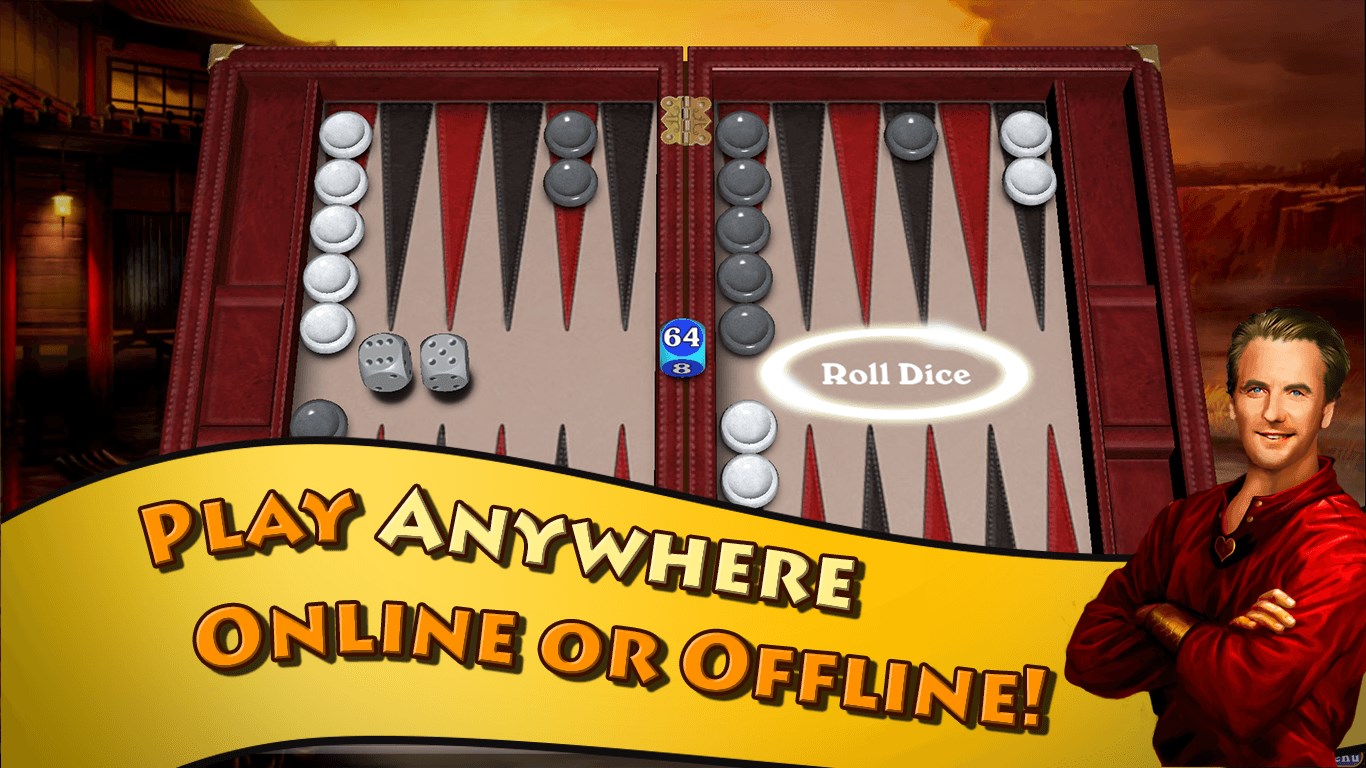
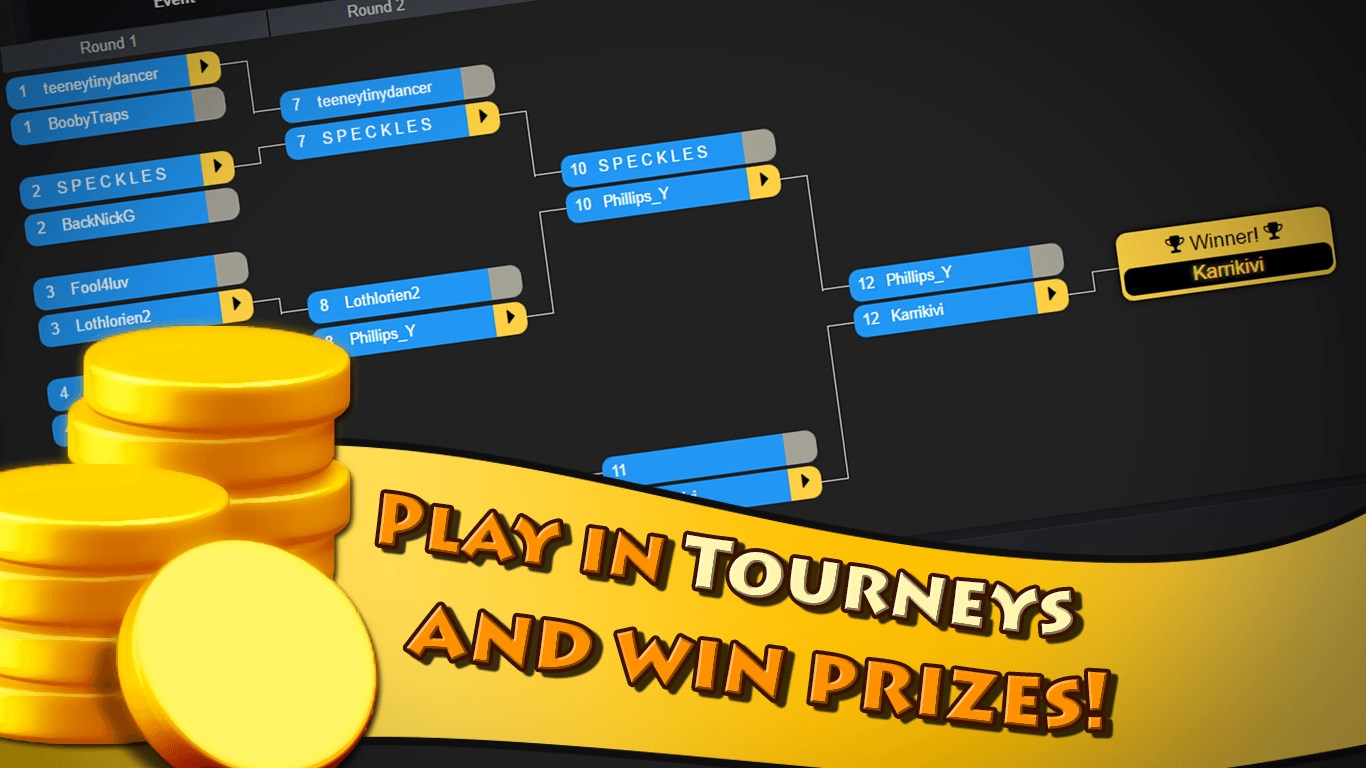
The most prominent feature that sets Hardwood Backgammon apart is its focus on aesthetic authenticity coupled with customizable options. Unlike many digital backgammon apps that lean heavily on minimalistic designs, this application emphasizes visual detail, aiming to replicate the tactile sensation of playing on a real wooden board. Additionally, its multiplayer mode supports online matches, ranked play, and local two-player games, making it versatile for social gaming sessions.
The app also offers adjustable difficulty levels and helpful hints, catering to both novices and veterans. Its intelligent AI adapts to your skill level, providing a balanced challenge that keeps the game engaging without being frustrating.
Should You Give It a Try?
Considering its polished visuals, thoughtful gameplay, and emphasis on user experience, Hardwood Backgammon is highly recommended for anyone looking to rekindle their love for this classic game. Whether you want a relaxing pastime, a competitive challenge, or a way to connect with friends, this app covers all bases.
For those seeking a digital version that doesn't compromise on aesthetic appeal or gameplay integrity, Hardwood Backgammon makes a compelling case as a top choice on Windows. It's best suited for players who appreciate a handcrafted aesthetic coupled with seamless gameplay—if that sounds like your ideal backgammon experience, this app is worth exploring further.
Pros
- Intuitive and user-friendly interface
- Smooth gameplay with minimal lag
- Multiple game modes including single-player and multiplayer
- Beautiful handcrafted graphics and sound effects
- Regular updates with bug fixes and new features
Cons
- Limited global multiplayer matchmaking options
- Lack of in-depth tutorial for beginners
- Some customization features are locked behind in-app purchases
- No offline multiplayer mode available
- Occasional minor bugs reported in online ranking system











