

- Name GOG GALAXY
- Category Entertainment
- Developer GOG sp. z o.o
- Available on PC
- OS Windows 10 version 0.0 or higher
- Keyboard Integrated Keyboard
- Mouse Integrated Mouse
- languages Chinese (Simplified), English, French, German, Polish, Ukrainian, Russian
Introduction: Streamlining Your Gaming Universe with GOG GALAXY for Windows
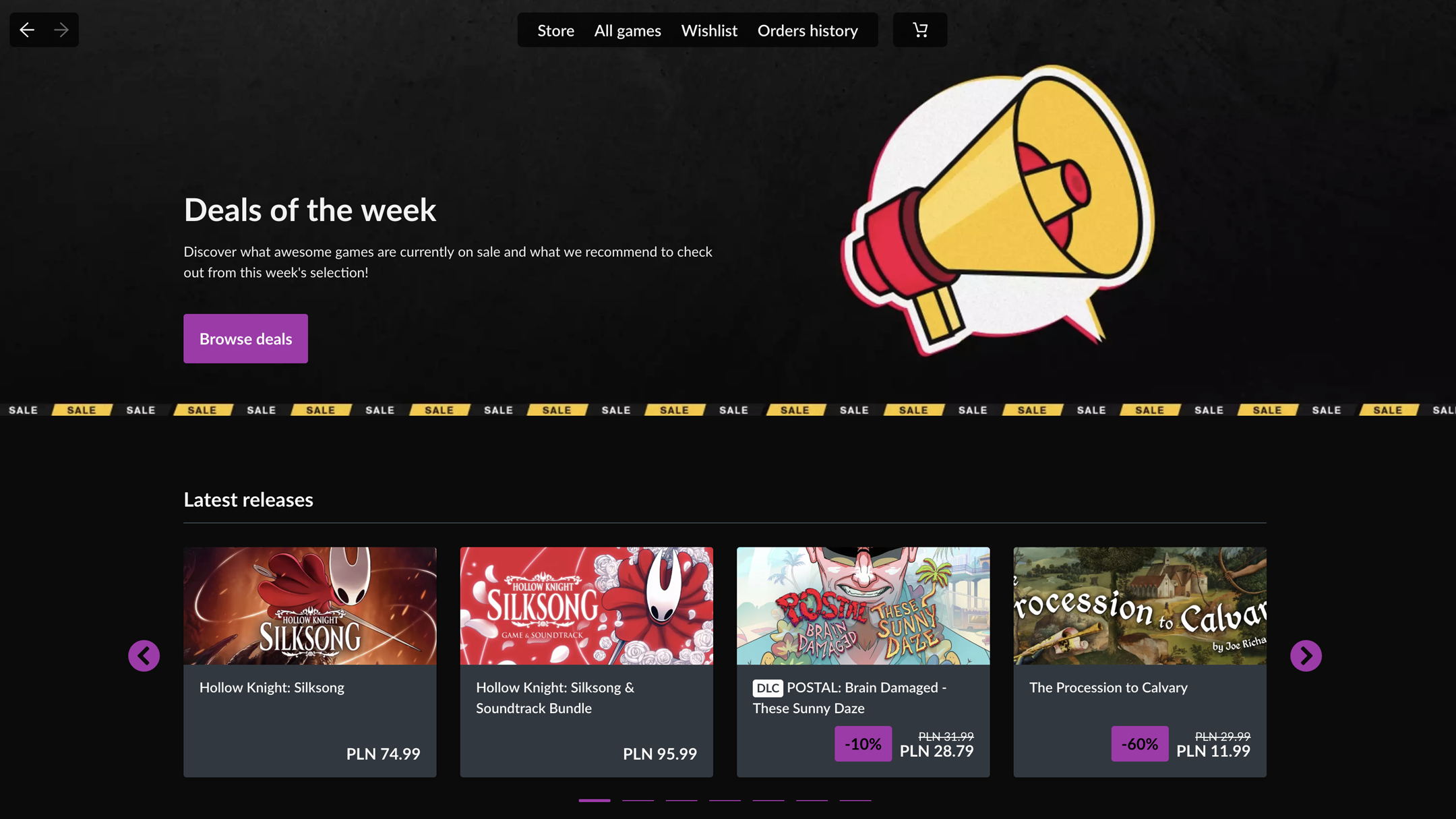
If you're someone who juggles multiple gaming platforms and constantly seeks a seamless gaming management experience, GOG GALAXY for Windows aims to be your digital battlestation hub. By consolidating your game libraries, offering intuitive management tools, and providing personalized recommendations, this application sets out to simplify the often chaotic world of PC gaming. Developed by GOG sp. z o.o., this launcher is designed not just to aggregate games but to enrich your gaming journey through thoughtful features and user-friendly design.
Core Features That Make GOG GALAXY Stand Out
Unified Game Library Management
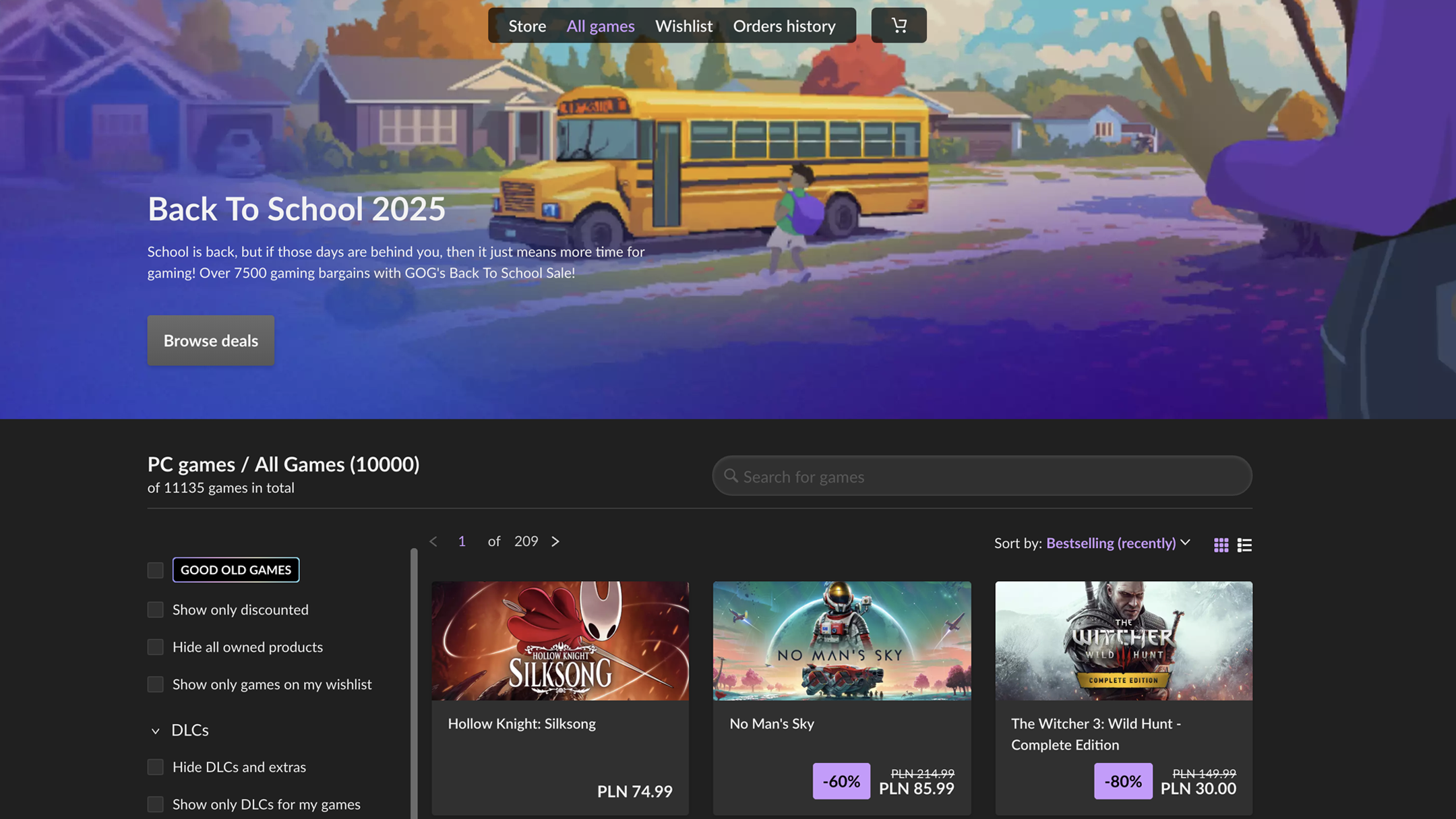
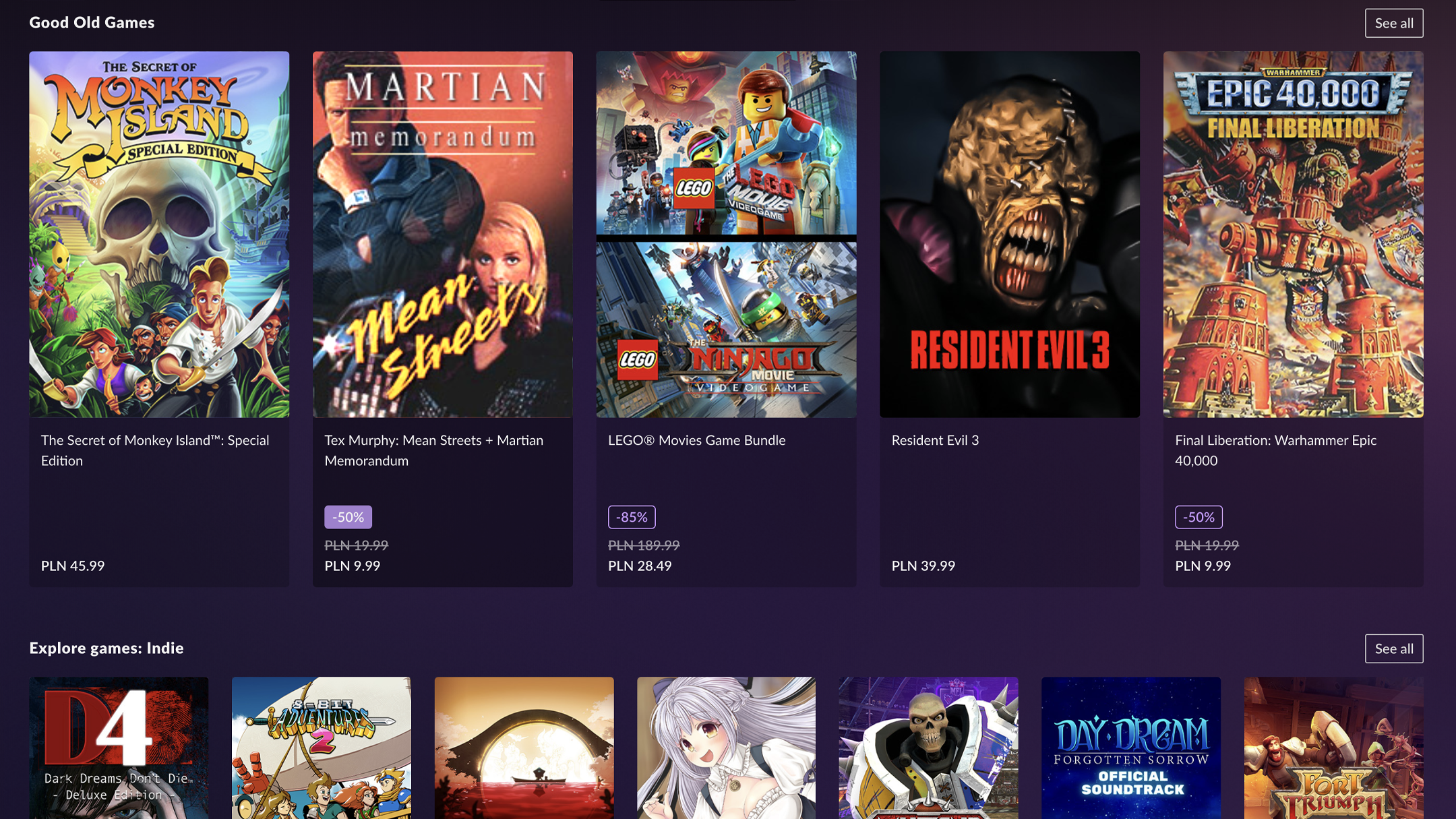
GOG GALAXY offers a centralized platform where users can add and organize games from multiple sources—including GOG.com, Steam, Epic Games Store, and more—into a single, tidy library. This cross-platform capability reduces the tediousness of switching between different launchers, much like having a command center that puts all your consoles and PC games within arm's reach. The app automatically detects installed titles, updates game metadata, and even helps track playtime, making library management both effortless and engaging.
Smart Content Discovery & Personalized Recommendations
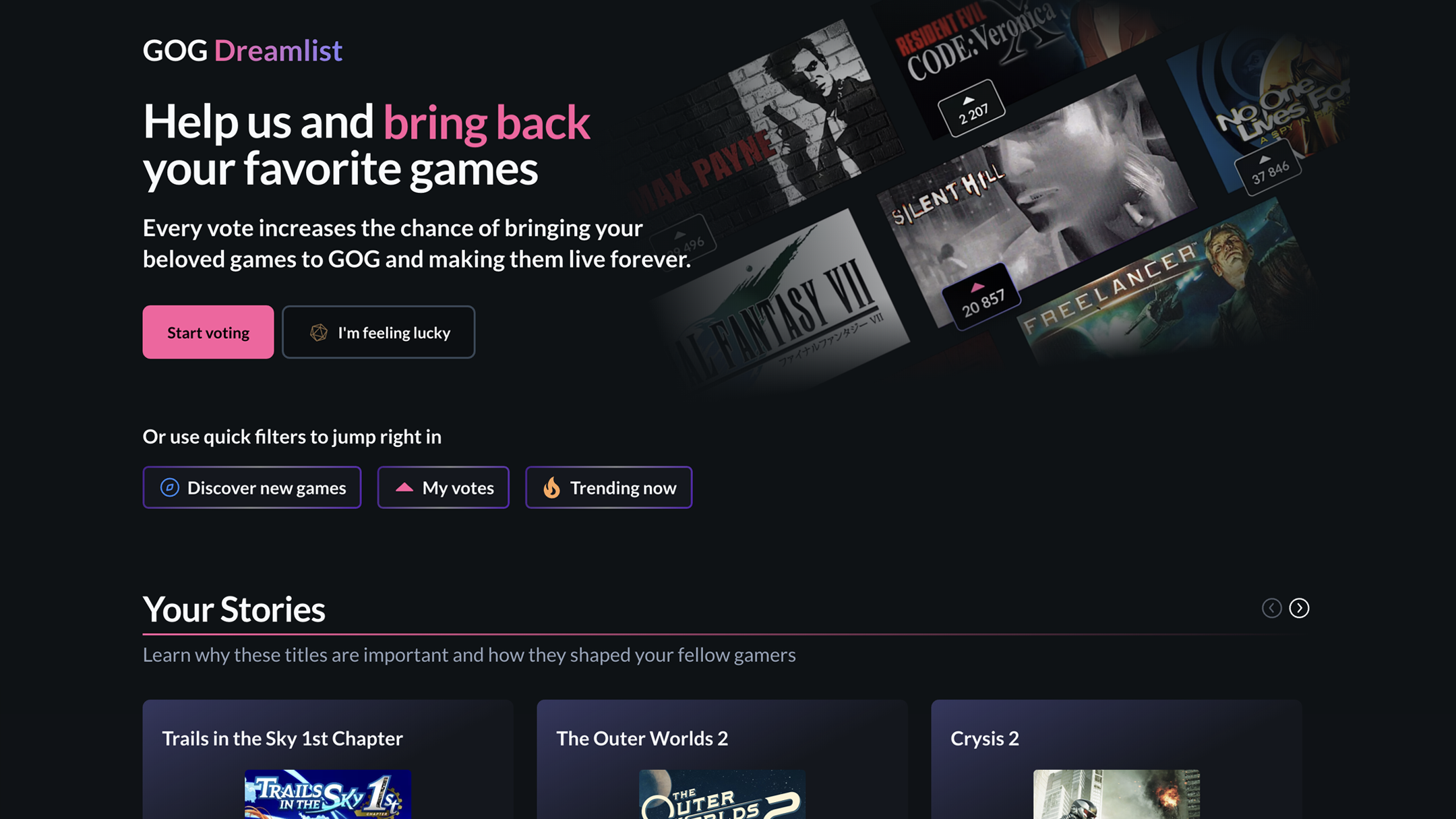
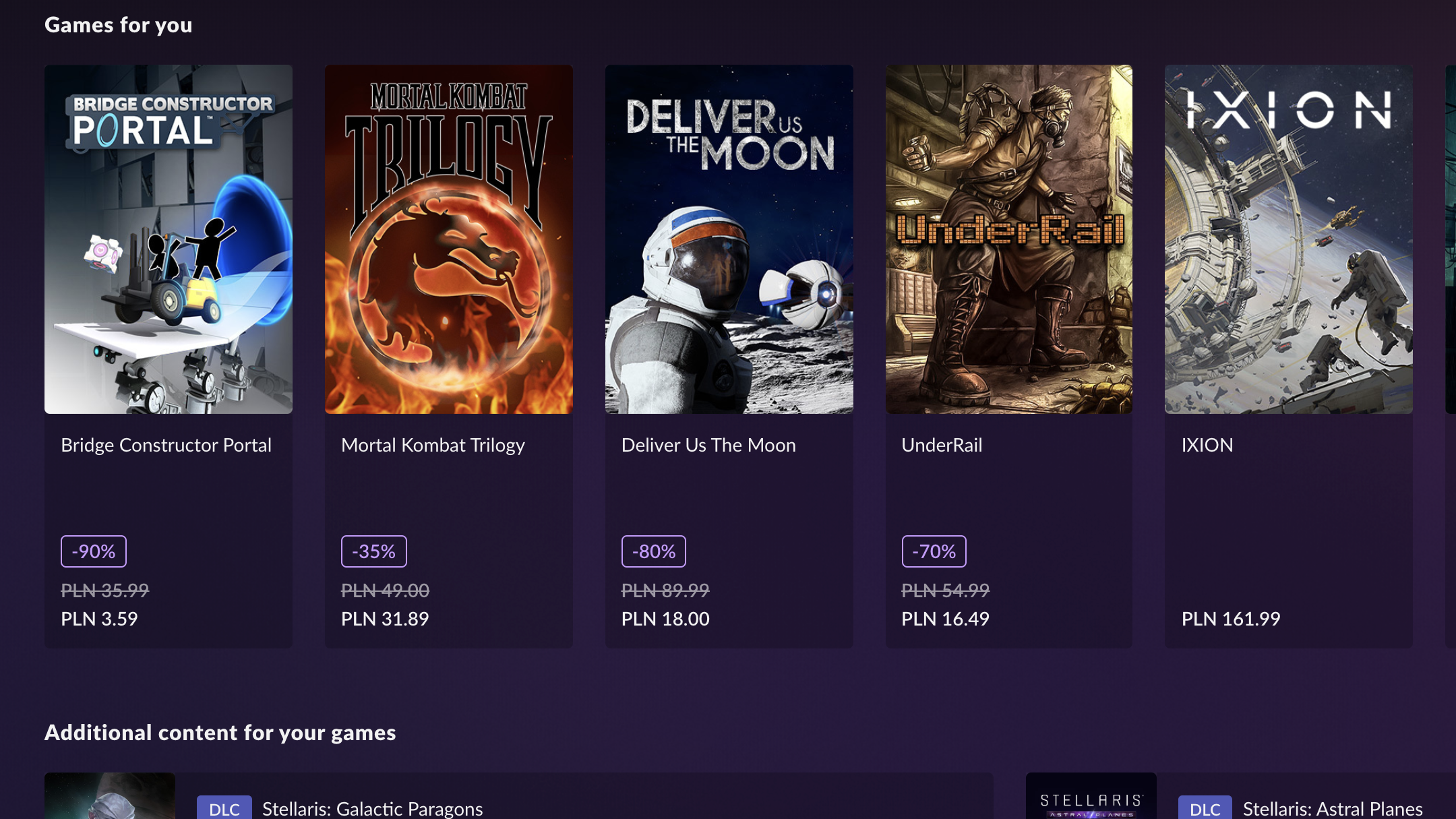
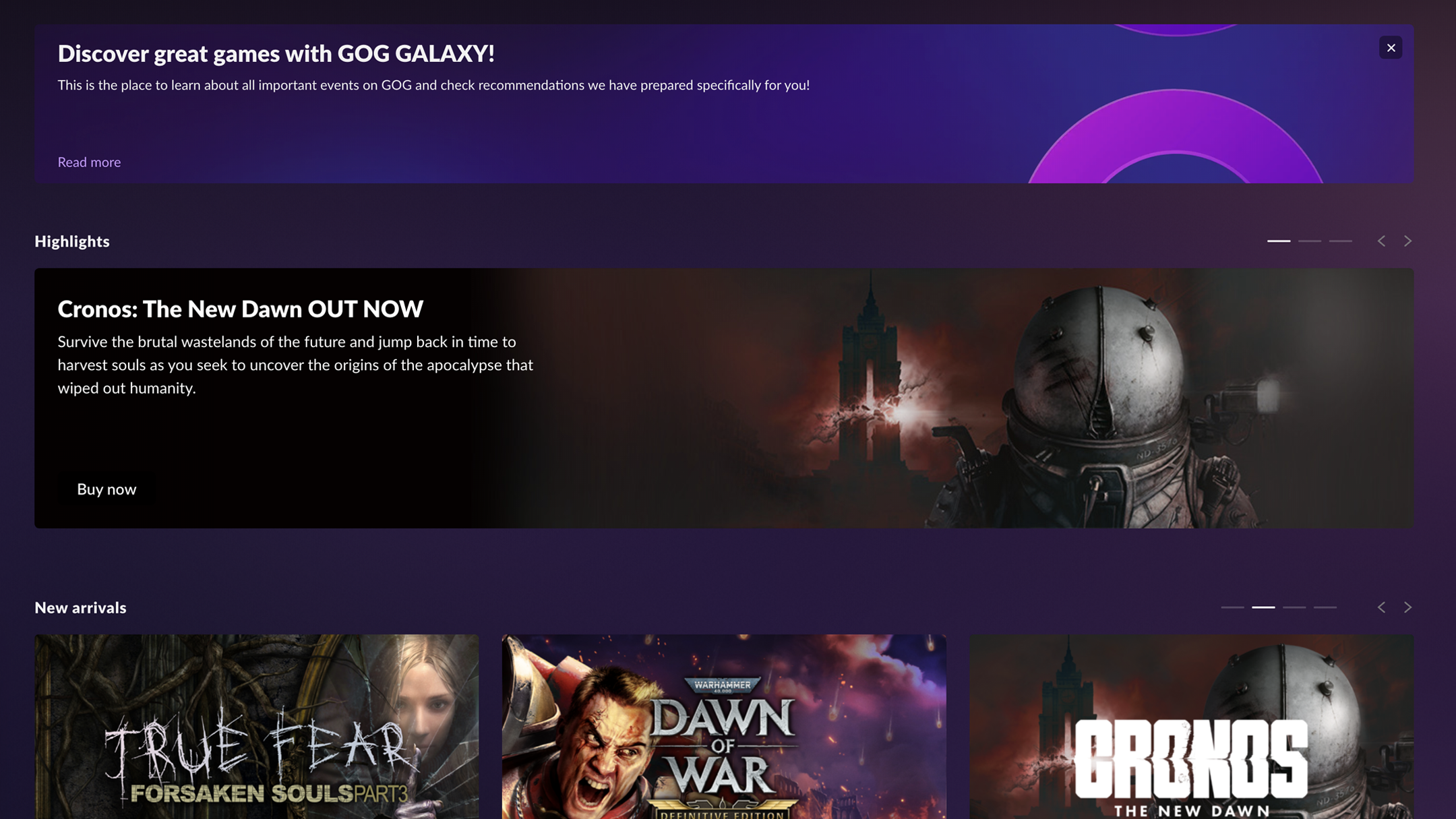
What truly sets GOG GALAXY apart is its intelligent content discovery algorithm. Unlike many traditional launchers that offer static recommendations, GALAXY evaluates your gameplay history and preferences to suggest new titles that resonate with your interests. Think of it as a seasoned game curator who understands your taste and introduces you to hidden gems. This personalized approach enhances the gaming experience, encouraging exploration without overwhelming the user with irrelevant suggestions.
Automatic Updates & Seamless Play
The app handles game updates effortlessly, ensuring your titles are always current without the hassle of manual downloads or missing patches. Additionally, GALAXY's download and installation management is smooth—minimizing interruptions so you can jump right into gaming. Its integrated social features also facilitate friend interactions, multiplayer setups, and achievements tracking, weaving a cohesive gaming ecosystem that feels both robust and easy to navigate.
Design, Performance, and User Experience: An Intuitive Powerhouse
The interface of GOG GALAXY exudes clean simplicity with a modern aesthetic. The layout resembles an orderly digital library, with customizable categories and sleek icons that make finding your games a breeze—like flipping through your well-organized bookshelf. Operating the launcher feels responsive; transitions are smooth, and actions such as installing or launching games are immediate, creating a satisfying user journey that doesn't drag or frustrate.
Learning curve is gentle: new users can quickly grasp how to add games from different stores or configure their preferences thanks to intuitive prompts and helpful tutorials. The app's design caters well to both casual gamers and advanced users seeking customizable options, striking a balance between simplicity and depth.
Unique Strengths & How GOG GALAXY Differs
While many game launchers prioritize content aggregation, GOG GALAXY's most distinctive feature is its sophisticated recommendation system rooted in content discovery algorithms. Unlike platforms that rely solely on popularity metrics, GALAXY assesses your gaming habits to fine-tune suggestions. This results in more relevant and satisfying recommendations, much like how a good friend remembers your favorite genres and subtly points out new titles that match your taste. Such personalized curation elevates it from a mere launcher to a trusted gaming companion.
Verdict & Usage Recommendations
GOG GALAXY for Windows is highly recommended for gamers who juggle multiple platforms and desire a more coherent, intelligent way to manage their libraries. It excels in providing a unified, visually appealing interface coupled with personalized content discovery that truly understands user preferences. While it may not replace dedicated platform clients for certain exclusive features, its cross-platform integration, seamless updates, and tailored recommendations make it a valuable addition to any serious gamer's toolkit. For those looking to streamline their gaming experience without sacrificing depth and customization, GALAXY is an app worth exploring.
Pros
- Unified Library Management
- Automatic Updates and Patches
- Excellent DRM-Free Support
- User-Friendly Interface
- Strong Community Features
Cons
- Limited Game Library Integration
- Initial Setup Complexity
- Occasional Synchronization Delays
- Limited Customization Options
- Offline Mode Limitations











