

- Name Gin Rummy !
- Category Card & board
- Developer TreeCardGames
- Available on PC
- OS Windows 10 version 17763.0 or higher
- languages Chinese (Simplified), Chinese (Traditional Chinese), Danish, Dutch, English, French, German, Hindi, Italian, Japanese, Norwegian (Bokmål), Polish, Portuguese, Russian, Spanish, Swedish
Introducing Gin Rummy! for Windows: A Classic Card Game Redefined
Gin Rummy! for Windows is a polished digital adaptation of the timeless card game, bringing its strategic depth and social charm into the modern desktop environment with a sleek interface and smooth gameplay experience.
About the Developer: TreeCardGames
Developed and published by TreeCardGames, a dedicated team with a passion for bringing traditional card games into the digital age, ensuring authentic gameplay with modern enhancements.
Key Features That Make Gin Rummy! Stand Out
- User-Friendly Interface: An intuitive, clean design making navigation and gameplay effortless for players of all levels.
- Multiple Game Modes: Offers single-player against AI, local multiplayer, and online competitive modes, catering to different playstyles and social needs.
- Smart AI Opponents: Featuring adjustable difficulty levels, the AI provides engaging challenges that sharpen your skills over time.
- Seamless Gameplay Experience: Optimized for Windows, the app ensures lag-free, responsive gaming with visually appealing animations.
Engaging the Player: A Fresh Take on a Classic Card Game
Imagine sitting comfortably at your desk, a warm cup of coffee beside you, ready to challenge an opponent in a game that's as familiar as an old friend but with a fresh digital twist. Gin Rummy! for Windows captures that nostalgic charm while delivering a crisp, contemporary gaming experience—making it a joy for both casual players and seasoned card enthusiasts.
Core Functionality Deep Dive
Intuitive Gameplay and Interface
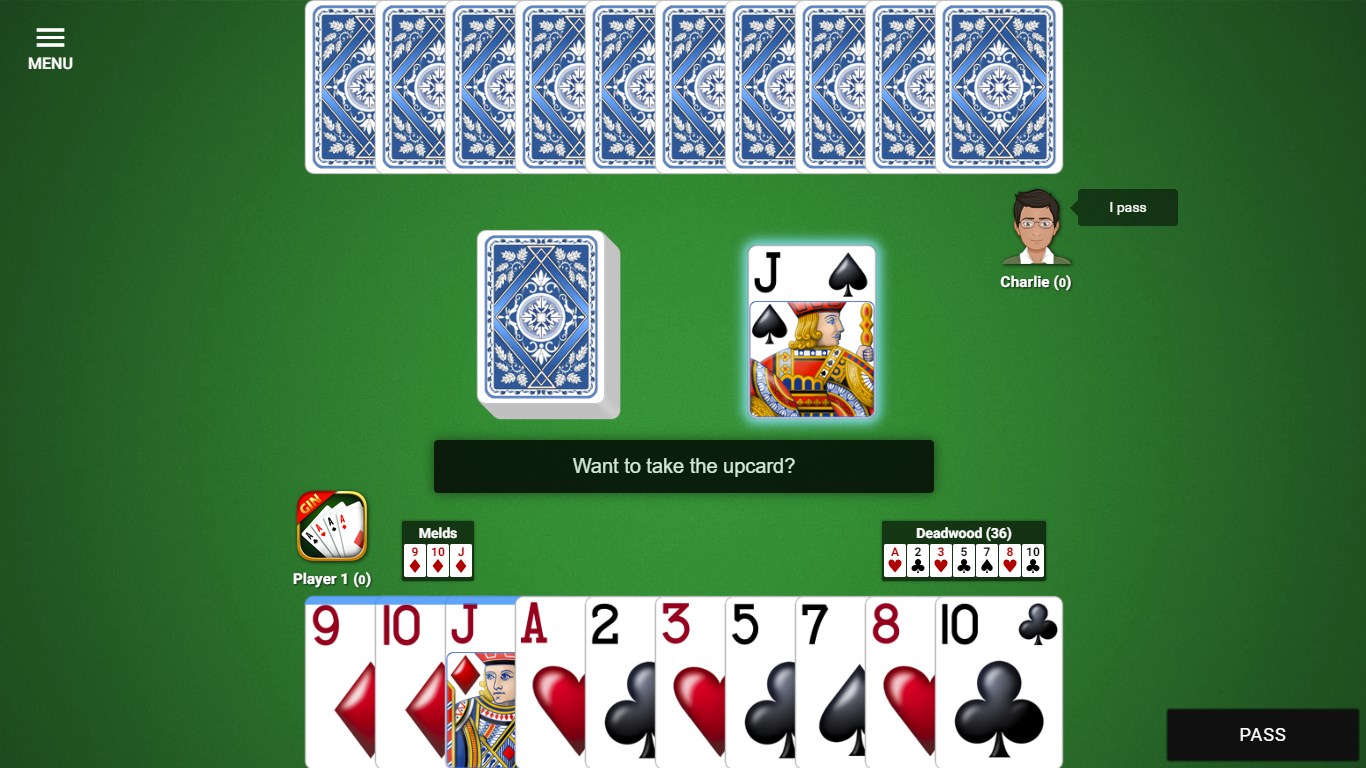
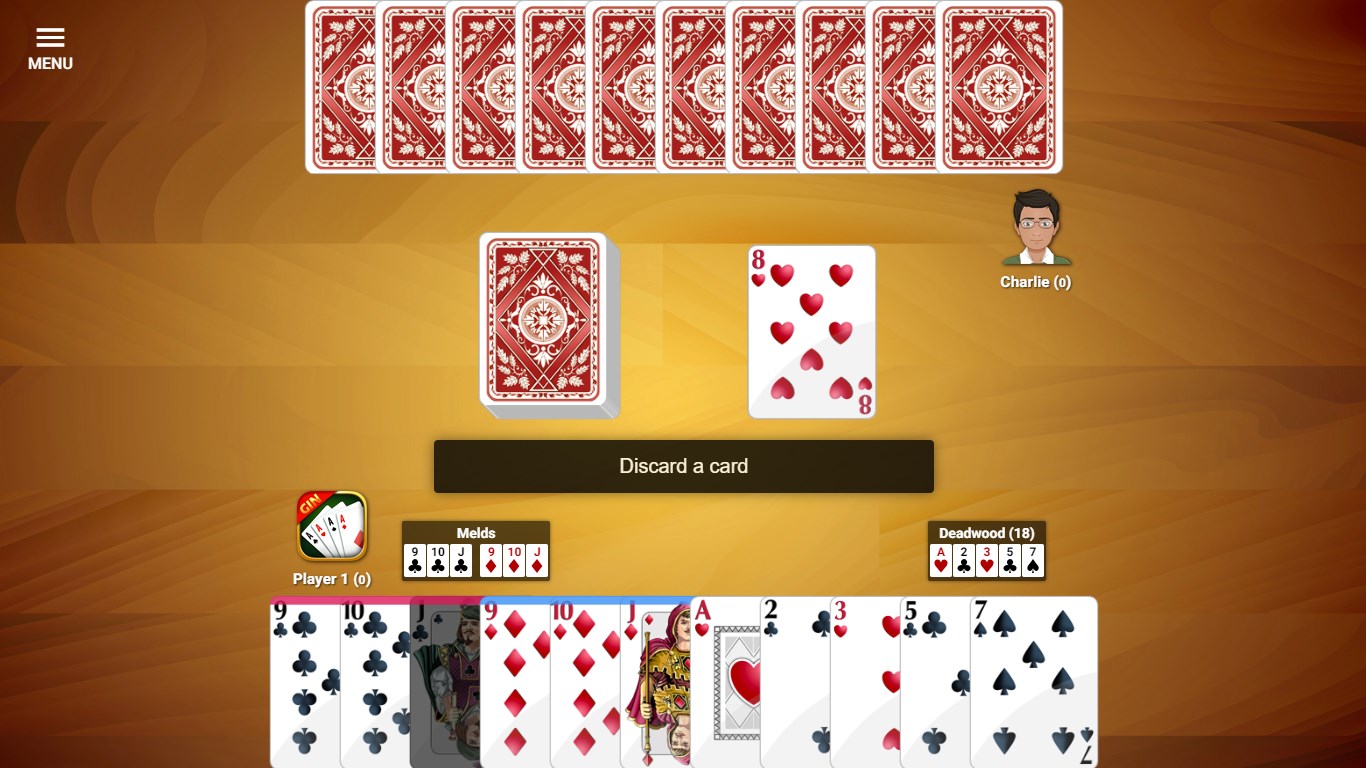
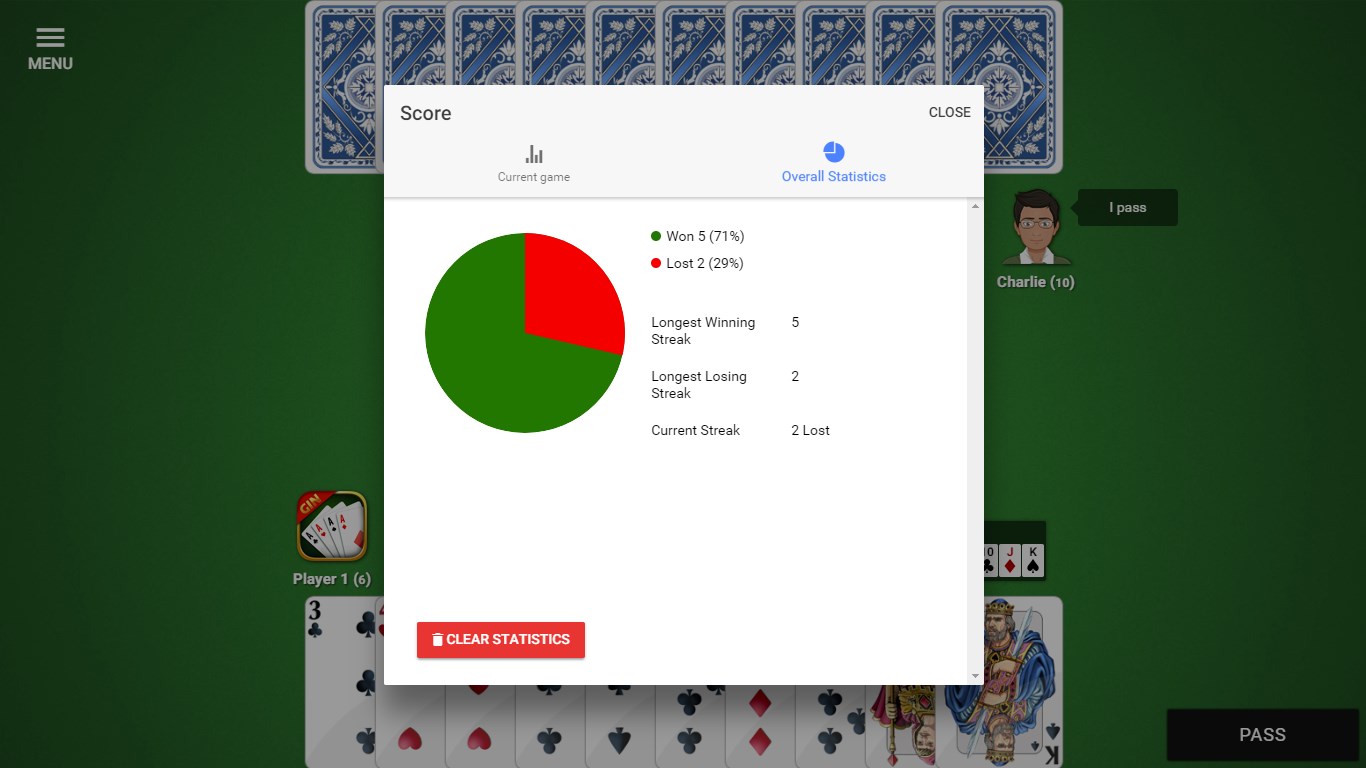
From the moment you launch the app, you'll notice how thoughtfully designed the interface is: large, easy-to-read cards, clear buttons, and minimal clutter. Navigation feels natural—whether you're starting a new game or adjusting settings, actions are just a click away. The game's visual aesthetic strikes a balance between classic card table ambiance and modern digital clarity, enhancing immersion without overwhelming the player.
AI Opponents and Multiplayer Options
The AI opponents are surprisingly intelligent, mimicking a range of playing styles—from conservative to aggressive—allowing you to practice your strategies or chase higher scores. For those social butterflies, local multiplayer is straightforward, and online modes connect you with opponents worldwide. The multiplayer experience remains smooth, with near-instantaneous responses, keeping the gameplay engaging and competitive.
Assessing User Experience and Unique Selling Points
Playing Gin Rummy! feels like stepping into a well-organized card room, where every move is guided yet leaves room for strategy and personal flair. The controls are responsive, and animations—like card shuffles and deals—are polished but not distracting. The learning curve is gentle; new players can quickly pick up the rules with in-game tutorials, while veterans can dive right into the more challenging AI or online matches.
The standout feature of Gin Rummy! lies in its adaptive difficulty and online integration, which effectively bridges casual gameplay with competitive play. Unlike other digital card games that may feel static or overly simplistic, this app offers a nuanced challenge that grows with your skill level, ensuring sustained engagement.
Final Verdict and Recommendations
If you're searching for a reliable, aesthetically pleasing digital rendition of Gin Rummy that balances traditional gameplay with modern convenience, this app is worth a try. It's particularly recommended for casual players who enjoy a relaxed game at home or for those looking to sharpen their card skills against AI or compete online.
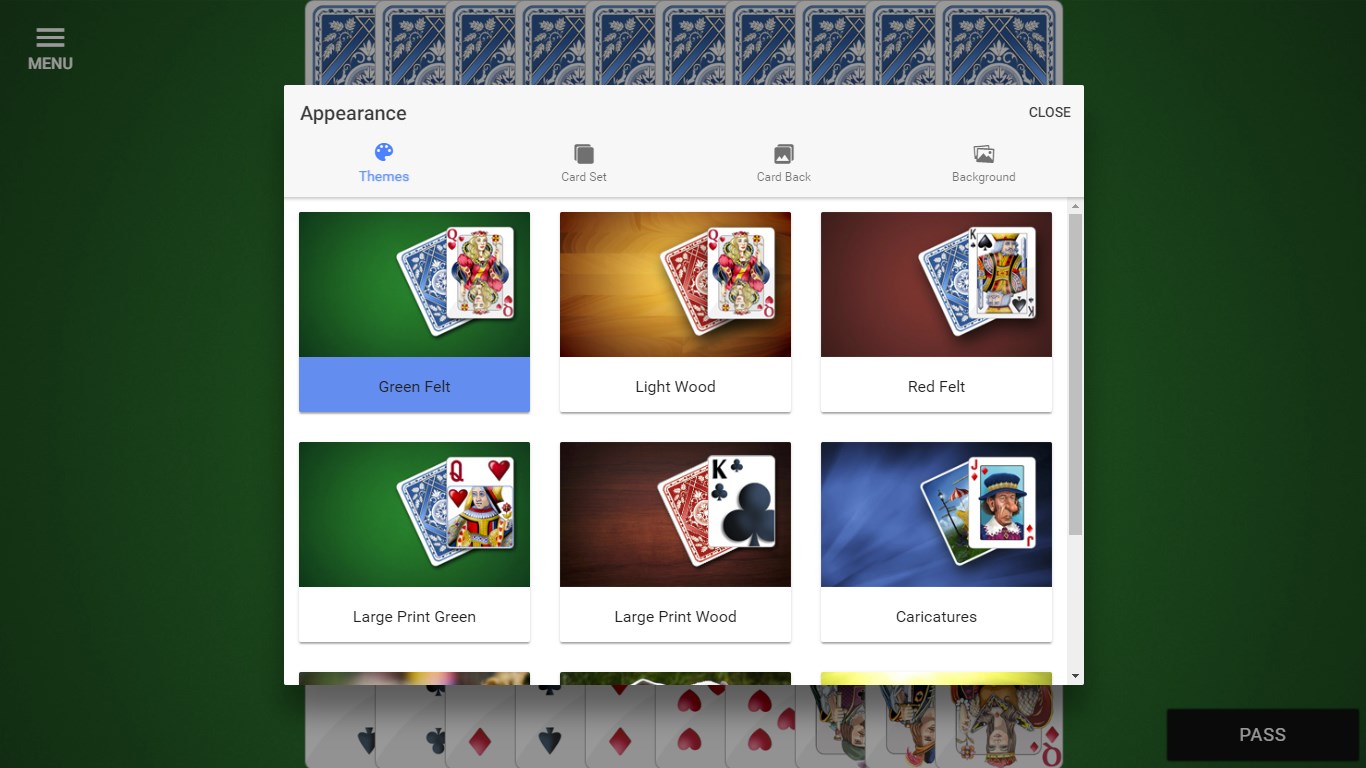
While it may lack some extensive customization features or elaborate social integrations of larger platforms, its core strengths—intuitive play, intelligent AI, and smooth online connectivity—make it a solid choice. Overall, I'd rate Gin Rummy! for Windows as a highly accessible, well-crafted digital card game that preserves the essence of the classic while embracing the benefits of digital technology.
Pros
- Intuitive gameplay.
- Variety of game modes.
- Realistic card animations.
- Offline mode available.
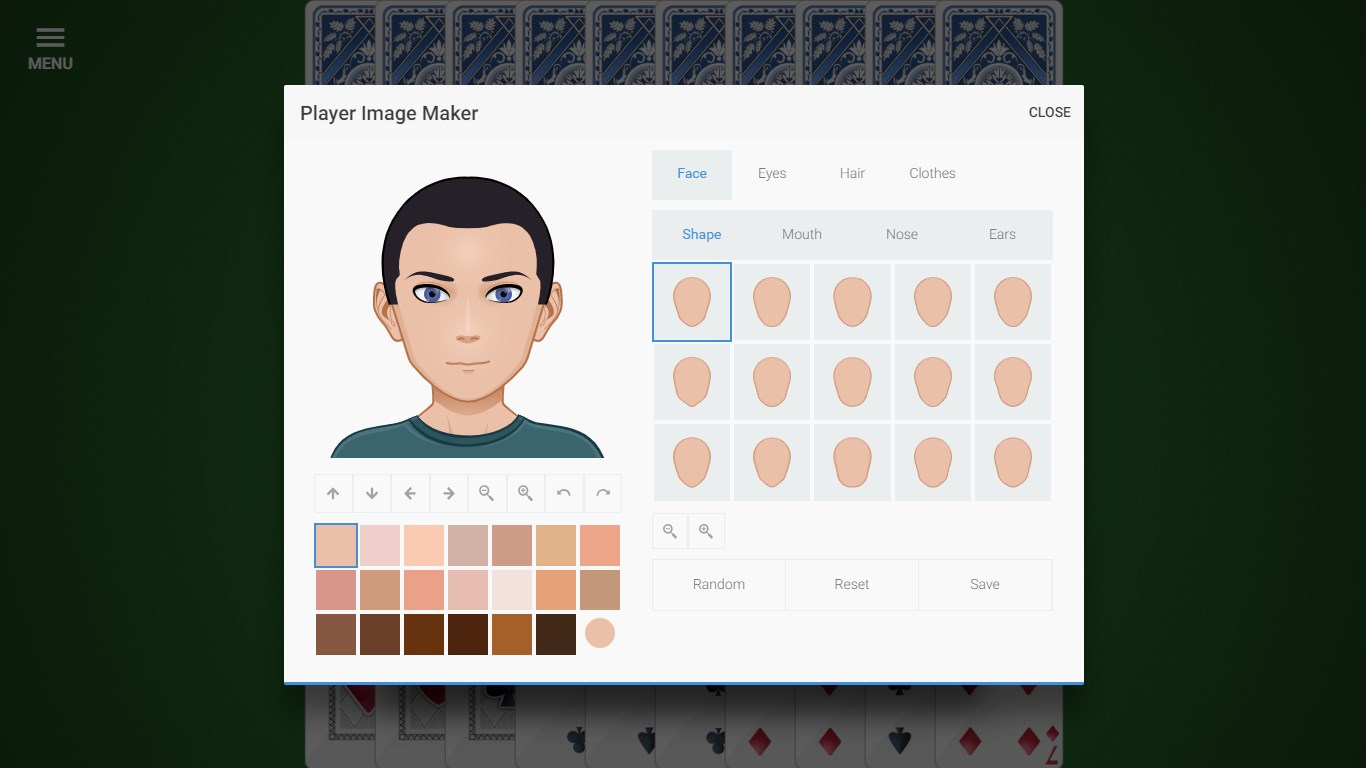
- Customizable settings.
Cons
- Limited multiplayer options.
- In-app advertisements.
- Lack of tutorial for beginners.
- Limited language options.
- Occasional minor bugs.











