

- Name GameSir Connect
- Category Entertainment
- Developer Guangzhou Chicken Run Network Technology Co.,Ltd.
- Available on PC
- OS Windows 10 version 0.0 or higher
- languages Chinese, Chinese (Simplified), Chinese (Simplified), Chinese (Simplified) (China), English, English (United Kingdom), English (United States), French, German, Russian, Italian, Spanish, Portuguese, Korean, Japanese, Polish
GameSir Connect for Windows: Your Gateway to Seamless Gaming Device Integration
GameSir Connect for Windows is a thoughtfully designed application that bridges your GameSir gaming peripherals with your Windows PC, offering a streamlined and personalized gaming experience. Developed by Guangzhou Chicken Run Network Technology Co., Ltd., this app aims to optimize device management, customization, and performance tuning for gamers and tech enthusiasts alike.
About the Developer and Core Features
Crafted by Guangzhou Chicken Run Network Technology Co., Ltd., GameSir Connect focuses on delivering a user-friendly interface coupled with powerful functionalities. Its main highlights include device firmware updates, customizable button mappings, and detailed device diagnostics. Designed with the dedicated gamer in mind, it caters to those who want complete control over their gaming hardware, whether casual players or esports competitors seeking precision tuning.
Engaging and Intuitive User Interface
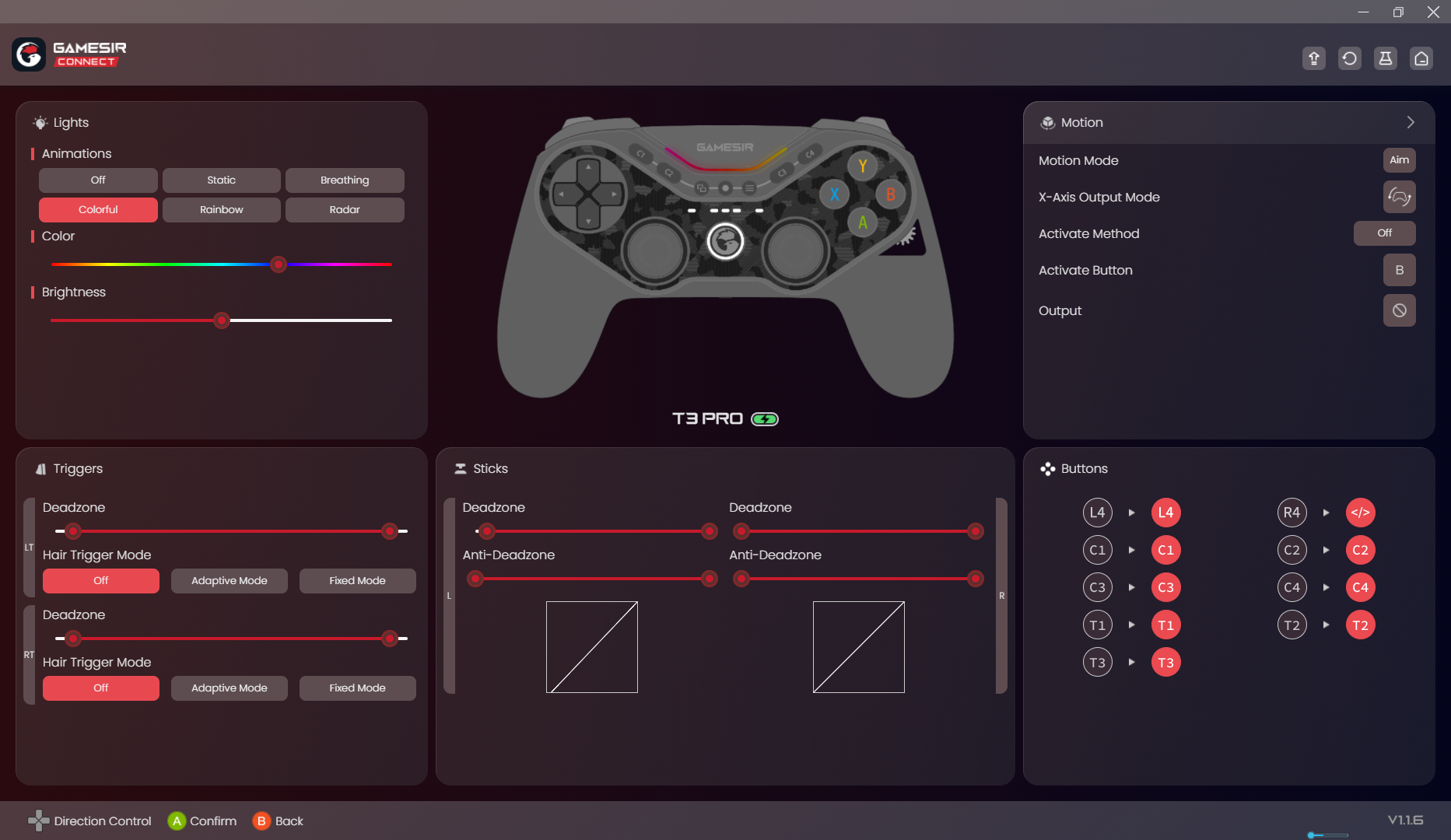
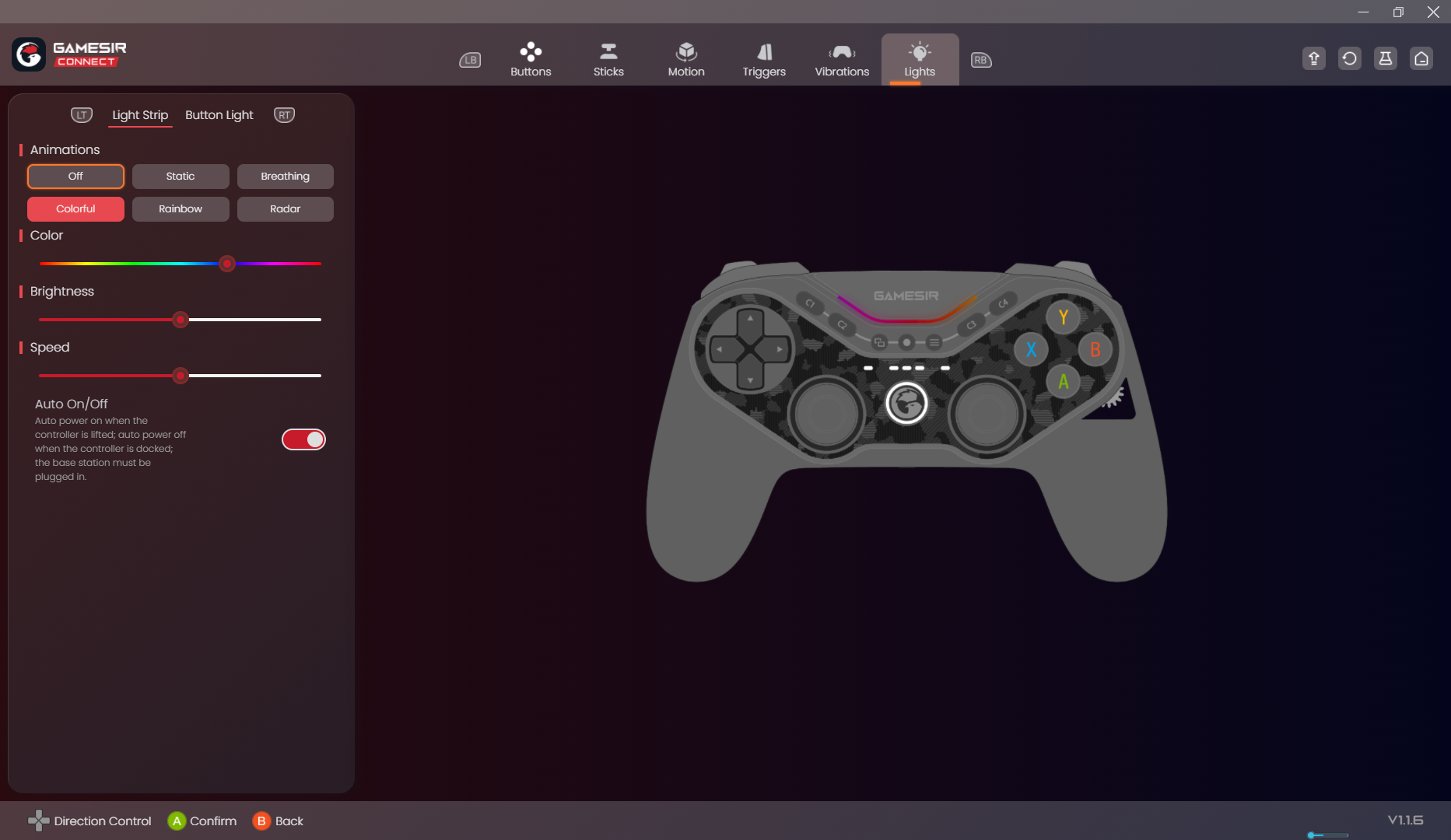
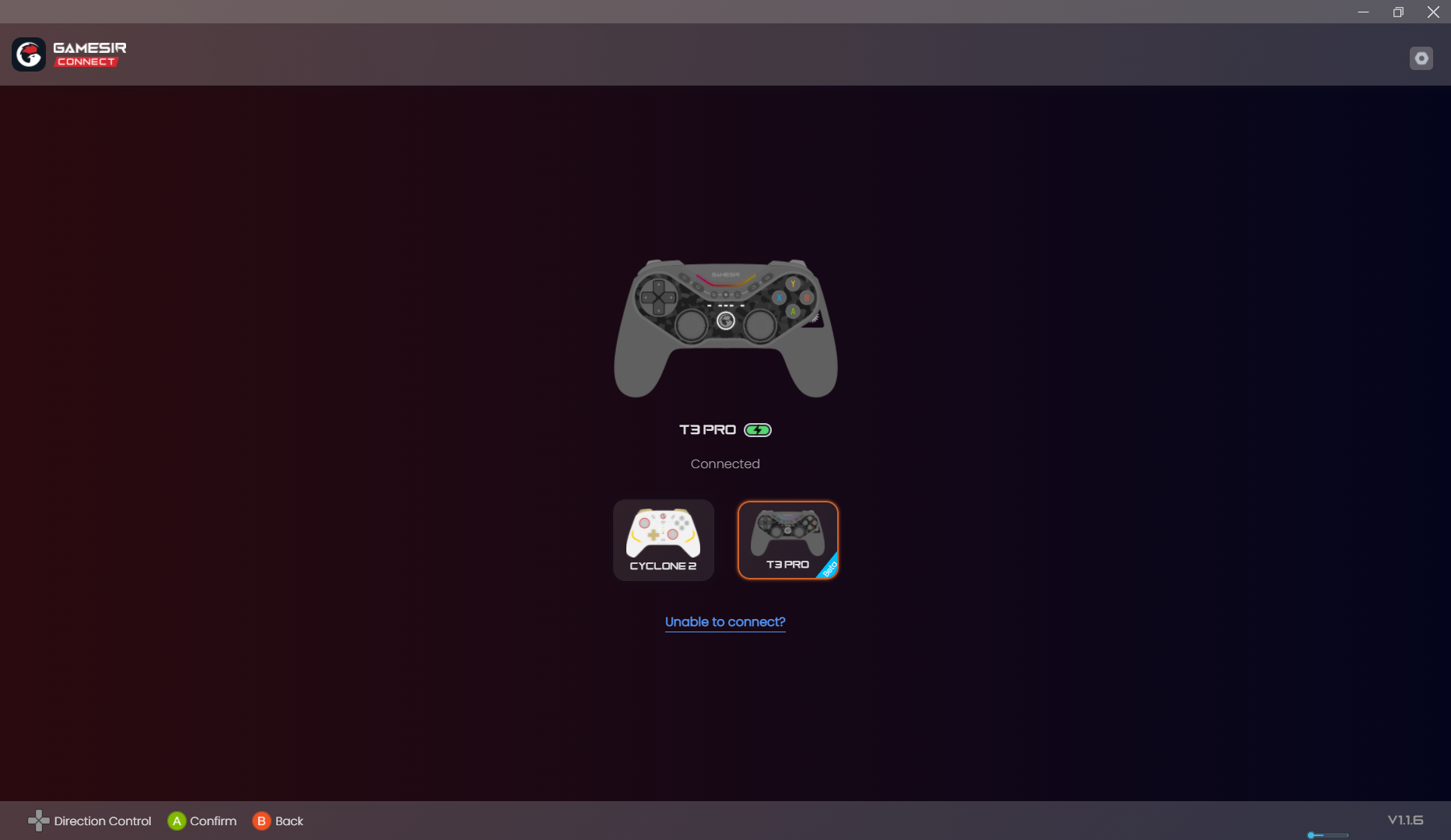
From the moment you launch GameSir Connect, it greets you with a clean, modern interface that resembles a sleek cockpit—minimal yet packed with essential controls. Navigating through device options feels akin to flipping through a well-organized dashboard; the layout is intuitive enough even for first-time users. The app responds smoothly with minimal lag, ensuring that your interactions are seamless. Its straightforward design reduces the typical learning curve, making device customization accessible even for less tech-savvy gamers.
Core Functionalities: Precision Management and Personalization
Firmware Updates and Device Management: The app excels at keeping your peripherals up-to-date. Imagine your gaming gear as a finely tuned race car—regular firmware updates are essential to keep it performing at peak level. GameSir Connect simplifies this process with automatic notifications and one-click updates, ensuring your device benefits from the latest improvements without any hassle.
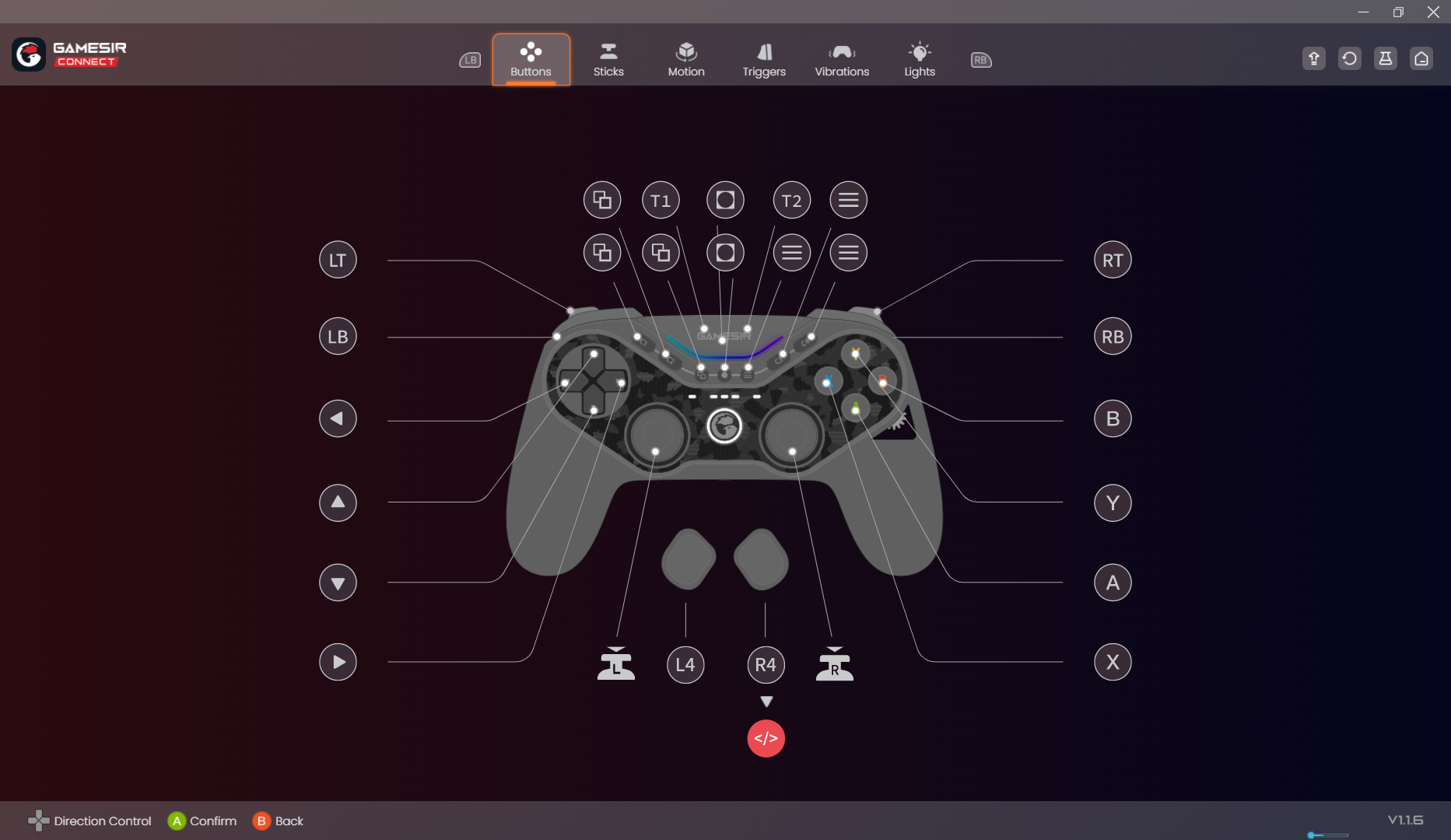
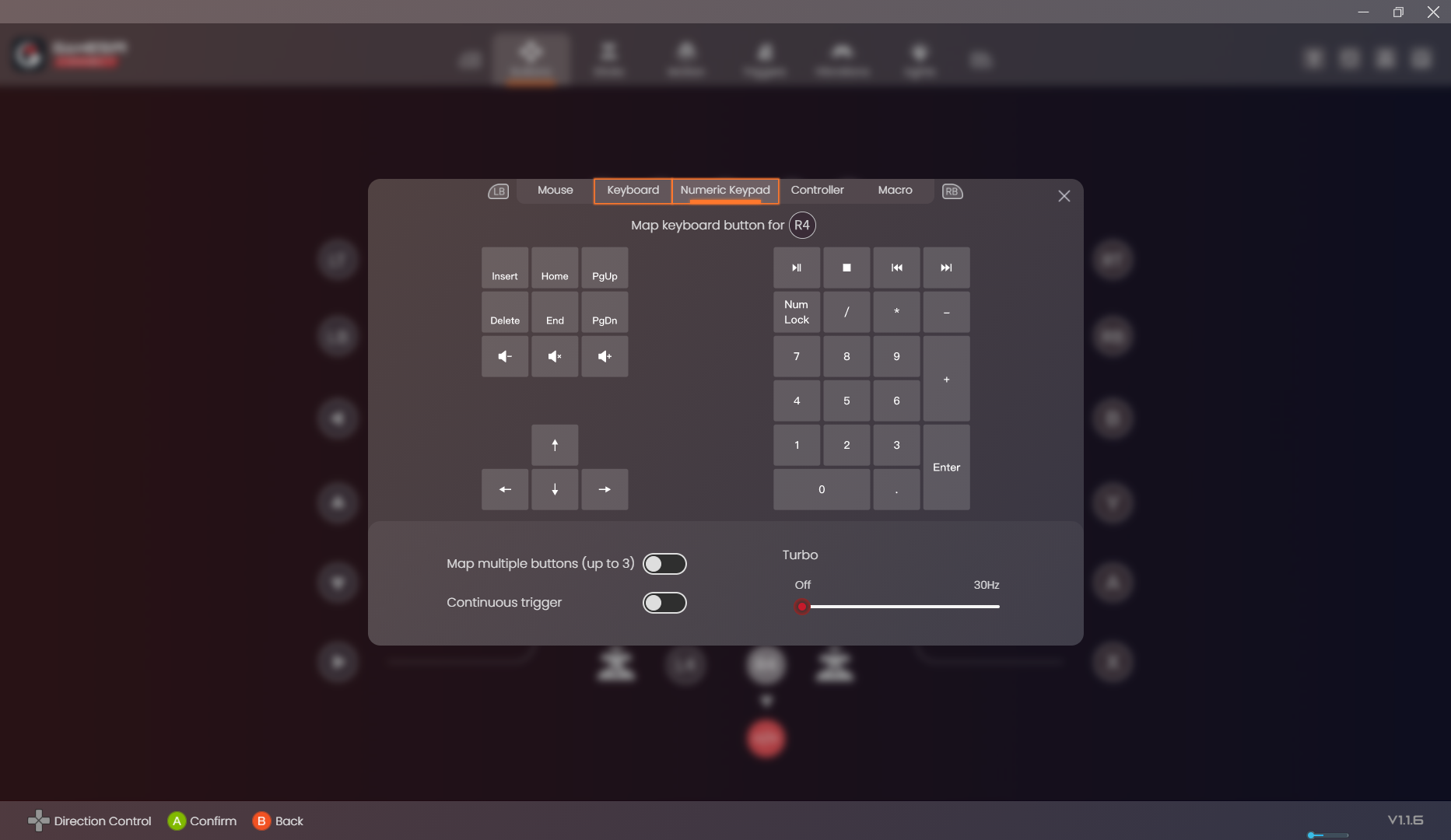
Button Customization and Macro Settings: Customization is where GameSir Connect truly shines. It allows users to remap buttons and assign macros with an easy drag-and-drop interface. Whether you're optimizing controls for a specific game or creating complex macros for multiplayer battles, the process feels like designing your own cockpit setup—intuitive and tailored to your play style. This feature is especially appreciated by serious gamers seeking a competitive edge.
Device Diagnostics and Performance Monitoring: Keeping your gaming device in top shape is crucial. GameSir Connect provides detailed diagnostics, including battery health, connection stability, and response times. Think of it as a health monitor for your peripherals, giving you peace of mind and enabling proactive maintenance before issues impact your gameplay.
Performance, Experience, and Unique Selling Points
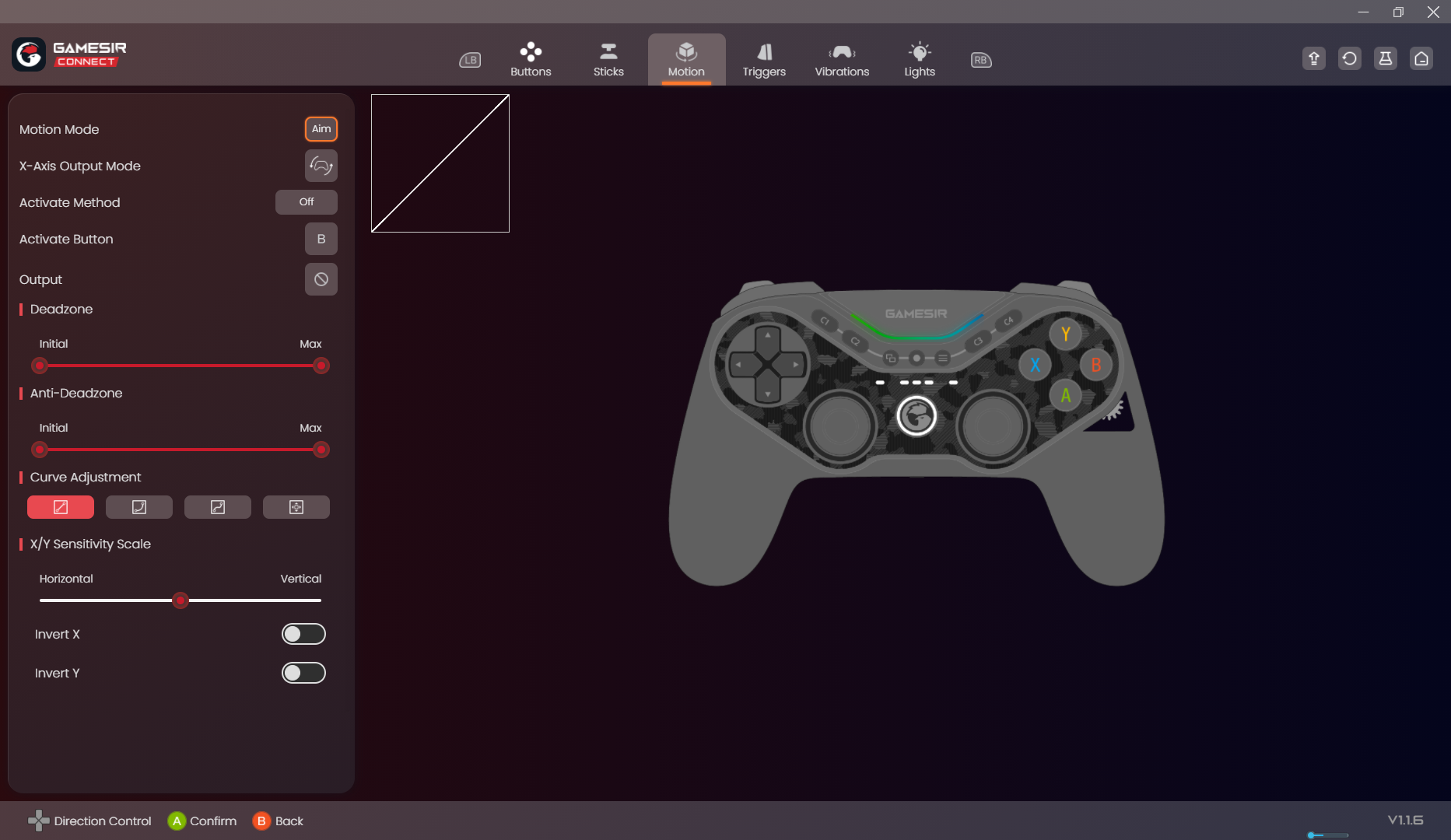
The application runs smoothly on Windows, with minimal latency and swift response times that make device management feel like a natural extension of your gaming setup. Its interface design ensures that even complex configurations are approachable, making it suitable for both casual users and advanced players. Unlike some competitors, GameSir Connect offers highly personalized device calibration, emphasizing tailored experience enhancements based on individual hardware and gameplay styles.
One of its standout features is its intelligent device recognition combined with dynamic firmware updates. This synchronization is akin to a personal assistant who not only knows your gear but continuously optimizes it behind the scenes to ensure peak performance. Additionally, its macro and remapping functionalities provide a level of customization rarely seen in similar apps, giving players the flexibility to craft their ideal controls.
Final Verdict and Recommendations
Overall, I find GameSir Connect for Windows to be a reliable and thoughtfully crafted tool that elevates peripheral management. For gamers who own multiple GameSir devices or are passionate about fine-tuning their hardware for competitive play, this app is highly recommended. Its distinctive combination of device optimization and personalized control setup makes it stand out among entertainment management applications.
While it's user-friendly enough for beginners, power users will appreciate its detailed customization options. I suggest giving this app a try if you're looking to optimize and personalize your gaming peripherals—think of it as having a dedicated technician working behind the scenes to ensure your gear performs at its best. Just remember to keep your device firmware current via the app to unlock its full potential.
Pros
- User-friendly Interface
- Seamless Device Compatibility
- Fast Connection Setup
- Customizable Button Mapping
- Regular Updates and Support
Cons
- Requires Internet Connection for Features
- Limited Customization Options in Free Version
- Occasional Connectivity Drops
- App Performance Slightly Laggy on Older Devices
- Inconsistent Bluetooth Pairing for Some Devices











