

- Name Full Deck Solitaire
- Category Card & board
- Developer GRL Games
- Available on PC, Mobile, Surface Hub
- OS Windows 10 version 10240.0 or higher
- Keyboard Integrated Keyboard
- Mouse Integrated Mouse
- languages English (United States)
Full Deck Solitaire for Windows: A Fresh Take on Classic Card Games
Full Deck Solitaire is a thoughtfully designed collection of classic solitaire card games tailored for Windows users who appreciate clean interfaces and seamless gameplay. Developed and published by GRL Games, this app aims to bring the timeless charm of card gaming into a modern digital environment, making it perfect for both casual players and dedicated solitaire enthusiasts alike.
About the Developer and Core Highlights
Developed and published by the dedicated team at GRL Games, Full Deck Solitaire stands out with its commitment to delivering a smooth, intuitive user experience set against a visually appealing backdrop. The app features several key functionalities:
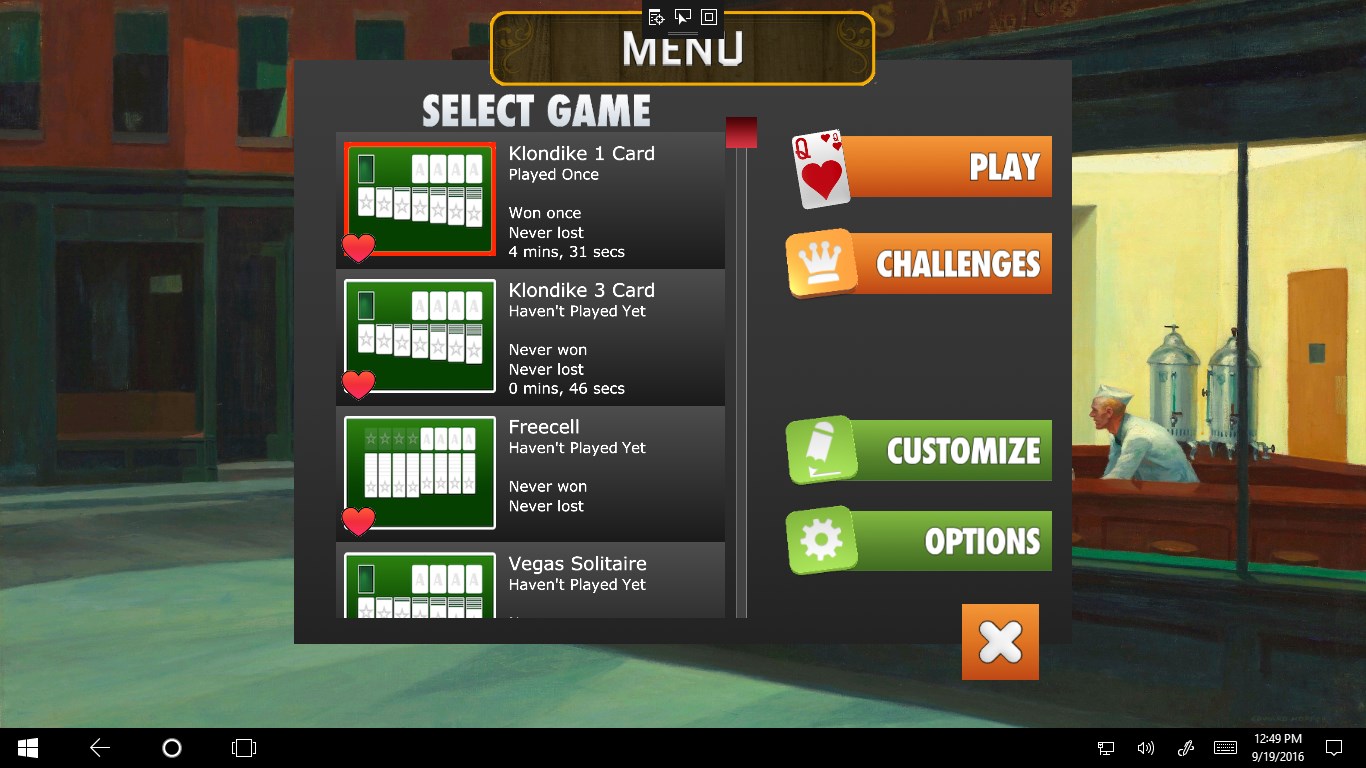
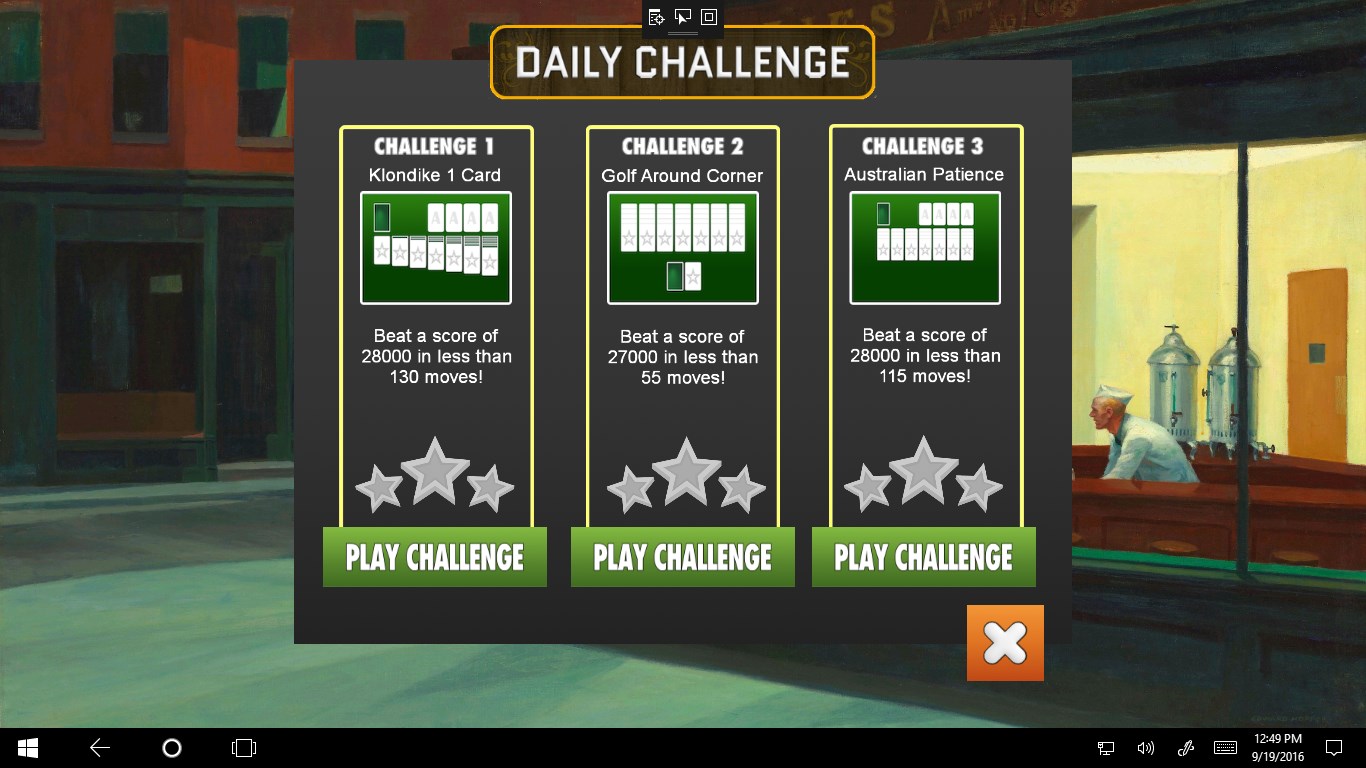
- Variety of Classic Solitaire Variants: Offering multiple modes like Klondike, FreeCell, Pyramid, and Spider, catering to different gameplay preferences.
- Elegant and Customizable Interface: A sleek, user-friendly layout that can be personalized with themes and card backs, enhancing user engagement.
- Adaptive Difficulty and Progress Tracking: Adjustable difficulty levels and built-in tracking to motivate continuous play and improvement.
This app primarily targets casual gamers, solitaire purists, and those seeking a relaxing yet engaging pastime during breaks or commutes.
Engaging and Intuitive Gameplay Experience
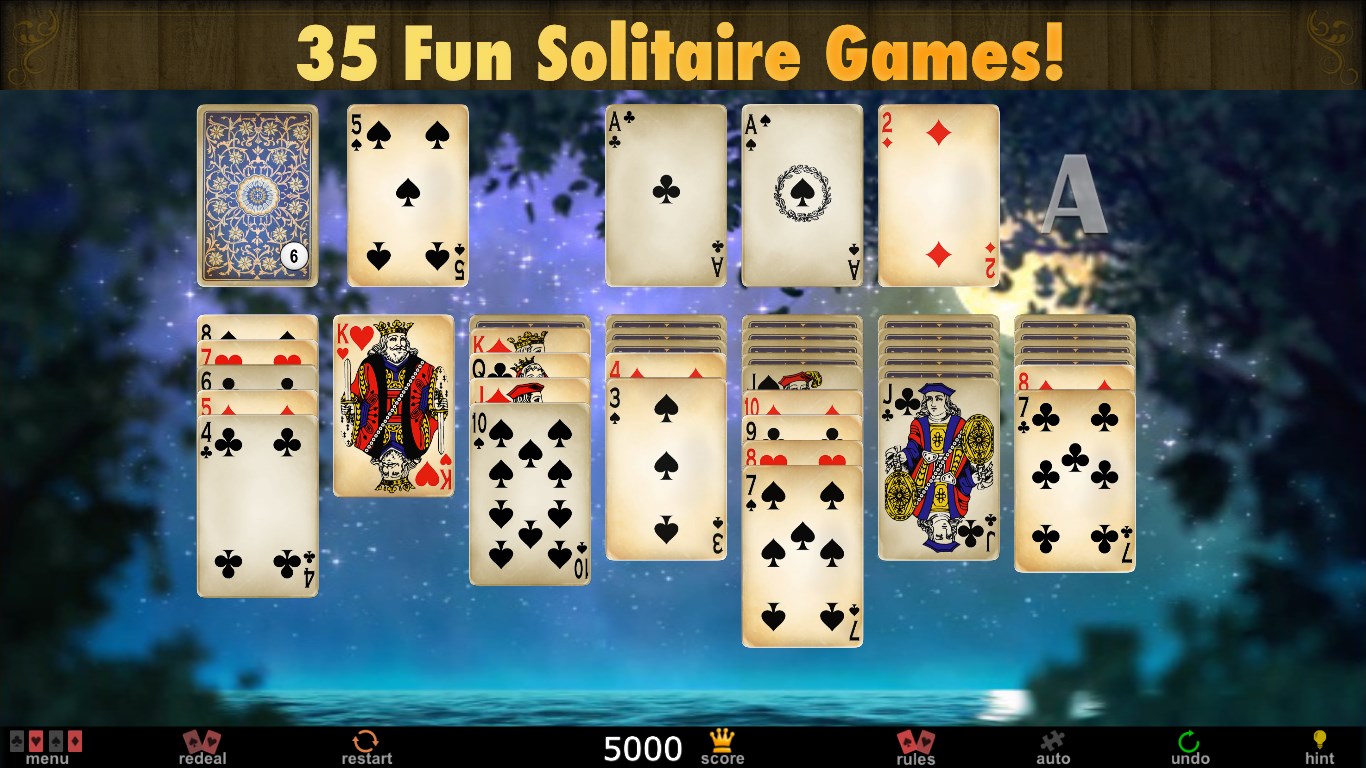
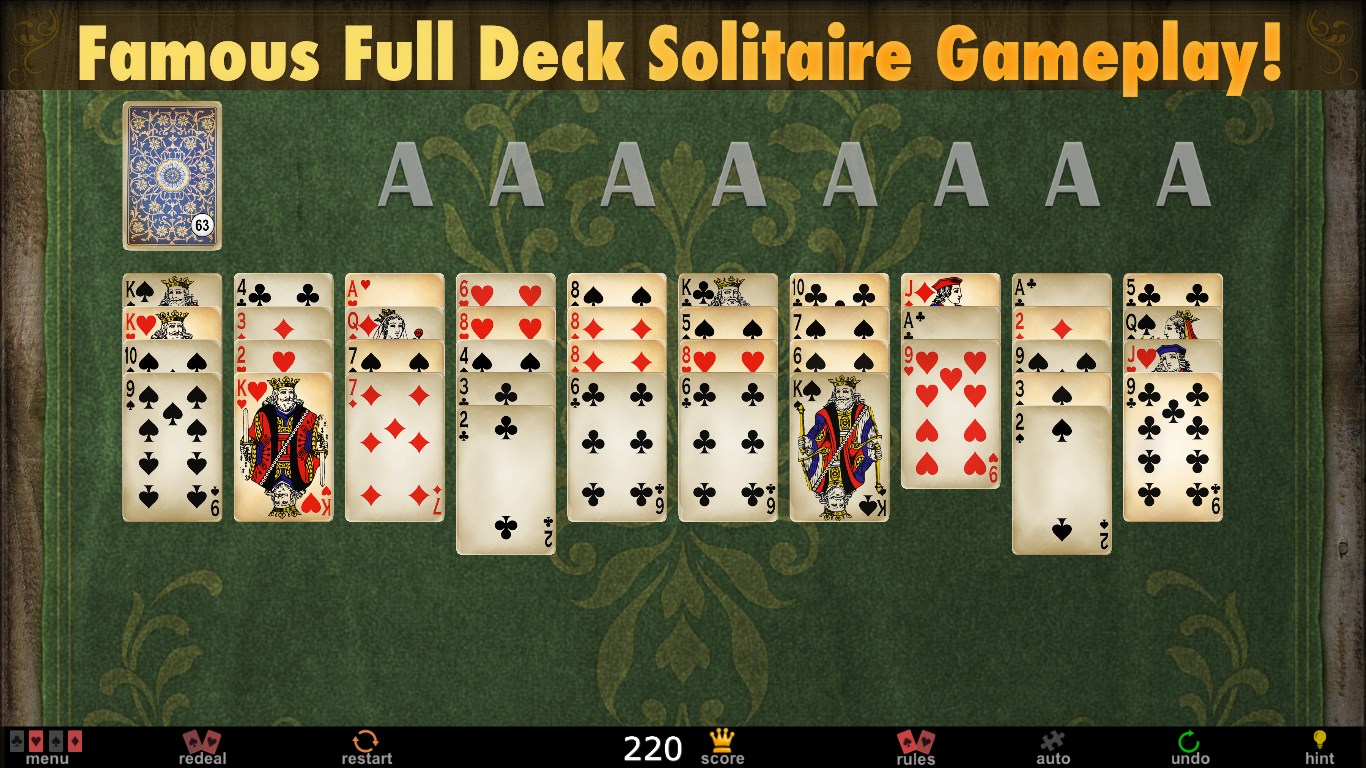
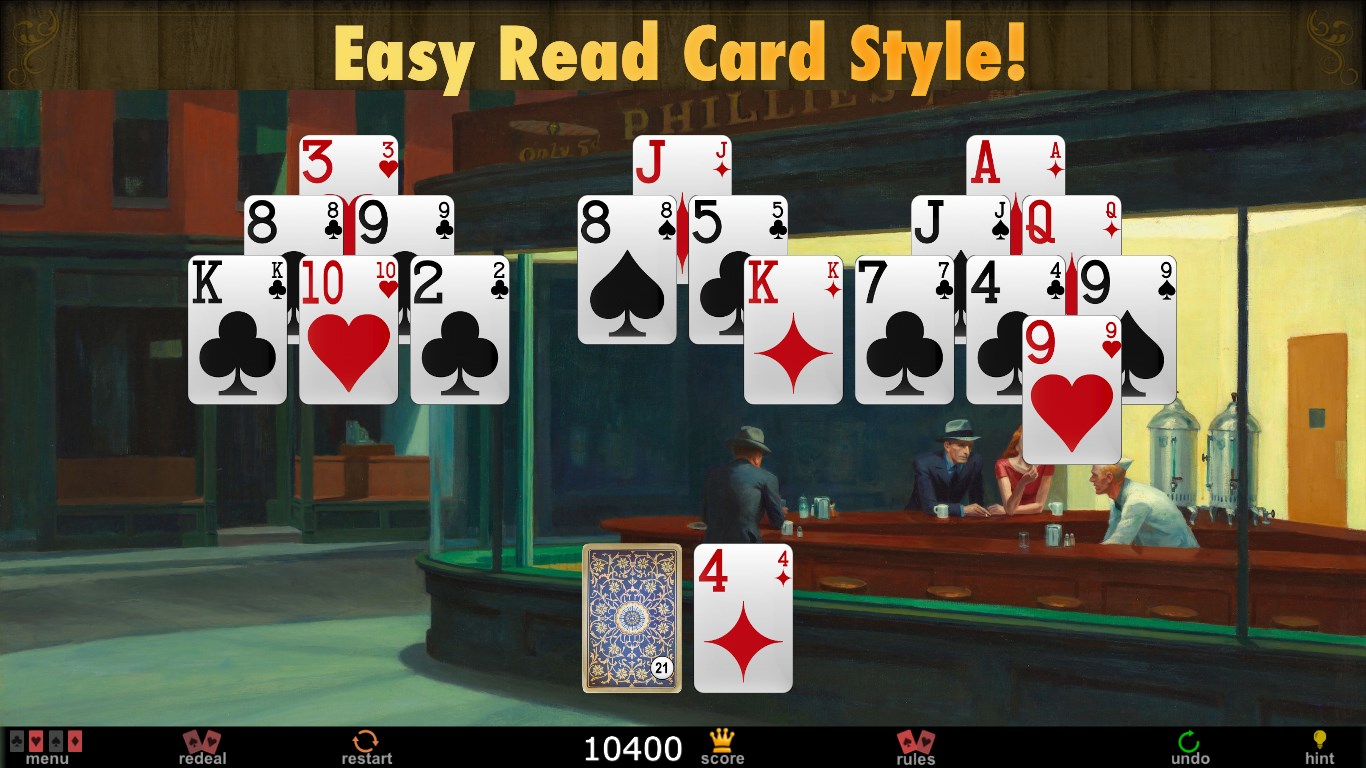
From the moment you launch Full Deck Solitaire, you're greeted with a cozy, well-organized interface that invites you to dive into a game of cards. The design balances elegance and simplicity—think of it as stepping into a neat, well-lit card room where every element is intuitively placed. The game performs smoothly across various hardware setups, with responsive controls that make dragging and dropping a breeze, almost like shuffling real cards on a velvet table.
Visuals and Interface Design
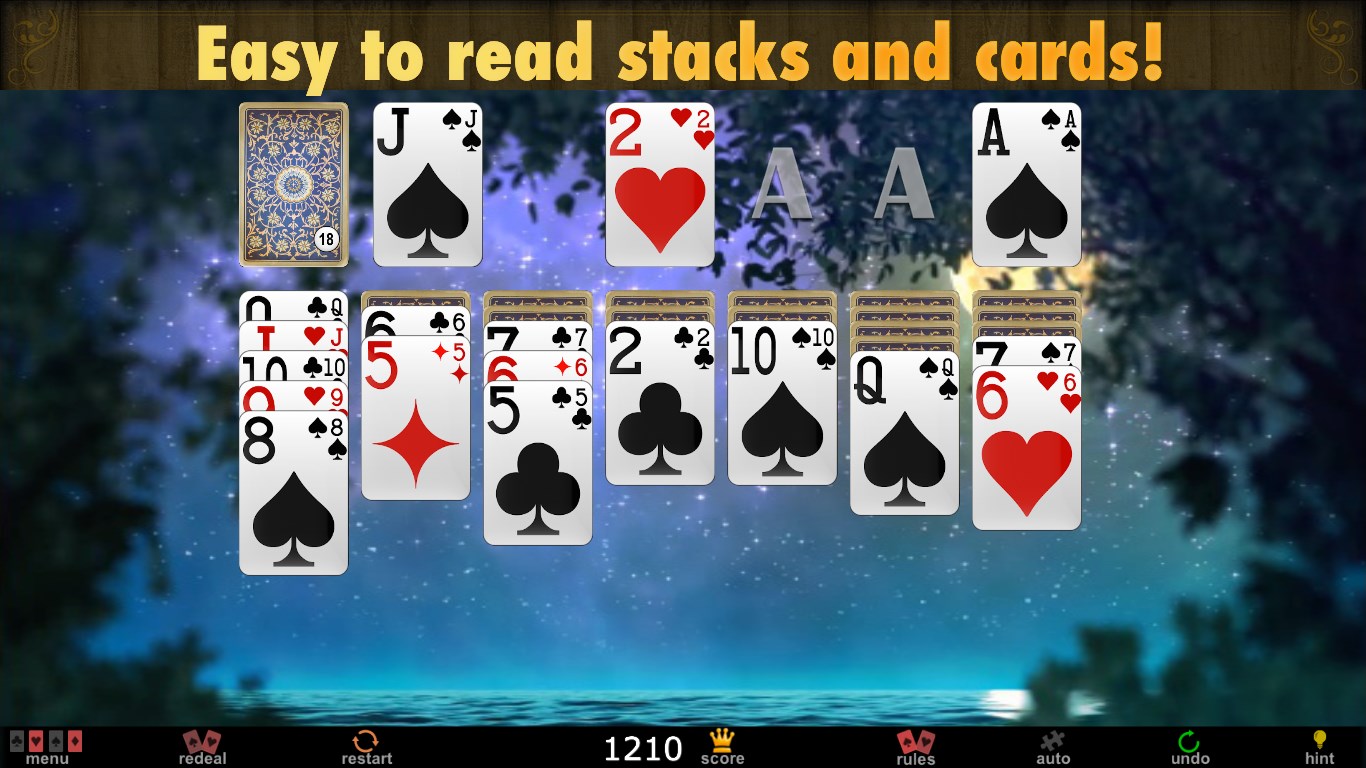
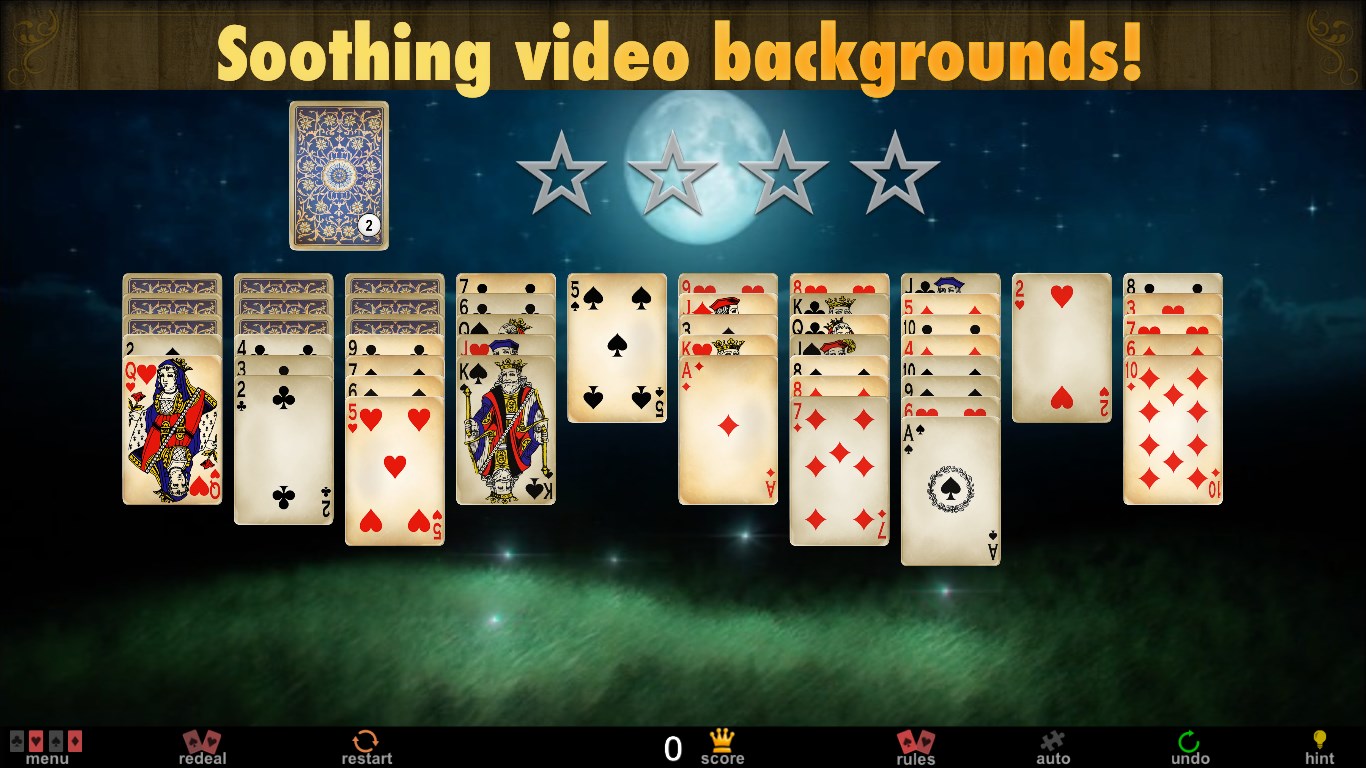
The visual design exudes a classic charm, reminiscent of traditional card tables but with modern clarity. The calming color schemes and customizable themes allow players to create their preferred ambiance, whether aiming for a sophisticated leather look or a playful cartoonish vibe. The layout is clean, avoiding clutter, which helps players focus purely on the game rather than navigating through complicated menus.
Gameplay Mechanics and User Experience
The gameplay mechanics are smooth and reliable, with animations that add a touch of liveliness without feeling sluggish. The intuitive drag-and-drop controls enable quick handling, and the game offers helpful hints and undo options for beginners and veterans alike. The learning curve is gentle; even newcomers can pick up the rules within a few minutes, while experienced players will appreciate the additional challenges and advanced options that keep the game fresh.
What Sets Full Deck Apart from Other Card Apps?
While many solitaire apps pile on numerous variants with variable quality, Full Deck's value lies in its polished execution of these classics, combined with its personalized options. Its most remarkable features include the ability to customize background themes and card backs, turning an ordinary game into a personalized retreat. Additionally, the app's adaptive difficulty and comprehensive tracking stand out by encouraging players to challenge themselves and monitor their progress over time—much like leveling up in a game, but with cards.
Compared to other digital card games, Full Deck emphasizes a balanced experience—neither overly complex nor too simplistic. Its focus on traditional variants, combined with thoughtful design and functional enhancements, makes it a compelling choice for solitaire lovers.
My Recommendation and Usage Suggestions
If you're seeking a well-crafted, reliable, and customizable solitaire experience on Windows, Full Deck Solitaire is worth trying. Its user-friendly design makes it suitable for players of all skill levels, and its variety of game modes ensures you'll have a range of challenges to keep boredom at bay. I recommend it particularly for those who appreciate classic card games but want the convenience and comfort of digital play without an overload of unnecessary features.
For best results, explore the personalization options to create a relaxing environment, and experiment with different variants to discover which suits your mood. Whether playing during a quick coffee break or settling into an evening of casual gaming, Full Deck Solitaire offers a stable, engaging experience that could become your go-to digital card companion.
Pros
- Intuitive interface
- Beautiful graphics and animations
- Multiple game modes
- Offline mode available
- Progress tracking and achievements
Cons
- Limited customization options
- In-app advertisements
- Lack of tutorial for new players
- Performance issues on older devices
- Limited social features











