

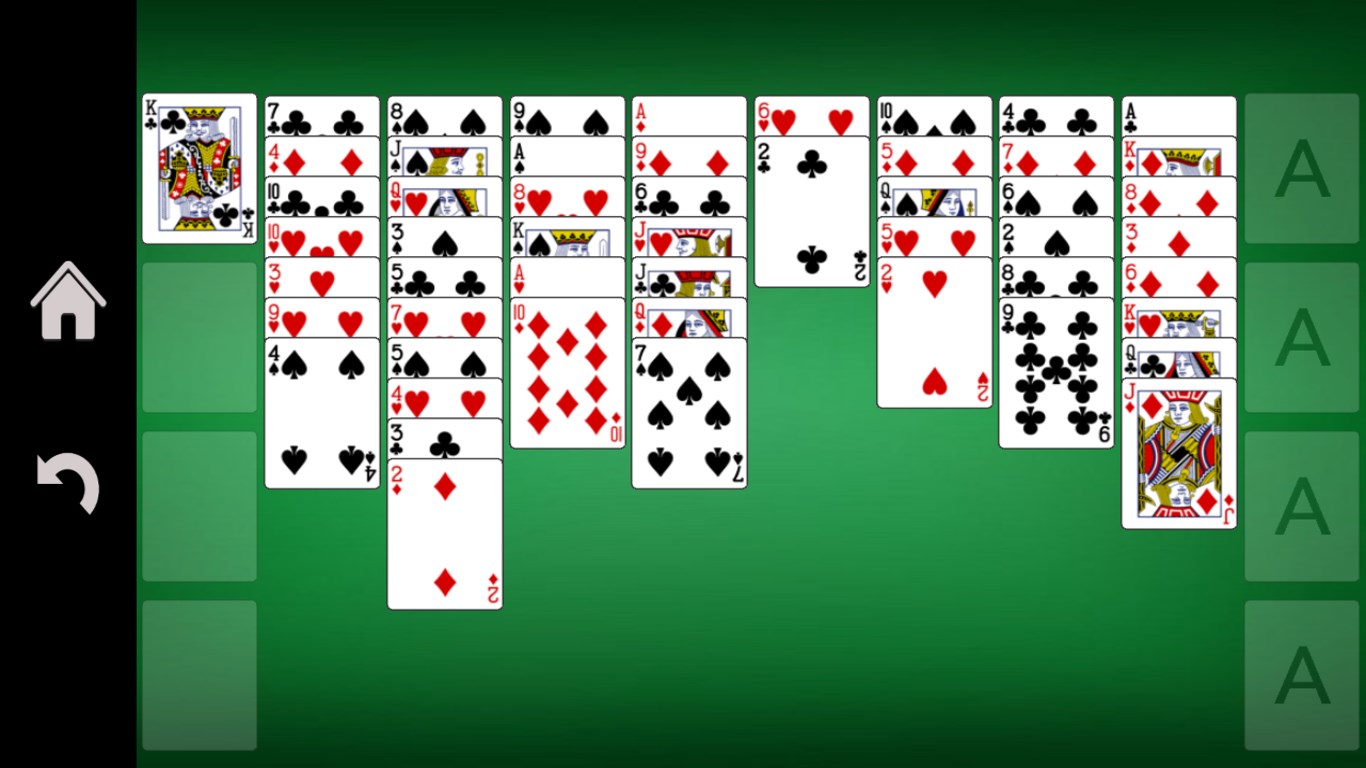
- Name FreeCell Solitaire!!
- Category Card & board
- Developer 1bsyl
- Available on PC, Mobile, Surface Hub
- OS Windows 10 version 10240.0 or higher
- languages Afrikaans, Albanian, Amharic, Arabic, Armenian, Bangla, Basque, Belarusian, Bulgarian, Catalan, Croatian, Czech, Danish, Dutch, English, English (United States), Estonian, Finnish, French, Galician, Georgian, German, Greek, Hebrew, Hindi, Hungarian, Icelandic, Indonesian, isiZulu, Italian, Japanese, Kannada, Khmer, Kiswahili, Korean, Latvian, Lithuanian, lo, Macedonian, Malay, Malayalam, Marathi, Nepali, Norwegian, Persian/Farsi, Polish, Portuguese, Romanian, Russian, Sinhala, Slovak, Slovenian, Spanish, Swedish, Tamil, Telugu, Thai, Turkish, Ukrainian, Vietnamese
Introducing FreeCell Solitaire!! for Windows: A Classic Card Game with a Fresh Twist
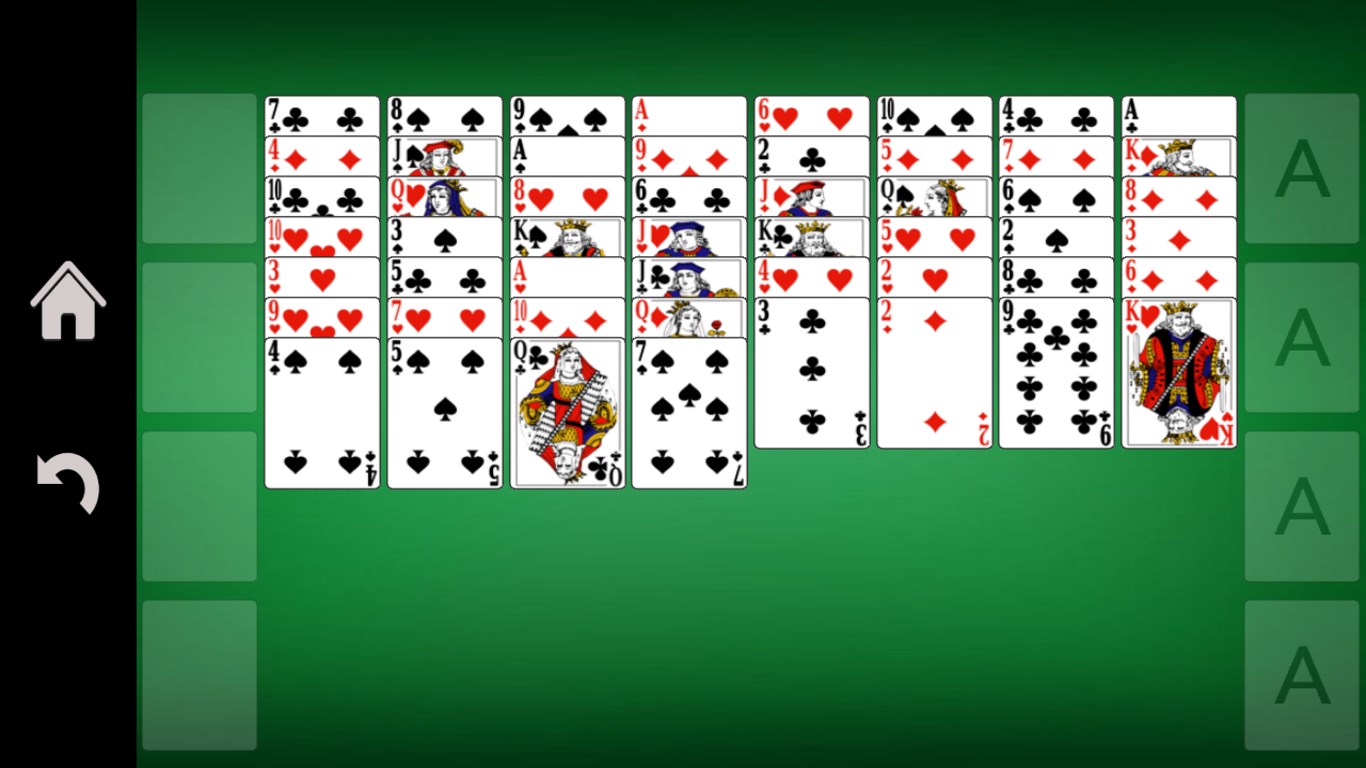
If you're a fan of solitaire games looking for a polished, engaging experience on your PC, FreeCell Solitaire!! for Windows offers a modern take on a beloved classic. Streamlined, accessible, and surprisingly immersive, this app brings the familiar game to life with a few thoughtful enhancements.
Developer and Core Features
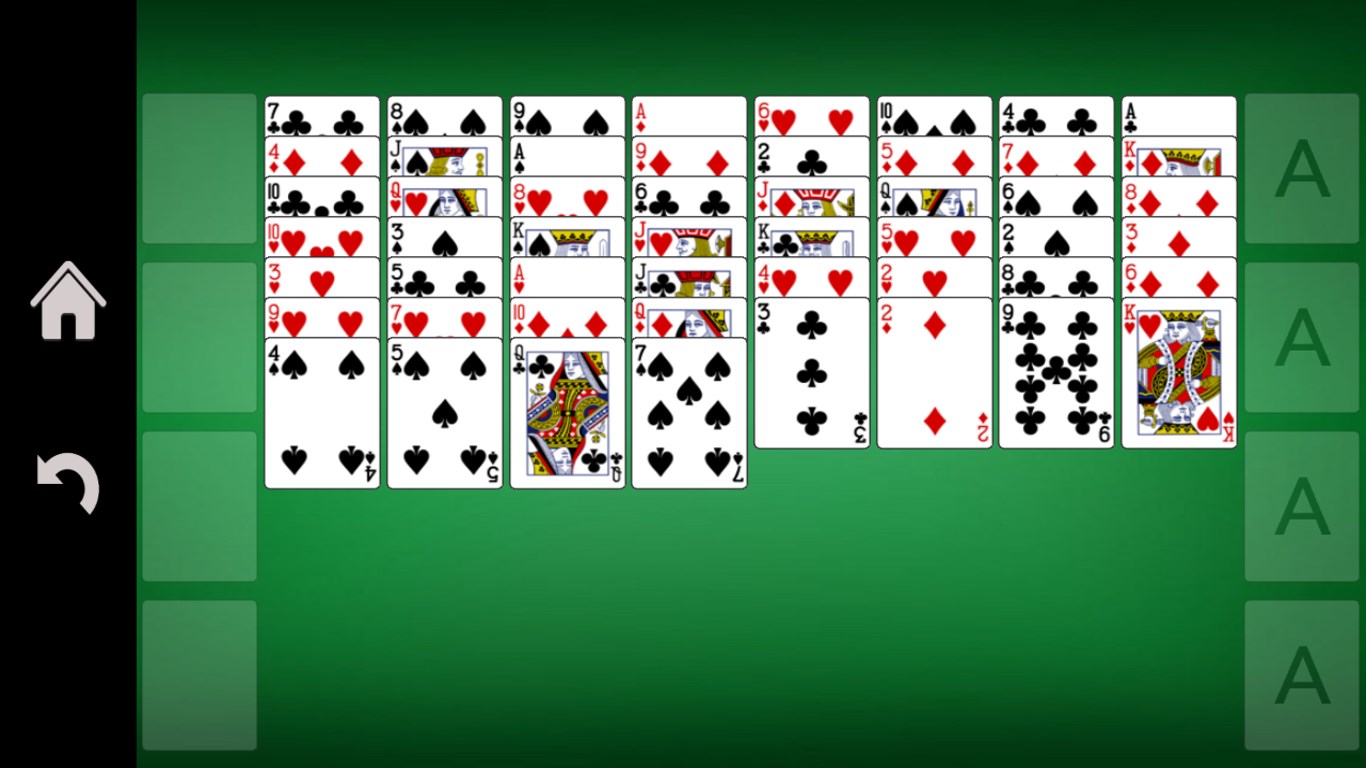
Developed and published by 1bsyl, a team known for crafting clean and user-friendly casual games, FreeCell Solitaire!! emphasizes a straightforward yet compelling gameplay experience. Its main highlights include intuitive controls that mimic the tactile feel of traditional card dealing, various difficulty levels suited for both newcomers and seasoned players, and visually appealing, crisp card designs that enhance the overall aesthetic.
Who Is This App For?
This game is ideal for casual gamers of all ages, especially those who appreciate classic solitaire games and are seeking a relaxing, distraction-free pastime. It's perfect for quick breaks, training your patience and strategic thinking, or simply enjoying a timeless card game on your Windows device without the clutter of ads or intrusive menus.
Engaging and Accessible Gameplay
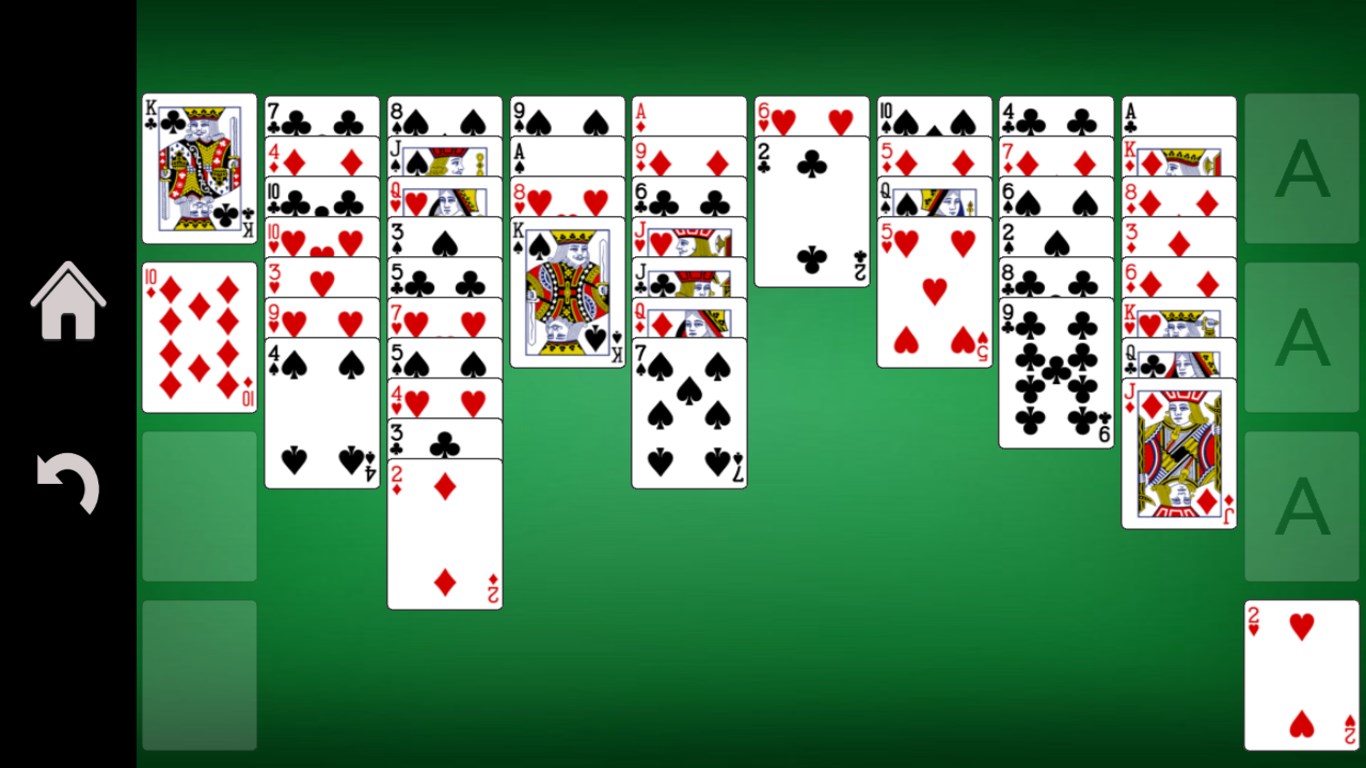
Right from the start, FreeCell Solitaire!! reels you into a world of strategic card arrangements that feels like a friendly game session with a seasoned card player. The app's interface is both sleek and inviting: clean lines, vibrant card artwork, and a layout that feels just right—neither cluttered nor bare. Navigating through the game is smooth; dragging and dropping cards feels just right, providing a natural and satisfying tactile sensation.
The learning curve for new players is gentle. Whether you're picking up a deck for the first time or have played countless solitaire games before, the app offers quick tutorials and hints to get you started. For veterans, there's enough complexity in the classic FreeCell rules—like building sequences and freeing up essential cards—to keep the gameplay engaging without feeling overwhelming.
The Unique Strengths of FreeCell Solitaire!!
Unlike many other card applications, this game shines in its subtle yet impactful design choices. One particularly standout feature is its emphasis on strategic planning—freeing up cards and creating opportunities for future moves feels organic, almost like solving a puzzle. The game introduces a ‘smart move' suggestion system (optional) that nudges players towards optimal plays, which is especially helpful for beginners or those looking to improve their skills.
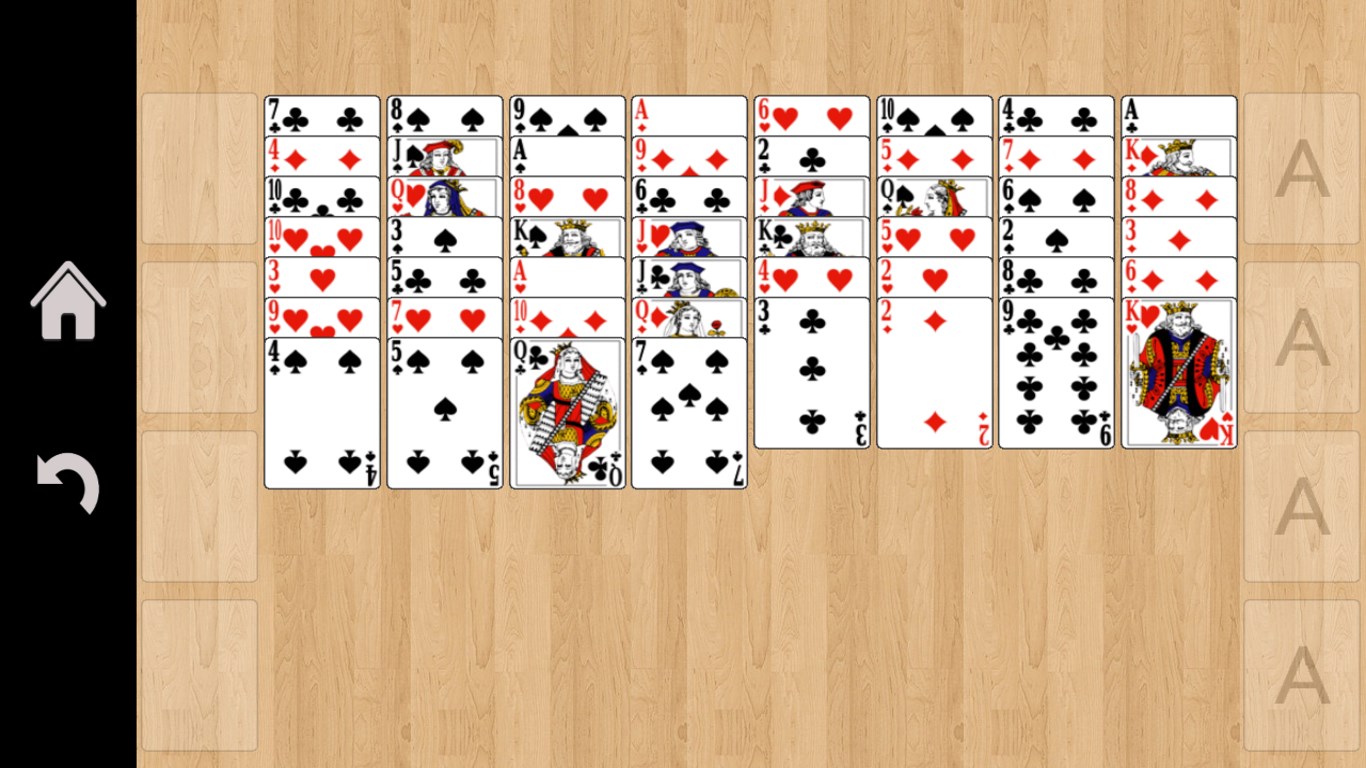
Additionally, the app's visual presentation is minimalist yet modern, allowing players to focus solely on the game without distractions. Its customizable background options also give you the chance to personalize your experience, adding a bit of homey or calming scenery to your gaming session. This branding and focus on user-centric features set it apart from many less polished counterparts.
Final Thoughts and Recommendations
Overall, FreeCell Solitaire!! for Windows is a commendable offering that respects the traditional roots of FreeCell while incorporating thoughtful design elements to enhance accessibility and enjoyment. If you're seeking a straightforward, visually pleasing, and challenge-ready card game that you can pick up anytime, this app is worth exploring.
We recommend it especially for casual players who enjoy relaxing yet mentally stimulating activities. Its smooth operation and polished UI make it suitable for quick play sessions or longer puzzle-solving marathons.
In a crowded market of digital solitaire options, FreeCell Solitaire!! stands out for its clarity, user-friendliness, and subtle depth. Give it a try — you might just find it becomes your go-to brain teaser during coffee breaks or lazy afternoons.
Pros
- Intuitive User Interface
- Smooth Gameplay
- Helpful Hints and Undo Options
- Multiple Difficulty Levels
- Ad-Free Optional Purchase
Cons
- Limited Customization Options
- Basic Graphics
- No Cloud Saving
- In-App Purchase Prompts
- Lack of Daily Challenges











