

- Name Freecell Solitaire HD Free
- Category Card & board
- Available on PC, Mobile
- OS Windows 10 version 10240.0 or higher
- languages English (United States)
A Little Solace in Your Digital Card Game Collection
Imagine sitting down with a trusty deck of cards, the gentle shuffle soothing your mind— that's exactly the vibe Freecell Solitaire HD Free offers on your Windows device, blending classic gameplay with a sleek, modern touch. Developed by Endless Soft Ltd., this app aims to bring the timeless allure of solitaire straight to your desktop, providing a relaxing yet engaging experience—all with just a few clicks.
Classic Solitaire Reimagined: Main Features That Sparkle
Intuitive Interface with Quality Graphics
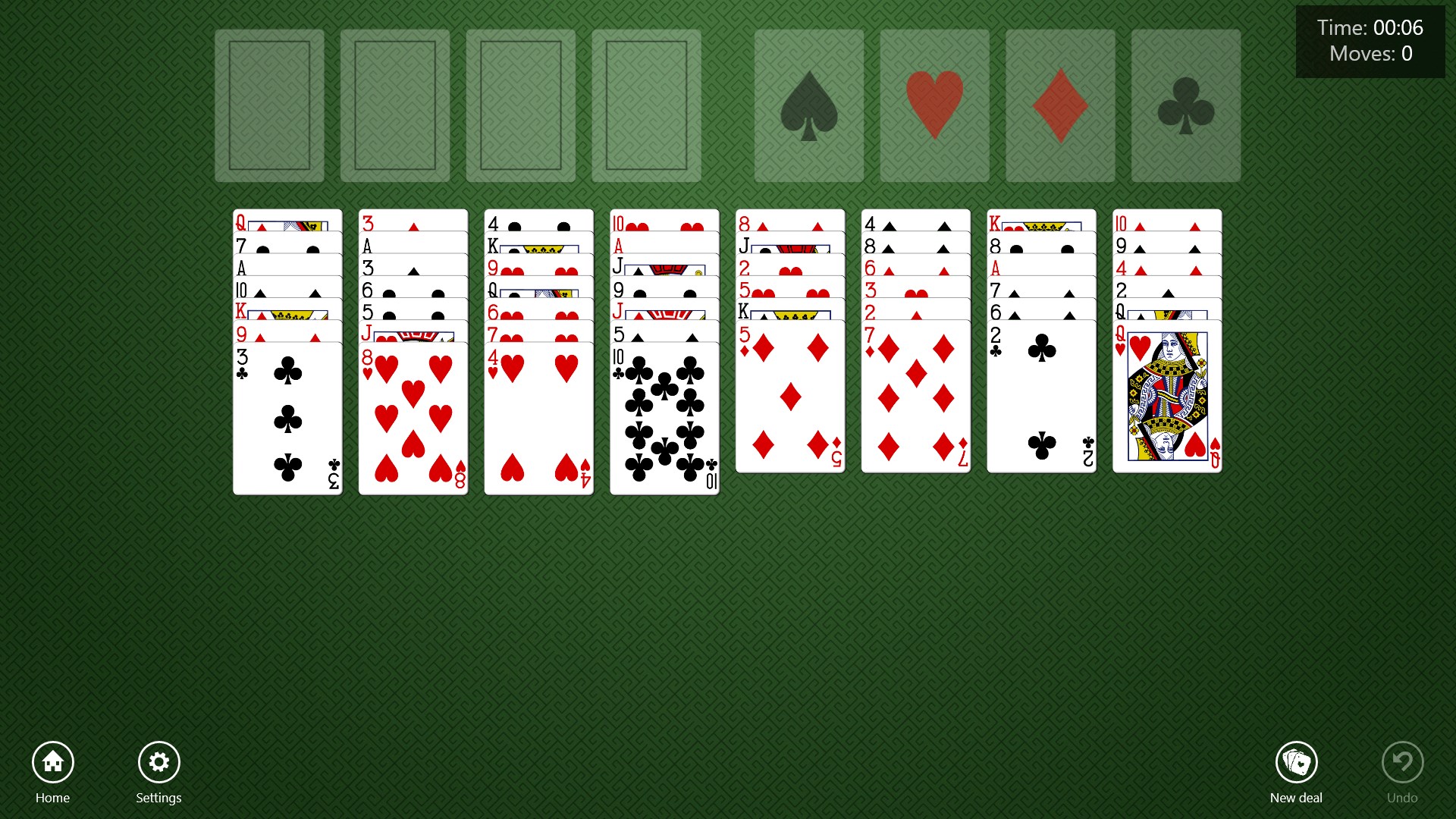
Navigating Freecell Solitaire HD Free feels like flipping through a well-loved deck—clean, crisp visuals combined with thoughtfully designed card artwork make the game inviting. The interface is tidy and clutter-free, making it easy for both seasoned players and newcomers to jump right in without any learning curve. Animations are smooth, enhancing the card movements without any lag or stutter, creating a seamless experience that keeps you immersed.
Smart Gameplay with Multiple Customization Options
One of this app's standout features is its flexible gameplay options. With adjustable difficulties and hints readily available, it caters to a range of skill levels—whether you're a novice learning the ropes or a veteran seeking a challenge. The game also offers undo/redo functions, giving players the freedom to strategize better without the worry of making irreversible mistakes. Furthermore, its auto-complete feature helps you see the final move—useful when you're keen to breeze through those satisfying wins or just want to relax and watch the cards fall into place.
Seamless User Experience and Unique Features
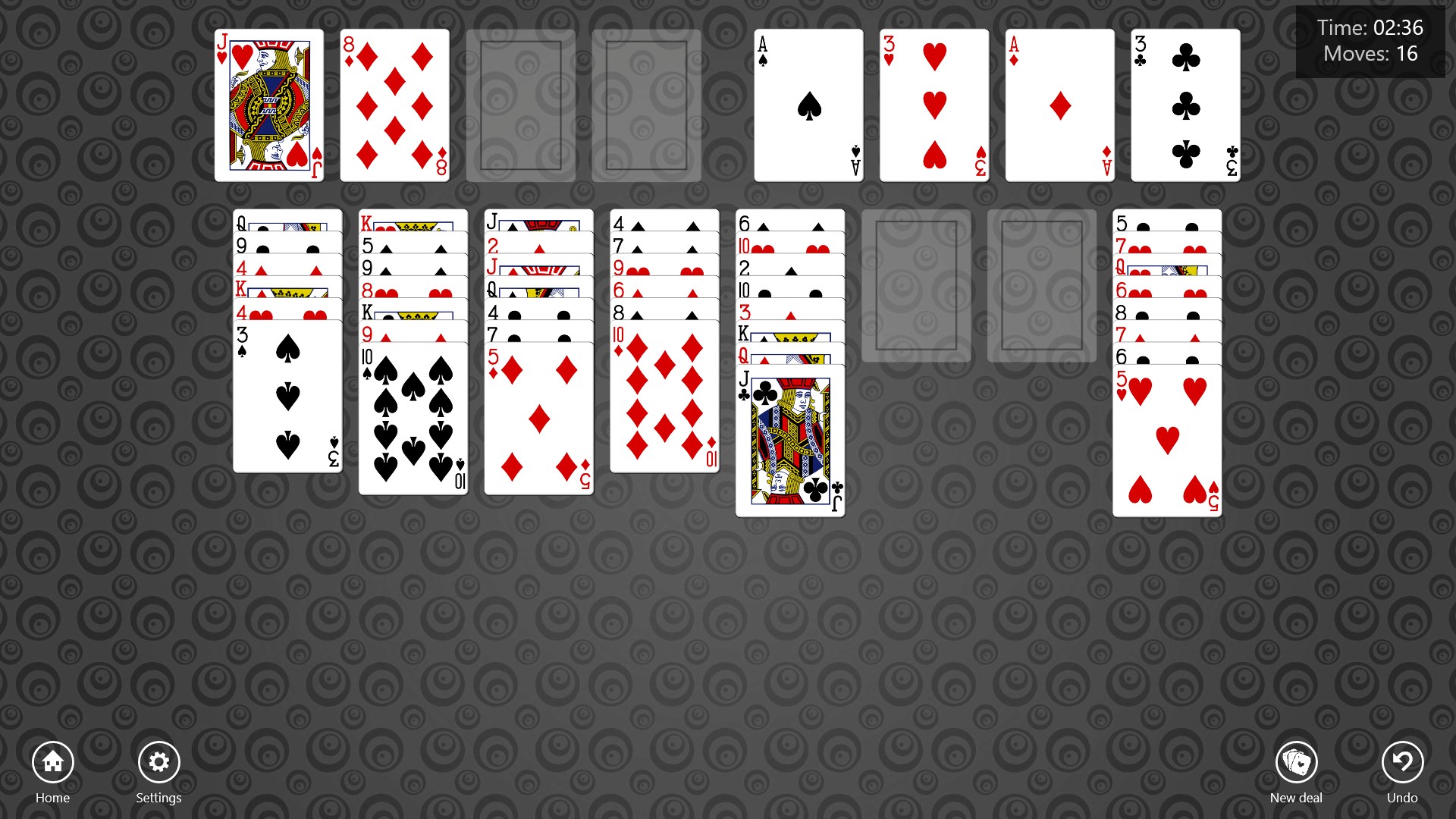
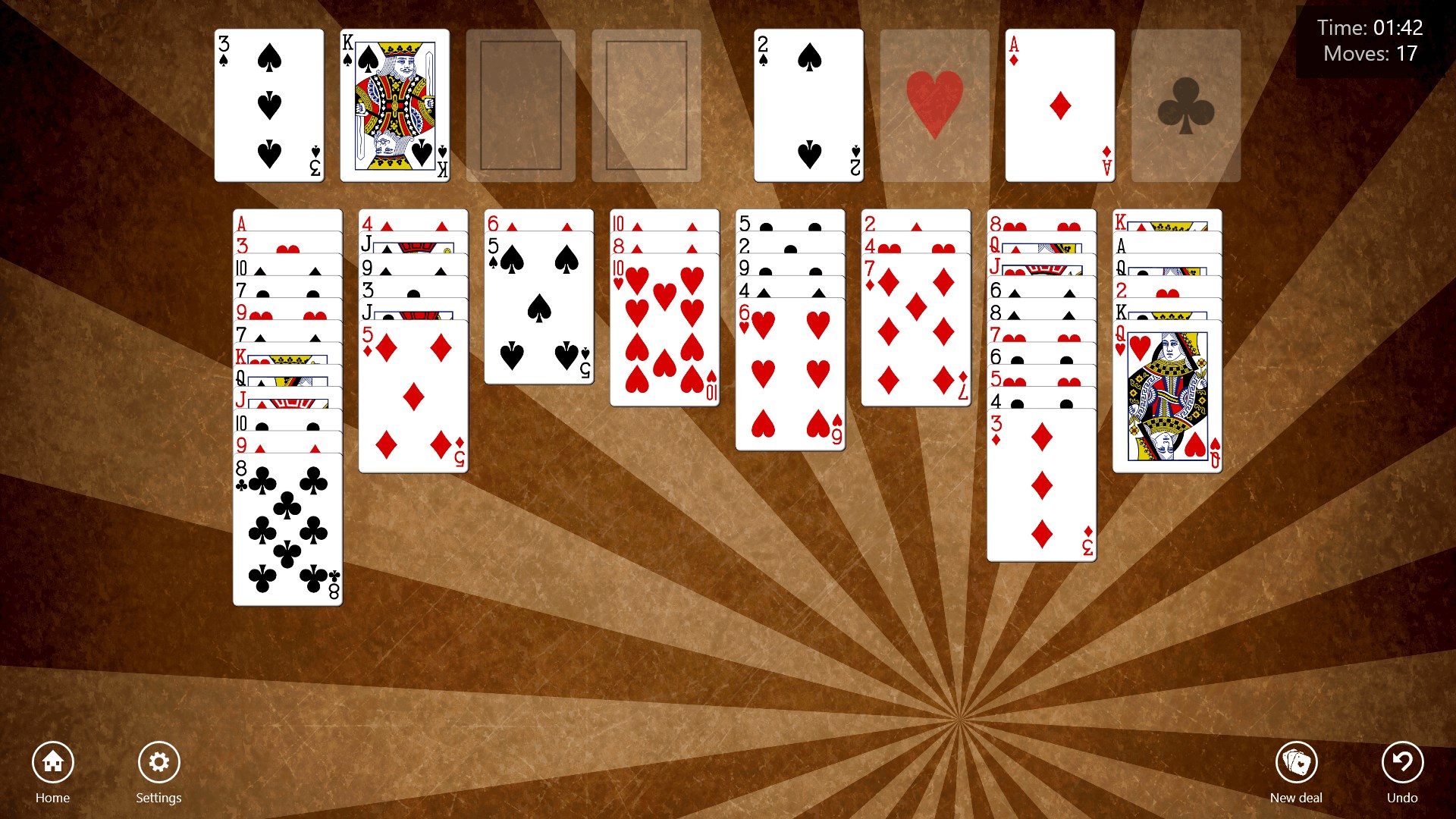
The app excels in fluidity—dragging cards feels natural and responsive, akin to dealing real cards on a polished wooden table. The learning curve is gentle, with minimal distractions, keeping your focus on the game itself. What truly sets Freecell Solitaire HD Free apart from other card apps is its “Challenge Mode,” which introduces innovative puzzles and daily challenges that push your strategic thinking further. Also, the game's clean design and customizable backgrounds offer a personal touch, making each session feel fresh and tailored to your mood.
How Does It Stand Out? Unique Selling Points
Compared to typical card and board apps, Freecell Solitaire HD Free emphasizes classic gameplay while embedding subtle modern enhancements. Its biggest highlight is the seamless blend of traditional solitaire with new interactive features like challenge modes and customizable aesthetics, making it suitable for both casual players and perfectionists alike. Unlike many apps that focus solely on one gameplay style, this offers a balanced experience—relaxing yet stimulating—delivering the satisfaction of a well-played game with the confidence of polished performance.
To Play or Not to Play? Final Thoughts and Recommendations
If you're looking for a no-fuss, relaxing card game that respects the classic roots of solitaire while sprinkling in some new twists, Freecell Solitaire HD Free for Windows is definitely worth a try. Its combination of beautiful visuals, smooth operation, and engaging features make it an excellent choice for leisure moments—be it during a quick break or a quiet evening at home. I'd recommend it to anyone who appreciates strategic card games or simply wants a stress-free way to pass the time. Whether you're a casual player seeking simple fun or a dedicated solitaire fan, this app offers an experience that feels both familiar and fresh.
Pros
- Intuitive and user-friendly interface
- Beautiful HD graphics and animations
- Offline mode available
- Customizable game backgrounds and card styles
- Regular updates with new features and improvements
Cons
- Limited game modes and customization options
- Occasional ads interrupt gameplay
- No tutorial for beginners
- Sound effects are simple and may lack variety
- Performance may vary on some older devices











