

- Name FreeCell Solitaire (Free)
- Category Card & board
- Developer GASP Mobile Games Inc
- Available on PC, Mobile, Surface Hub, HoloLens
- OS Windows 10 version 10240.0 or higher
- languages English (United States)
An Engaging Classic with a Modern Twist
FreeCell Solitaire (Free) for Windows offers a fresh take on the timeless card game, combining traditional gameplay with sleek design and smooth performance. Whether you're a seasoned solitaire enthusiast or just looking for a relaxing way to pass the time, this app aims to deliver a satisfying experience without the clutter of unnecessary bells and whistles.
Developer and Core Highlights
Developed and published by GASP Mobile Games Inc, this app is designed to bring the familiar allure of FreeCell to Windows users worldwide. Its main features include intuitive gameplay mechanics, customizable visuals, and seamless integration with Windows systems. The game stands out with its emphasis on clean interface and easy-to-understand controls, making it suitable for both casual players and solitaire veterans. The target audience spans age groups interested in mental sharpness, casual gaming, or simply a classic game that can fit into any break timeframe.
Vivid Gameplay and User Experience
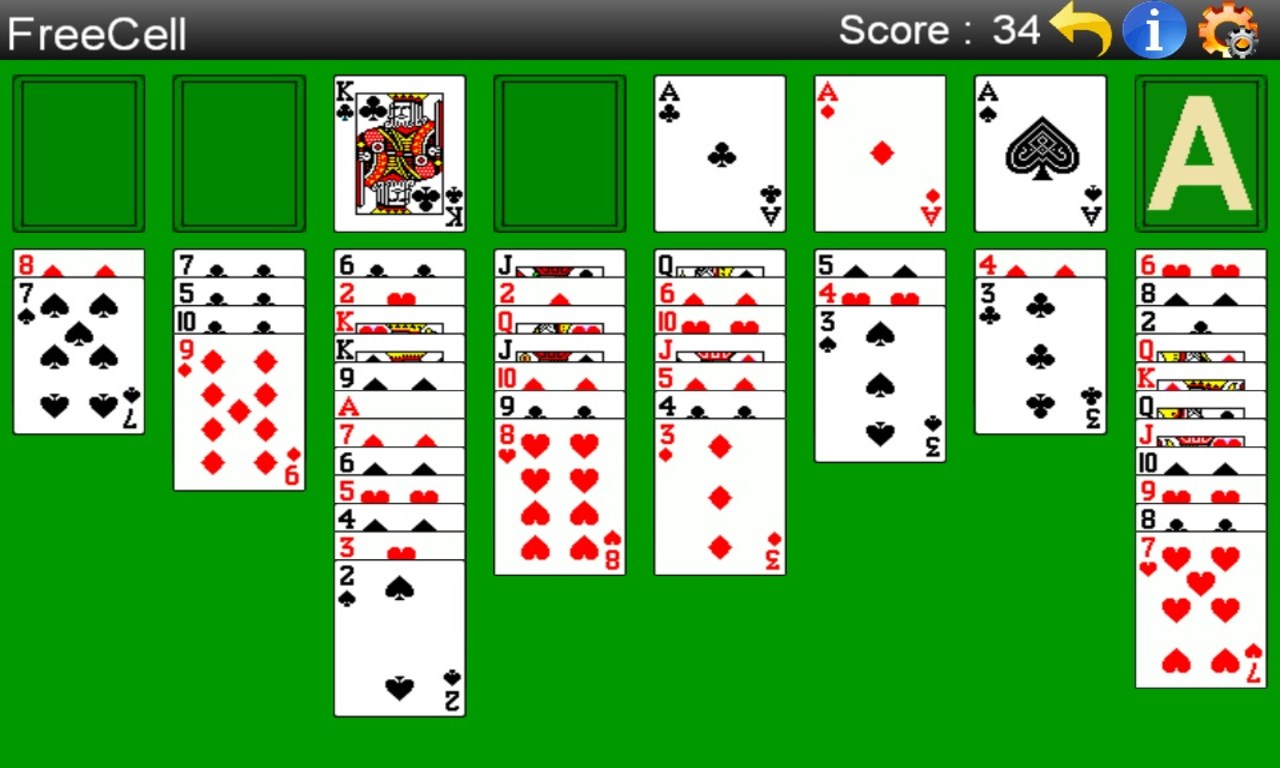
Stepping into FreeCell Solitaire (Free), the first thing you'll notice is how inviting and well-designed the interface feels—think of it as flipping open an elegant, uncluttered deck of cards with a gentle shuffle. The game offers a lively yet calming environment that invites players to focus on their strategic moves rather than wrestling with the interface. The game's smooth animations and responsive controls ensure every card move feels fluid, akin to gliding a silk cloth over a polished surface.
Learning curve is thoughtfully managed; new players can pick up the game quickly thanks to its straightforward rules and optional tutorials, while seasoned players will appreciate the challenge of solving more complex deals. The interface adapts well to different screen sizes and touch inputs, making desktop and tablet gameplay equally enjoyable.
Unique Strengths in a Crowded Market
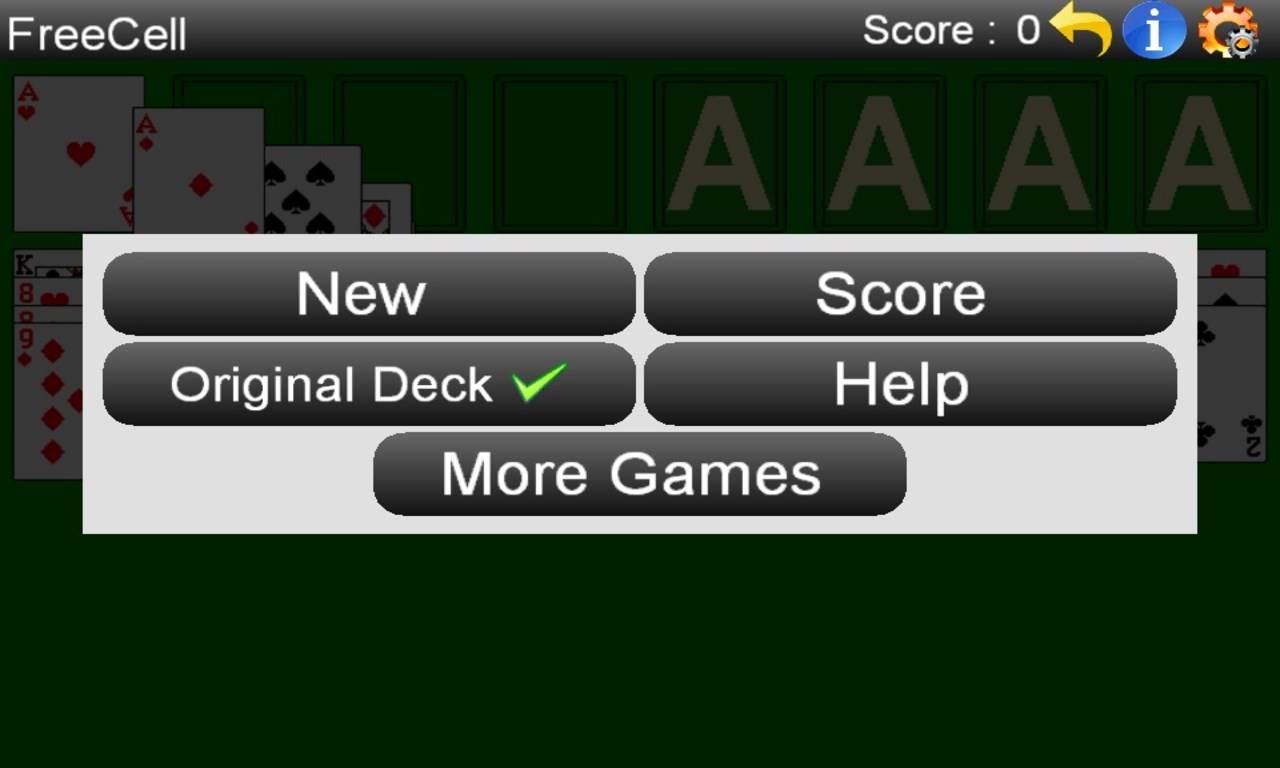
Distinct from many other digital card games, FreeCell Solitaire (Free) emphasizes its core gameplay—the strategic placement and movement of cards—without added distractions like ads or intrusive microtransactions, at least in the free version. Its two particularly standout features are the “Undo” function and the customizable themes. The undo option allows players to experiment freely, much like trying out different moves on a chessboard without fear of losing progress, which is perfect for beginners eager to learn or experienced players testing strategies. Meanwhile, the customizable themes and background options help players personalize their experience, making the game feel more like a cozy corner of their own virtual card room.
In particular, the game's simplicity, combined with high responsiveness, supports a faster, more fluid gameplay pace that appeals to those who prefer a distraction-free, thoughtful card session. This sets it apart from more cluttered, flashy card apps that often prioritize entertainment over thoughtful gameplay.
Final Verdict and Recommendations
If you're on the hunt for a classic solitaire experience that respects traditional gameplay while offering a modern, user-friendly interface, FreeCell Solitaire (Free) for Windows is definitely worth your time. Its focus on core mechanics, coupled with user-centric features like undo and theme customization, make it especially attractive for those who appreciate a quiet, challenging, and customizable game environment.
For casual players seeking quick, relaxing matches or dedicated solitaire fans looking to hone their strategic thinking, this app hits the right notes. I recommend giving it a try, especially if you value a clean design, smooth performance, and practical features that enhance—and not complicate—the gameplay experience. It's a dependable companion for your coffee break or quiet evening unwind time.
Pros
- Intuitive User Interface
- Smooth Gameplay
- Offline Access
- Ad-Free Experience
- Customizable Options
Cons
- Limited Game Variations
- Basic Visuals
- Lack of Tutorial for Beginners
- Limited Settings for Advanced Users
- No Achievements or Leaderboards











