
- Name FreeCell HD
- Category Card & board
- Available on PC, Mobile
- OS Windows 10 version 17763.0 or higher
- languages English (United States)
Introducing FreeCell HD for Windows: A Classic Card Game with a Modern Twist
FreeCell HD for Windows is a polished digital rendition of the beloved solitaire variant, offering a sleek experience tailored for fans of classic card games seeking both challenge and relaxation. Developed by Bernardo Zamora, this app combines familiar gameplay with thoughtful enhancements designed to elevate your solitaire sessions.
Basic Information and Highlights of the App
Positioning in One Sentence
FreeCell HD is a beautifully crafted, user-friendly solitaire game that brings the timeless FreeCell experience to your Windows desktop with smooth performance and thoughtful features.
Developer/Team
Published by Bernardo Zamora, a developer known for creating engaging casual games with attention to detail and clean interface design.
Main Features and Highlights
- Adaptive Gameplay Modes: Offers both classic FreeCell and additional difficulty levels for varied challenges.
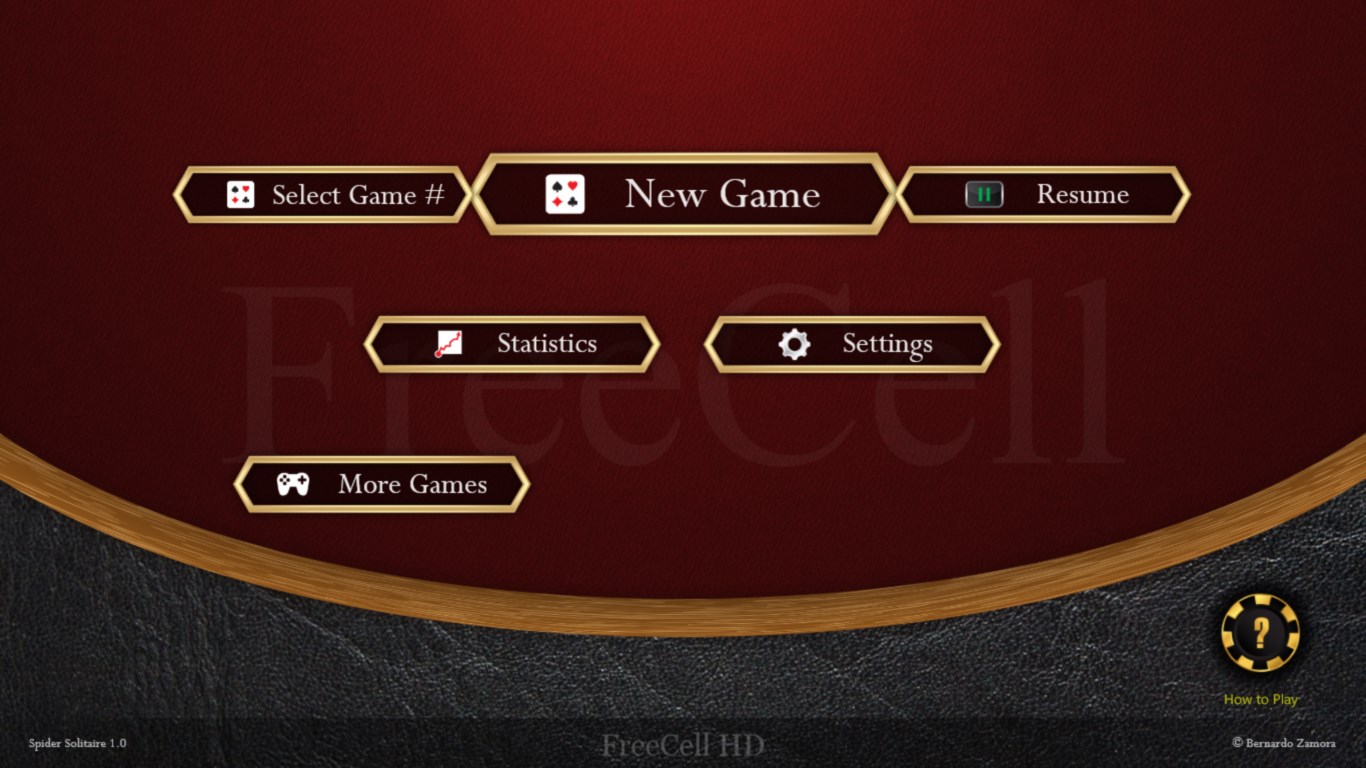
- Intuitive Interface: Sleek, minimalistic design with easy navigation, suitable for both newcomers and seasoned players.
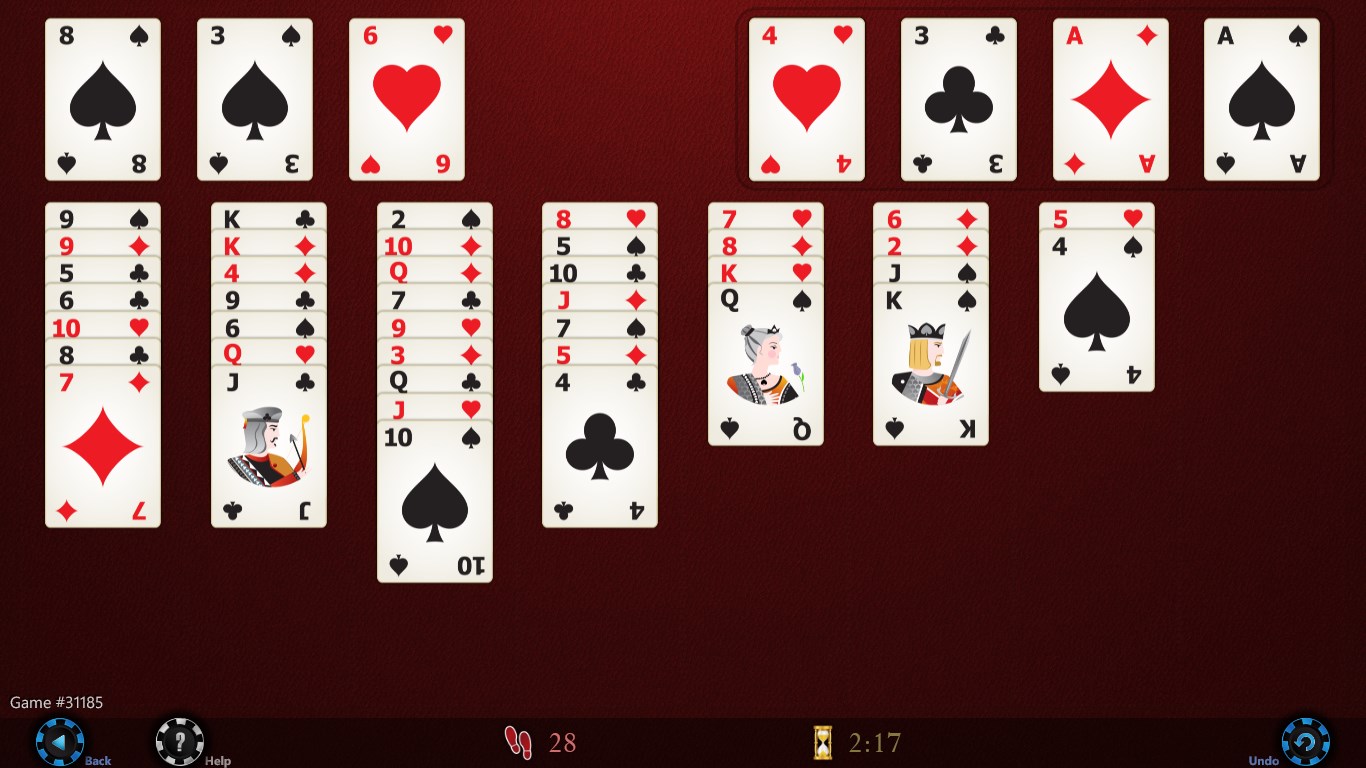
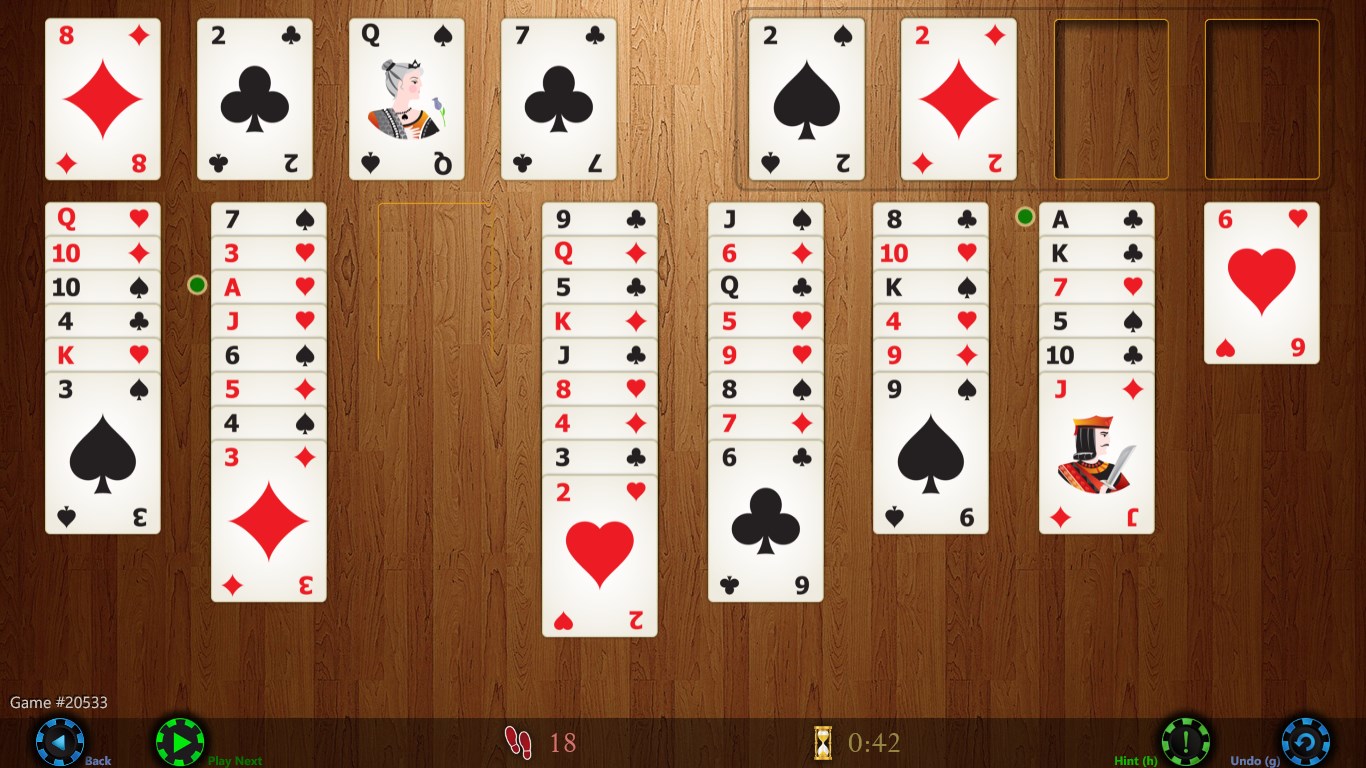
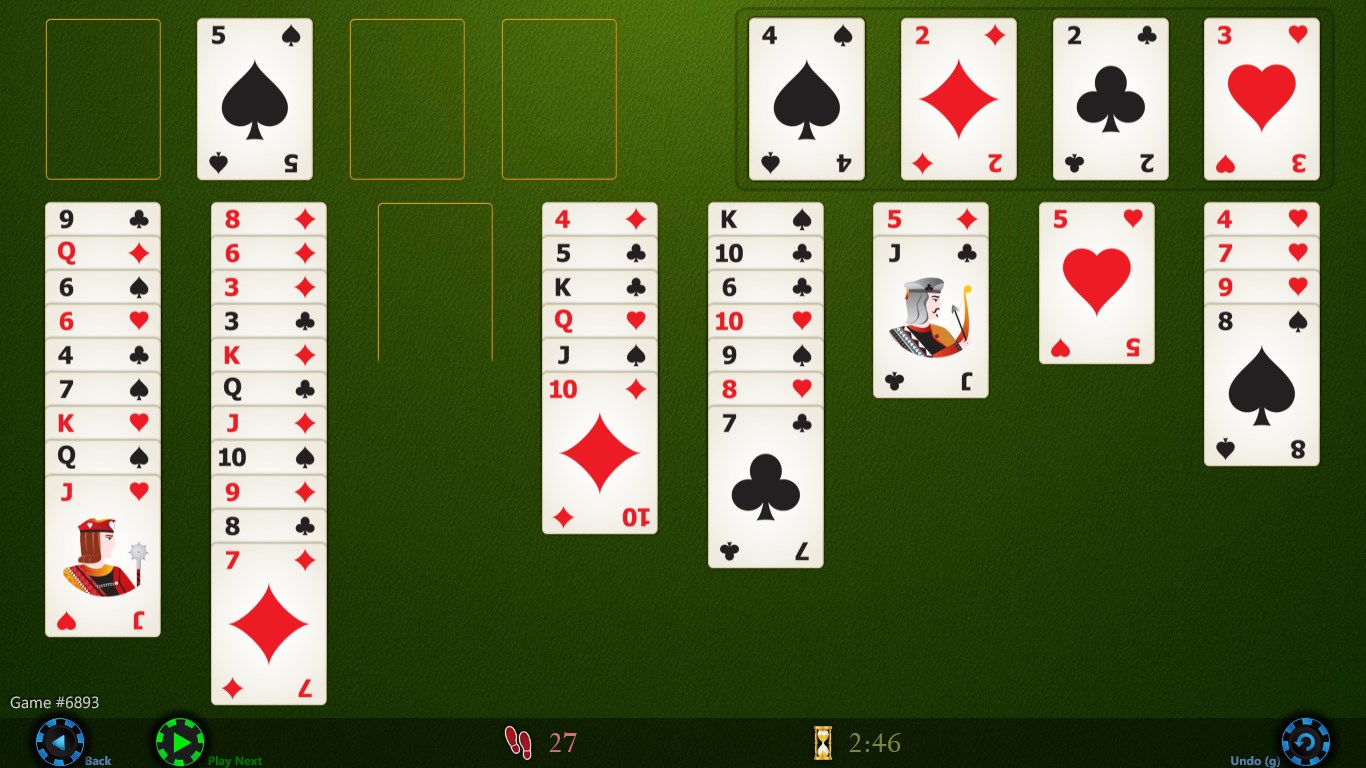
- Excellent Visuals & Animations: Features sharp card graphics and smooth animations that enhance the visual appeal without overwhelming the user.
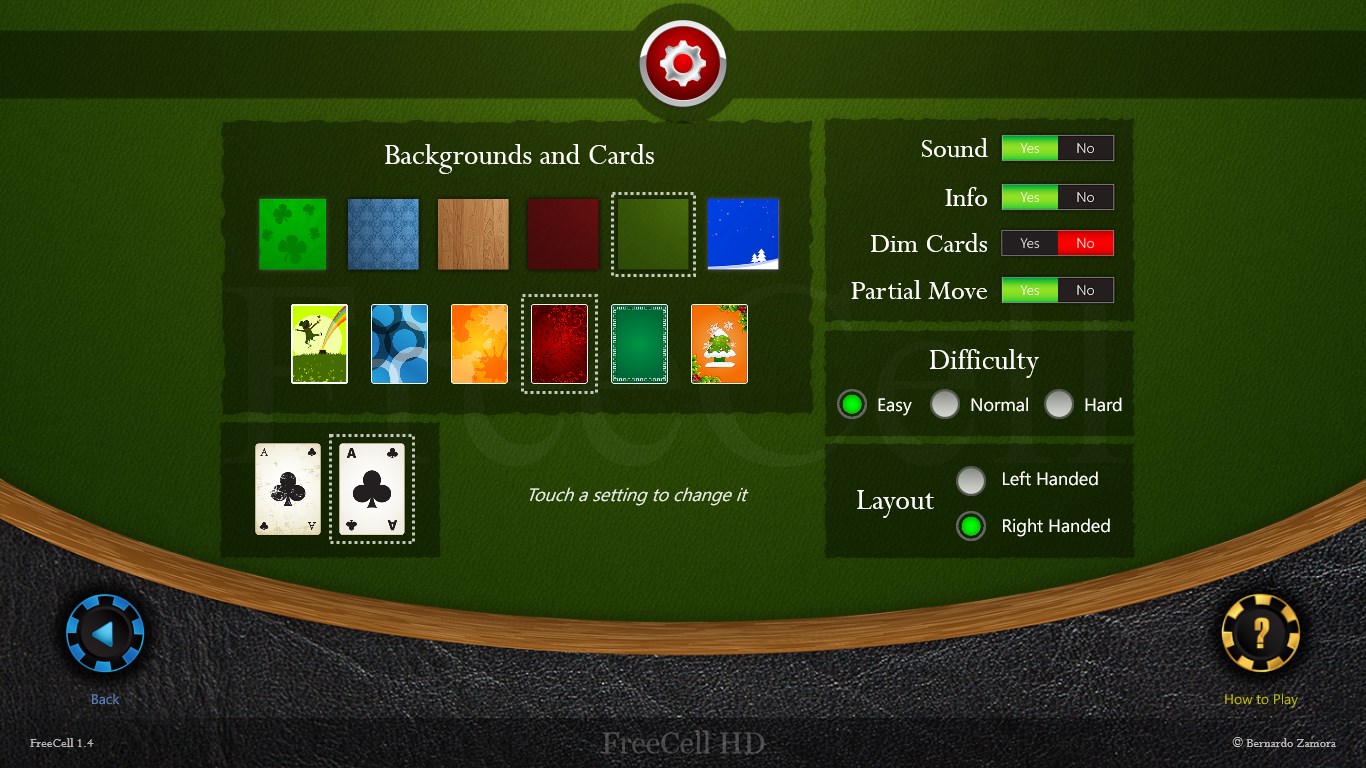
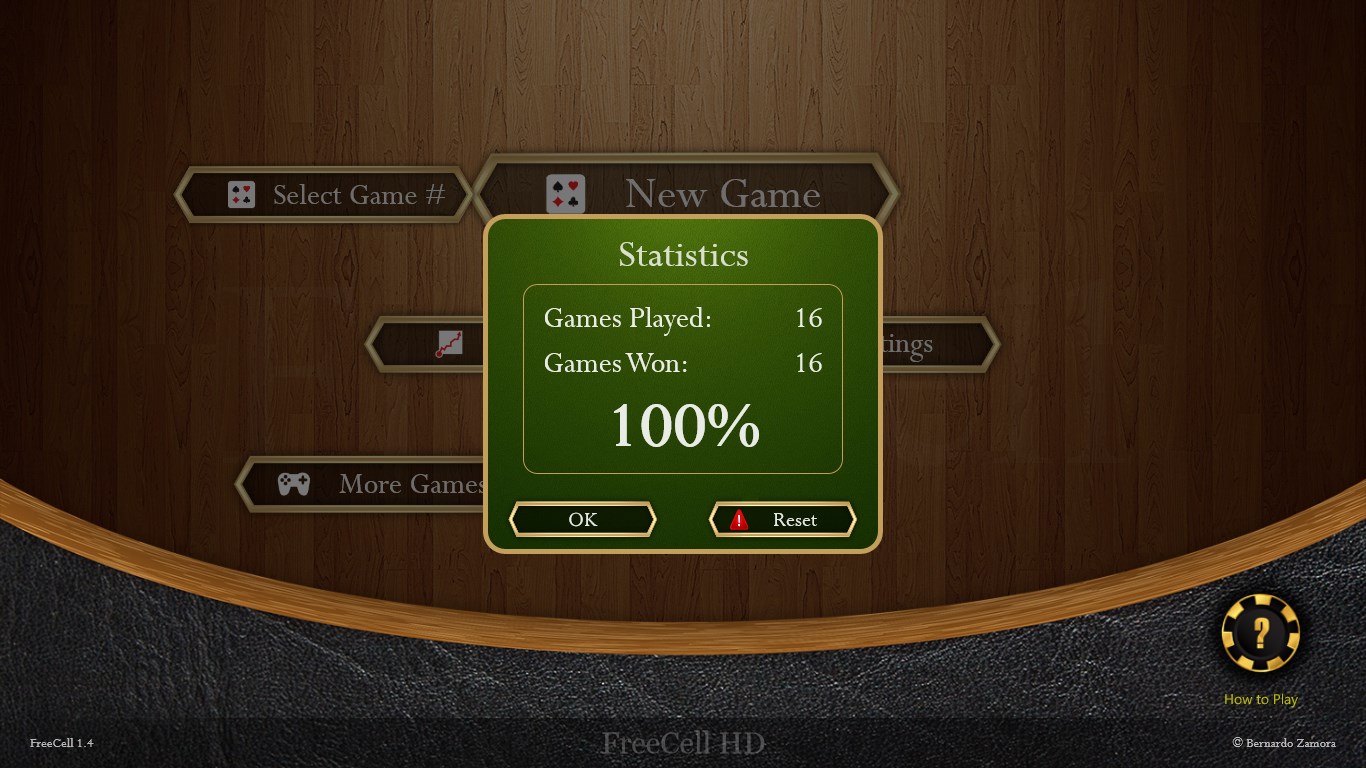
- Progress Tracking & Customization: Provides stats tracking and customizable themes to personalize your experience.
A Playful Journey into FreeCell Strategy
Imagine yourself settling into a cozy corner, a warm cup in hand, as the digital cards eagerly await your mental prowess. FreeCell HD transforms this nostalgic game into an elegant digital experience — where every shuffle and move feels just right. It's not just a game; it's a gentle mental exercise wrapped in visual delight, perfect for breaking up a busy day or winding down at night.
Deep Dive into Features and User Experience
Elegant Interface and User-Friendly Design
The interface of FreeCell HD is a breath of fresh air. Clean lines, clear icons, and a straightforward layout make it accessible at first glance. Whether you're a casual player or a seasoned card strategist, the design facilitates effortless gameplay. The cards are crisp and easy to read, with a subtle color palette that's easy on the eyes — great for prolonged sessions without fatigue.
Gameplay Mechanics and Performance
Gameplay flows seamlessly, with smooth animations that imitate a tactile feel as cards slide into place — like shuffling real cards on a felt table. The game responds instantly to user inputs, with no noticeable lag. For players new to FreeCell, the game offers a gentle learning curve, with intuitive controls and helpful hints that guide but never spoil the challenge of solving each layout. Experienced players will appreciate the efficiency in move mechanics and the varied difficulty levels available.
Unique Selling Points: What Sets It Apart
Unlike many traditional FreeCell implementations, this version introduces customizable themes and a versatile stats tracker. The themes allow players to modify the visual atmosphere — imagine playing in a sleek futuristic setting or a classic wooden desk aesthetic — adding a personalized touch to every game. The stats tracker keeps detailed records of wins, moves, and time, fostering a sense of progress and mastery.
Furthermore, what truly makes FreeCell HD stand out is its focus on clarity and fluidity. The animations are just enough to enhance the experience without becoming distracting, making it suitable for quick plays or extended sessions. Its straightforward design, coupled with reliable performance, makes it a reliable companion for casual gaming without the clutter or complexity some other apps suffer from.
Final Verdict and Recommendations
For fans of classic solitaire or newcomers looking for a thoughtfully designed FreeCell experience, this app offers a compelling package. Its biggest strengths lie in its elegant visual design and fluid gameplay mechanics — the core features that make each card move feel satisfying. The customization options add a layer of personal touch, making each game unique.
I recommend FreeCell HD for anyone seeking a relaxing yet intellectually stimulating card game on their Windows device. Its smooth performance, clean aesthetics, and subtle enhancements make it stand out among other digital card games. Whether played briefly during a work break or enjoyed over longer periods as a mental refresh, this app is a trustworthy and enjoyable choice.
Pros
- User-friendly interface
- HD graphics with smooth animations
- Free to download and play
- Supports multiple device types
- Includes different game modes and difficulty levels
Cons
- Limited customization options
- Ads can interrupt gameplay unexpectedly
- No multiplayer feature
- Some users report occasional slow loading times
- Limited tutorial guidance for new players











