

- Name FreeCell Collection Free
- Category Card & board
- Developer TreeCardGames
- Available on PC
- OS Windows 10 version 17763.0 or higher
- languages Chinese (Simplified), Chinese (Traditional Chinese), Czech, Danish, Dutch, English, English (United States), Finnish, French, German, Greek, Hebrew, Hindi, Hungarian, Italian, Japanese, Norwegian (Bokmål), Polish, Portuguese (Brazil), Portuguese (Portugal), Russian, Spanish, Swedish, Thai, Turkish, Ukrainian
Introducing FreeCell Collection Free for Windows
FreeCell Collection Free is a thoughtfully crafted digital rendition of the classic Solitaire game, designed to bring countless hours of strategic fun to Windows users. Offering a pure, no-frills experience rooted in the timeless game mechanics, it appeals to both casual players and dedicated card enthusiasts alike.
About the Developer and Its Focus
Developed and published by TreeCardGames, this team specializes in creating accessible, user-friendly card games for a broad audience. Their focus seems to be on delivering smooth gameplay with minimal distractions, emphasizing core card game principles without unnecessary clutter or complicated features.
Standout Features and Highlights
- Authentic FreeCell Experience: Emulates the classic FreeCell gameplay as found in traditional Windows versions, ensuring familiarity and nostalgia for longstanding fans.
- Simple and Intuitive Interface: Clean design with straightforward navigation that makes starting a game effortless, perfect for quick plays or extended gaming sessions.
- Unlimited Undo & Reset Options: Provides flexible gameplay, allowing players to backtrack moves or restart easily without penalties, fostering a stress-free environment for learning or experimenting strategies.
- Accessible Design: Optimized for Windows, it offers responsive controls and a layout that adapts well to different screen sizes, enhancing overall user accessibility.
Engaging Gameplay with User-Centric Design
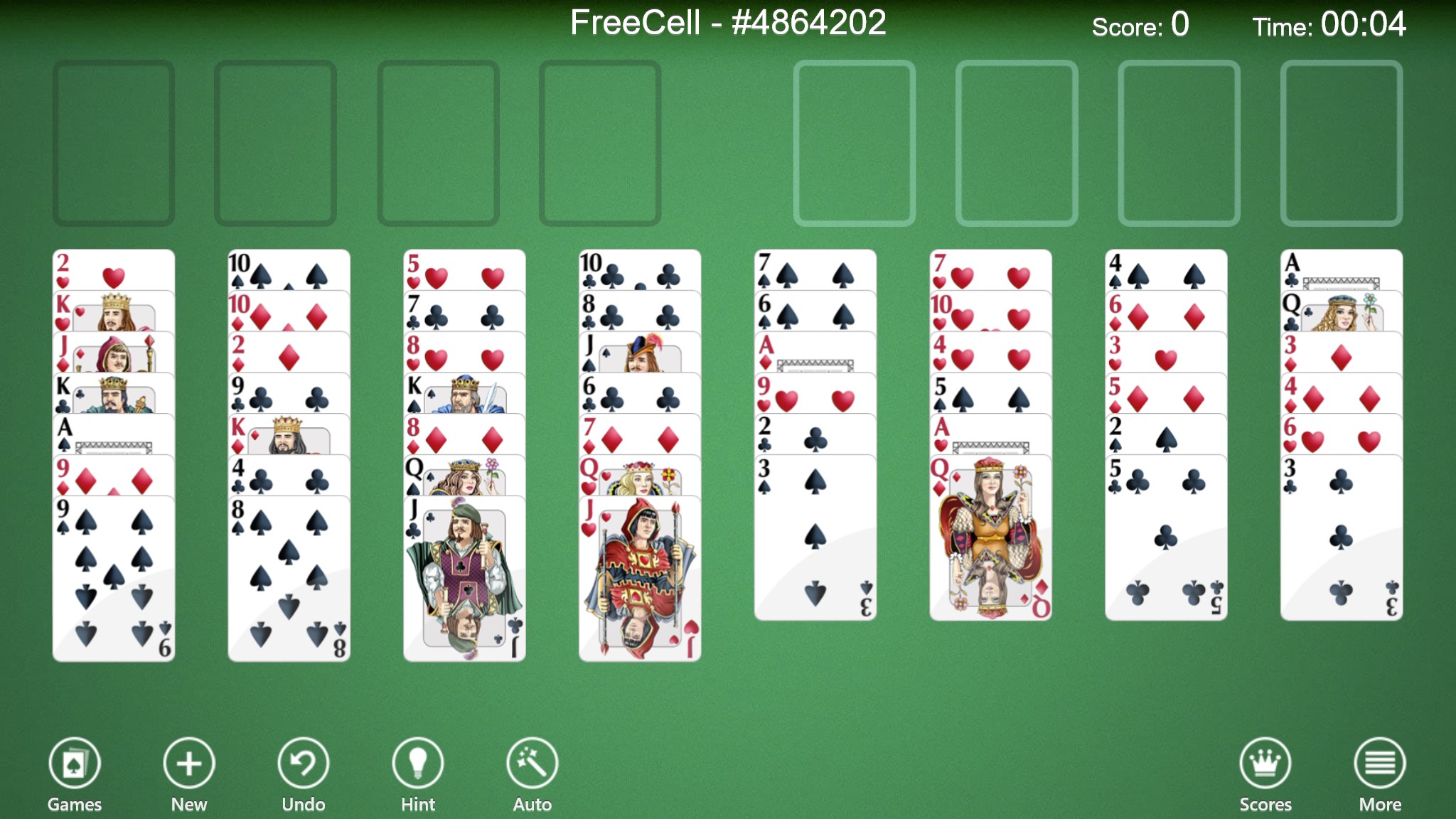
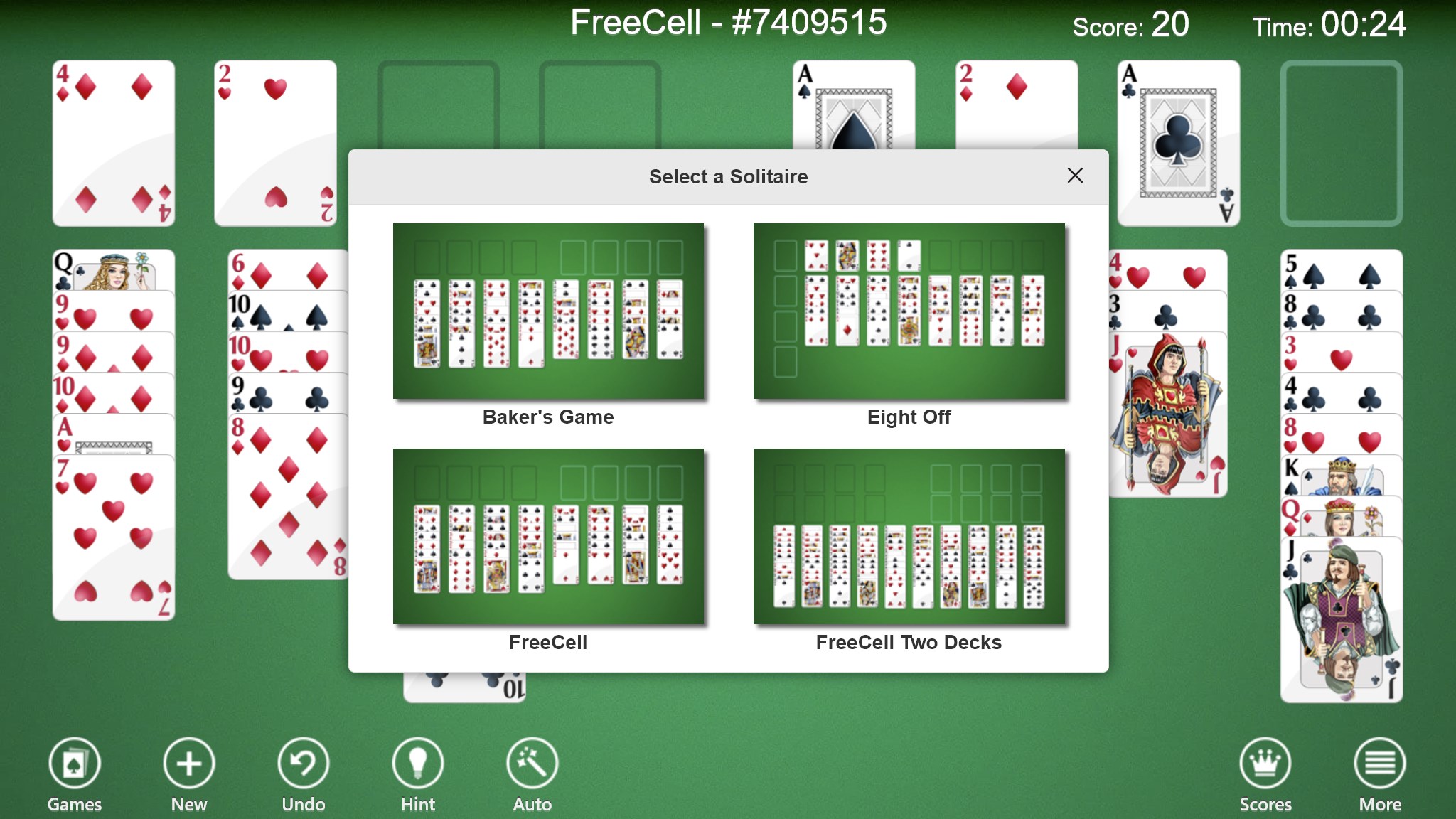
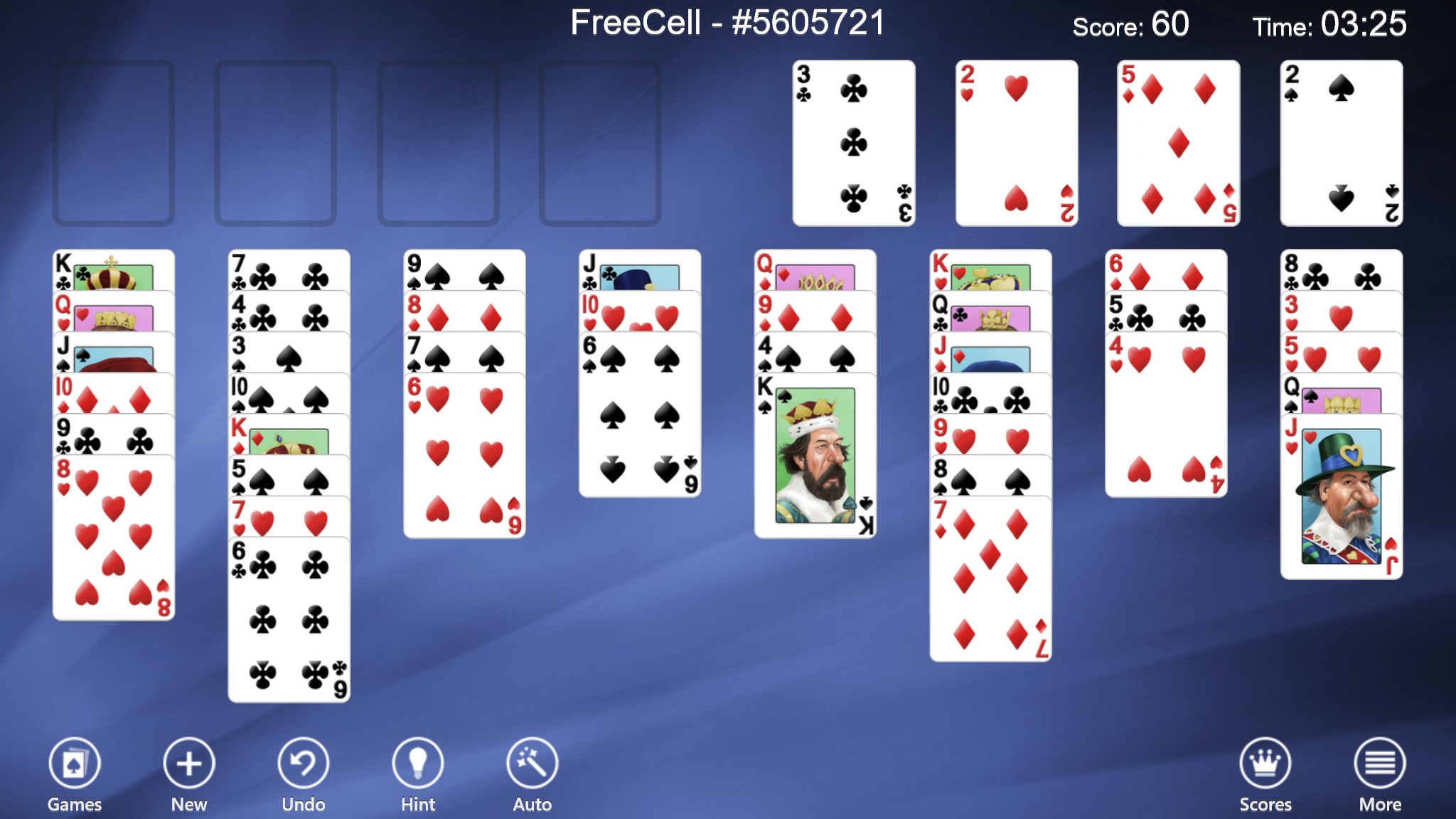
If you're familiar with the charm of traditional card games, stepping into FreeCell Collection Free feels like visiting an old friend's cozy living room — familiar, inviting, yet subtly improved. The gameplay throws you into a puzzle universe where each move requires foresight and planning. The game's streamlined interface is bright and uncluttered, making it a breeze to focus solely on your strategic decisions. Transitioning between different game states is smooth, with responsive controls that make dragging and placing cards feel as natural as shuffling a deck in your hands.
Core Functionality: Clarity and Customization
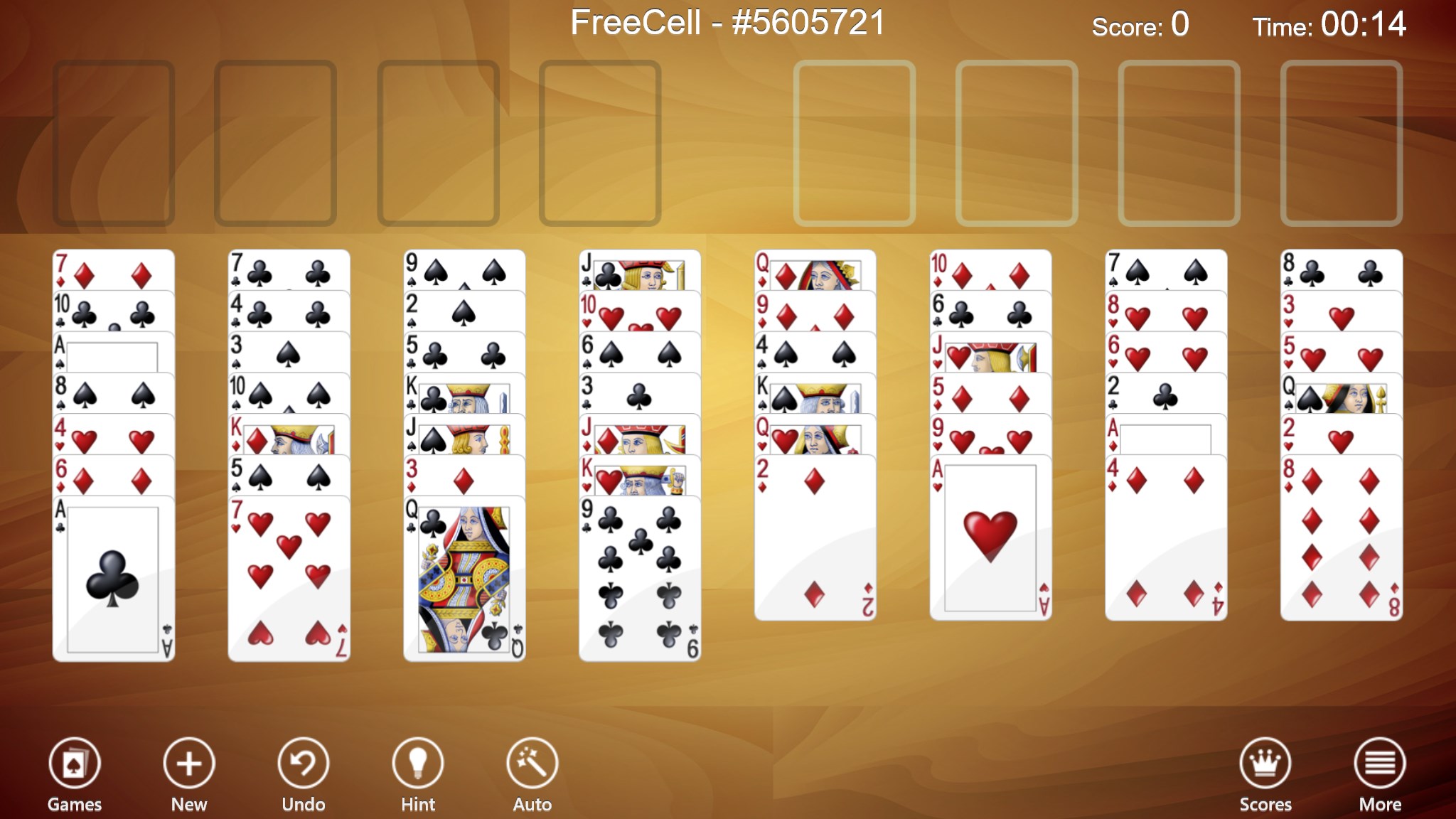
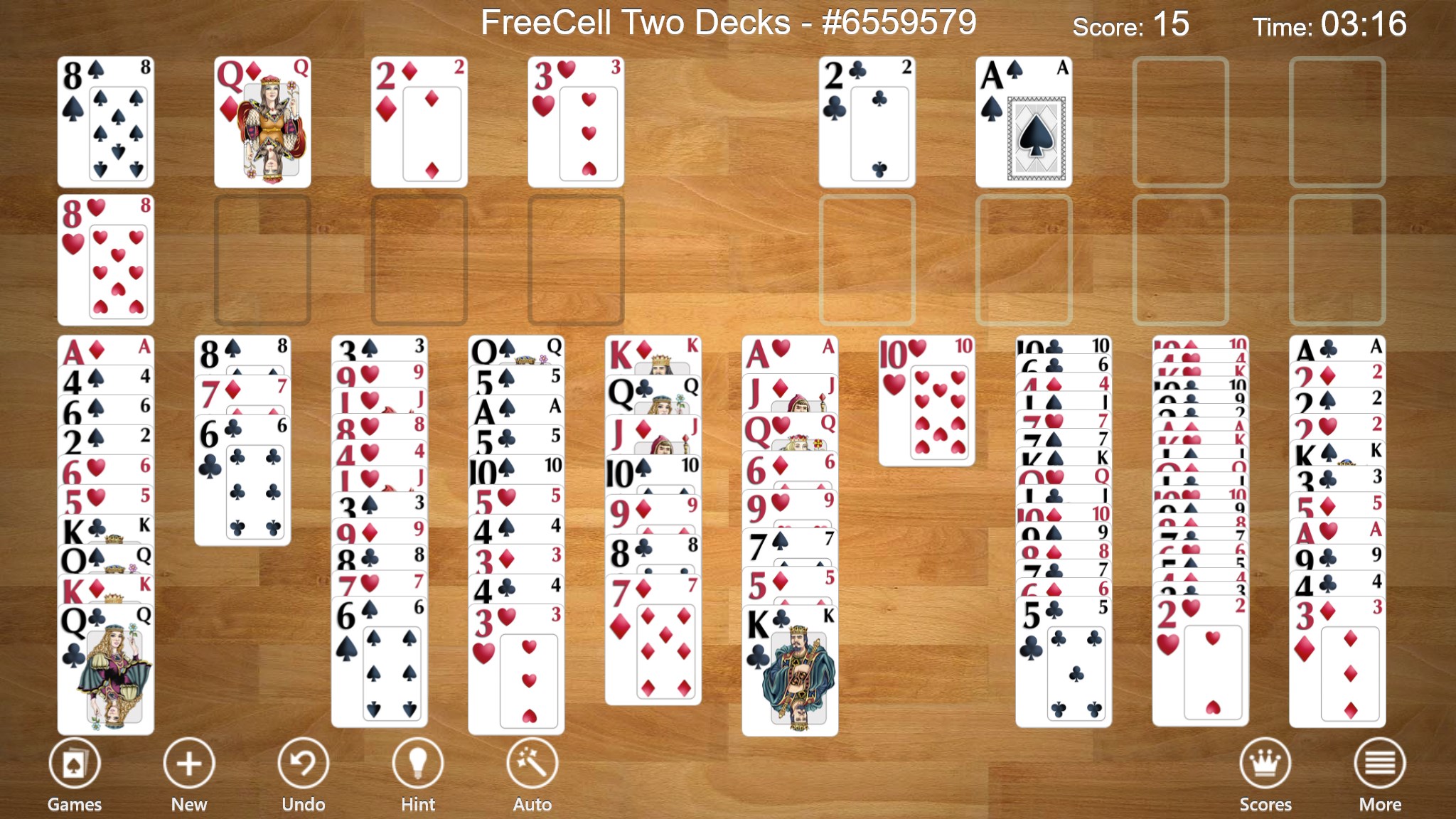
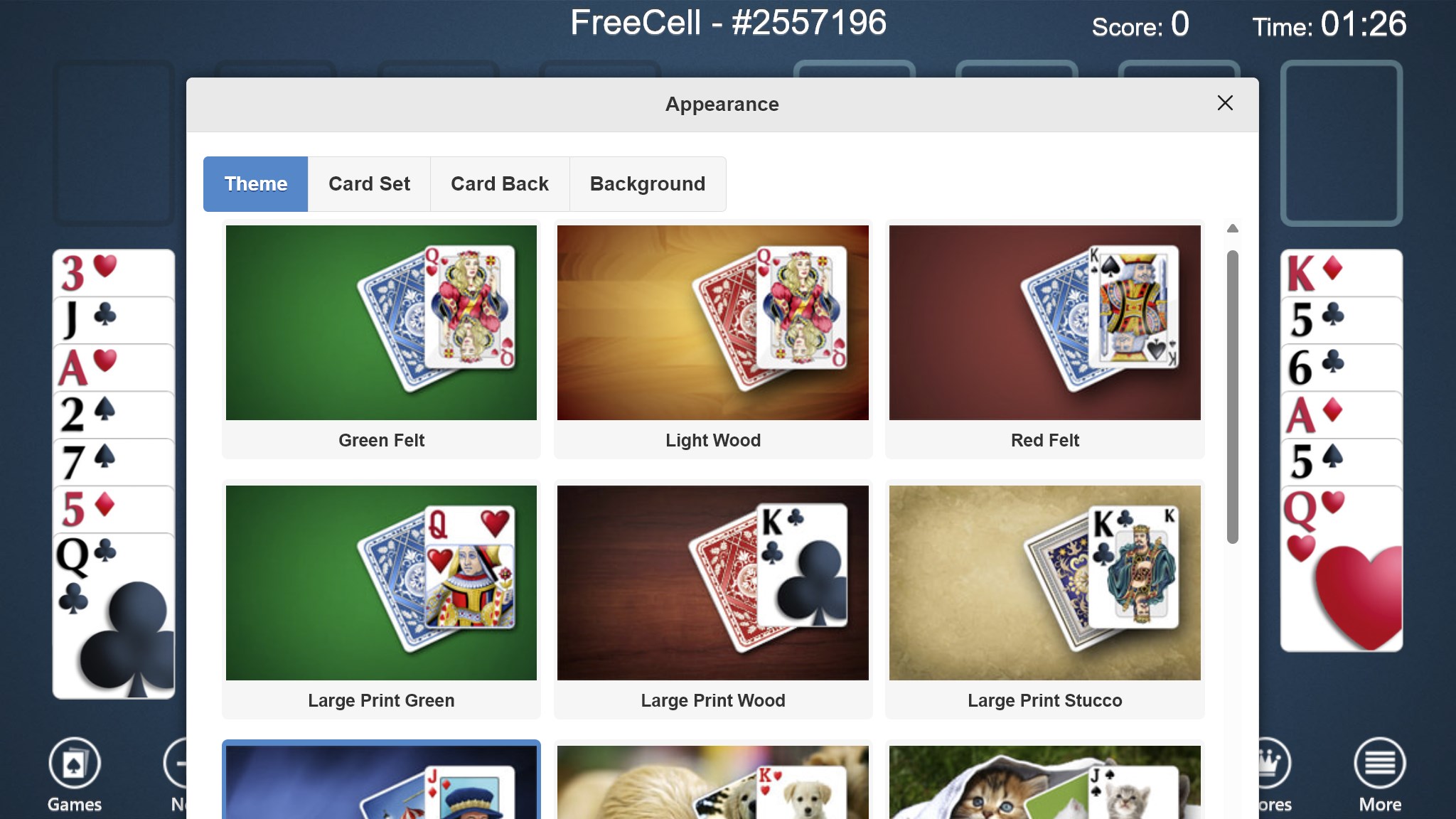
One of the application's strongest points is its clarity. Every element from the cards to the background is designed with simplicity in mind, avoiding overly flashy graphics that could distract. This visual minimalism not only reduces cognitive load but also speeds up gameplay, making each session feel fluid. Additionally, the game offers minimal but meaningful customization options, like changing background themes or card styles, allowing players to tailor the visual experience without complex menus or settings.
Effortless User Experience and Learning Curve
For newcomers, FreeCell Collection Free presents an inviting learning curve. The well-designed tutorial (if included), along with intuitive controls, ensures that beginners can pick up the game within minutes. For seasoned players, the unlimited undo feature acts as a sandbox for honing tactics or testing new strategies without frustration. Its clean interface and efficient game flow make it an excellent pick for quick breaks or longer strategic sessions alike.
What Sets It Apart from Other Card Games?
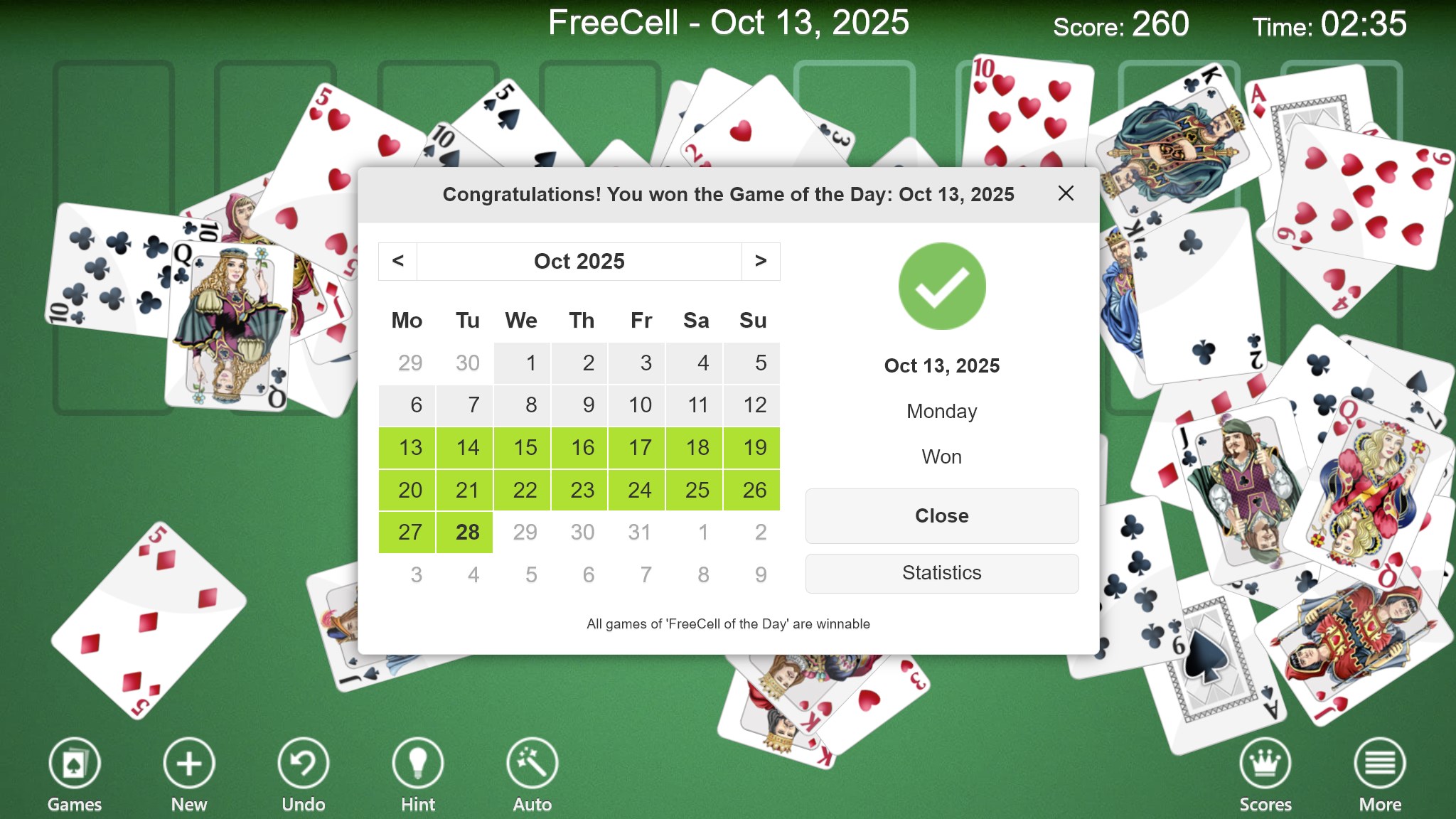
While many digital card games aim for eye-catching visuals or elaborate features, FreeCell Collection Free's strength lies in its authenticity and focus on gameplay purity. Unlike some counterparts that clutter the screen with boosters or multimedia effects, this app maintains a minimalist approach that emphasizes strategy over spectacle. Its core advantage is the faithful recreation of the classic FreeCell mechanics, making it a refreshing choice for purists who value clean gameplay and reliable performance. Additionally, its platform optimization ensures a seamless experience across various Windows devices, including tablets and laptops.
Final Recommendation and Usage Suggestions
This app earns a solid thumbs-up for anyone seeking a straightforward, reliable, and nostalgic FreeCell experience. It's ideal for players who appreciate stripped-back design, smooth gameplay, and the ability to experiment freely with their moves. If you're a fan of classic card games or looking to sharpen your strategic thinking in a calm environment, FreeCell Collection Free is a commendable choice. For best results, consider this app as both a casual pastime and a brain-training tool — simple, effective, and thoughtfully designed.
Pros
- User-friendly interface
- Classic FreeCell gameplay
- Multiple game themes
- Auto-save feature
- No ads or in-app purchases
Cons
- Limited game modes
- Lack of detailed game statistics
- Minimal tutorial for beginners
- Absence of undo button in some versions
- No cloud sync or backup











