

- Name FL Studio Mobile
- Category Music
- Developer Image-Line Software
- Available on PC, Mobile, Surface Hub, HoloLens
- OS Windows 10 version 19041.0 or higher
- Memory 2 GB
- languages English (United States)
An In-Depth Look at FL Studio Mobile for Windows
Imagine having a professional studio right at your fingertips, capable of crafting intricate beats and melodies directly on your Windows device. That's exactly what FL Studio Mobile brings to the table—a portable yet powerful digital audio workstation (DAW) designed for aspiring musicians and seasoned producers alike. Developed by the renowned team at Image-Line Software, this app aims to deliver the same creative freedom found in traditional DAWs, but optimized for mobile gameplay and workflow convenience.
Who Is It For?
Whether you're a beginner exploring music production essentials, an experienced composer seeking a quick sketchpad, or a hobbyist eager to record ideas on the fly, FL Studio Mobile targets a broad audience. Its intuitive interface is crafted to accommodate all skill levels, while still providing advanced features for more complex projects. The app is particularly appealing for users who want a versatile tool capable of multitrack recording, editing, and exporting high-quality audio—right from their Windows laptop or tablet.
What Makes It Stand Out?
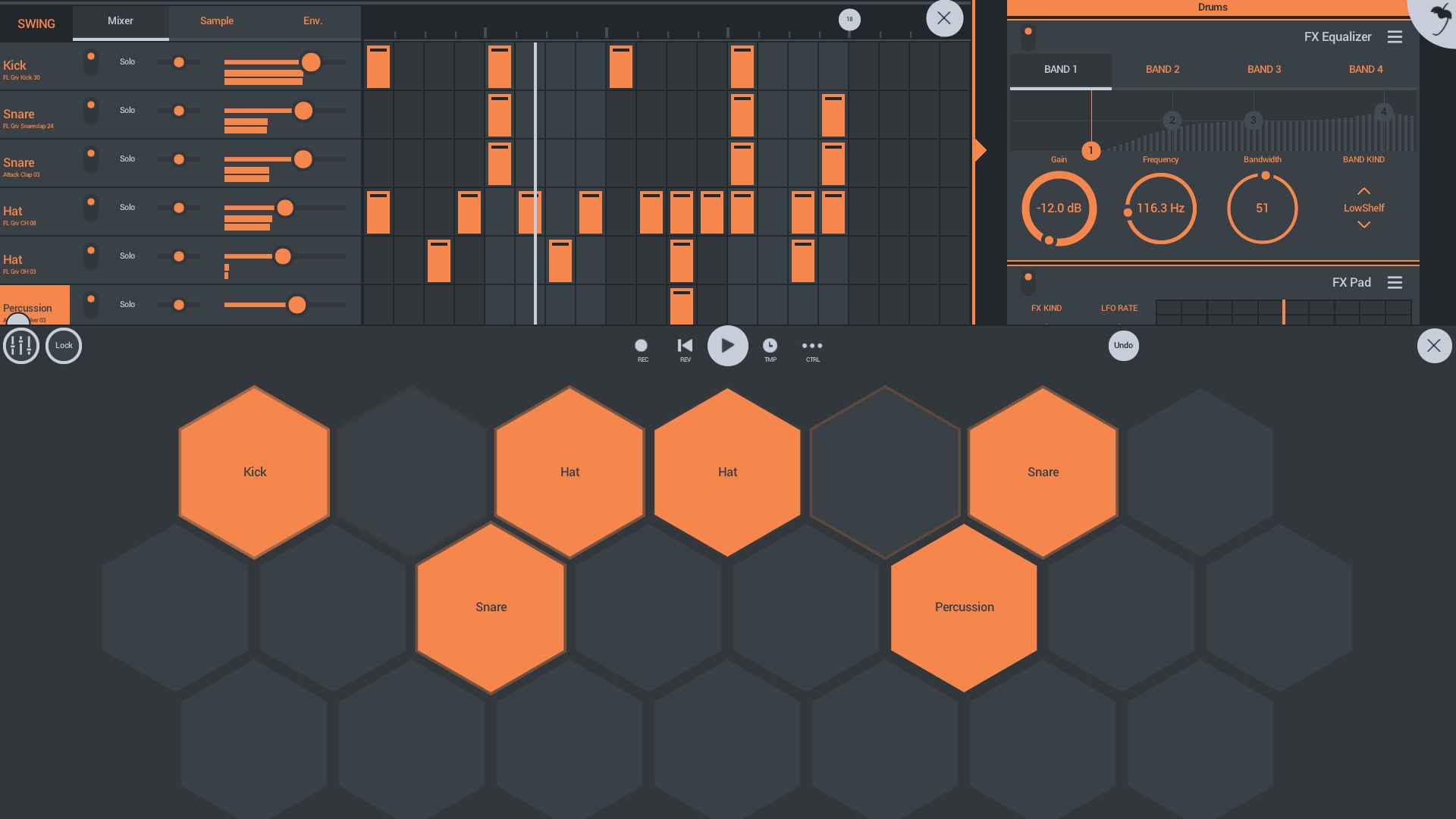
Here's what sets FL Studio Mobile apart: First, its ability to seamlessly create and manipulate complex rhythm patterns and sequences. Think of it as a digital drum machine that not only offers a wide array of percussion instruments but also excels in rhythm pattern variety. Second, the app is lauded for its impressive tolerance to input latency, meaning your live programming and recording sessions stay tight, with minimal delay—an essential feature for performances and groove-based production. These core strengths make it a compelling choice for musicians craving precision and flexibility in their mobile studio.
Assessing the User Experience: Interface, Performance, and Learning Curve
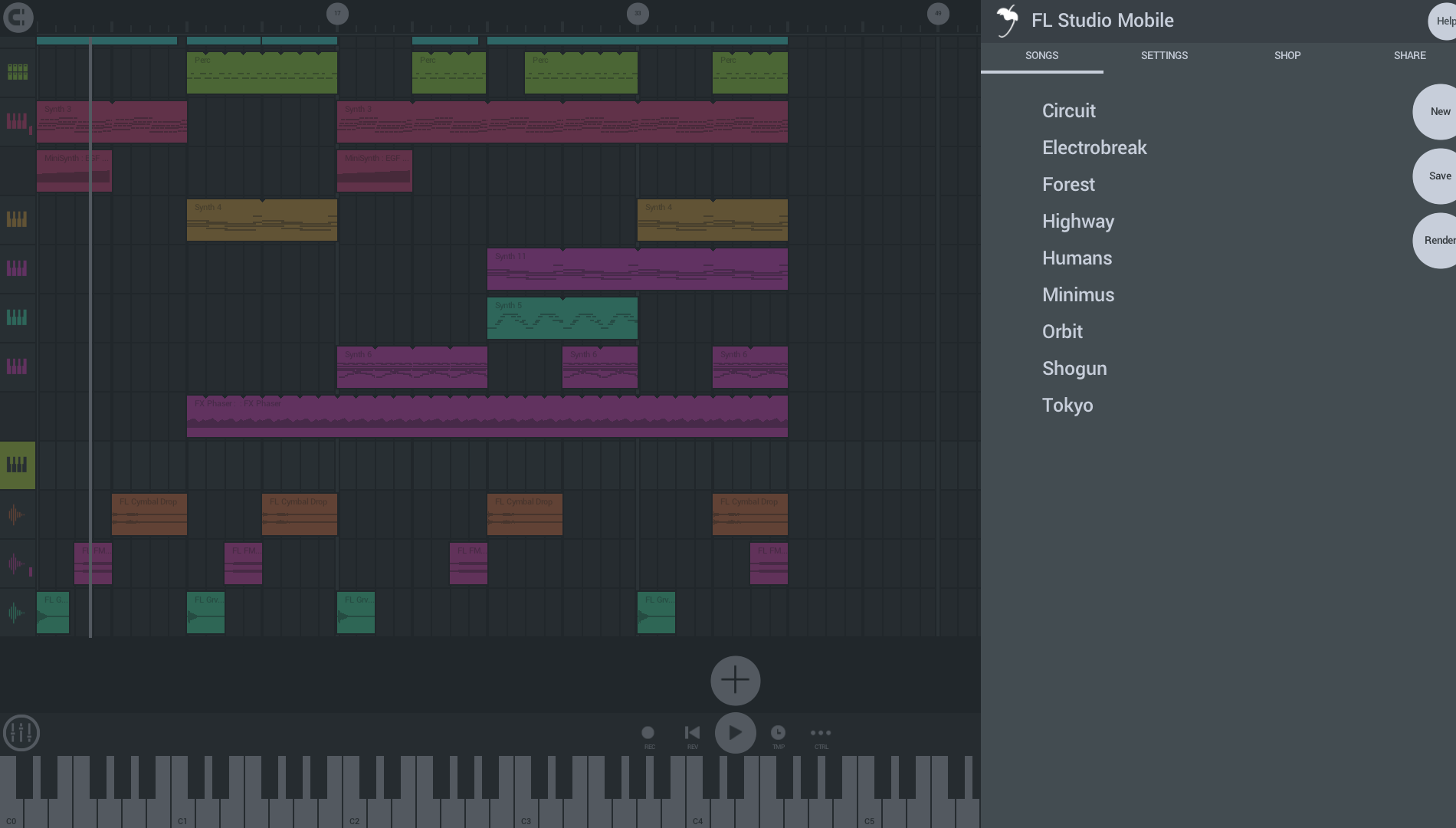
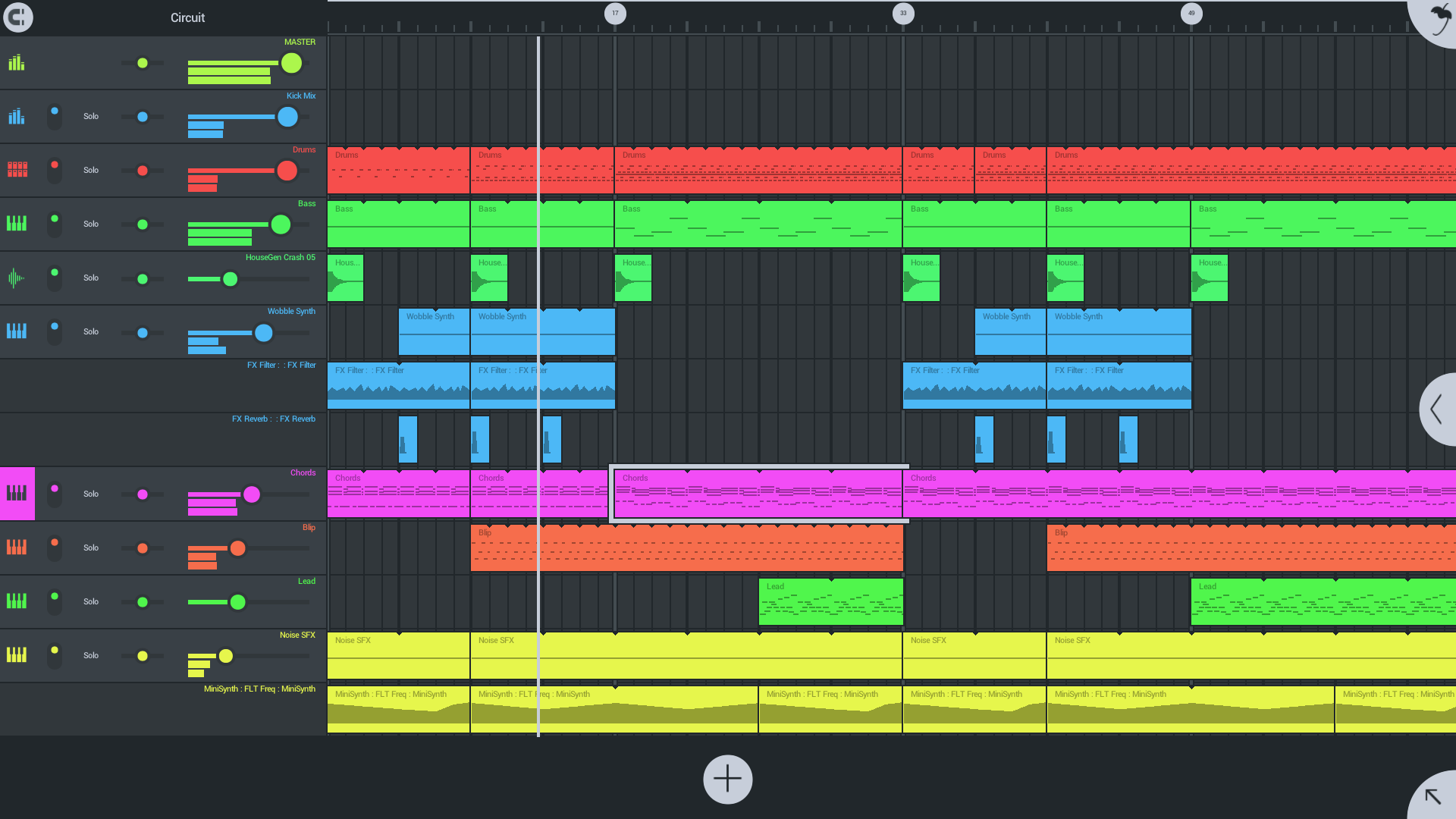
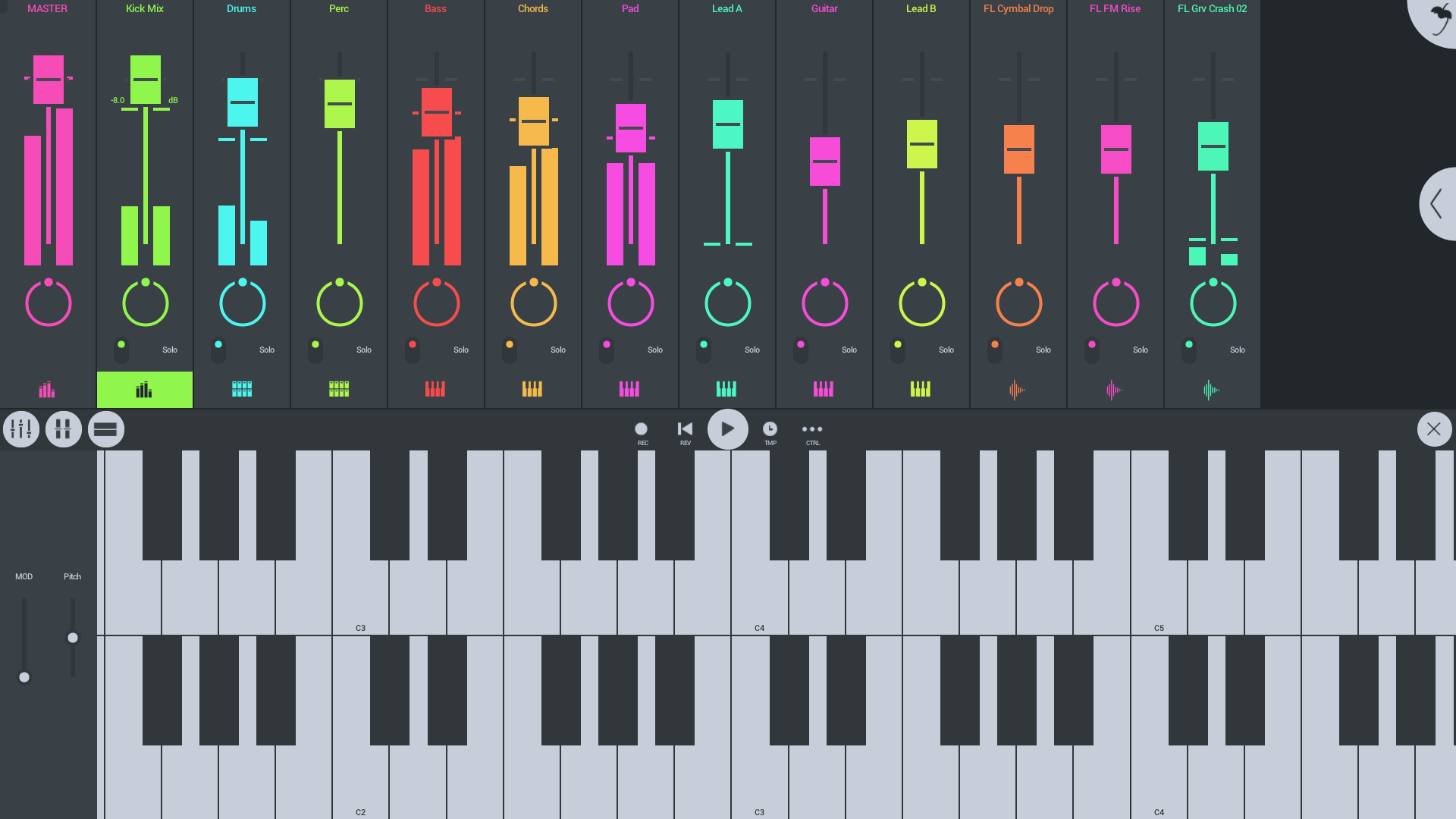
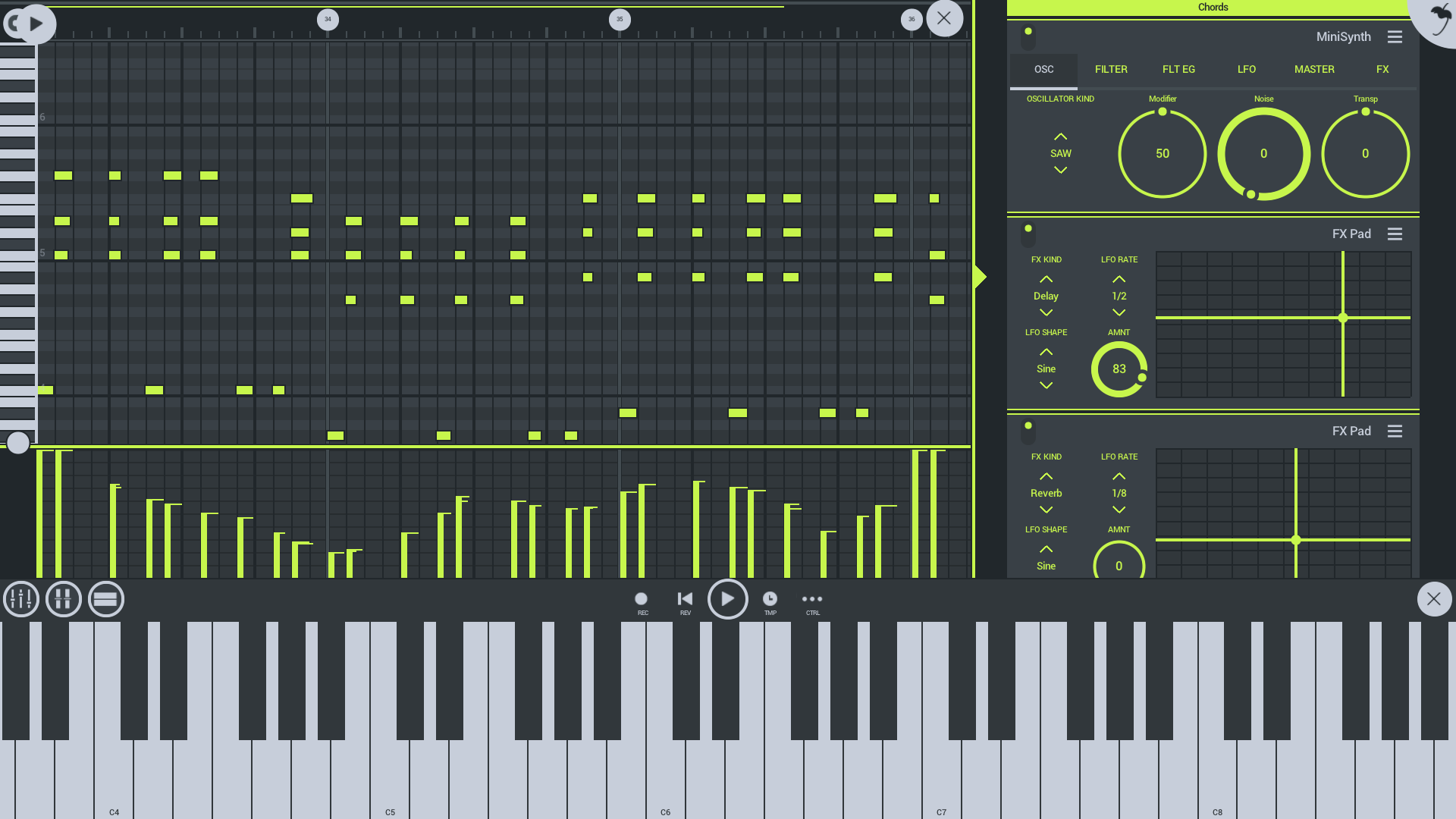
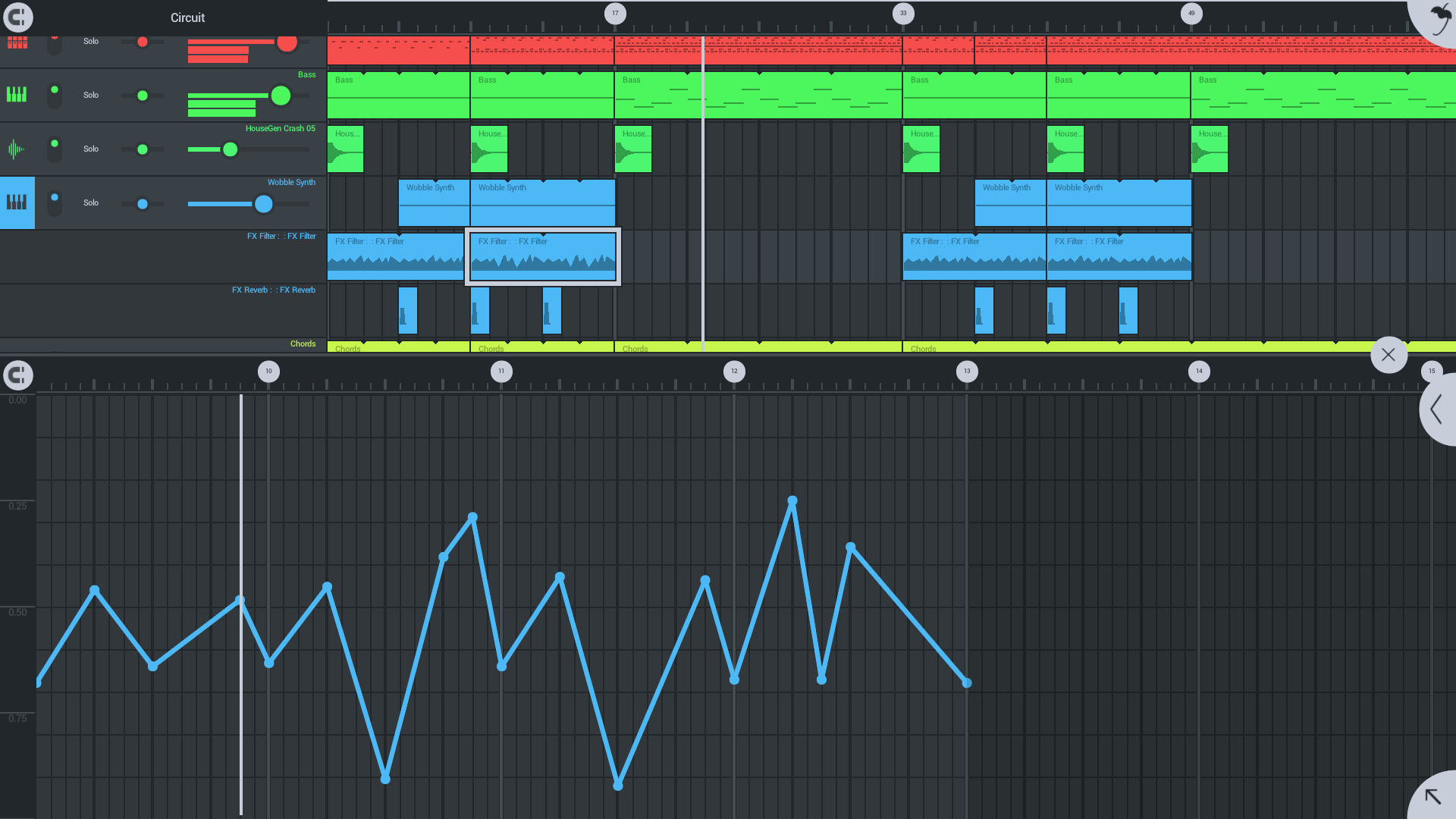
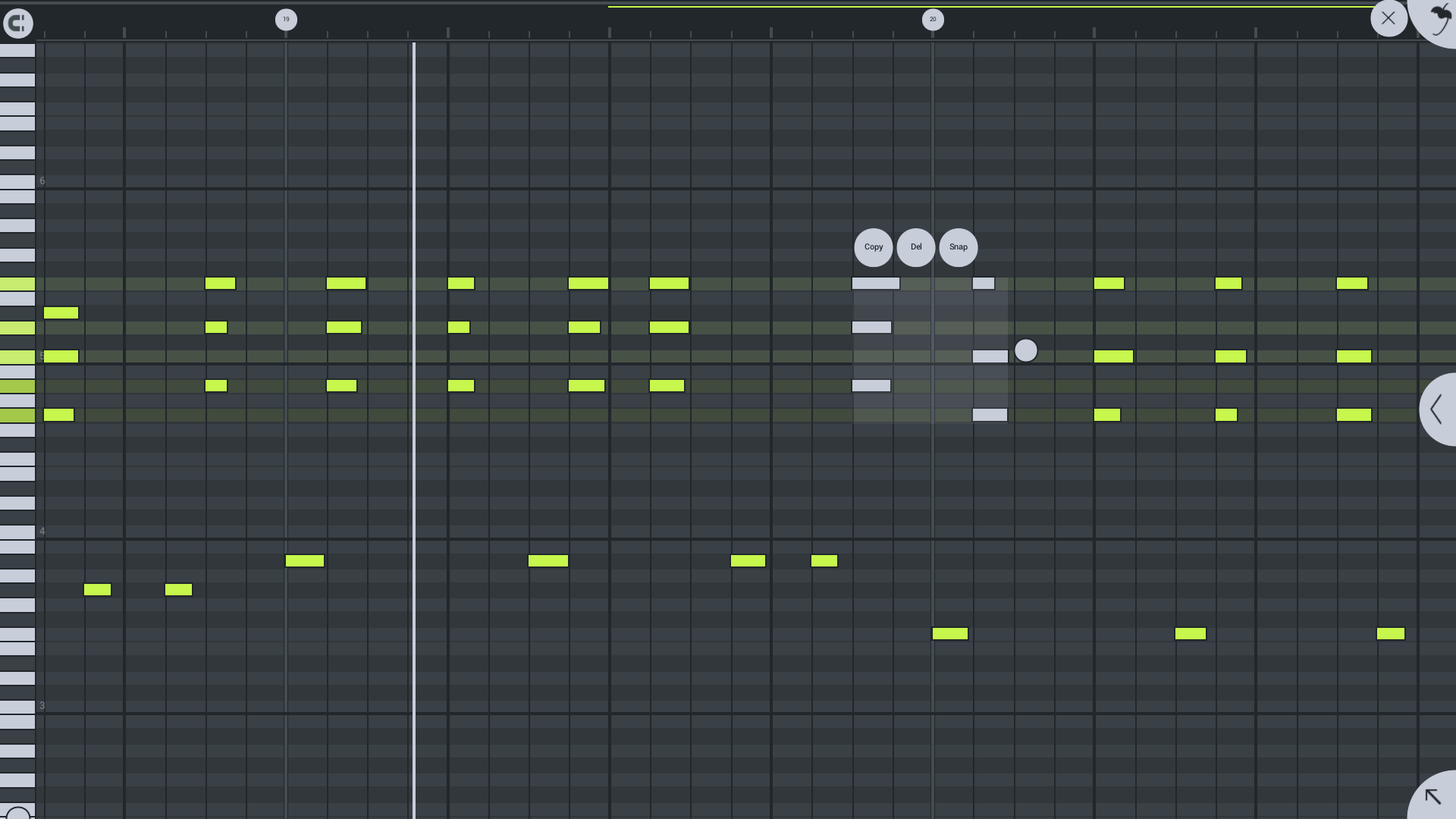
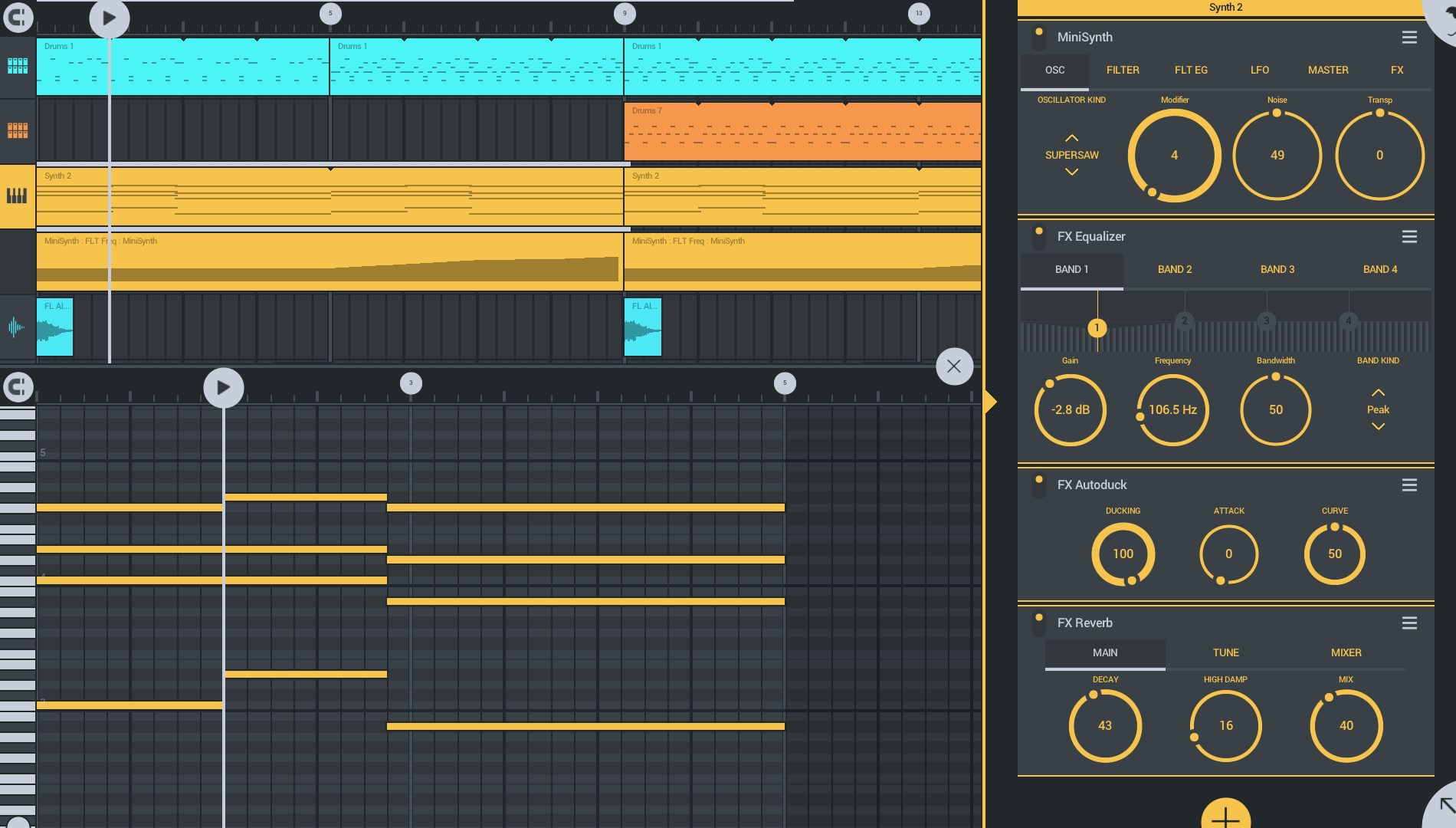
The app boasts a sleek and modular interface that resembles a compact version of a professional DAW, with color-coded tracks and intuitive controls. Navigating through projects feels smooth, thanks to well-optimized touch inputs and minimal lag—an aspect crucial for maintaining creative flow. For newcomers, the learning curve is moderate; the abundant tutorial videos and logical layout help beginners find their footing quickly. Advanced users will appreciate the customizable workflow options, such as multi-track editing and parameter automation, which provide professional-level control without overwhelming complexity.
What Sets It Apart From Competitors?
While many mobile music apps focus solely on simple loops or MIDI sequencing, FL Studio Mobile distinguishes itself through its dual emphasis on rhythm pattern variety and input latency tolerance. Unlike other apps that might struggle with timing precision or limited pattern options, FL Studio Mobile offers a diverse palette of sound packs and a highly responsive interface that makes live programming feel organic rather than stiff. This combination supports intricate groove creation and tight performances, making it suitable for both casual jam sessions and detailed production work.
Final Verdict and Recommendations
In conclusion, FL Studio Mobile for Windows is a robust, versatile digital music workstation that balances ease of use with professional features. Its unique strengths in rhythm pattern versatility and low-latency performance make it a standout option for musicians who prioritize timing accuracy and creative flexibility. I would recommend it to anyone looking to experiment with beat making, melody development, or quick ideas recording, especially those who appreciate a well-designed, user-friendly interface.
While it may not replace full-fledged desktop DAWs for complex projects, it's an excellent portable companion for on-the-go creativity and initial music sketching. Whether you're working on a drum pattern during a commute or laying down a quick melody between meetings, FL Studio Mobile for Windows offers a reliable and inspiring platform that keeps your musical ideas flowing seamlessly.
Pros
- User-friendly interface
- Comprehensive features
- Excellent portability
- Multi-track editing
- Import/export capabilities
Cons
- Limited audio recording features
- No advanced mixing console
- Steep learning curve for some features
- Limited sample library
- Occasional latency issues on older devices











