




- Name Find The Differences - Spot it
- Category Card & board
- Developer RV AppStudios
- Available on PC
- OS Windows 10 version 10240.0 or higher
- DirectX Version 10
- languages Chinese (Simplified), Chinese (Traditional Chinese), Czech, Danish, Dutch, English (United States), Finnish, French, German, Greek, Indonesian, Italian, Japanese, Korean, Malay, Norwegian, Polish, Portuguese, Romanian, Russian, Spanish, Swedish, Thai, Turkish, Vietnamese
Find The Differences - Spot it for Windows: A Fun and Engaging Spot-the-Difference Game
Find The Differences - Spot it for Windows is a captivating puzzle game designed to challenge your observation skills while providing an entertaining experience suitable for players of all ages.
About the Developer and Core Features
Developed and published by RV AppStudios, this game aims to offer a classic yet refreshed take on the traditional spot-the-difference genre. The company has crafted a user-friendly and visually appealing game that balances difficulty and fun. Its main features include: uncluttered interface, diverse levels with increasing complexity, and a smooth gameplay experience that keeps players engaged without frustration. Additionally, the game offers hints for tricky spots, making it accessible to beginners while still challenging seasoned players. Its target audience spans casual gamers, puzzle enthusiasts, and families looking for a comfortable gaming activity that can be enjoyed together or alone.
Engaging and Visually Appealing Interface
The first thing you'll notice is the vibrant and colorful interface—think of it as stepping into an artist's lively palette. The visuals are clean, intuitive, and optimized for Windows, ensuring that gameplay feels seamless. Navigating through menus is straightforward, with clearly labeled buttons and gentle animations that make the interface feel lively yet unobtrusive. This polish greatly enhances the overall user experience, making it easy for players to jump right into matches without any steep learning curve.
Smooth and Challenging Gameplay Experience
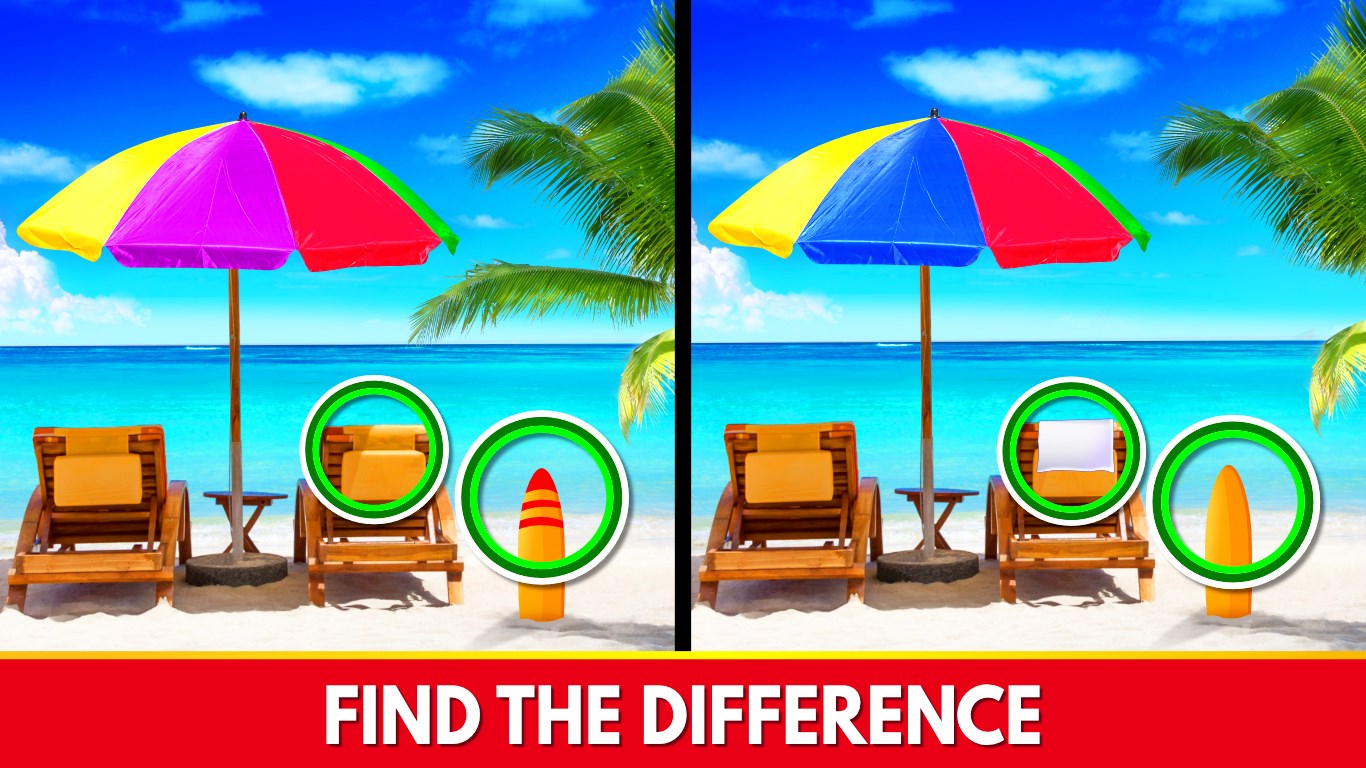
Once immersed, you'll find the core gameplay mechanics are both simple to understand and compelling enough to keep you hooked. The game presents two images side by side, and your task is to spot differences within a limited time—think of it as a lively game of "spot the imposter" at a glance. The game responds swiftly to taps, with minimal lag, which is crucial for a game relying on quick observation. As levels progress, the differences become subtler, and the scenes more intricate—much like a detective's steadily sharpening focus. The inclusion of hints provides relief when you're stuck, but the challenge remains satisfying without feeling frustrating. Overall, the gameplay offers a balanced blend of ease and challenge, making it suitable for quick breaks or prolonged sessions.
Unique Selling Points Compared to Similar Apps
Unlike many other spot-the-difference games, Find The Differences - Spot it stands out with its emphasis on visual clarity and difficulty scaling. Its most notable feature is the progressively complex puzzles that push players to sharpen their visual acuity, akin to turning up the dial on a detective's keen eye. Moreover, RV AppStudios has infused the game with a lively, colorful aesthetic that sets it apart from more sterile or minimalist counterparts. Its user interface is not just functional but inviting—encouraging players to engage with multiple levels without feeling overwhelmed. These elements make it a particularly appealing choice for casual gamers seeking a reliable, charming game to fill brief intervals or for families wanting a fun, cooperative activity.
Final Thoughts: Is It Worth Your Time?
All in all, Find The Differences - Spot it is a well-crafted, engaging puzzle game that balances simplicity and challenge effectively. Its standout features—such as smooth gameplay, appealing visuals, and nuanced difficulty adjustments—make it a compelling choice within its genre. Whether you're a casual player, a puzzle enthusiast, or someone looking for a family-friendly game, this app offers a polished experience worth exploring. I'd comfortably recommend it as a go-to app for quick mental exercises or relaxing entertainment. Just dive in, and enjoy the satisfying thrill of finding those elusive differences!
Pros
- Intuitive Gameplay
- Diverse Difficulty Levels
- Vivid Visuals and Clear Images
- Engaging Sound Effects
- No internet required
Cons
- Limited Hint System
- Repetitive Level Designs
- Basic User Interface
- Limited Difficulty Scaling
- Ads Presence











