


- Name Fandango at Home
- Category Entertainment
- Available on PC, Xbox console
- OS Windows 10 version 19041.0 or higher
- languages English (United States)
Fandango at Home for Windows: Your Virtual Ticket to Movie Nights
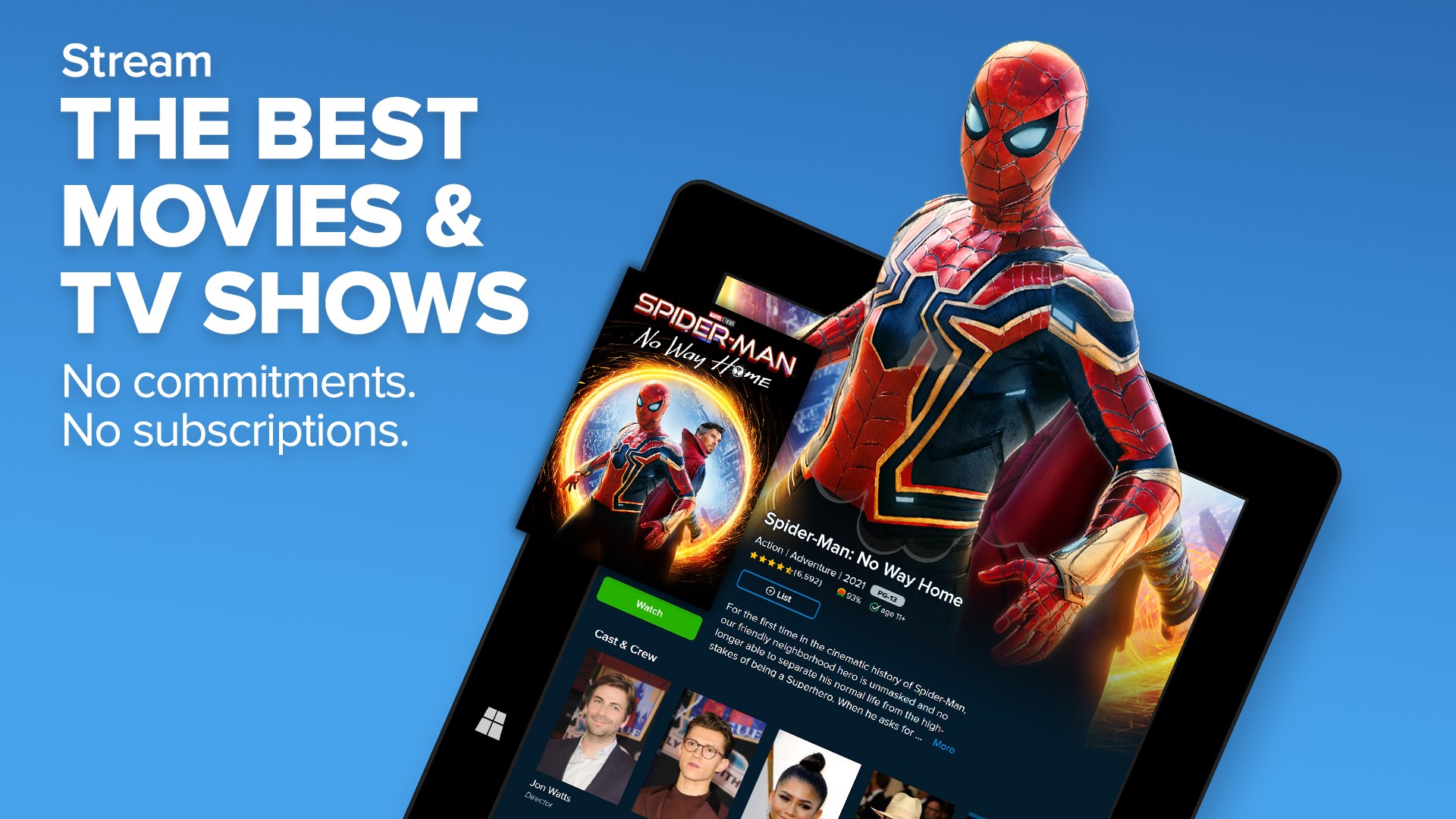
Fandango at Home for Windows, developed by VUDU Inc., is a comprehensive digital platform that allows users to rent or buy movies conveniently from their Windows devices, transforming any space into a personal cinema. With an intuitive interface and tailored content discovery, it aims to deliver a seamless entertainment experience for movie lovers of all ages.
Unlocking Cinema Experience with a Tap
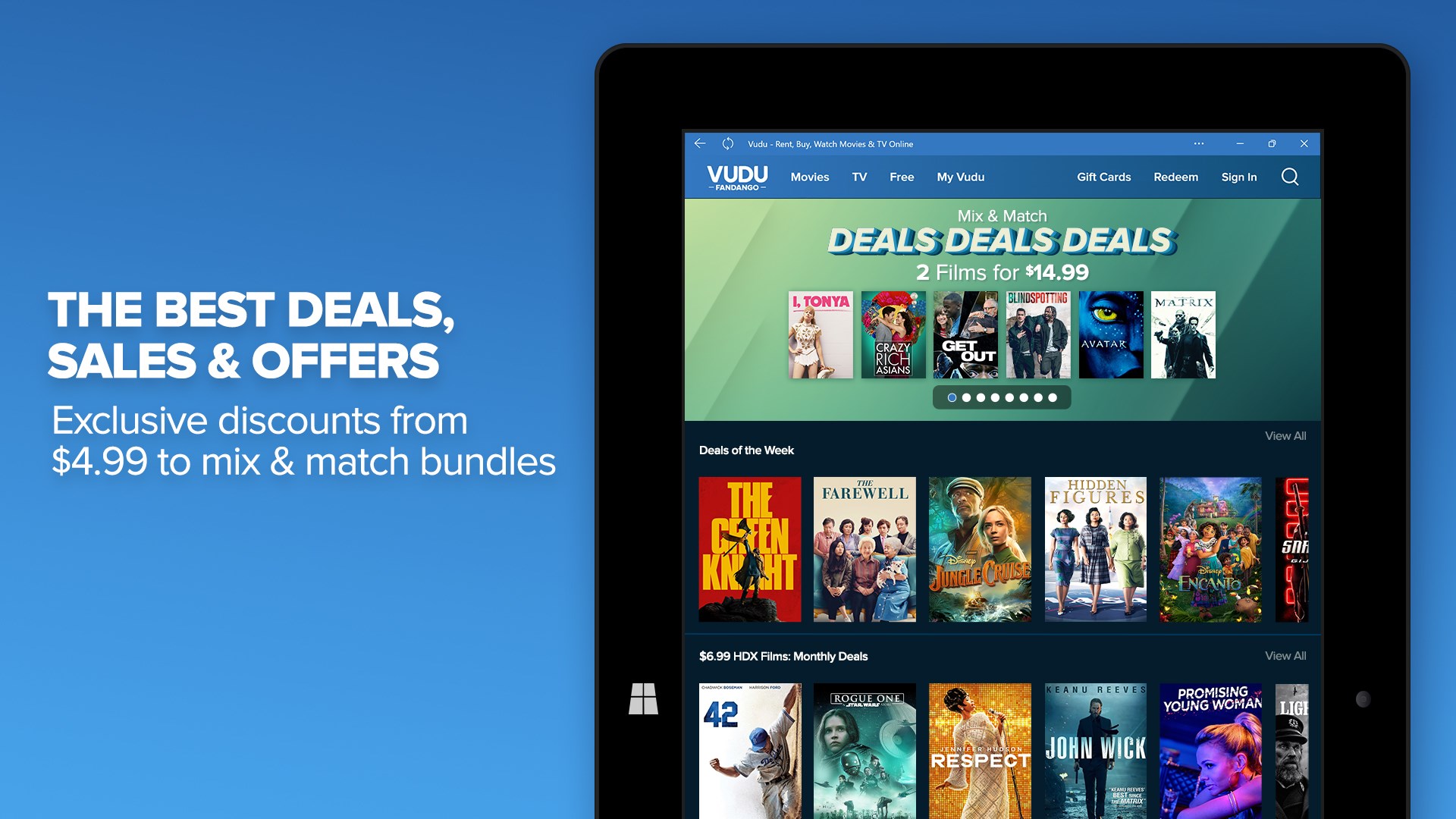
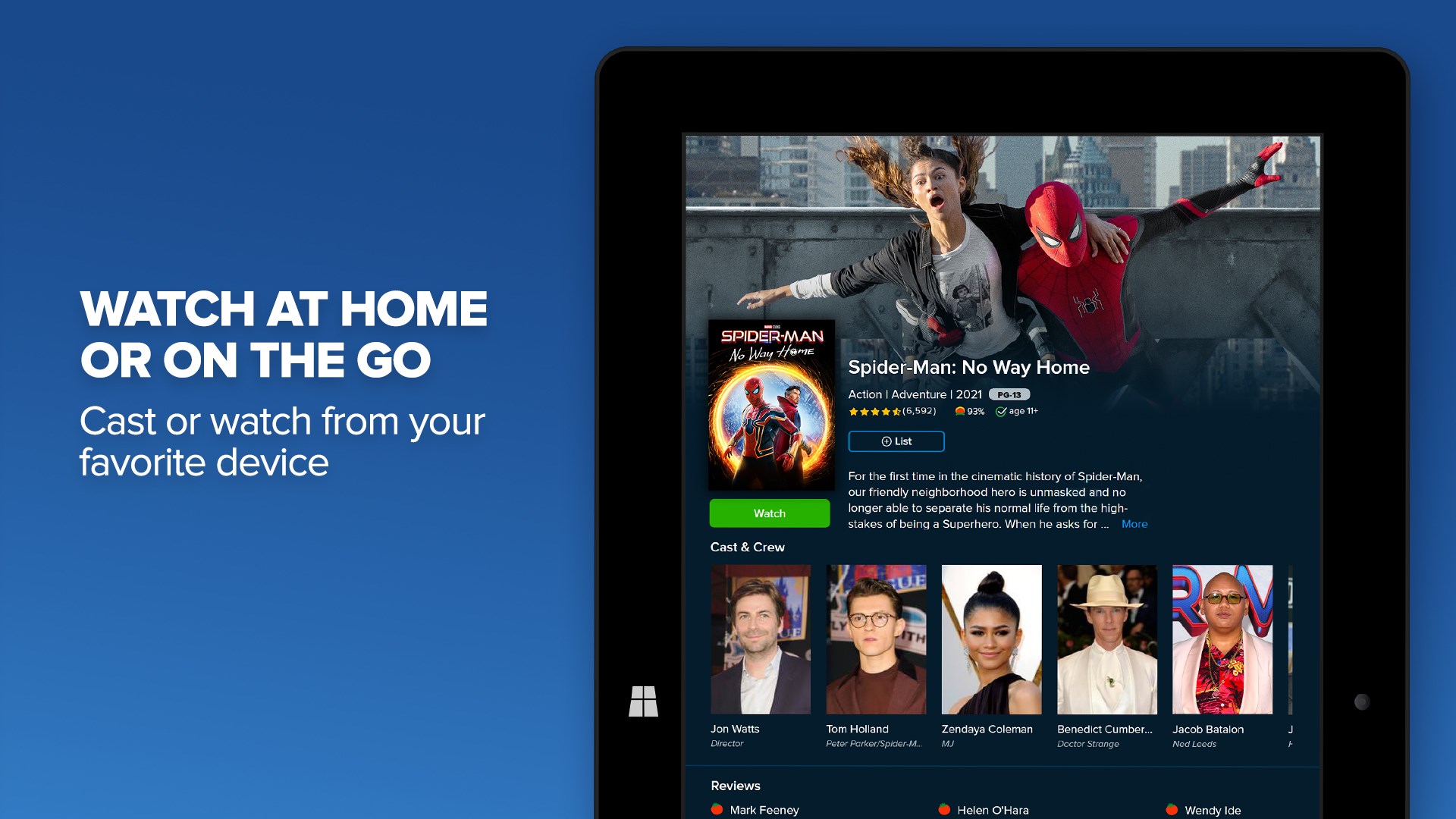
The core philosophy of Fandango at Home is to bring the magic of the theater into the comfort of your home. Whether you want the latest blockbuster or timeless classics, this app offers a vast library of titles that can be streamed or downloaded with just a few clicks. Its main highlights include high-definition streaming quality, flexible rental and purchase options, and integrated access to exclusive trailers and behind-the-scenes content, all designed to make your viewing experience richer and more engaging.
Smart Content Discovery and Personalized Recommendations
One of the standout features of Fandango at Home is its intelligent content discovery algorithm. Imagine having a friendly movie guide who knows your tastes—this app analyzes your viewing habits and preferences to suggest films you'll likely enjoy. Its recommendation system distinguishes itself by prioritizing relevance, avoiding the generic 'one-size-fits-all' suggestions seen in many competitors. This targeted approach minimizes endless scrolling and helps you quickly find your next favorite film, whether you're in the mood for a gripping thriller or a light-hearted comedy.
User Interface and Experience: Ease and Elegance
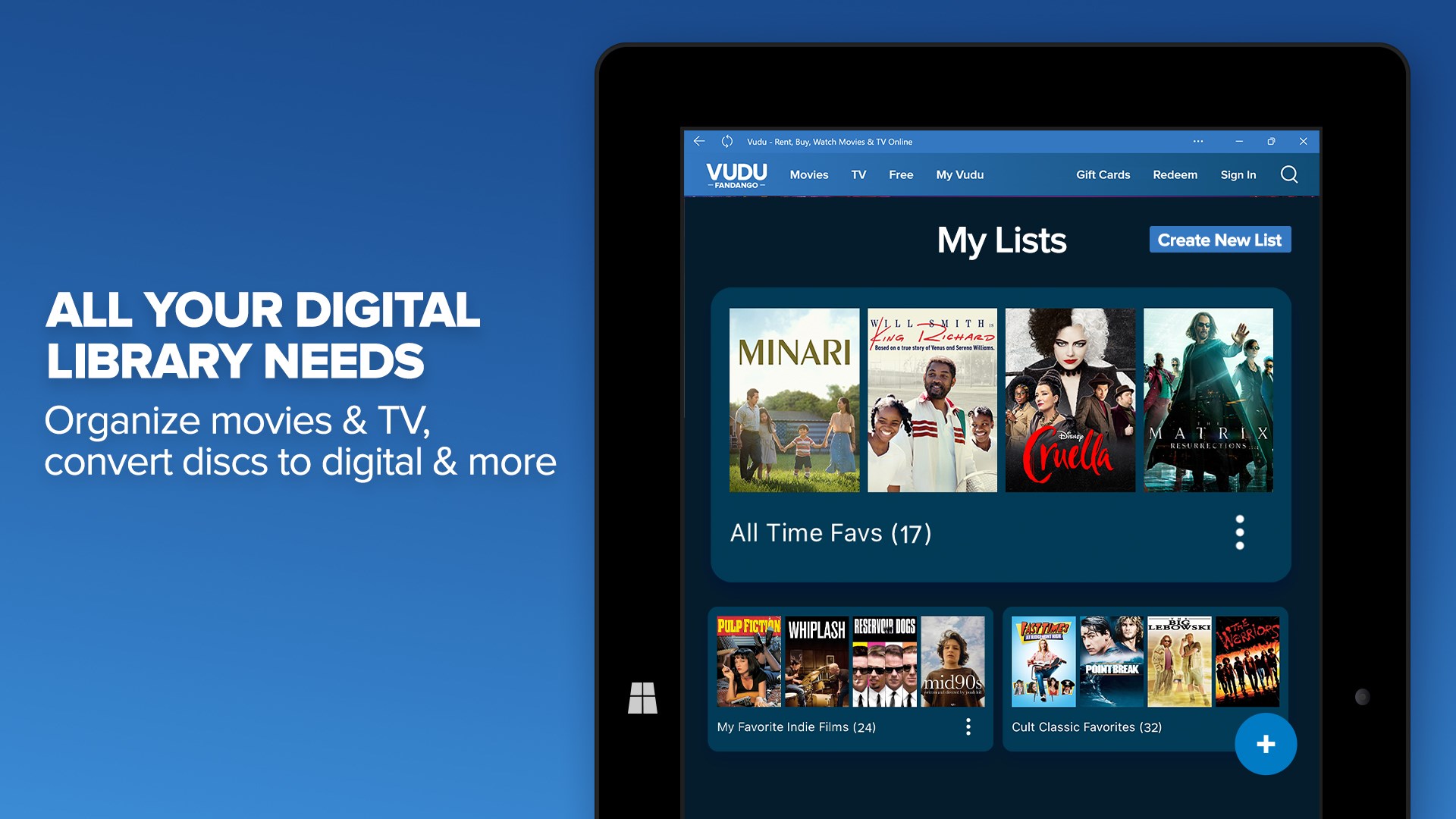
Navigating Fandango at Home feels akin to flipping through a well-organized movie collection in a cozy home theater. The interface is clean, colorful, and logically structured, making it easy even for techno-phobes to browse, search, and manage their rentals. Operation flow is remarkably smooth; videos load swiftly, playback controls are intuitive, and the app maintains stability across different devices. The learning curve is gentle—new users will be up and running within minutes, finding their preferred movies without fuss or confusion.
What Sets It Apart from Other Entertainment Apps?
While many streaming platforms focus solely on broad catalog access, Fandango at Home stands out with its personalized recommendation engine that effectively marries content relevance with discovery algorithms. Unlike some apps that bombard users with popular titles regardless of individual taste, this platform smartly filters suggestions to match your unique preferences, making every browsing session personal and efficient. Additionally, the ability to rent or buy movies offers flexibility that caters to different viewing habits and budgets, filling the gap between free streaming and expensive subscription services.
Final Thoughts: Is It Worth Your Screen Time?
If you're seeking a straightforward, user-friendly movie app that prioritizes personalized content discovery and offers a rich library, Fandango at Home for Windows is a solid choice. Its core strengths lie in its intelligent recommendations and smooth user experience—qualities that can turn an ordinary movie night into a well-curated cinematic adventure. I'd recommend this app for casual viewers wanting quick access to recent hits and classics alike, especially if personalized content suggestions are your top priority. For anyone tired of cluttered interfaces and irrelevant recommendations, Fandango at Home provides a more tailored journey into the world of film.
Pros
- Extensive Movie Selection
- User-Friendly Interface
- High-Quality Streaming
- Multiple Device Compatibility
- No Subscription Required
Cons
- Limited Original Content
- Regional Availability Restrictions
- Occasional Buffering Issues
- Limited Payment Options
- Inconsistent Content Updates











