

- Name Express Rip
- Category Music
- Developer NCH Software
- Available on PC
- OS Windows 10 version 15063.0 or higher
- Keyboard Integrated Keyboard
- Mouse Integrated Mouse
- languages English (United States)
Express Rip for Windows: A Versatile CD Ripping Tool with Precision and Ease
Whether you're a casual music lover seeking to digitize your cherished CD collection or a professional needing reliable audio extraction, Express Rip offers a straightforward solution that balances simplicity with effective features. Developed by NCH Software, this application stands out for its user-friendly interface and focus on high-quality audio extraction, making it a handy utility within the realm of CD Ripping tools.
Sleek Design and Intuitive Workflow
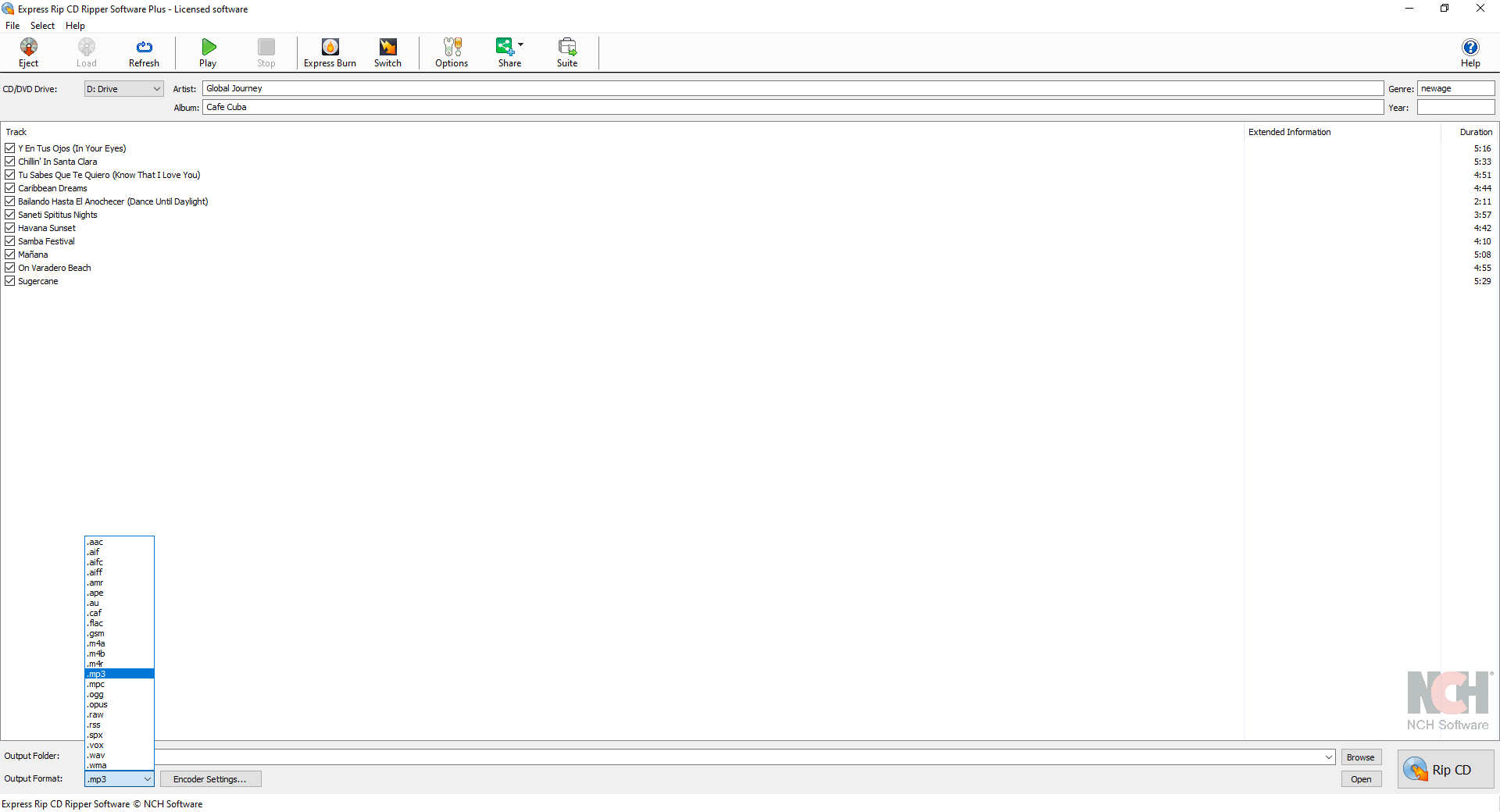
Right from the start, Express Rip impresses with its clean, minimalistic interface that feels welcoming even to those unfamiliar with digital audio tools. The layout mimics familiar music players—large buttons, clear labels, and a logical flow—making the ripping process feel like a breeze. The design's simplicity means you won't waste time deciphering menus; instead, you're guided smoothly from inserting a CD to saving your preferred audio files. During testing, the application responded promptly to commands, ensuring operation was fluid, with no noticeable lag or hiccups. The learning curve is gentle, allowing new users to start ripping within minutes, which is a testament to its well-thought-out interface.
Core Features That Stand Out
High-Quality Audio Extraction
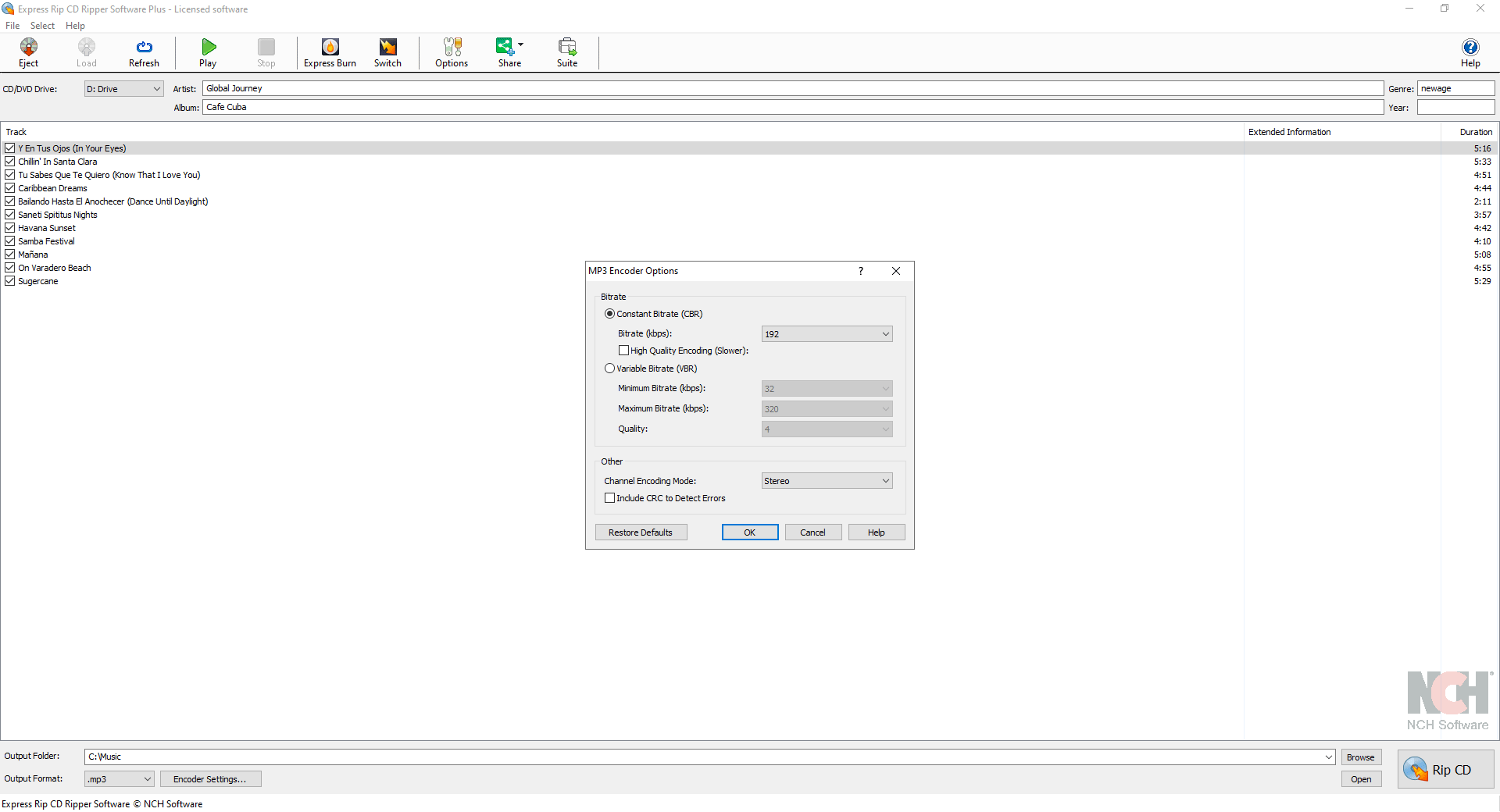
At its core, Express Rip excels at ripping audio from CDs in various formats, with a focus on maintaining high fidelity. The software automatically detects the CD's track information, and users can customize output settings—such as MP3, WAV, or other formats—according to their needs. Its ability to preserve audio quality makes it especially suitable for audiophiles wanting pristine sound from their physical collections.
Batch Ripping and Seamless Workflow
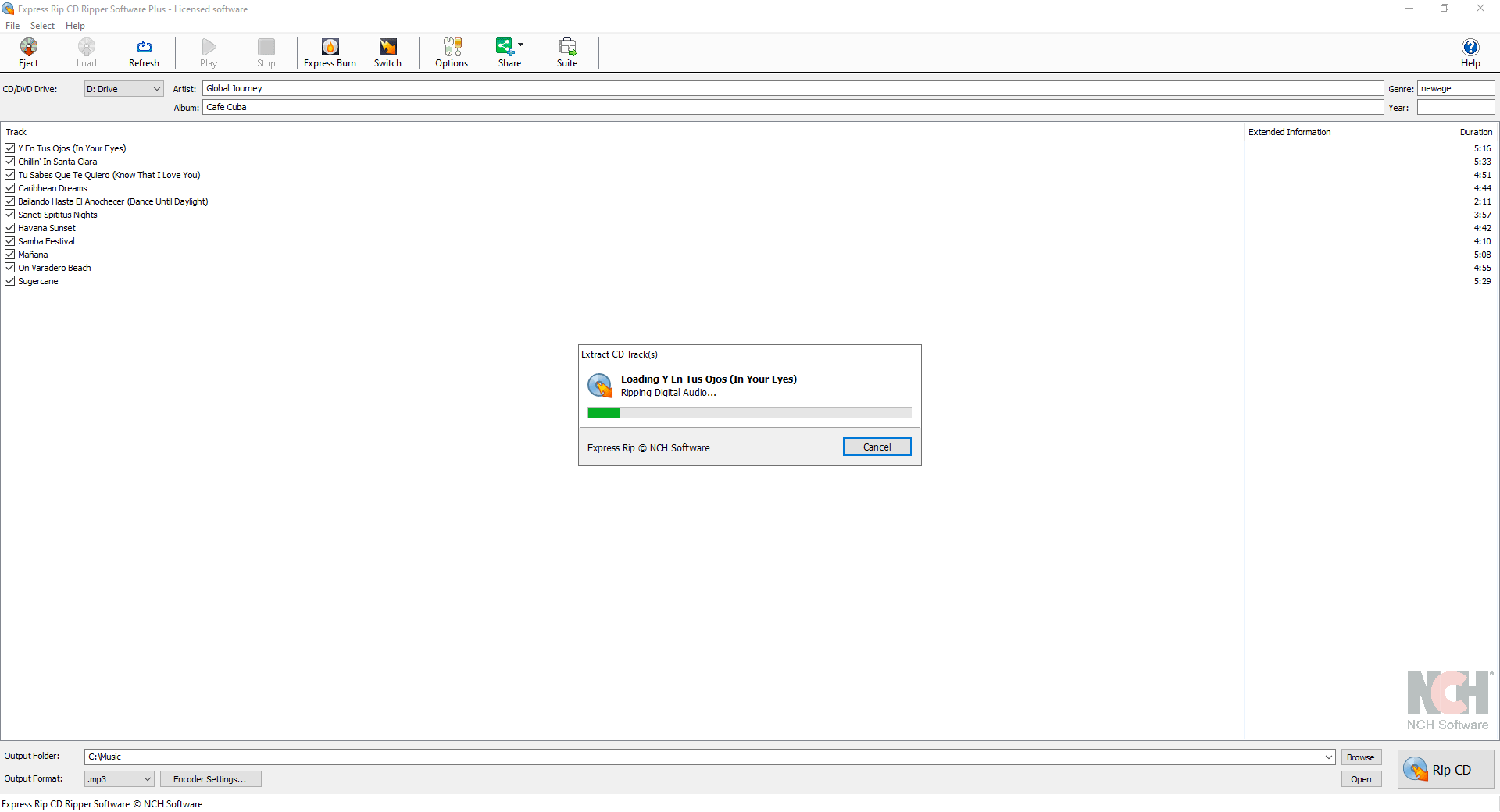
One of the application's most practical features is its support for batch ripping, allowing users to rip multiple CDs or tracks consecutively without manual intervention. This feature is akin to a diligent worker, tirelessly fetching data with minimal fuss. The process remains remarkably stable even during longer sessions, with consistent performance that minimizes errors or crashes. This efficiency is particularly appealing for users managing large libraries, as it saves considerable time and effort.
Accurate Track Identification and Metadata Retrieval
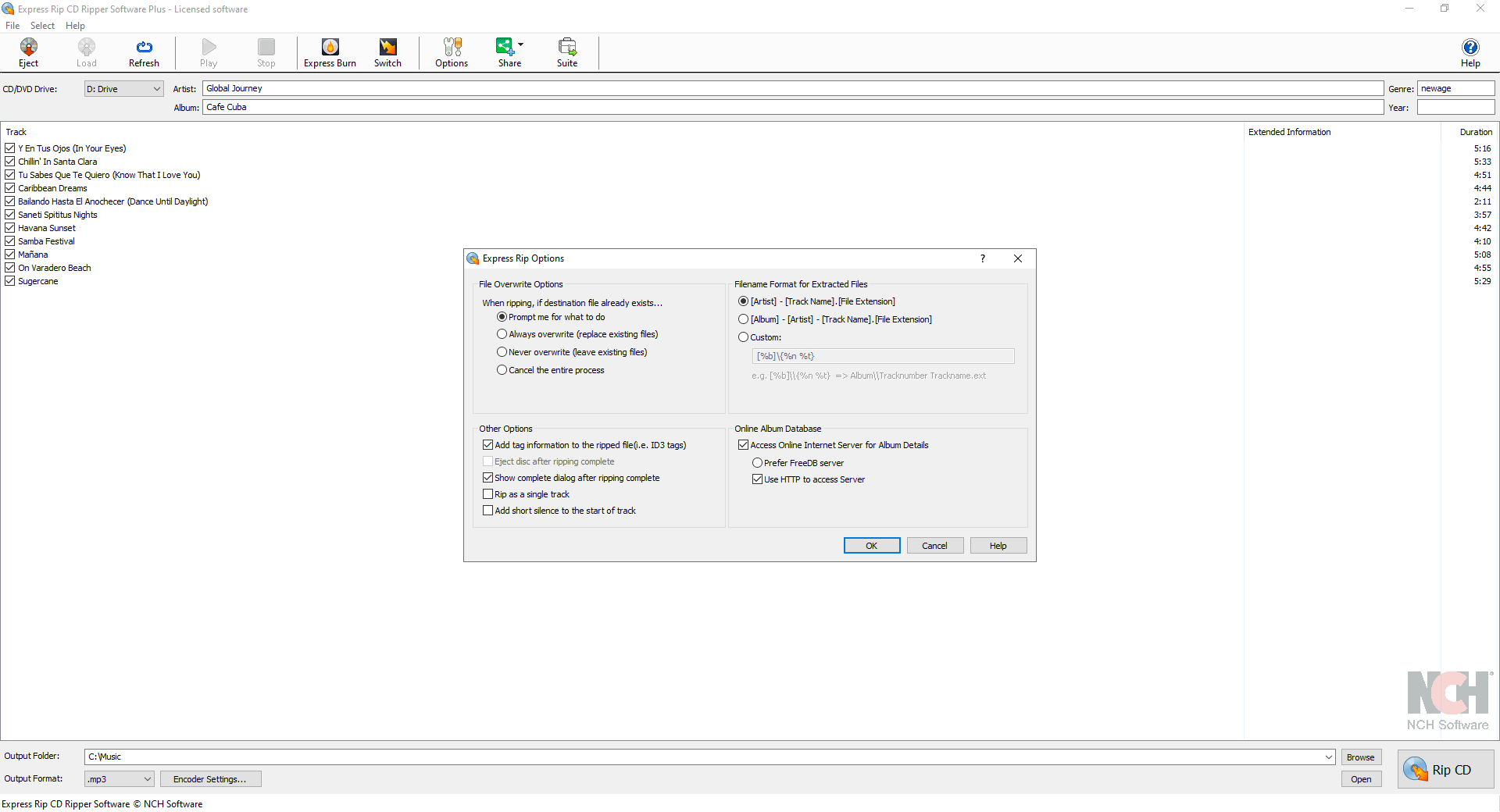
Express Rip leverages online databases to fetch accurate track information, including song titles, artist names, and album details. This automation streamlines the organization of your music library, akin to having a digital librarian at your service. However, it's worth noting that the accuracy heavily depends on database updates, and in some rare cases, manual correction may be required. Nonetheless, this feature significantly enhances user convenience, especially for larger collections.
Assessing User Experience and Differentiators
The app's interface fosters a sense of familiarity—like easing into a comfortable rhythm—making the ripping process feel natural rather than technical. Operations are smooth, with click-to-rip actions executed in secs, reflecting efficient backend processing. Compared to other CD ripping software, Express Rip's standout is its focus on maintaining low latency during track assessment, ensuring that the ripping process is both swift and reliable. Moreover, its ability to assess rhythm pattern variety isn't directly applicable here, but the app's precise track timing ensures that each song flows seamlessly when played in sequence, which is crucial for maintaining the integrity of the music when converted.
What's Special About It? Key Advantages
The most compelling aspect of Express Rip lies in its simplicity coupled with high-quality output. Unlike feature-bloated tools that might overwhelm users with options, this app zeros in on delivering accurate, high-fidelity rips efficiently. Its robust batch processing and automatic metadata tagging mean fewer manual tweaks—saving you time and reducing frustration. If you value a straightforward, dependable CD ripping experience that produces professional-grade audio files, Express Rip is a commendable choice.
Final Verdict and Recommendations
Overall, I'd recommend Express Rip for users seeking a no-nonsense, reliable CD ripping solution. Its blend of clean design, swift operation, and quality output make it suitable for both casual users and more dedicated audiophiles. While it doesn't include advanced editing features or extensive format options, its focus on core ripping functionalities ensures it performs exceptionally well in its niche. For those who want an app that gets the job done efficiently without unnecessary complexity, Express Rip is a solid, trustworthy companion.
Pros
- High-Quality Audio Extraction
- Fast Ripping Speed
- User-Friendly Interface
- Supports Multiple Formats
- Minimal System Resources
Cons
- Limited Editing Features
- Basic Metadata Tagging
- No Batch Ripping for Multiple Discs
- Limited Customization Options
- Lack of Built-in CD Database Access











