

- Name Euchre ‣
- Category Card & board
- Available on PC
- OS Windows 10 version 14316.0 or higher
- Keyboard Integrated Keyboard
- Mouse Integrated Mouse
- languages English (United States)
Introducing Euchre ‣ for Windows: A Classic Card Game Revived
Imagine settling into a cozy evening, a warm cup in your hand, as you challenge friends or AI to a game of Euchre—a traditional trick-taking card game packed with strategy and excitement. Euchre ‣ for Windows delivers this experience in a sleek digital package, bringing a beloved favorite right to your desktop with modern touches and accessible gameplay.
Meet the Creators: Who's Behind the Game?
The app is developed by Online Solitaire, a dedicated team specializing in digital card and board game adaptations. Their focus is on preserving the classic charm of traditional games while integrating smooth, user-friendly interfaces to appeal to both nostalgic players and newcomers alike.
Highlighting Key Features: What Makes Euchre ‣ Stand Out?
- Authentic Euchre Experience: The app faithfully reproduces the traditional game rules and mechanics, allowing players to enjoy an authentic card game atmosphere.
- Intuitive User Interface: Clean, minimalistic design ensures that players can jump straight into gameplay without distraction, with well-organized menus and easy-to-understand controls.
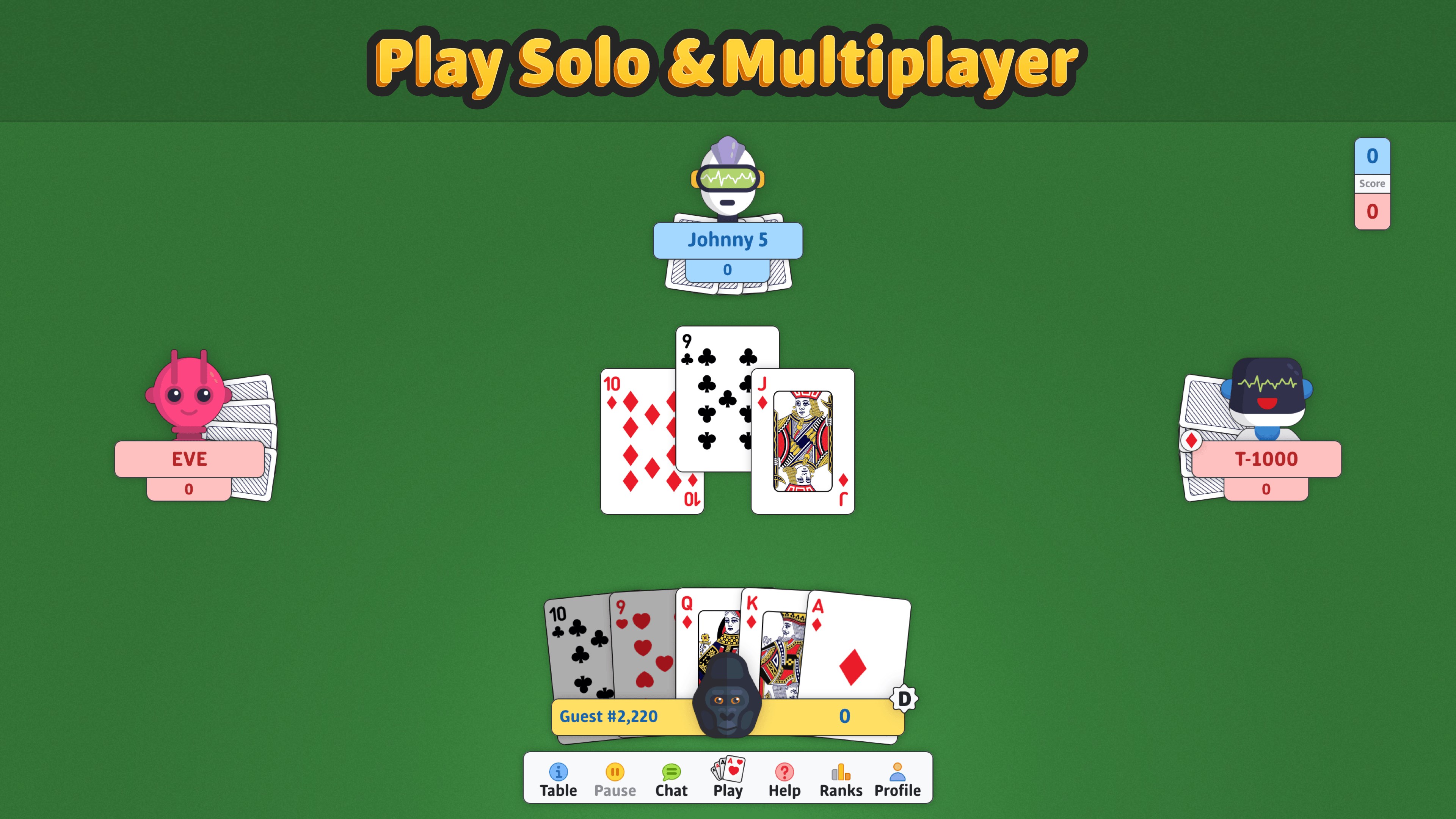
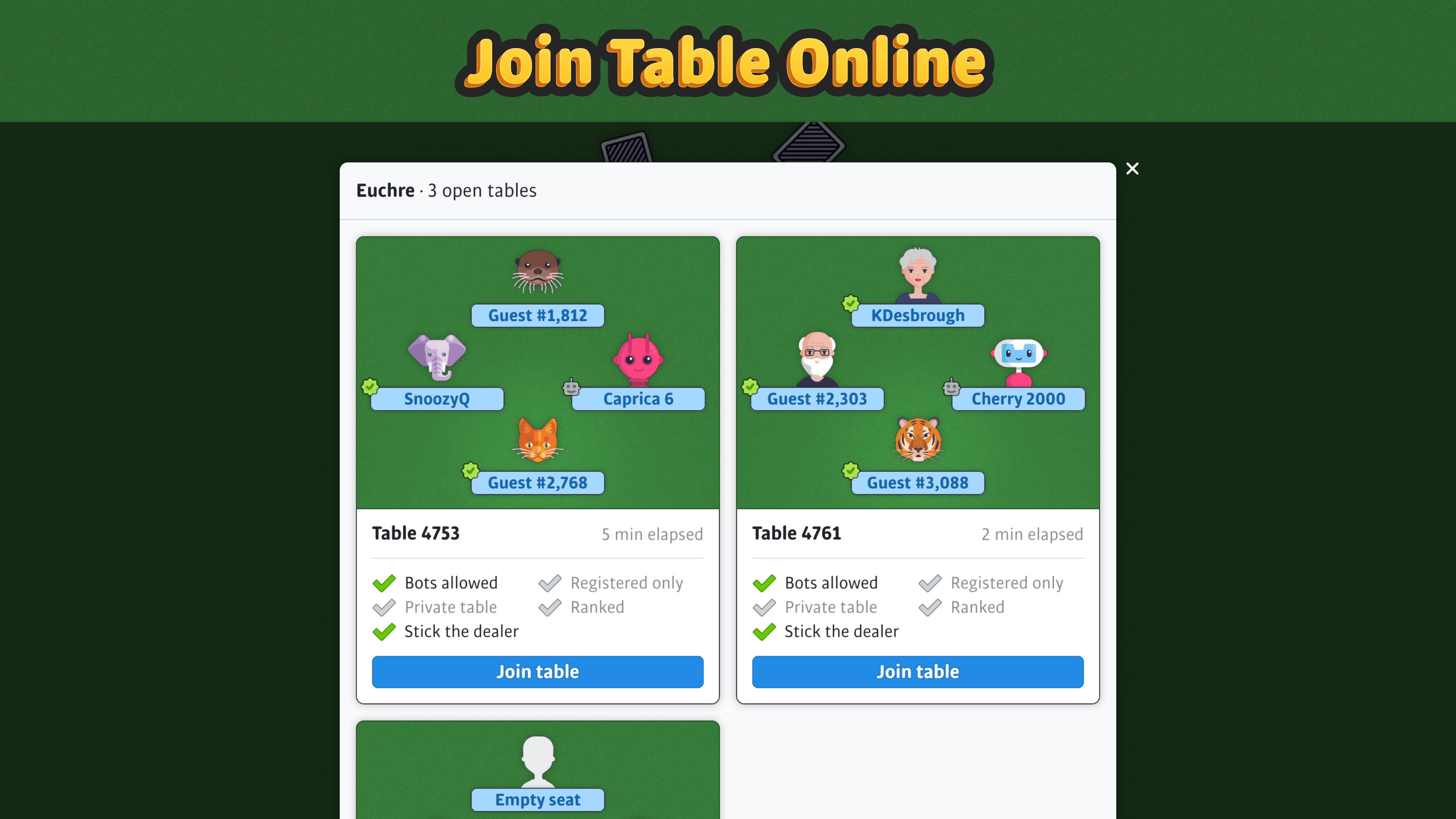
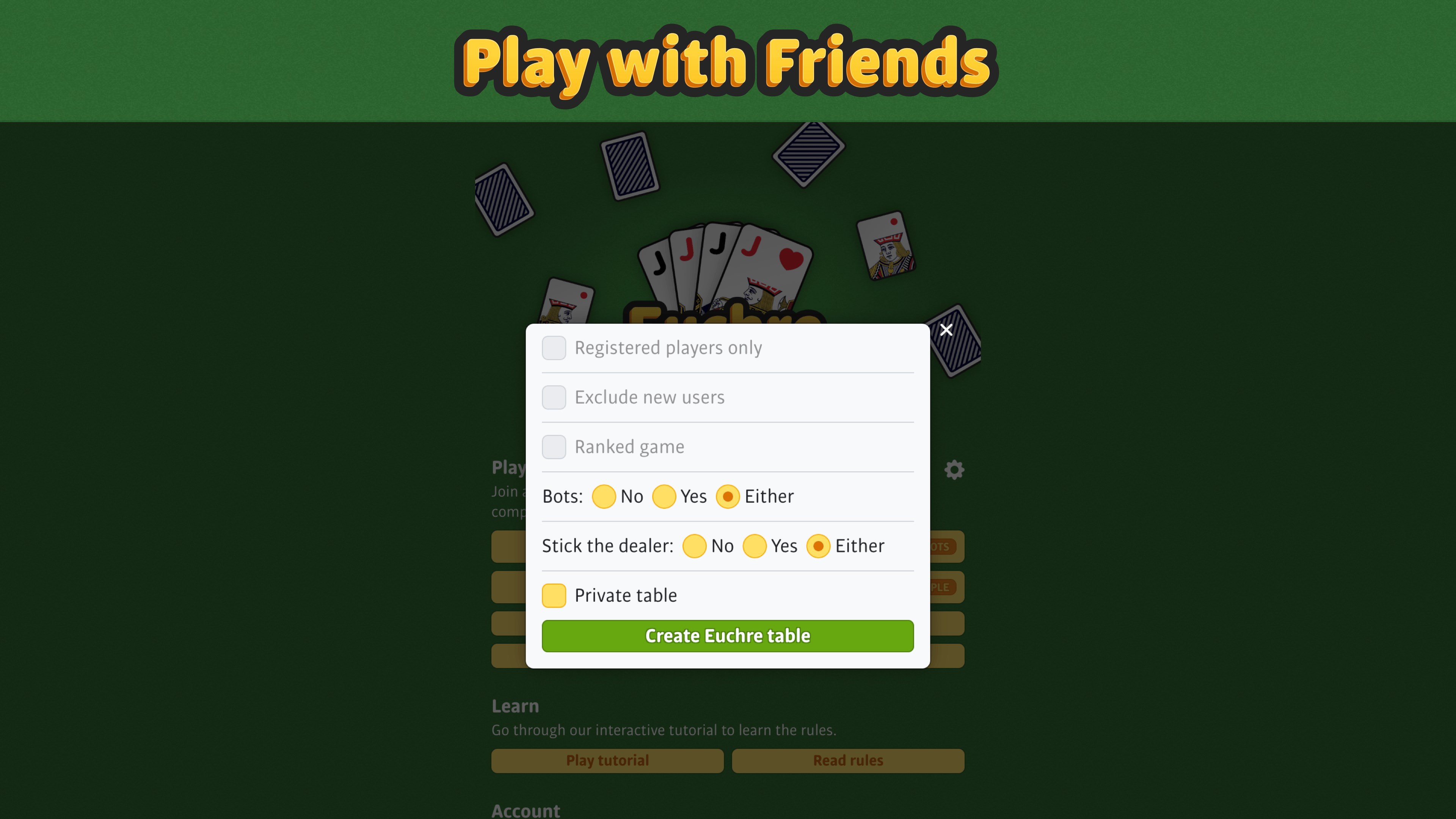
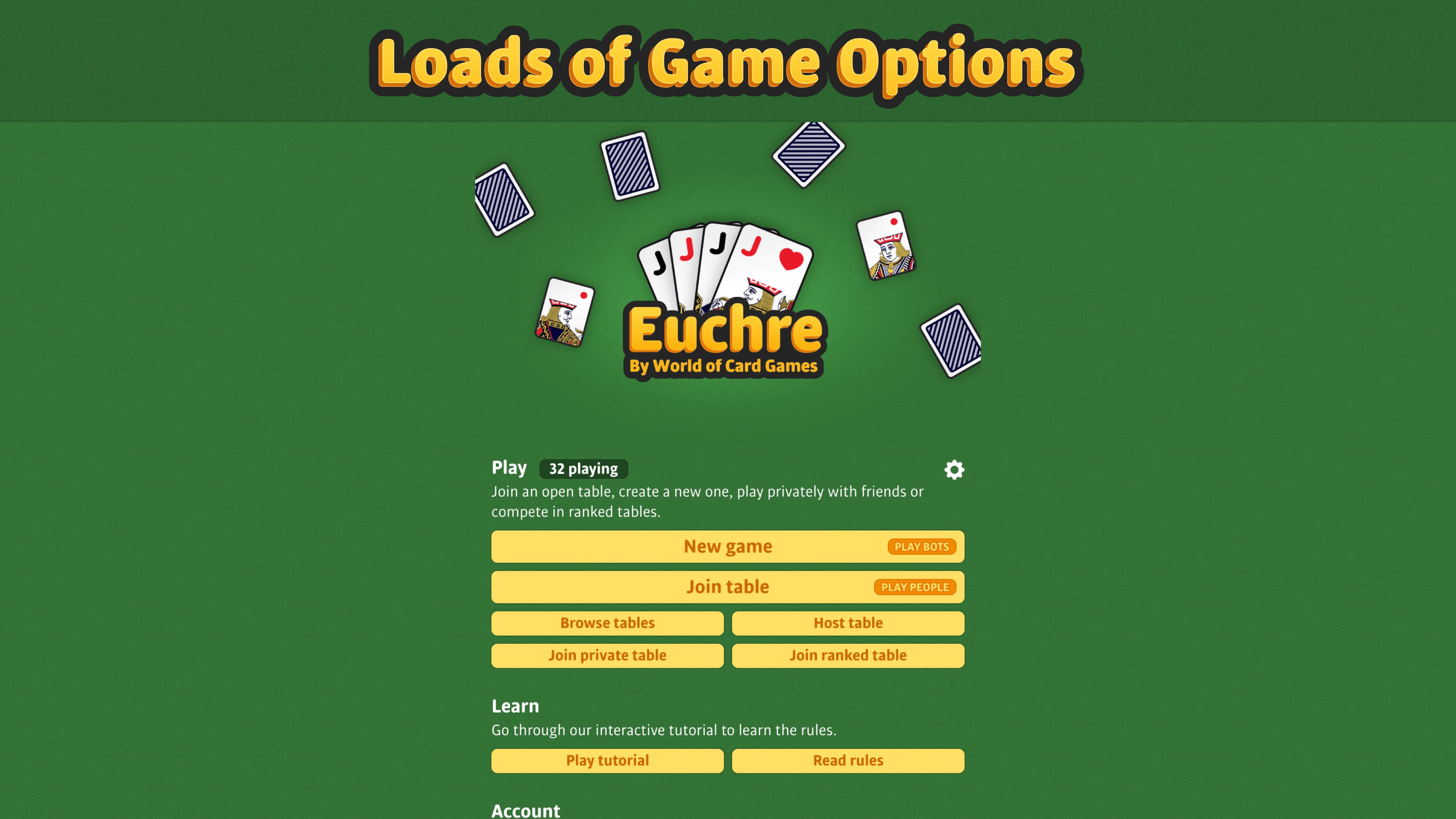
- Multiple Gameplay Modes: Includes single-player with AI opponents of varying difficulty, local multiplayer for friends sharing a device, and online multiplayer to challenge players worldwide.
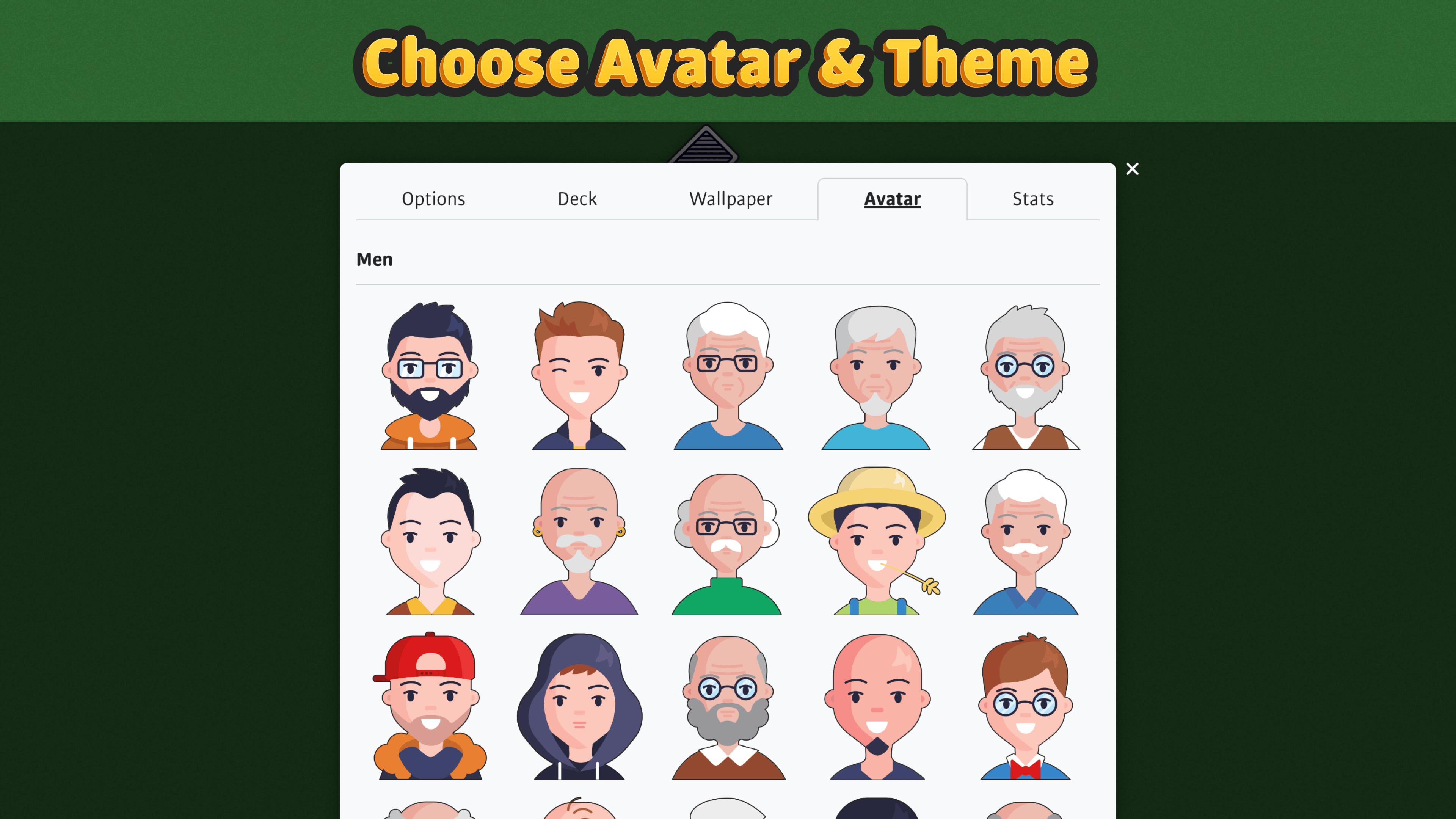
- Customization Options: Players can choose different card designs and table backgrounds—adding a personal touch to their gaming experience.
A Playful Journey into Euchre's Core Mechanics
Step into a virtual card room where you can test your skills or just have fun—Euchre ‣ for Windows makes every game feel lively and engaging. Let's explore some of its core functions that elevate it beyond just another card app.
Seamless Gameplay and User Experience
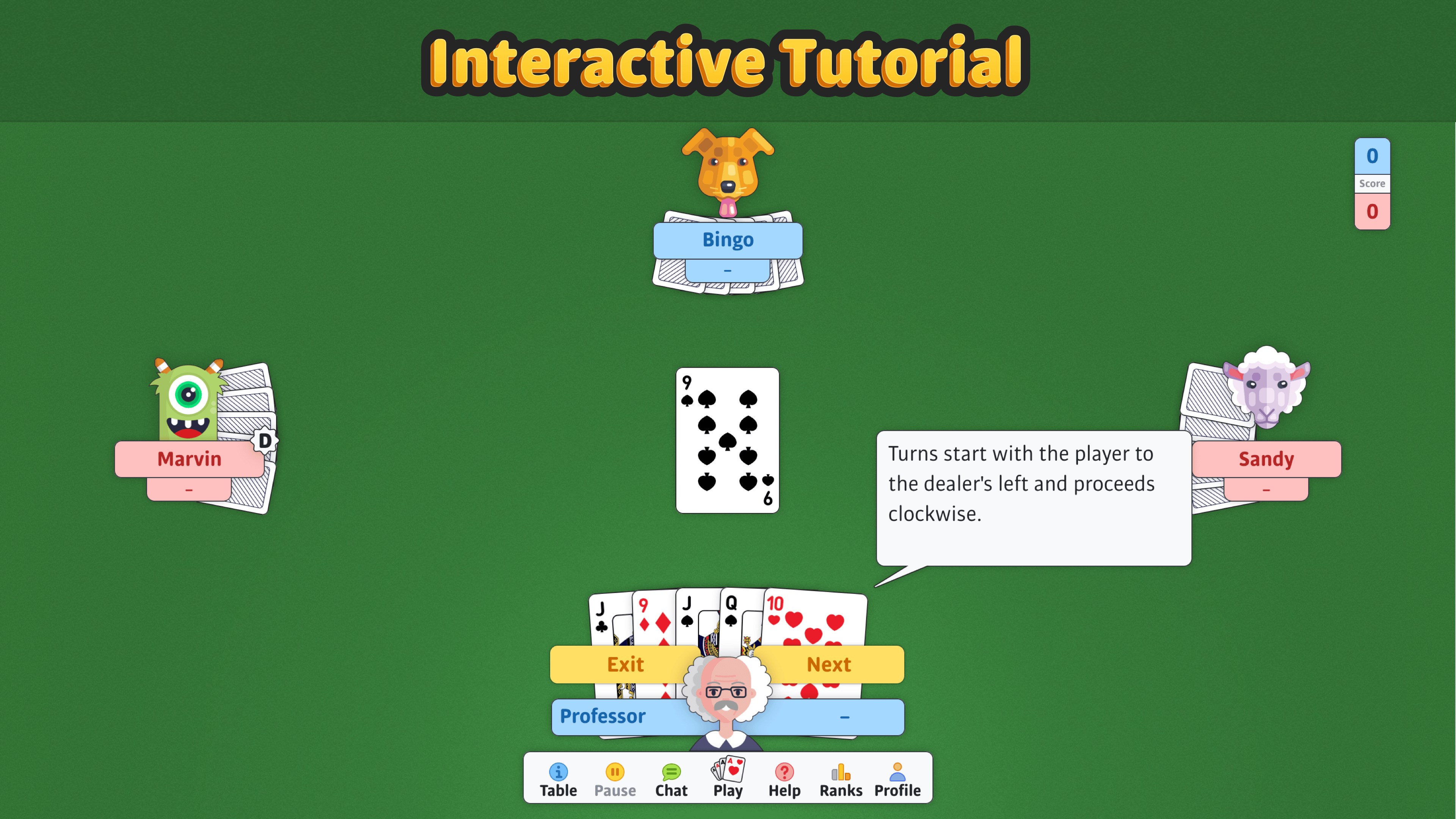
The user interface strikes a perfect balance between simplicity and elegance. Icons and menus are intuitively designed, making navigation a breeze whether you're a seasoned Euchre player or someone new to the game. The responsiveness of the app ensures that your moves feel instantaneous, akin to shuffling real cards on a wooden table. The game's learning curve is gentle—tutorials and tooltips are available for newcomers, helping them grasp the intricacies without feeling overwhelmed. This thoughtful design fosters a welcoming environment that invites players to stay and explore for hours.
Smart AI and Multiplayer Dynamics
The AI opponents are crafted to challenge without frustration—they adapt and vary their strategies, making each game unpredictable and engaging. For social gamers, the local multiplayer mode transforms your device into a lively game table, perfect for casual matches with friends. Meanwhile, the online multiplayer feature connects you with a global community of Euchre enthusiasts, adding a competitive edge to your casual play. Together, these modes create a dynamic ecosystem, catering to all kinds of players—from solo strategists to social butterflies.
What Sets Euchre ‣ Apart in the Card Game Realm?
Compared to other card game applications, such as generic Solitaire or Poker apps, Euchre ‣ for Windows shines with its focus on authenticity and user-centric design. Its standout feature is the blend of classic gameplay with contemporary graphics and customization. Unlike many apps that often sacrifice the core game feel for flashy visuals, this app preserves the nostalgic charm of traditional Euchre while offering modern interface elements. The multiple gameplay modes also ensure longevity and varied experiences, appealing both to casual players and competitive strategists.
Final Thoughts: Is Euchre ‣ Worth Your Time?
If you're seeking a well-crafted, enjoyable, and authentic Euchre experience on your Windows device, this app is a compelling choice. Its thoughtfully designed interface, multiple modes, and preservation of traditional rules make it a top contender in digital card games. While it maintains a straightforward approach, it's flexible enough to suit different play styles and skill levels. For beginners eager to learn or seasoned players looking for a reliable digital companion, Euchre ‣ for Windows deserves a strong recommendation. Just like a trusted deck of cards, it's a dependable and engaging way to enjoy this classic game anytime you like.
Pros
- Intuitive user interface
- Online multiplayer support
- Multiple game modes
- Realistic card animations
- Progression system with rewards
Cons
- Occasional connectivity issues
- Limited customization options
- AI difficulty can be inconsistent
- In-app advertisements
- Learning curve for new players











