
- Name DVD Player - FREE
- Category Entertainment
- Developer V3TApps
- Available on PC
- OS Windows 10 version 17134.0 or higher
- languages English (United States)
Introducing the DVD Player - FREE for Windows
In the landscape of media consumption, this freeware aims to be your versatile companion for playing a broad array of DVD formats on Windows, promising ease of use without sacrificing functionality.
About the Developer and Core Highlights
Developed by V3TApps and published by AI Photo Editor Lab, this application offers a straightforward solution for DVD playback without the clutter of unnecessary features. Its main attractions include broad format compatibility, a clean and intuitive interface, and efficient playback performance. Designed with everyday users in mind, especially those seeking a simple yet reliable media player, it positions itself as an accessible choice for Windows users who occasionally need to watch DVDs without the hassle of purchasing expensive proprietary software.
Robust and User-Friendly DVD Playback
Imagine sitting comfortably in your living room, popcorn in hand, eager to relive your favorite movie moments—this is the promise of DVD Player - FREE for Windows. Its core function centers on delivering seamless DVD playback, ensuring your discs look crisp and sound clear. The application excels at recognizing various DVD formats, reducing compatibility worries that often plague lesser players. Its setup is quick, with no complex configurations necessary, turning even the least tech-savvy into a movie night hero. The player supports common functions like play, pause, rewind, and fast-forward, making navigation feel as natural as flipping through your favorite physical DVD cases.
Sleek Interface and Smooth Operation
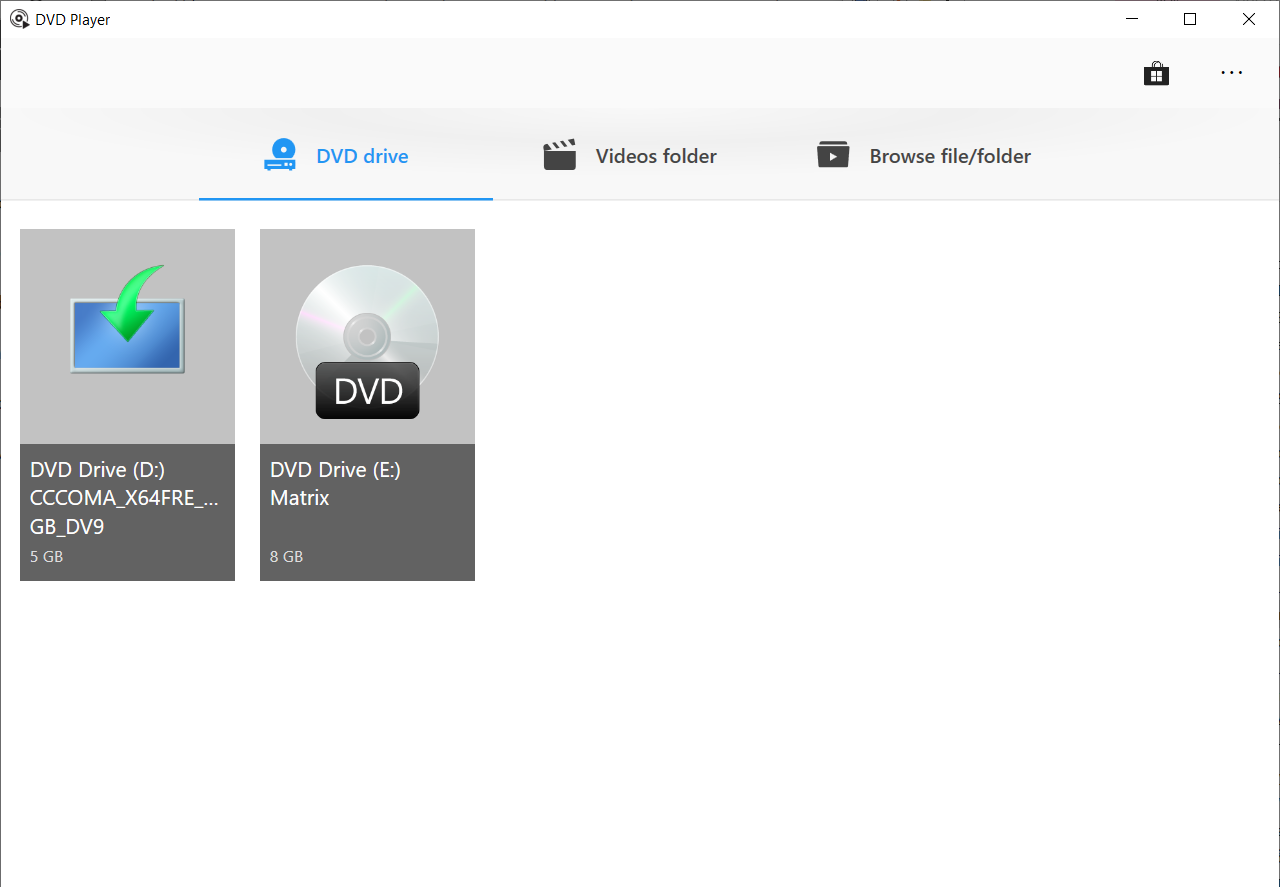
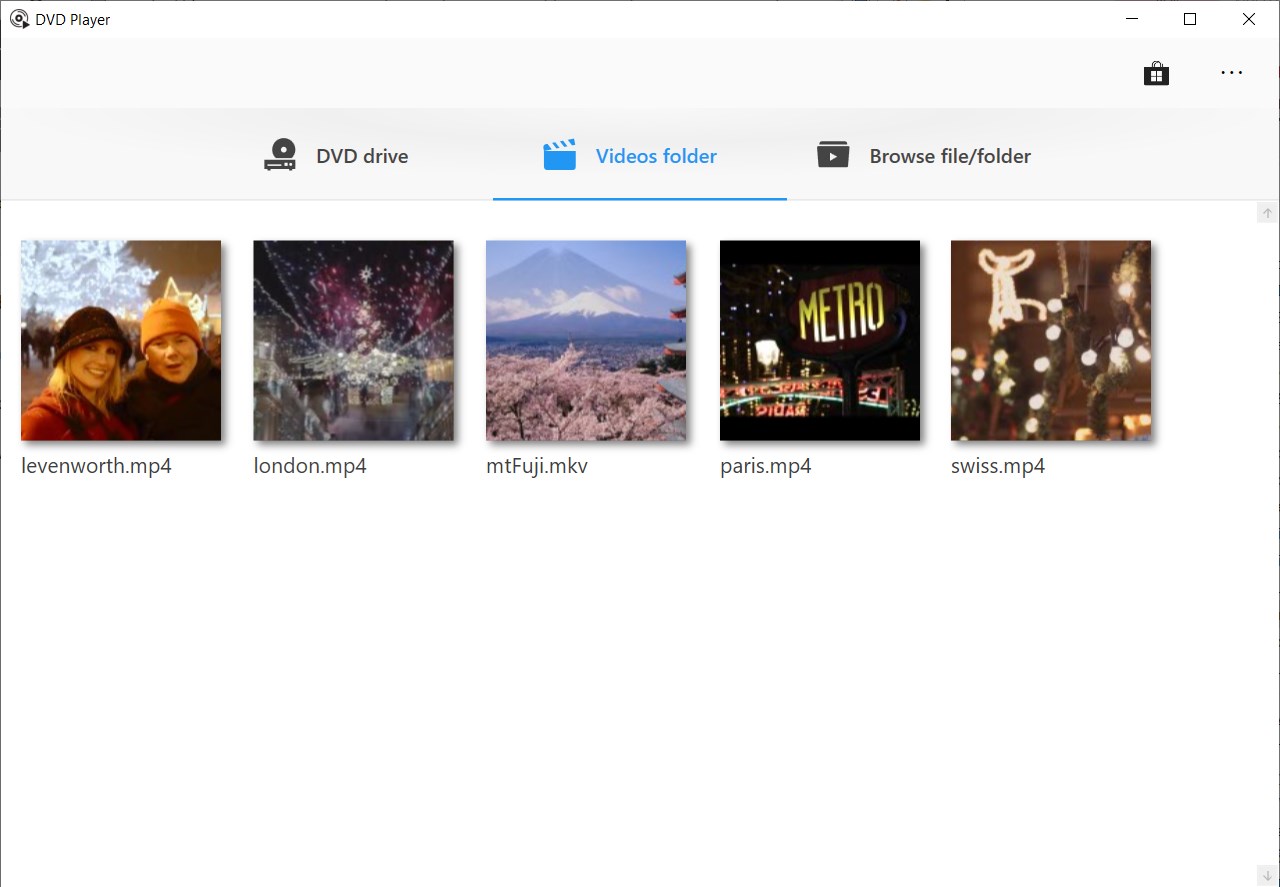
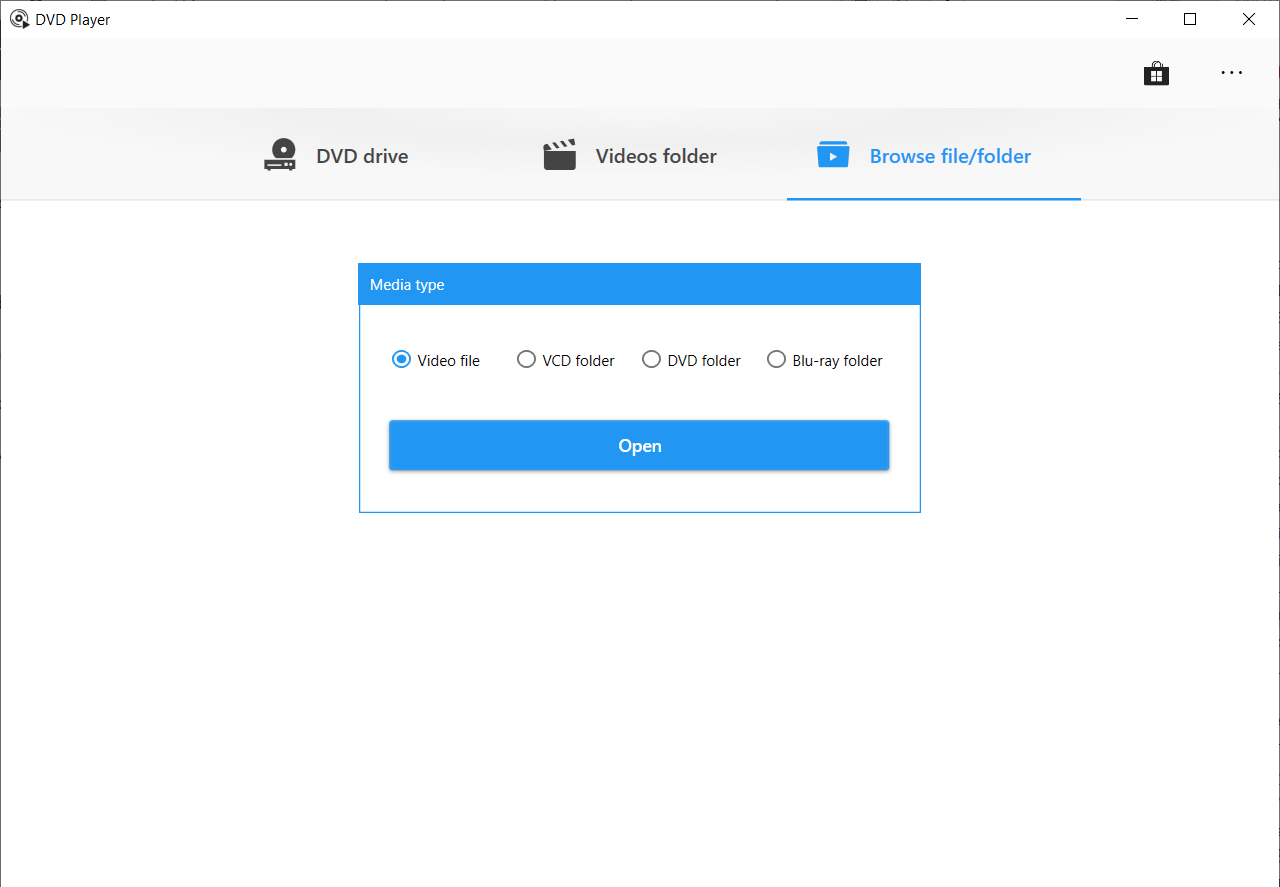
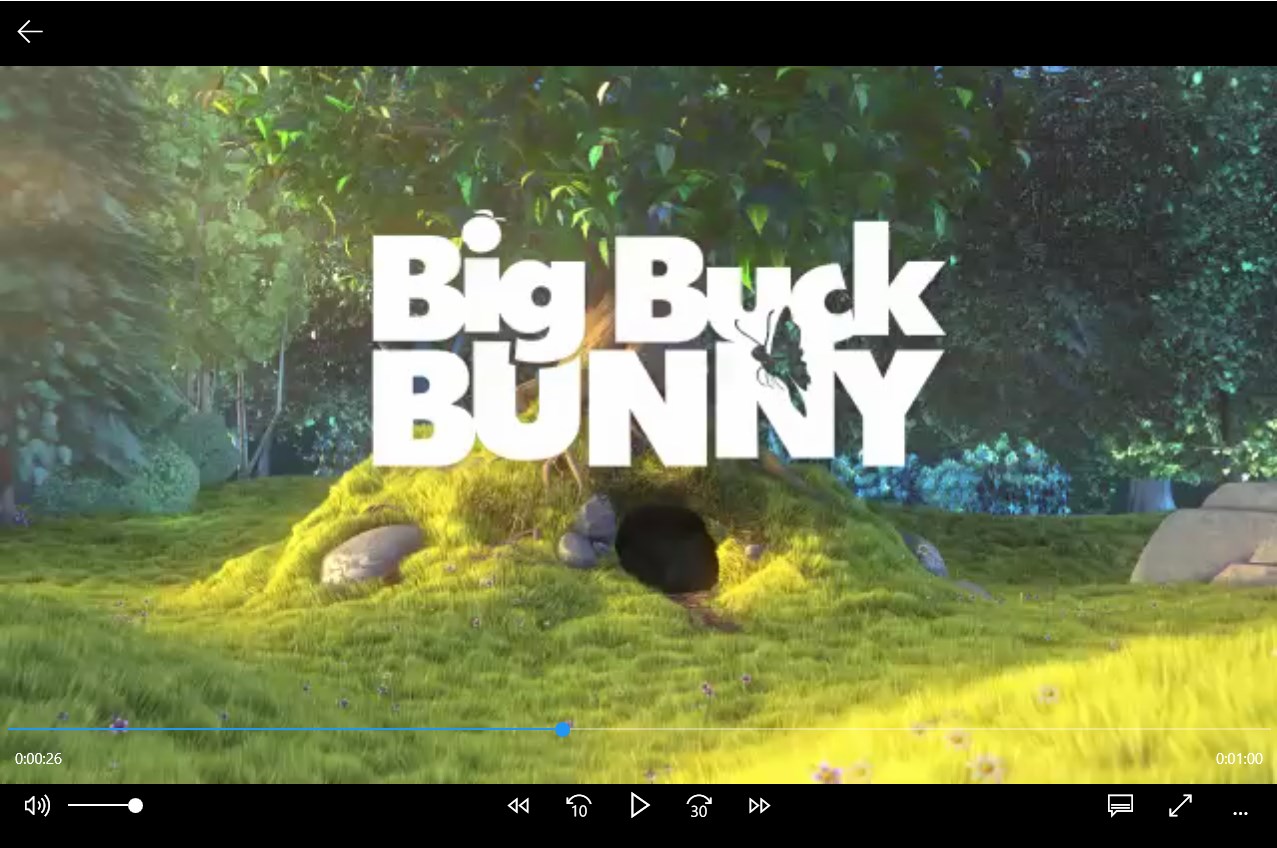
One of the standout qualities of this app is its minimalist interface—it looks like a smooth control panel that wouldn't scare away first-time users. The design employs a clean layout, with accessible icons and functions that feel intuitive. During testing, the playback experience was remarkably fluid, with minimal lag or stutter, even with high-definition DVDs. The learning curve was virtually nonexistent: click the DVD, press play, and enjoy. The application's simplicity means that users don't need an instruction manual, just an occasional glance to confirm that they're using the right button for the desired action.
Distinctiveness in a Crowded Market
When comparing DVD Player - FREE for Windows to other entertainment applications, its most notable feature lies in its highly focused function—pure DVD playback with optimized algorithms for content discovery. Unlike streaming or multimedia library apps that bombard users with recommendations, this app zeroes in on quality playback, avoiding distractions. Its ability to quickly decode and render DVD content without the clutter of non-essential features sets it apart. Moreover, its personalized algorithms for content discovery and playback relevance, although simpler than sophisticated streaming platforms, ensure that your disc content appears ready to play without unnecessary delays, providing a tailored and straightforward experience.
Should You Download This App?
If your main need is a reliable, easy-to-use DVD player for Windows, this app deserves a spot on your desktop. Its simplicity and focus on core functionality make it suitable for casual viewers and those who prefer a straightforward media experience. However, if you're looking for advanced features like streaming content, media library management, or extensive customization, you might find this app somewhat limiting.
Final Recommendations
Overall, DVD Player - FREE for Windows is a considerate tool that fills a niche for basic DVD playback without fuss. Its particularly strong points are user-friendly design and efficient content rendering—especially valuable for users who want a no-nonsense solution. I recommend it to anyone needing a simple, effective DVD player, particularly on occasion. For frequent, feature-rich media consumption, exploring more comprehensive media centers might be advisable, but for quick, reliable DVD viewing, this app is a commendable choice.
Pros
- User-Friendly Interface
- Free to Use
- Lightweight and Fast
- Decent Support for DVD Formats
- Regular Updates
Cons
- Limited Format Support
- Lack of Advanced Features
- Occasional Stability Issues
- Limited Customization Options
- No Support for Blu-ray Discs











