
- Name Draw Poker Free
- Category Card & board
- Developer Emerald Cut Inc.
- Available on PC
- OS Windows 8 or higher
- languages English (United States)
Draw Poker Free for Windows: A Classic Card Game with a Refreshing Twist
Step into the virtual card room with Draw Poker Free, a straightforward yet engaging poker experience crafted by Emerald Cut Inc. It blends traditional gameplay with user-friendly design, making it an appealing choice for poker enthusiasts and casual players alike.
Developed by Emerald Cut Inc.: Crafting Simplicity and Fun
Emerald Cut Inc. is known for creating accessible gaming applications that prioritize smooth user experience. Their focus with Draw Poker Free is to deliver a classic poker game that captures the essence of traditional draw poker, with a clean interface and intuitive controls that cater to both seasoned players and newcomers.
Key Highlights That Make It Stand Out
- Authentic Draw Poker Experience: The game faithfully reproduces the classic draw poker rules, offering a genuine card-playing atmosphere.
- User-Friendly Interface: A minimalist and clean layout ensures players can focus on the game without distractions.
- Adjustable Difficulty & Game Settings: Offers customizable options to tailor the gameplay experience, including different difficulty levels and game modes.
- Compact Yet Robust: The app is lightweight, allowing quick download and smooth performance even on less powerful PCs.
A Fresh Take on a Timeless Card Game
Walking into Draw Poker Free is like stepping into a cozy, well-lit card room on a lazy Sunday afternoon. The app's straightforward design and classic gameplay make it accessible, yet it's packed with subtle features that keep it engaging. Whether you're a poker veteran wanting a quick practice session or a beginner eager to learn the ropes, this app offers a friendly and inviting environment.
Intuitive Interface and Seamless Gameplay
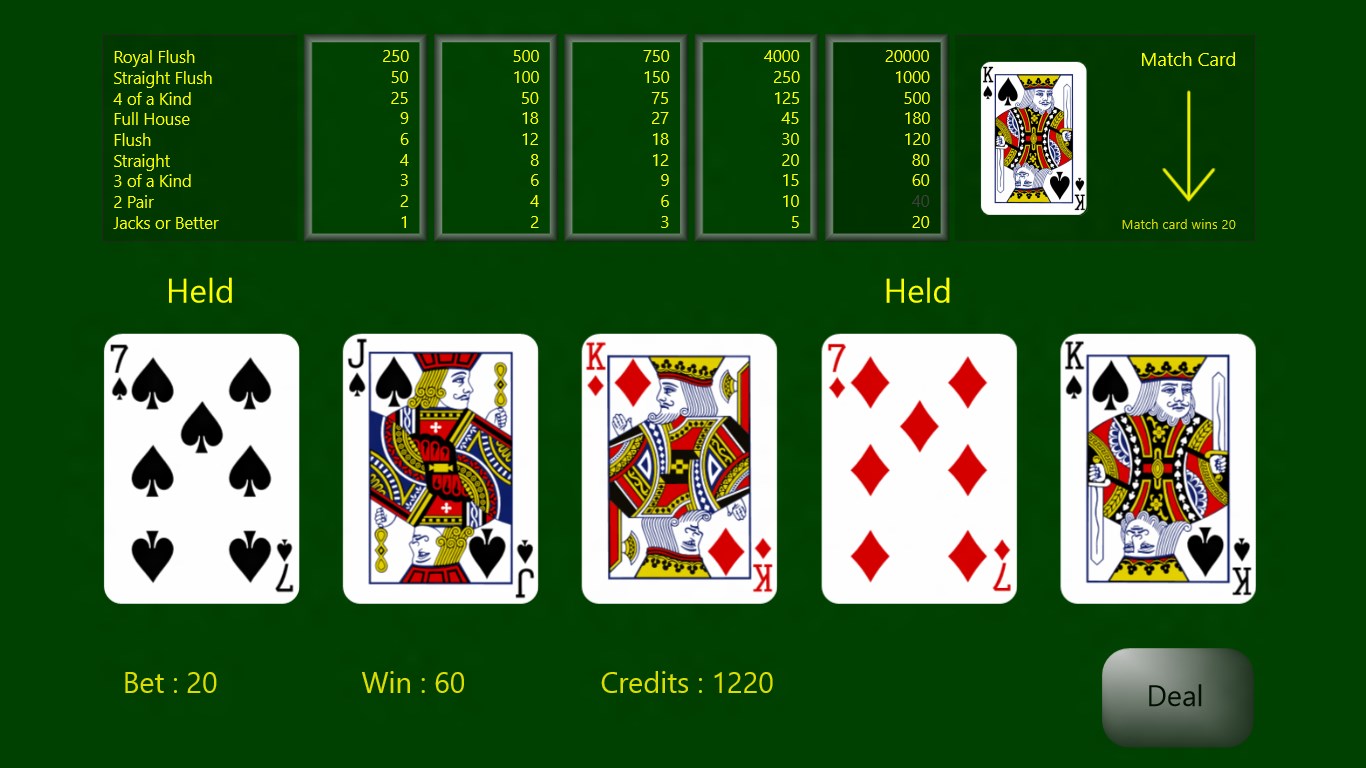
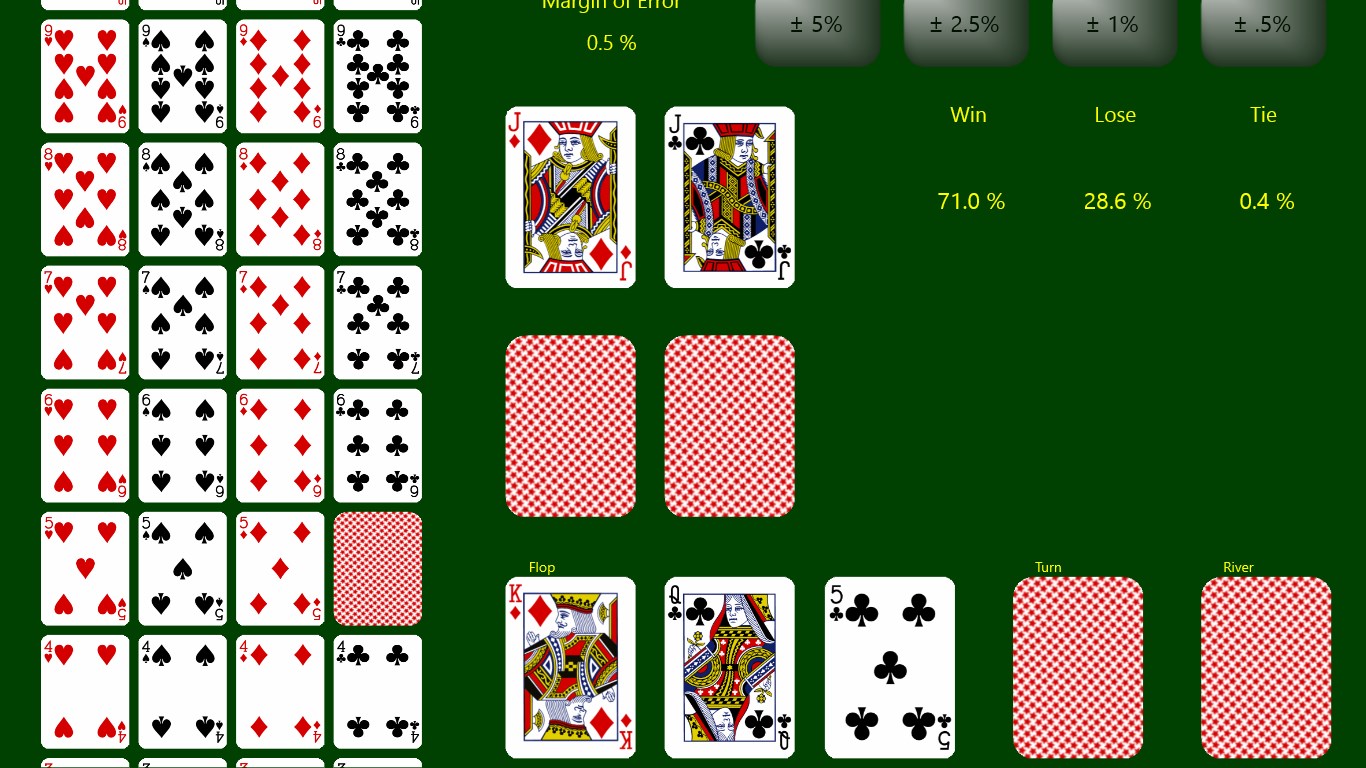
The interface exudes simplicity, with large, clearly labeled buttons that guide you effortlessly through each phase—betting, drawing, and evaluating your hand. The graphics are clean, with a digital table that mimics a real poker table, making the experience both familiar and comfortable. Flowing from one move to the next is smooth—no lag or hiccups—thanks to the well-optimized performance of the game.
Core Features: Aligning Fun with Functionality
- Varied Game Modes: Beyond standard draw poker, the app offers multiple game variants and modes that add layers of complexity or simplicity, suiting diverse player preferences.
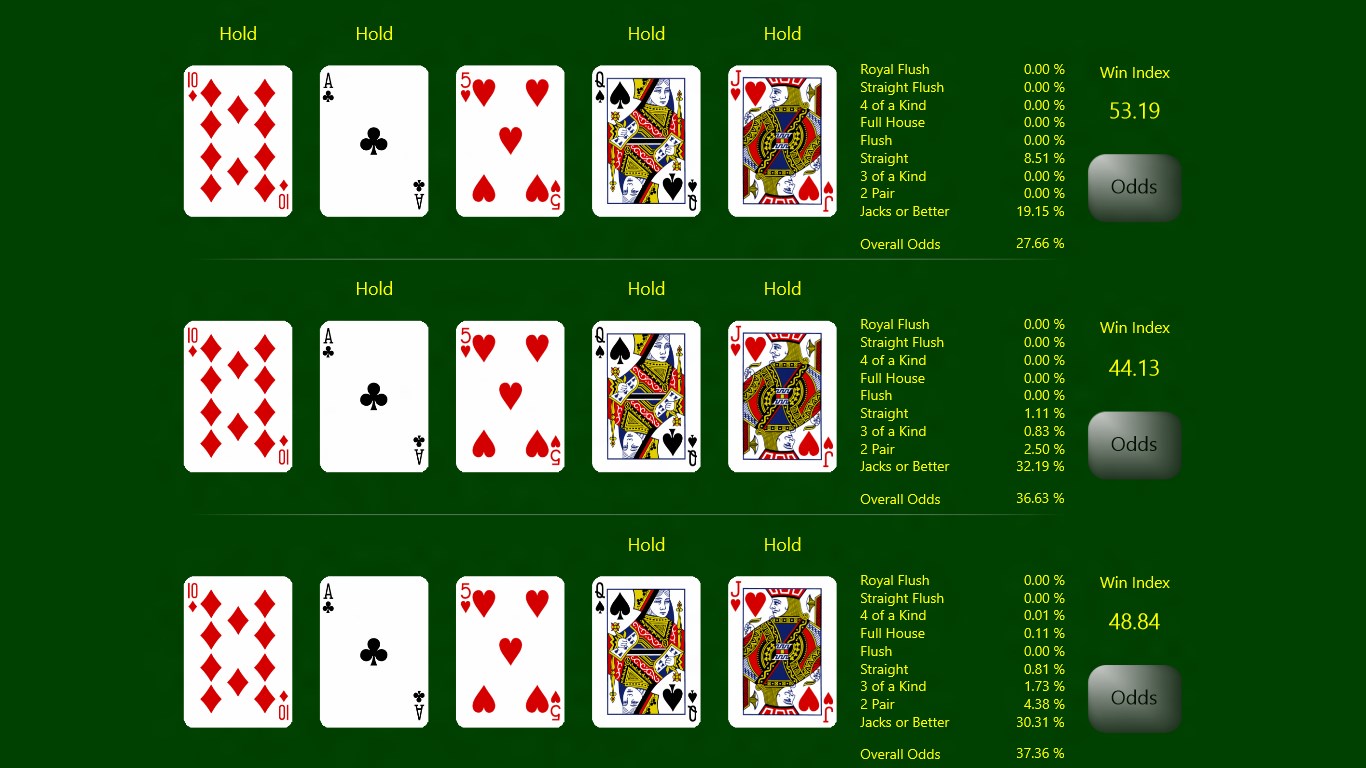
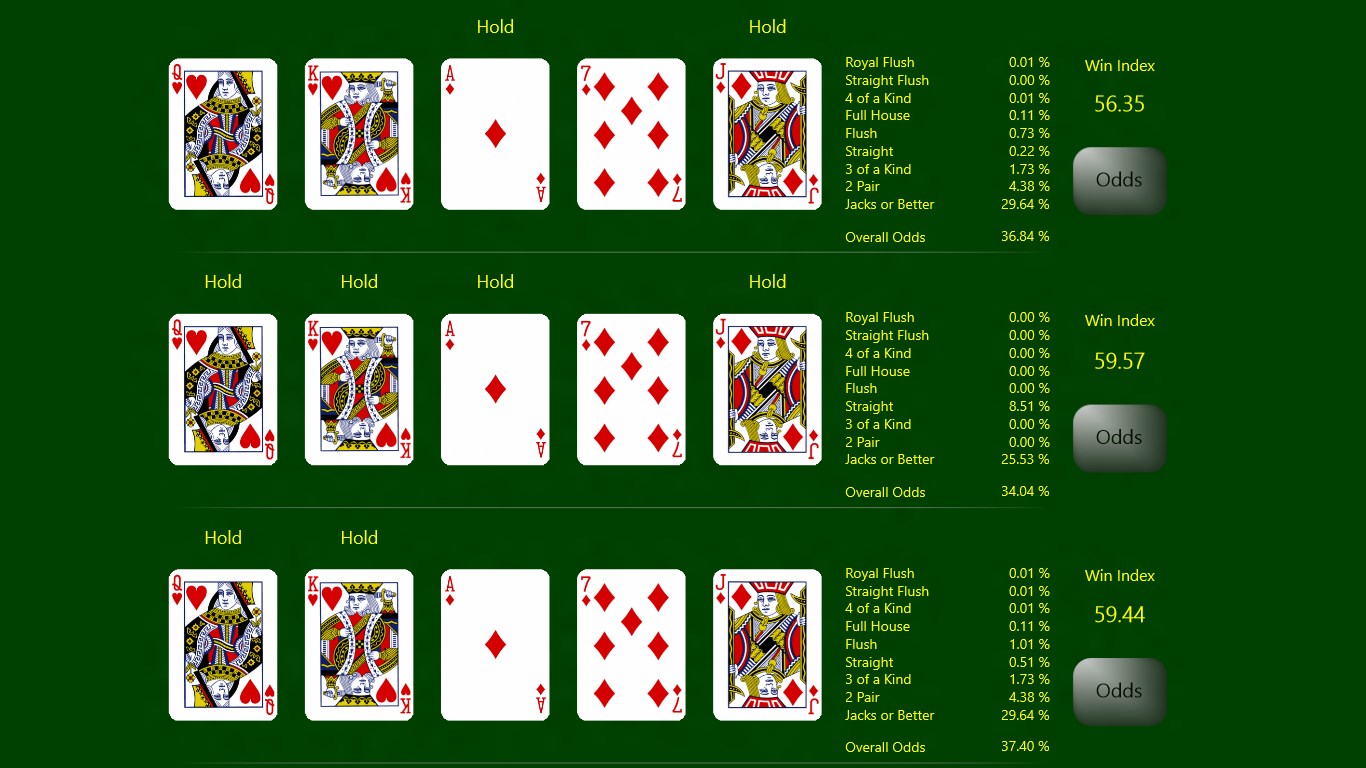
- Learning Support and Tips: For those new to poker, built-in tutorials and hints demystify the rules, gradually easing players into more advanced strategies.
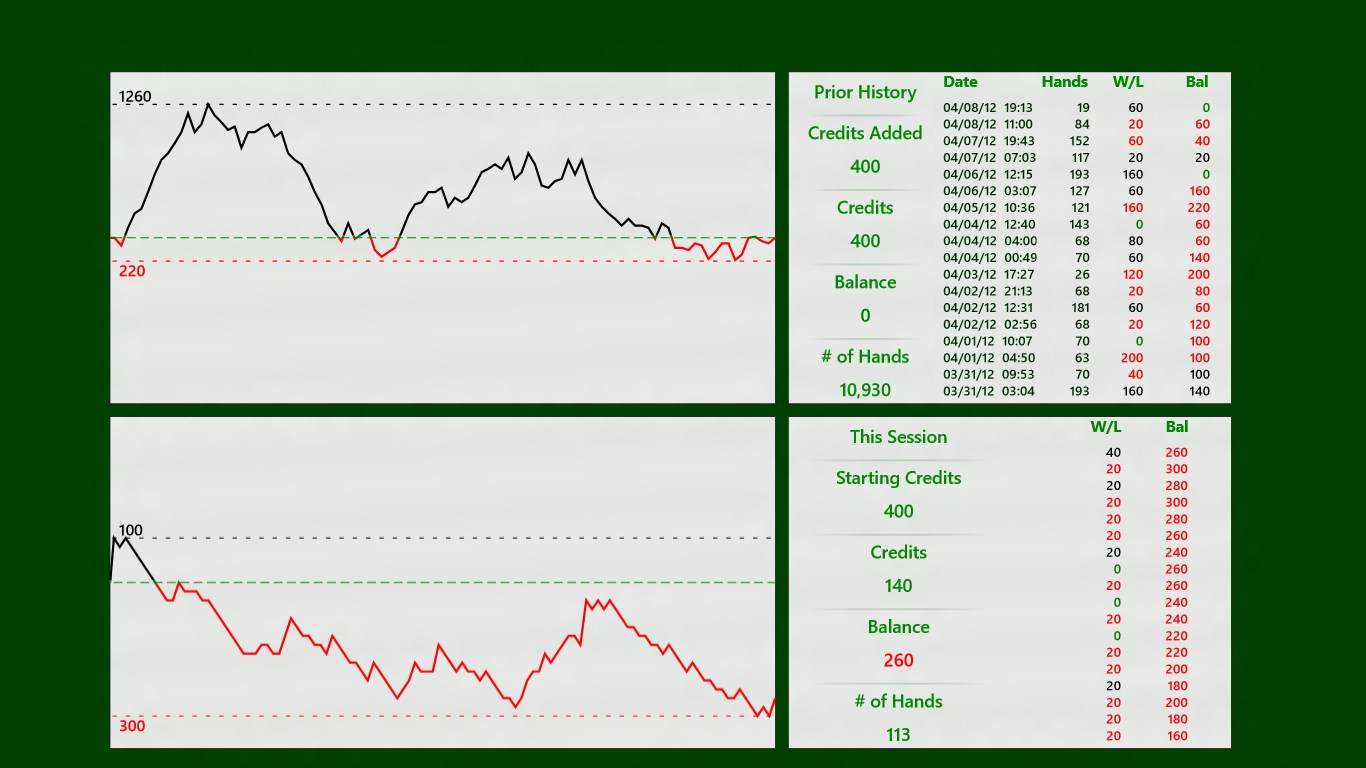
- Progression and Rewards: The game subtly encourages continued play through score tracking and achievement systems, fostering a sense of progression without overwhelming new users.
Comparing with Similar Apps: What Sets It Apart?
While many card games for Windows focus on flashy graphics or complex AI opponents, Draw Poker Free emphasizes authenticity and ease of use. Its standout feature is the straightforward, distraction-free interface paired with customizable settings, making it ideal for quick sessions or casual practice. Unlike some apps that clutter the experience with in-app purchases or overly complicated menus, Emerald Cut Inc. keeps things simple and honest—akin to playing poker with friends around a table, not behind a computer screen full of bells and whistles.
Final Thoughts: A Solid Choice for Poker Enthusiasts
Draw Poker Free for Windows strikes a commendable balance between classic charm and modern usability. It may not boast the bells and whistles of high-end gaming titles, but its strength lies in delivering a trustworthy, easy-to-understand poker experience. Whether you're honing your skills or just passing the time, this app offers a reliable, enjoyable virtual card table. I would recommend it to anyone seeking a no-frills, authentic draw poker game without unnecessary distractions.
Pros
- User-Friendly Interface
- Smooth Gameplay
- Free to Play
- Variety of Game Modes
- Regular Updates
Cons
- Limited Offline Functionality
- Basic Graphics
- Limited Social Features
- Advertisements
- Reward System Can Be Basic











