

- Name Double Deck Pinochle ‣
- Category Card & board
- Available on PC
- OS Windows 10 version 14316.0 or higher
- Keyboard Integrated Keyboard
- Mouse Integrated Mouse
- languages English (United States)
Introducing Double Deck Pinochle for Windows: A Classic Card Game Reinvented
Double Deck Pinochle for Windows is a thoughtfully crafted digital rendition of the traditional card game, offering players an engaging and user-friendly experience on their PCs. It aims to bring the timeless thrill of Pinochle into the modern era with intuitive design and enhanced features.
Who's Behind This Deck? Developer Insights
Developed by Online Solitaire, a team dedicated to recreating classic card games with modern touches, this application exemplifies their commitment to quality and user experience. Their expertise ensures a polished, reliable platform for enthusiasts and newcomers alike.
Key Features That Make It Stand Out
- Authentic Pinochle gameplay with double decks, preserving traditional rules and strategies.
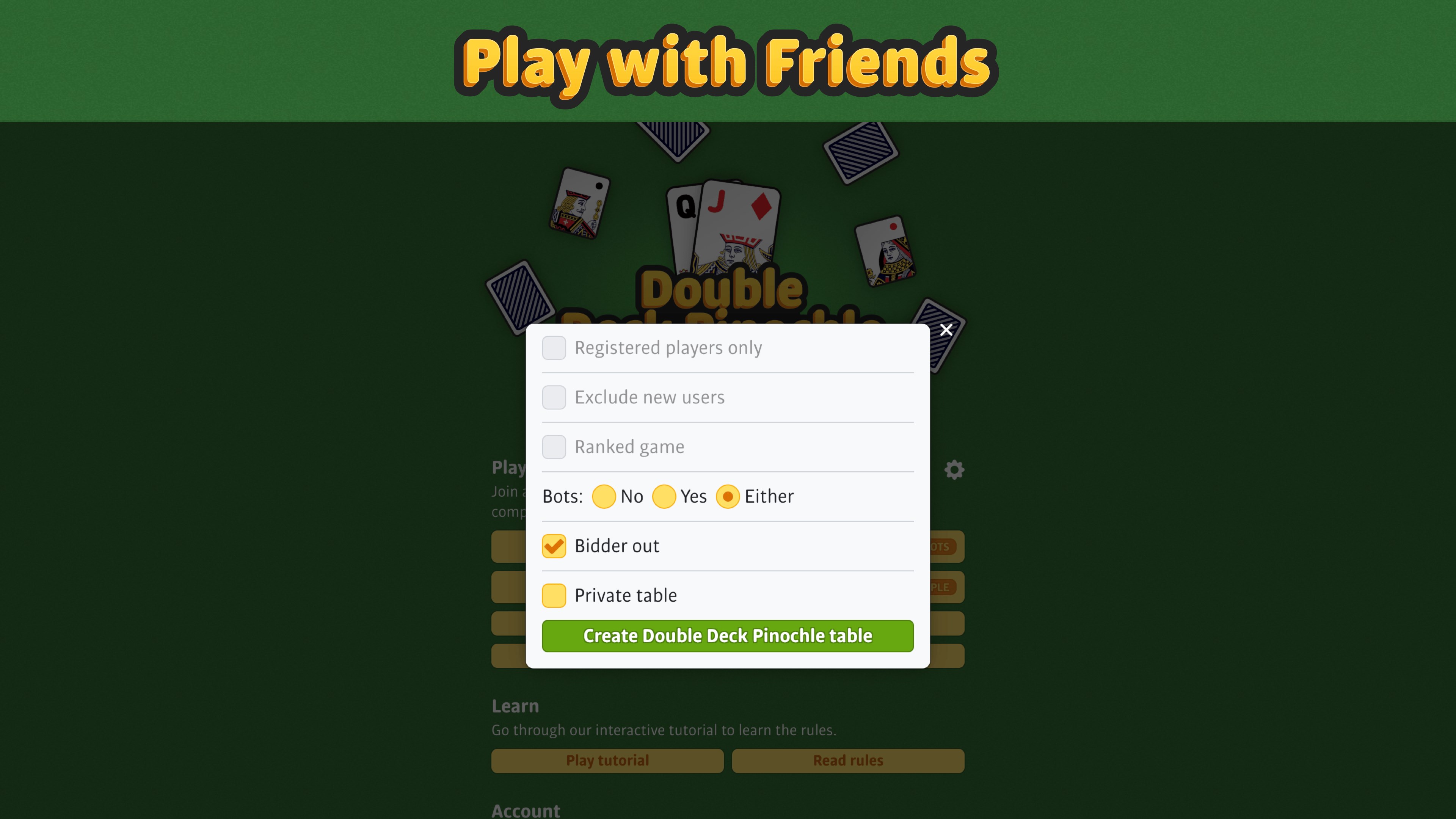
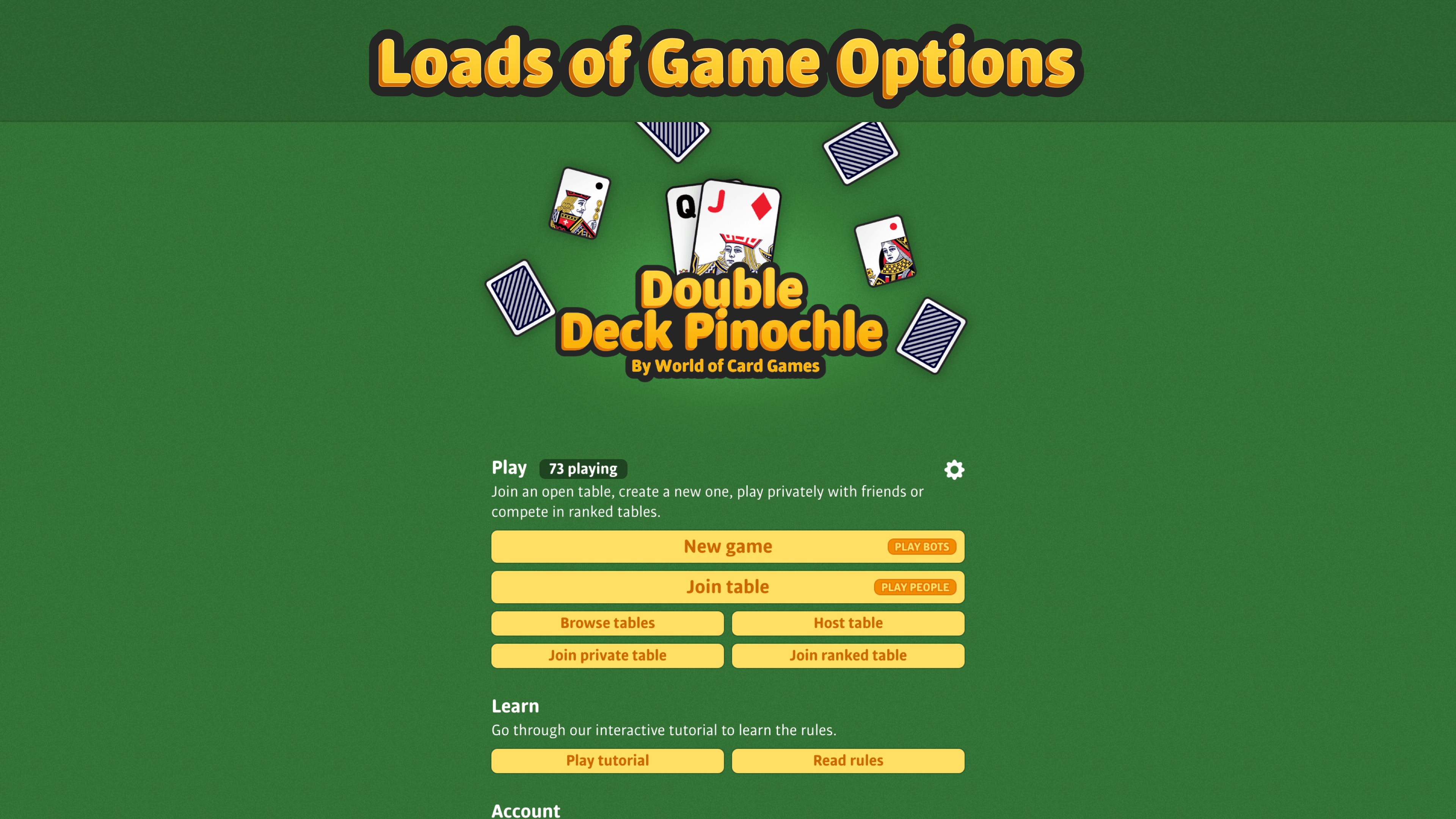
- Customizable options for game variants, skill levels, and scoring systems, catering to both casual players and serious enthusiasts.
- Intuitive interface with smooth animations, making game navigation seamless and enjoyable.
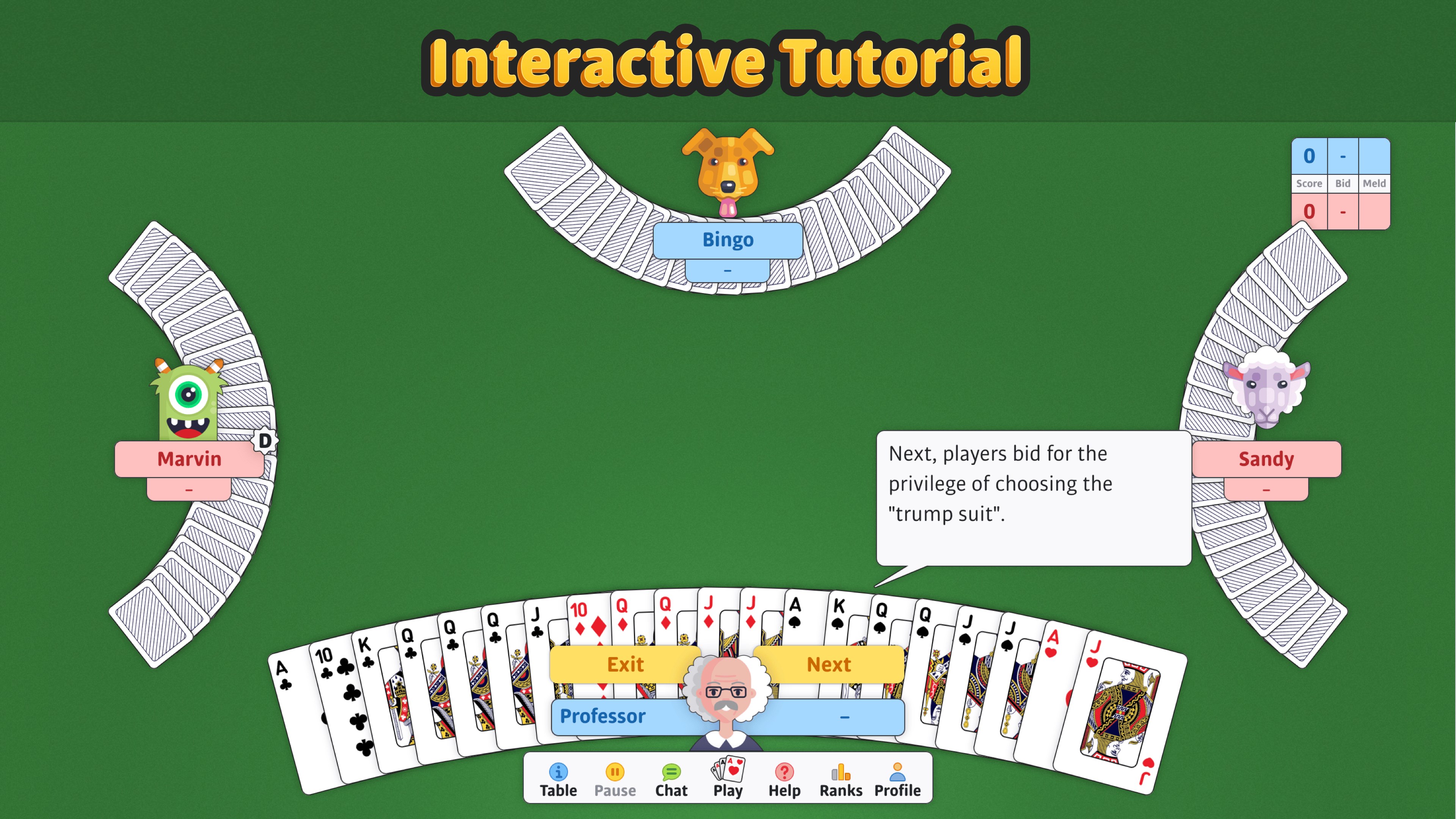
- Built-in tutorials and hints to help new players learn quickly and improve their skills.
An Engaging Introduction to a Time-Tested Card Game
Imagine settling into your favorite armchair, a cup of coffee steaming nearby, ready to dive into the colorful world of Pinochle. Whether you're a seasoned player longing for a digital challenge or a curious newcomer eager to learn, Double Deck Pinochle offers a bridge to the rich tradition of this classic game. Its inviting interface and thoughtfully designed features make each session feel like a friendly game night, with the added convenience of playing on your Windows device.
Gameplay and Core Functionalities
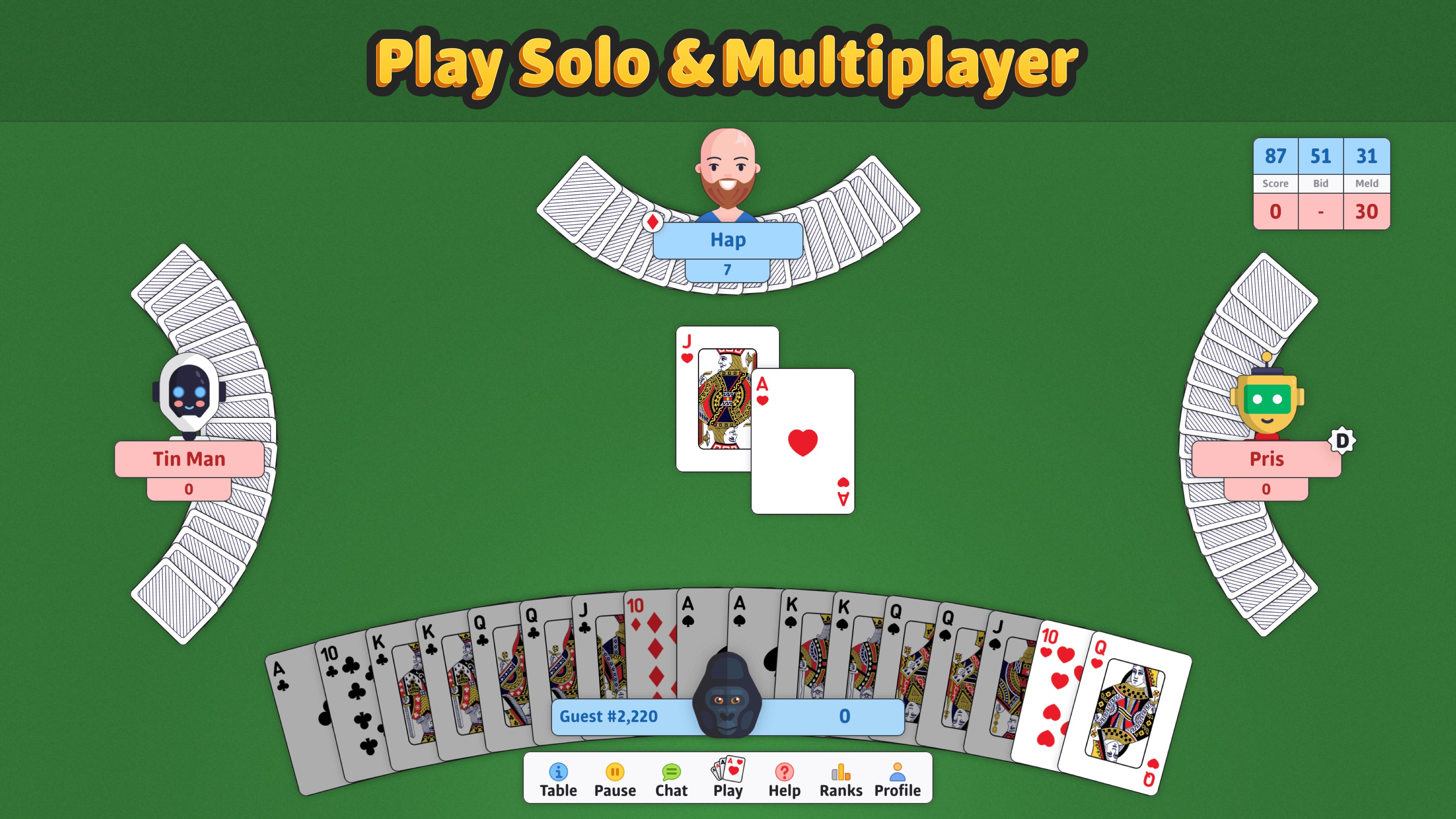
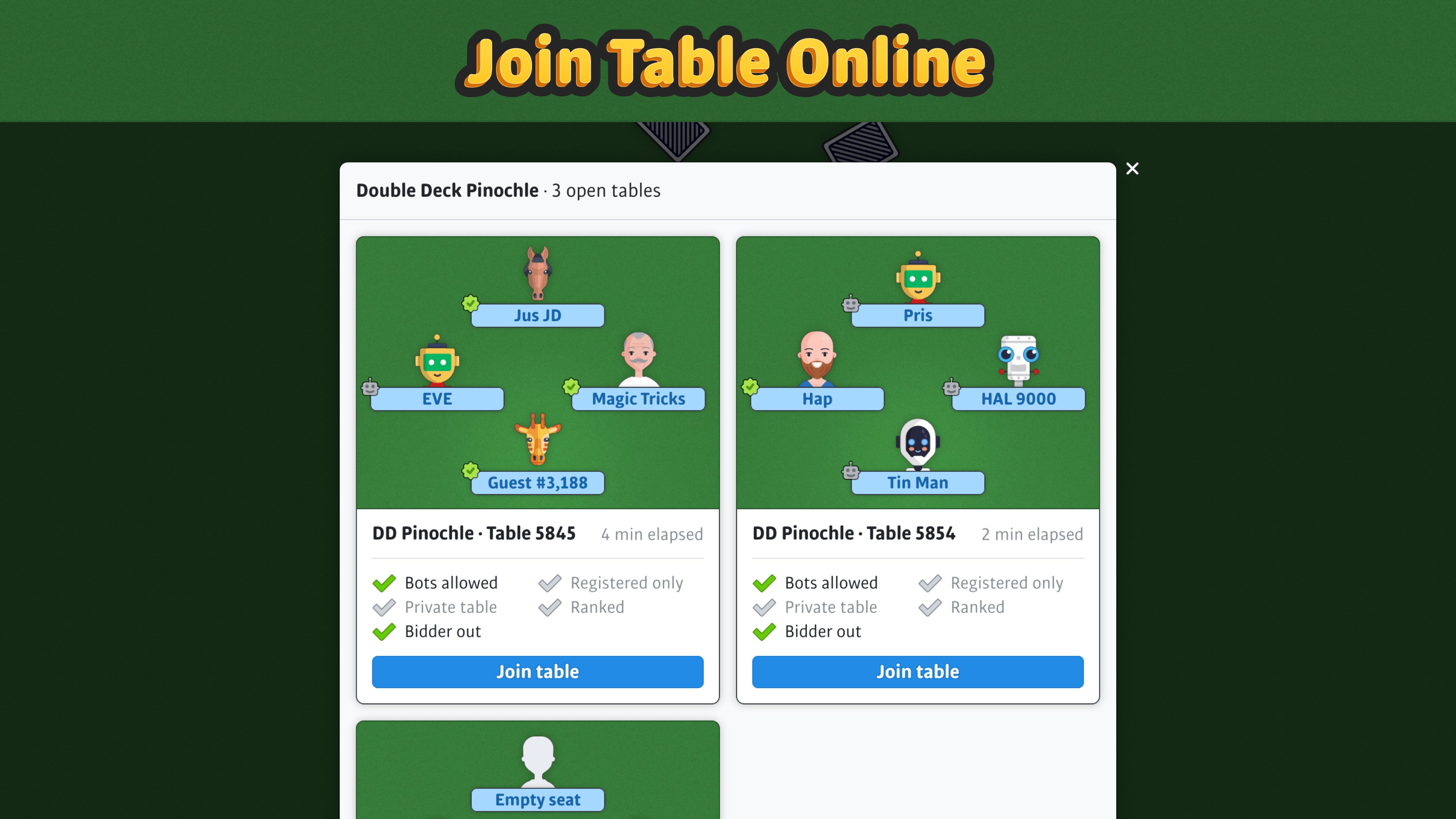
The heart of Double Deck Pinochle lies in its faithful recreation of traditional rules, including bidding, melds, and trick-taking. The game supports both single-player mode against AI opponents and multiplayer options, allowing you to challenge friends or connect with online players. One notable feature is the adaptive difficulty—perfect for beginners getting their feet wet or experts seeking a fierce challenge.
The second core aspect is its robust customization options. Players can tweak game settings, such as bid levels, scoring rules, and deck configurations, making each game tailored to personal preferences. This flexibility enhances replayability and ensures that no two games are exactly the same, keeping the experience fresh and engaging over time.
User Experience and Visual Design
Where Double Deck Pinochle truly shines is in its user interface. The design is clean, modern, and thoughtfully laid out, much like flipping through a well-organized card table. Animations are smooth, adding a touch of elegance without overwhelming the senses. Navigating menus, starting a game, or reviewing scores is effortless, even for first-time users.
Learning curve? Gentle as a warm-up. The game provides comprehensive tutorials and hints, empowering newcomers to grasp the rules quickly. For seasoned players, the intuitive controls and customizable options mean less time fiddling and more time enjoying the game itself.
What Sets It Apart from Other Card & Board Games?
Unlike many card apps that merely replicate the game with minimal innovation, Double Deck Pinochle emphasizes authenticity coupled with flexibility. Its ability to support alternate game variants and adjustable difficulty levels ensures that players aren't just mindlessly tapping cards—they're engaging in a strategic, thoughtfully designed experience. Additionally, the app's smooth animations and customizable interface give it a polished feel akin to playing on a real card table, which many rivals lack.
Final Thoughts: Is It Worth a Shuffle?
Overall, Double Deck Pinochle for Windows earns a solid recommendation for both casual players looking to enjoy a relaxing game and enthusiasts wanting a faithful digital adaptation. Its strengths lie in delivering genuine gameplay enriched with flexible options, making it stand out in the crowded realm of card apps. If you appreciate classic card games with a modern touch, this app is worth a few hands—a friendly, well-crafted companion for your Windows device.
Pros
- Intuitive user interface
- Realistic card animations
- Offline mode support
- Multiple game modes
- Regular updates and bug fixes
Cons
- Limited tutorial for new players
- Occasional lag during multiplayer matches
- In-app purchase options are somewhat expensive
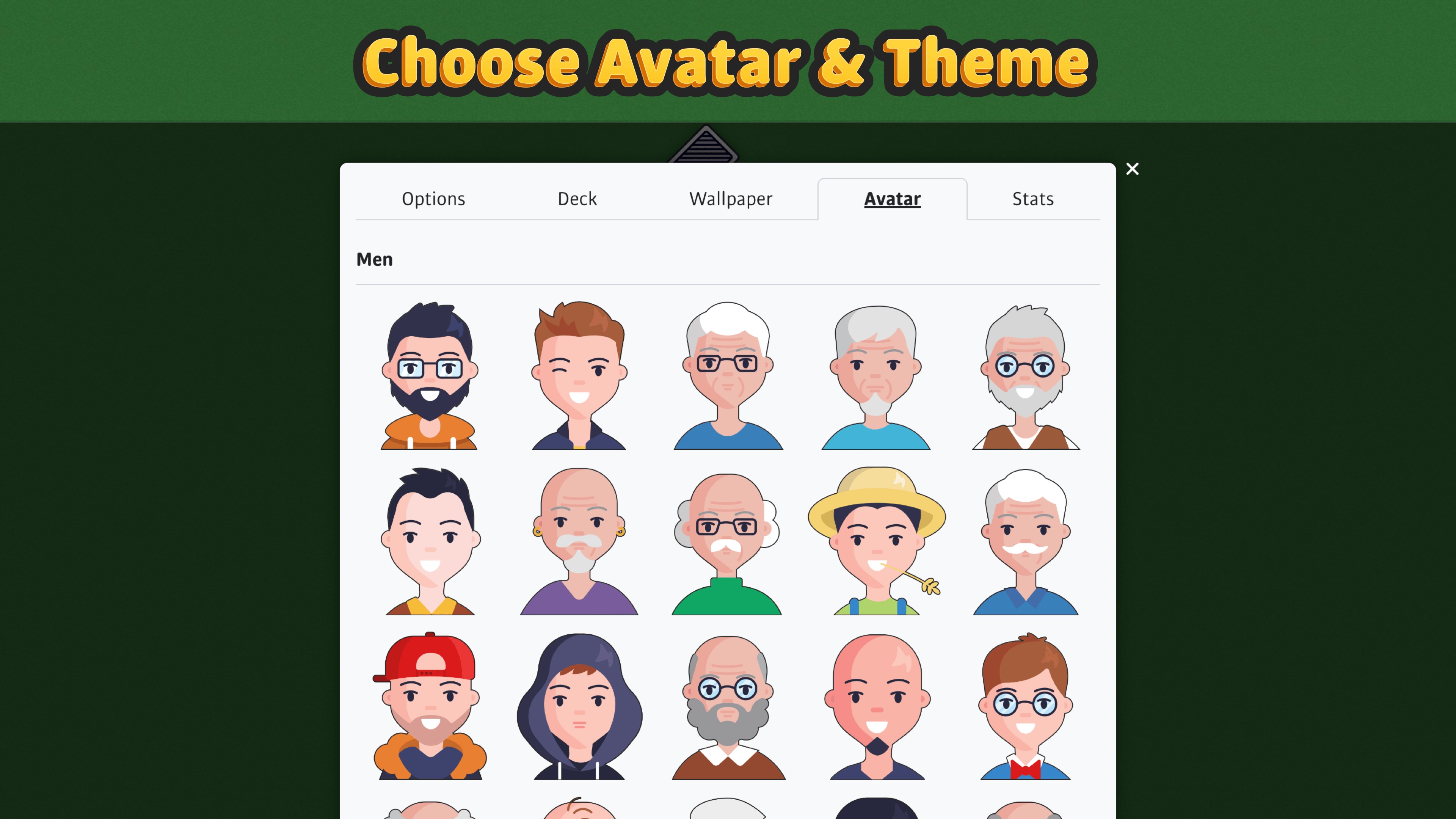
- Limited customization options for avatars
- Sound effects are minimal











