


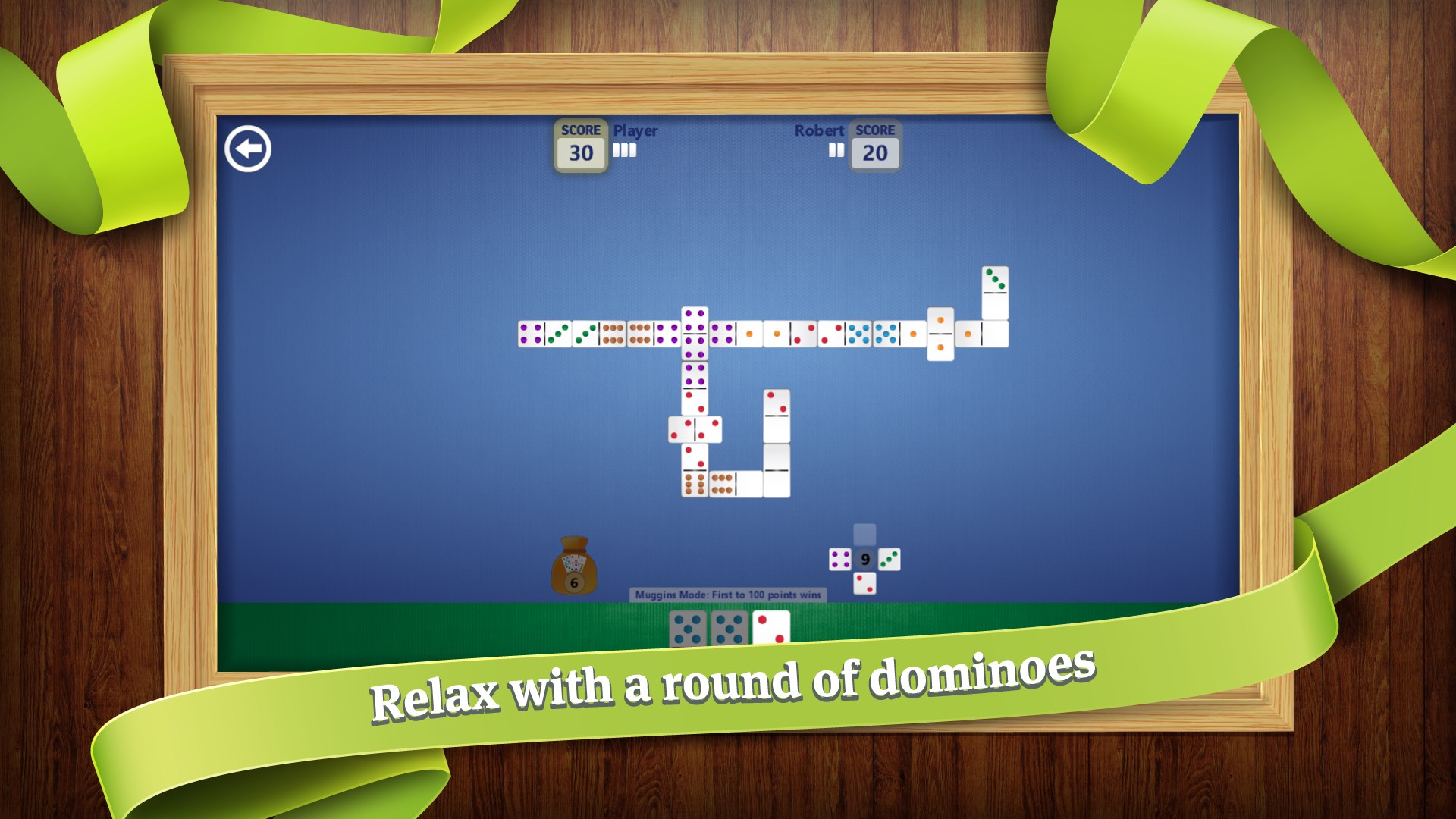
- Name Dominoes
- Category Card & board
- Available on PC, Mobile, Surface Hub, HoloLens
- OS Windows 10 version 18362.0 or higher
- languages Dutch, English (United States), French, French (Canada), German, Italian, Polish, Polish , Portuguese, Portuguese (Brazil), Portuguese (Portugal), Russian, Spanish, Spanish (Mexico), Spanish (Spain)
Introducing Dominoes for Windows: A Digital Twist on a Classic Game
Dominoes for Windows, developed by Random Salad Games LLC, offers a modernized, engaging take on the traditional domino game, perfect for players seeking casual fun or competitive challenge within a sleek digital environment.
About the Developer and Core Features
Who's Behind It?
Random Salad Games LLC is a well-regarded indie studio specializing in creating accessible yet entertaining digital adaptations of classic games. Their portfolio emphasizes user-friendly interfaces and seamless gameplay experiences.
Highlights That Make it Stand Out
- Multiple Game Modes: Offers both single-player and multiplayer options, including online matchmaking and local play, catering to various playing styles.
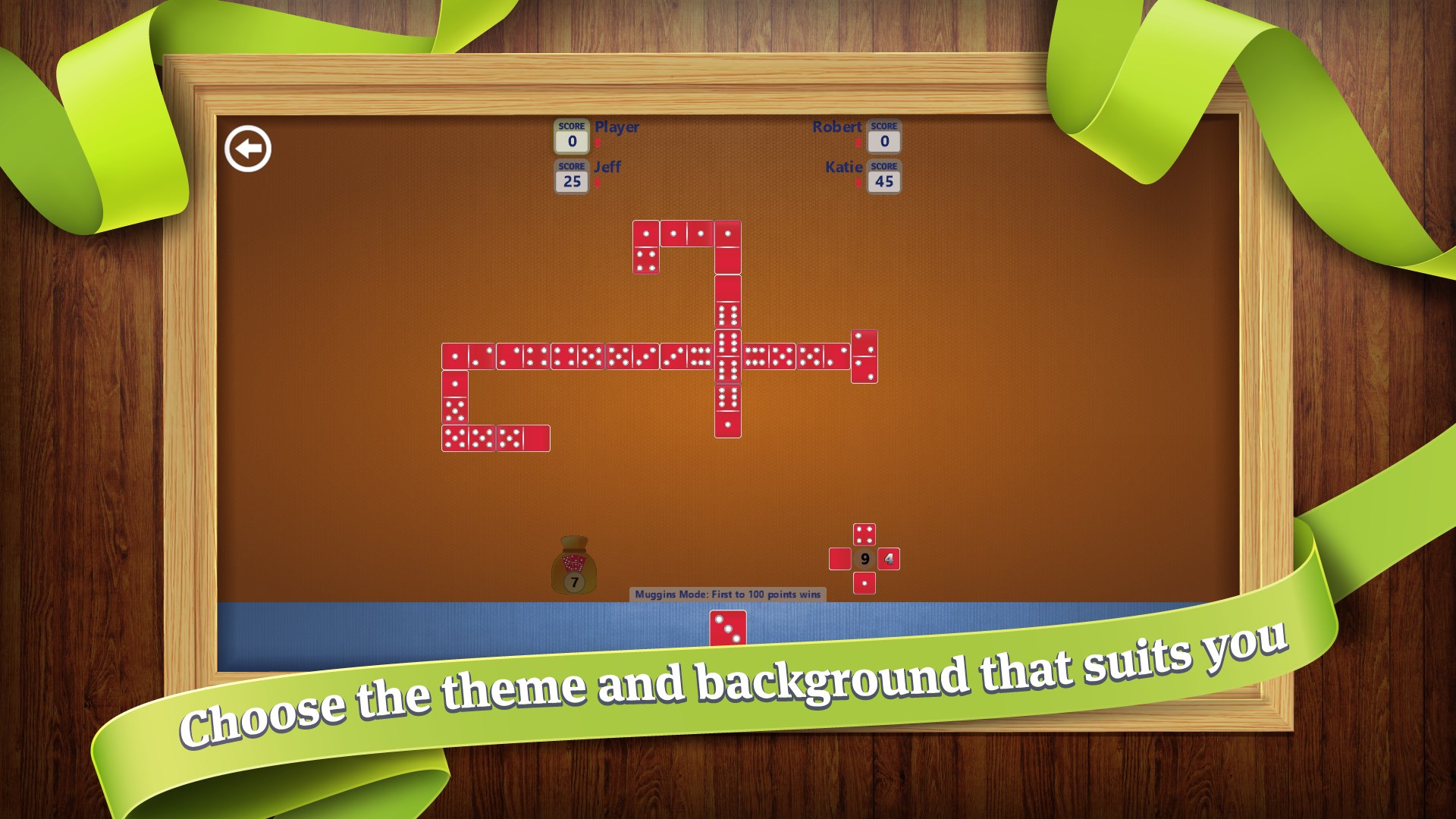
- Customizable Rules and Themes: Allows players to tweak game settings and enjoy different visual themes, adding a personalized touch to the gameplay experience.
- Intuitive Interface & Smooth Gameplay: Features a clean, user-friendly UI with responsive controls, ensuring accessibility for all user levels.
- Achievements and Leaderboards: Incorporates competitive elements to motivate players and track their progress over time.
Detailed App Review
A Fresh Spin on a Classic—Like Reimagining Your Favorite Board Game
If you've ever spent a long afternoon at a cozy café, feeling the tactile thrill of matching tiles and bluffing your opponents, Dominoes for Windows captures that nostalgic charm but with a modern, digital twist. It's like turning a physical game into a sleek, interactive experience that can be enjoyed anywhere—whether you're commuting or relaxing at home. The game's polished visuals and straightforward flow make it inviting yet challenging enough to keep you coming back for more. This is not just a digital knockoff; it's a thoughtfully crafted rendition that respects the original while embracing new possibilities.
Core Functionality: Game Modes and Customization
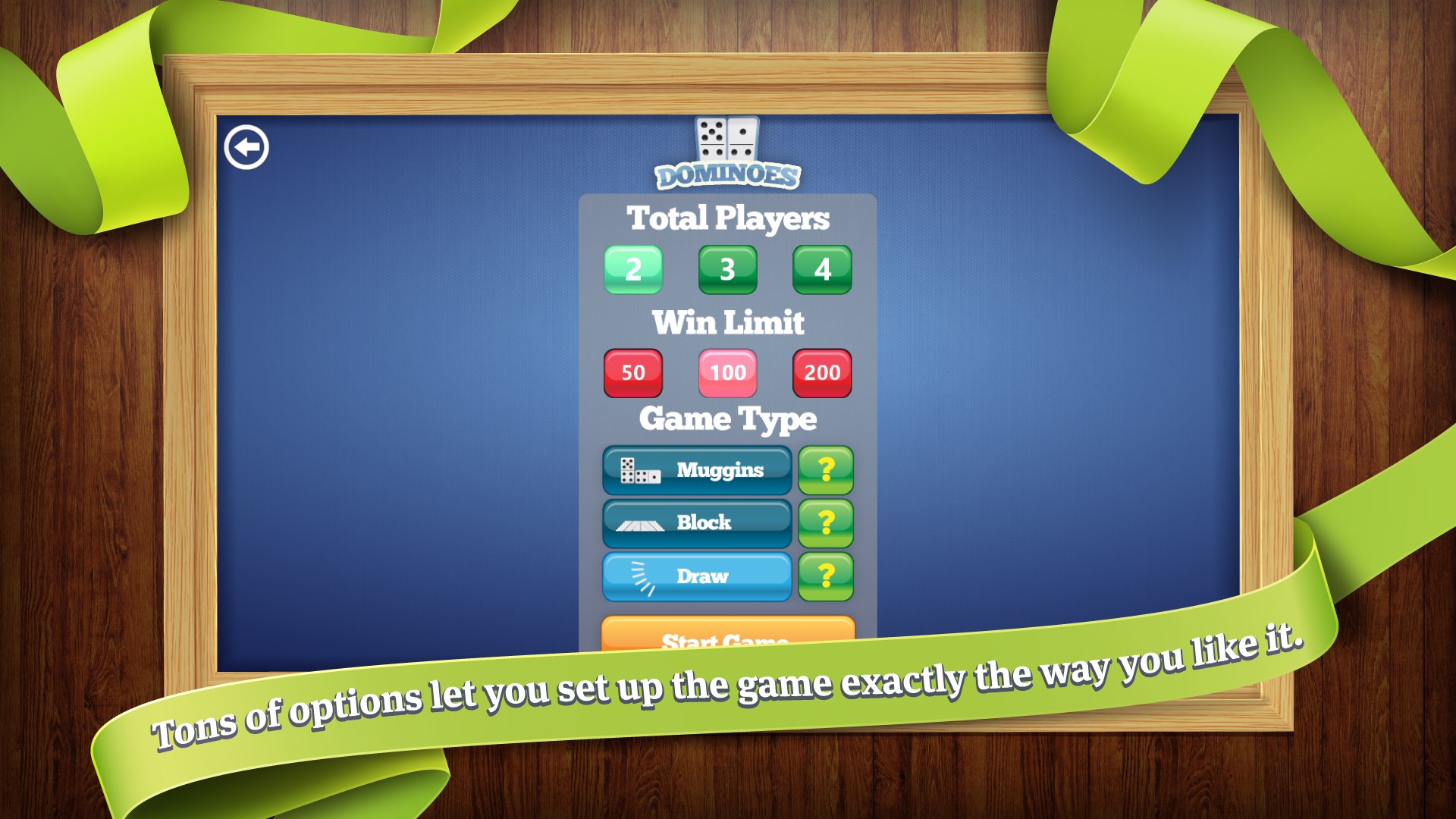
The app offers a variety of game modes to cater to different preferences. For casual players, the single-player mode pits you against AI opponents with adjustable difficulty, providing an excellent way to sharpen your skills or just unwind. For those seeking social interaction, multiplayer matches—both online and local—are effortlessly accessible, allowing you to challenge friends or compete against a wider community. Furthermore, the customizable options for rules and themes give each game a personal touch—whether you prefer traditional dominoes or some creative new variants—ensuring that the game remains fresh and engaging.
Design, User Experience, and Playability
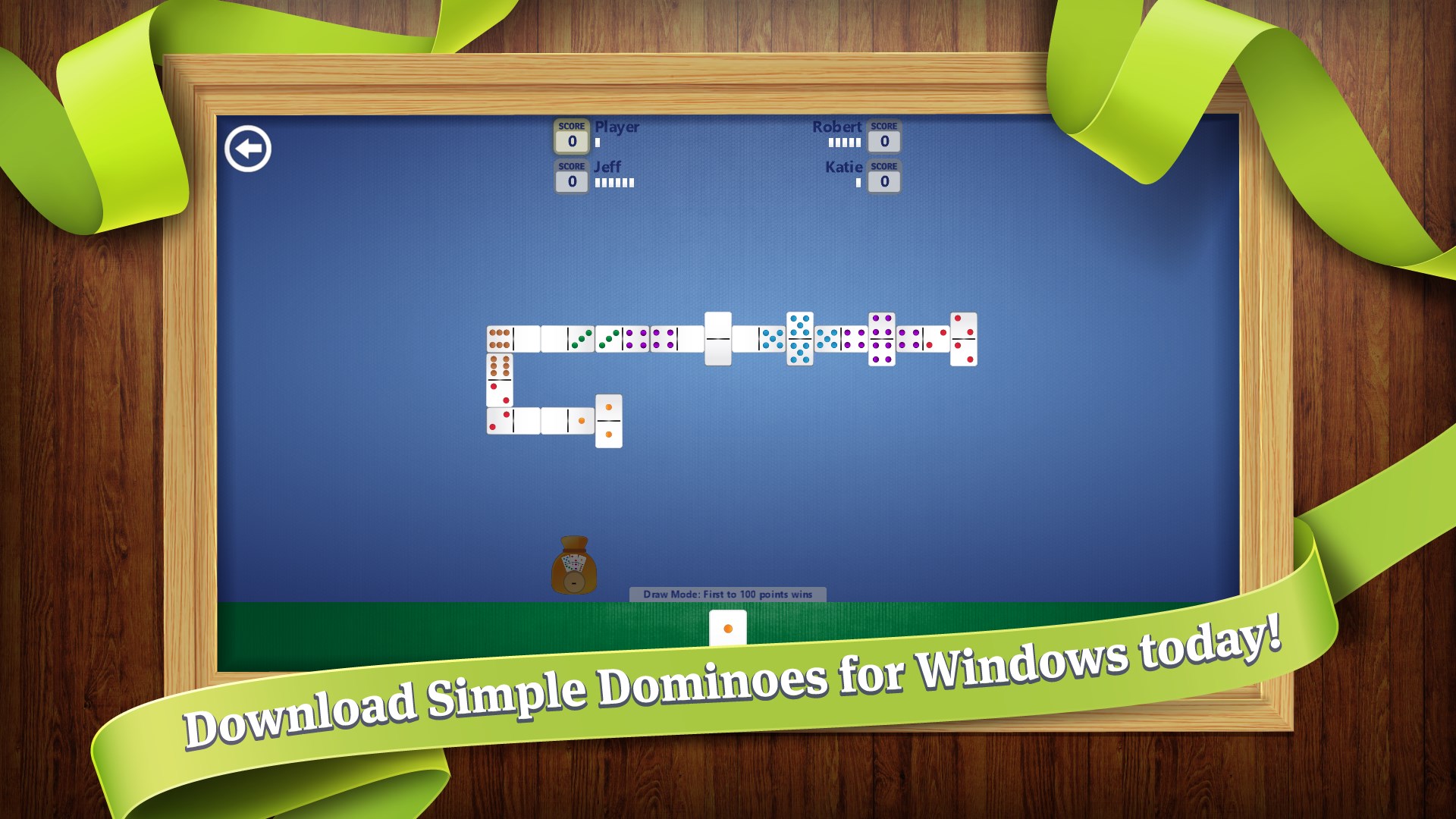
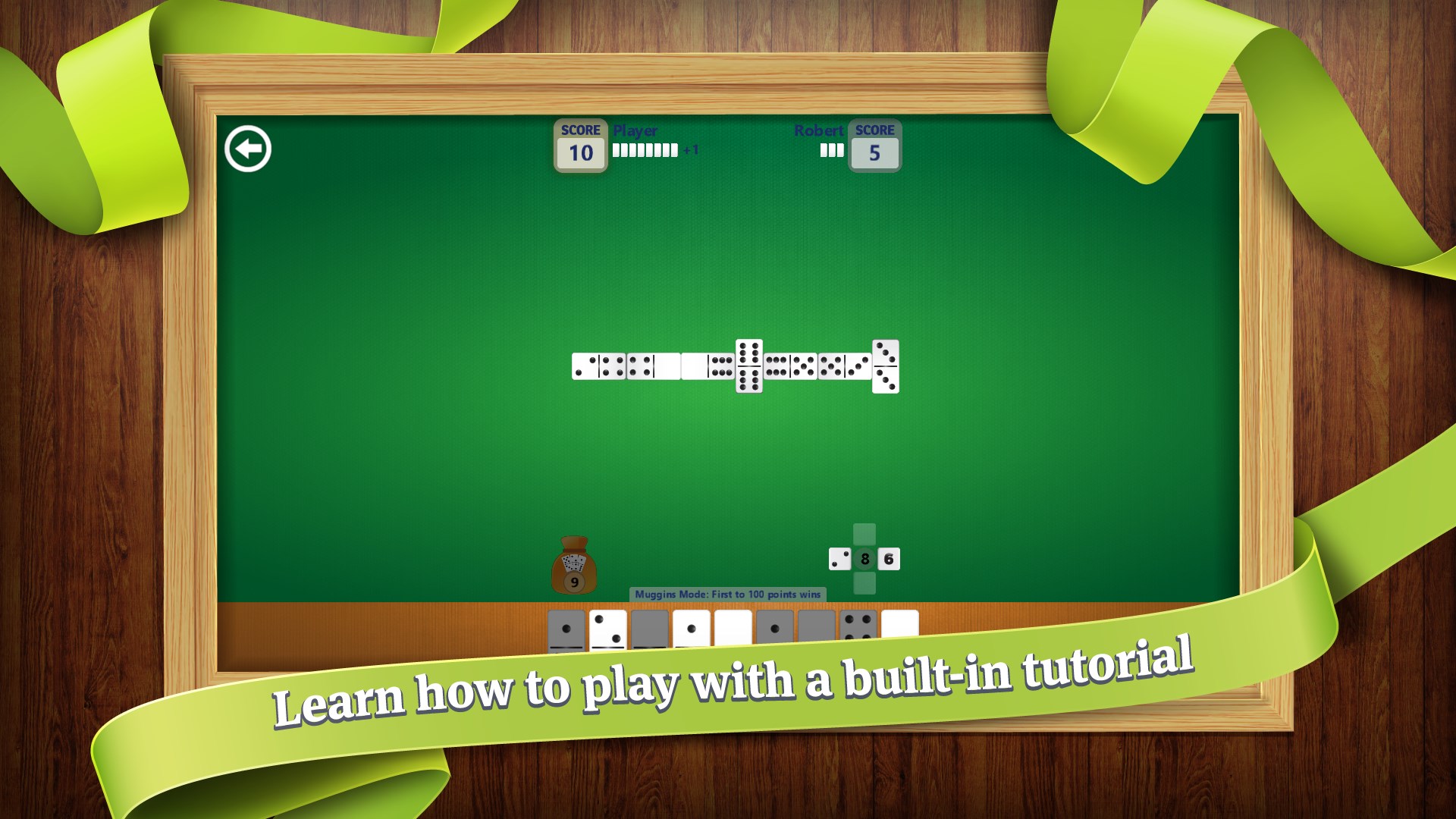
The interface is clean and intuitive, resembling a digital tabletop that feels familiar yet refined. Colors are well-chosen, making the tiles and backgrounds easy on the eyes, even after extended play. Responsiveness is impressive; dragging tiles, placing them, or navigating menus feels seamless, akin to sliding a physical piece across a smooth surface. The learning curve is gentle—new players can pick it up quickly thanks to clear instructions and straightforward controls, but mastering advanced strategies keeps seasoned players engaged. The game's pacing allows for relaxed play or quick matches, which is essential for fitting gaming sessions into busy schedules.
What Sets It Apart From Other Card & Board Games?
While many digital card and board games focus solely on speed or flashiness, Dominoes for Windows emphasizes versatility and personalization. Its key differentiator is the ability to customize rules and themes, creating a personalized game environment that adapts to your preferences. Additionally, its robust multiplayer infrastructure ensures smooth, lag-free interactions, making competitive online matches a real pleasure. These features elevate it from a simple digital domino set to a platform fostering community and customized gameplay—much like having a dedicated game night with friends, but in your own digital space.
Final Verdict and Recommendations
I'd rate Dominoes for Windows as highly accessible and enjoyable, especially for casual gamers or those familiar with classic dominoes who wish to carry the game in their pocket or desktop. Its combination of ease of use, customization, and multiplayer options make it suitable for both beginners and experienced players looking for a reliable, digital version of a timeless game. If you value flexibility and a polished user experience, this app is worth trying. Conversely, if you prefer highly complex or themed card games, you might explore other options, but for clean, straightforward domino gameplay, it's a strong contender.
Pros
- Intuitive User Interface
- Engaging Gameplay
- Smooth Performance
- Offline Mode Available
- Regular Updates
Cons
- Limited Customization Options
- In-App Purchases Can Be Misleading
- Lack of Multiplayer Support
- Limited Accessibility Features
- Graphics Could Be More Vibrant











