


- Name Dominoes Board Game
- Category Card & board
- Developer © 2023-2024 G Soft Team. All rights reserved.
- Available on PC, Mobile, Surface Hub, HoloLens
- OS Windows 10 version 10240.0 or higher
- languages English
Introduction: Bringing Classic Dominoes to Your Windows Screen
If you're craving a timeless game that blends strategy with a touch of casual fun, Dominoes Board Game for Windows offers a digital twist on this age-old pastime. Developed by the G Soft Team, this application transforms the traditional domino experience into an accessible, interactive platform, perfect for both newcomers and seasoned players alike. Whether you're aiming to sharpen your skills or simply enjoy a relaxing game, this app aims to serve as your go-to domino companion.
Developers and Core Features
Created by the dedicated G Soft Team, a group committed to delivering enjoyable digital board experiences, the app encapsulates the essence of domino gameplay while leveraging modern software design. The key features include:
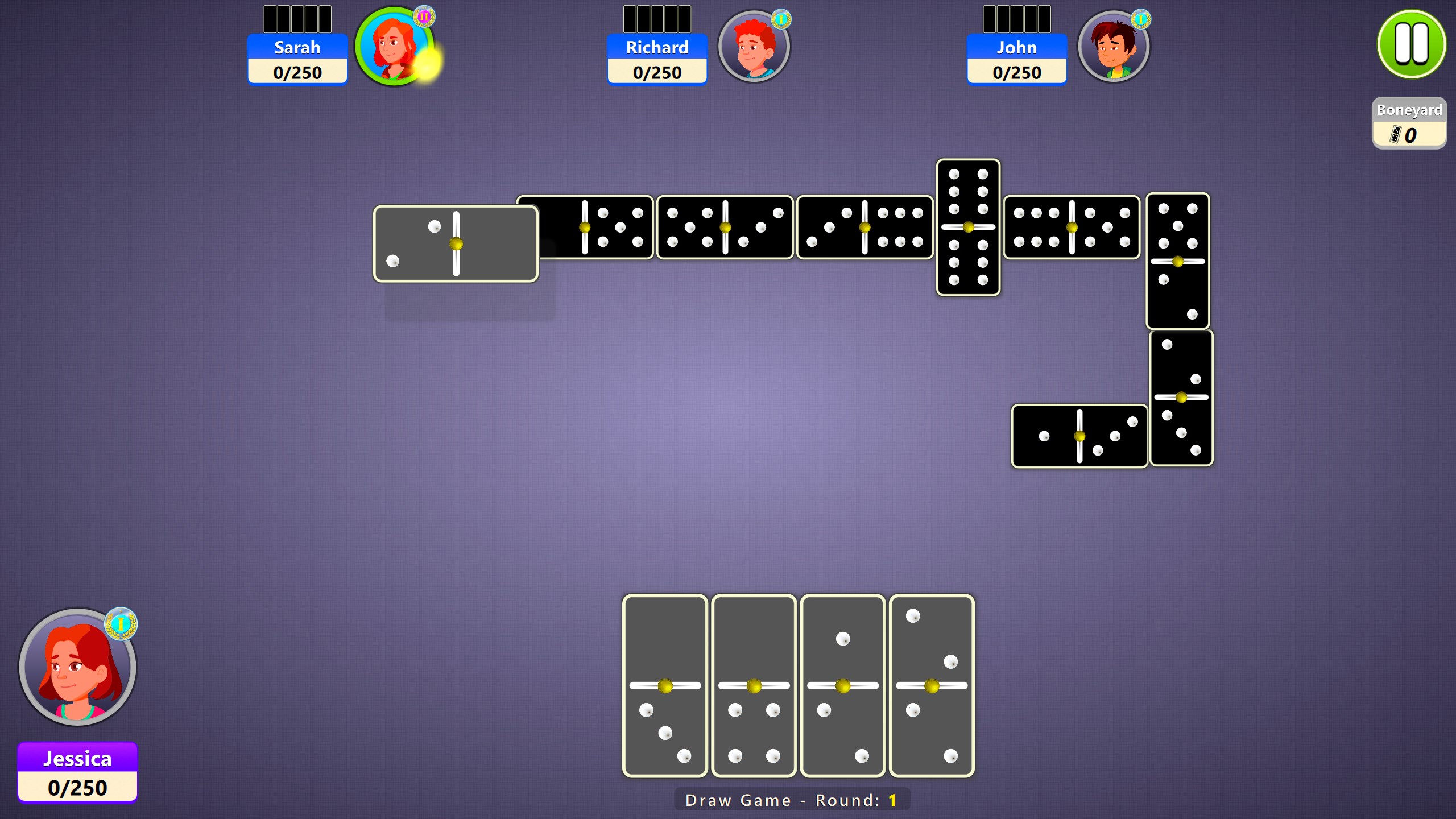
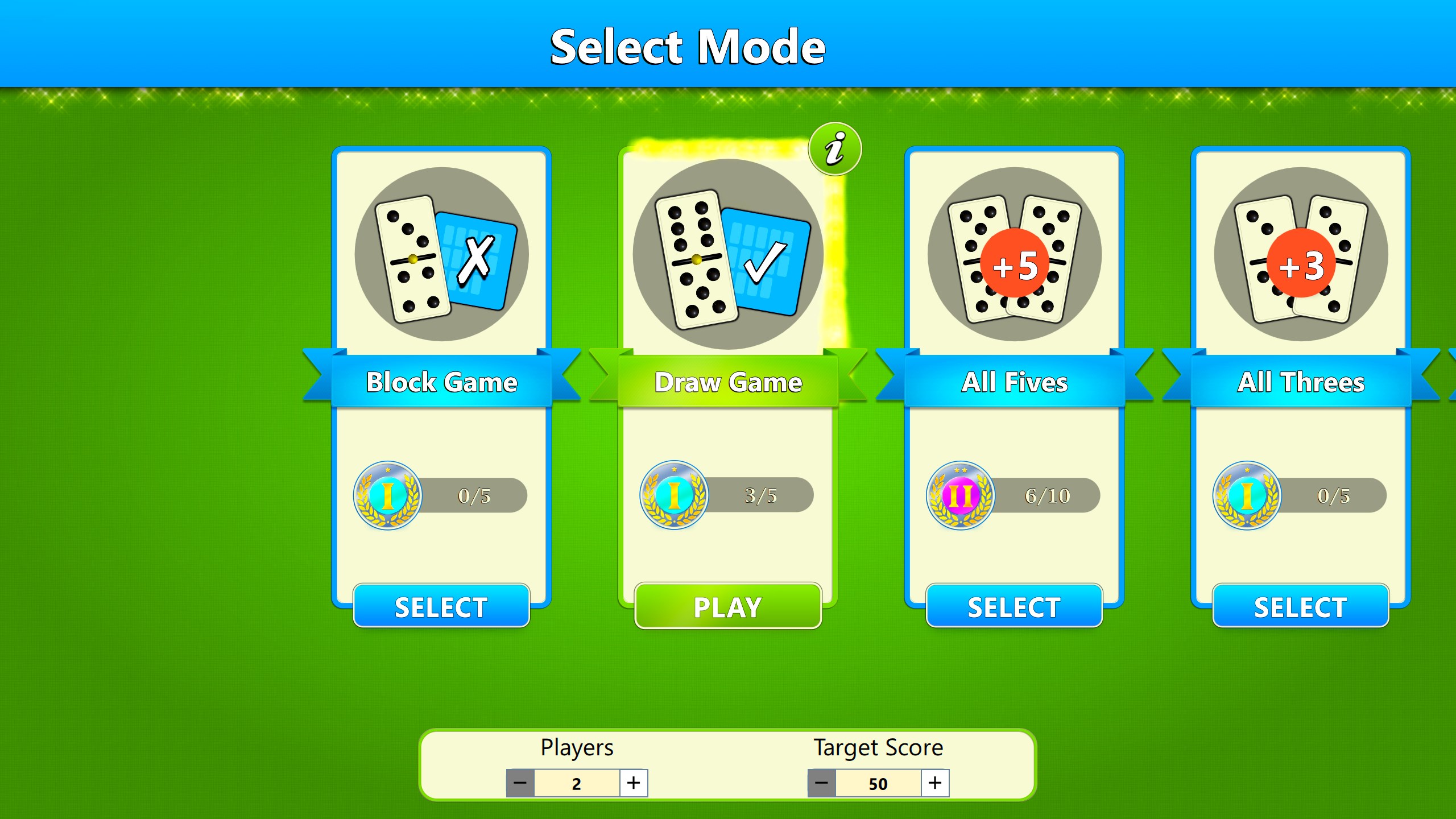
- Multiple Game Modes: Offering both classic single-player against AI and multiplayer options, allowing you to challenge friends or test your skills solo.
- Smart AI Algorithms: Ensuring challenging and adaptive opponents that keep every game fresh and engaging.
- User-Friendly Interface: Clean, intuitive design that makes navigation and gameplay seamless even for beginners.
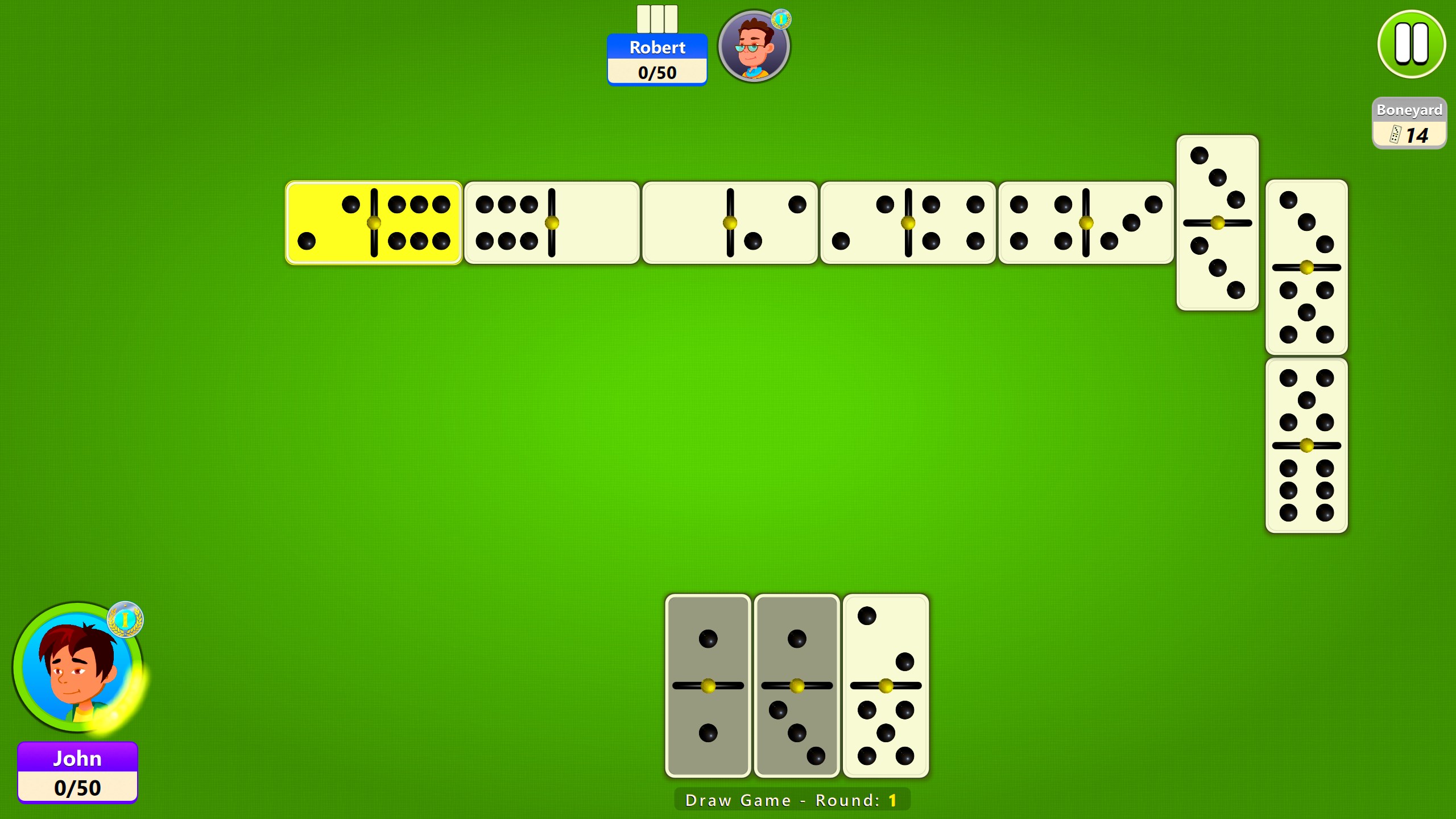
- Customizable Rules and Settings: Flexibility to tweak game parameters, catering to different regional rules or personal preferences.
Targeted at casual players, board game enthusiasts, and anyone interested in digital adaptations of traditional games, this app promises accessibility and depth within a familiar framework.
Vivid Gameplay and User Experience
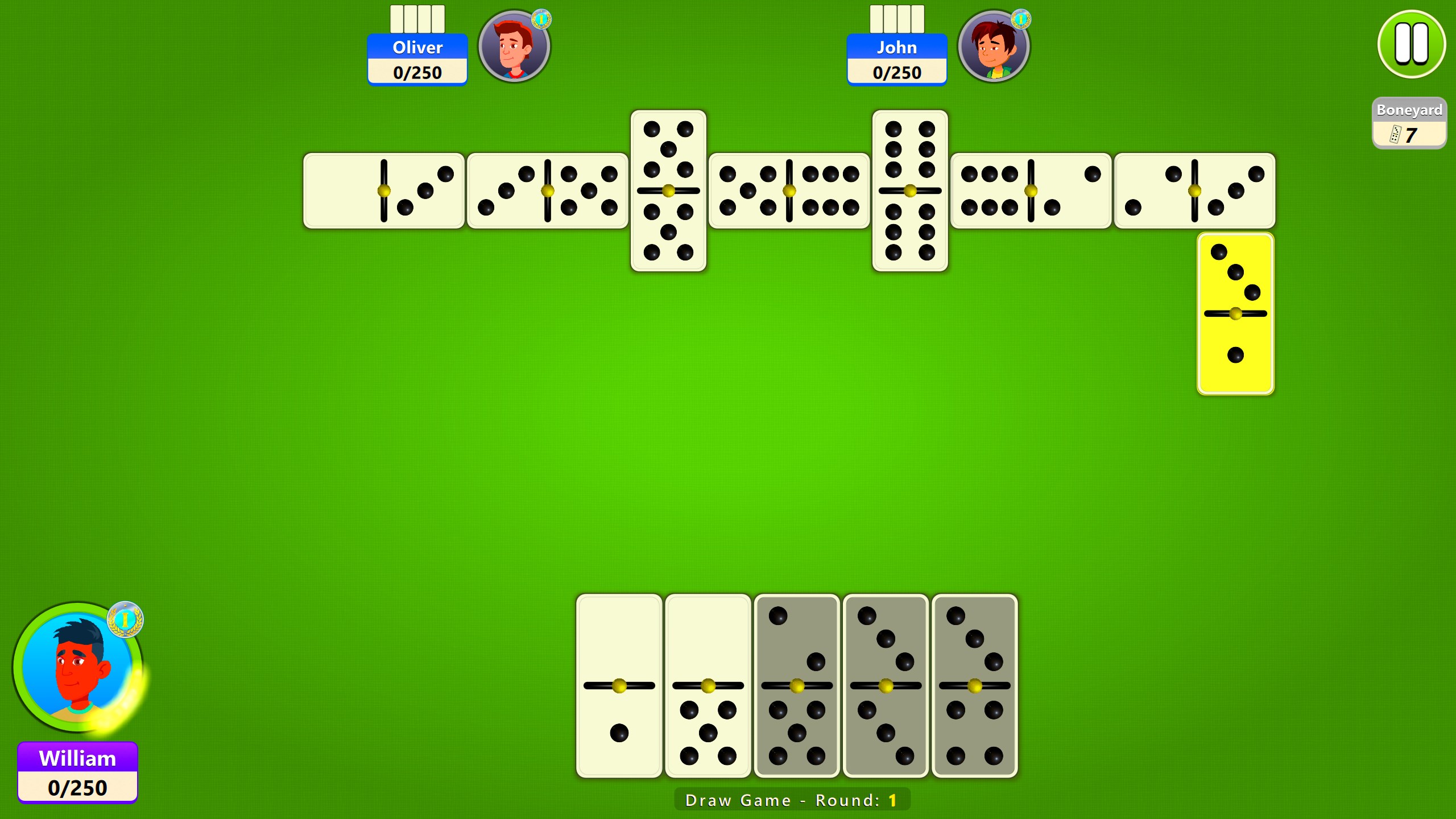
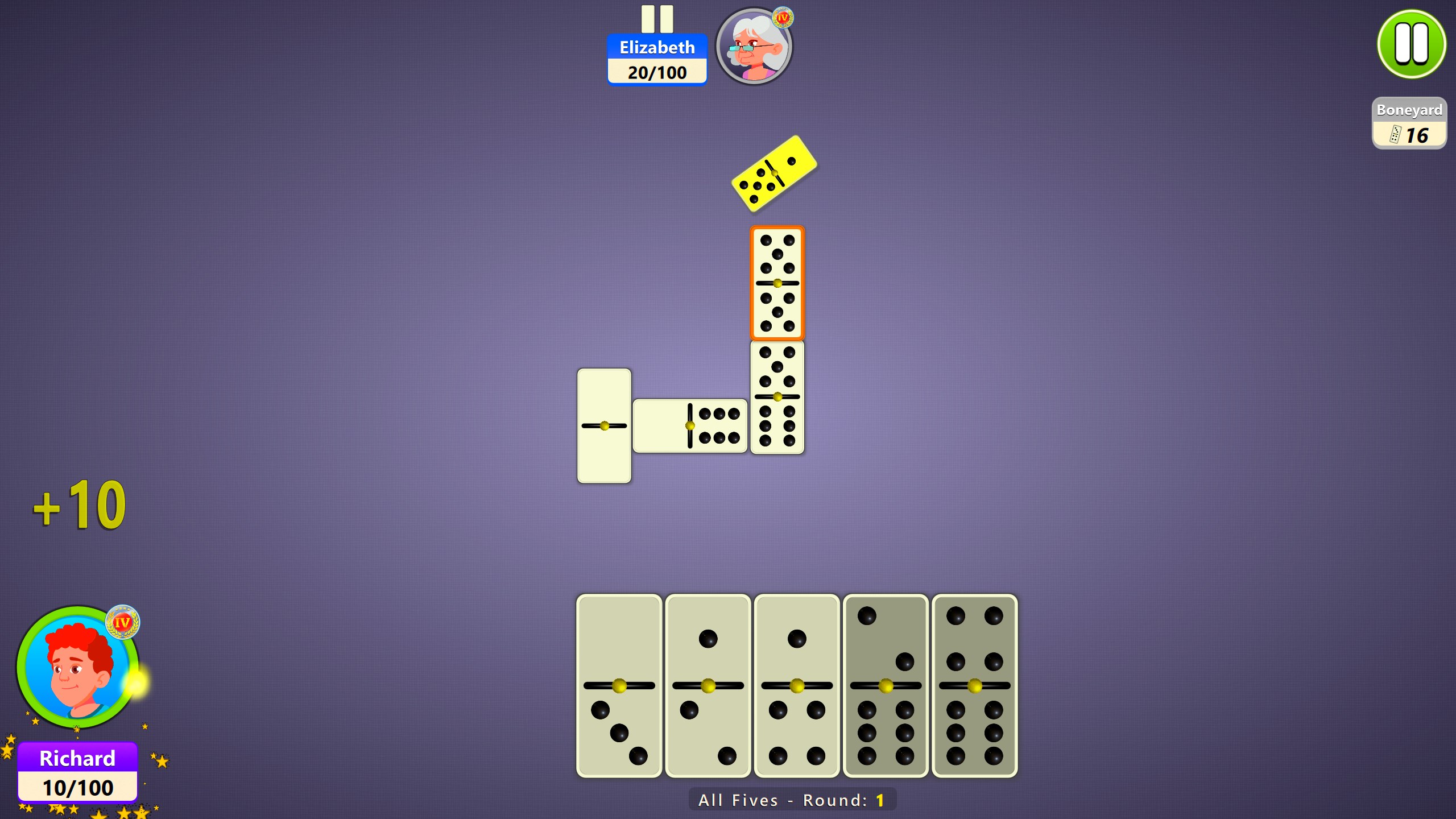
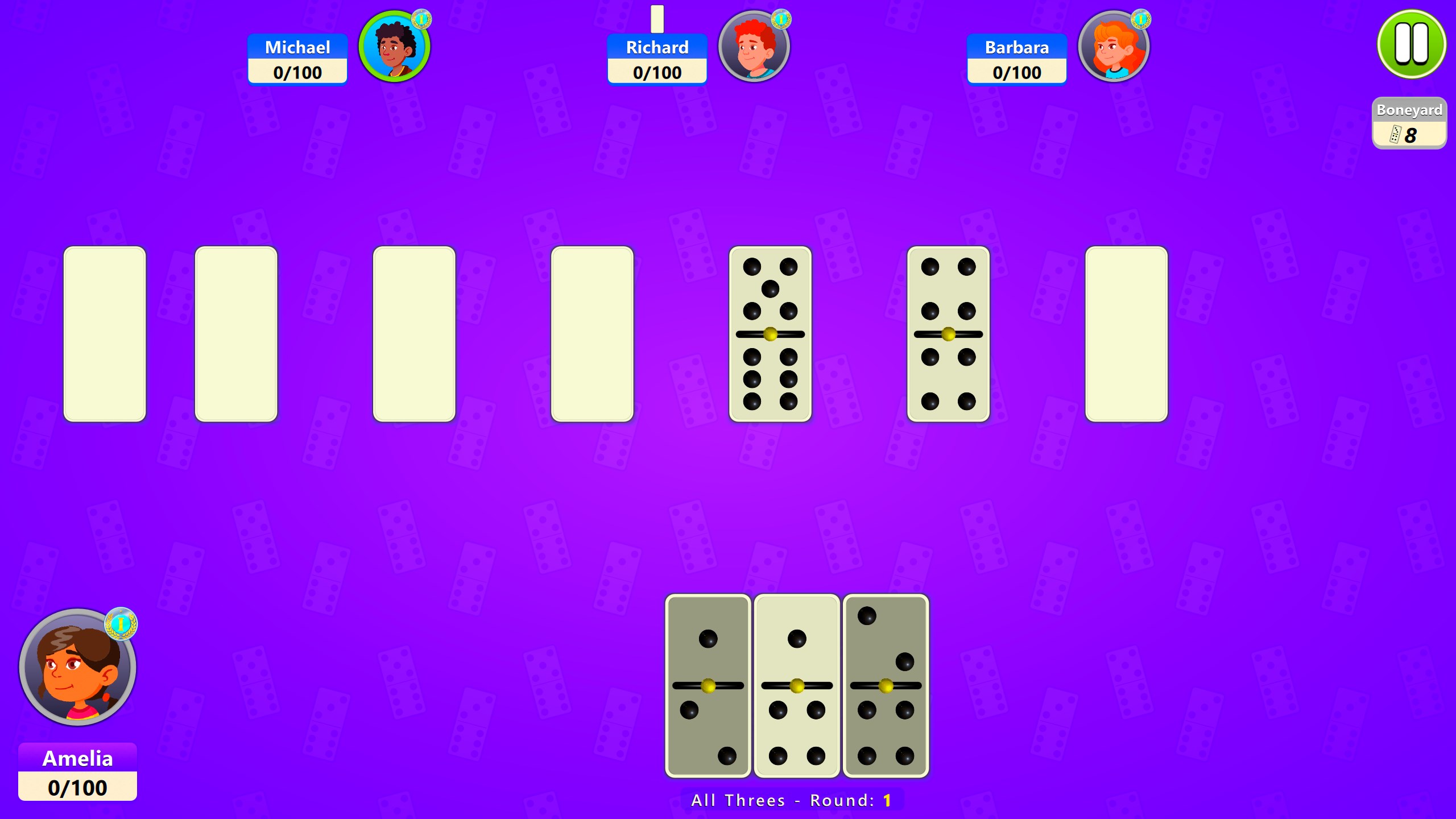
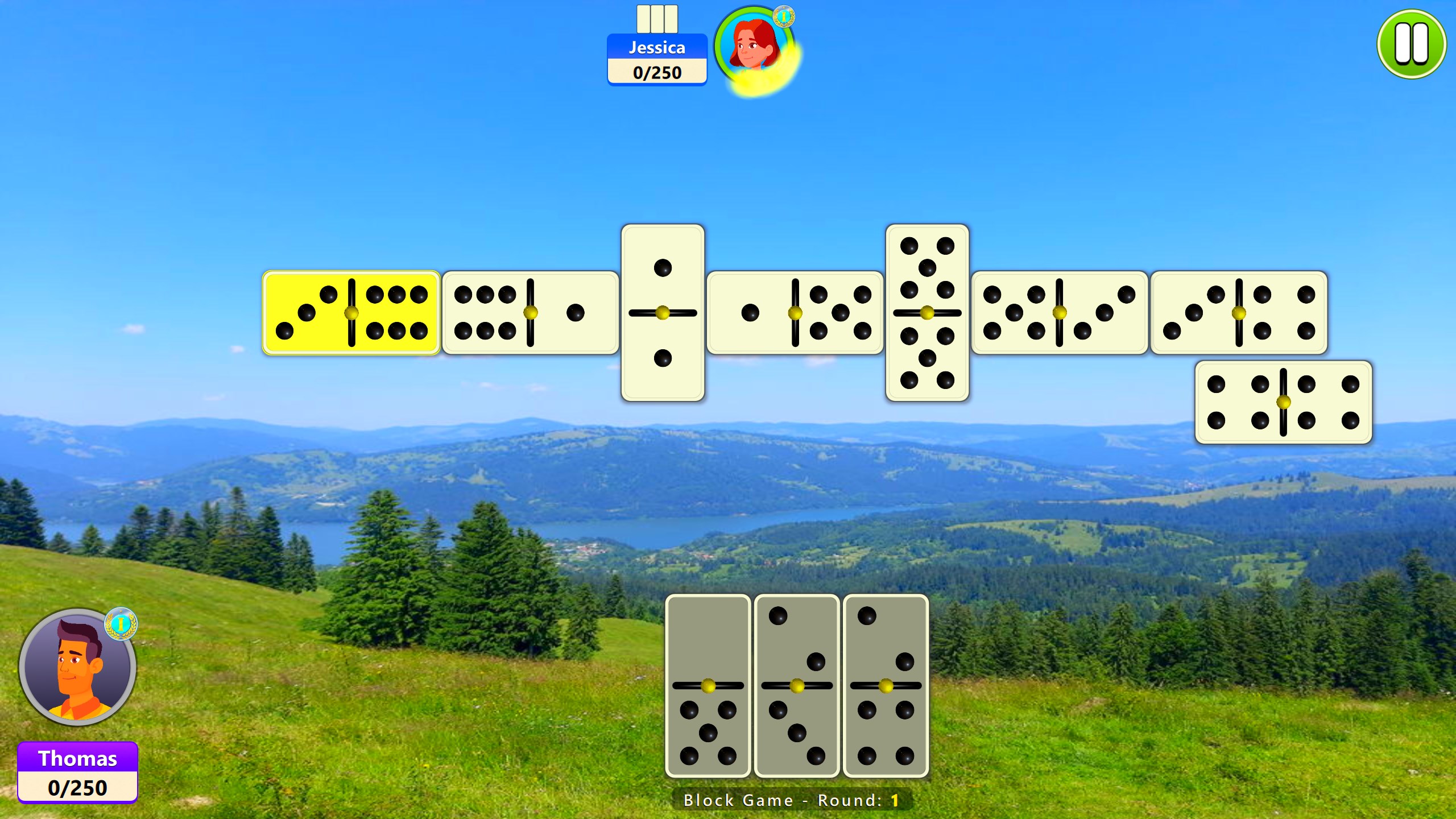
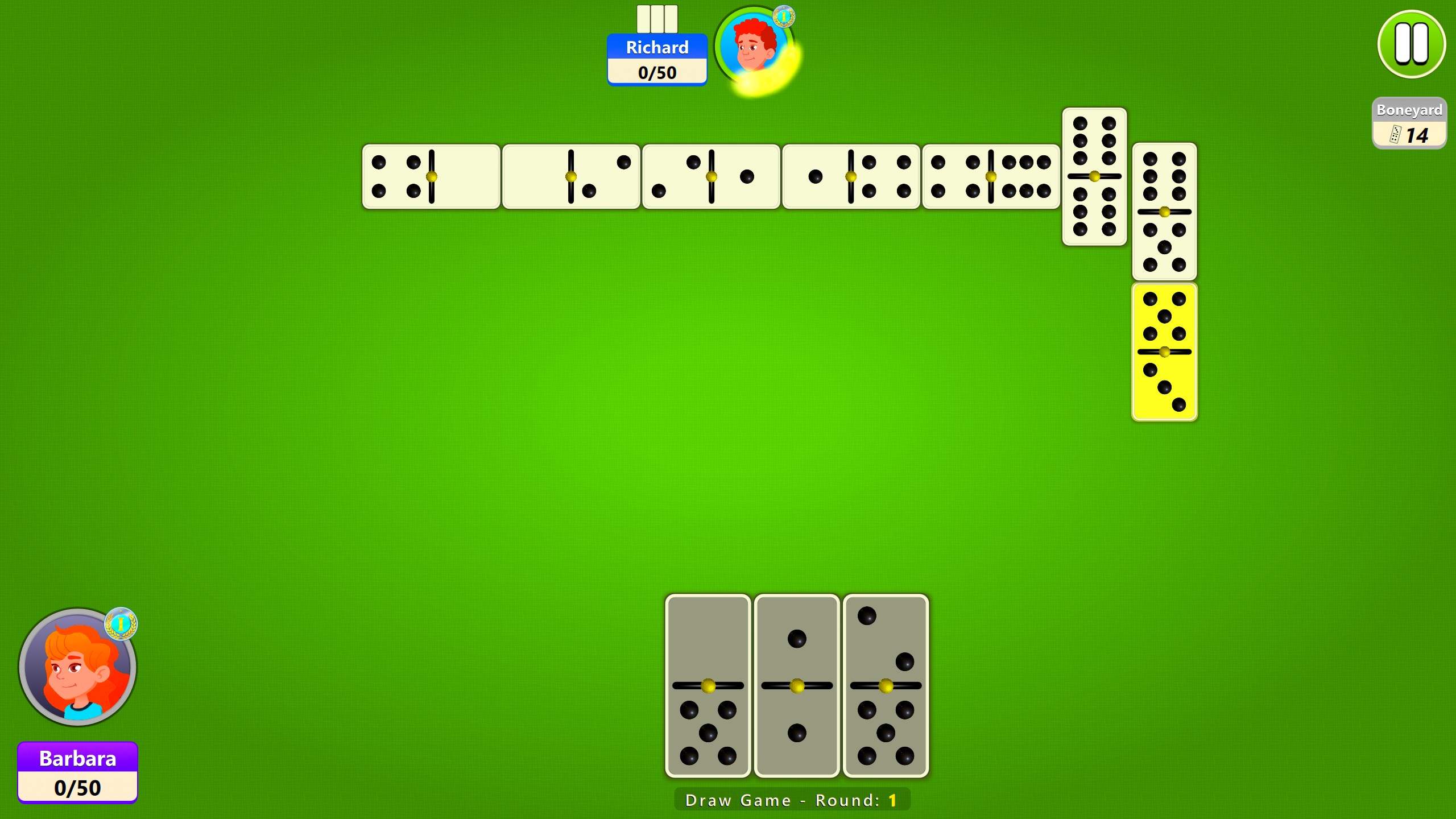
Imagine sitting at a cozy café with a warm cup of coffee—this app aims to replicate that relaxed, friendly vibe right on your PC. From the moment you launch the game, the interface greets you with bright, colorful tiles and straightforward options that invite you to jump straight into play. The design feels both modern and familiar, like flipping through a well-loved tabletop game but with a sleek digital polish.
Intuitive Interface and Smooth Performance
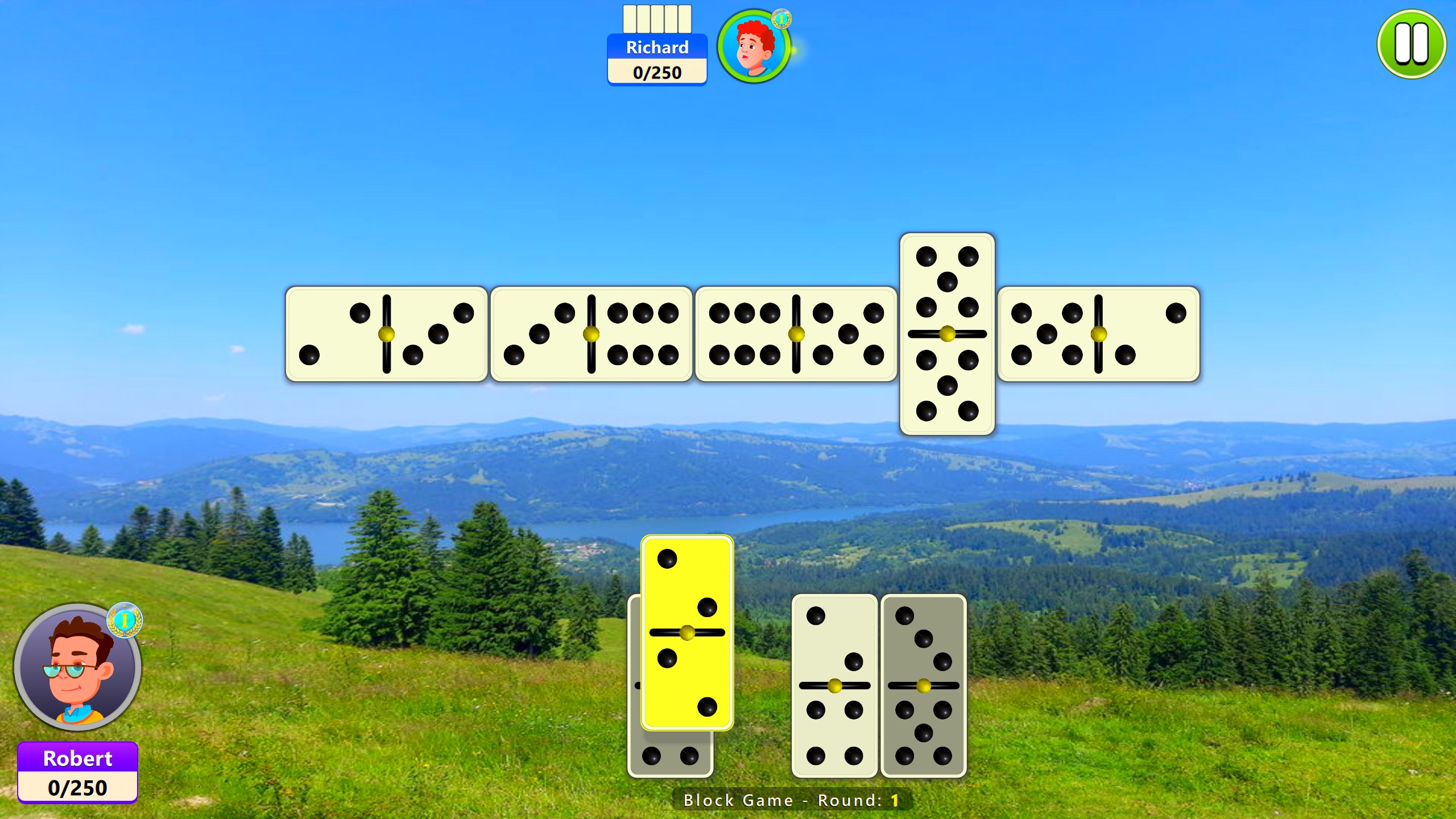
The app scores highly on usability. Navigating menus is as easy as dragging domino tiles across the table—minimal fuss, maximum convenience. The graphics are crisp, with well-animated tiles that settle onto the board with satisfying sounds, giving a tactile feel despite being digital. Responsiveness is another highlight; even on modest hardware, the game runs smoothly without lag, allowing for uninterrupted gameplay. The learning curve is gentle, with clear prompts and optional tutorials that help newcomers quickly get up to speed.
Game Modes and AI Intellect
What sets this domino app apart from other digital versions is its blend of variety and intelligence. The multiple game modes cater to different moods—whether you want a quick round, a competitive multiplayer match, or a relaxing solo session. The AI opponents are surprisingly clever; they adapt their strategies as the game progresses, pushing you to think ahead or take bold risks. This feature makes it more than just a simple digital replay of a game you could play on paper; it's an interactive challenge that sharpens your tactics with each round.
The Unique Selling Points: Why This App Stands Out
While many digital domino games are available, Dominoes Board Game for Windows offers notable advantages. Its most distinctive feature is the highly customizable game settings, allowing players to modify rules such as blocking, scoring, or tile distribution—akin to having a personal game master tailoring rules to your liking. Coupled with adaptive AI that provides a real challenge, these aspects ensure that no two games are alike. Additionally, the clean interface paired with responsive controls makes for an experience that feels natural and inviting—a true digital analogue to a friendly game around a table.
Final Verdict and Recommendations
This application is well-suited for casual gamers who want a reliable, enjoyable domino experience without unnecessary clutter or complexity. It's particularly ideal for players interested in experimenting with different game rules or seeking an accessible platform to practice strategies.
While it may not replace the depth offered by dedicated physical gameplay for advanced players, it strikes a fine balance between simplicity and challenge, making it a worthwhile download for anyone interested in classic board games. I recommend giving it a try if you're looking for a polished, beginner-friendly digital domino platform that offers enough depth to keep you coming back.
Pros
- Intuitive and user-friendly interface
- Supports multiplayer mode for real-time gameplay
- Customizable game rules and settings
- High-quality graphics and animations
- Regular updates and bug fixes
Cons
- Limited single-player AI difficulty levels
- Occasional connectivity issues during online matches
- Customization options are somewhat basic
- Tutorials are minimal for new players
- App size is relatively large, leading to longer download time











