




- Name Domino Royale
- Category Card & board
- Available on PC, Mobile, Surface Hub
- OS Windows 10 version 10240.0 or higher
- DirectX Version 10
- languages English (United States)
Introducing Domino Royale for Windows: A Fresh Take on Classic Domino Gaming
Domino Royale for Windows by North Sky Games is a digital adaptation of the timeless domino game, aiming to bring the lively, strategic gameplay of traditional dominoes directly to your computer with modern polish and convenience.
Made by North Sky Games: A Team Dedicated to Casual Gaming Excellence
Developed by North Sky Games, a team renowned for creating engaging and user-friendly mobile and desktop casual games, Domino Royale captures their commitment to delivering fun yet simple gaming experiences accessible to all ages.
Key Features That Make Domino Royale Stand Out
- Multiple game modes including Classic, Challenge, and Multiplayer, catering to both casual players and competitive strategists.
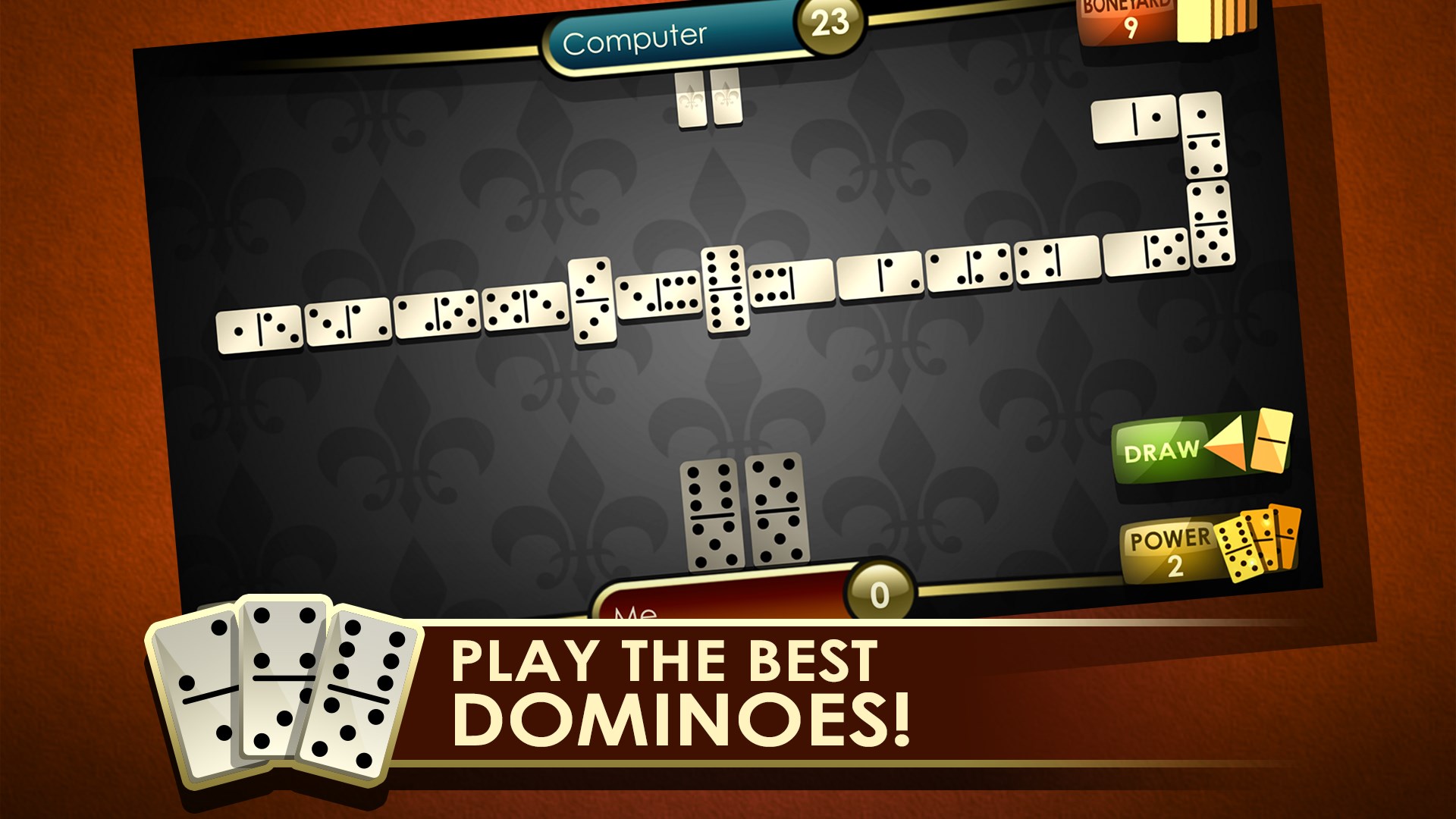
- Intuitive and visually appealing interface that simplifies gameplay without sacrificing depth.
- Seamless online multiplayer capabilities, allowing players worldwide to connect and duel in real-time.
- Customizable themes and domino sets adding a personalized touch to the gaming experience.
A Puzzle in Motion: Dive into the World of Domino Royale
Imagine yourself settling into a cozy nook on a rainy afternoon, sliding domino tiles across the table with a satisfying click. Now, picture that experience captured on your screen, vibrant and interactive—Domino Royale offers just that, but with the added thrill of digital convenience. Its elegant design and smooth gameplay make it easy to lose track of time as you strategize and compete, whether solo or against friends around the globe.
Core Functionality 1: Authentic Gameplay with Multiple Modes
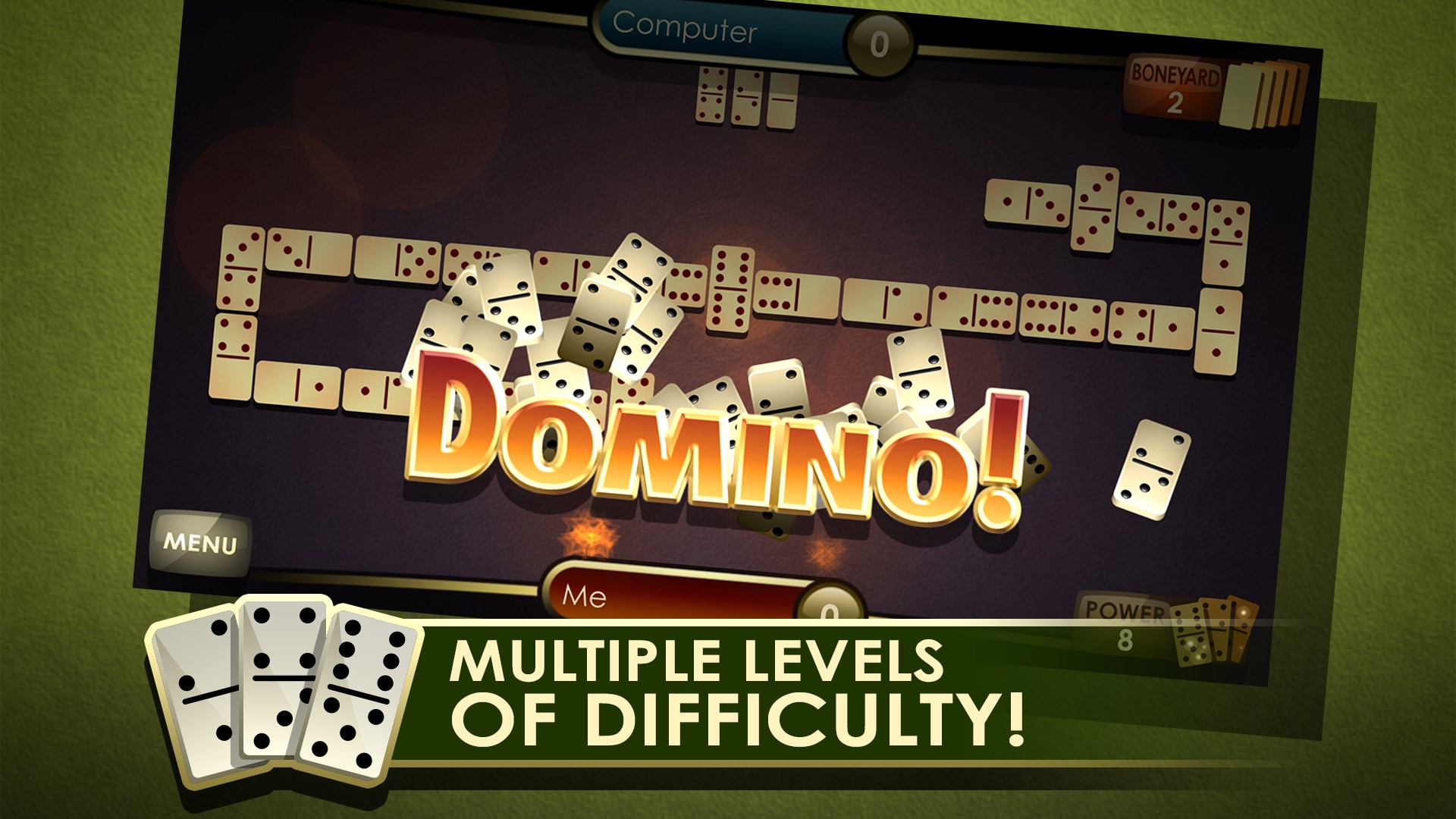
At the heart of Domino Royale is its commitment to recreating the authentic domino experience. The Classic mode faithfully imitates traditional gameplay, where players aim to match and strategically block their opponent. Challenge mode introduces unique puzzles, requiring creative tactics to win, akin to solving a mini brain teaser. For those craving social interactions, the multiplayer mode invites real-time duels, featuring simple matchmaking that gets you into a game quickly—perfect for a quick break or a competitive evening.
Core Functionality 2: User Interface and Learning Curve
From the moment you start up Domino Royale, you'll notice its clean, inviting interface—think of a neat, well-organized library where everything is just a click away. The game offers tutorial prompts and tooltips, making it accessible for new players, yet seasoned domino enthusiasts will find the mechanics familiar enough not to feel oversimplified. Moving tiles feels fluid, with responsive controls that allow for quick decision-making, supporting a smooth gaming experience. The design strikes a good balance—easy to navigate for beginners, but also offering depth for those looking to master strategic plays.
Unique Selling Points: How It Differentiates from Peers
What truly sets Domino Royale apart is its combination of classic gameplay with versatile, customizable features. Unlike many traditional domino apps that stick to one mode, this game offers variety—be it solo challenges or multiplayer matches—plus personalization options like custom themes and domino sets. Additionally, its online multiplayer is designed for stability and low latency, ensuring that real-time duels are fair and enjoyable, a feature sometimes lacking in similar apps. This blend of simplicity, flexibility, and smooth online play makes Domino Royale a compelling choice for both casual players and competitive domino fans.
Final Verdict: A Solid Choice for Domino Enthusiasts
Domino Royale for Windows is more than just a digital version of a classic game—it's a thoughtfully crafted platform that respects tradition while embracing modern technology. Its most compelling features—diverse modes and seamless online multiplayer—highlight its core strengths. For casual gamers looking for a quick puzzle fix or competitive players eager for a strategic duel, this app offers a balanced and engaging experience. I recommend giving it a try if you're seeking a straightforward, yet deep domino game on your desktop. It's particularly suitable for those who appreciate polished design and versatility in gameplay options.
Pros
- Engaging gameplay with challenging levels
- Smooth and responsive controls
- Visually appealing graphics and animations
- Regular updates with new levels and features
- Offline mode support
Cons
- Limited tutorial for new players
- Occasional ads interruptions
- Battery consumption can be high on some devices
- Some levels may be overly difficult for casual players
- Limited customization options for game themes











