

- Name Dolby Access
- Category Entertainment
- Available on PC, Xbox console
- OS Windows 11 version 22000.0 or higher
- Keyboard Not specified
- Mouse Not specified
- languages Chinese (Simplified), Chinese (Traditional), English (United States), French, German, Italian, Japanese, Korean , Norwegian (Bokmål), Portuguese (Brazil), Russian, Spanish (Spain), Ukrainian
Introducing Dolby Access for Windows
Dolby Access for Windows is a dedicated application that brings the premium sound experience of Dolby Atmos directly to your PC, aiming to transform the way you hear and enjoy media content at home or on the go.
Developed by Dolby Laboratories
Created by the renowned Dolby Laboratories, a pioneer in audio technology innovation, this app ensures users get authentic Dolby Atmos immersion with ease of use.
Key Features Highlights
- Seamless Dolby Atmos setup for compatible hardware and content
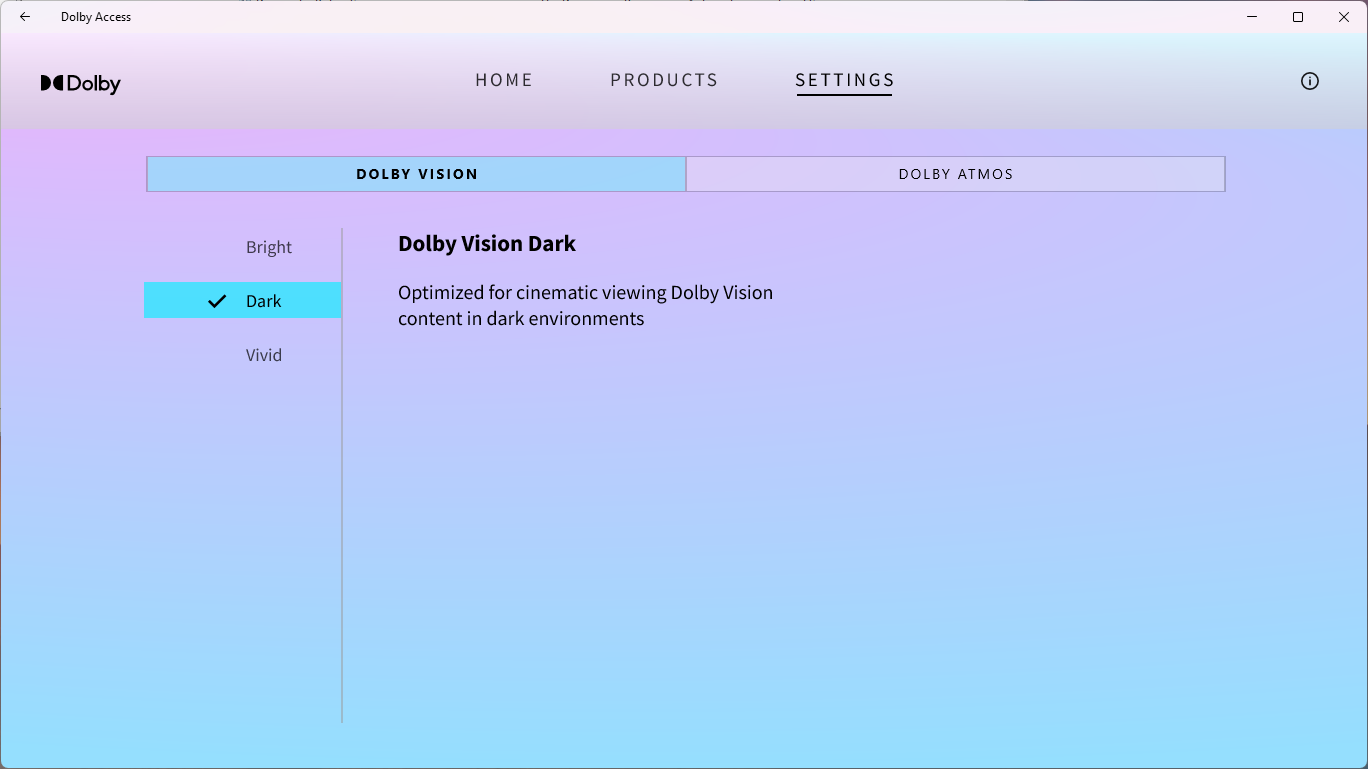
- Personalized sound calibration to optimize audio based on your environment
- Access to a curated library of Dolby Atmos-supported movies and apps
- Automatic updates to enhance features and improve stability
Target Audience
This app is tailored for audiophiles, gamers, and home entertainment enthusiasts seeking a premium surround sound experience, as well as casual users who want to effortlessly elevate their media consumption without complicated configurations.
Vivid First Impressions
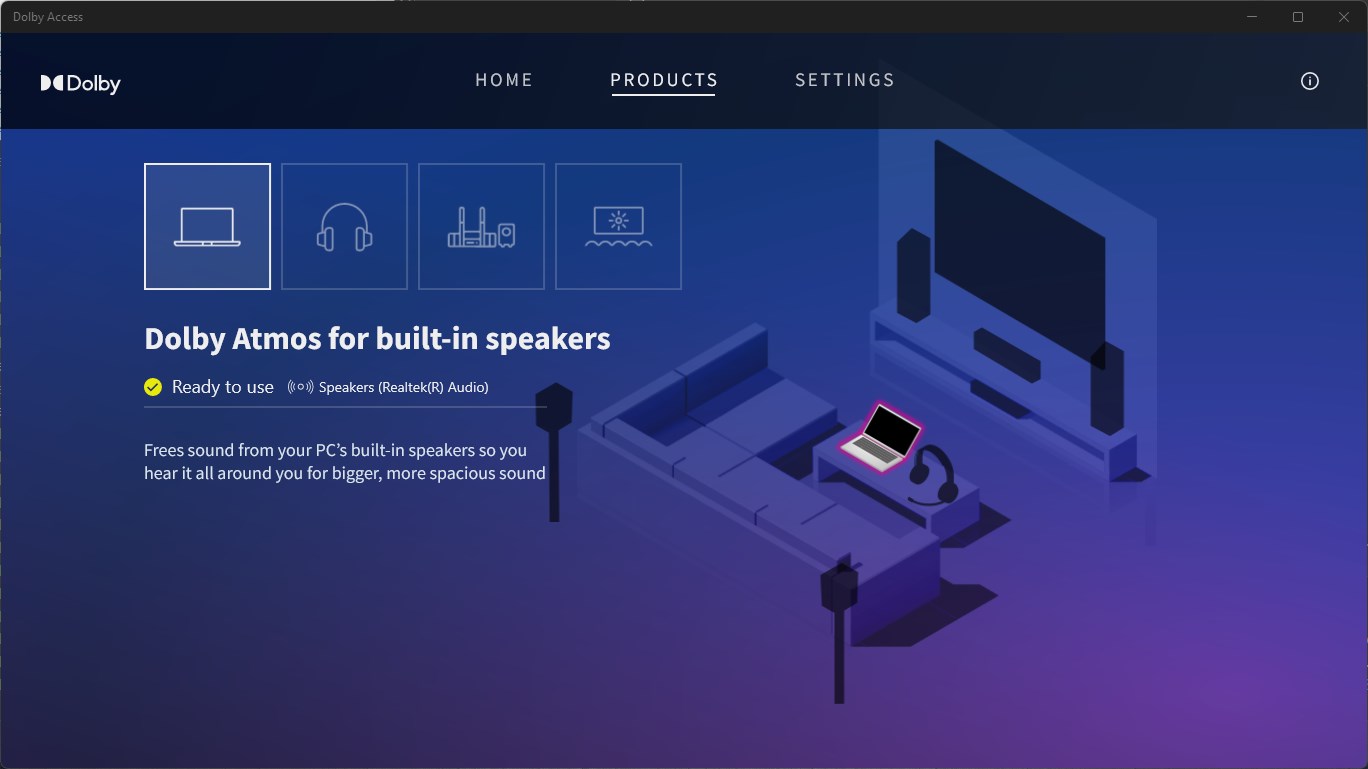
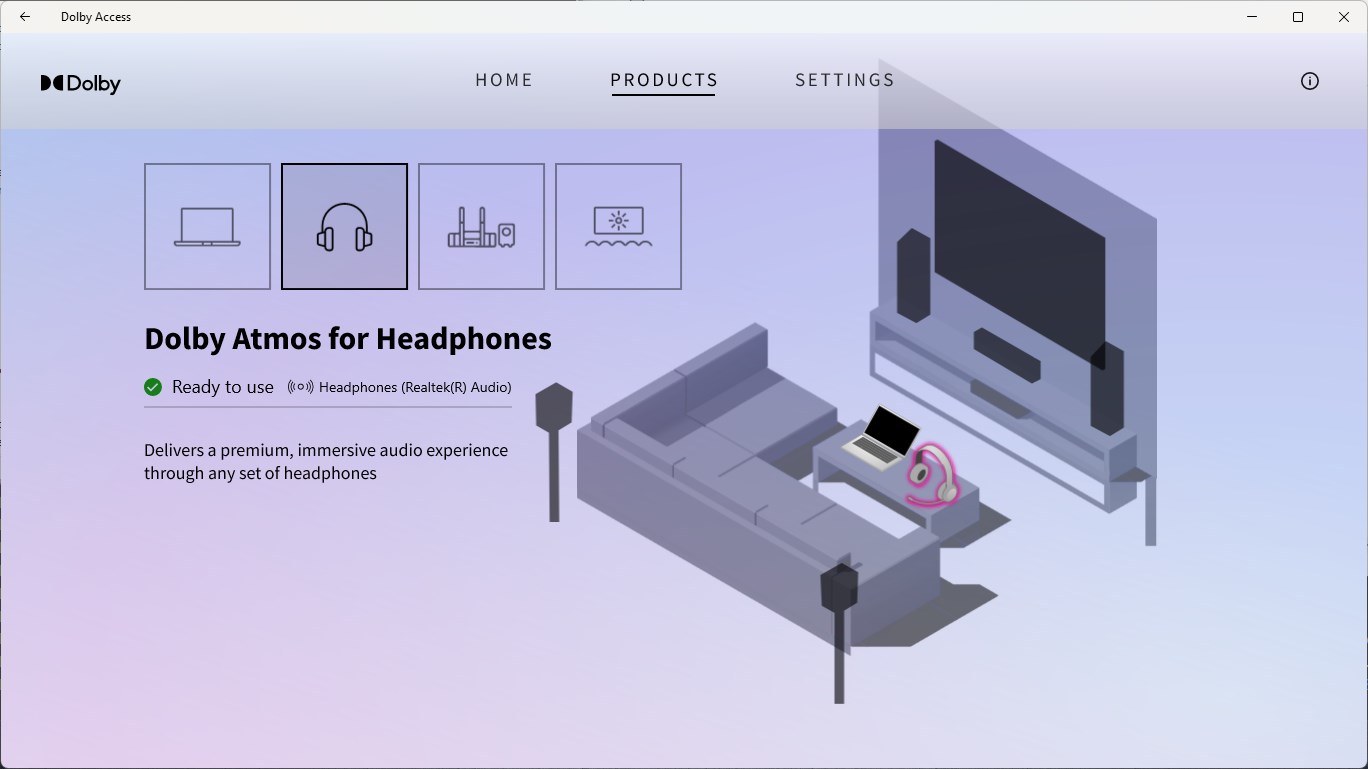
Imagine upgrading your average TV audio to a concert hall experience or turning your headphones into a cinematic portal — Dolby Access promises to do just that. The interface is clean and inviting, like stepping into a cozy, high-tech stereo shop, where intuitive navigation makes exploring its features a breeze. Whether you're a tech novice or a seasoned audiophile, you'll find its learning curve gentle, making it easy to start appreciating Dolby Atmos right away.
Core Functionality Deep Dive
Dolby Atmos Setup and Content Access
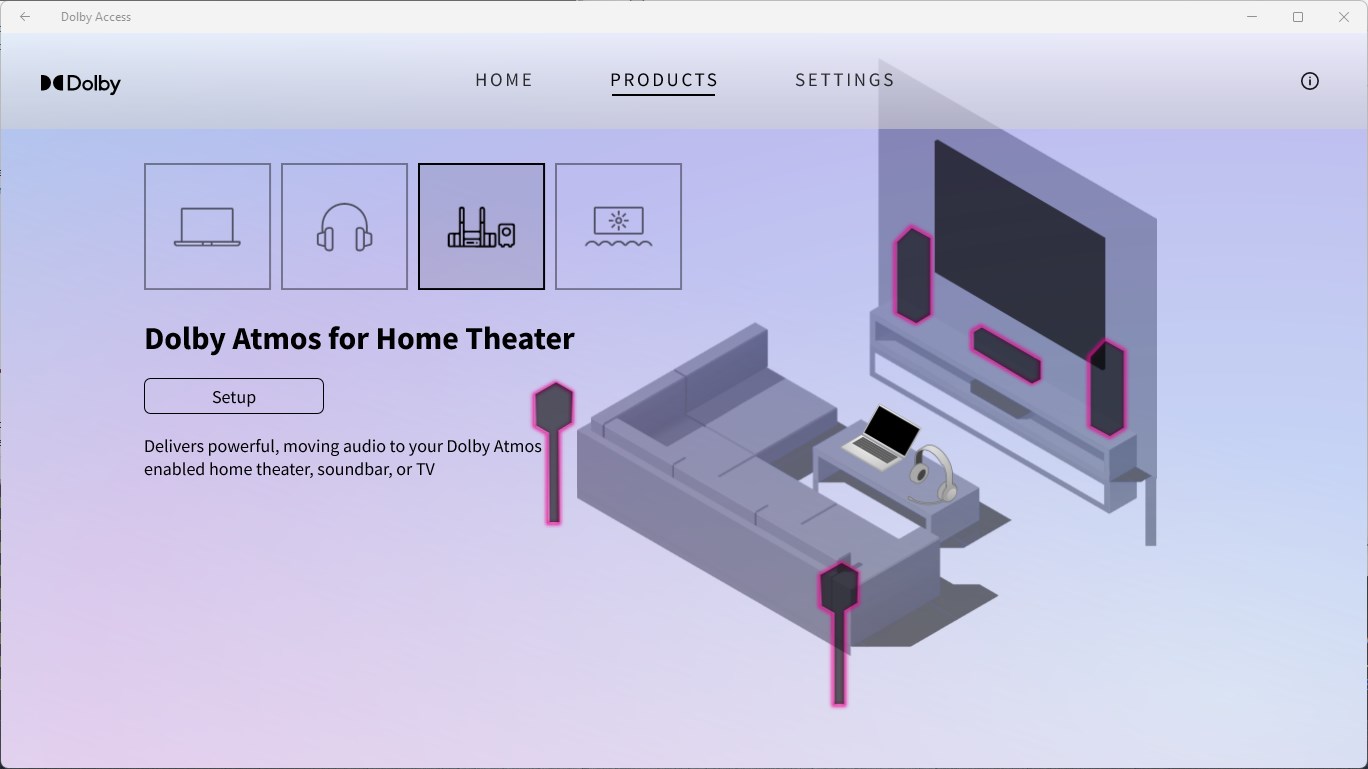
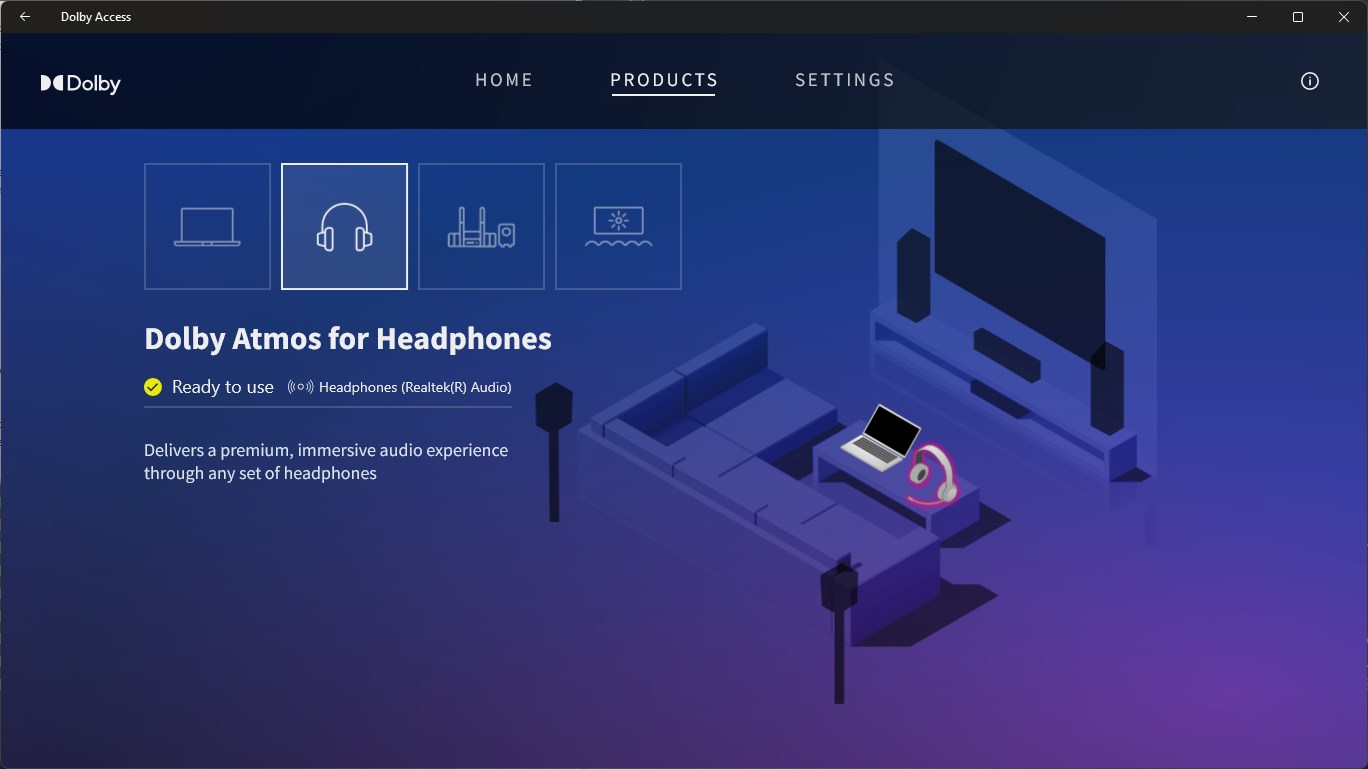
The app excels at guiding users through the setup process, whether you're connecting compatible soundbars, home theater systems, or even headphones capable of Dolby Atmos. The step-by-step instructions are clear and straightforward, akin to having a friendly tech expert by your side. Once configured, users gain access to a library of streaming services and apps that support Dolby Atmos, unlocking a richer, more immersive audio experience across your favorite movies and music. This level of integration provides a real convenience, saving time and effort compared to manual setups or third-party solutions.
Personalized Sound Calibration
One of the app's standout features is its ability to tailor the audio profile to your environment. Using the microphone on your device, Dolby Access performs a quick sound test and automatically adjusts settings to optimize clarity, bass, and spatial accuracy. Think of it as having a sound engineer tuning your room for perfect acoustics. This dynamic adjustment enhances your overall experience, whether you're gaming or watching a blockbuster film, ensuring that every note and effect hits just right.
Content Discovery and Recommendation
Compared to other entertainment apps, Dolby Access differentiates itself with intelligent content suggestions. The app actively assesses your content preferences and recommends Dolby Atmos-enabled titles that align with your taste, improving content discovery algorithms. This personalized approach ensures you're not overwhelmed with irrelevant options, making your journey into immersive audio both satisfying and effortless. Additionally, it critiques its recommendation relevance regularly, refining suggestions as you explore more content, which keeps the experience fresh and engaging.
Overall Experience and Recommendations
Dolby Access offers a polished, user-friendly interface that demystifies high-end audio enhancement. Its core strengths — seamless setup, personalized calibration, and smart content recommendations — make it a go-to companion for anyone serious about elevating their audio experience on Windows. While it may not provide standalone sound processing (requiring compatible hardware), it does well to bridge the gap between mainstream media consumption and professional-grade sound quality.
For those with compatible devices or looking to transform their media experience, I would recommend giving Dolby Access a try, especially if you value immersive sound and personalized content suggestions. Novice users will find it approachable, while audiophiles will appreciate its attention to detail in sound calibration and content relevance. Overall, this app is best thought of as a smart upgrade, turning everyday media into more engaging, theater-like experiences.
Pros
- Immersive Audio Experience
- User-Friendly Interface
- Wide Device Compatibility
- Regular Content Updates
- Enhanced Gaming Experience
Cons
- High System Requirements
- Limited Free Content
- Occasional Audio Latency Issues
- Setup Complexity for New Users
- App Stability Concerns











