

- Name Disney+
- Category Entertainment
- Available on PC, Xbox console
- OS Windows 10 version 19041.0 or higher
- languages Chinese (Simplified), Chinese (Traditional Chinese), Chinese (Traditional, Hong Kong SAR), Czech, Danish, Dutch, English, English (United Kingdom), Finnish, French, French (Canada), German, Greek, Hungarian, Italian, Japanese, Korean, Norwegian, Polish, Portuguese (Brazil), Portuguese (Portugal), Romanian, Slovak, Spanish (Latin America), Spanish (Spain), Swedish, Turkish
Introducing Disney+ for Windows: A Fresh Take on Streaming Entertainment
Disney+ for Windows stands out as a straightforward yet immersive streaming app, bringing a universe of beloved movies, shows, and exclusive content directly to your desktop. Developed by Disney, this application aims to deliver a seamless entertainment experience tailored for Windows users looking to access their favorite Disney content with ease and clarity.
Core Features That Make Disney+ for Windows Shine
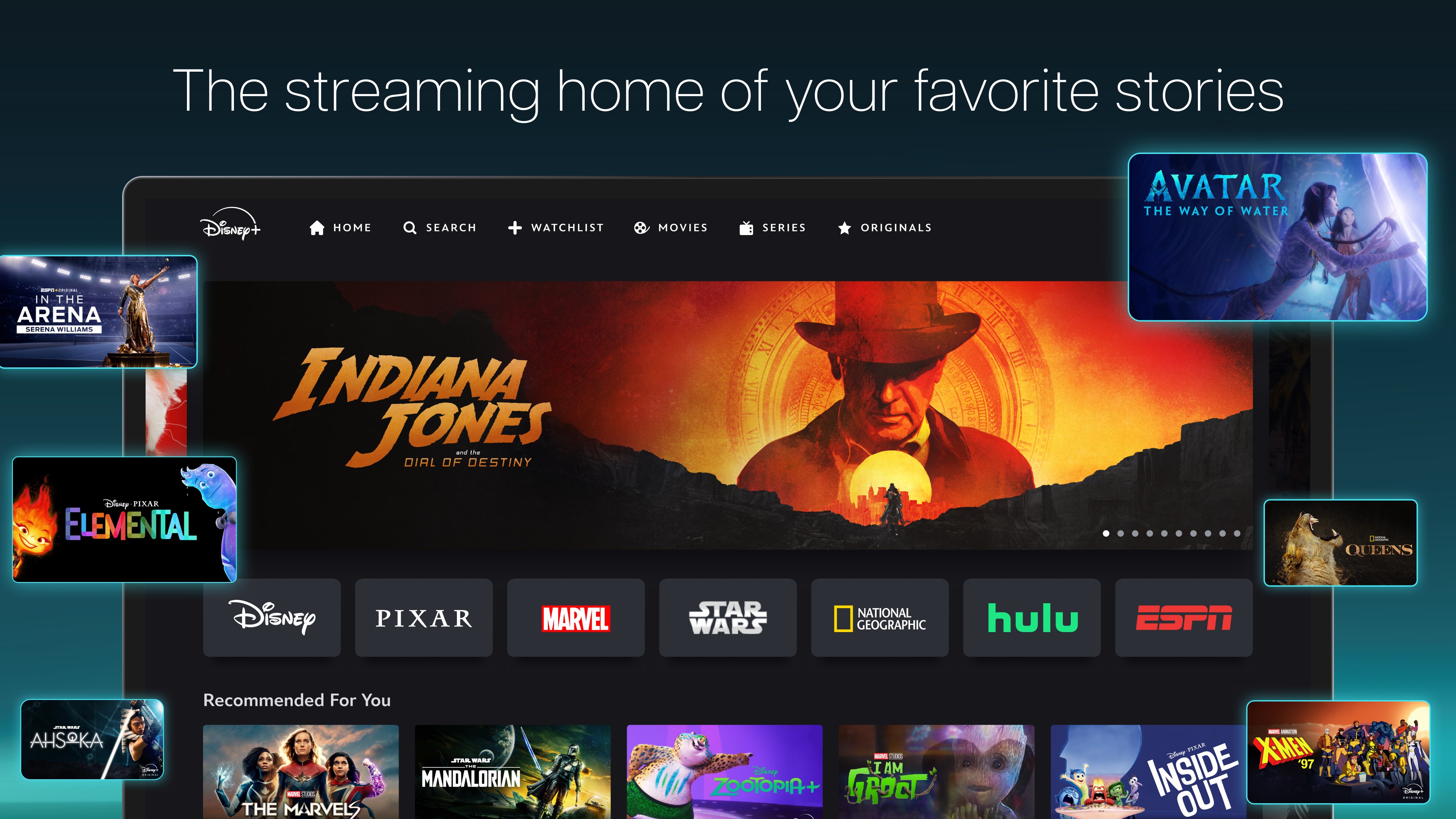
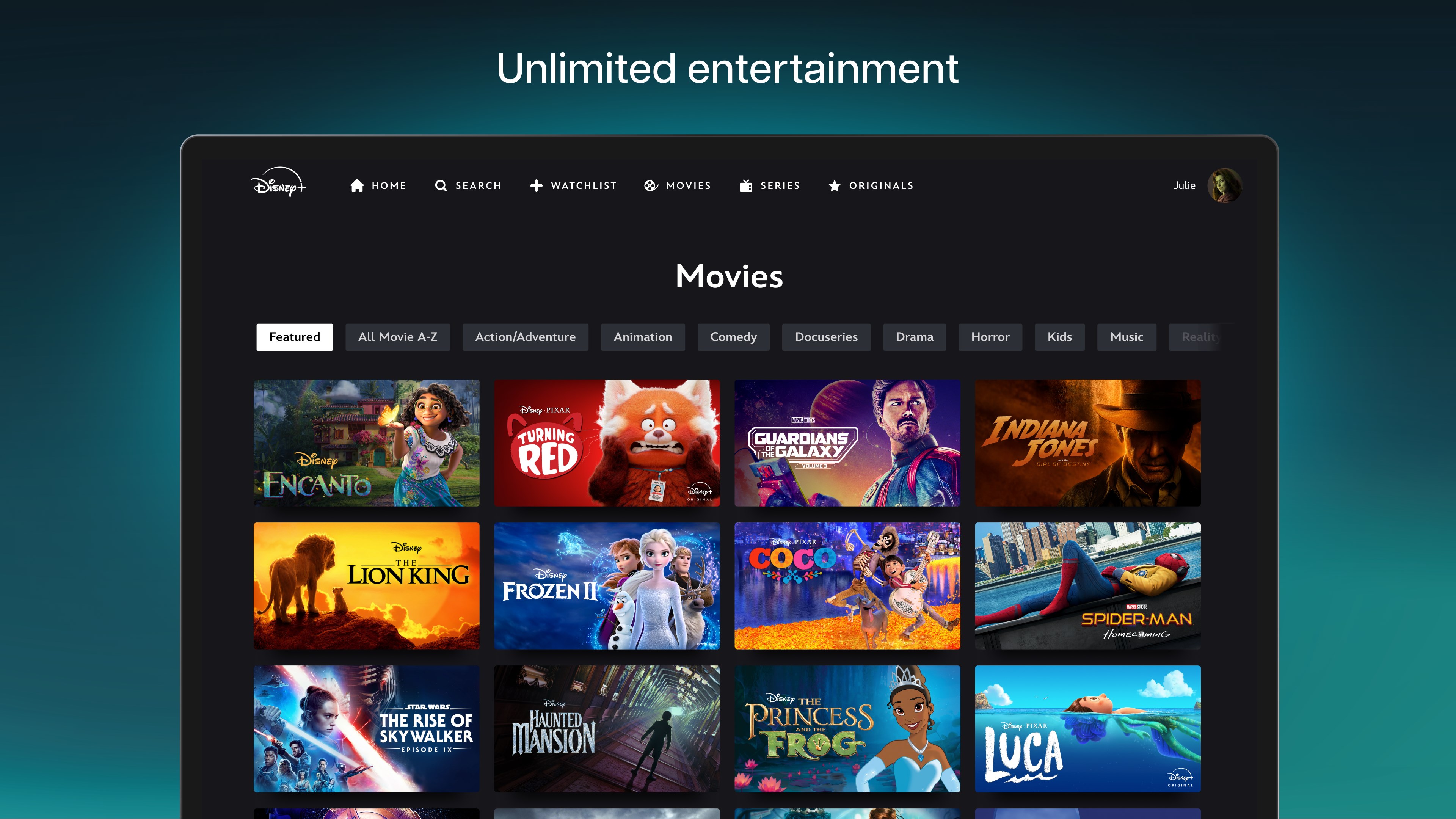
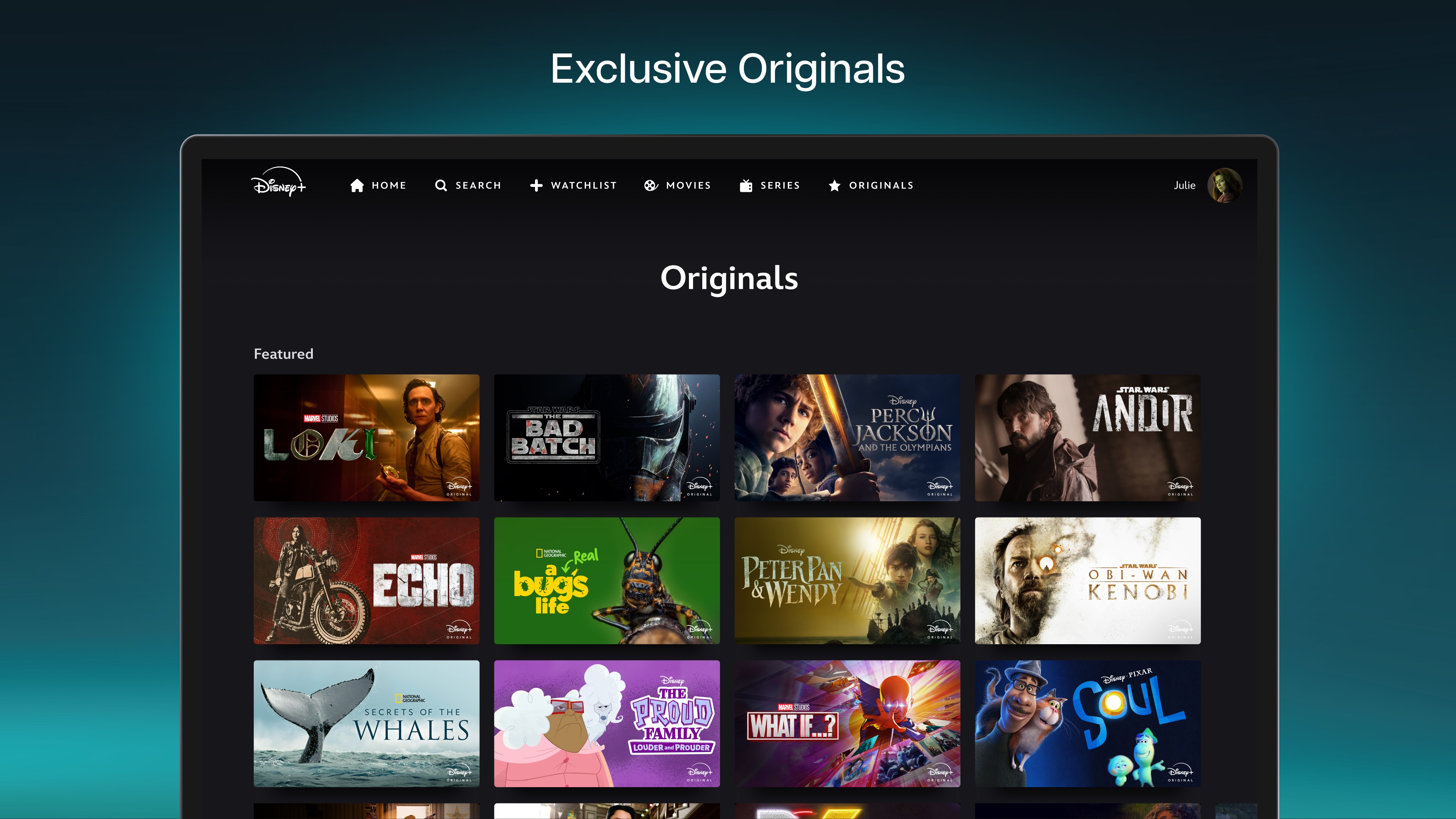
1. **Robust Content Library & Curated Collections**: Dive into a vast array of Disney classics, Marvel blockbusters, Star Wars epics, and National Geographic documentaries, all curated into easy-to-navigate categories.
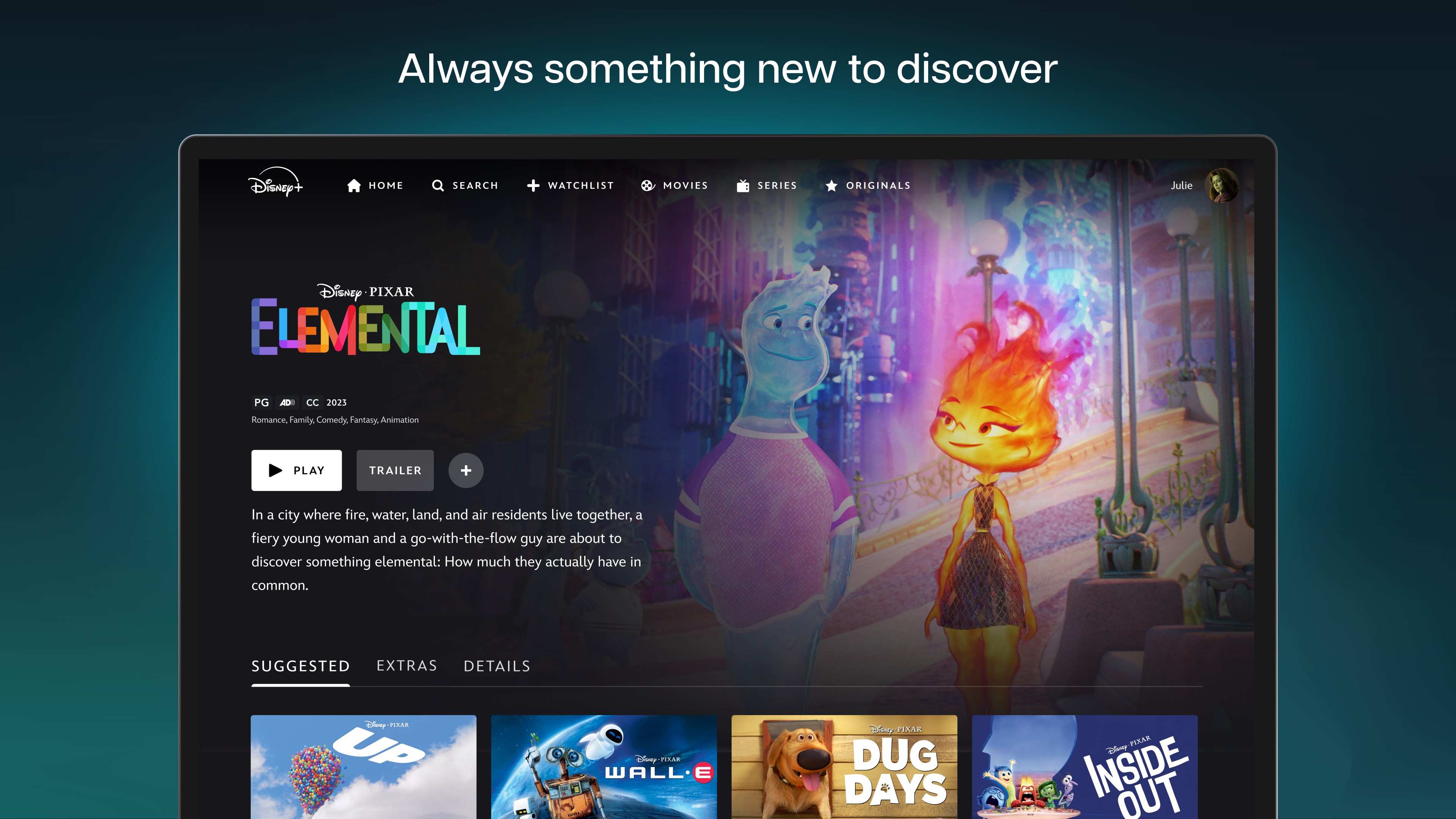
2. **Personalized Content Recommendations**: Leveraging Disney's sophisticated algorithm, the app suggests shows and movies based on your viewing history, making discovery both effortless and tailored.
3. **Offline Viewing & Download Options**: For those on the move or with limited connectivity, download your favorite titles to enjoy offline, transforming any place into your personal cinema.
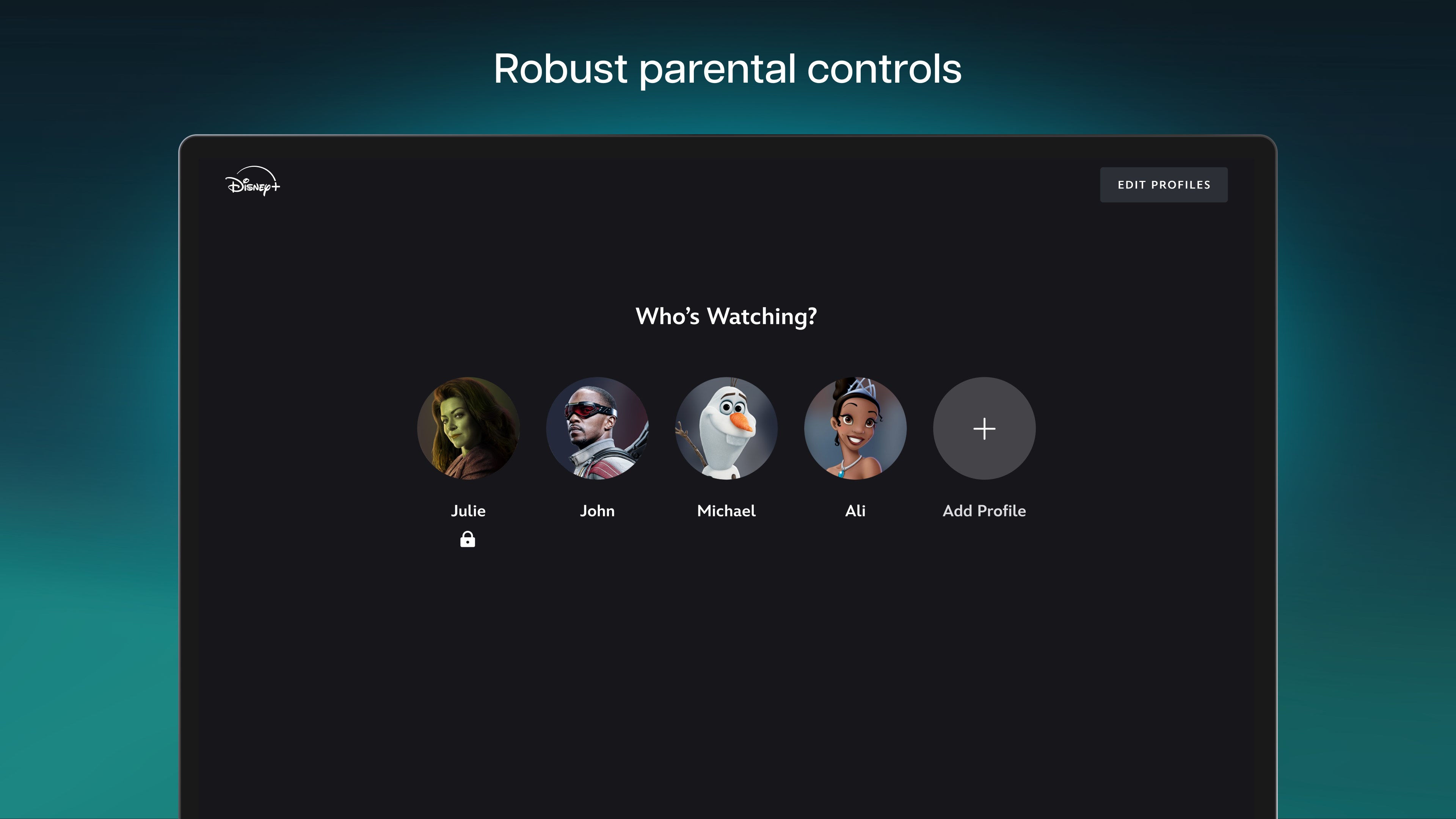
4. **Multi-Device Sync & Profiles**: Support for multiple profiles ensures family members can have personalized recommendations and watchlists, with sync capabilities across devices for a consistent experience.
Experience the Magic: An In-Depth Look
Imagine opening a portal on your Windows screen into a world where childhood memories and new adventures intertwine seamlessly—that's the promise of Disney+ for Windows. The user interface is both inviting and intuitive, resembling a well-organized digital carousel of your favorite stories. Navigating through categories like “Marvel Adventures,” “Pixar Classics,” or “Nat Geo Explorations” feels like strolling through a themed amusement park—exciting and easy to browse.
Content Discovery and Recommendation Algorithms
One of Disney+ for Windows's most notable strengths is its content discovery engine. Unlike many competitors that rely heavily on generic algorithms, Disney employs a nuanced approach that considers your viewing patterns and preferences more deeply. For example, if you've recently watched sci-fi Marvel movies, the app's recommendations will lean towards related series, lesser-known Marvel titles, or new releases aligning with your taste. This refined personalization ensures users aren't bombarded with irrelevant content but are instead guided towards what truly resonates with their interests—making each session feel like a personal curator has handcrafted your watchlist.
User Experience: Design, Performance, and Learning Curve
The app boasts a clean, modern interface that balances aesthetics with functionality—think of it as a well-organized library where everything is at your fingertips. Smooth animations accompany transitions, and the app's responsiveness is impressive; scrolling through content feels fluid without noticeable lag. For new users, the learning curve is gentle. Navigating via menus and search functions requires minimal effort, making it accessible even for those less tech-savvy. Downloading titles for offline viewing is straightforward, accessible through a simple toggle, ensuring users can enjoy their favorite shows anytime, anywhere.
What Sets Disney+ Apart in the Streaming Crowd?
While many entertainment apps offer vast libraries, Disney+ for Windows distinguishes itself through its curated experience and tailored recommendations. Its advanced content discovery algorithm not only highlights popular titles but also intelligently suggests hidden gems aligned with your viewing habits. This personalized touch elevates the experience beyond mere content consumption—it's like having a dedicated entertainment concierge guiding you through your preferred genres, ensuring your viewing journey remains fresh and engaging over time.
Final Verdict and Recommendations
Disney+ for Windows is a thoughtfully designed application that caters well to Disney enthusiasts and casual viewers alike. Thanks to its intuitive interface, efficient performance, and intelligent content suggestions, it offers a polished and user-friendly experience. While it may not dramatically differ from its competitors in core functionalities, its personalized recommendation system stands out as particularly valuable for discovering new favorites without the hassle of endless scrolling.
For users who prioritize a dedicated Disney library with smart content discovery, this app deserves a strong recommendation. It's especially suitable for families and fans eager to keep everyone's favorite characters and stories close at hand, whether at home or on the go. For best results, try it out with a focus on its recommendation features to fully appreciate its curated magic.
Pros
- Extensive Content Library
- User-Friendly Interface
- Offline Download Feature
- Multiple Profile Support
- Exceptional Streaming Quality
Cons
- Limited Content Outside Disney
- App Performance Issues
- Regional Content Restrictions
- Limited Support for Older Devices
- Higher Subscription Cost











