

- Name Differences online: Find Object Game
- Category Card & board
- Developer Mini IT Ltd
- Available on PC, Mobile
- OS Windows 10 version 19041.0 or higher
- DirectX Version 10
- languages English (United States), French, German, Italian, Portuguese (Brazil), Portuguese (Portugal), Russian, Spanish
Discover the Engaging World of Object Finding with Differences Online
If you're a fan of casual puzzle games that challenge your observational skills, Differences Online: Find Object Game for Windows offers a charming and thoughtfully designed experience. It promises not just a simple hunt-and-find activity but a delightful journey through visually rich scenes and clever differentiation puzzles. Perfect for quick mental workouts or leisurely gaming sessions, this app positions itself as a versatile choice in the cluttered universe of matching and puzzle games.
About the App: A Quick Snapshot
Differences Online is a captivating object-finding game that turns the classic "spot the difference" concept into an interactive adventure. Developed by Mini IT Ltd and published by Brightika, Inc., the app is tailored for players seeking a fun yet challenging pastime. Its core appeal lies in beautifully crafted scenes, intuitive gameplay, and an emphasis on visual perception skills. The game targets casual gamers of all ages who enjoy quick puzzles that sharpen their attention to detail, making it suitable for both children and adults alike.
Easy to Play, Hard to Put Down
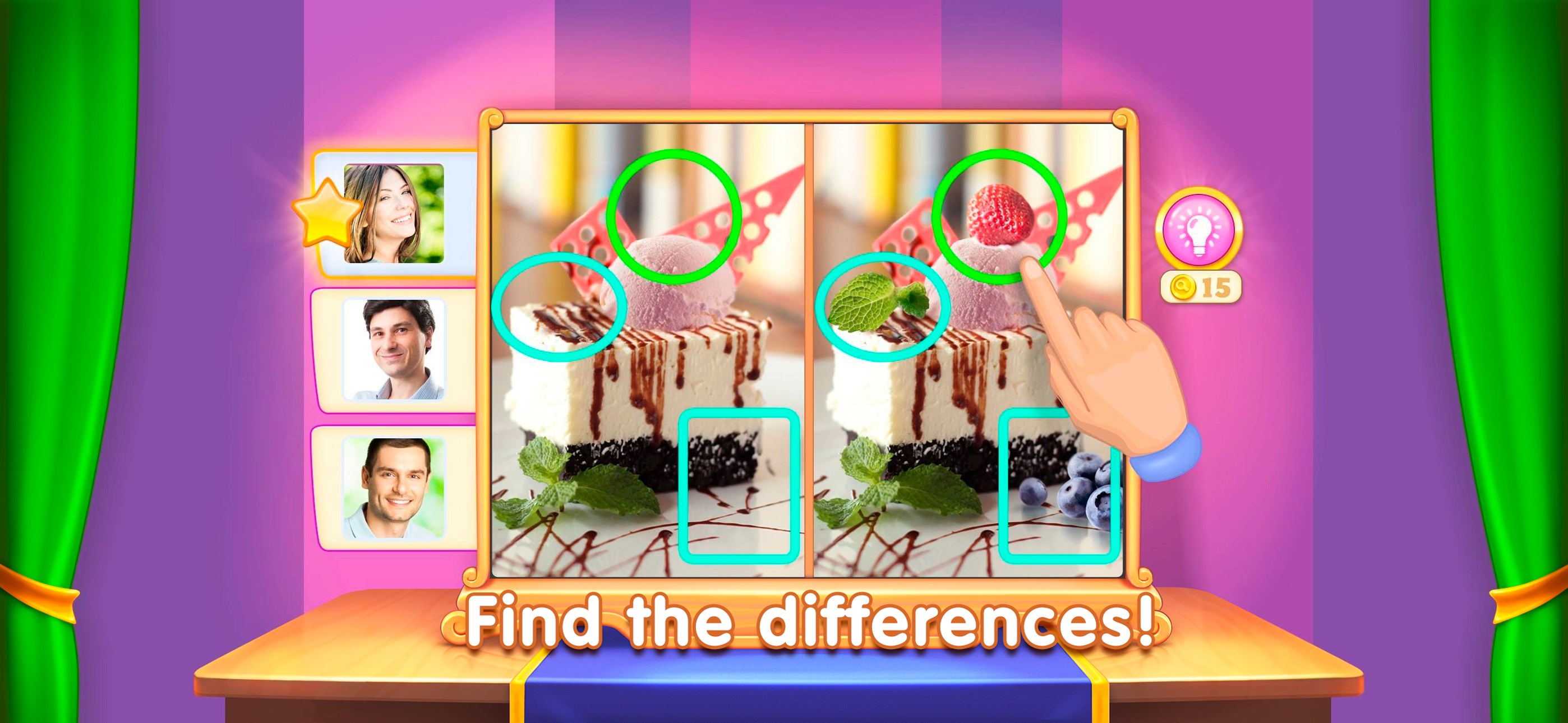
The game's primary strength is its user-friendly design. Upon launching, players are greeted with a series of vibrant, hand-drawn images depicting everyday scenes—from bustling city streets to serene nature settings. The objective? Spot the subtle differences between two seemingly identical images. The interface is clean, with minimal clutter, allowing players to dive right into the fun without a steep learning curve.
Core Features That Keep You Hooked
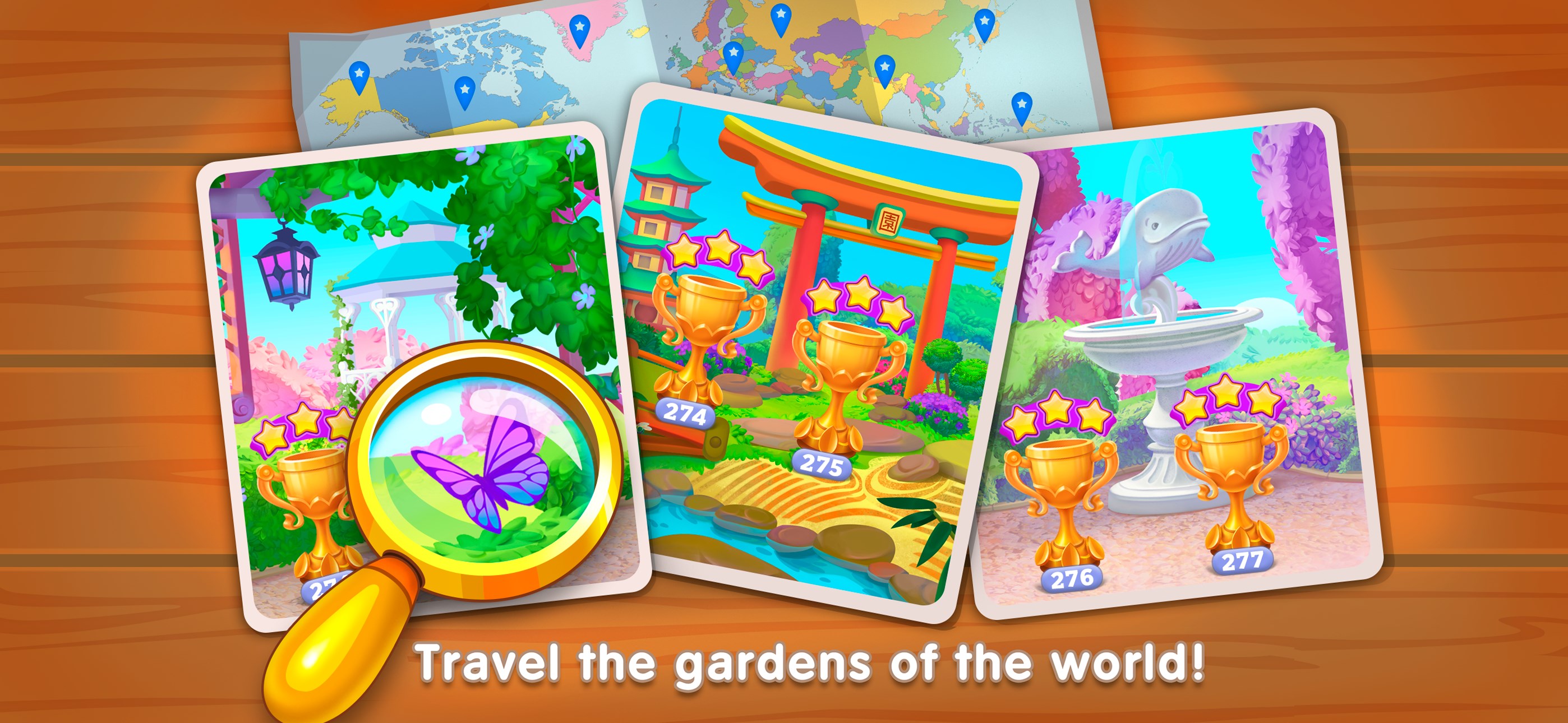
First and foremost, the app's most remarkable feature is its variety of scene categories. Each scene is crafted with high detail, encouraging players to scrutinize every corner for discrepancies. The game also incorporates multiple difficulty levels; as players progress, the differences become more nuanced, testing their keen observation skills to the limit.
Secondly, the app's hint system is a thoughtful addition. When stuck, players can use hints to highlight areas of interest, ensuring frustration doesn't overshadow fun. This feature particularly benefits casual users or children exploring their visual discrimination abilities for the first time.
Thirdly, Differences Online excels in its accessibility. It's designed to perform smoothly across a wide array of hardware, delivering seamless gameplay with minimal lag. Coupled with simple tap controls, the experience feels natural and responsive, making it ideal for quick sessions during breaks or long gaming marathons.
Design and User Experience: Visually Friendly and Accessible
The interface embodies a playful yet polished aesthetic, with colorful scene illustrations that draw the eye and invite exploration. Navigating through images is effortless—tap once to select a difference or to request a hint. The overall flow remains smooth, with no noticeable delays, ensuring players stay immersed in the experience. Learning how to play takes mere seconds, making the game accessible for younger users or newcomers to puzzle games.
While the app's simplicity is a strength, it doesn't sacrifice depth or challenge, providing an excellent balance for users seeking casual entertainment mixed with mental exercise. Its intuitive design encourages repeated play, as players enjoy spotting new differences or revisiting familiar scenes to improve their accuracy.
What Sets Differences Online Apart?
Compared to other card and board-style puzzle applications, Differences Online stands out through its combination of visual richness and layered difficulty. Its scene variety and the clever placement of differences—some quite subtle—differ markedly from more straightforward matching apps. Additionally, the game's focus on visual discrimination is different from traditional card games, offering a more immersive, scene-based experience rather than abstract symbols or tokens.
Another unique aspect is its adaptability. The game's multiple difficulty settings and scene themes cater to a wide audience, from children developing observation skills to adults seeking a quick mental refresh. This broad accessibility feels like a carefully curated gallery rather than a one-size-fits-all game, making it a distinctive choice among similar apps.
Would I Recommend This App?
Absolutely. Differences Online offers a well-rounded, visually appealing, and engaging experience perfect for brief but stimulating gaming moments. Its most notable strength—the variety of challenging yet approachable scenes—makes it stand out in this genre. I suggest it for anyone looking to sharpen their attention to detail or just unwind with a relaxing puzzle game. It's especially suitable for casual players who prefer a smooth, distraction-free interface with an intuitive gameplay flow. Whether you're killing time or seeking a leisurely mental workout, this app proves to be a reliable and enjoyable companion.
Pros
- Engaging gameplay
- Simple and intuitive interface
- Variety of object types
- Progress tracking features
- Offline mode available
Cons
- Limited difficulty levels
- Occasional lag or freezing issues
- Sparse tutorial content
- Limited customization options
- Ads interrupt gameplay occasionally











