
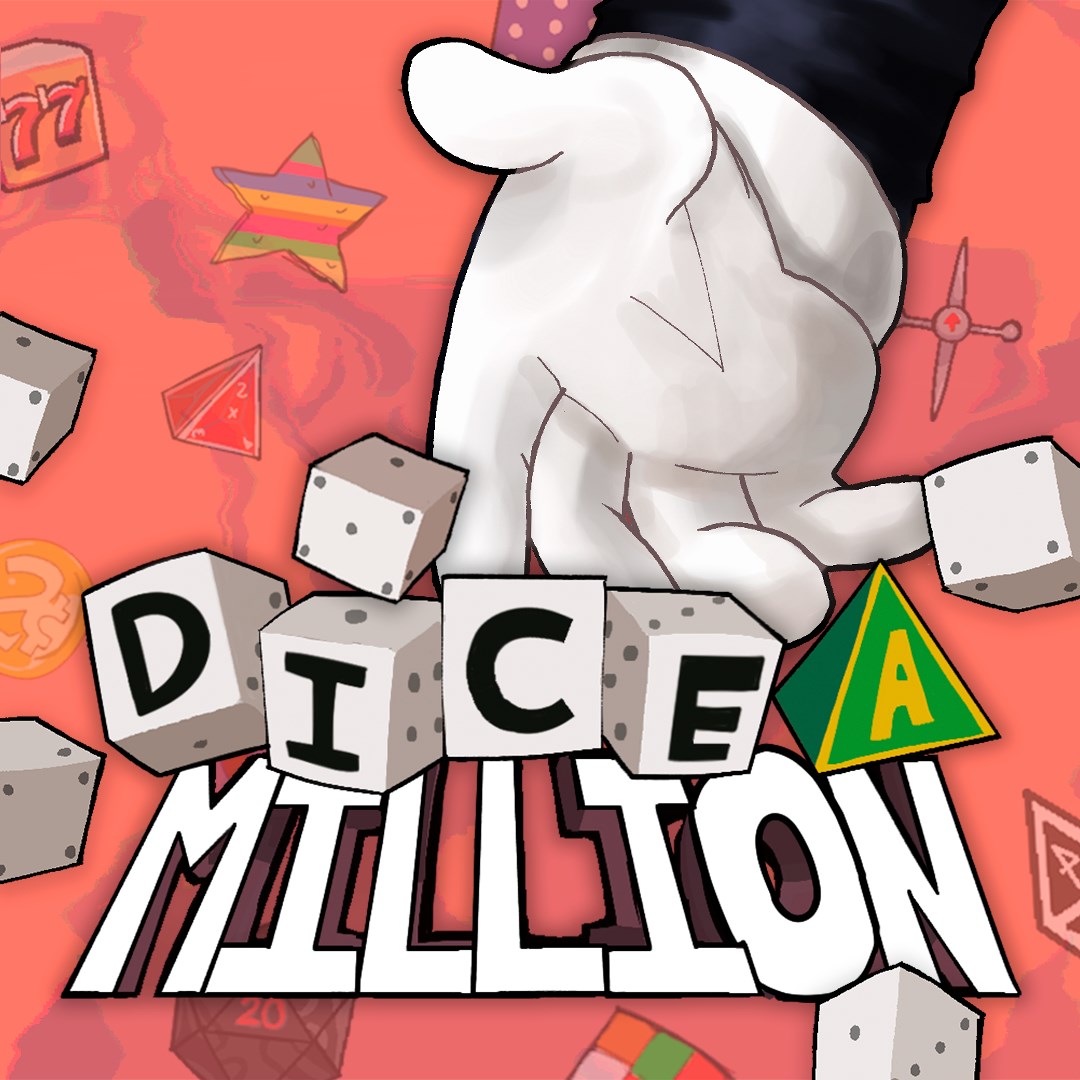
- Name Dice A Million
- Category Card & board
Overview: A Modern Twist on Classic Dice Games
Dice A Million for Windows is an engaging digital adaptation of traditional die games, blending nostalgic mechanics with contemporary design to provide an accessible and entertaining experience for players of all ages. Developed by 2 Left Thumbs, this app aims to bring the simple joy of dice rolling into the digital space with added layers of fun and challenge.
Developer and Core Features
Produced by 2 Left Thumbs, a team known for creating intuitive and polished casual games, Dice A Million emphasizes straightforward gameplay with depth. Its key features include:
- Multiple Game Modes: Offering diverse gameplay variants to keep players hooked, from classic dice rolls to strategic scoring challenges.
- Personalized Customization: Users can customize their dice and game themes, adding a personal touch to each session.
- Online Leaderboards & Achievements: Facilitating friendly competition and replayability by tracking scores globally and locally.
- Offline Play Support: Enjoyable anytime, anywhere—no internet required.
Bright Beginnings: A Colorful & Intuitive Interface
Upon launching Dice A Million, players are greeted with vibrant, lively visuals that evoke the feeling of a casual game night. The interface is thoughtfully designed, with clear icons and smooth animations that make navigation feel effortless. Whether you're a seasoned dice gamer or a casual player, the intuitive layout helps you jump right into action without confusion.
The game's menu is neatly organized into game modes, settings, and leaderboards, ensuring a seamless experience. Transitioning between screens is buttery smooth, reflecting polished development work. The interface also adapts well to different screen sizes, making it equally enjoyable on larger monitors or smaller laptop displays.
Core Gameplay Mechanics: Fun, Fast, and Flexible
Classic Dice Rolling with Strategic Depth
The heart of Dice A Million lies in its dice rolling mechanic, which is grounded in familiar rules but enriched with dynamic scoring systems. The game incorporates multiple dice types, allowing for varied combinations and strategies. For example, players can aim for specific patterns or high totals, making each roll an exciting gamble reminiscent of traditional board games but with a swift digital twist.
Challenge Modes and Customization
Beyond standard gameplay, the app offers special challenge modes—such as timed rounds or achievement quests—that add a layer of complexity and replay value. Customization options enable players to change the appearance of their dice and backgrounds, fostering a personal connection. This personalization not only makes the game more appealing but also encourages players to experiment and find their favorite visual style.
Unique Advantages & User Experience
Compared to other card and board game apps, Dice A Million stands out with its blend of simplicity and depth. A particularly compelling feature is its "Multiplier Dice" system—this is where the game introduces special dice that can multiply scores or trigger bonus rounds, adding a strategic twist and elevating the gameplay beyond mere luck. This feature transforms an ordinary dice game into a dynamic experience that rewards careful risk management.
The app's learning curve is gentle; new players can jump right in, thanks to helpful tutorials and clear iconography. Experienced players will appreciate the subtle strategic layers and the competitive leaderboard system that keeps the game challenging and engaging. The smooth performance and quick load times further contribute to a polished user experience, ensuring that players spend more time enjoying the game than waiting around.
Recommendations & Final Thoughts
I would recommend Dice A Million to anyone seeking a lighthearted, engaging, and visually appealing digital dice game. It's perfect for quick gaming sessions, casual competitions with friends, or relaxing alone with a familiar yet fresh challenge. Its unique "Multiplier Dice" feature and extensive customization options are what make it particularly noteworthy among digital board games.
In summary, Dice A Million offers a delightful balance of accessible gameplay and strategic depth, all wrapped in a vibrant interface that invites repeated play. Whether you're a die-hard fan of traditional dice games or just looking for a fun way to pass time, this app deserves a spot on your Windows gaming lineup.
Pros
- User-friendly Interface
- Engaging Game Mechanics
- Regular Updates
- Free to Download and Play
- Good Visual Design
Cons
- Limited Game Modes
- Occasional Ads Interruptions
- Performance Issues on Some Devices
- Minimal In-game Help
- Limited Localization Options











