

- Name Crosshair V2
- Category Entertainment
- Developer CenterPoint
- Available on PC
- OS Windows 10 version 17763.0 or higher
- Keyboard Integrated Keyboard
- Mouse Integrated Mouse
- languages English (United States)
Introducing Crosshair V2 for Windows: An Essential Tool for Gamers and Precision Enthusiasts
Crosshair V2 for Windows by CenterPoint Gaming is a sleek, user-friendly application designed to enhance your gaming and precision tasks by overlaying customizable crosshairs and targeting aids directly onto your screen. Its focus on high-quality visuals and core functionality aims to meet the demands of gamers, streamers, and professionals seeking improved accuracy and visual clarity during intense moments.
Smooth and Intuitive User Experience
From the moment you launch Crosshair V2, it welcomes you with a clean, minimalistic interface that feels like a high-end cockpit dashboard—straightforward, modern, and clutter-free. Navigating through the settings is akin to flipping through a well-organized control panel, with options logically grouped to ensure a seamless experience. Installing and activating overlay features takes just a few clicks, allowing users to get into the action swiftly. During usage, the application demonstrates excellent operational fluidity; overlays are rendered smoothly without lag, even during fast-paced gaming sessions. The learning curve is gentle, making it accessible for both newcomers and experienced users looking for quick customization options.
Core Features That Stand Out
Highly Customizable Crosshairs
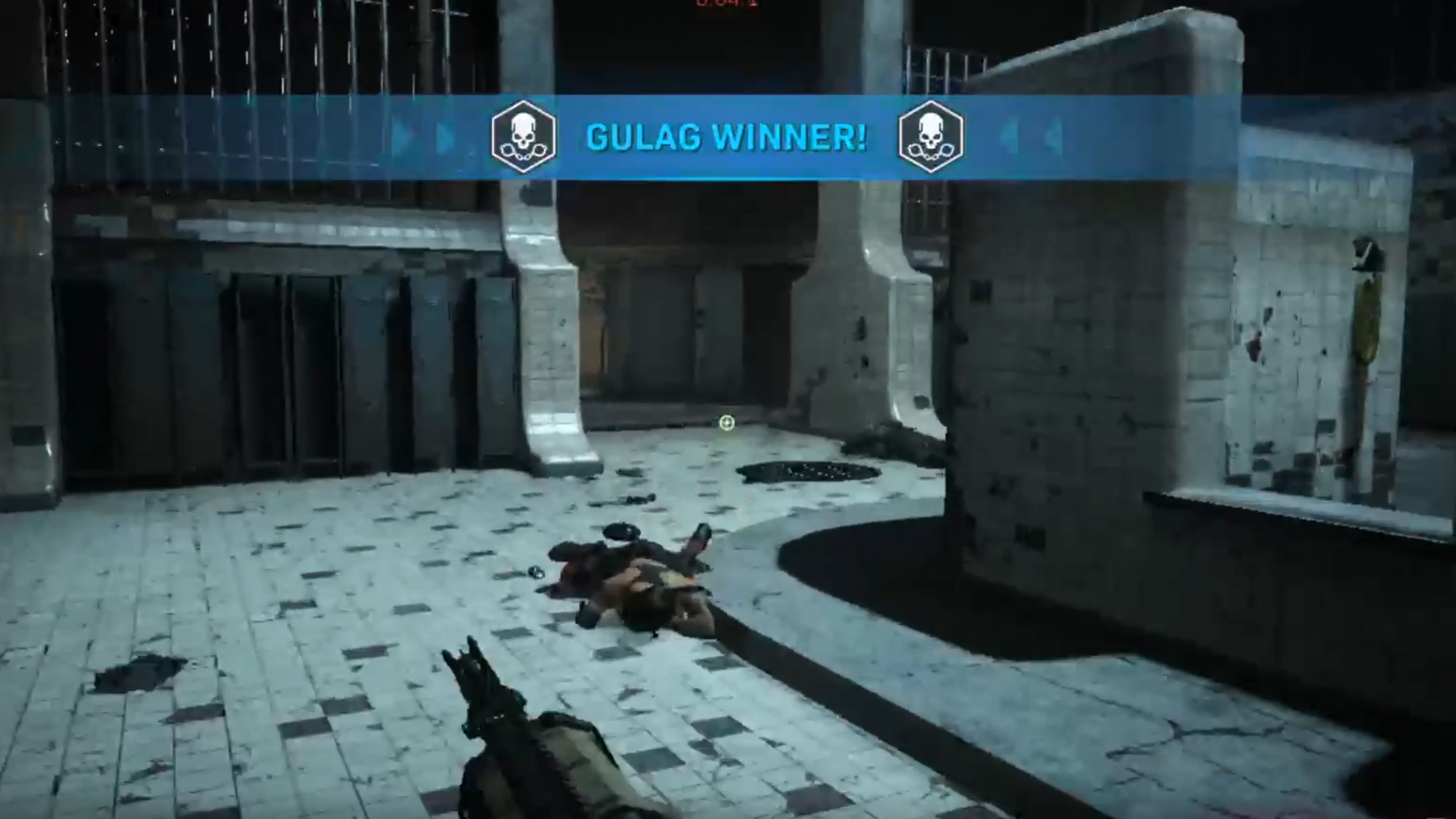
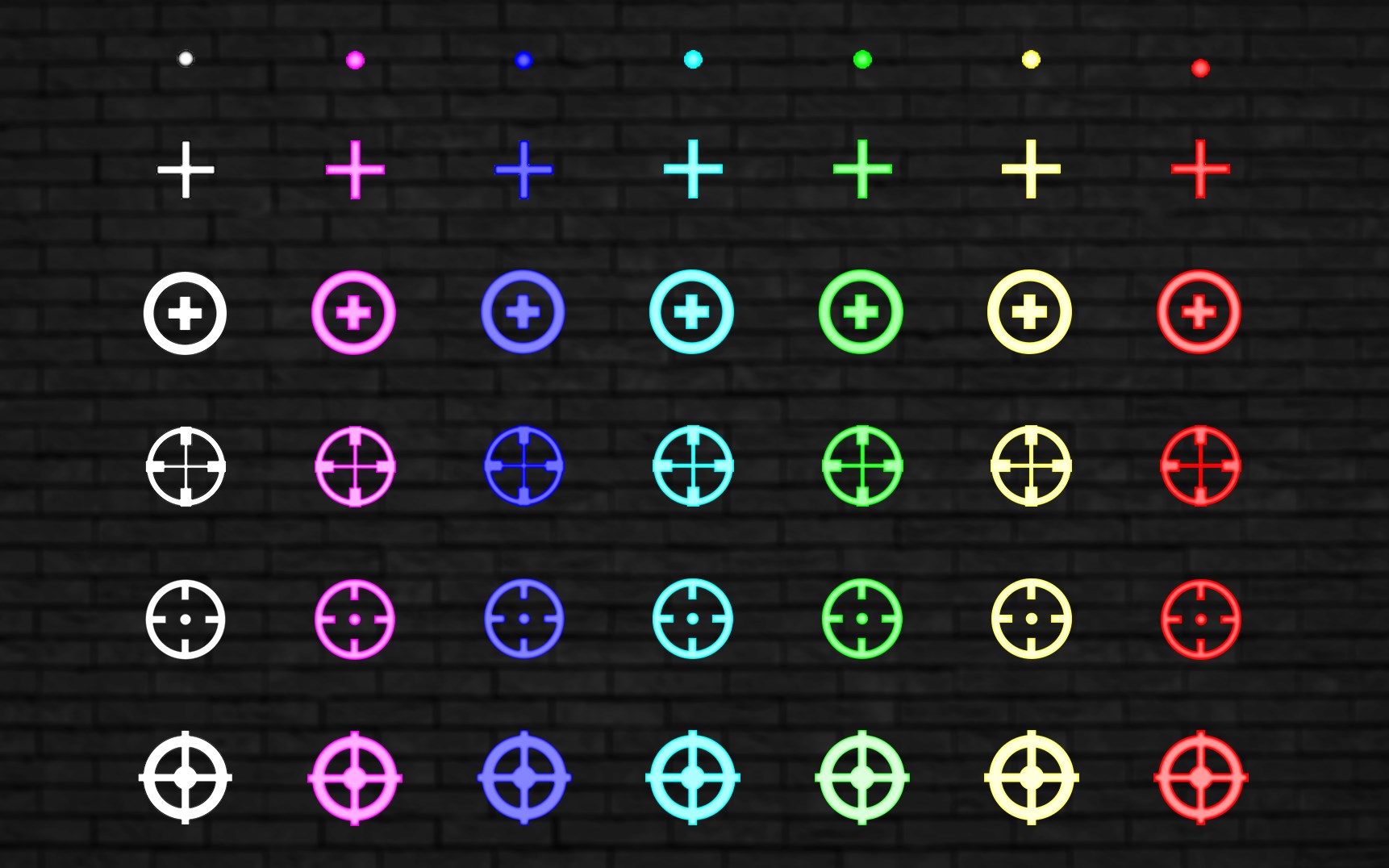
At the heart of Crosshair V2 is its extensive customization suite. Users can choose from a broad palette of crosshair styles—ranging from subtle dots to elaborate reticles—with adjustable size, color, transparency, and thickness. Imagine being able to tailor your aiming point as precisely as tuning a musical instrument—this degree of personalization ensures your visuals complement your style without distraction. Unlike generic overlays, Crosshair V2 allows saving multiple configurations, switching between setups based on your game or preference in seconds.
Smart Content Discovery Algorithms
One of the most distinctive features of Crosshair V2 is its integrated content discovery algorithm, which offers personalized tips, new overlays, or updates tailored to your usage patterns. Think of it as having a knowledgeable co-pilot suggesting the best visual setups for your current game or activity, enhancing usability without overwhelming the user. This intelligent recommendation system elevates the app beyond static tools, actively supporting your evolving needs with relevant updates that keep your experience fresh and optimized.
Precise Overlay Positioning & Performance Optimization
Another highlight is the application's ability to deliver precise overlay positioning with pixel-perfect accuracy. Whether you are aiming at a distant target or fine-tuning your view, the overlays stay pinned exactly where you want them, even during rapid movements. Paired with performance optimization that ensures overlays do not interfere with game performance, Crosshair V2 maintains a balance between visual enhancement and system stability. This makes it suitable not just for casual gamers but also for competitive players demanding reliability.
Comparison and Unique Selling Points
While many similar PC overlay tools focus solely on basic crosshair customization, Crosshair V2 excels through its intelligent content discovery feature and unique customization depth. Its personalized recommendation system, driven by algorithms that learn from user behavior, sets it apart by continuously refining its offerings to match your preferences—annoying generic suggestions aside, this application feels like a thoughtfully curated assistant. Additionally, its smooth integration into Windows ensures overlays do not distract or lag, enriching user experience in a way that distinguishes it from other apps with clunkier interfaces or limited options.
Final Verdict & Recommendations
Overall, Crosshair V2 for Windows presents itself as a reliable, highly customizable overlay tool that caters well to gamers and precision task enthusiasts. Its standout features—namely, the adaptive content discovery system and detailed overlay customization—offer tangible benefits that enhance accuracy and user engagement. I would recommend this app to anyone seeking a tailored overlay experience without the complexity or flimsiness associated with some competitor offerings. Whether you're a casual player looking for aesthetic options or a dedicated professional requiring precise targeting aids, Crosshair V2 is worth a try—particularly if you value intelligent recommendations and seamless performance.
Pros
- User-friendly interface
- High accuracy crosshair customization
- Lightweight app
- Real-time overlay
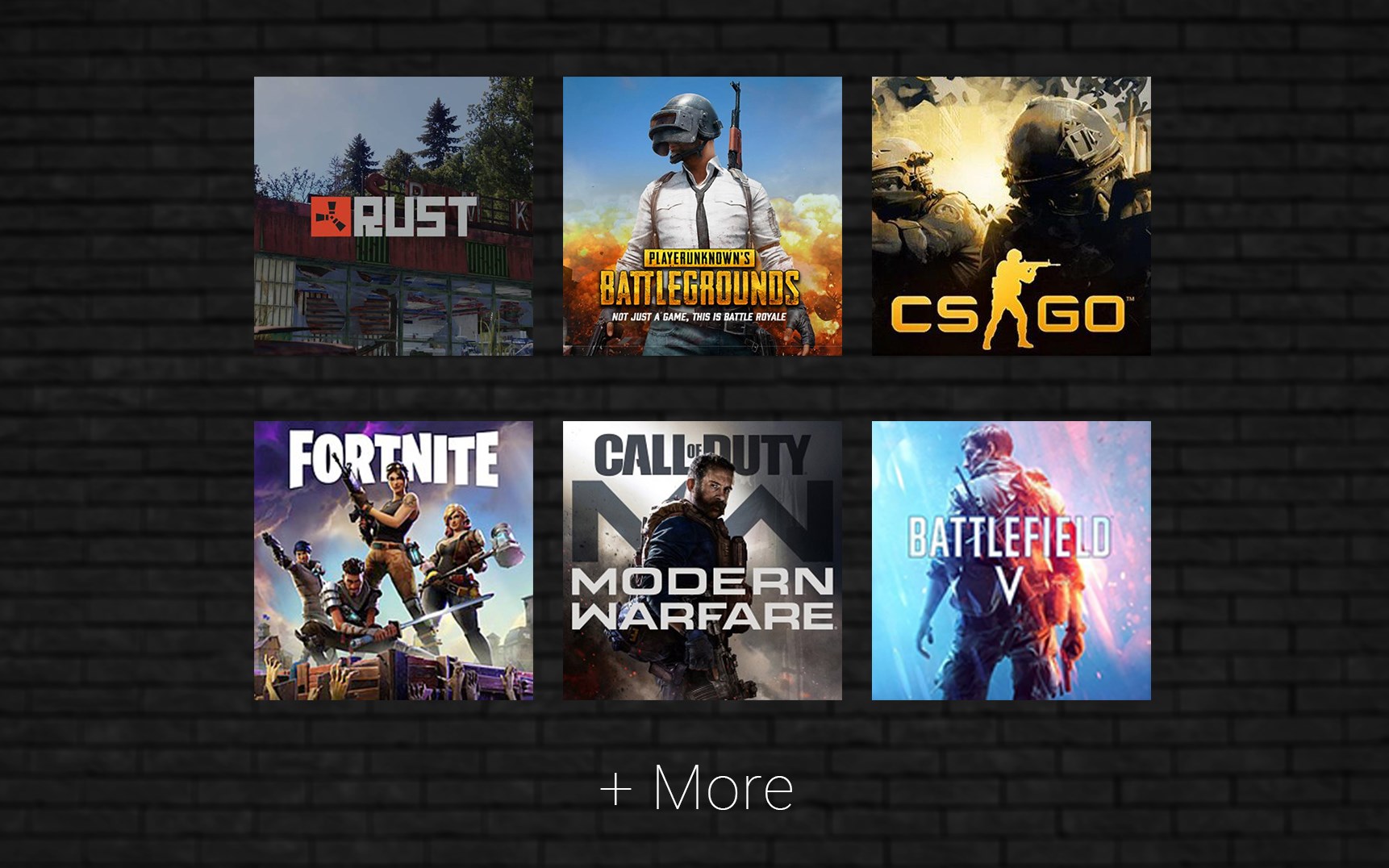
- Supports multiple game types
Cons
- Limited customization options in free version
- Occasional overlay flickering
- Compatibility issues with certain games
- Lack of detailed tutorial
- Premium version slightly pricey











