
- Name Cribbage Classic
- Category Card & board
- Available on PC, Mobile, Surface Hub
- OS Windows 10 version 10586.0 or higher
- languages English (United States)
Cribbage Classic for Windows: A Timeless Card Game with a Digital Twist
If you're looking for a classic game of Cribbage that captures the essence of traditional gameplay while offering modern conveniences, Cribbage Classic for Windows by Jeff Cole delivers just that. This app provides a straightforward yet engaging experience that appeals to both nostalgic players and newcomers alike.
Solid Foundations with a User-Friendly Design
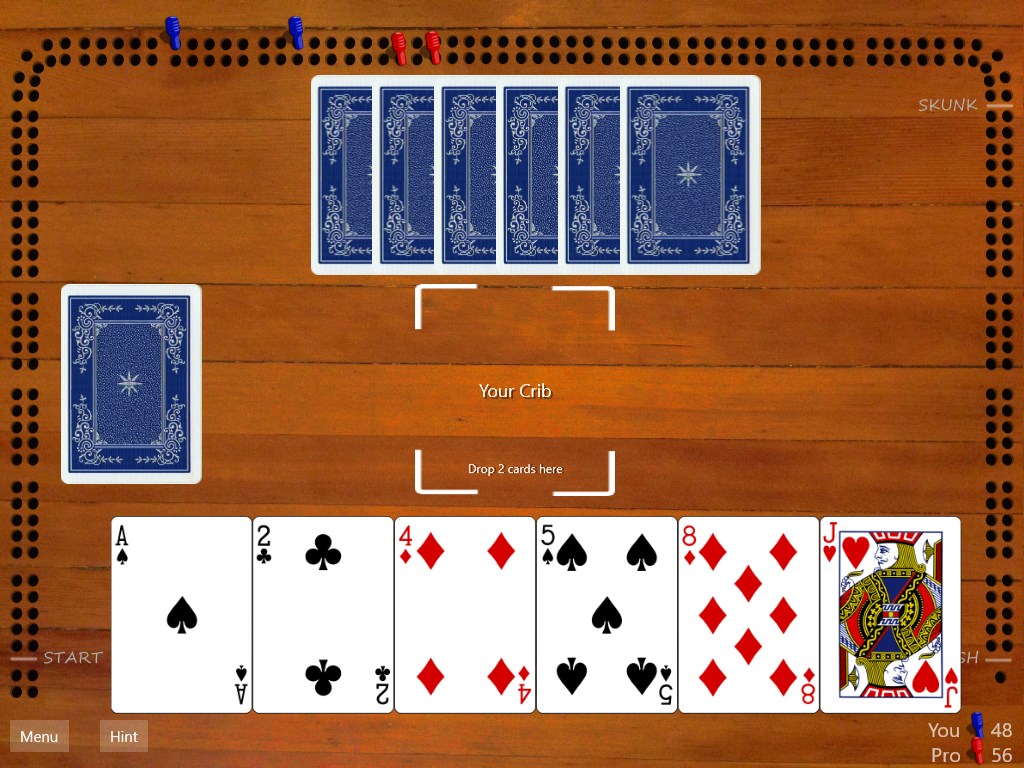
Cribbage Classic is designed with simplicity and functionality at its core. The interface emulates the familiar look and feel of a physical Cribbage board, making it instantly recognizable for seasoned players. Developed by Jeff Cole, a dedicated programmer with a passion for classic card games, the app offers a clean, uncluttered layout that keeps the focus on gameplay rather than unnecessary bells and whistles.
Key Features That Serve the Game Well
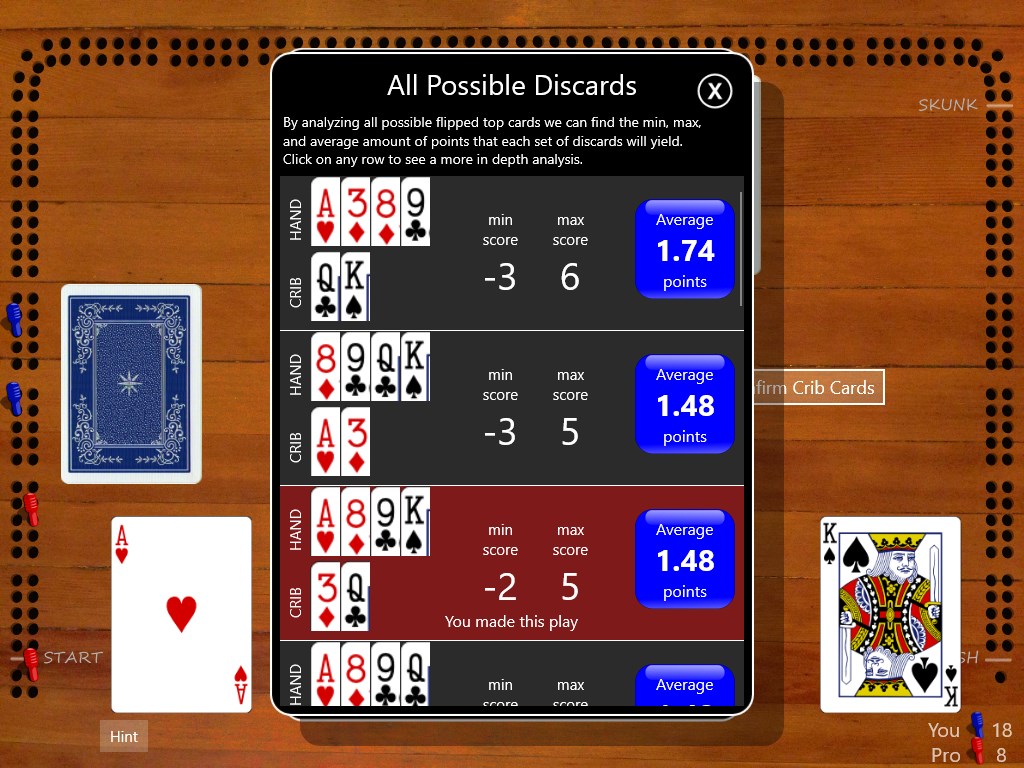
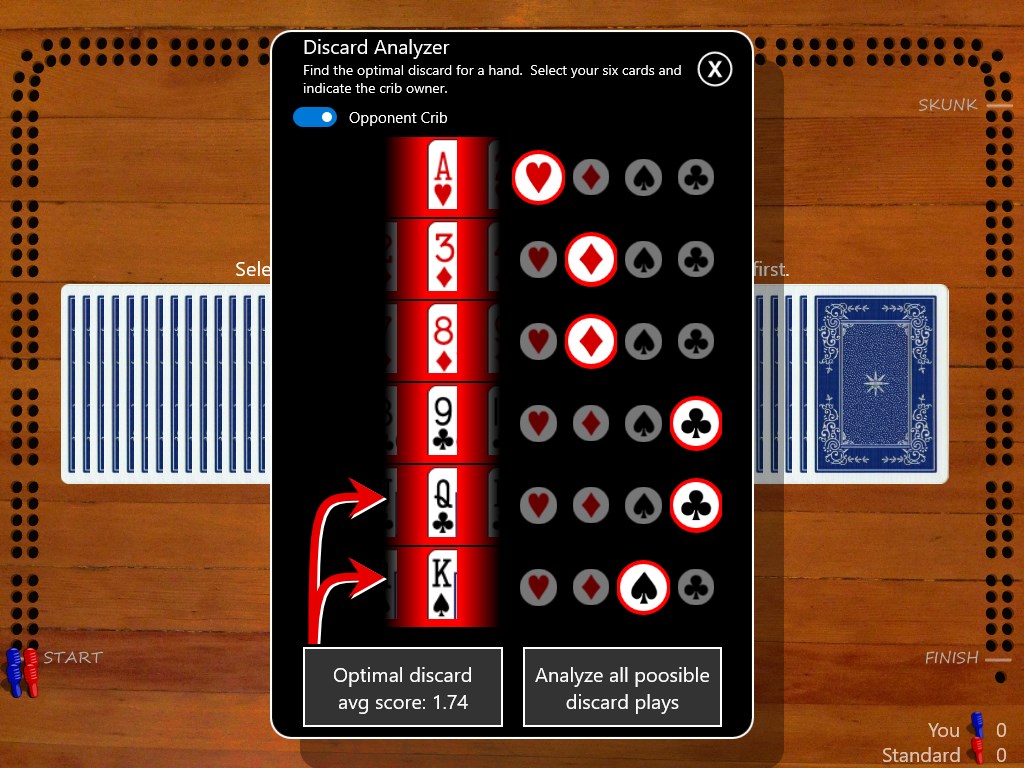
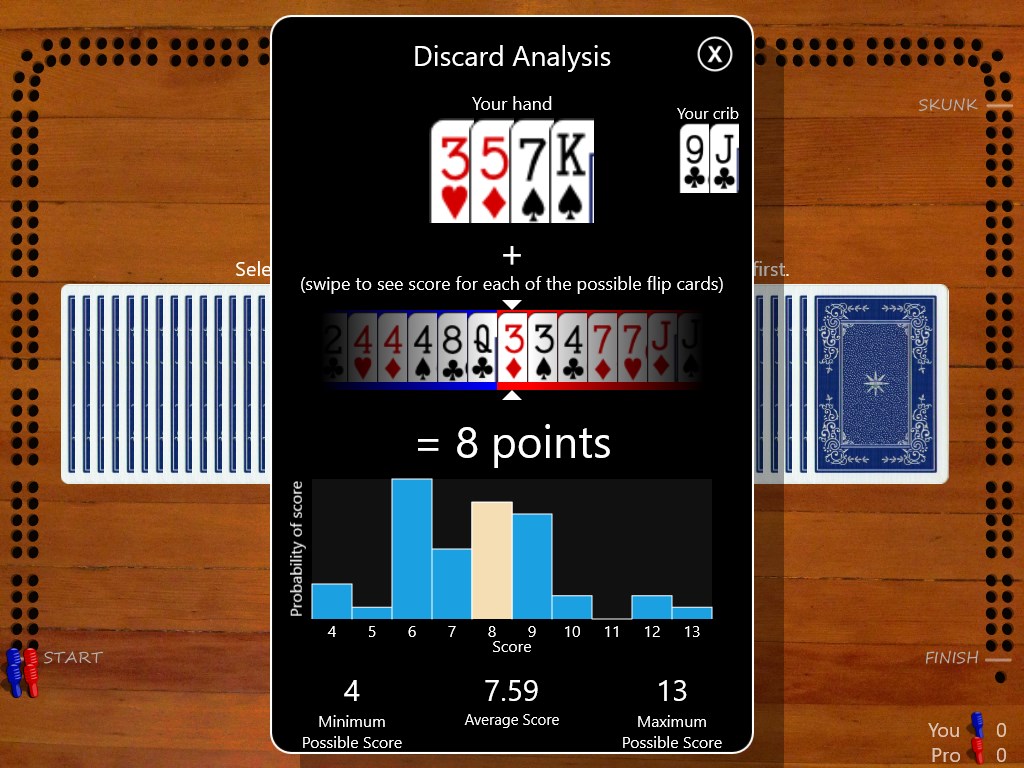
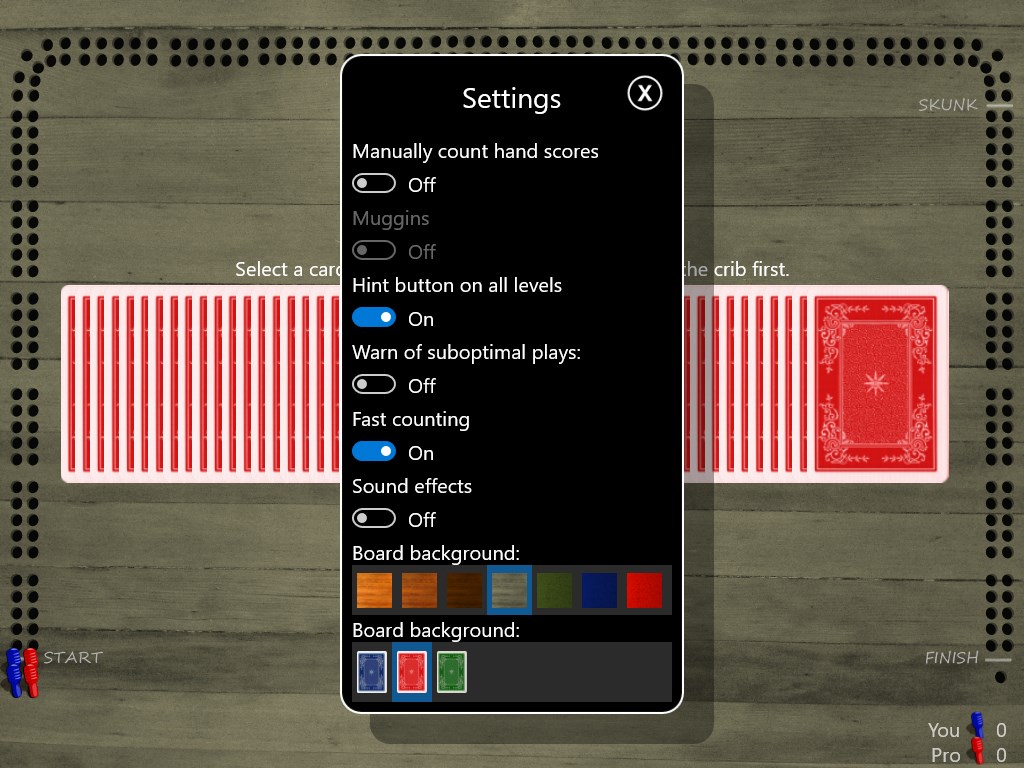
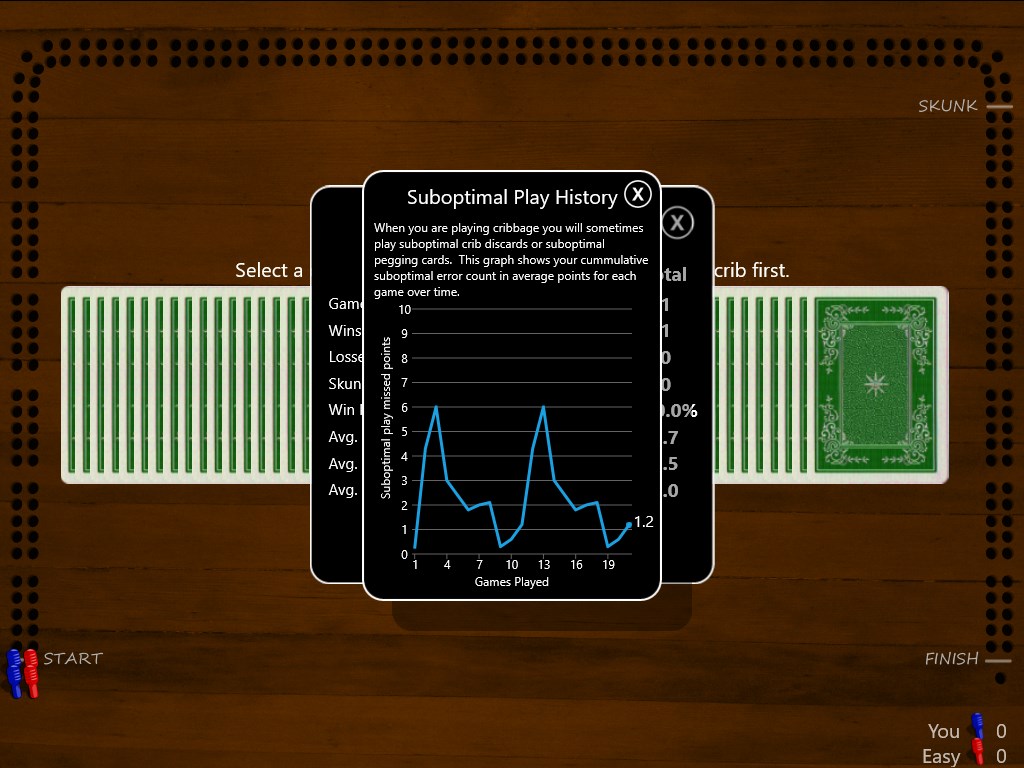
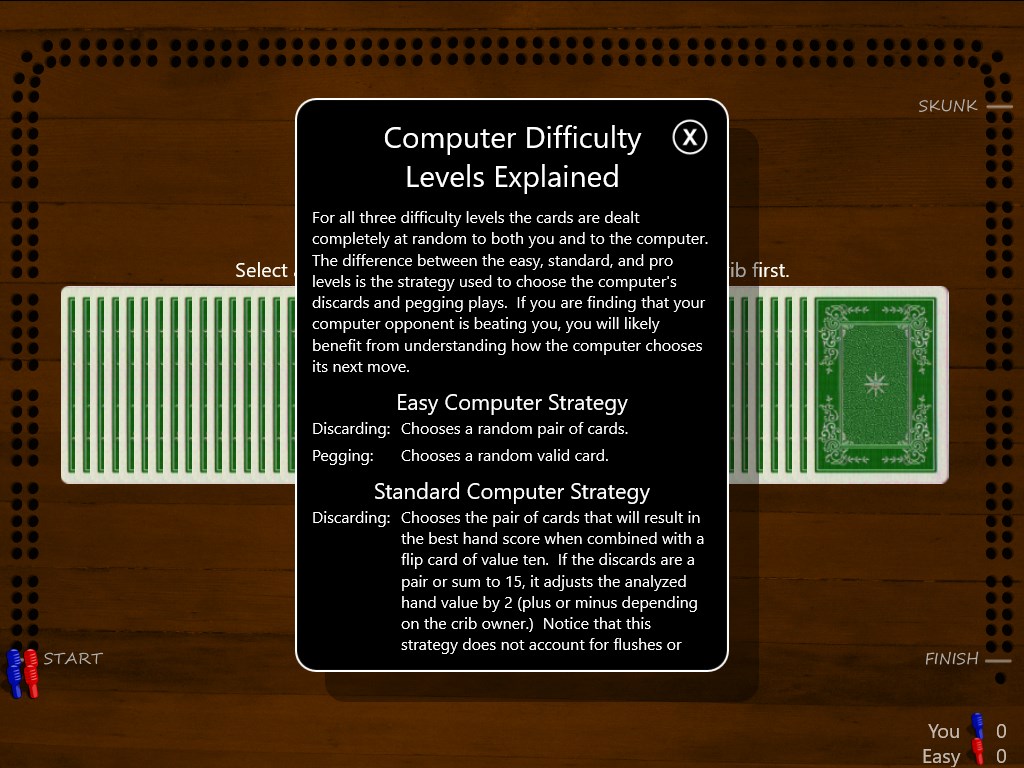
One of the most compelling features is the intuitive drag-and-drop mechanics for playing cards, which bridges the gap between digital and physical gameplay seamlessly. The app also includes adjustable game settings, such as difficulty levels and scoring rules, allowing players to customize their experience—whether they're casual players or serious strategists. An especially noteworthy addition is the ability to replay previous games, providing valuable insights into your gameplay and helping improve your strategy over time. Lastly, the built-in tutorial and help sections make it approachable for newcomers, guiding them through the complexities of Cribbage without overwhelming them.
Engaging Gameplay with a Focus on Experience
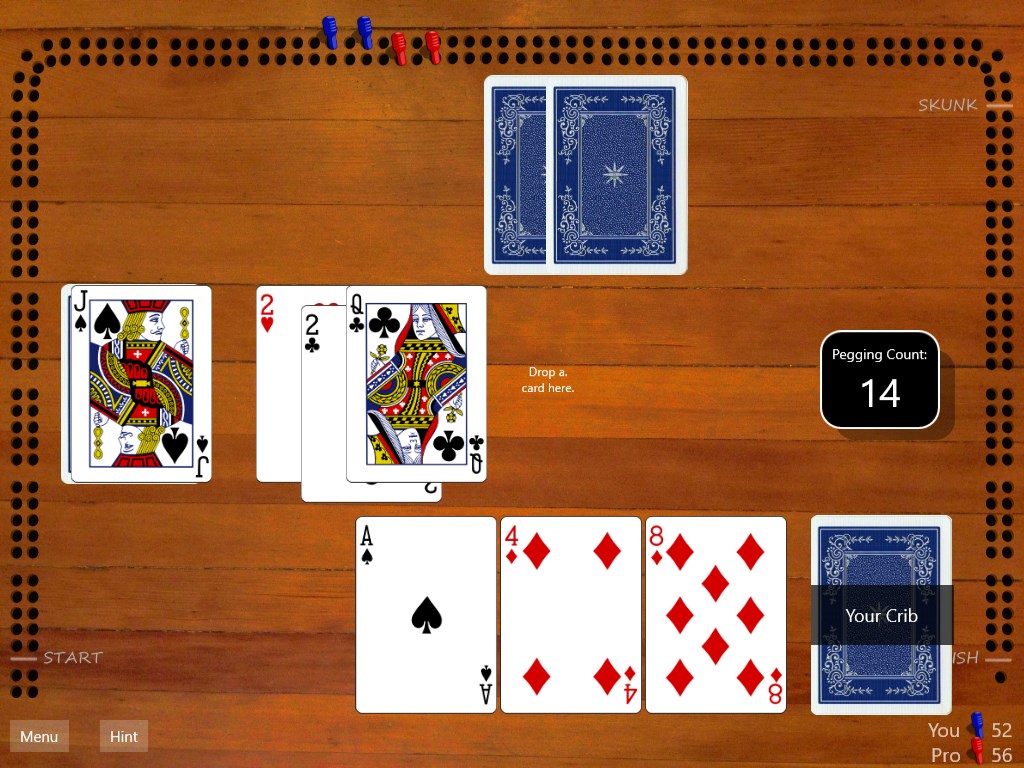
The moment you start a game, you're transported into a cozy, digital card room that feels inviting and familiar—much like sitting at a wooden table with friends. The gameplay flows smoothly, thanks to the optimized coding that minimizes lag and maintains responsive interactions. Playing multiple hands feels natural, with clear visual cues for each phase, from dealing cards to pegging and counting points, ensuring that players of all skill levels can follow along without confusion.
Ease of Use and Learning Curve
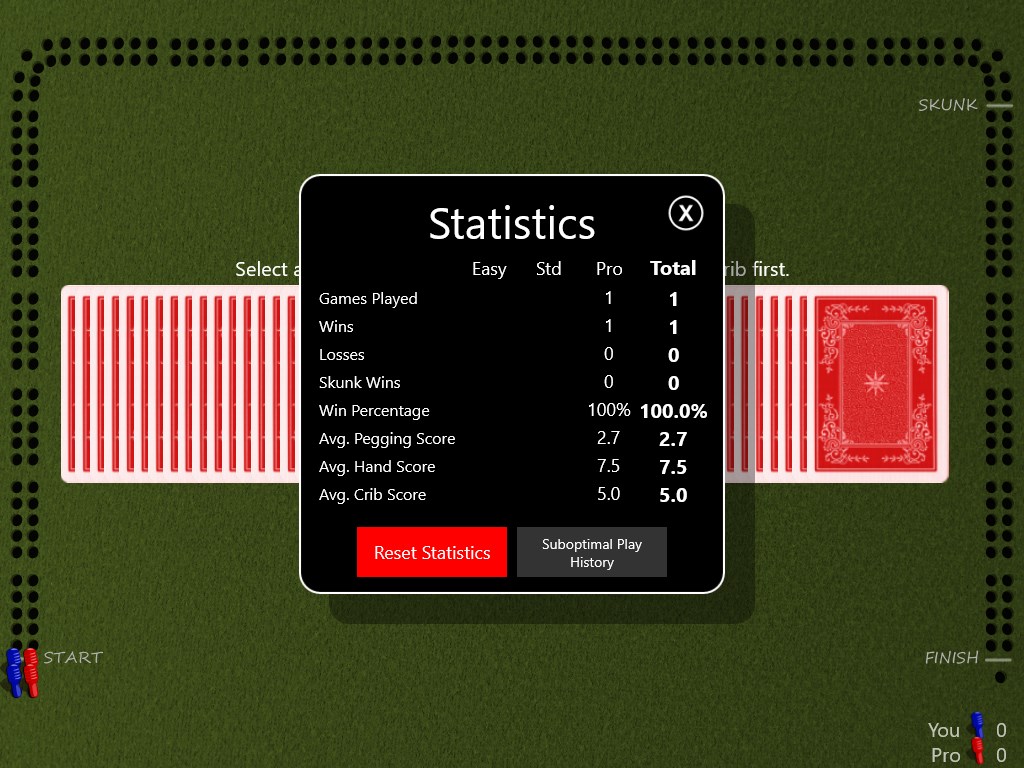
The app handles the learning curve gracefully; beginners can quickly master the basics through interactive tutorials, while experienced players will appreciate the adjustments available to fine-tune gameplay. Navigation is straightforward, with menus that are logical and easy to access. The scoring and game status are displayed prominently, preventing any ambiguity and maintaining the game's rhythm without interruption.
What Sets Cribbage Classic Apart
Compared to other digital renditions of Cribbage or similar card games, Cribbage Classic's standout feature is its emphasis on authenticity and ease of play. Unlike many apps that clutter the screen with flashy animations or complex setups, this app mirrors the tactile feel of rolling a wooden cribbage board and sliding pegs—creating a more immersive experience. Its straightforward design ensures minimal distraction, allowing players to focus solely on their strategy and enjoyment.
The Two Most Unique Aspects
First, the customizable scoring rules reflect the real-world flexibility of the game, enabling players to adjust game modes to their liking. Second, the game's replay feature offers a strategic layer, allowing players to evaluate their moves and learn from past games—something many competitors overlook.
Recommendation and Usage Suggestions
Overall, I'd recommend Cribbage Classic to anyone interested in digital card games who values authenticity and ease of use over flashy graphics. It's particularly suitable for players seeking a no-fuss, reliable way to enjoy Cribbage anytime, anywhere—whether during a quick break or a relaxed evening at home. For those new to the game, the tutorial ensures a gentle introduction, while seasoned players will appreciate the depth of customization and strategic replay tools. If you enjoy classic card games with a touch of nostalgia and a straightforward interface, Cribbage Classic is a solid choice that won't disappoint.
Pros
- Intuitive User Interface
- Authentic Cribbage Experience
- Multiple Game Modes
- Daily Challenges and Achievements
- Offline Mode Available
Cons
- Limited Customization Options
- Repetitive Sound Effects
- Occasional Latency Issues in Multiplayer
- Limited Tutorial for Beginners
- Ads Interrupt Gameplay











