
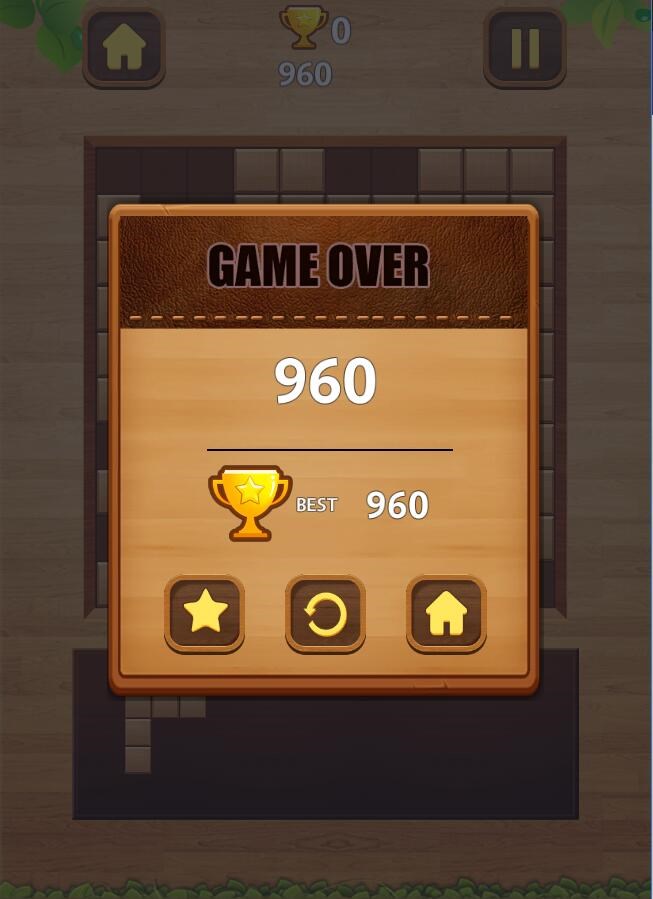
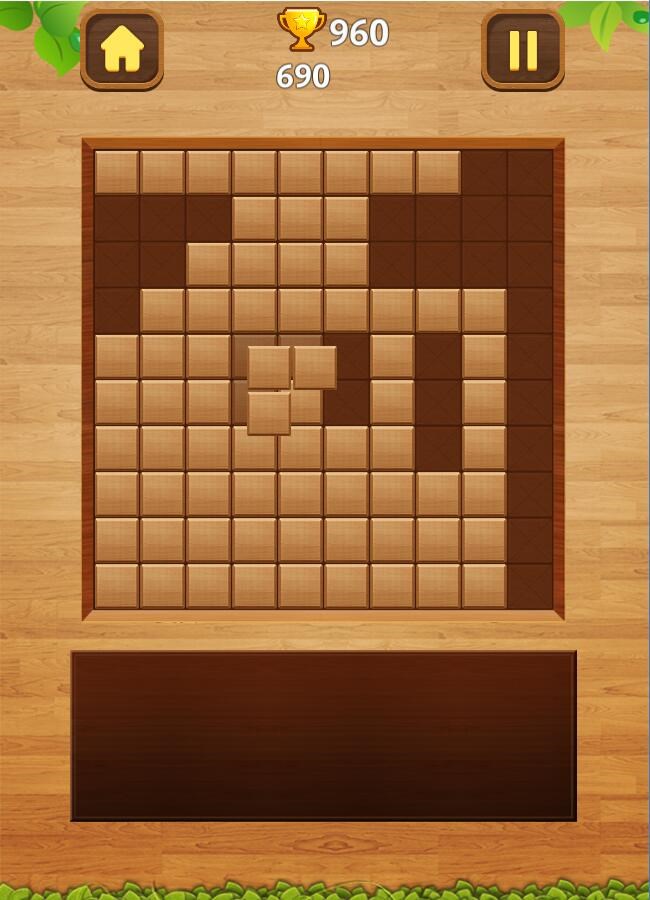
- Name Classic Wood Block Puzzle
- Category Card & board
- Available on PC, Mobile, Surface Hub, HoloLens
- OS Windows 10 version 10240.0 or higher
- languages English (United States)
Classic Wood Block Puzzle for Windows: A Cozy Spin on a Timeless Classic
If you're a fan of brain teasers that challenge your spatial reasoning while offering a calming, nostalgic vibe, then Classic Wood Block Puzzle for Windows is a delightful addition to your puzzle library. Its minimalist design coupled with satisfying gameplay makes it a perfect way to relax and sharpen your mind during breaks or quiet evenings.
Developed by Casual Game — Simple Yet Engaging
This game is brought to you by Casual Game, a team specializing in straightforward, entertaining mobile and desktop puzzles that appeal to all age groups. Their focus on creating accessible yet addictive titles shines through in this wood-themed block puzzle experience.
Main Features That Make It Stand Out
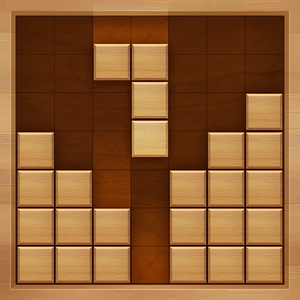
- **Intuitive and Clutter-Free Interface:** The game features a beautifully crafted wooden aesthetic that feels warm and inviting, making every session a cozy activity rather than a stressful challenge.
- **Classic Gameplay with a Fresh Twist:** While based on the traditional block puzzle formula, the game emphasizes smooth placement mechanics and a clean grid system that reduces unnecessary complexity.
- **Progressive Difficulty and Daily Challenges:** Designed to keep players engaged, it introduces subtly escalating difficulty levels and daily puzzles that prevent gameplay from stagnating.
- **No Distractions, Just Focus:** Minimal ads and optional in-game purchases ensure an uninterrupted experience, appealing especially to those who prioritize relaxing activities.
Vibrant Graphics and Seamless User Experience
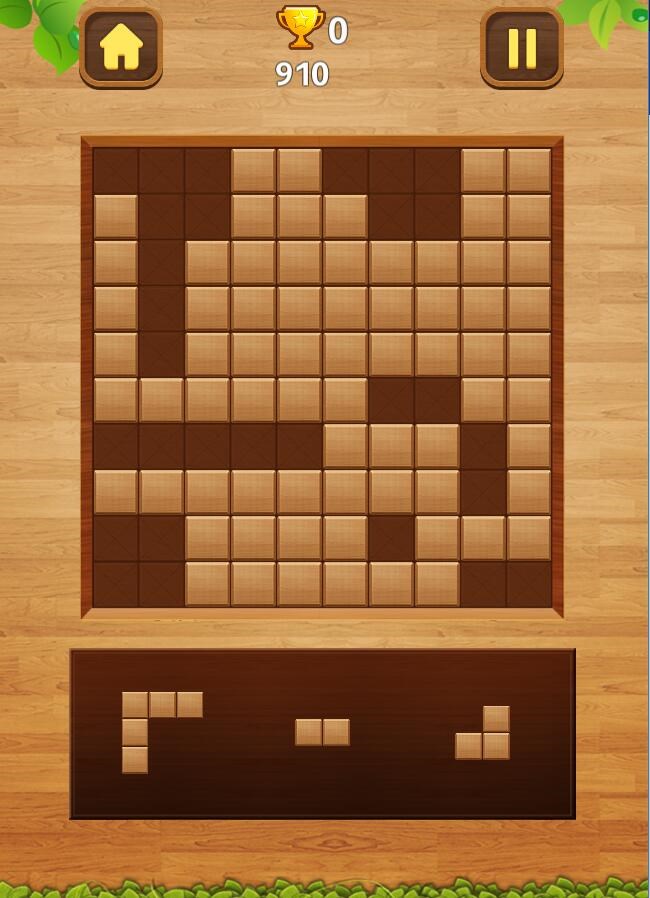
As soon as you launch Classic Wood Block Puzzle, you're greeted with a soothing wooden background and elegantly animated blocks that feel tactile and satisfying. The interface is striking yet simple, akin to stacking beautiful, polished wooden blocks on a craft table—an experience that's both calming and visually appealing. Navigating menus is intuitive, with large, clear icons that invite exploration without overwhelming the eye.
The game's operation boasts remarkable fluidity. Dragging blocks into place feels natural, with precise snap mechanics preventing frustrating misalignments. The game responds instantly to every move, ensuring the gameplay remains smooth even during extended sessions. The learning curve is gentle; new players can quickly grasp the rules and start enjoying the puzzle without a lengthy tutorial. The minimal UI clutter helps focus on the gameplay itself, making for an almost meditative experience.
What Sets It Apart from Other Puzzle Apps
Unlike many card or board-type puzzle games that often rely on complex rules or thematic overlays, Classic Wood Block Puzzle offers a no-frills, elegant approach to classic gameplay. Its biggest differentiator is the deliberate emphasis on aesthetic simplicity and tactile satisfaction — every block placement feels almost satisfying enough to mimic the sensation of stacking real wooden pieces. Additionally, its subtle difficulty progression and daily challenges ensure that players remain engaged for longer periods, avoiding the boredom that sometimes plagues similar titles.
Moreover, the game's design philosophy centers on accessibility. It's suitable for casual players, seniors, or anyone seeking a relaxing yet stimulating pastime. This universality is a significant advantage over more niche or visually cluttered puzzle applications.
Final Thoughts and Recommendations
Classic Wood Block Puzzle for Windows is a thoughtfully crafted puzzle experience that combines timeless gameplay with modern, aesthetic sensibilities. It's particularly recommended for those who appreciate a calming, straightforward puzzle without intrusive ads or overly complicated mechanics. Whether you're looking for a quick brain teaser between chores, or a peaceful activity to wind down your day, this app provides a reliable, enjoyable option.
While it may lack some of the more elaborate features found in more complex puzzle collections, its core strengths lie in simplicity and quality. We suggest it for players of all ages who enjoy classic block puzzles and are seeking a well-designed, distraction-free experience. Give it a try — it might just become your new favorite pastime for unwinding and exercising your brain simultaneously.
Pros
- Intuitive and engaging gameplay
- Visually appealing design
- Various difficulty levels
- Minimal ads and clutter
- Low device resource usage
Cons
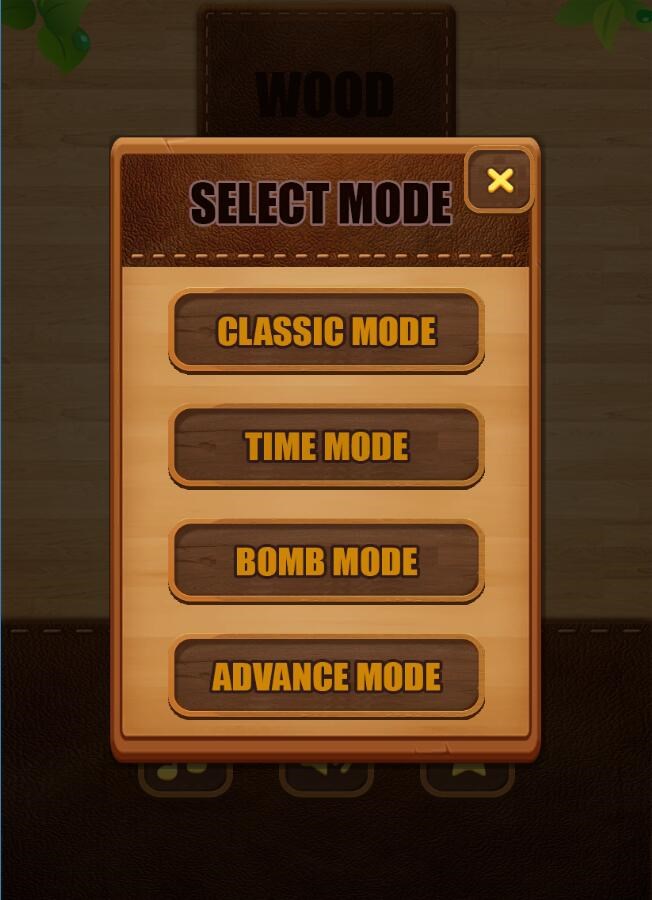
- Limited game modes
- Lack of undo option
- Minimal instructions for new players
- Some tile sizes could be optimized
- Limited customization options











