

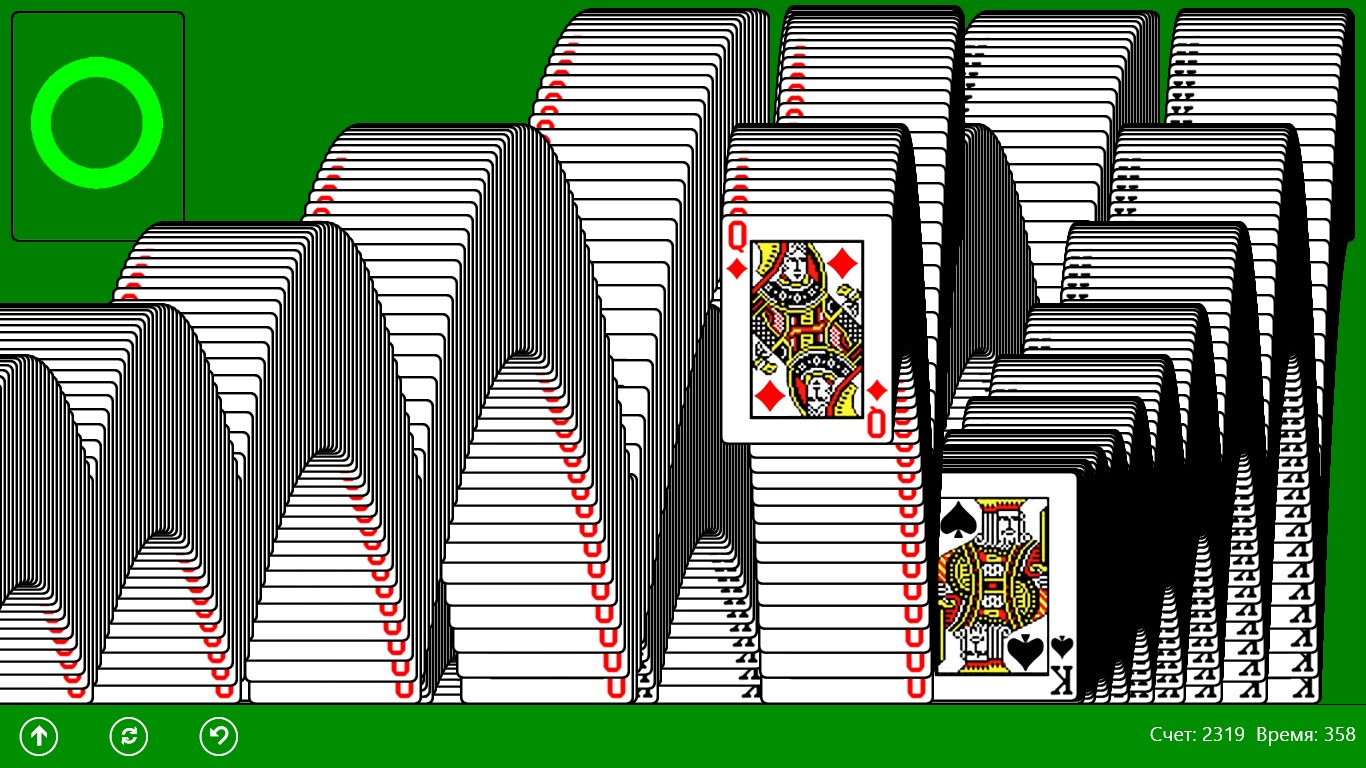
- Name Classic Solitaire (Free)
- Category Card & board
- Developer Oleksii Harbuzenko
- Available on PC, Mobile, Surface Hub, HoloLens
- OS Windows 10 version 17763.0 or higher
- Mouse Not specified
- languages English (United States), Russian, Spanish (Spain), Ukrainian
Classic Solitaire (Free): A Timeless Card Game for Windows Fans
Looking for a straightforward, nostalgic card game that captures the essence of classic solitaire? Oleksii Harbuzenko's "Classic Solitaire (Free)" offers just that—a clean, unpretentious experience for card enthusiasts on Windows.
Simplicity Meets Elegance: The Developer and Core Features
Developed and published by Oleksii Harbuzenko, this app aims to recapture the charm of traditional solitaire, distilled into a digital format optimized for Windows users. Its standout features include a classic gameplay experience with minimal distractions, customizable card designs, and seamless gameplay suited for quick sessions or extended leisure. Whether you're waiting for a bus or relaxing at home, this app provides a perfect mental escape with intuitive controls and familiar rules. The target audience spans casual gamers and solitaire purists seeking a no-fuss, reliable experience that preserves the game's timeless appeal.
A Visual and Functional Delight
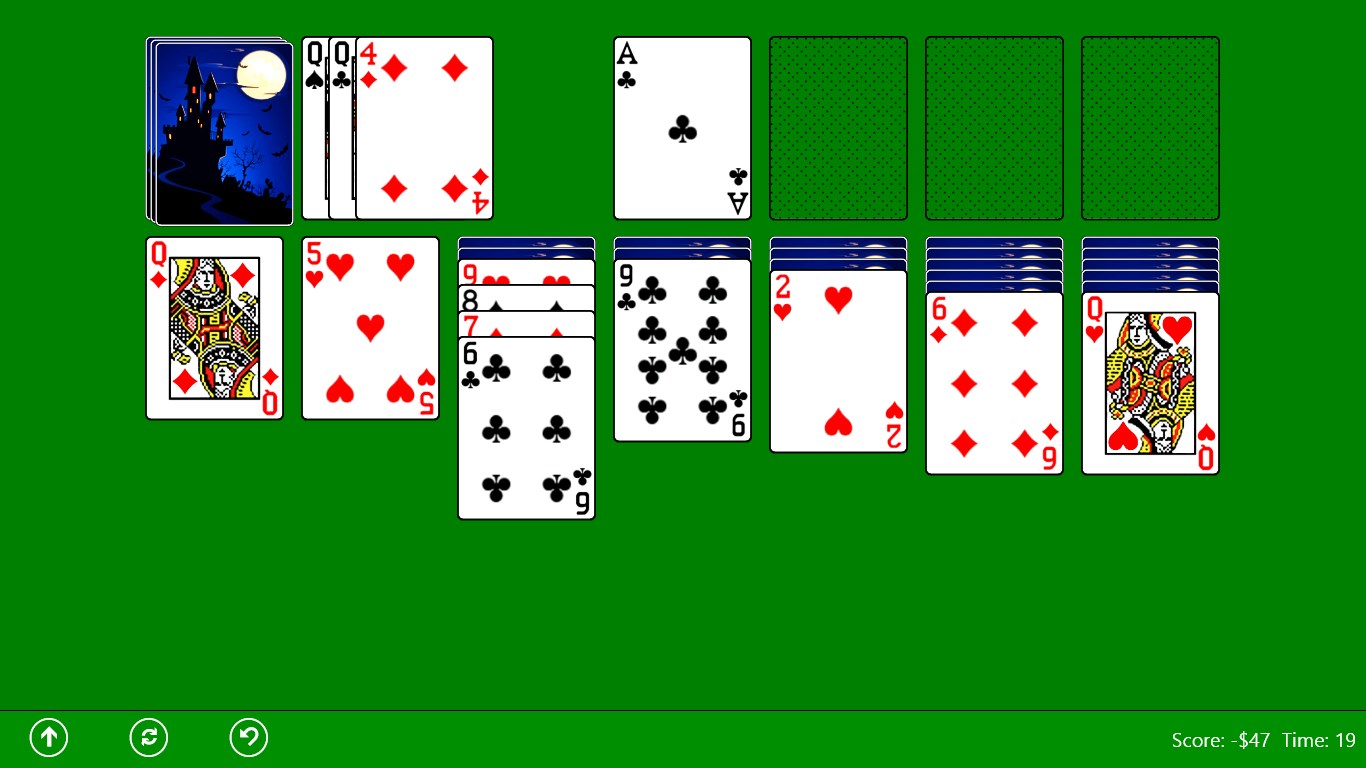
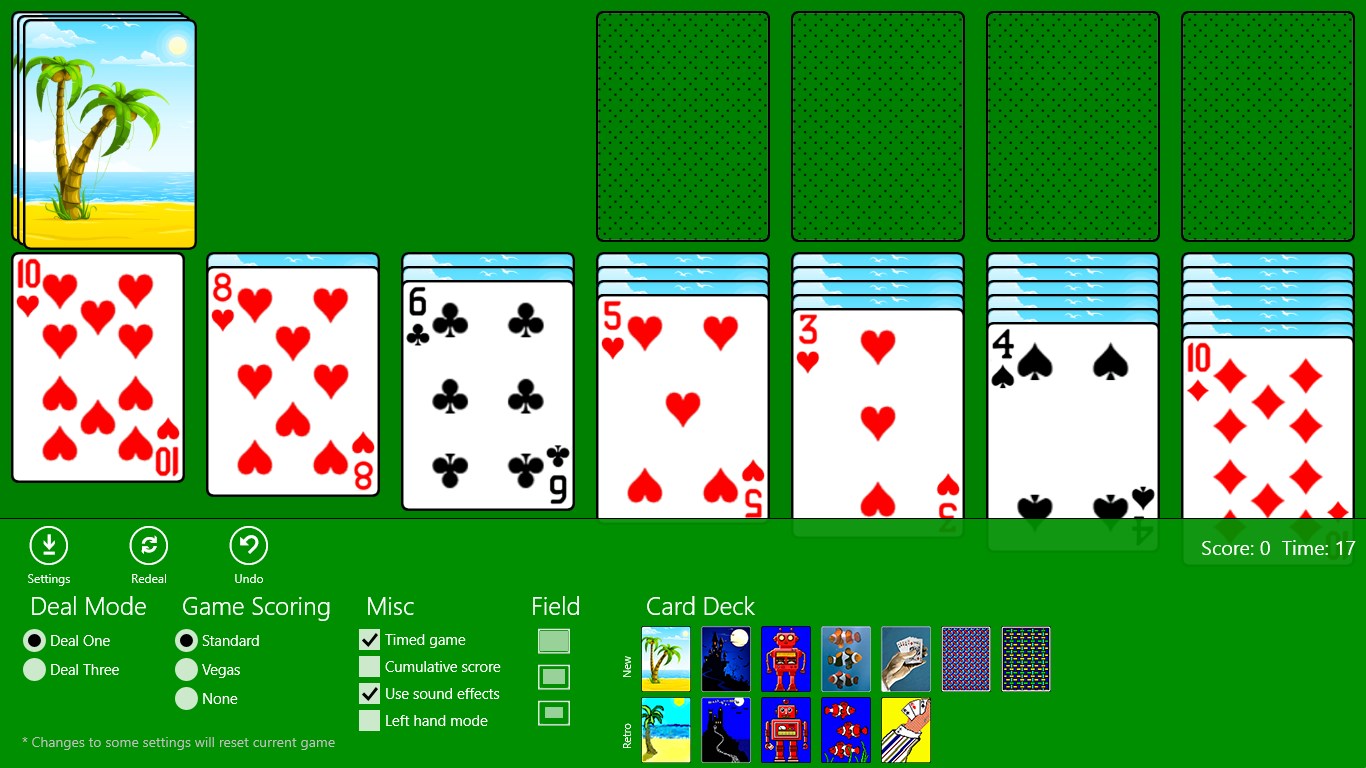
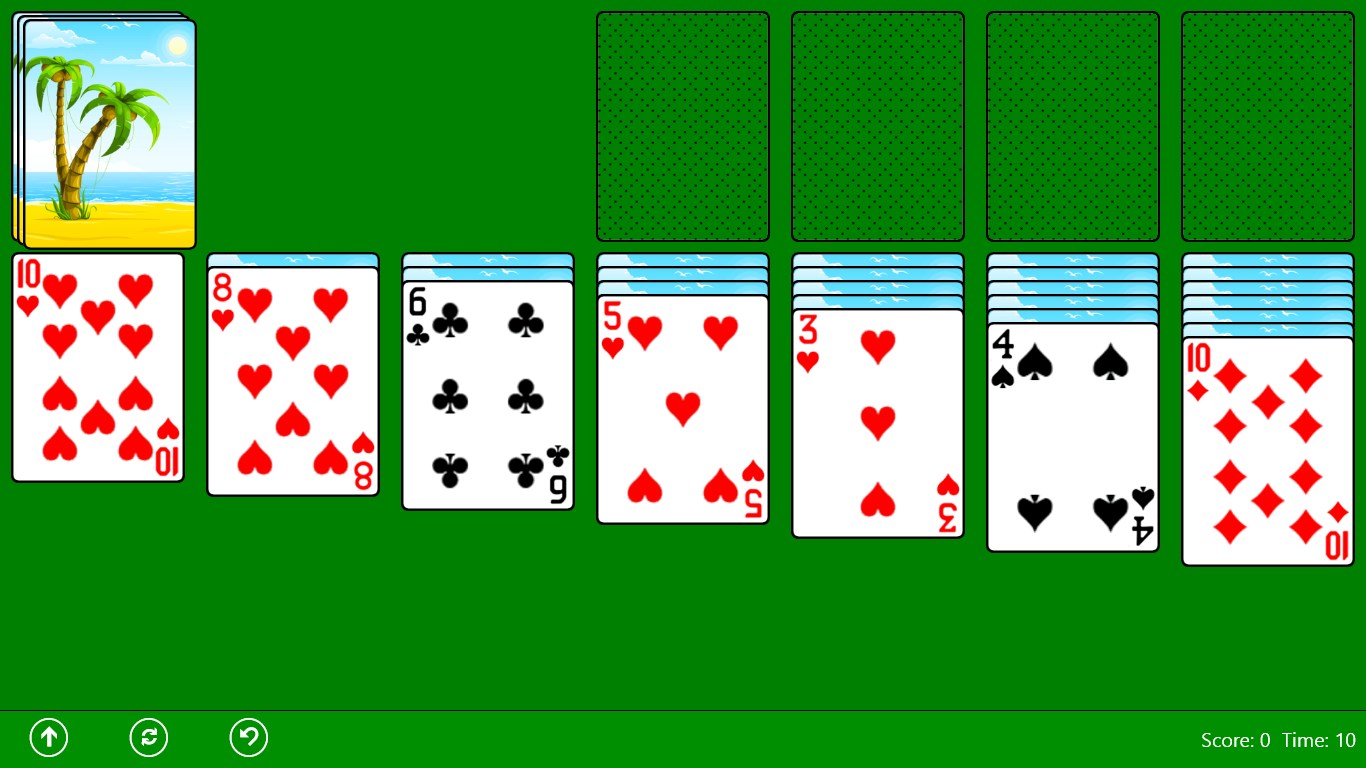
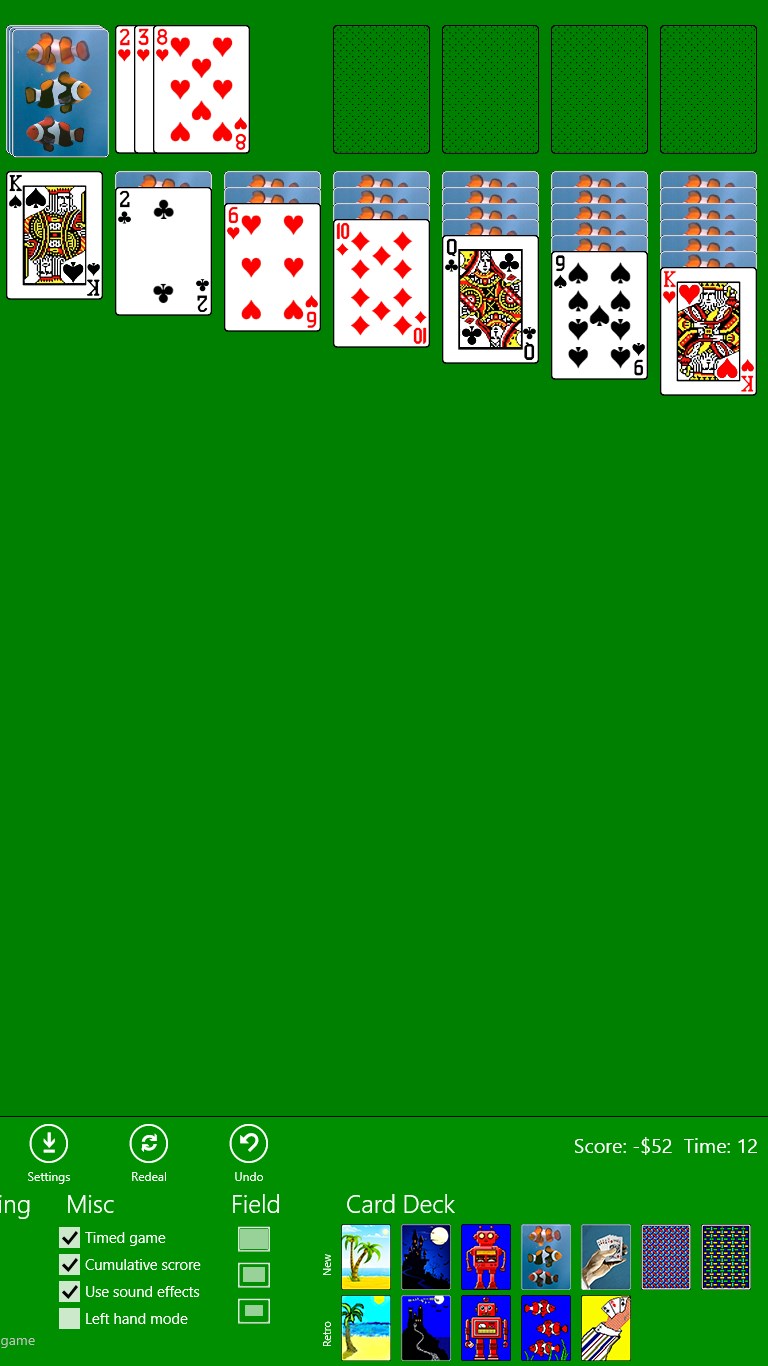
Upon launching "Classic Solitaire (Free)," users are faced with a clean, straightforward interface that feels like flipping through an actual deck. The visual design avoids flashy animations, instead emphasizing clarity and ease of use. The cards are crisp and easy to distinguish, with adjustable themes allowing personalization—ranging from classic green felt backgrounds to more modern, vibrant schemes. Navigating the game is smooth, thanks to responsive drag-and-drop mechanics that make moving cards effortless, even on lower-end devices. The learning curve is minimal, making it accessible to newcomers while satisfying veterans who appreciate a pure, no-frills gameplay idea.
What Sets It Apart in the Card Game Crowd?
Compared to other digital solitaire apps, "Classic Solitaire (Free)" stands out through its focus on authenticity and simplicity. Unlike many apps inundated with cluttered interfaces, gimmicky features, or excessive customization, this game sticks to the essentials—delivering an experience that's both familiar and frustration-free. Its standout feature is the ability to toggle between classic and more modern card designs, catering to individual preferences without overwhelming the user. Additionally, the app provides gentle hints and undo options, making it forgiving enough for beginners yet still engaging for seasoned players who aim to beat their best scores.
Final Verdict and Recommendations
Overall, "Classic Solitaire (Free)" is a commendable choice for anyone looking to enjoy the timeless card game on a Windows platform. Its focus on simplicity, reliability, and authentic design make it a worthy addition to your casual gaming collection. I'd recommend it to players seeking a relaxing, distraction-free solitaire experience without the bells and whistles of more complex digital card games.
For those who value straightforward gameplay rooted in tradition, this app is a solid, dependable option. Its intuitive interface and customizable visuals ensure you won't get bored—perfect for quick breaks or long, contemplative sessions. Give it a try, and rediscover the comfort of classic card play, right on your PC.
Pros
- User-friendly interface
- Free to play
- Smooth gameplay
- Customizable themes
- Low storage requirement
Cons
- Limited game modes
- Lack of advanced features
- Basic graphics
- Ads displayed during gameplay
- Limited accessibility features











