

- Name Classic Free Cell
- Category Card & board
- Developer Oleksii Harbuzenko
- Available on PC, Mobile, Surface Hub, HoloLens
- OS Windows 10 version 17763.0 or higher
- Mouse Not specified
- languages English (United States), Russian, Spanish (Spain), Ukrainian
Classic Free Cell for Windows: A Timeless Card Game Reinvented
If you're someone who finds comfort in classic card games that combine strategic thinking with relaxing gameplay, Classic Free Cell for Windows offers a fresh yet familiar experience. Developed by Oleksii Harbuzenko, this app revives the beloved Free Cell solitaire with a sleek design and smooth performance, making it an ideal companion for both casual players and seasoned solvers alike.
Sleek Design Meets Functionality
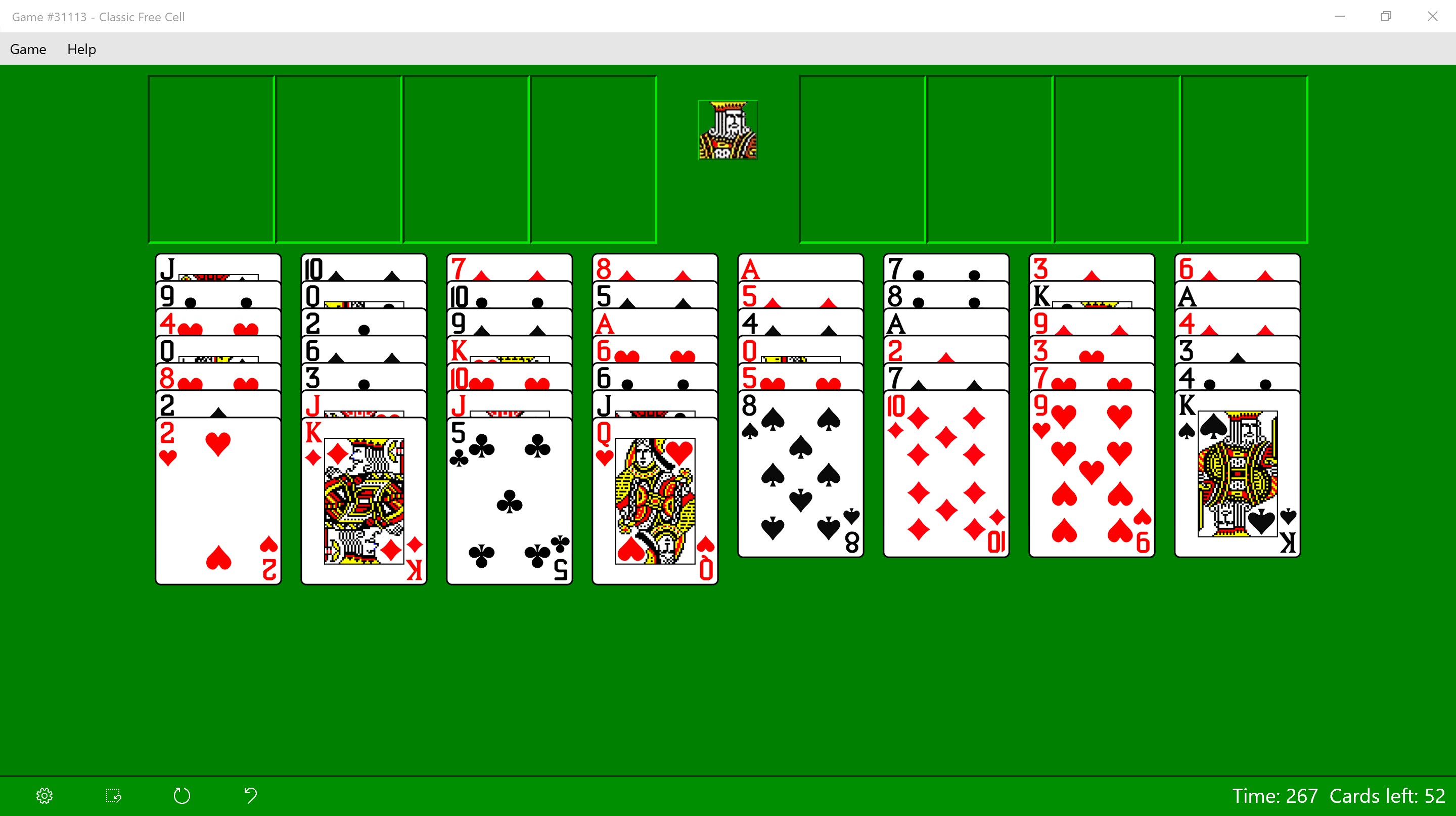
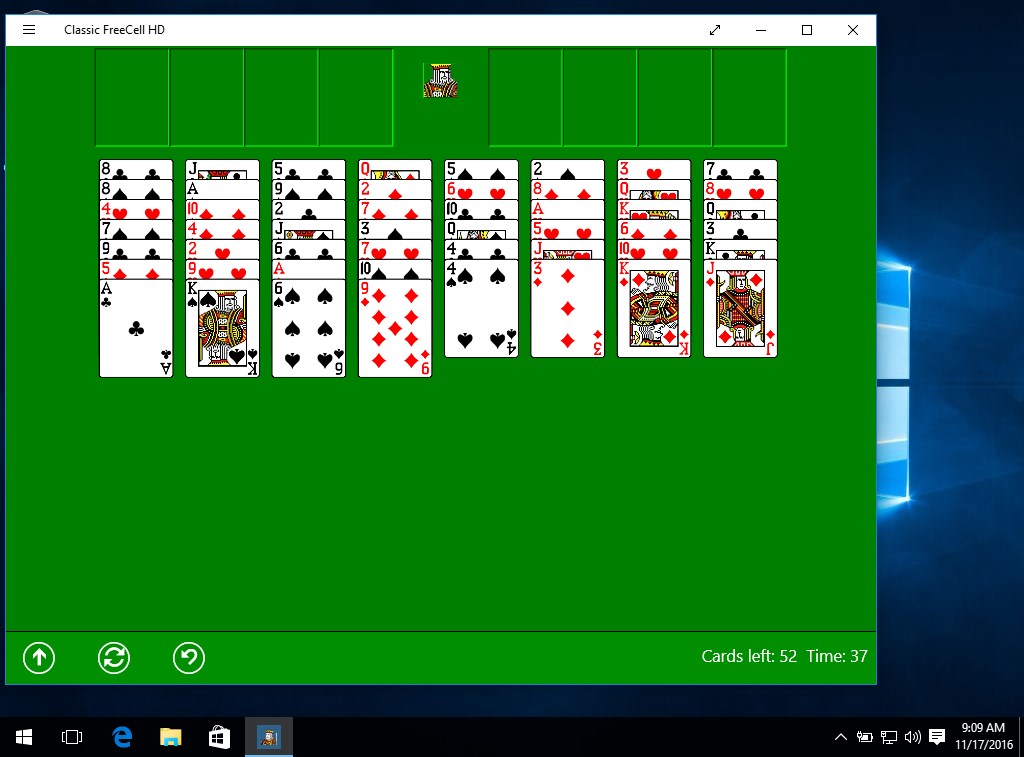
The first thing you'll notice upon launching Classic Free Cell is its clean and intuitive interface. The game sports a modern aesthetic with gentle color schemes that are easy on the eyes—imagine settling into a cozy nook, ready to shuffle and strategize. The layout is minimalist but thoughtfully organized, ensuring you won't be overwhelmed by unnecessary clutter. This visual clarity enhances focus, turning gameplay into a meditative experience rather than a digital puzzle maze.
Core Features That Keep You Hooked
1. Innovative Undo and Hint Systems
One standout feature of this app is its robust undo and hint functionalities. Unlike many traditional free cell apps that limit your options, here you can undo your last move easily—think of it as having a friendly helper beside you, whispering, “Try this instead.” The hint system is smartly integrated, guiding you through potential moves without robbing the game's challenge. This balance encourages both learning and experimenting, making it appealing for newcomers and veterans alike.
2. Customizable Game Settings & Achievements
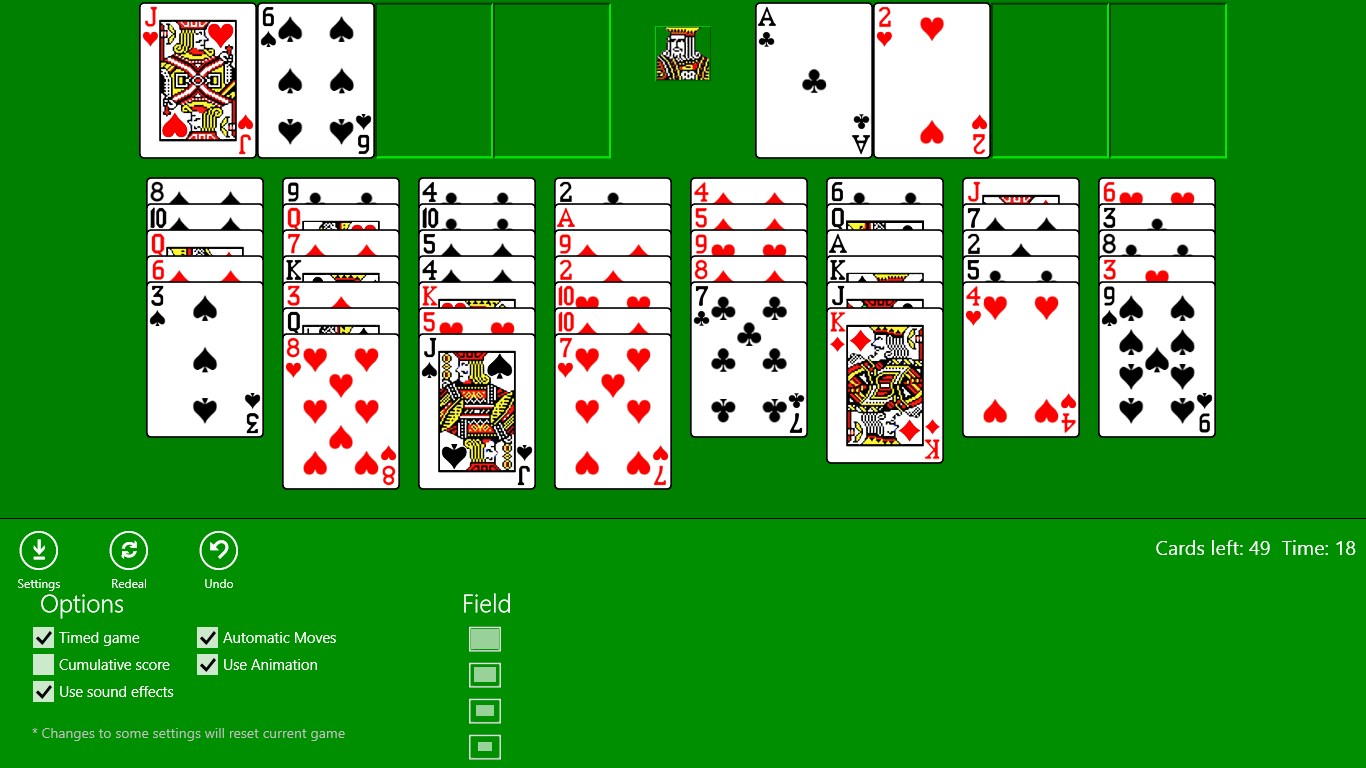
The app offers various customization options, such as toggling card animations or adjusting sound effects, allowing players to tailor their experience. Additionally, it features a set of achievements that add a layer of motivation—imagine earning badges as you master different techniques, much like collecting souvenirs on a well-traveled journey. These elements foster continued engagement and a sense of accomplishment.
3. Seamless Performance & Playability
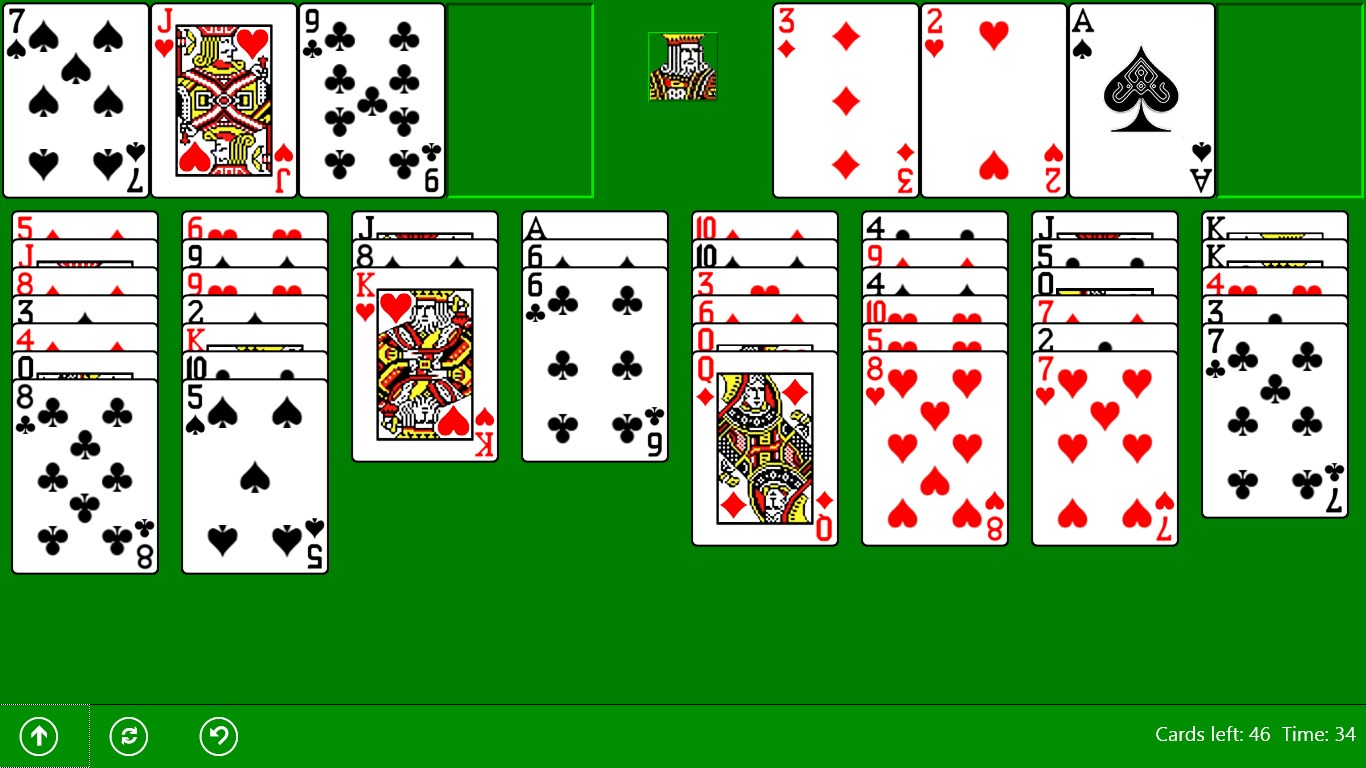
Under the hood, the game handles like a well-oiled machine. The controls respond instantly to taps and drags, providing a fluid gameplay experience that feels natural. Whether you're solving a tricky layout or simply enjoying a quick round during a coffee break, the app maintains steady performance without lag or glitches. Its responsiveness makes the experience akin to shuffling cards on a real table, with none of the fuss of physical handling.
Distinctive Edge in the Card Game Universe
Compared to other card and board applications, Classic Free Cell's most notable advantage lies in its simplicity paired with thoughtful enhancements. It pays homage to the classic solitaire roots while introducing modern conveniences like undo options and customizable settings—think of it as a vintage car retrofitted with high-tech gadgets. These features cater to players seeking both nostalgic charm and contemporary flexibility, setting it apart from more cluttered or less polished counterparts.
Final Verdict: A Strong Recommendation for Solitaire Enthusiasts
If you cherish the elegance and challenge of Free Cell, this app comes highly recommended. Its user-friendly interface, combined with smart features like undo and hints, make it accessible yet engaging. Suitable for quick daily solitaires or extended puzzle-solving sessions, it's a reliable companion for anyone looking to unwind or sharpen their strategic skills. Whether you're new to card games or a dedicated fan, Classic Free Cell for Windows delivers a polished, satisfying experience—think of it as inviting a classic game into your digital living room with some modern wardrobe updates.
Pros
- Smooth gameplay experience
- Intuitive user interface
- No in-app purchases required
- Low battery consumption
- Frequent updates and improvements
Cons
- Limited customization options
- Lack of tutorials or hints for new players
- Basic graphics and sound effects
- No leaderboard or social sharing features
- Occasional minor UI glitches











