
- Name Checkers Pro
- Category Card & board
- Developer Bernardo Zamora
- Available on Mobile, PC
- OS Windows 8.1 or higher
- Keyboard Not specified
- Mouse Not specified
- languages English (United Kingdom), English (United States)
An Overview of Checkers Pro for Windows
Checkers Pro for Windows is a sleek digital adaptation of classic checkers, designed to offer a refined experience for casual players and enthusiasts alike. Whether you're looking to sharpen your strategy or simply enjoy a timeless board game, this app aims to deliver a seamless and engaging experience.
Developed by Bernardo Zamora: A Passion for Board Games
Created and published by Bernardo Zamora, a developer dedicated to crafting intuitive and enjoyable digital board game experiences. His focus on clean design and user-friendly interfaces makes Checkers Pro a standout choice among Windows checkers applications.
Top Features That Make Checkers Pro Shine
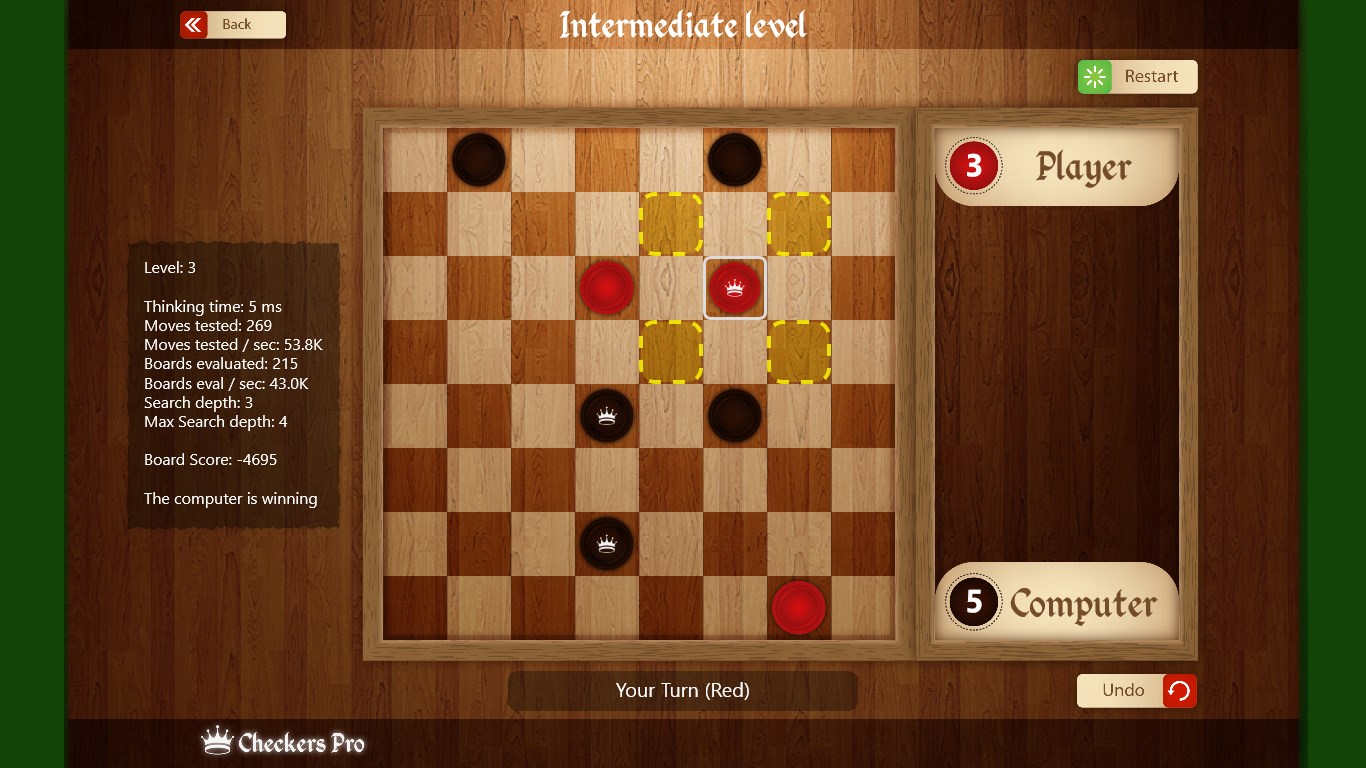
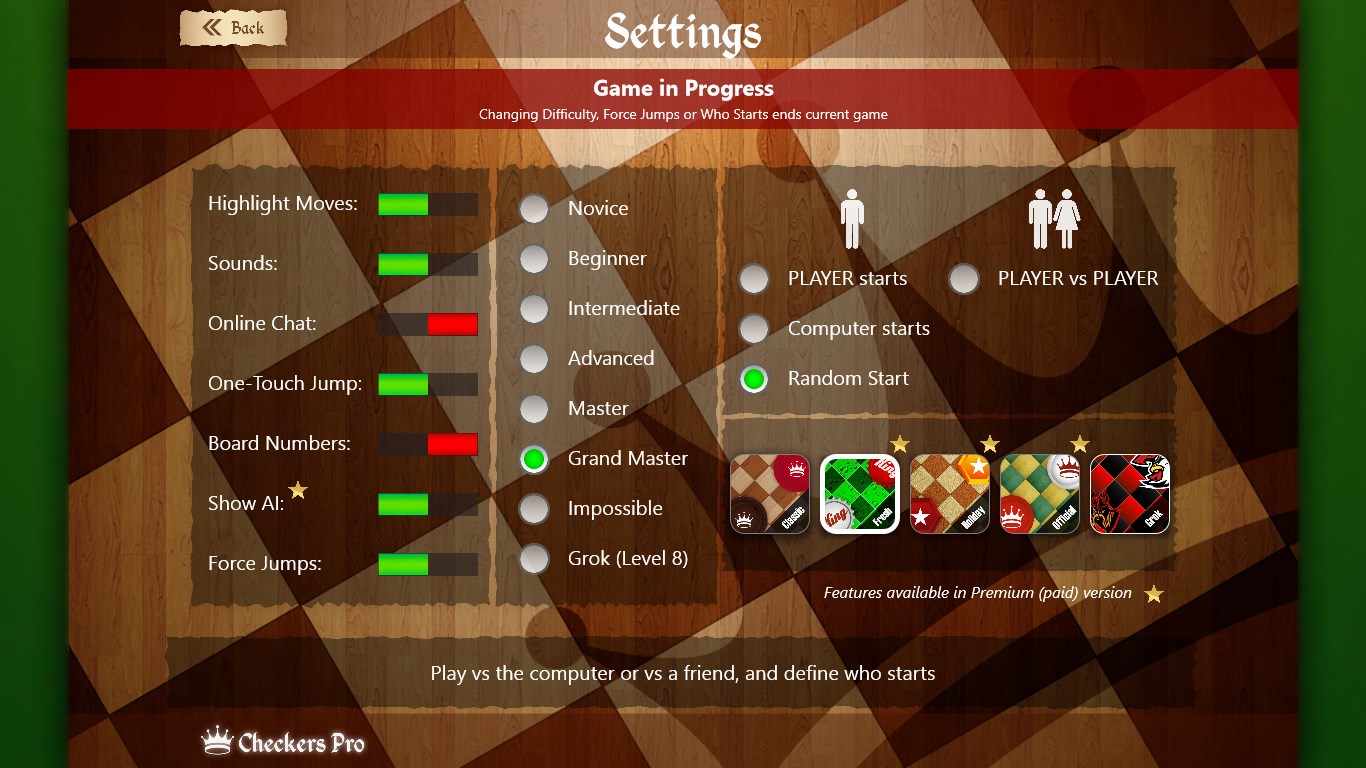
- Advanced AI Opponent: Play against intelligent computer opponents with adjustable difficulty levels, ensuring both novice and expert players find a satisfying challenge.
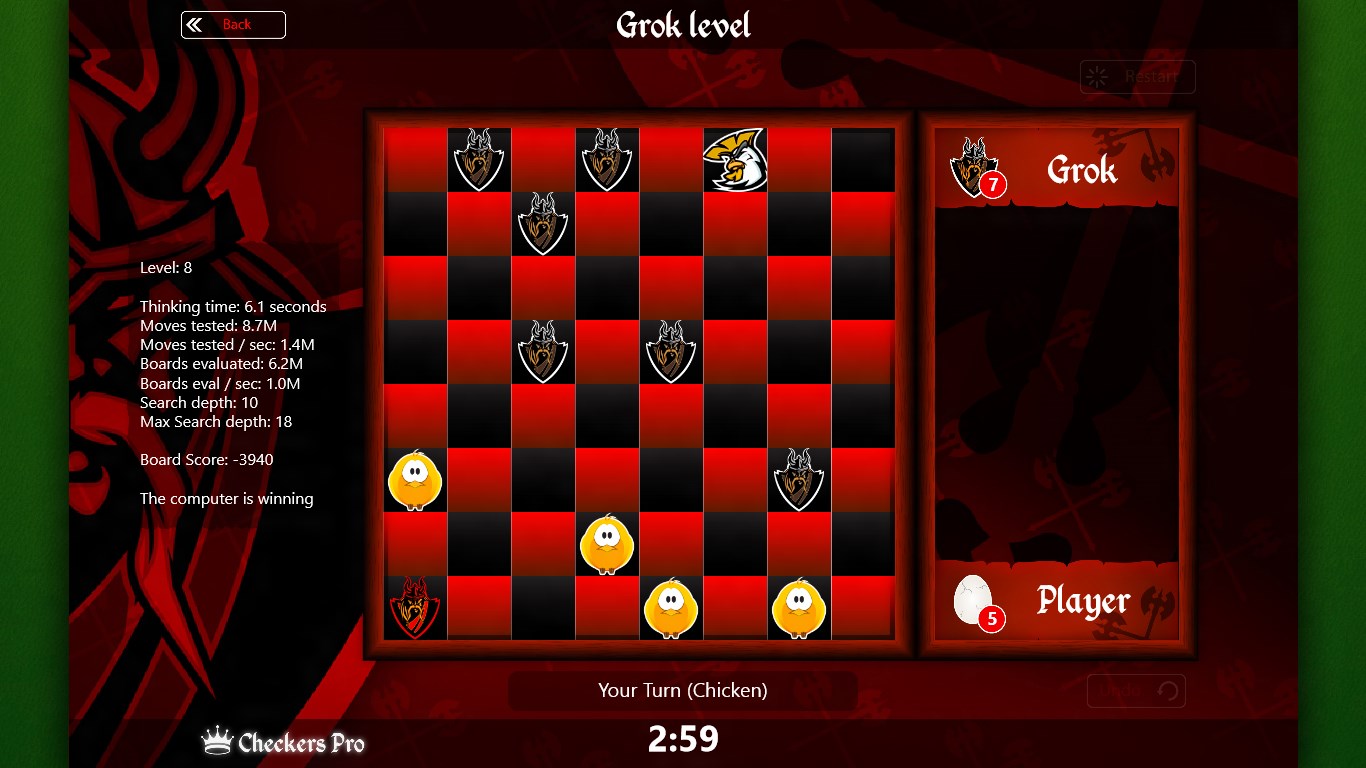
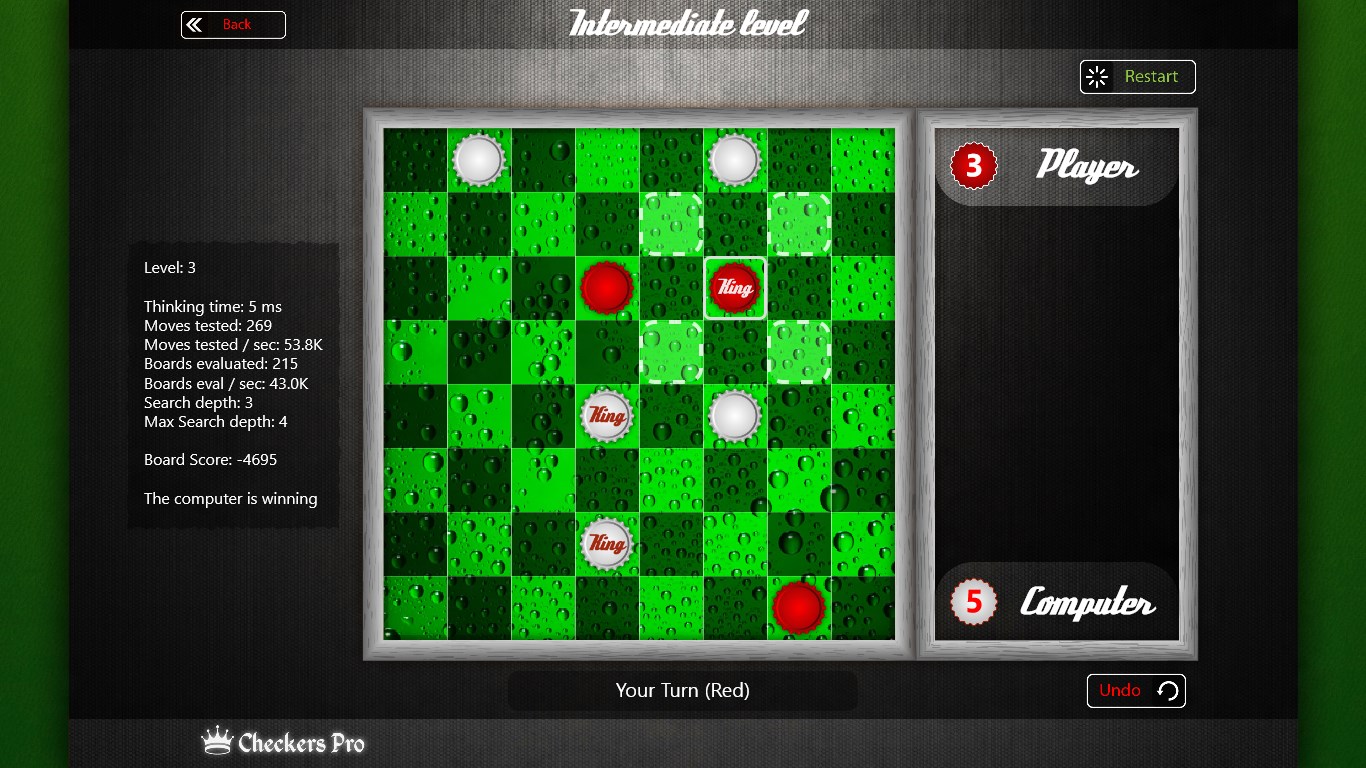
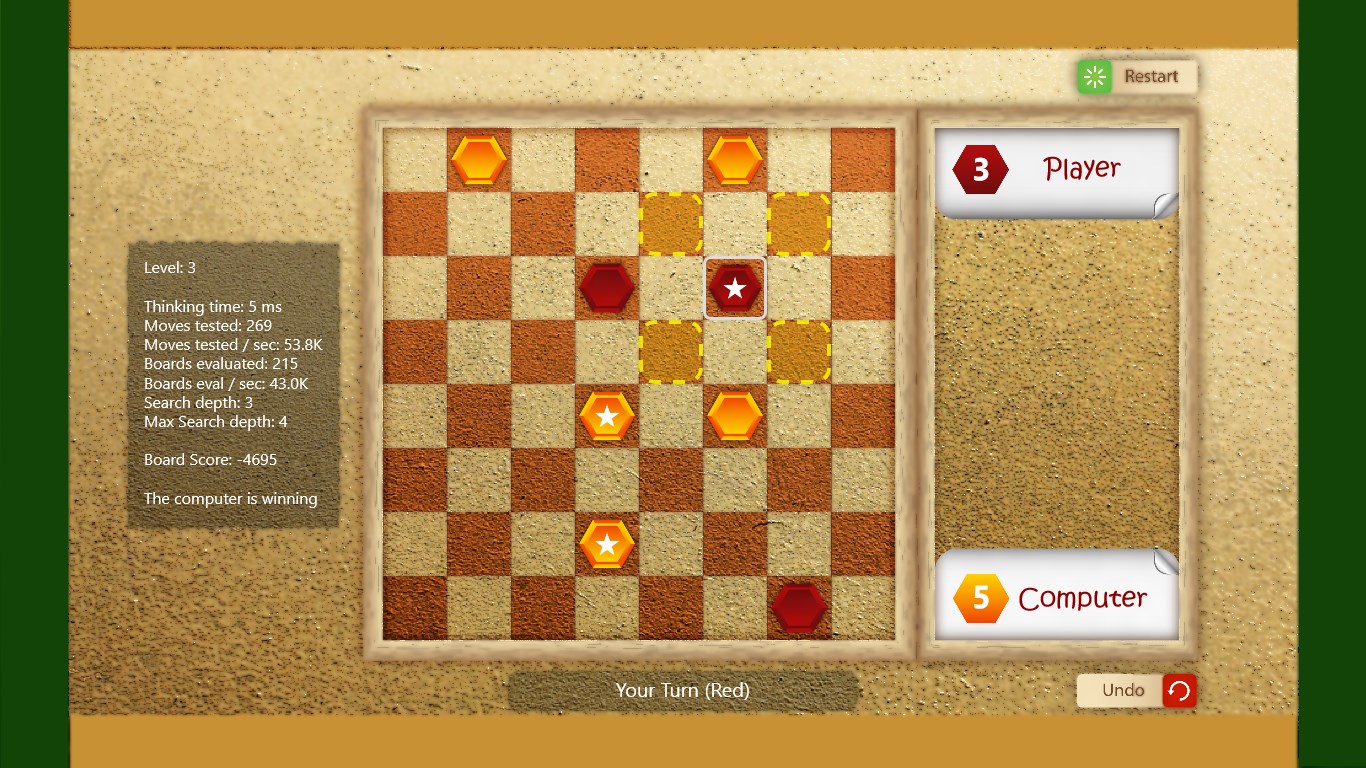
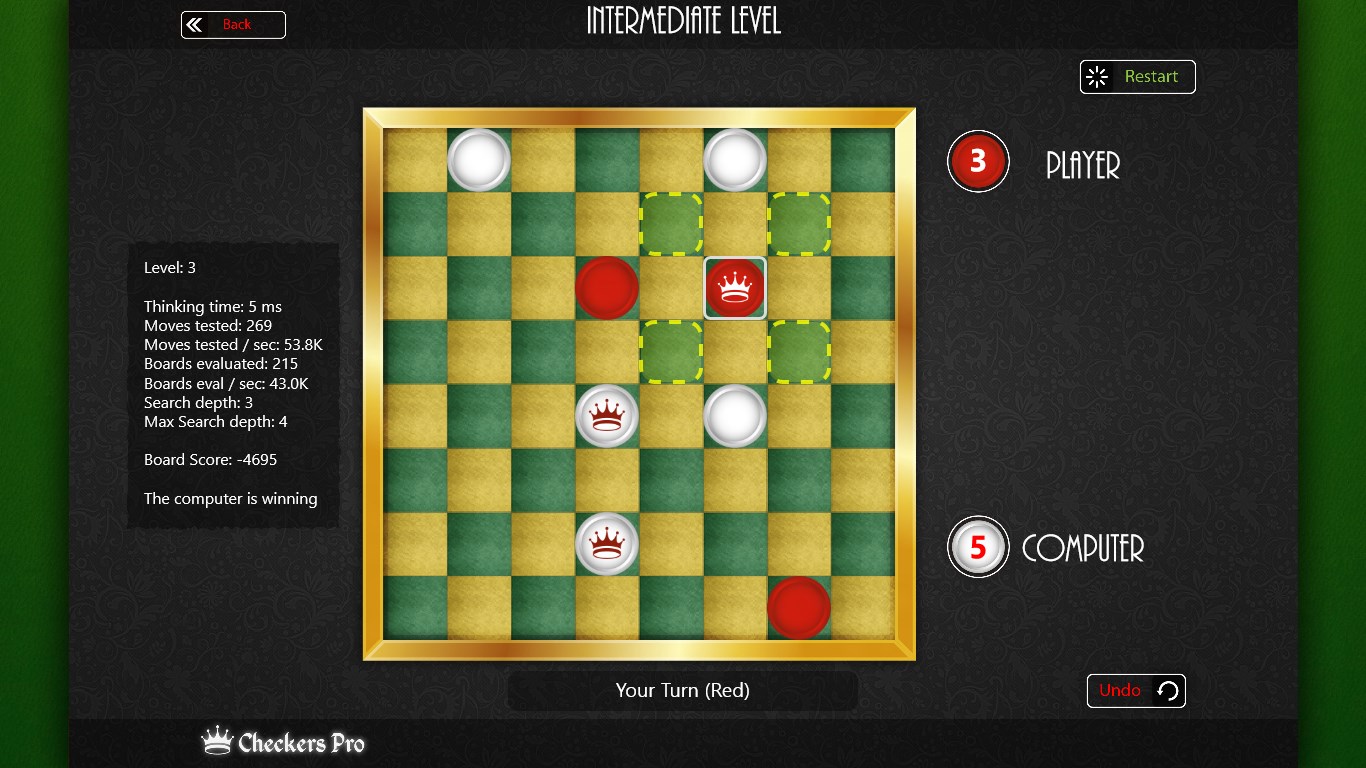
- Customizable Boards and Pieces: Personalize your gameplay environment by selecting different board themes and piece styles, making each game uniquely yours.
- Undo and Replay Options: Easily undo moves and review game history to analyze strategies or learn from mistakes, fostering a better understanding of the game.
- Multiple Game Modes: Includes standard checkers and various variants, catering to diverse preferences and expanding replayability.
A Closer Look at the User Experience and Design
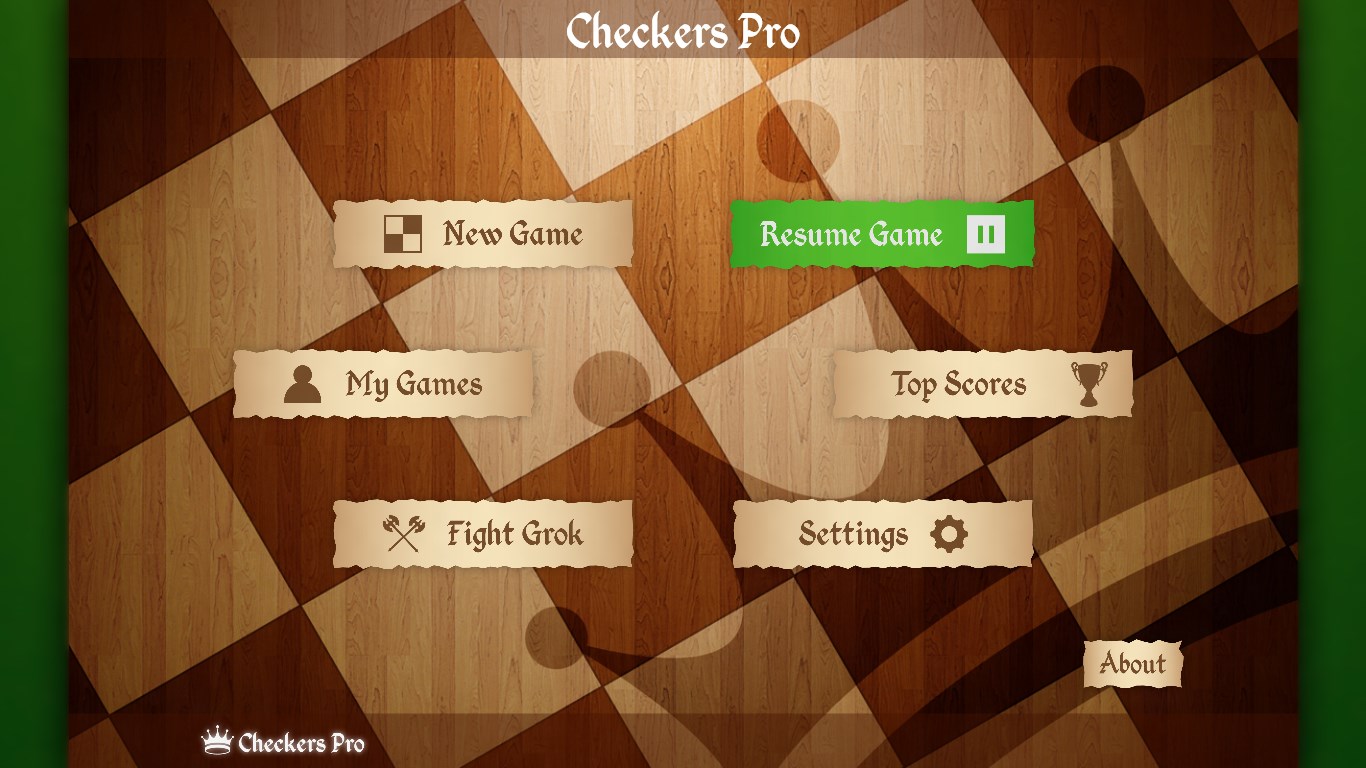
Imagine stepping into a cozy game room where everything is intuitively arranged—that's the feeling Checkers Pro aims to evoke. The interface boasts a clean, minimalistic design with crisp graphics and smooth animations that make each move feel satisfying. Navigating through menus is straightforward, with clear icons and logical flow—making it easy even for first-time users to pick up and play without lengthy tutorials.
Gameplay and Controls: Smooth and Responsive
The controls are designed for precision and ease. Drag-and-drop moves are fluid, thanks to optimized responsiveness that minimizes lag. The game's logic responds instantly to your commands, creating a real-time experience akin to moving physical pieces on a real board. The learning curve is gentle; even if you're new to checkers, the clarity of visual cues helps grasp game mechanics quickly.
Visual Design and Customization: Personal Touches Matter
One of Checkers Pro's notable strengths is its customizable aesthetic options. You can choose from a variety of traditional and modern themes—imagine switching from a classic wooden board to a sleek, modern glass design in seconds. This personalization invites users to craft a gaming environment that truly feels like their own, adding an element of ownership and fun to each session.
Unique Selling Points: What Sets Checkers Pro Apart
Unlike many basic checkers apps, Checkers Pro stands out with its intelligent AI that adapts to your skill level, ensuring the game remains challenging yet fair. Its customizable options offer a level of personalization absent in many competitors, making every game visually appealing. Moreover, the inclusion of multiple game modes broadens its appeal—whether you prefer the classic or a more strategic variant, this app accommodates.
Another significant advantage is the built-in review tools—undo and move history—allowing players to analyze and improve their strategies. This feature makes it not just about playing but about learning and mastery, which isn't always prioritized in similar apps.
Final Thoughts and Recommendations
Checkers Pro for Windows is a thoughtfully crafted digital version of a beloved classic. Its intuitive design, responsive gameplay, and customizable features make it a compelling choice for both casual players and serious checkers enthusiasts. While it doesn't boast overly flashy graphics or gimmicks, its core strengths lie in delivering a smooth, engaging, and personalized experience.
I would recommend this app to anyone seeking a reliable, well-designed checkers game on Windows, especially if you enjoy tweaking visual settings and analyzing your gameplay. It's a friendly, approachable platform that can serve as both entertainment and a tool for improving your strategic thinking.
Pros
- Intuitive and user-friendly interface
- Fast and efficient gameplay
- Multiple game modes and difficulty levels
- Supports offline gameplay
- Regular updates with new features
Cons
- Limited customization options
- Occasional ads interrupt gameplay
- Difficulty in accessing detailed game stats
- Some users report occasional crashes on certain devices
- Limited multiplayer options beyond local mode











