
- Name Canasta Royale
- Category Card & board
- Available on PC, Mobile, Surface Hub
- OS Windows 10 version 10240.0 or higher
- DirectX Version 10
- languages English (United States)
Canasta Royale for Windows: A Modern Spin on Classic Card Gaming
Canasta Royale for Windows offers a fresh, engaging take on the traditional card game, blending strategic depth with user-friendly design. Developed by North Sky Games, this app stands out as a compelling digital rendition that appeals to both seasoned players and newcomers eager to learn while enjoying a polished experience.
Basic Information at a Glance
Canasta Royale is a digital adaptation of the beloved Canasta game, designed to bring the classic card game to Windows users in a sleek, interactive manner. The developer, North Sky Games, specializes in creating accessible and fun digital board and card games. Its main highlights include intuitive gameplay mechanics, multiplayer options, and customizable difficulty levels. The target audience encompasses both casual players unfamiliar with Canasta and enthusiasts seeking a reliable platform to challenge friends or AI opponents.
Vivid Gameplay and User Experience
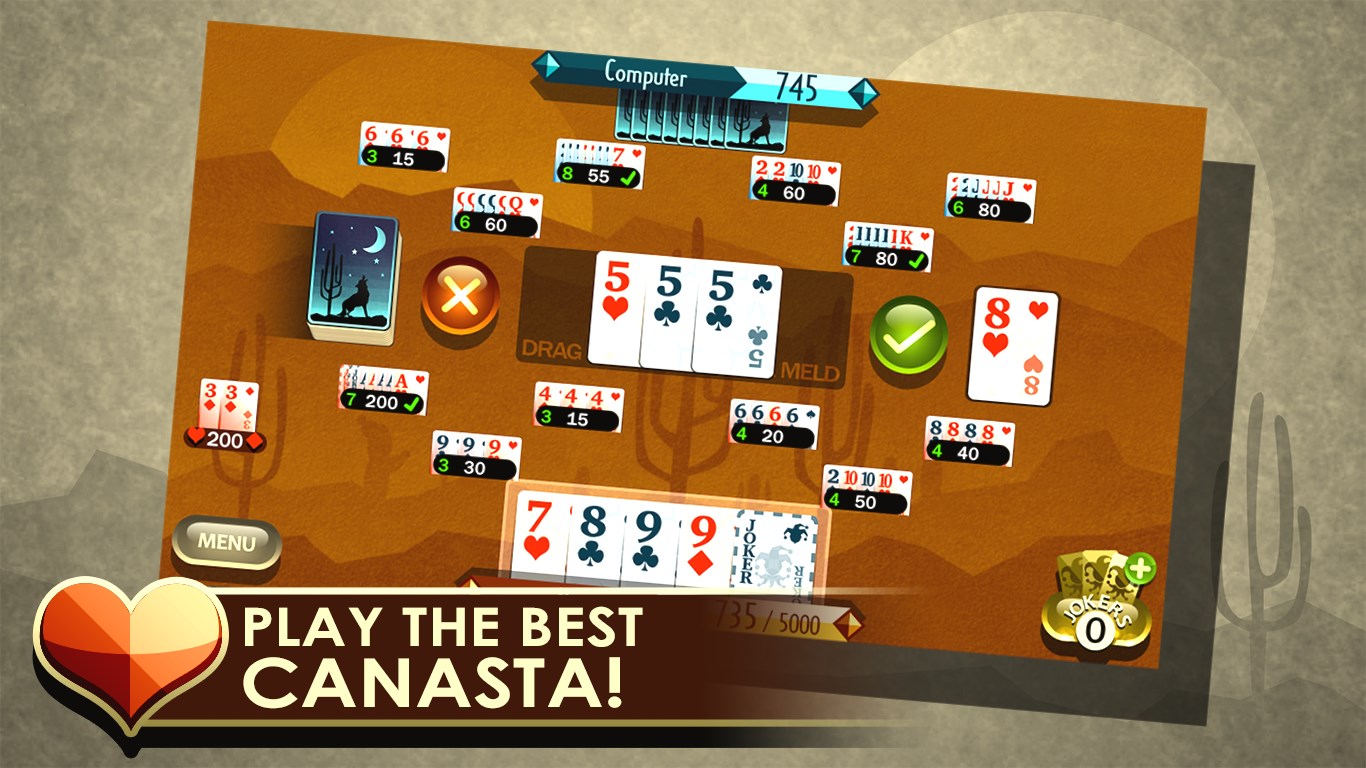
Picture yourself sitting comfortably in a cozy game room, cards shuffled and ready—Canasta Royale transports that feeling to your desktop. From the moment you launch the application, the interface beckons with its warm, inviting aesthetic, akin to laying out a well-worn game mat. The gameplay is designed to be approachable but layered enough to keep seasoned players engaged, making it a perfect bridge between traditional and digital gaming worlds.
Multiple Game Modes and Core Functionalities
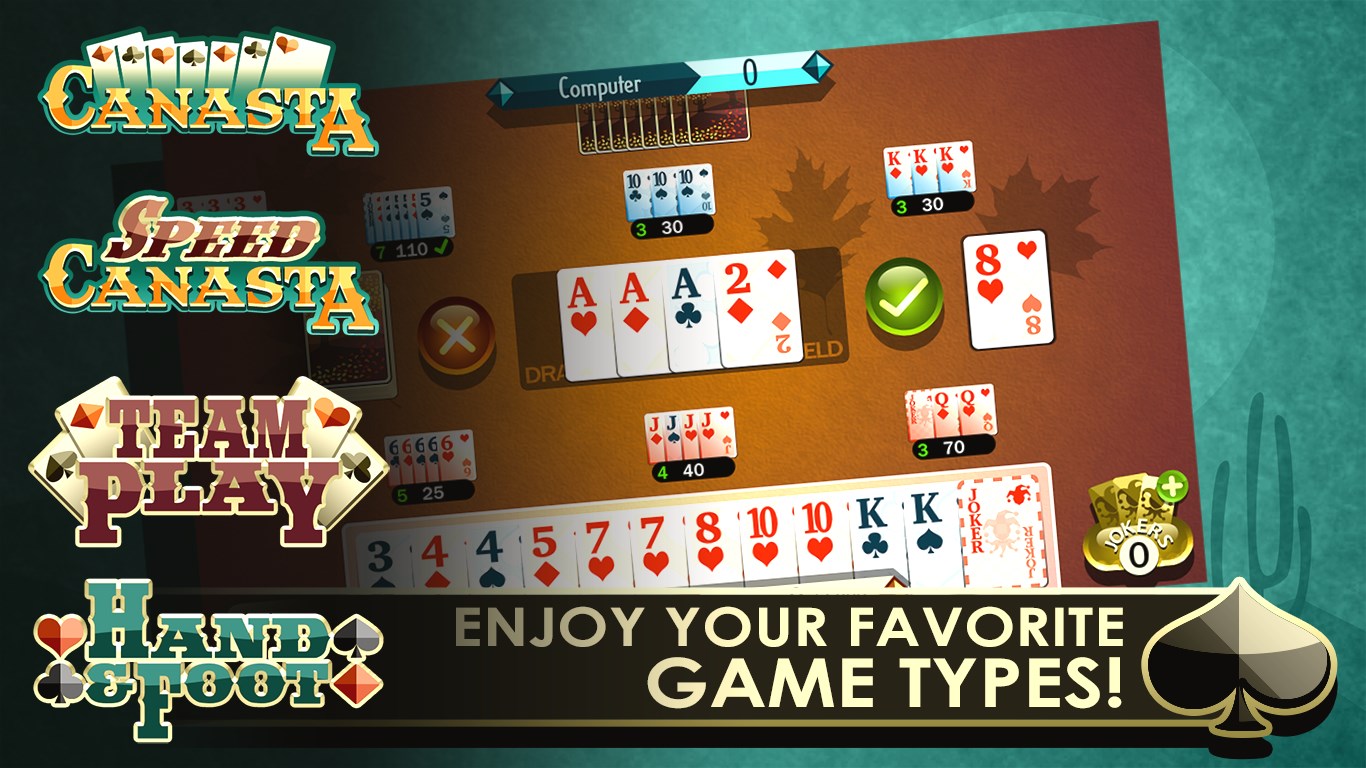
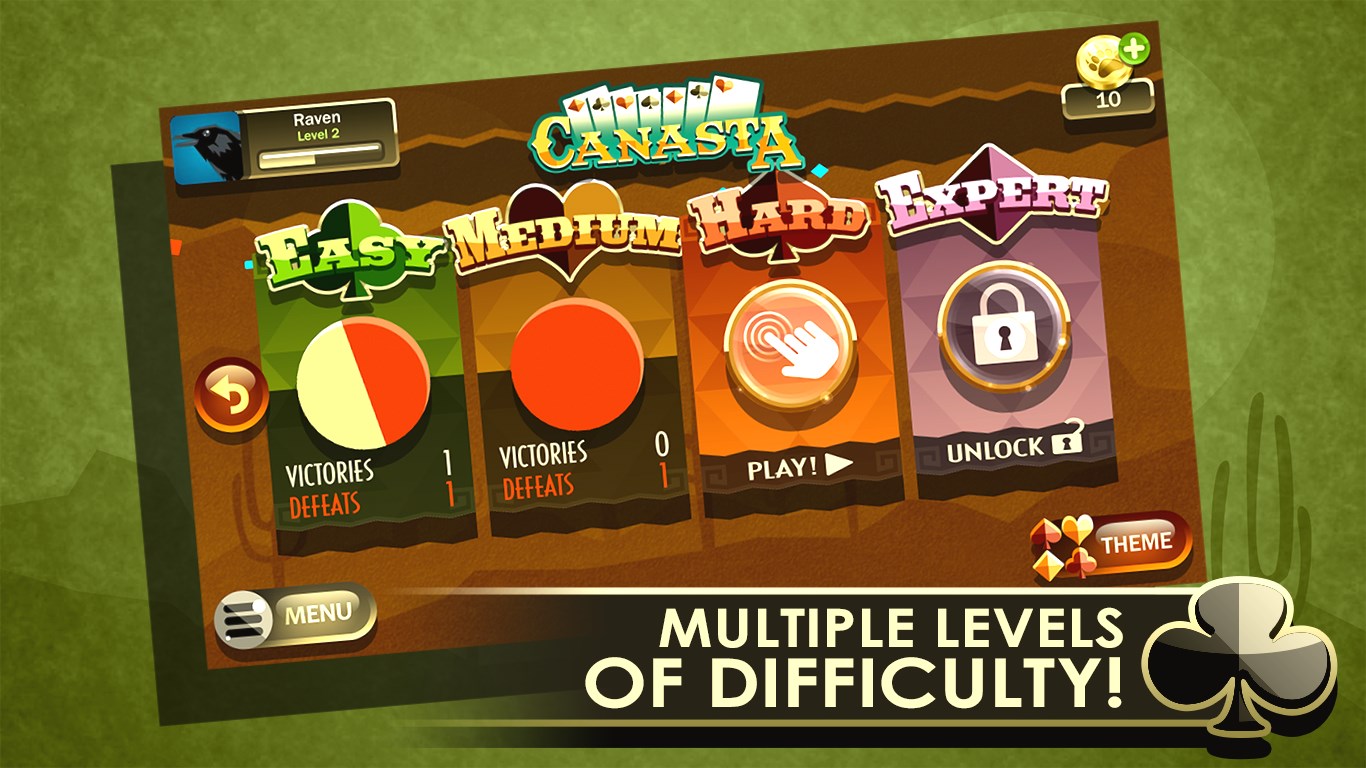
One of the app's standout features is its variety of game modes. Whether you're into solo practice against AI, multiplayer battles with friends online, or local pass-and-play sessions, Canasta Royale has you covered. Its AI opponents are thoughtfully calibrated, providing a smooth difficulty curve that allows beginners to learn seamlessly while offering enough challenge for experts seeking to sharpen their skills.
Another key point is the customization options. Players can tweak game rules, such as canasta values and initial hands, tailoring each session to their liking. This flexibility not only enhances user engagement but also preserves the traditional essence of Canasta, allowing for a more personalized gaming experience. Additionally, real-time scoring and intuitive undo options help keep the gameplay transparent and accessible, fostering confidence for newbies and strategic thinkers alike.
Design, Performance, and Learning Curve
The interface exudes clarity and simplicity—think of it as a clean desk where everything has its place. Buttons and menus are straightforward, reducing the initial learning curve, which makes onboarding feel effortless. The animations are smooth, with quick response times that keep gameplay lag-free, even in multiplayer scenarios or during animated card shuffles. For new players, in-game tutorials and tip pop-ups serve as friendly guides, easing the transition from novice to skilled Canasta player.
What Sets Canasta Royale Apart?
Compared to other digital card apps, Canasta Royale's core advantage lies in its balance of traditional gameplay authenticity and digital convenience. Unlike some similar apps that lean heavily on flashy visuals or overly complex interfaces, this game emphasizes clarity and user comfort. Its multiplayer capabilities are particularly noteworthy, providing seamless online play with friends or global opponents. Plus, the flexibility to modify game rules means players can experiment with different variations, echoing the social, adaptable spirit of the original game.
Final Verdict and Recommendations
All things considered, Canasta Royale for Windows is a commendable digital adaptation of a classic card game, suitable for casual fun or serious practice. Its polished design, flexible gameplay options, and smooth performance make it a reliable choice for anyone interested in Canasta or seeking a strategic card game on their PC. I recommend it to players looking for a user-friendly, engaging, and customizable game experience—especially if you enjoy merging tradition with the convenience of digital technology.
Pros
- Intuitive Gameplay
- Multiple Game Modes
- Smooth User Interface
- Regular Updates
- Achievements and Rewards
Cons
- Limited Offline Functionality
- In-App Purchases Can Be Overwhelming
- Occasional Matchmaking Delays
- Limited Customization Options
- Ads Interrupt Gameplay











